Games
Neverwinter Nights: Enhanced Edition 89.8193.37.17
GamesUpdated
| Requirement | On file |
|---|---|
| macOS | See the sheet |
| CPU | Apple Silicon, Intel 64-bit |
| Download | 24 GB |
| Tested on | macOS Tahoe, Mac mini 2024 M4 |
What’s new in build 89.8193.37.17
The current release is a fix build that addresses stability issues introduced in the previous update, keeping the 64-bit Mac client in line with the cross-platform codebase.
Intel and Apple Silicon Native, Plus Vintage Save Compatibility
| Spec | Detail |
|---|---|
| Developer | Beamdog |
| Base ruleset | Dungeons & Dragons 3rd Edition |
| Content bundle | Neverwinter Nights Diamond Edition plus premium modules |
| Architecture | Intel and Apple Silicon native |
| Mod support | Original NWN saves, modules and mods, plus Steam Workshop |
A minute inside the game
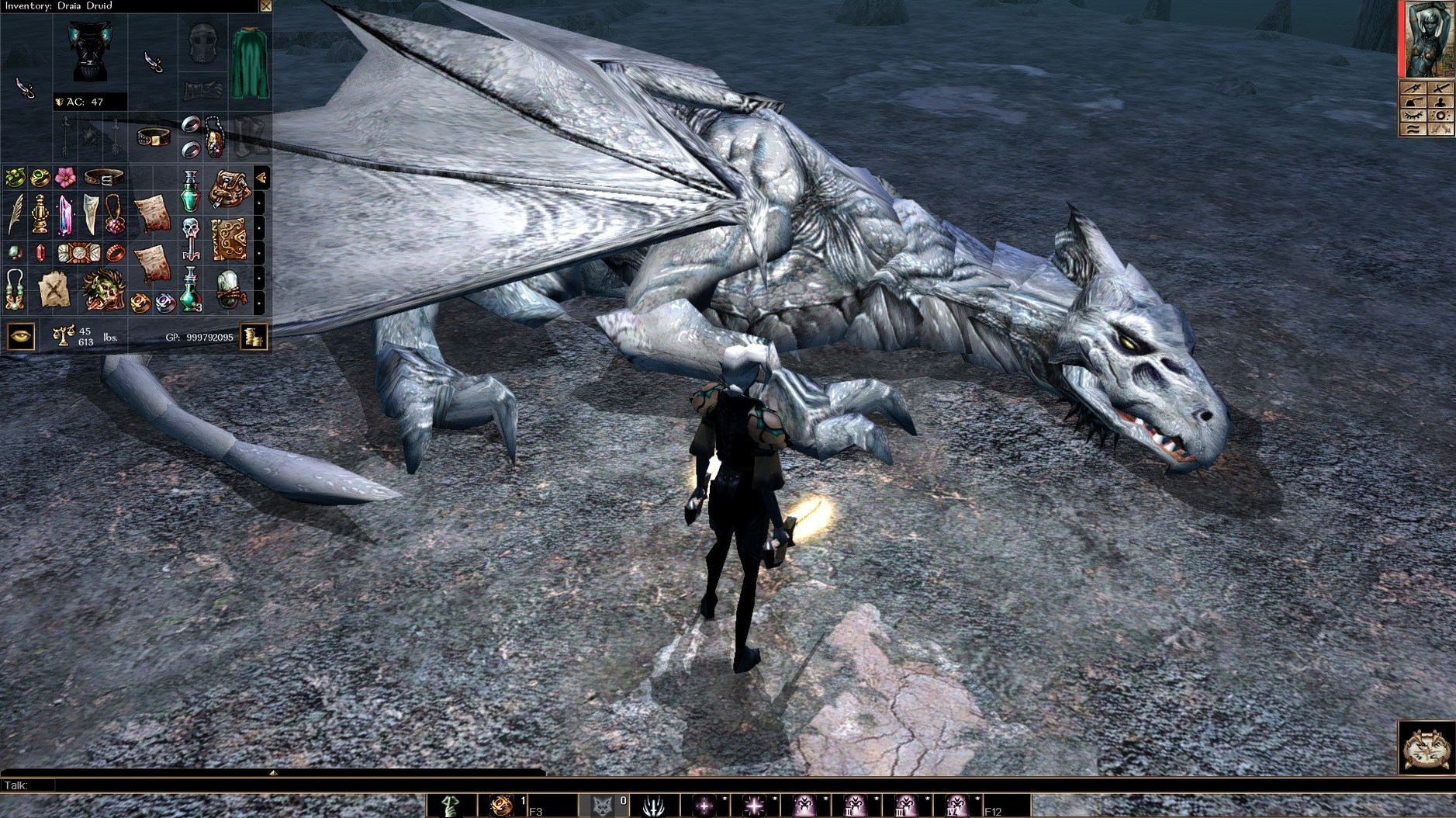
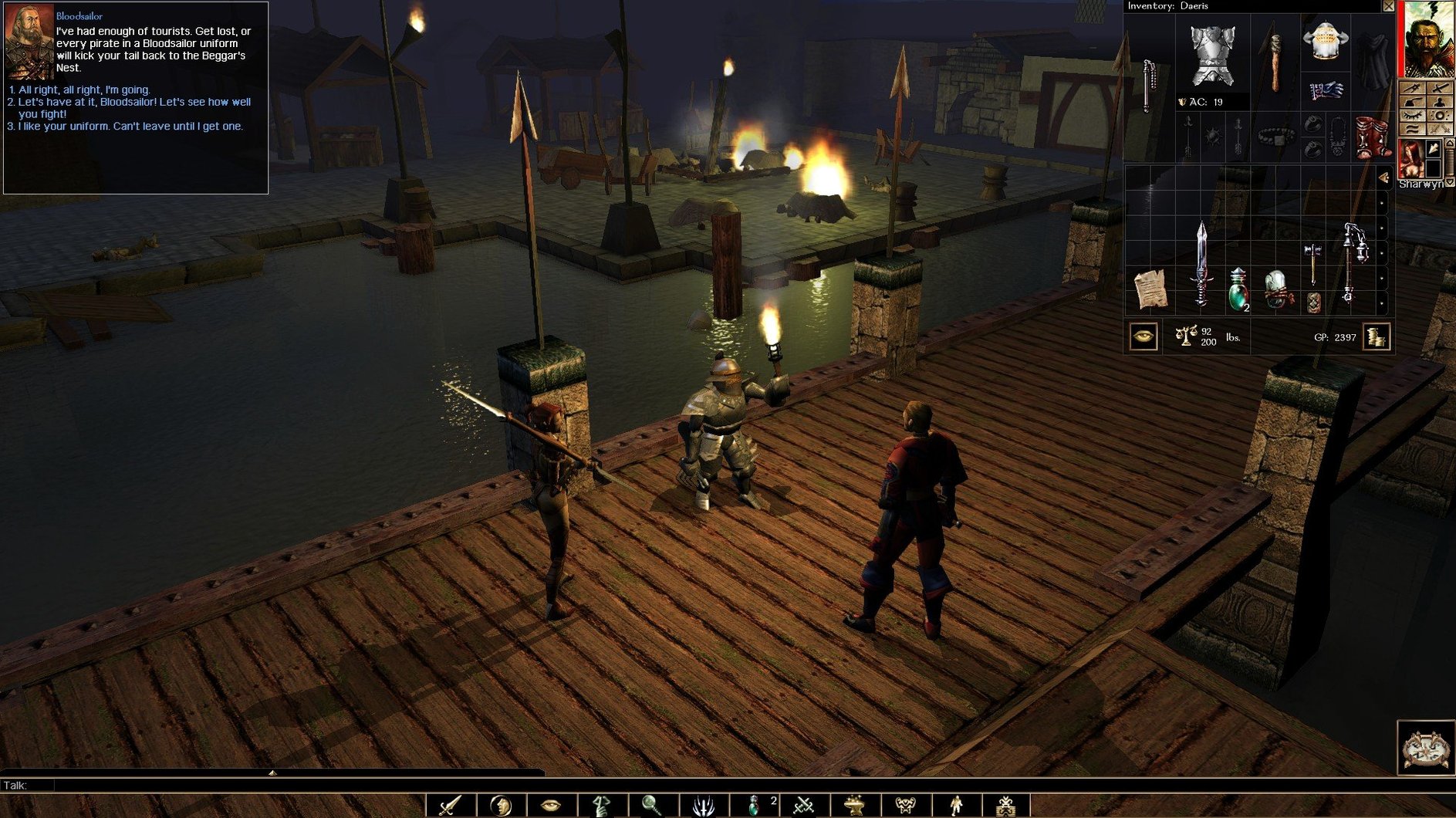
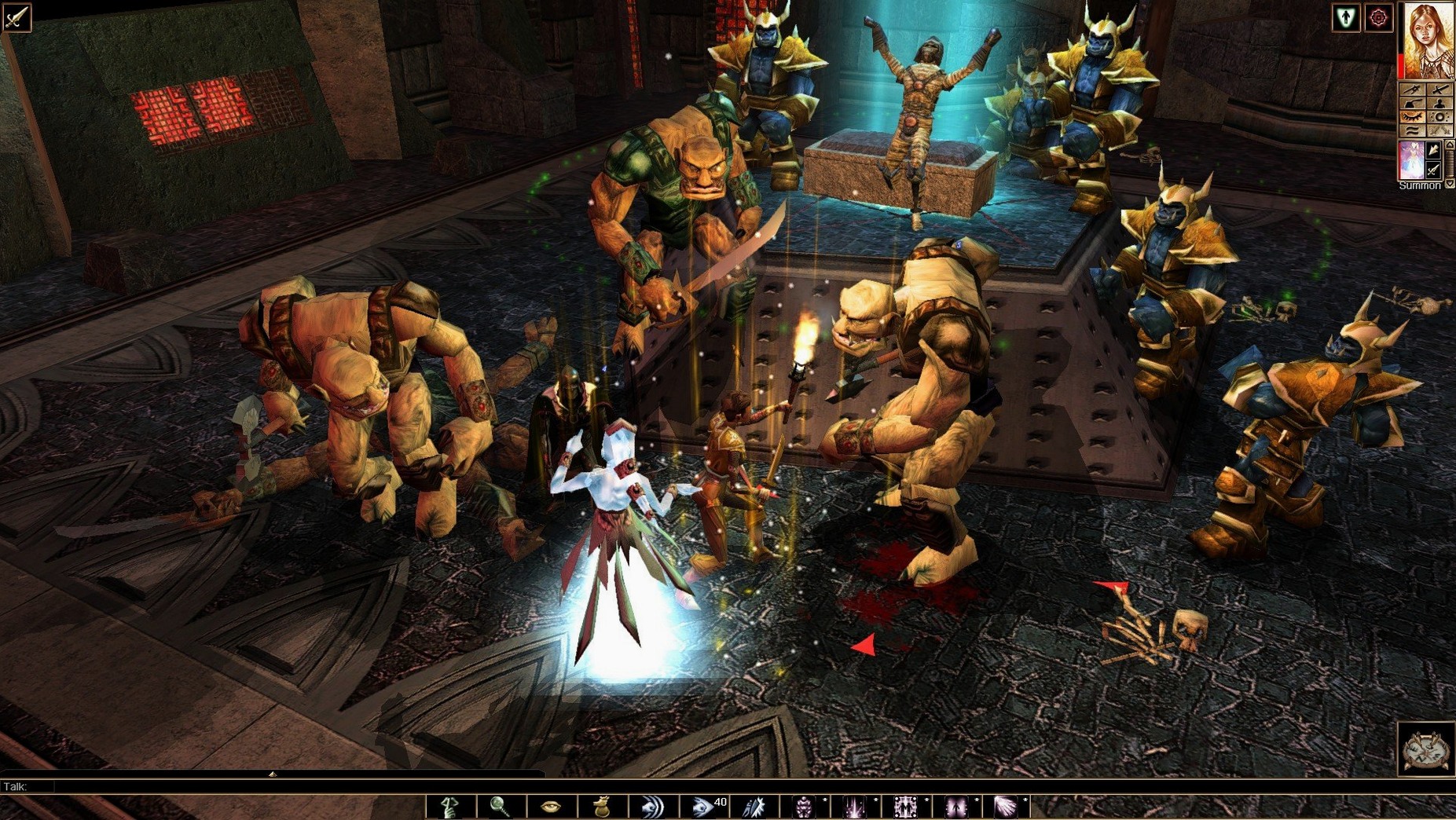
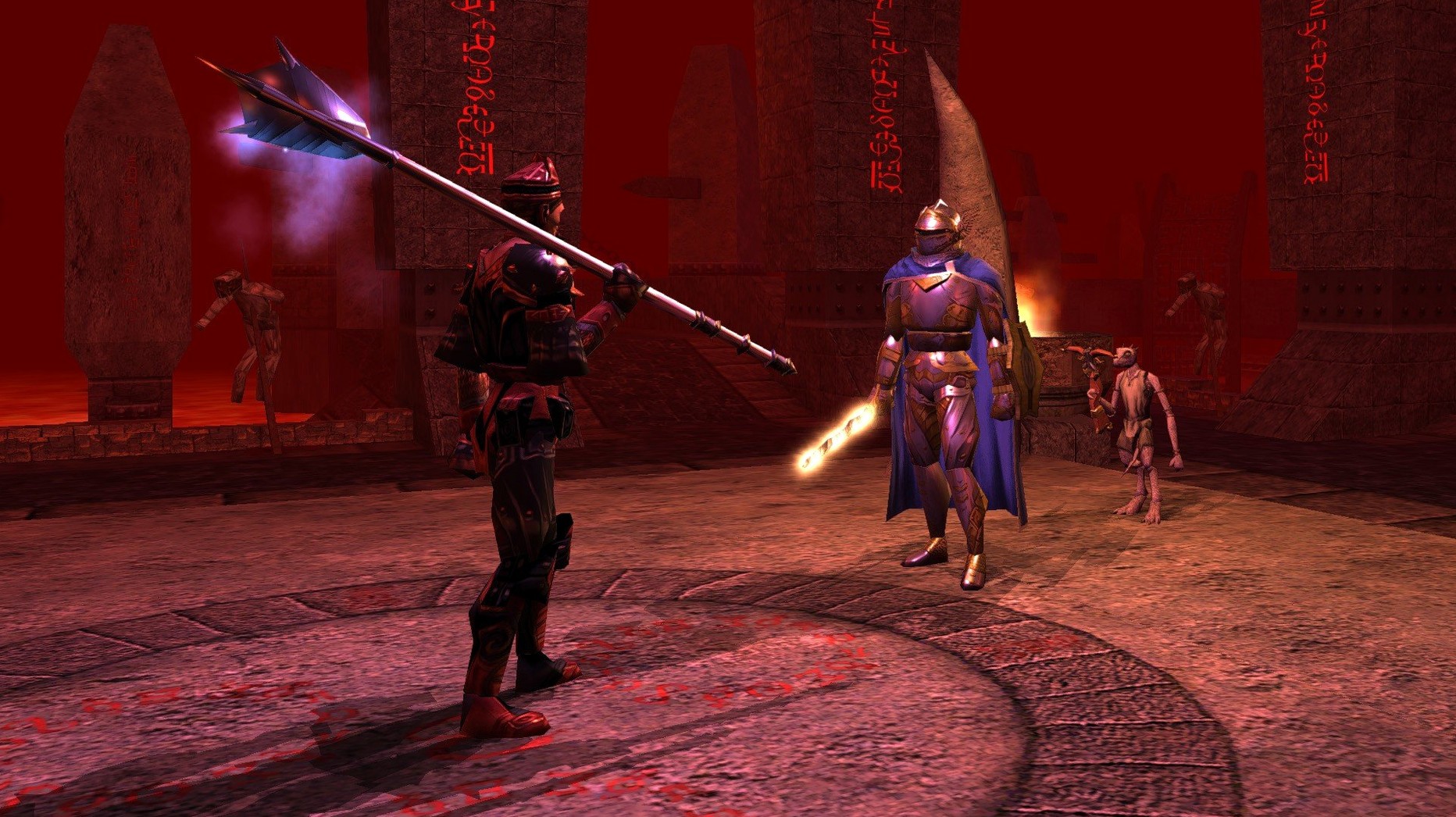
Once past the character builder—where you allocate 32-point buy stats, pick a class from the D&D 3.0 list and set an alignment that gates later dialogue—the camera drops to a third-person view over a pre-rendered area. A typical sixty seconds runs like this: you click to move your party toward a door, the fog of war peels back to reveal a hostile goblin, and the interface snaps into real-time-with-pause combat. You queue a Power Attack, let the d20 rolls resolve in the combat log, then loot a short sword and a scrap of parchment. The note updates your journal with a quest marker. You walk into the next room, click on a non-player character and the dialogue tree appears, offering skill-gated lines—your 8 Charisma blocks the persuade option, so you take the bluff path instead. That choice flags a variable the module tracks, which shifts how a later encounter plays out. Meanwhile the rebuilt multiplayer browser sits in the pause menu, showing persistent-world servers running custom modules built with the included Aurora toolset. Visual upgrades like per-pixel lighting and depth of field apply across both the official campaigns and any community module you drop into the override folder.
Hold Tab to See Hidden Levers and Loot in Dark Dungeons
Several shortcuts live in the keybindings menu but never appear in the in-game prompts. Holding Tab highlights all interactive objects and containers on screen—useful in dark dungeons where a lever blends into the wall texture. Right-clicking a character portrait opens a radial menu with direct access to examine, inventory and spellbook, cutting two clicks from the standard UI path. The quickbar supports Ctrl+F1 through Ctrl+F12 for a second row of 12 slots; shift-click any feat, spell or inventory item to assign it.
Less obvious: the combat log can be filtered by right-clicking its header. You can isolate attack rolls, damage dealt, skill checks or saving throws—useful when a particular d20 result string matters for troubleshooting a build. If you play on a 4K display, the UI scale slider in Options > Graphics reaches 2.0x, but the font scaling sits in a separate ini file. Editing nwn.ini and setting EnableLargeFont=1 under [Display Options] improves readability on high-DPI panels without enlarging every UI element.
Saves Live in ~/Documents, Ready for Time Machine
The game writes saves and module data to ~/Documents/Neverwinter Nights/—the same location the 2002 Mac build used. Time Machine picks up the folder automatically, and every save is a self-contained file, so dragging one into a cloud-synced directory doubles as a manual backup. The override folder inside that directory accepts loose hak, tlk and mod files; community portrait packs and custom music simply need to be placed there, no installer required.
On the multiplayer side, the rebuilt server browser works through Steam's networking layer when launched from that platform, but the DRM-free Mac build also connects to direct-IP servers. If you run a persistent-world server on a local Linux box, the Mac client sees it on the LAN without port forwarding. Voice chat passes through the system default input device set in macOS Sound preferences—switching between a USB headset and the Mac's internal mic while the game is running requires a restart of the client for the change to register.
For those fetching a neverwinter nights enhanced edition mac download years after the Diamond Edition, the save-game compatibility runs both ways: a module started in the 2002 original loads here with the enhanced renderer applied, and the EE can export character files that the original client reads, provided no EE-exclusive content is attached.
Rebind Camera Rotation for Trackpad Comfort Early
Before starting a campaign, open Options > Controls and disable Mouse Look Enabled if you prefer the classic point-and-click camera. The default binds camera rotation to holding the middle mouse button; trackpad users should rebind it to Ctrl+Left Click in the keybindings panel. Switch the combat mode from Full Pause to Round Pause in Options > Gameplay—this halts action at the end of each six-second round rather than on every click, which keeps the rhythm closer to tabletop initiative without constant interruption.
Check the Steam Workshop tab (or the community vault if running the DRM-free build) for two quality-of-life modules: a character tester that lets you level a build to 40 in a controlled arena, and a UI colour fix that tones down the saturated blue of the default parchment panels. Both drop into the override folder and activate on next launch. Finally, set the autosave interval to 5 minutes in Options—the game does not autosave on area transition by default, and losing 45 minutes of dungeon progress to an unlucky critical hit teaches that lesson once.
- Stability — fix build for the 89.8193.37.x line
- macOS (exact version not listed by developer)
- Intel or Apple Silicon Mac
Questions on file
Does the Enhanced Edition include the original campaign?
Yes, it bundles all content from the Neverwinter Nights Diamond Edition plus additional premium modules, all updated with enhanced graphics and effects.
Can I use old saved games and mods with this version?
It supports save games, modules and mods from the original Neverwinter Nights, and also integrates with Steam Workshop for community content.
What multiplayer options does it offer?
The rebuilt multiplayer system lets you join persistent-world servers or play through co-operative modules with other players.
Sign in · Create an account to add a field note.
No field notes yet. A measurement, a version, a machine — they appear after moderation.