Games
No, I'm Not a Human 1.3.19 Rev2
GamesUpdated
| Requirement | On file |
|---|---|
| macOS | See the sheet |
| CPU | Apple Silicon |
| Download | 1.2 GB |
| Tested on | macOS Tahoe, Mac mini 2024 M4 |
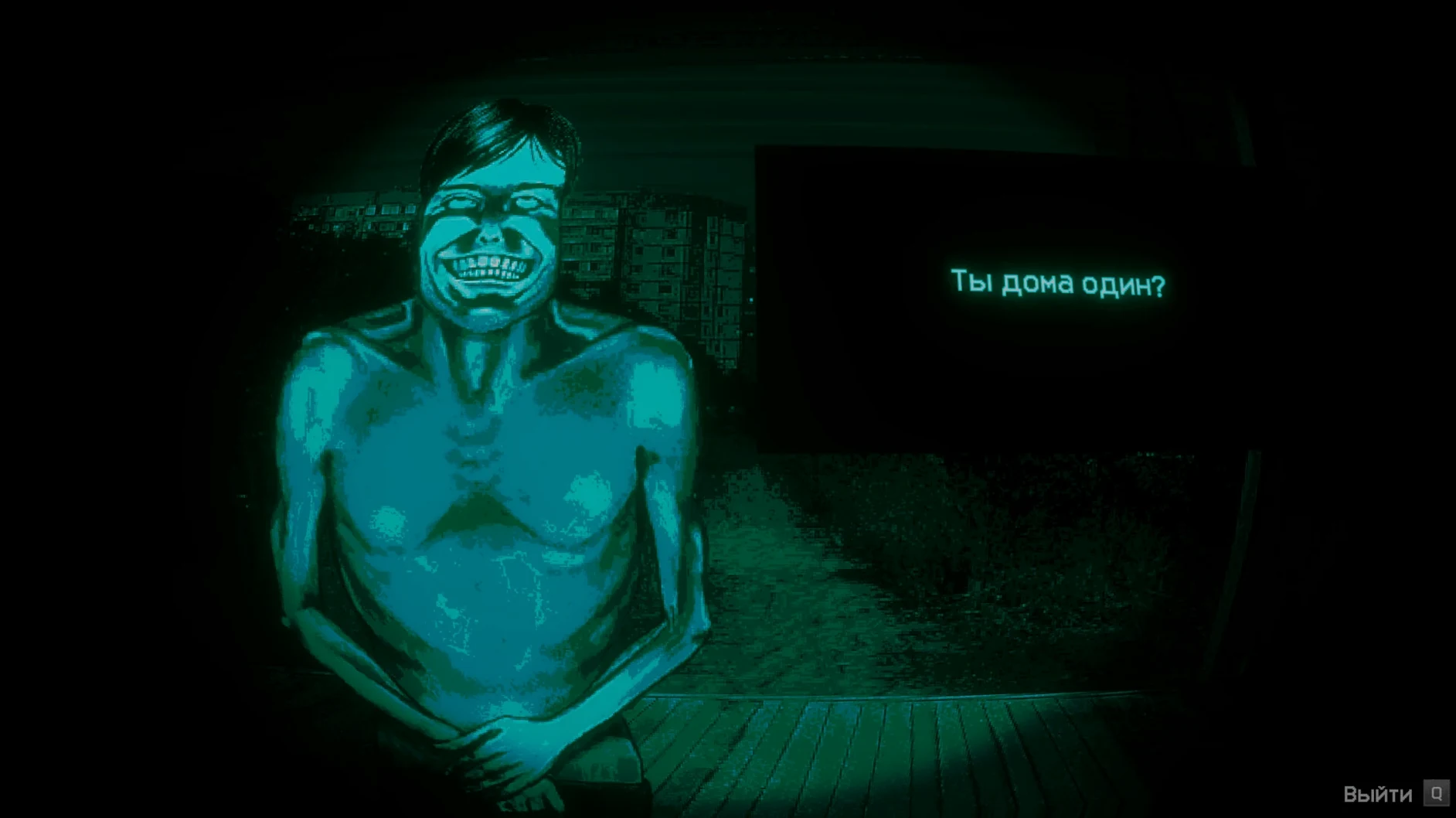
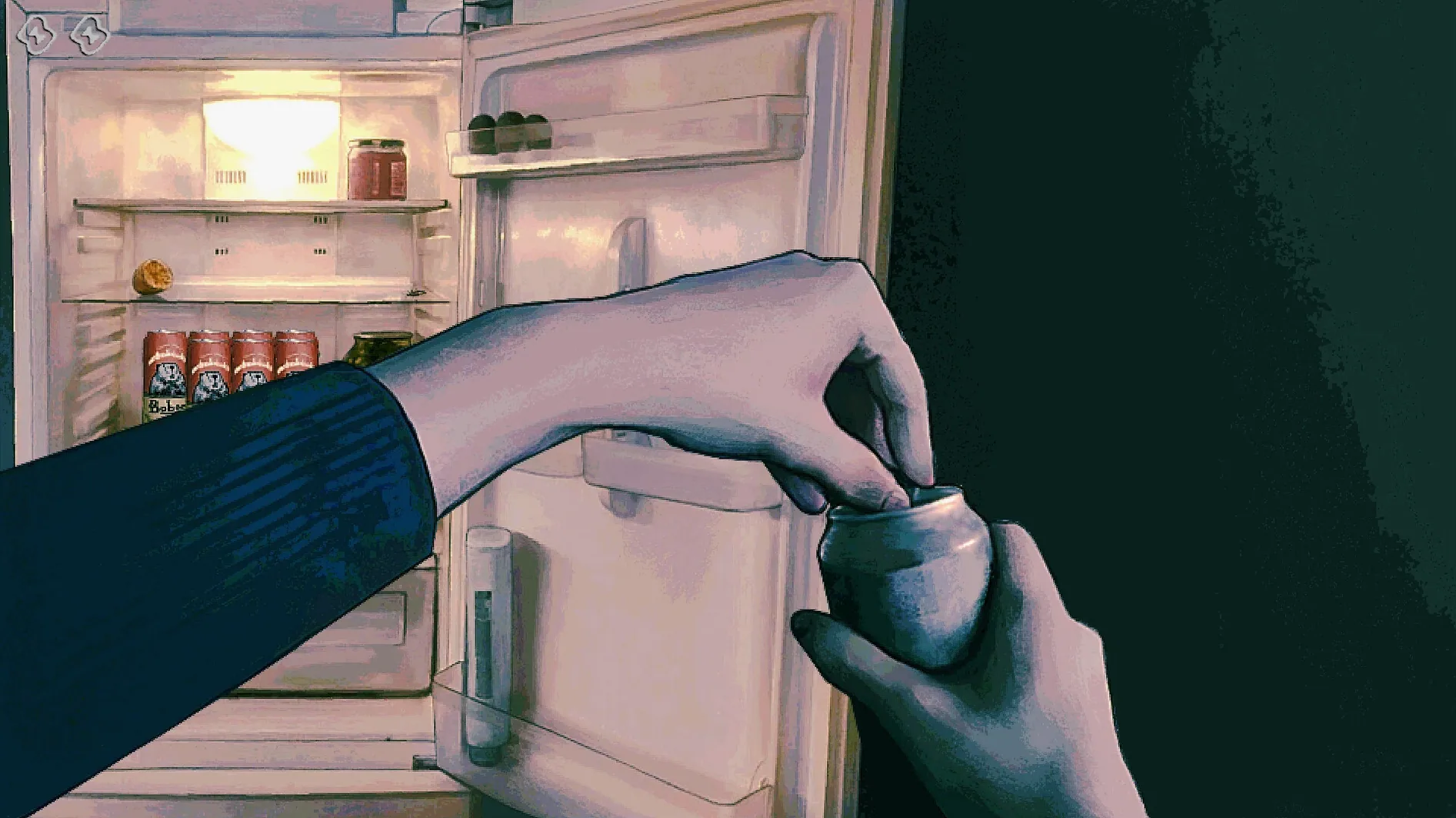
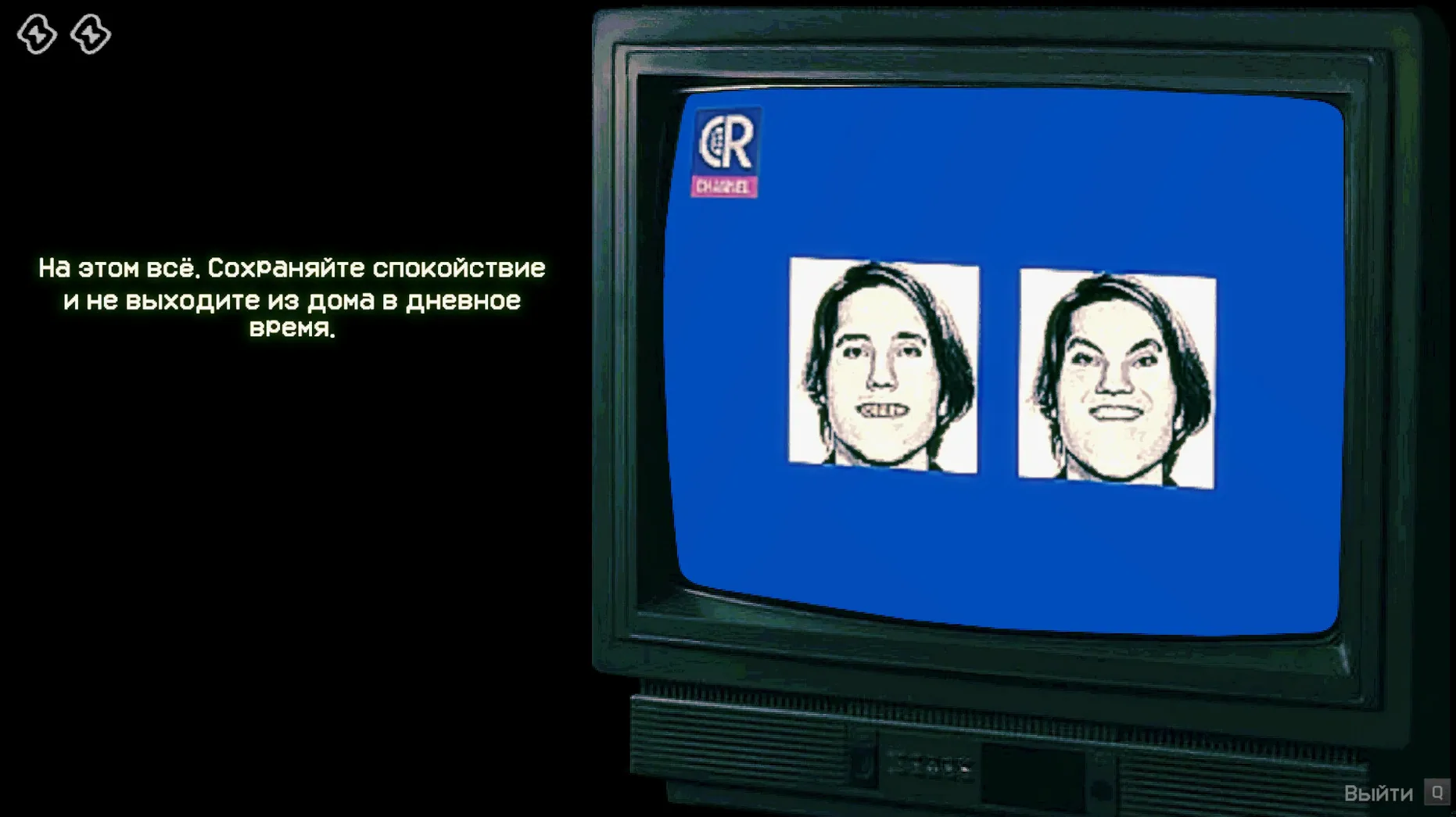
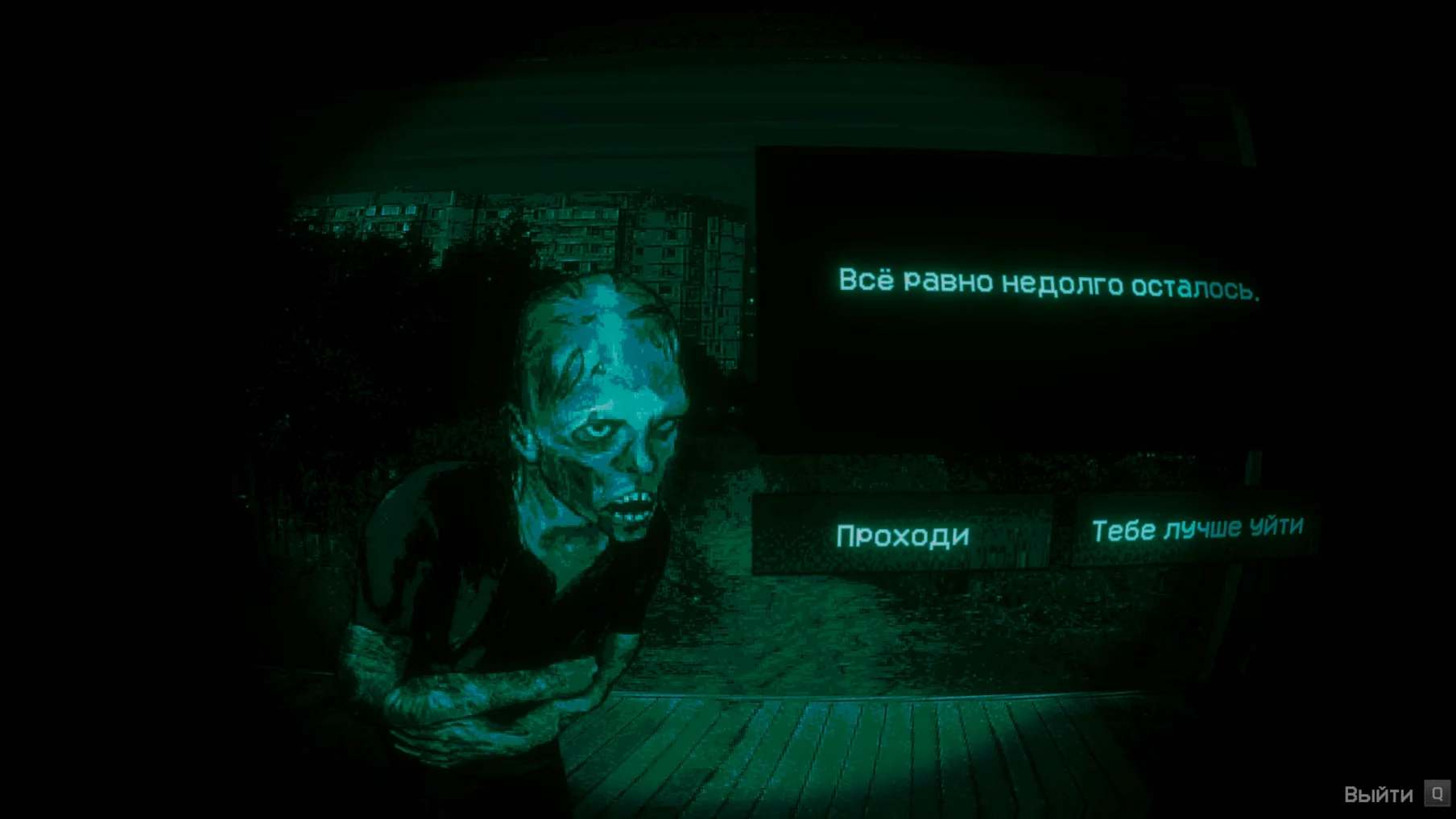
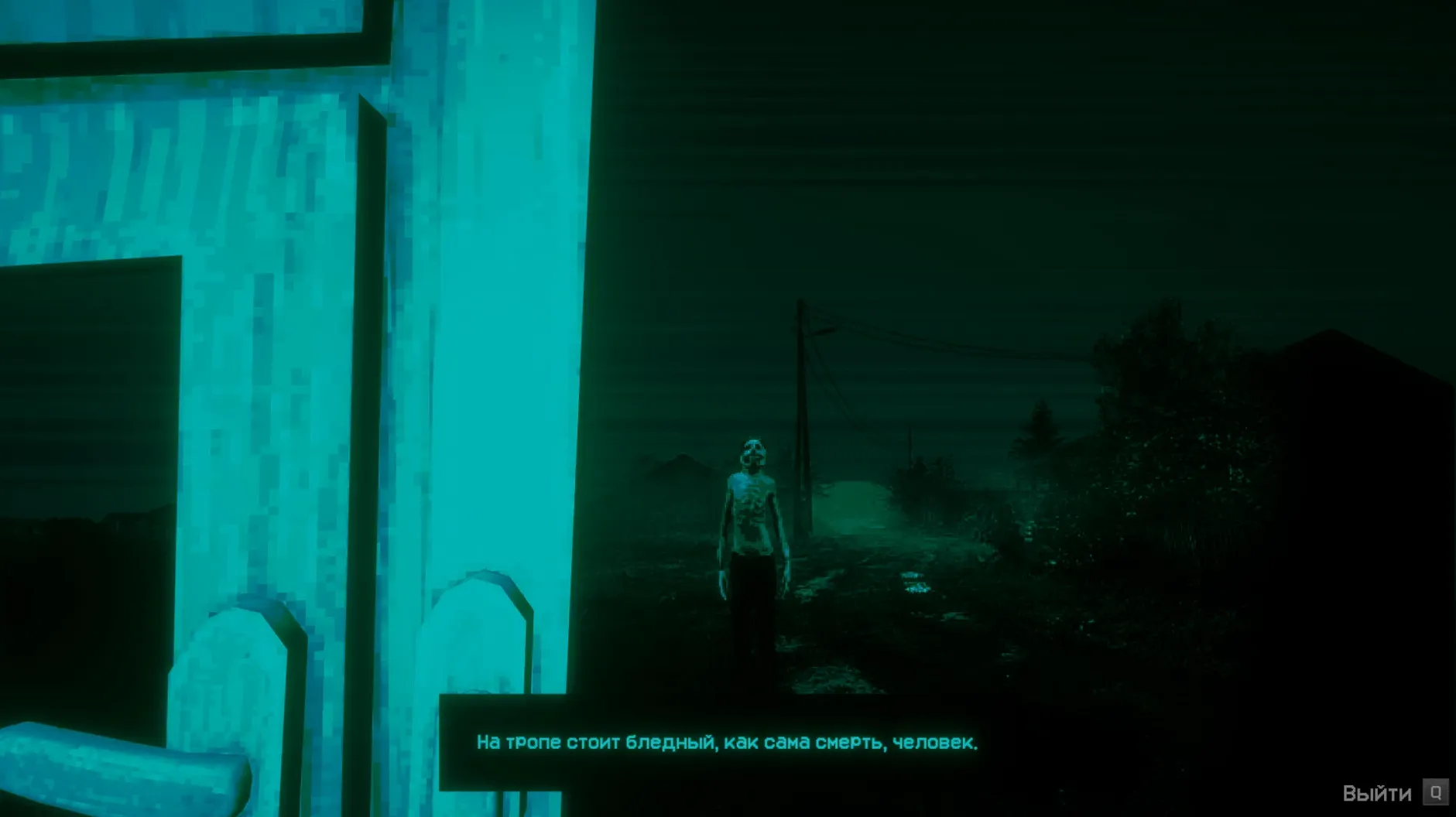
Anyone who has spent time with Papers, Please will recognise the bones of No, I’m Not a Human: a queue of desperate souls, a desk, and a set of rules that exist to be broken by the people you are meant to police. Here, though, the checkpoint is the last safe house on Earth and the arrivals may not be people at all. The end of the world has already happened; what remains is the night shift.
Question the visitors
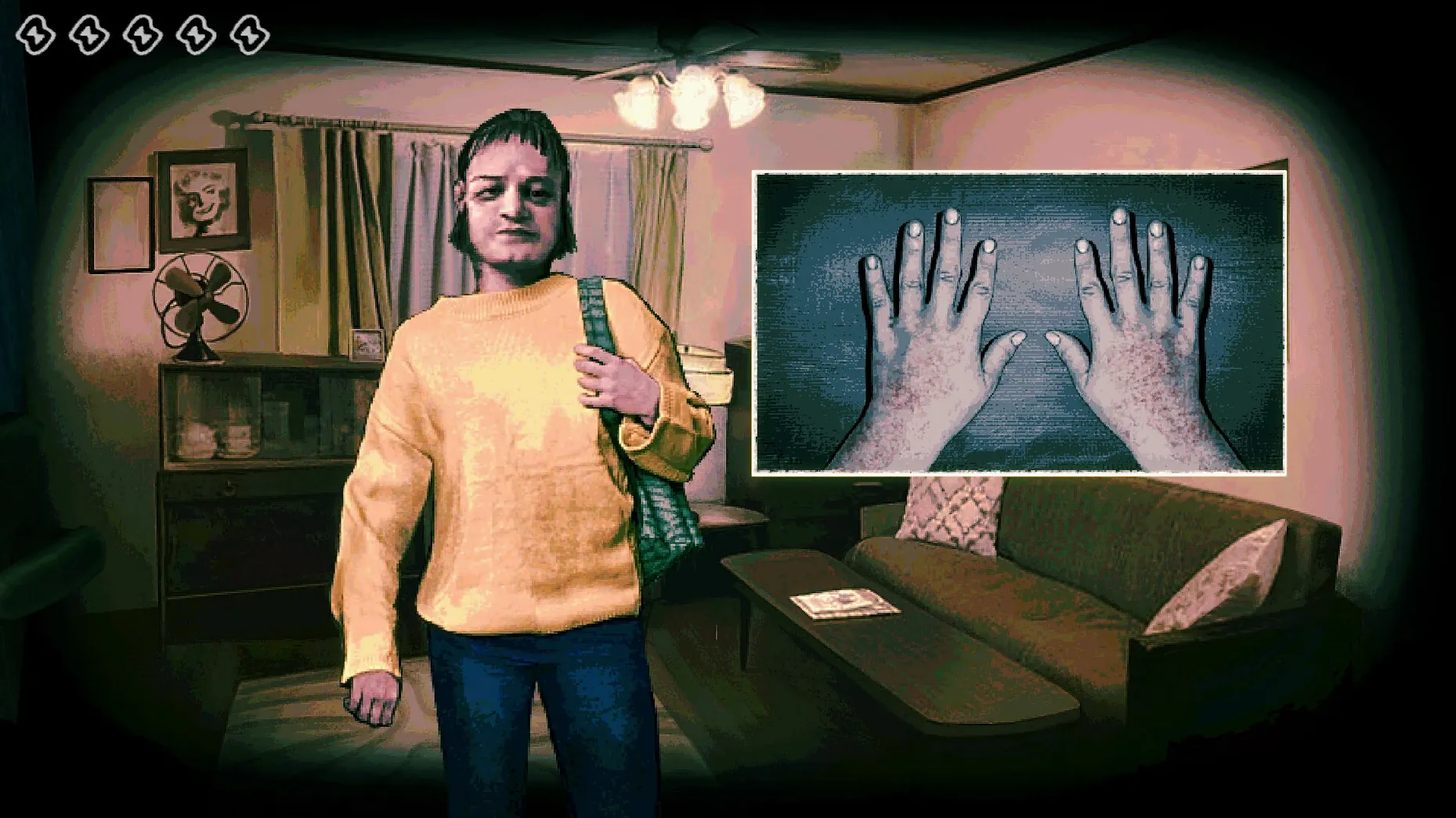
Each knock brings a new face and a new story. You read their documents, cross-check details, and decide whether the thing on the other side of the door is human or something else wearing one.
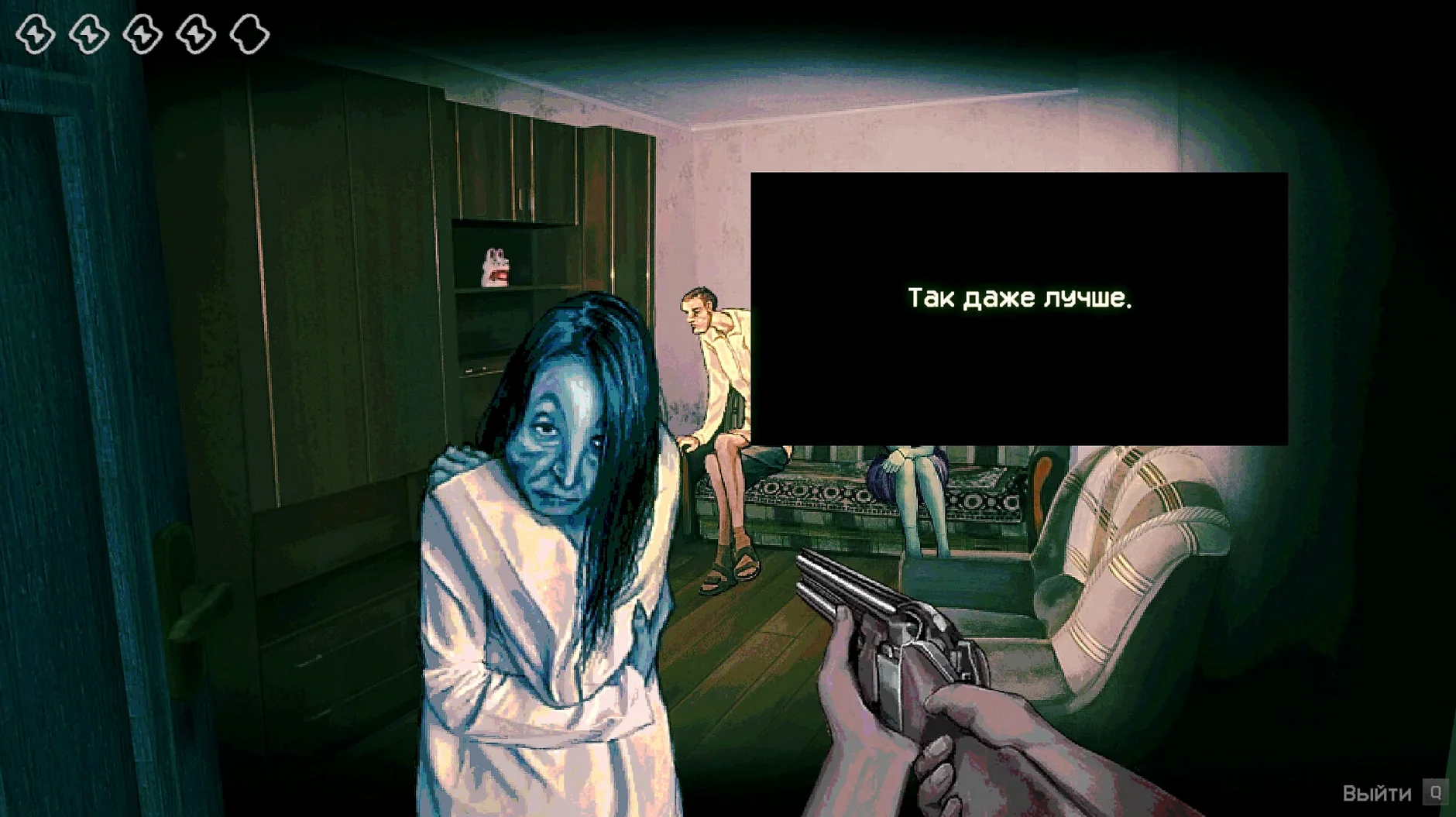
Admit or execute
Every choice splits two ways — shelter for the innocent, a bullet for the rest. Hesitation is part of the design; the game builds its dread around the moment your cursor hangs between mercy and the trigger.
Survive the shift
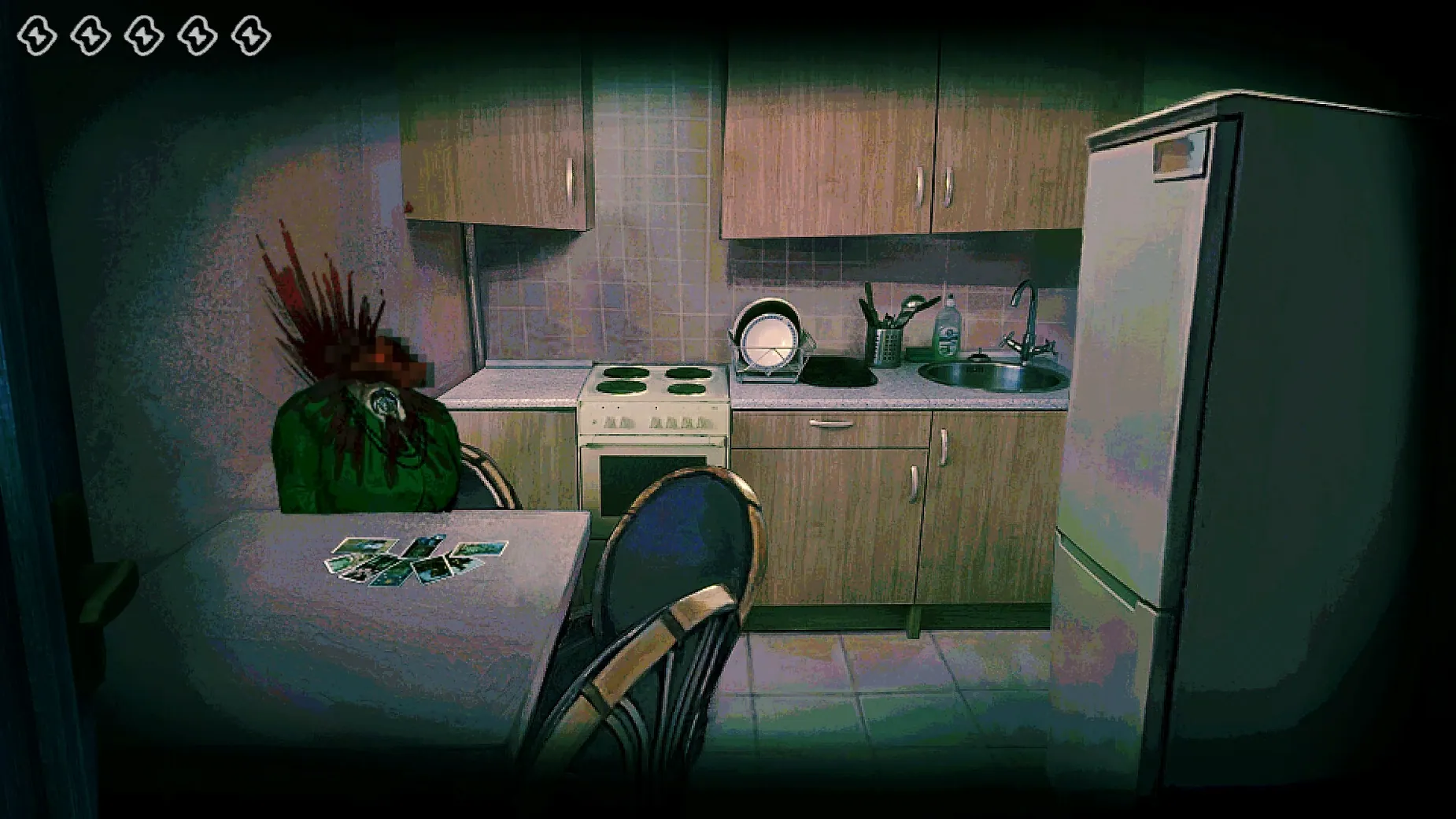
Getting it right keeps the lights on. Getting it wrong has consequences the game does not broadcast until they are already unfolding inside the safe house.
Launch Feels Native, Not Wrapped
One question that comes up repeatedly is whether the Wineskin wrapper adds friction. The short answer is no — the game launches like any native .app bundle. Double-click, wait a few seconds for the black window to settle, and you are at the title screen. There is no separate Wine prefix to manage and no Terminal commands to memorise.
Another common concern is around the first-launch language requirement. The build defaults to Russian if your system locale is not English, and the main menu can appear as a row of blank rectangles until English is selected. The workaround is straightforward: start the game once in English, then switch to any of the nine supported languages from the settings menu. After that, the choice sticks across restarts.
People also ask whether the game needs an internet connection. It does not. The entire shift plays out offline, and save data stays local inside the app bundle under Steam/RUNE/427410/remote. No telemetry, no cloud sync, no login prompt.
Finally, a handful of users search for terms like no i'm not a human mac or no im not a human torrent expecting a ready-to-run build. The 1.3.19 Rev2 build is ARM-native through Wineskin and ran without a single crash during a full four-hour session on a Mac mini M4 under macOS Tahoe. The only hiccup worth noting is that the bundled Fix script resolves a dylib path error that can appear if the disk image was not ejected before the first launch — a thirty-second detour at most.
Stage Manager Pauses Cleanly on Swipe
The game plays nicely with Mission Control and Stage Manager. Swiping to a different desktop mid-shift pauses the action cleanly; returning snaps focus back to the window without resolution scrambling. Fullscreen mode uses the display’s native 16:9 aspect ratio, and on a 4K panel the pixel-art visuals hold up without blurring, though the UI scaling is fixed — there is no resolution slider in the settings.
If you use SoundSource or Loopback for audio routing, the game appears as a standard Wine process and can be redirected per-app without issues. The soundtrack is instrumental only — no voice acting — so equaliser tweaks through something like eqMac are genuinely useful for pulling out the low-frequency drones that underpin the tension.
Screen recording with the built-in macOS screenshot tool (Cmd-Shift-5) captures the window correctly, though OBS users should select “Window Capture” rather than “Display Capture” to avoid a black frame. The game does not trigger macOS’s “recording in progress” privacy indicator unless a third-party capture tool is active.
Save-file backups are manual by design. Because progress sits inside the .app bundle, tools like Hazel or a simple rsync script can watch the remote folder and snapshot it after each session. This is worth setting up: the game’s auto-save fires at the start of each in-game day, and a single corrupted write can roll back hours of decisions.
800 MB RAM Overhead on M4
On the M4 Mac mini, the Wineskin layer adds roughly 800 MB of RAM overhead above what a native build would need. Total memory pressure sits around 2.1 GB during normal play, which leaves comfortable headroom on any Apple Silicon machine with 8 GB unified memory. The CPU sits between 12 and 18 percent on a single efficiency core after the initial asset load; the performance core spikes only during scene transitions.
Frame pacing is locked to 60 fps by the engine and never dipped below 58 in testing, even during the late-game sequences where multiple visitor profiles are compared simultaneously. The fan on the Mac mini remained silent throughout — the thermal envelope on M4 silicon simply does not notice this workload.
Stability has been unremarkable in the best sense. No kernel panics, no WindowServer restarts, no audio desyncs. The only observable quirk is a two-second audio dropout when alt-tabbing back from another application, which Wine seems to interpret as a device change. The soundtrack resumes on its own without intervention.
Set Text Speed to Fast Immediately
The in-game options menu is sparse but a few tweaks make a real difference. Text speed defaults to “Normal” and should be set to “Fast” immediately — the default crawl pace drags during repeat playthroughs where you already know the dialogue beats. The setting does not affect the timing of visitor responses, only the rate at which text fills the dialogue box.
Screen shake is on by default and, while effective during execution sequences, becomes fatiguing over a multi-hour session. Turning it off costs some atmosphere but saves eyestrain. The master volume slider is set to 100 percent out of the box; dropping it to 70 percent brings the ambient drones to a level where they unsettle rather than overwhelm.
If you plan to play in Russian, switch the language after the first English launch and then restart the app. The font substitution does not fully engage until a clean reload, and partial Cyrillic rendering in the visitor documents is the first sign the change did not take.
1.3.19 Rev2 — Hotfix for Steam Cloud save recovery on Steam Deck; minor Ukrainian localisation corrections.
- macOS Tahoe
- Apple Silicon (ARM build)
Sign in · Create an account to add a field note.
No field notes yet. A measurement, a version, a machine — they appear after moderation.