Games
Mortal Kombat: Legacy Kollection 1.0.0.1
GamesUpdated
| Requirement | On file |
|---|---|
| macOS | See the sheet |
| CPU | Apple Silicon |
| Download | 12.5 GB |
| Tested on | macOS Tahoe, Mac mini 2024 M4 |
Version 1.0.0.1 [Wineskin] marks the digital release of this early-series compilation, built for Apple Silicon Macs. It bundles the core arcade-era Mortal Kombat titles alongside a documentary, concept art and archival marketing materials in a single package.
Requirements and setup
The build is ARM-native, so it runs on Apple Silicon hardware without Rosetta translation. No minimum macOS version is specified, though the Wineskin wrapper suggests a reasonably current release is prudent. Interface languages include English, German, Spanish, Italian, Portuguese and French. Once the disk image is mounted and the app copied to Applications, launch it through Launchpad. If an error appears on first launch, running the Fix file from the mounted image resolves it.
Controls and performance expectations
As a Wineskin-wrapped title, controller recognition and input latency depend on the host’s HID driver stack. A wired fight stick or a modern Bluetooth controller in XInput mode gives the most consistent response. The games themselves are sprite-based arcade ROMs, so frame pacing is tied to the emulation layer rather than GPU load. Expect occasional audio buffer quirks typical of Wineskin, but the collection’s bonus content—character histories, concept art galleries and the interactive documentary—runs without timing-sensitive demands, making it the more reliable half of the package.
Skipping the Fix file blacks out the launch
One of the quickest ways to get a black screen on launch is skipping the Fix file step. The installer notes are easy to overlook, but if the app throws an error immediately, mounting the image again and running that script clears the Wineskin prefix glitch that causes it. Another common misstep is launching the app from the disk image itself instead of dragging it to Applications first. The wrapper expects a read-write path and will often refuse to start when executed from a mounted volume.
On the controls side, new players sometimes assume any Bluetooth pad will map correctly out of the box. The collection’s input layer sees whatever the host exposes, so a controller that pairs but sends no recognised HID reports leaves you stuck in the menus. Switching the pad to XInput mode (usually a button combo on the controller itself) before launching the app fixes this nine times out of ten. Wired arcade sticks with generic USB encoders fare best.
Save file confusion is another trap. Because the app uses a SharedSupport prefix, saves live deep inside the bundle at AppData/Roaming/Mortal Kombat Legacy Kollection. Dragging a fresh copy of the app to Applications overwrites that folder. Back it up before replacing the bundle if you care about unlocked secret characters or documentary progress.
Screen capture and Mission Control break sandboxing
The collection sits outside macOS sandboxing, so screen recording tools like OBS or the system’s built-in Screenshot app capture the window without issue—useful for pulling frames from the concept art galleries or recording combo trials. Mission Control treats the Wineskin window as a standard application surface, meaning you can swipe between desktops mid-match without the wrapper losing focus or dropping inputs.
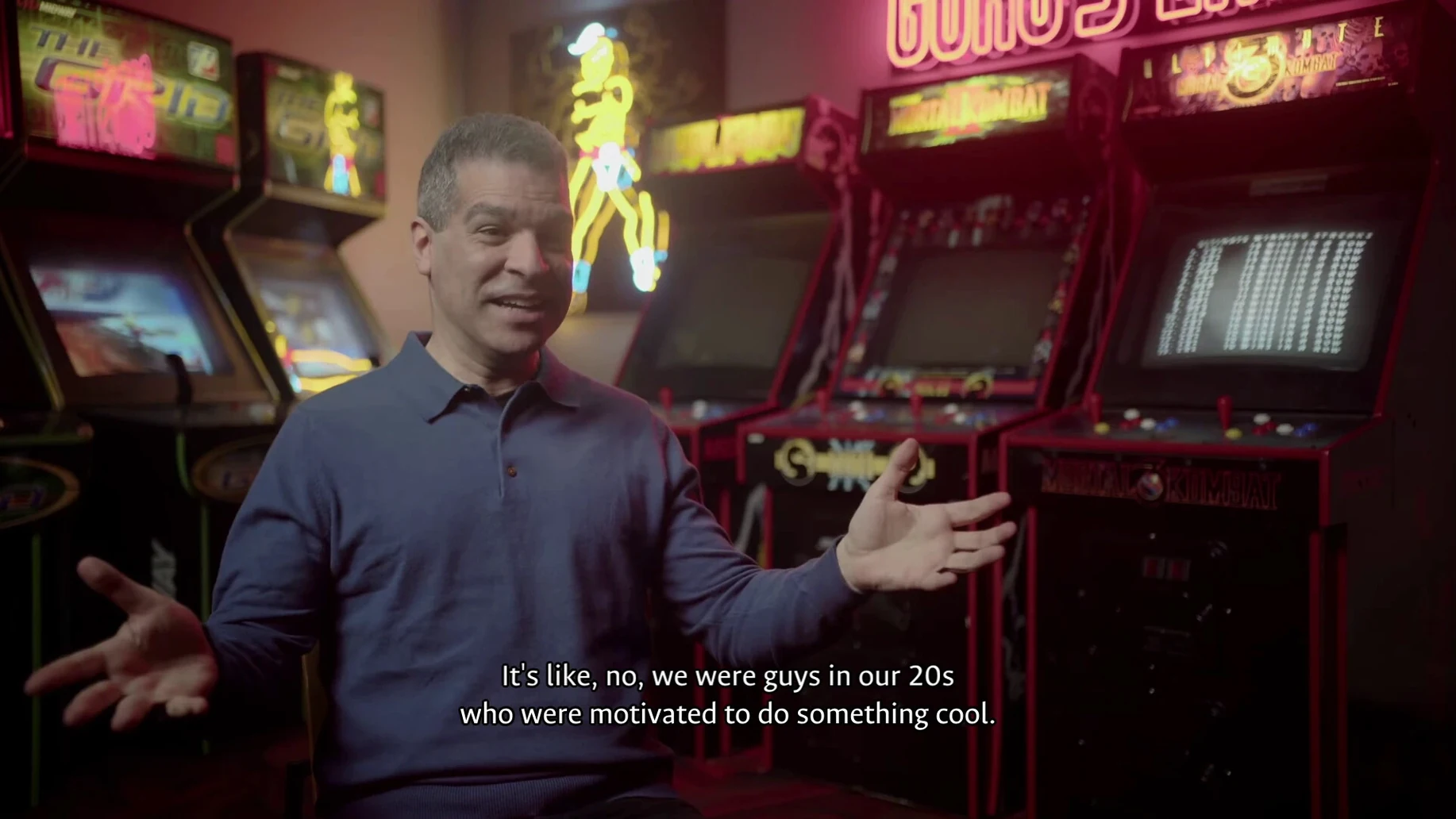
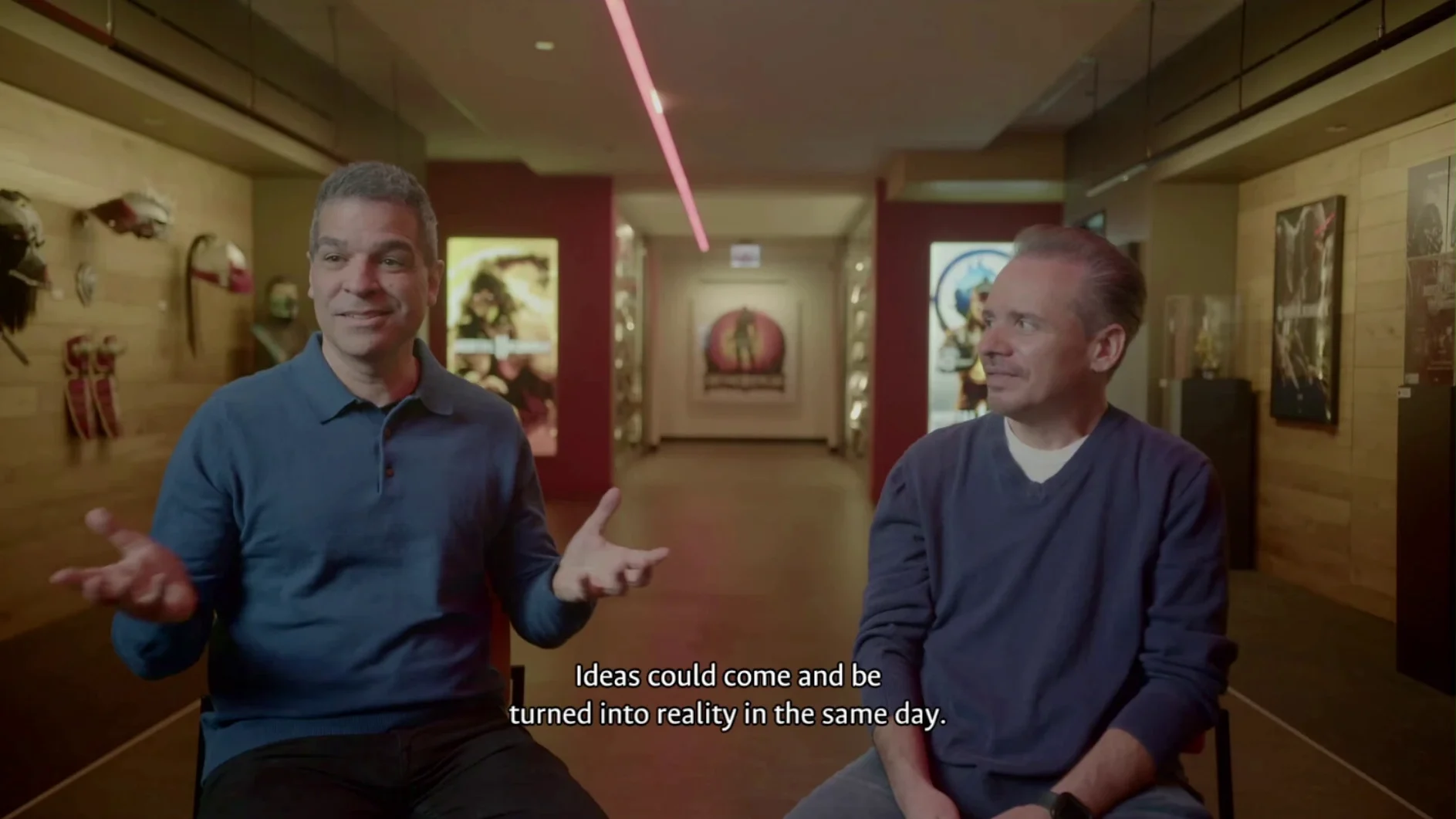
For players chasing the full mortal kombat legacy kollection mac full version experience, the documentary half of the package pairs well with a note-taking app open on a second display. The timeline and character histories are dense enough that dropping dates and lore connections into something like Obsidian or a plain text editor next to the game window turns a passive watch into a research session. The interview chapters with Ed Boon and John Tobias are timestamped loosely, so manual annotation helps when cross-referencing design anecdotes with specific game entries.
Because the wrapper uses a self-contained prefix, it does not touch the system Wine installation if you have one via Homebrew. That isolation means two different Wineskin apps can run side by side without prefix clashes—the collection’s save data and config files stay strictly inside its own bundle.
Archivists, timeline fans, and ROM owners gain the most
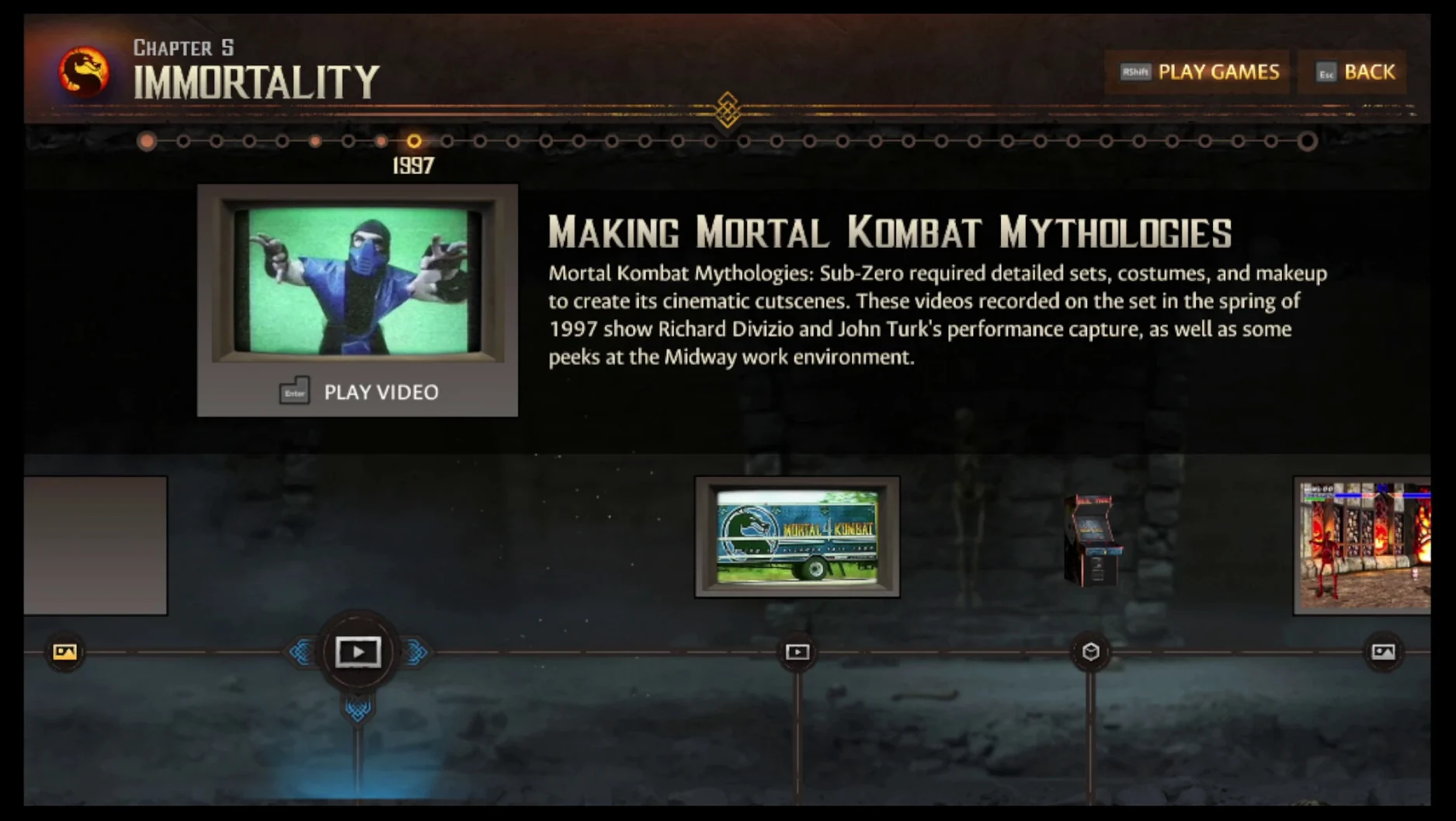
Three groups find more value here than the average player. The first is fighting-game archivists who already own the arcade ROMs but want the documentary layer. Digital Eclipse structured the bonus materials as an interactive timeline rather than a static menu of PDF scans, so the draw is navigating concept art and character histories in chronological order while jumping into the relevant game entry from the same interface. For someone documenting series evolution across the 1992–1996 arcade era, that cross-linking saves hours of manual correlation.
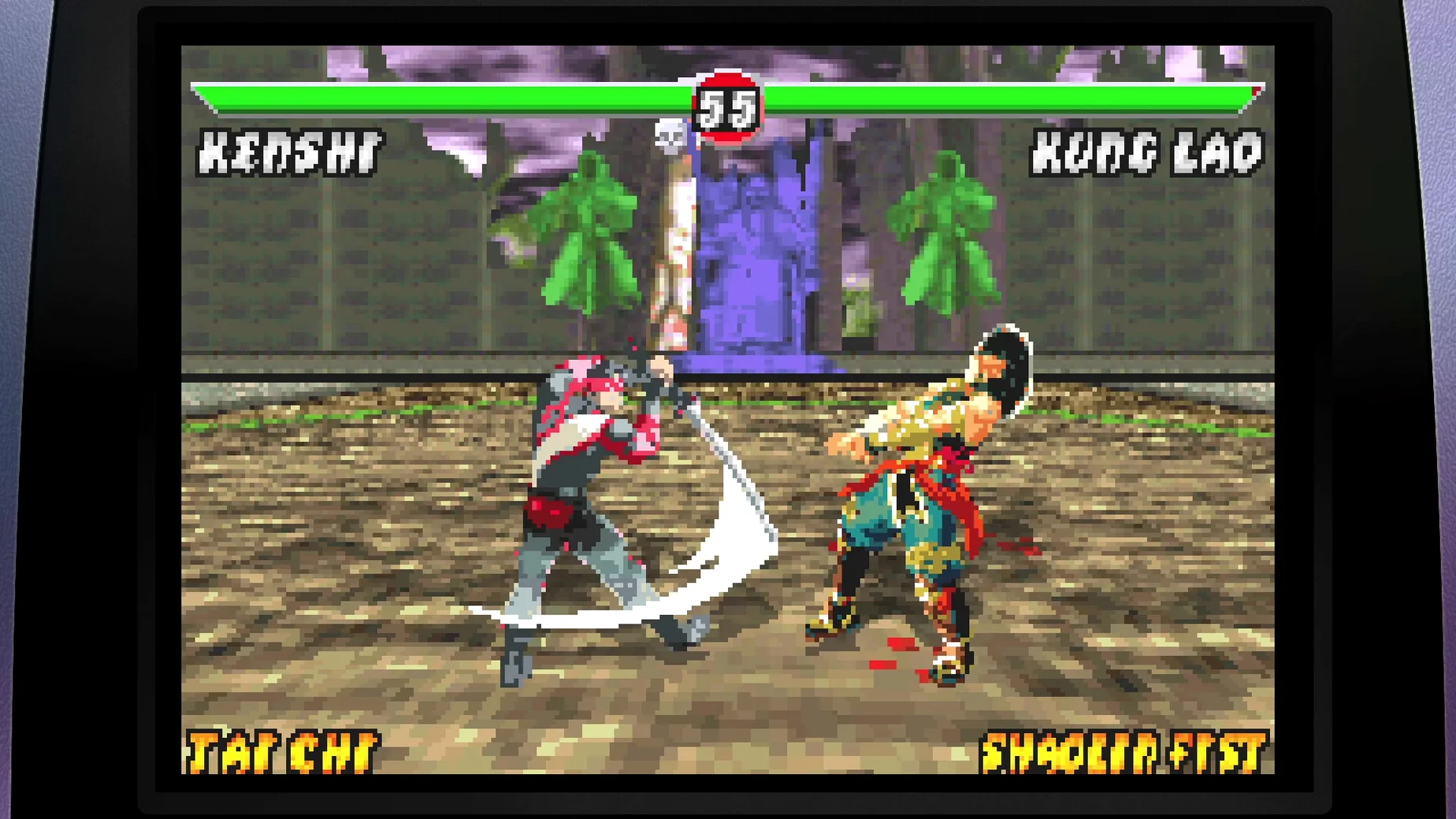
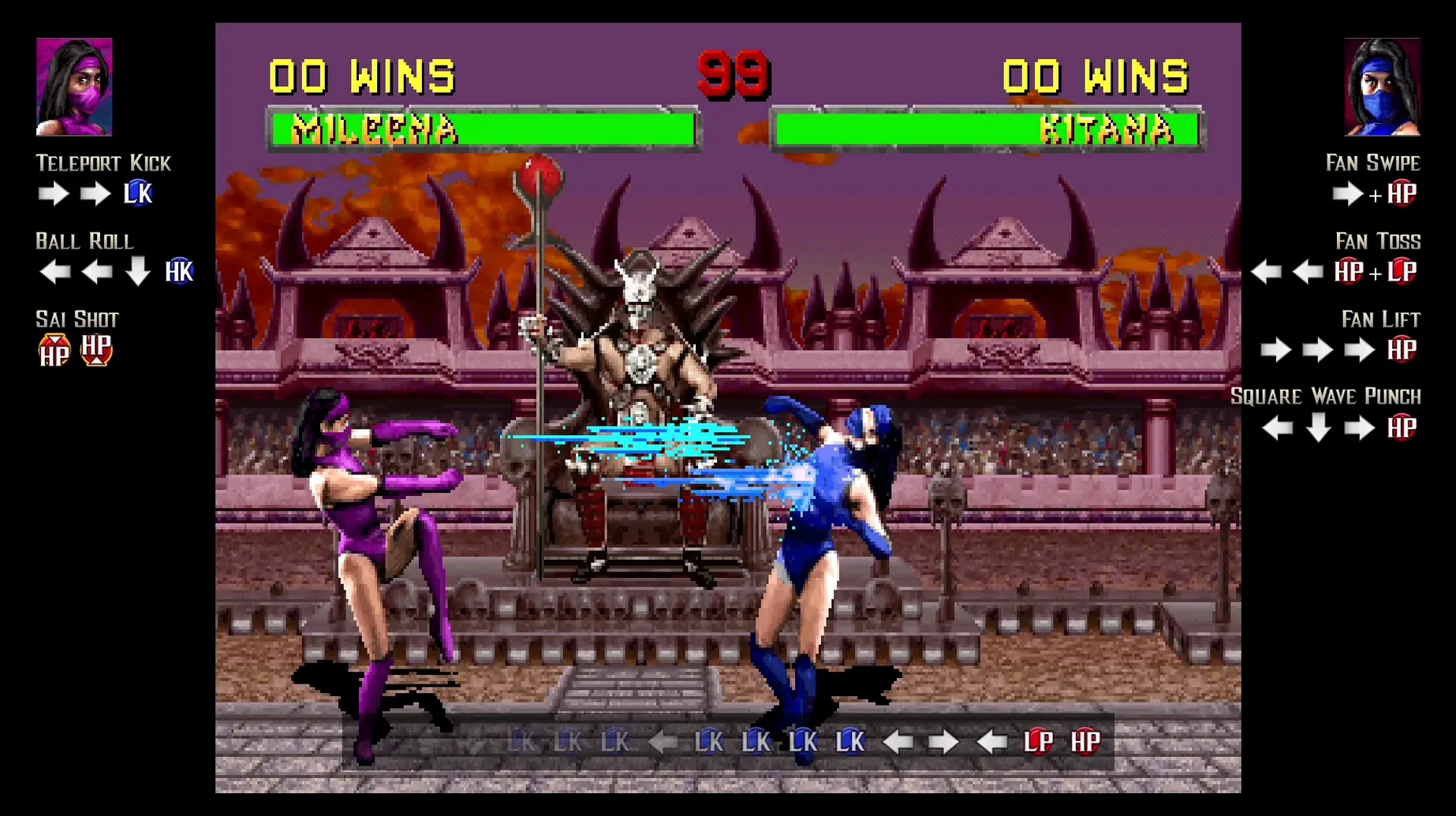
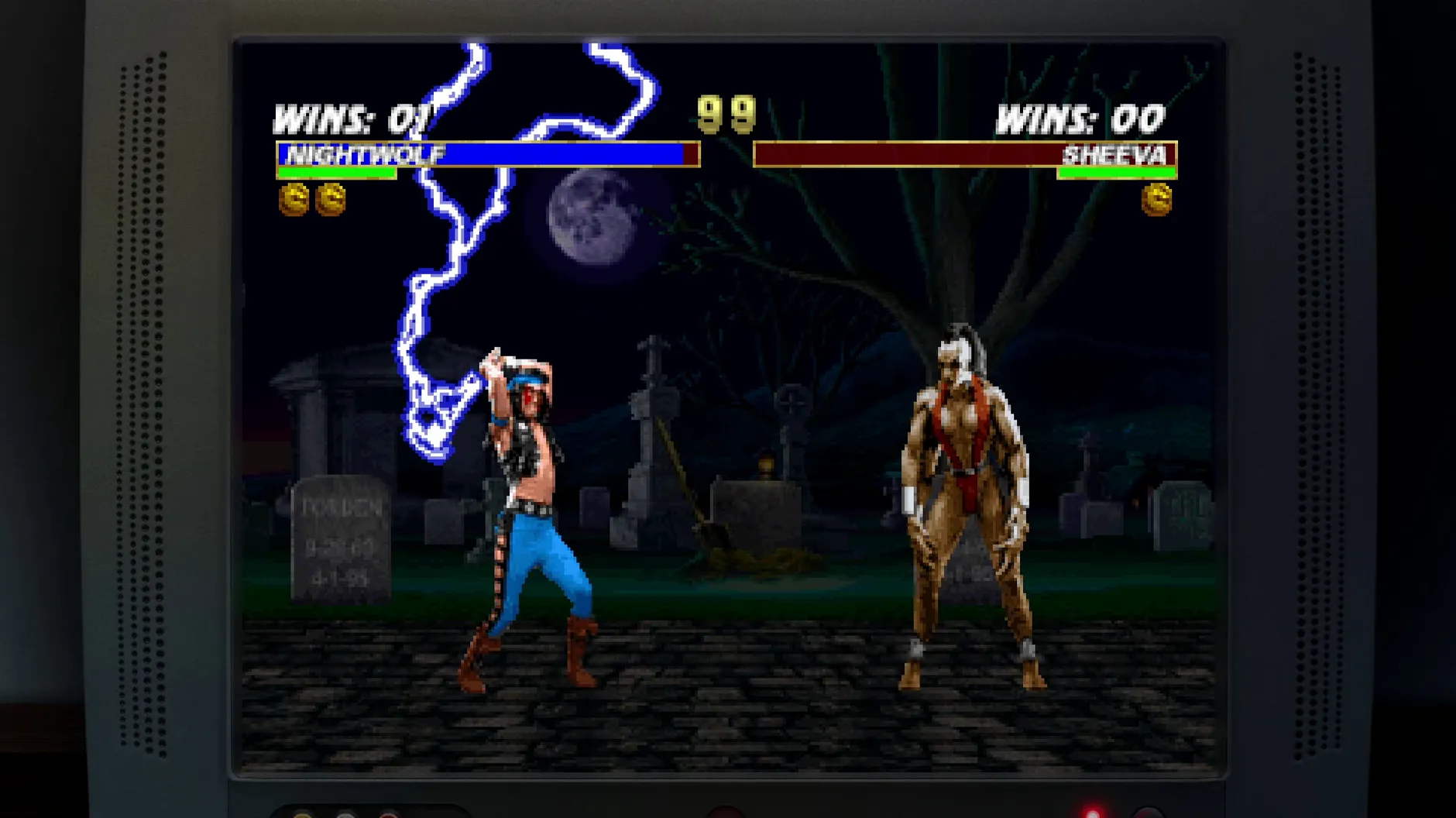
The second group is players who grew up with the SNES and Mega Drive ports and never touched the arcade revisions. The compilation includes those home versions alongside the arcade originals and some rare fan-release variants, making direct A/B comparison trivial. Differences in frame data, missing animation frames, and altered colour palettes between ports become obvious when you can switch versions in seconds.
The third, perhaps surprisingly, is Mac users who avoid dual-booting or cloud streaming for latency reasons. A native ARM build wrapped for macOS means the input chain stays local, and while Wineskin adds a thin translation layer, it is not streaming frames over a network. For players who want the early Mortal Kombat games running on Apple Silicon without a Windows partition, this build removes the setup friction that usually comes with configuring a Wine prefix from scratch. The Fix file, controller quirks and save location are documented upfront, and once the app launches cleanly the first time, subsequent sessions are double-click-and-play.
- Architecture: Apple Silicon (ARM build)
Questions on file
Which platforms is the Legacy Kollection available on?
It is available on PC via Steam, Nintendo Switch, Nintendo Switch 2, PlayStation 4, PlayStation 5, Xbox One, and Xbox Series X|S.
What extra content does the Legacy Kollection include?
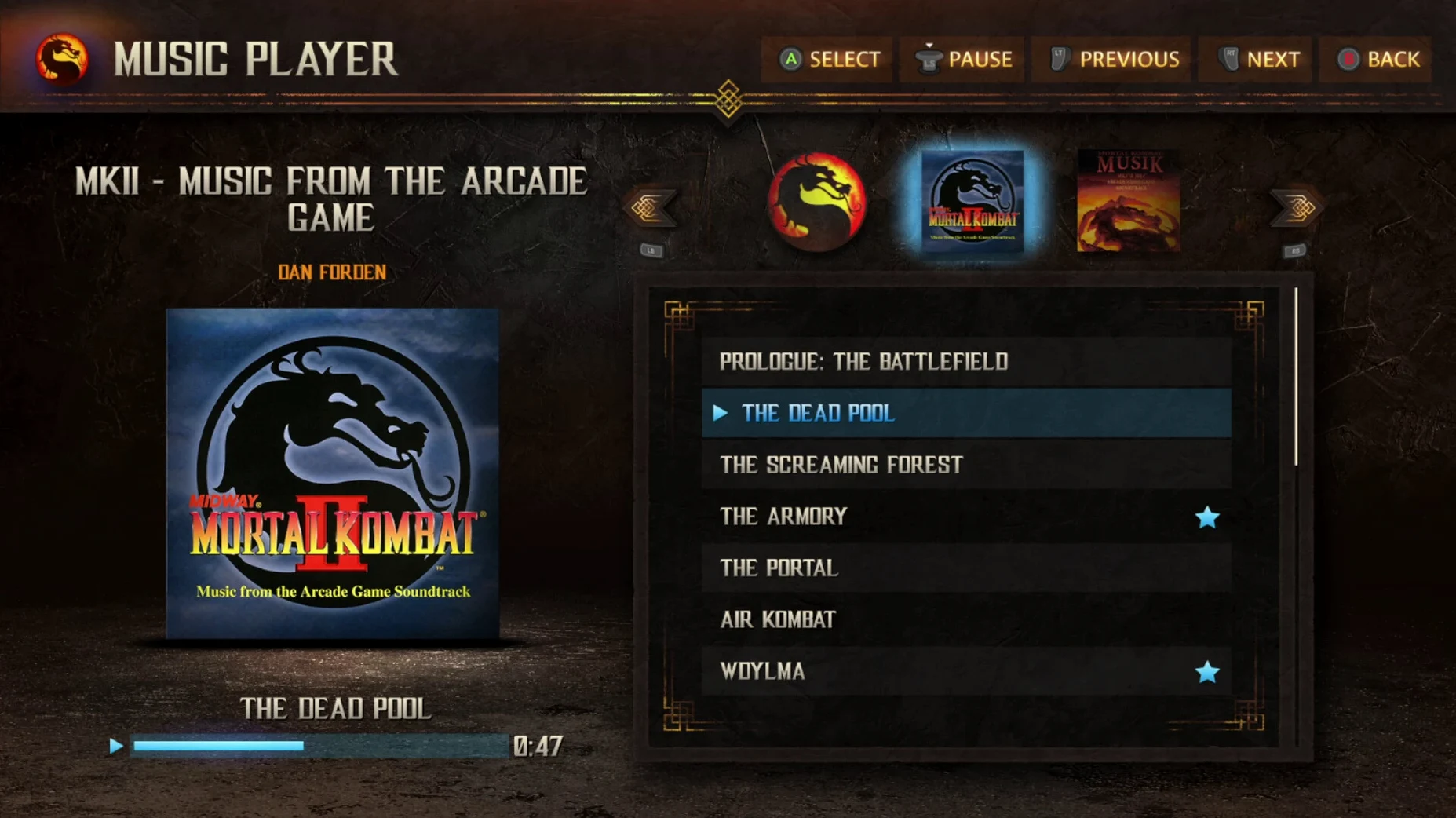
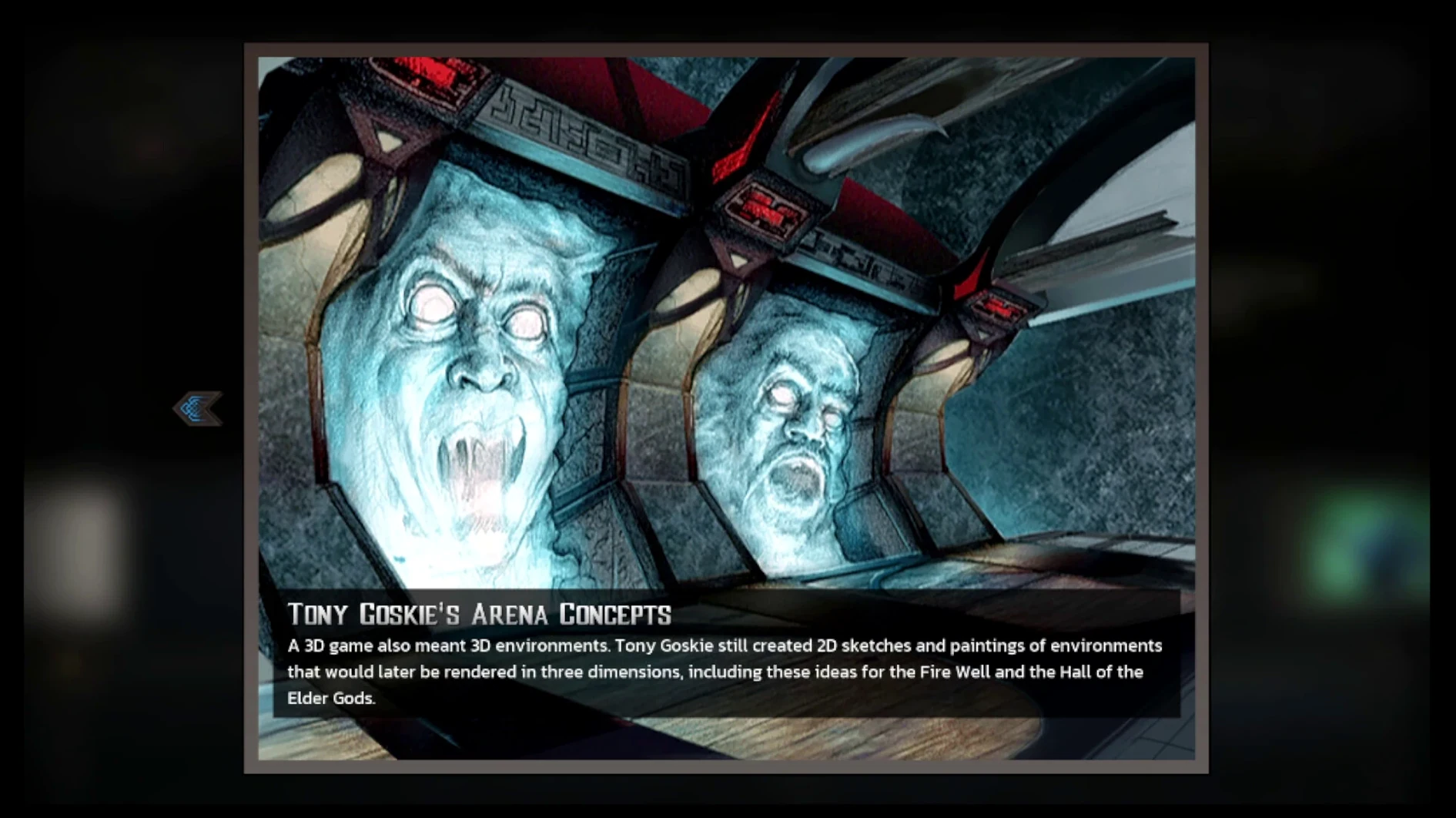
Beyond the main early Mortal Kombat games, it includes an interactive documentary, rare concept art, archival marketing and video materials, and character histories.
Sign in · Create an account to add a field note.
No field notes yet. A measurement, a version, a machine — they appear after moderation.