
Games
MMORPG Tycoon 2 0.30.7
GamesUpdated
| Requirement | On file |
|---|---|
| macOS | See the sheet |
| CPU | Apple Silicon, Intel 64-bit |
| Download | 220 MB |
| Tested on | macOS Tahoe, Mac mini 2024 M4 |
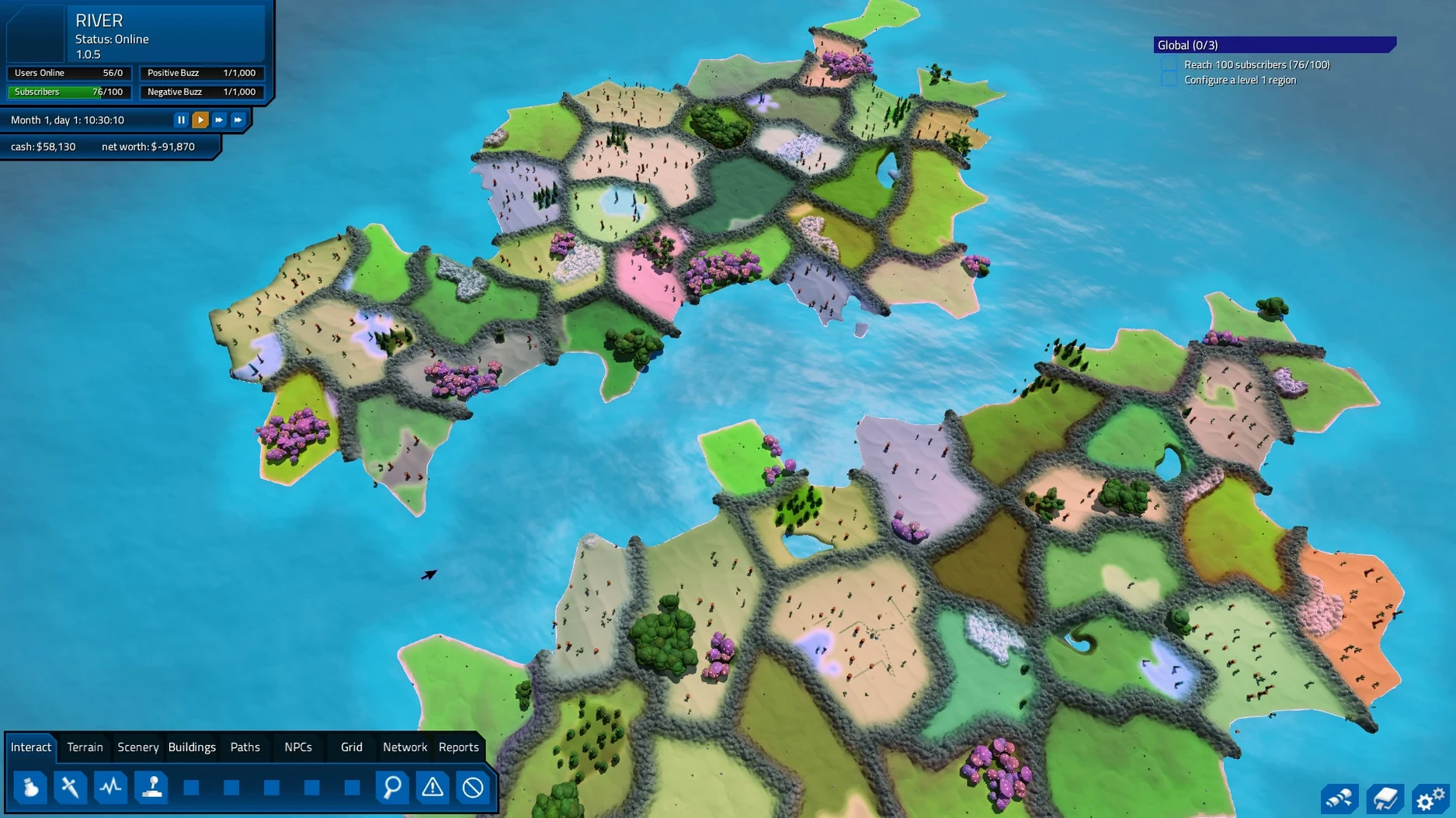
The monster zone painting tool is where most sessions start. You carve out an area, paint in spawn points, and then set the creature stats so low-level subscribers can survive the first few pulls. That loop, tweak a value, watch a player die, tweak it again, sits at the centre of every campaign. What you do minute to minute is less about grand strategy and more about small corrections.
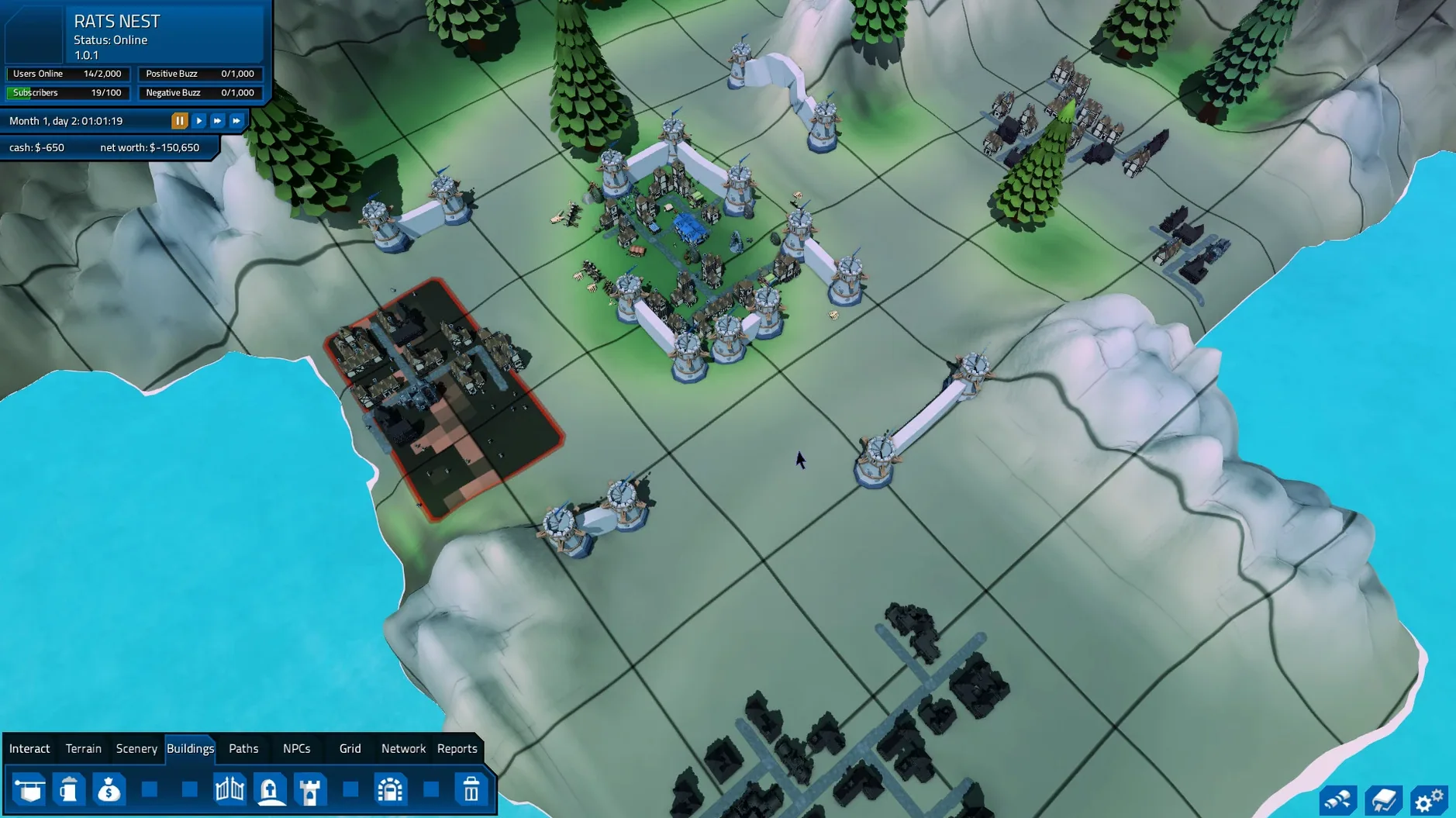
- Paint regions and connect them with roads so players move naturally from villages to cities to quest zones.
- Create monsters and balance combat values, then watch how quickly groups clear the content.
- Open the moderation panel to deal with cheaters and poorly behaved subscribers before they poison a zone.
- Set up quest chains and check that the level curve pushes players into new regions as they grow stronger.
- Pause and inspect overcrowded regions when travel planning stalls or pathing breaks.
- Rebuild dungeons after destroying them, keeping an eye on crashes that older builds could trigger.
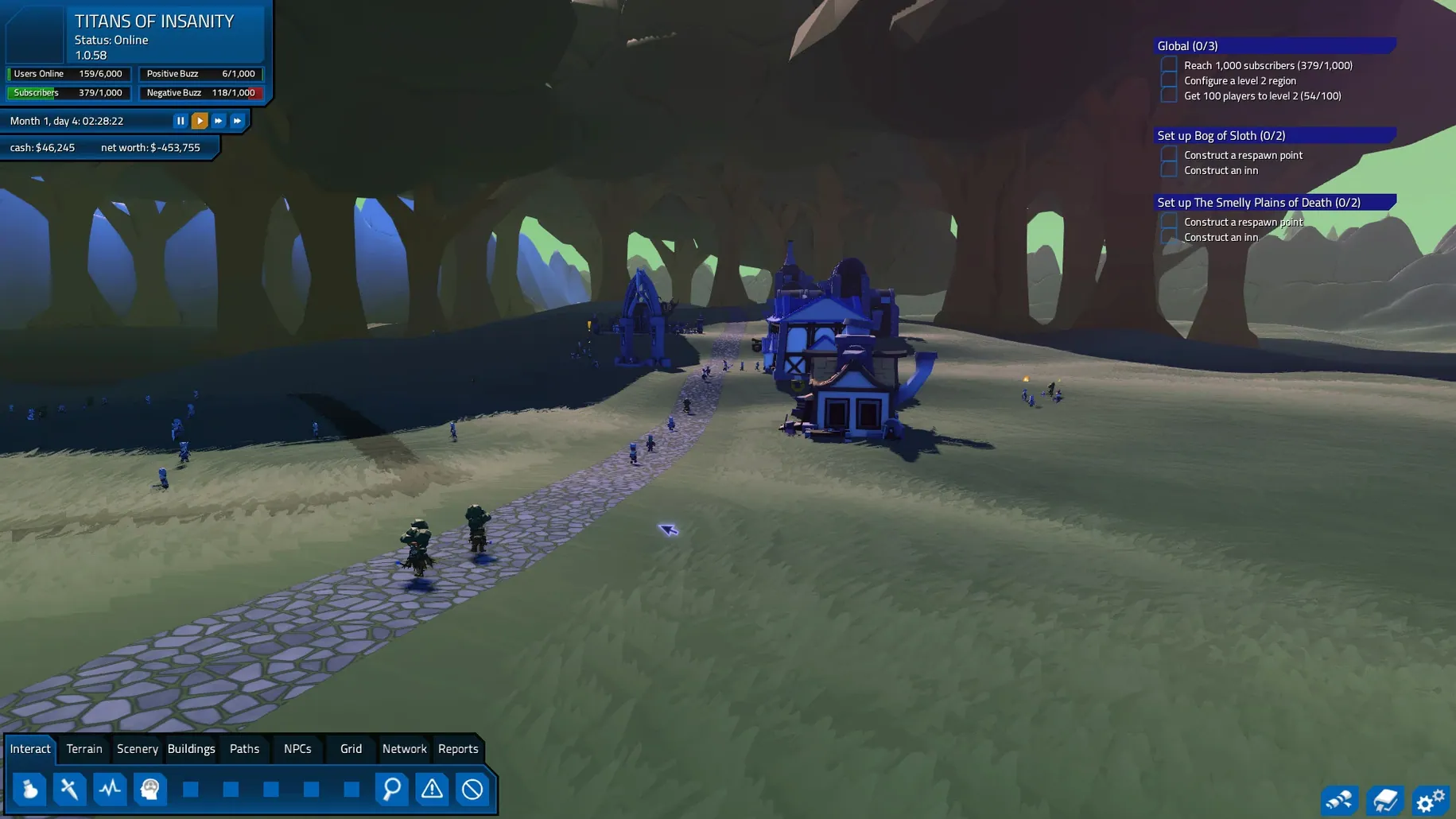
It is a game of observation. You spend more time watching simulated players than issuing commands, and most problems show up as a cluster of characters standing still in a field. Version 0.30.7 runs offline, so the whole loop stays local on the Mac.
Offline-Only Container Saves Keep iCloud Out
Because the simulation runs entirely offline, MMORPG Tycoon 2 does not touch iCloud, Game Center, or any network stack beyond what the OS uses for itself. That changes how you organise your saves. The game writes to its own container inside ~/Library/Application Support, so backing up a campaign means grabbing that folder and dropping it onto an external drive or into a dated zip file. No cloud sync means no conflicts between machines, but also no automatic recovery if you wipe your home folder.
On Apple Silicon Macs, the engine stays cool even when two thousand subscribers crowd a single region. The M4 Mac mini that VectorStorm used for testing pushes through peak load without the fans becoming audible, which matters when you leave the simulation running overnight to see whether a new quest chain breaks at hour six. Mission Control plays well with it too: you can flick the game onto a secondary desktop and keep a text editor open on the primary screen for notes about monster stat tuning. Drag-and-drop does nothing inside the app, but the standard macOS text fields accept pasted numbers, so you can copy a damage value from a spreadsheet and drop it straight into the creature editor.
Spotlight does not index the save files, but Finder tags applied to the app bundle or the save folder stick around. Players who run multiple campaigns sometimes tag saves with the subscription model they are testing, freemium or traditional sub, and sort them in a dedicated folder on the desktop. The game also respects the system mute key, which is useful when you have the music looping during a long tuning session and need to take a call.
Roadless Monster Zones Starve Subscriber Pathfinding
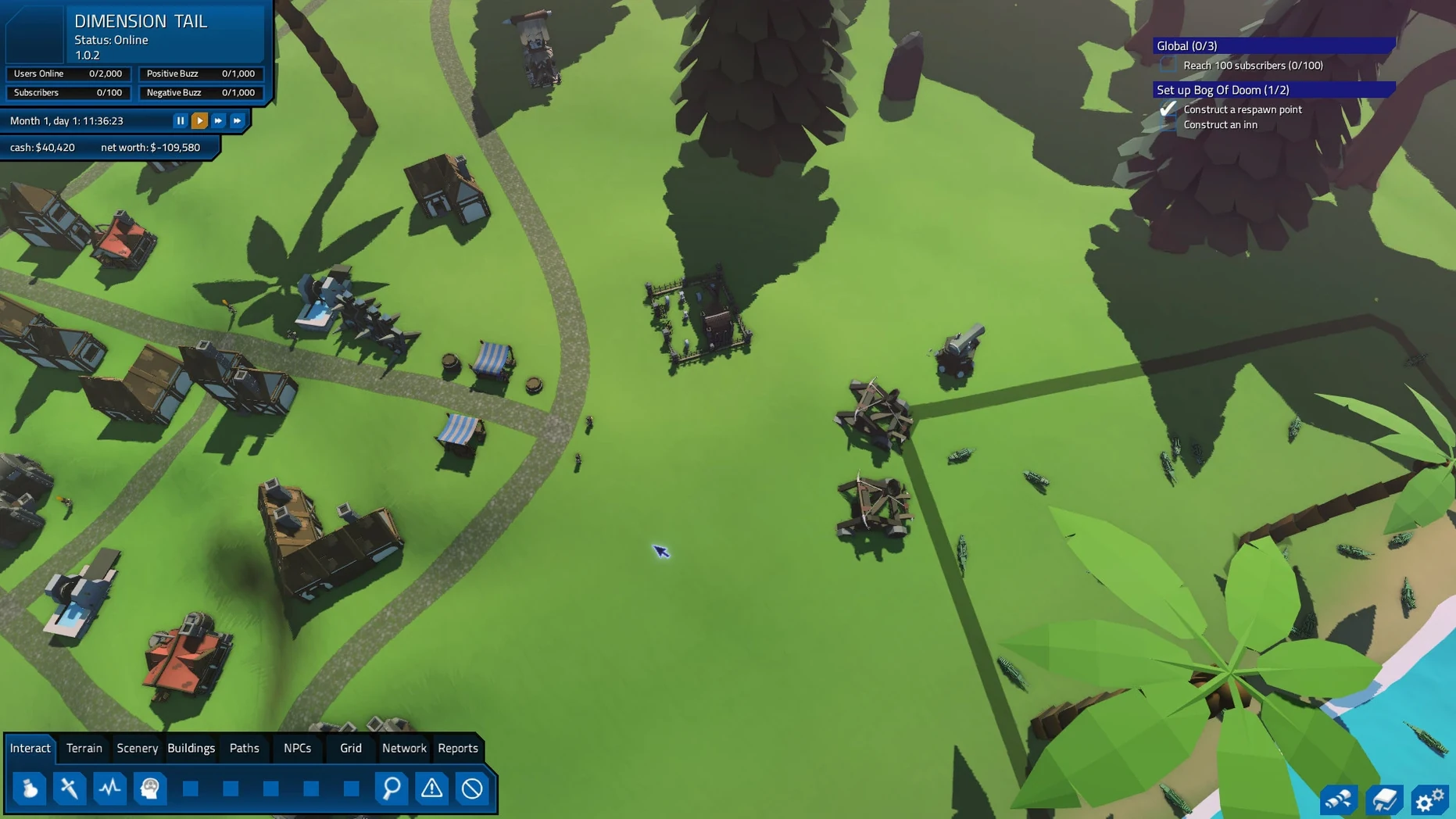
The most common error is painting monster zones before laying down roads. The pathfinding system needs connected routes, and subscribers will not travel across empty terrain toward a spawn point that has no clear walkway. You see this immediately: a dozen characters milling around the village gate while the goblin zone sits untouched 200 metres away. Draw the road first, then place the zone, and the problem disappears.
Another early mistake involves the subscription model toggle. New players switch from a traditional subscription to a free-to-play model mid-campaign without adjusting the microtransaction balance. Subscribers who were paying a flat monthly fee suddenly find themselves blocked by a paywall on tier-two weapons, and the retention numbers crater. Pick a model before you open the first quest zone and stick with it until you understand how the economy reacts to churn.
Beginner builders also tend to place quest givers inside cities without checking the level curve. An NPC handing out a quest rated for level 15 will sit ignored in a starter village while level-three characters walk past. The quest log shows zero completions, and the builder assumes the chain is bugged. Check the required level against the region’s subscriber average before wiring up the dialogue.
Collision Fixes Let Subscribers Squeeze Through Tight Alleys
Version 0.30.7 fixed four issues that used to interrupt long sessions. Buildings that previously blocked walk-through, even when their collision volumes looked clear, now let subscribers pass correctly. That means cities designed with tight alleyways between the blacksmith and the inn no longer trap characters against invisible walls. The undo and redo stack for monster zone painting was unreliable in earlier builds; painting a spawn point, hitting undo, and repainting a different creature type could leave ghost spawns in the region file. That stack now resolves cleanly, which speeds up iterative spawn placement during the first hour of a new map.
The flicker fix on several building and scenery models is subtle but constant. Before the patch, rotating the camera past a row of market stalls could produce a brief stutter on integrated GPUs. The updated models remove that, so scrolling across a busy town square feels smooth even on older Intel Macs. The travel planning crash in overcrowded regions was the one that bit builders who pushed subscriber caps past comfortable limits. If you edited a region while the pathfinding solver was recalculating routes for a thousand characters, the game could drop to the desktop. That specific race condition is gone, so you can now reshape a zone mid-simulation without saving and quitting first.
The rare dungeon destruction crash was harder to trigger but equally disruptive. Destroying a dungeon, then immediately placing a new entrance on the same footprint, occasionally corrupted the instance data. The 0.30.7 patch reorders the teardown sequence so the old instance fully unloads before the new one starts writing to disk. Builders who like to rip out failed dungeons and rebuild them in the same session will notice the difference: it no longer feels like a gamble.
- Building collisions — fixed walk-through issues with some solid buildings.
- Monster zone painting — fixed undo and redo bugs.
- Graphics — several building and scenery models adjusted to reduce flicker and minor visual glitches.
- Region travel — fixed a crash in overcrowded regions during travel planning while editing a region.
- Dungeons — fixed a rare crash after destroying a dungeon.
- macOS: not specified by the developer
- Architecture: Intel and Apple Silicon
- Languages: Russian, English, German, Simplified Chinese, Portuguese, French
Sign in · Create an account to add a field note.
No field notes yet. A measurement, a version, a machine — they appear after moderation.