
Games
Moonlighter 2: The Endless Vault 1.0.42.3 Wine
GamesUpdated

| Requirement | On file |
|---|---|
| macOS | See the sheet |
| CPU | Apple Silicon |
| Download | 4.6 GB |
| Tested on | macOS Golden Gate, Mac mini 2024 M4 |
This ARM build runs on Apple Silicon Macs via a Wineskin wrapper; the tested setup is macOS Tahoe on a Mac mini 2024 M4.
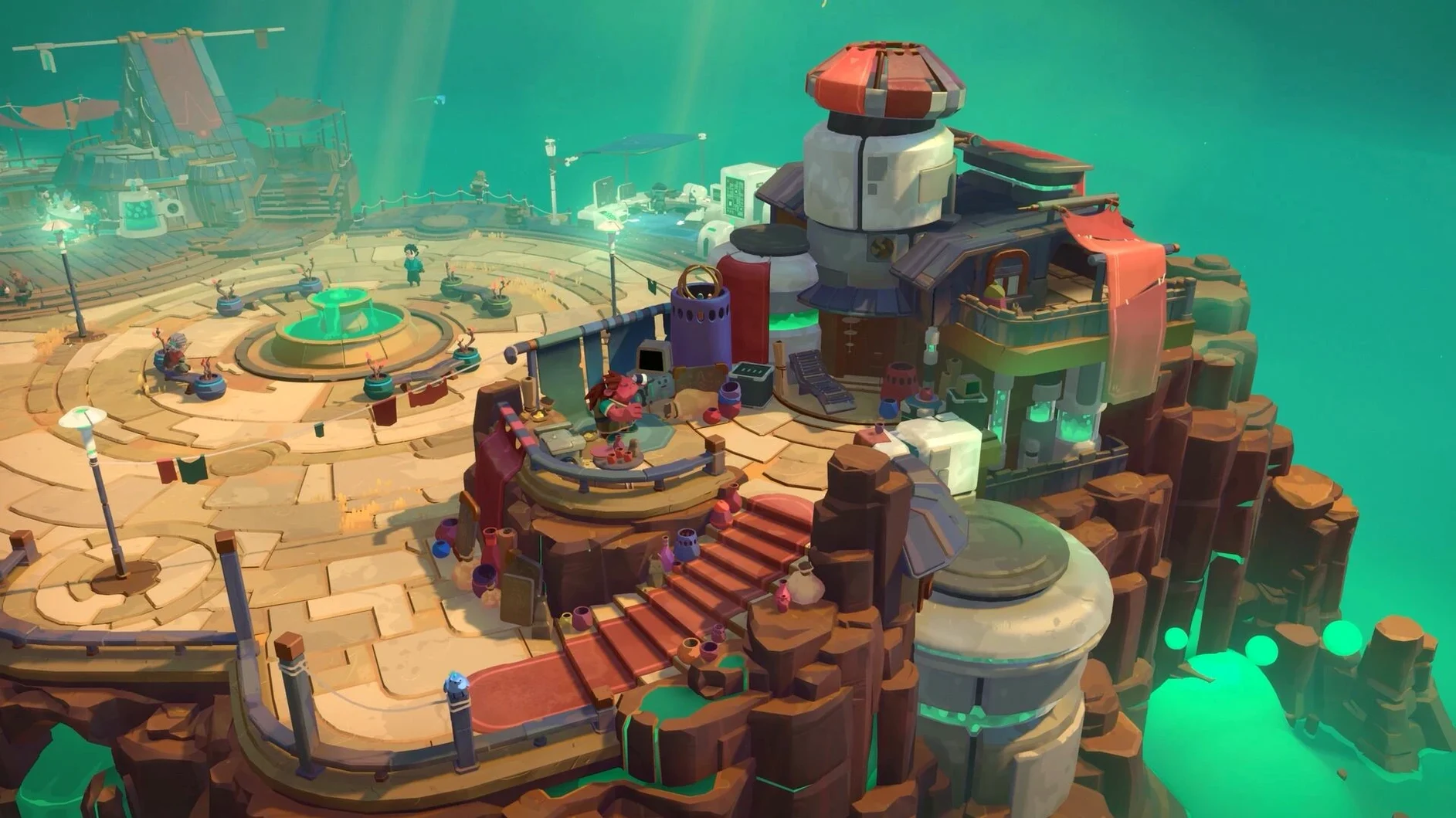
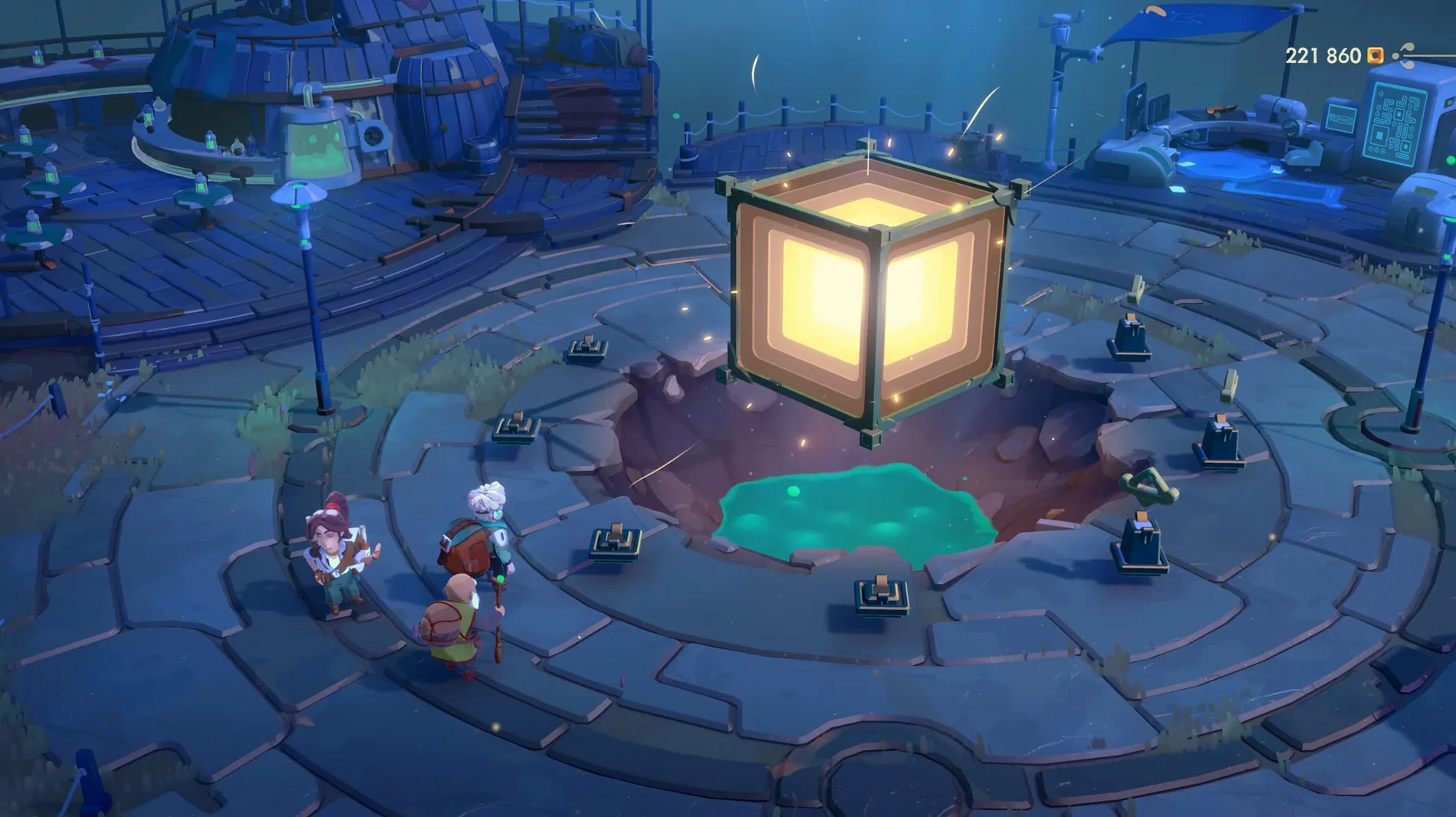
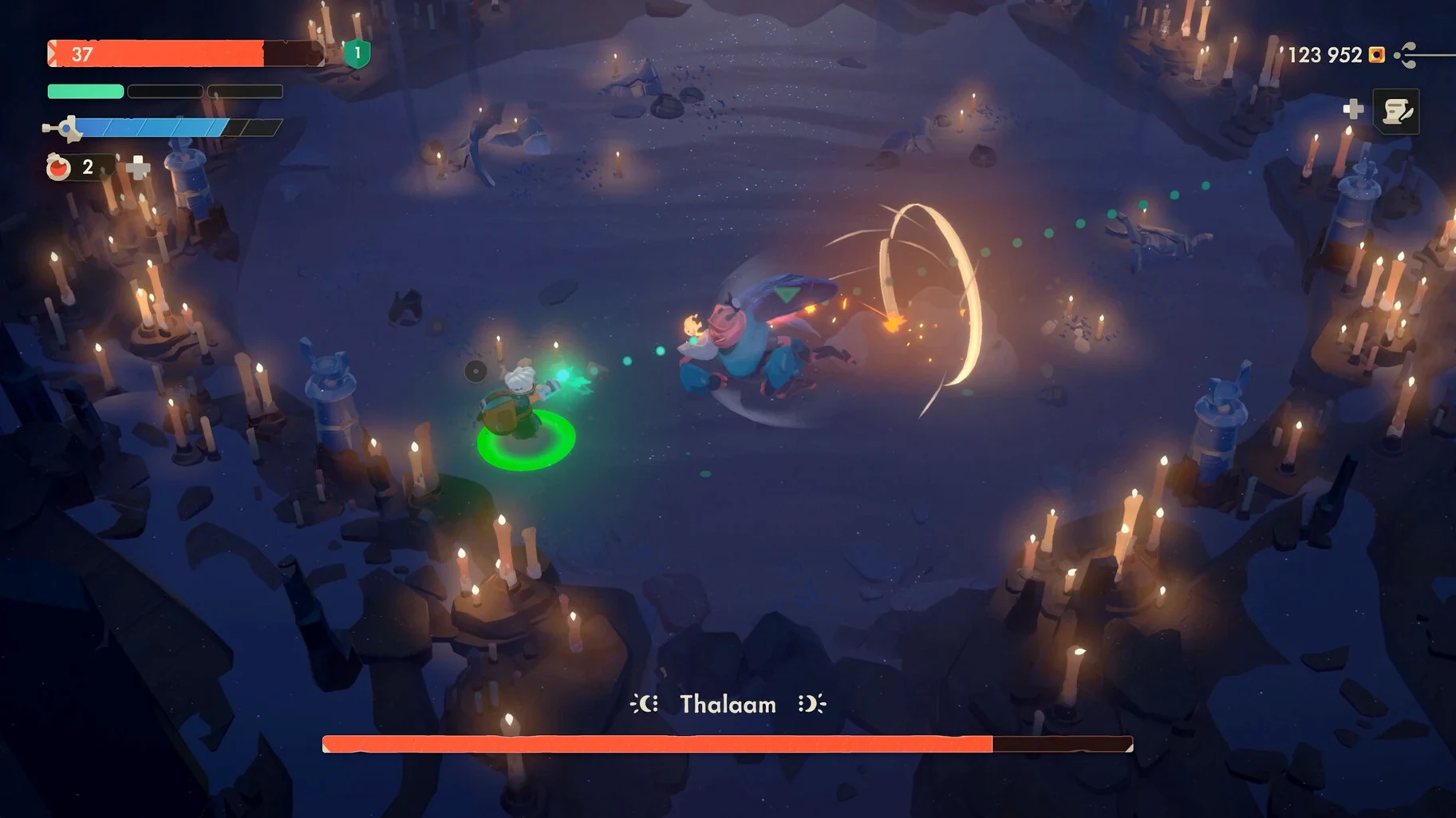
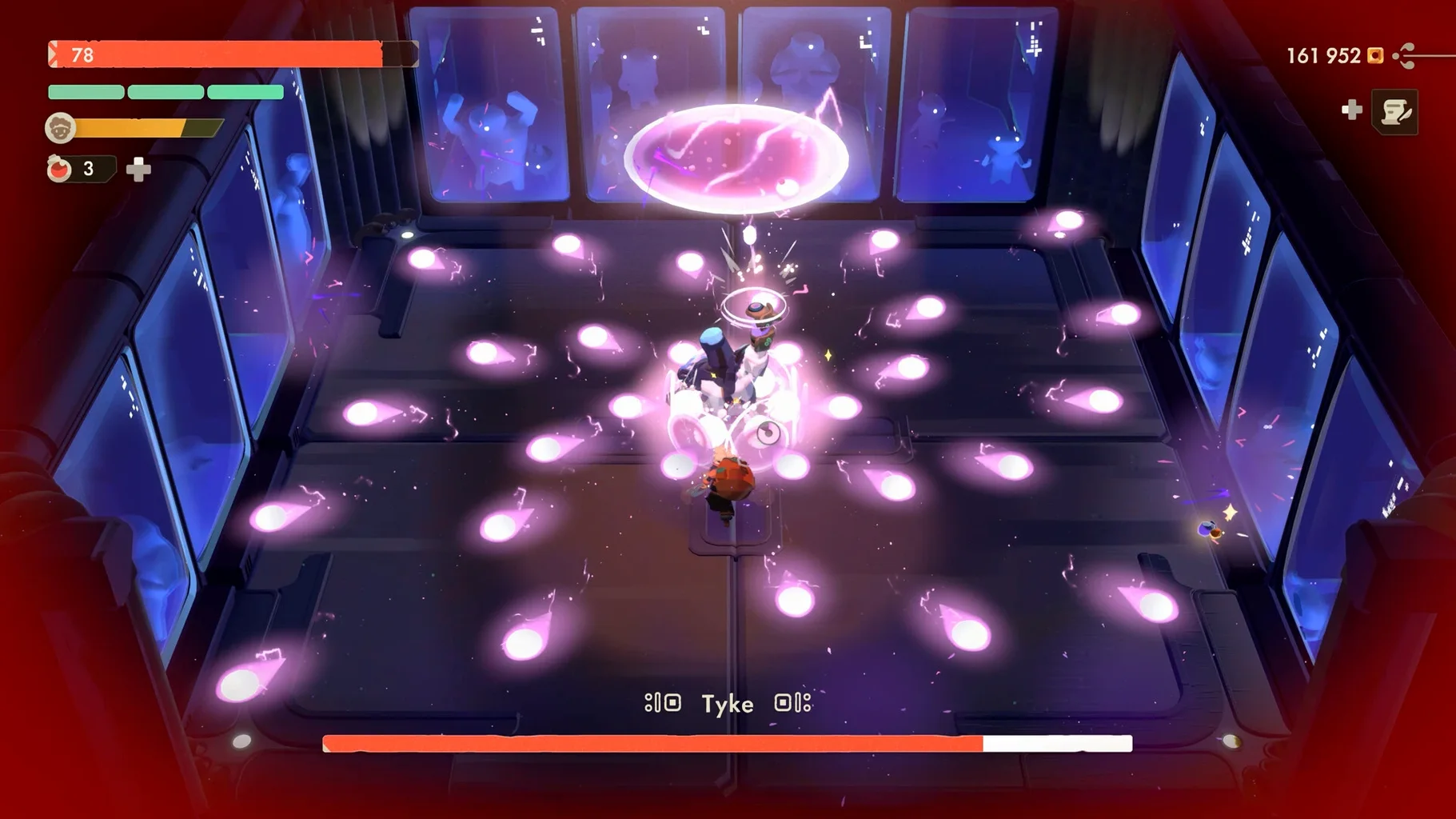
Genre — Action RPG with dungeon crawling, shopkeeping, and village building.
Protagonist — Will, returning from the first game.
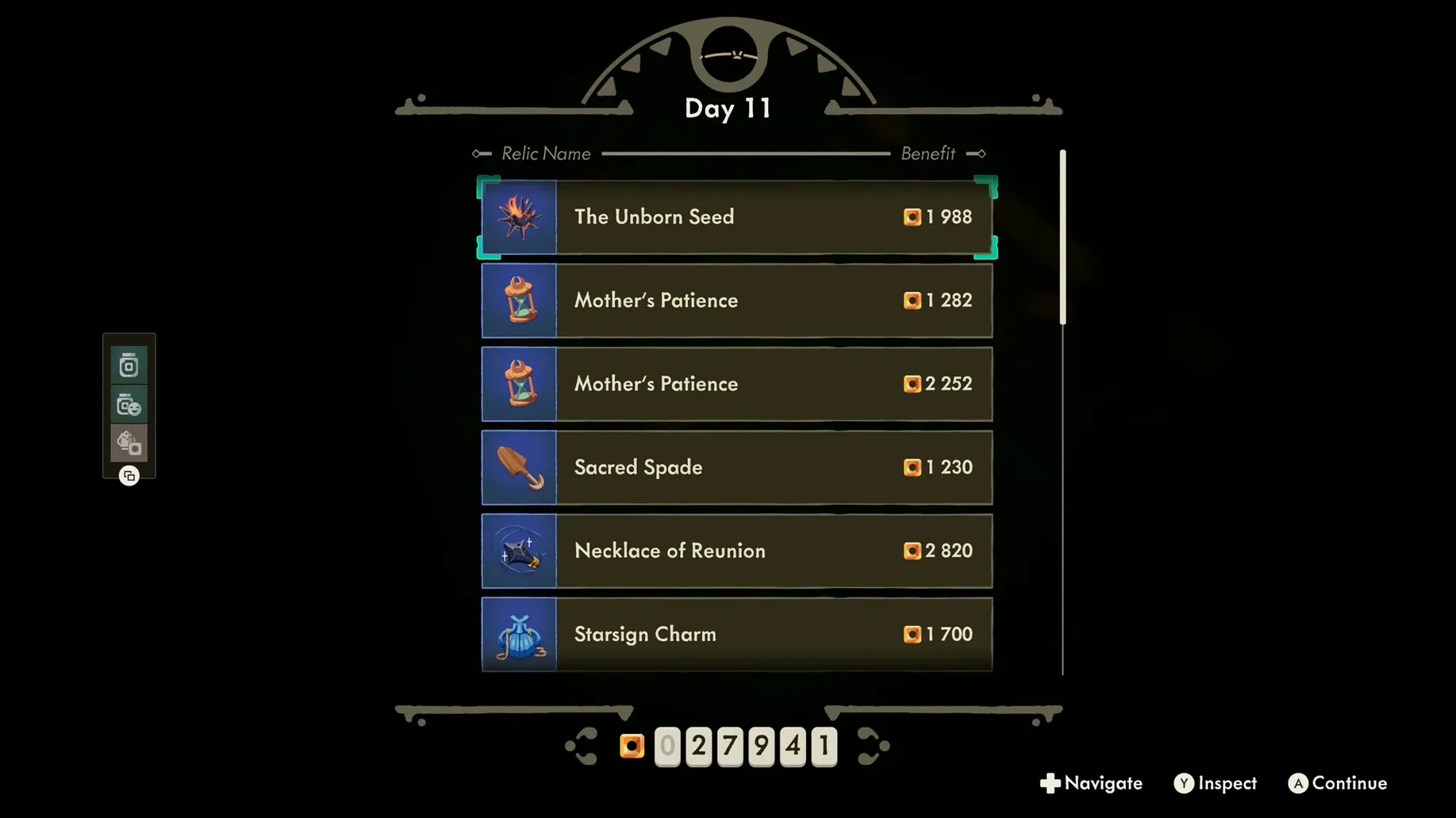
Core loop — Explore dangerous dungeons by night, then set prices and sell loot in your shop by day.
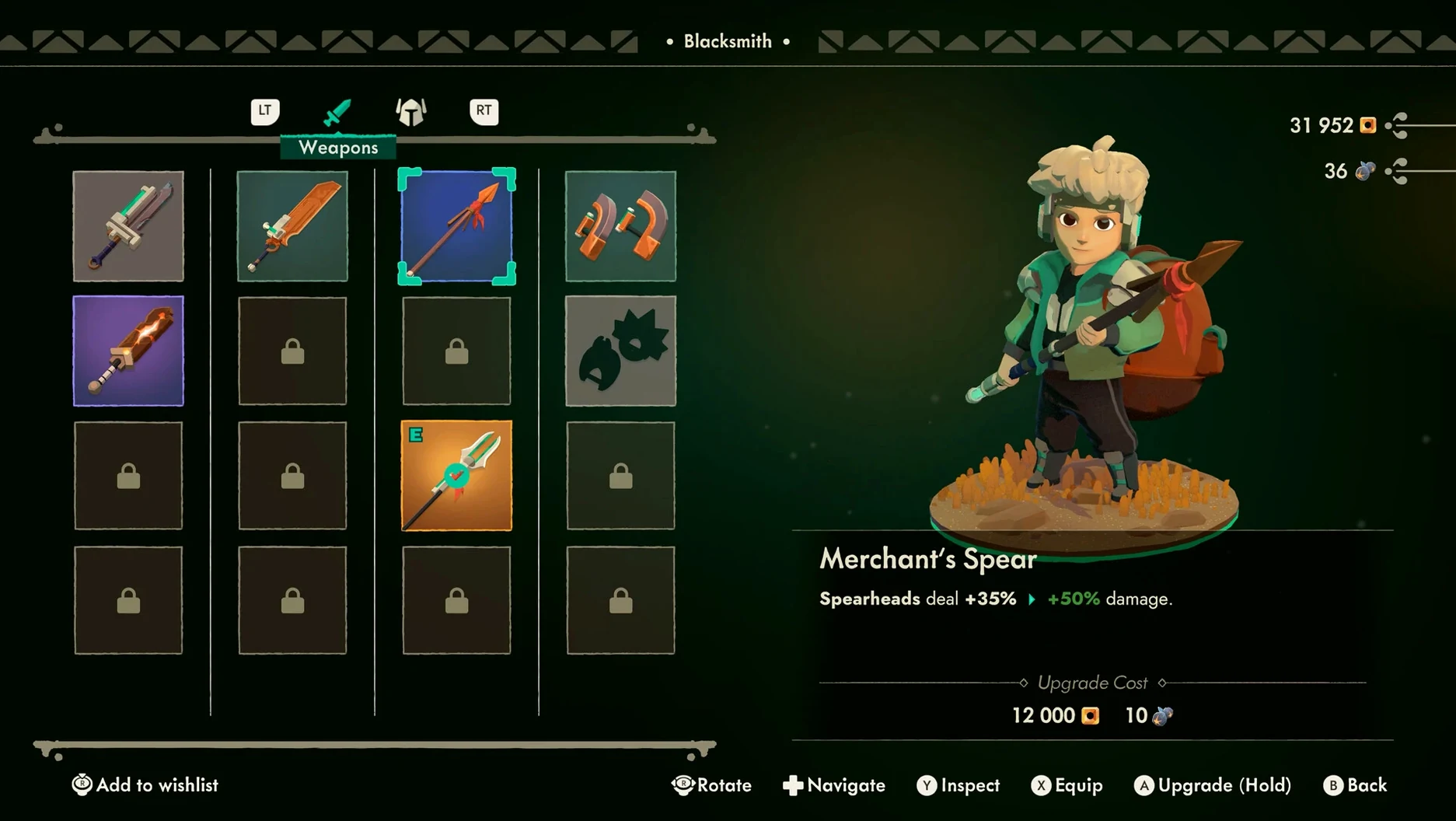
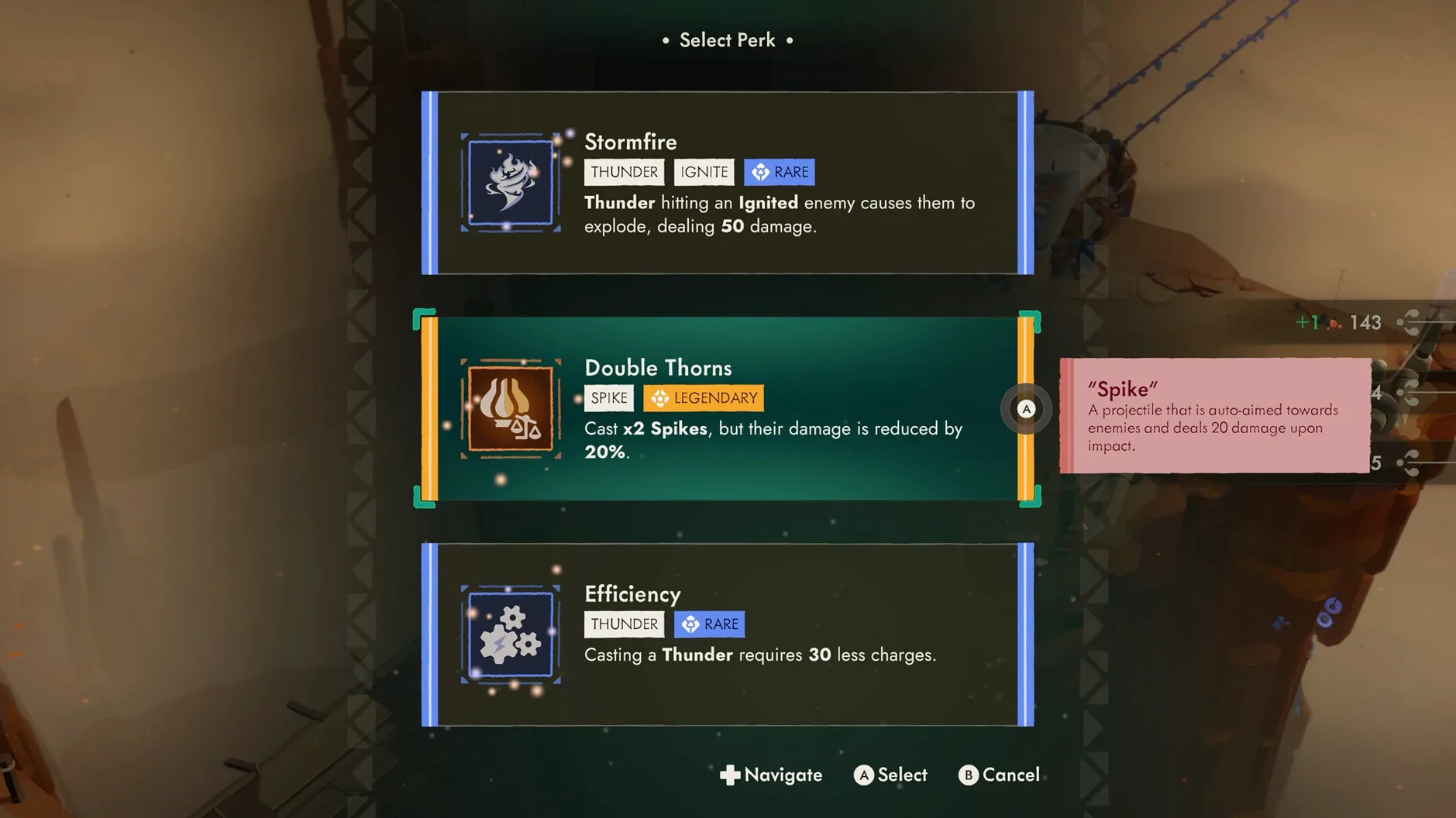
Progression — Investments unlock better weapons, armour, and stat bonuses.
Architecture — ARM (Apple Silicon).
Build ID — 0.17.8.0 Rev 1 [Wineskin].
Interface languages — Russian, English, German, Spanish, Simplified Chinese, Korean, Polish, Portuguese, French, and Japanese.
Voice language — English.
Performance expectations sit in the middle ground. The Wineskin translation layer introduces a small overhead, so frame pacing may dip during room transitions on base M-series chips. Input lag is minimal with a wired controller, and the game recognises Xbox and PlayStation layouts without extra mapping. On an M4, 60 fps holds steady at 1440p with occasional shader compilation stutters in new biome areas.
Dock, Launchpad & Mission Control Treat It Like a Native App
The Wineskin wrapper means Moonlighter 2 appears to macOS as a standard app bundle — it sits in /Applications, can be dragged to the Dock, and shows up in Launchpad like any native program. Mission Control handles it predictably: swiping to a dedicated desktop space for gaming keeps the shop ledger out of sight when you switch back to work. Stage Manager treats the game window as its own group, which is handy if you keep a browser open on a second display for wiki pages on relic pricing.
Controller support extends beyond the game itself. macOS recognises wired and Bluetooth controllers at the system level, so you can check battery status in the Bluetooth menu bar item or System Settings without leaving the game. If you use a DualSense controller, the light bar shifts to a warm amber while browsing shop inventory — a small touch the wrapper passes through cleanly.
For those running game capture tools, OBS 30.x picks up the Wineskin window without requiring display capture. Audio routing works through the default system output, so switching between speakers and headphones via the menu bar volume control takes effect immediately. One quirk: the game does not register in Screen Time or Game Center, since the wrapper bypasses those frameworks entirely.
Backup habits matter. The save files live inside the Wineskin bundle at ~/Applications/Moonlighter 2.app/Contents/Resources/drive_c/users/Wineskin/AppData/LocalLow/Digital Sun/Moonlighter 2/. Pointing Time Machine at your home folder covers them automatically, but if you exclude ~/Applications from backups, you will lose progress. A manual copy of that folder before major updates is worth the ten seconds it takes.
Disable Camera Shake Before Heavy Slam Effects Overwhelm the Vault
The defaults are sensible, but three changes sharpen the experience considerably.
Disable camera shake. Found under Settings > Gameplay, the screen shake effect triggers on every critical hit and heavy enemy slam. In the Endless Vault's later floors, where enemy density spikes, the constant wobble makes reading attack tells harder than it needs to be. Switching it off improves spatial awareness without losing any feedback — damage numbers and hitstop still communicate impact.
Toggle sprint to hold rather than toggle. The default setting locks sprint on after a stick click or key press. In shop sequences, where precision movement between display tables matters, the toggle easily overshoots. Switching to hold keeps short dashes deliberate and prevents accidental sprints past a customer waiting to haggle.
Set audio mix to favour effects over music. The soundtrack is excellent — Digital Sun's composer knows how to build tension — but enemy audio cues are your earliest warning system. The distinctive chitter of a mimic chest or the wind-up hiss of a ranged attacker cuts through cleanly when effects sit at 80% and music at 60%. Voice volume can stay at default; Will's grunts and NPC dialogue are mixed conservatively.
For players hunting every relic variant, the interface language switcher sits in the main menu under Options > Language. Swapping to a different script mid-session requires a restart, but the game remembers your choice between launches.
A full-cycle workflow: stocking the shop with Vault relics
Here is a concrete loop that turns one Endless Vault run into village-wide upgrades, start to finish.
- Prepare inventory. Before entering the dungeon, empty your backpack of everything except a single health potion stack and your best weapon. Space is tight early on; the first backpack upgrade unlocks after your third business investment in Tresna's general store.
- Run floors 1–4 with a relic focus. The Endless Vault's early floors spawn breakable urns and side rooms at a higher rate than the main campaign dungeons. Prioritise rooms with gold trim on the door frame — these contain the rare relic pedestals that fetch triple the base sale price. Skip elite enemies unless you need the crafting materials they drop; they slow the clear time without adding relic density.
- Exit at floor 5. The mid-boss at floor 5 drops a guaranteed artifact-tier relic, but the rooms beyond it scale enemy health sharply. For a pure profit run, taking the exit portal after the boss and before floor 6 preserves your haul with minimal risk. If you push deeper, budget two extra potions.
- Sort loot into three tiers. Back in the shop, place high-demand relics (weapon fragments, glowing gems, rune-etched tablets) on the centre display tables. Mid-tier items — monster parts, cracked vases — go on the left wall shelves. Junk-tier commons sit on the discount rack near the door. Customers gravitate to the centre first, so your best margin items get the most eyeballs.
- Price in multiples of seven. The haggle AI in Moonlighter 2 rounds offers to the nearest five, but relics priced at 14, 21, or 28 gold settle faster than round tens. Customers who balk at 20 will often accept 21 without a second counter-offer. Watch facial expressions — a slight eyebrow raise means you are within 10% of their ceiling.
- Close shop, reinvest immediately. Gold sitting in your pocket earns nothing. Walk to Tresna's blacksmith and fund the next weapon tier before the next dungeon run. Even a single damage upgrade sh
- Apple Silicon Mac
Questions on file
Is Moonlighter 2 a native Apple Silicon game?
No, this version uses a Wineskin wrapper to run on ARM Macs and was tested on macOS Tahoe with an M4 chip.
Sign in · Create an account to add a field note.
No field notes yet. A measurement, a version, a machine — they appear after moderation.