Games
Minecraft 1.21.7
GamesUpdated
| Requirement | On file |
|---|---|
| macOS | See the sheet |
| CPU | Apple Silicon, Intel 64-bit |
| Download | 164 MB |
| Tested on | macOS Tahoe, Mac mini 2024 M4 |
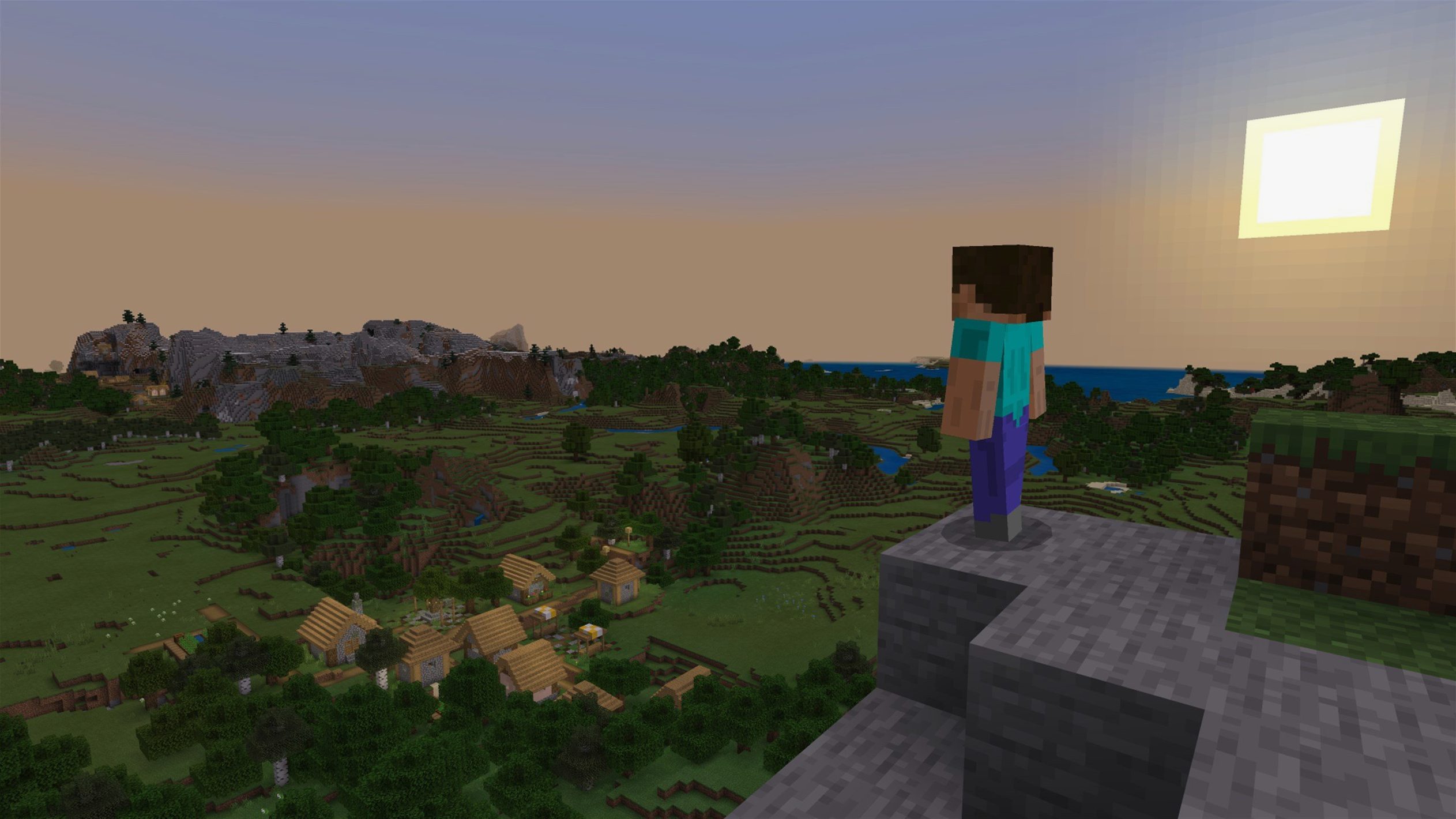
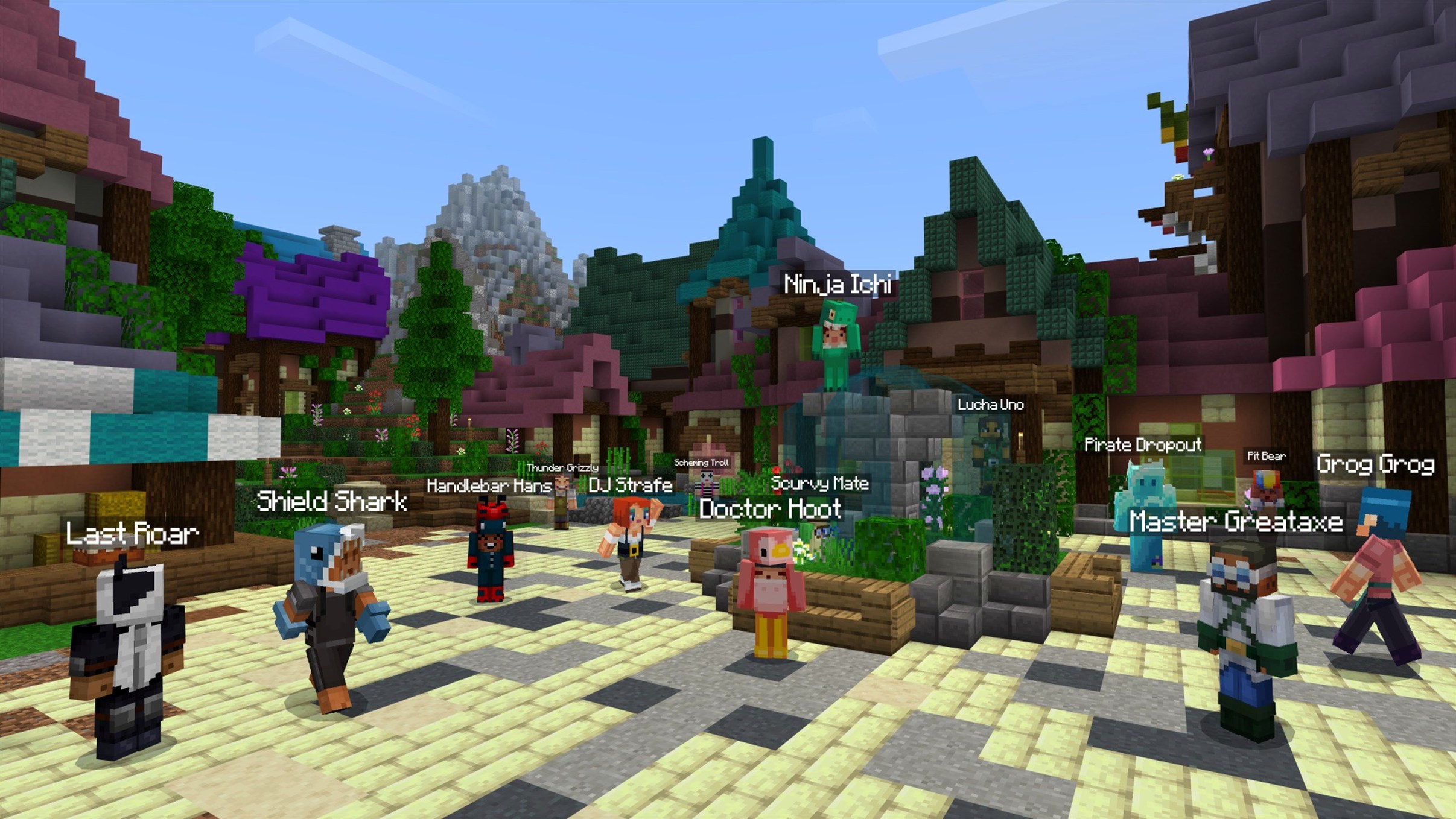
A sandbox construction game built on a block-based world of infinite possibility.
| Detail | Spec |
|---|---|
| Version | 1.21.7 (Java Edition) |
| Released | 2025-06-30 |
| Architecture | Apple Silicon native, Intel 64-bit |
| Data pack version | 81 |
| Resource pack version | 64 |
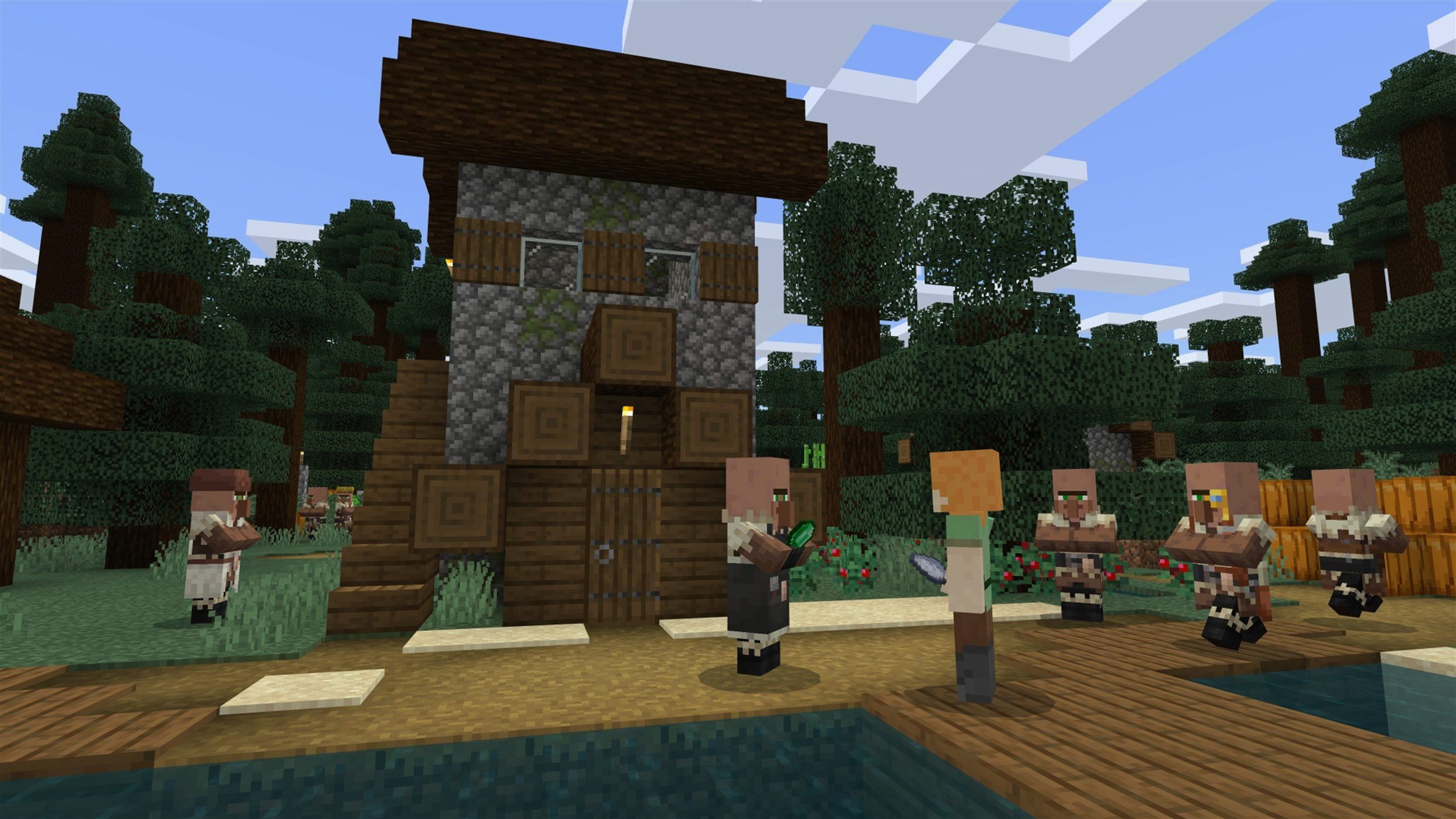
Minecraft sits alongside the other creative tools on a Mac without overlap. Where a pixel editor handles sprites and a DAW handles stems, Minecraft gives the whole landscape over to the player to reshape, block by block. The Java Edition shares the same world format across macOS, Windows and Linux, so a survival base built on a Mac mini M4 slots right into a server running elsewhere. This build brings the resource pack version to 64 and the data pack version to 81, keeping custom content authors on the same baseline. Audio comes included — no separate soundtrack download — and the new Lava Chicken music disc adds one more option for the jukebox. A fresh 3x3 painting rounds out the decorative set, small enough to slot into a corridor but large enough to read clearly against a stone wall.
What 1.21.7 Changes in Everyday Play
The jump from 1.21.6 to 1.21.7 is a maintenance release with two small content additions. The new 3×3 painting — unnamed in the patch notes, simply a new pattern in the rotation — fits into builds where the standard 2×2 feels cramped and the 4×4 dominates a wall. Placing paintings still cycles through available sizes based on the surface area, so getting the new one means breaking and replacing repeatedly until it appears. The Lava Chicken music disc, found through standard disc-hunting methods, runs 2 minutes 12 seconds and leans into a percussive, nether-adjacent feel that suits basalt builds and fortress interiors.
The practical impact of the data pack version bump to 81 matters more for server admins and mapmakers than for casual players. Any data pack targeting version 80 or earlier will need its pack_format field updated before the game loads it without a compatibility warning. Resource pack authors face the same with version 64 — texture format expectations remain unchanged, but the version gate now rejects older metadata.
Several crash fixes shipped in this build. The AMD startup crash, present on some Macs with discrete Radeon GPUs, no longer blocks the launcher from reaching the title screen. Resource pack loading errors that caused silent texture leaks after /reload have been patched, so switching packs mid-session no longer leaves ghost textures on blocks. Qualcomm graphics fixes apply to mobile-derived chipsets; on Apple Silicon, the renderer already used Metal via the native ARM path and saw no change.
Setting Up a Raid Farm: One Workflow
Raids in Minecraft Java Edition scale in difficulty with Bad Omen levels, and a raid farm turns that mechanic into a source of emeralds, totems, and experience. The setup below works on any Mac running 1.21.7, singleplayer or on a server. It assumes you have located a pillager outpost and have an elytra or a nether highway to reach it quickly.
- Find a pillager outpost and note the coordinates. Kill the captain to gain Bad Omen I. A single captain kill gives the basic level — stacking Bad Omen up to V requires killing multiple captains before entering a village.
- Locate a village at least 128 blocks from the outpost. Flatten a 9×9 area near the village centre and build a 3-block-high platform. Villagers need line of sight to a bed and a workstation to count as part of the village for raid spawning.
- Place a composter and a bed on the platform. Trap one villager inside a 1×1 cell on the platform edge. The game treats this villager as the raid centre. Surround the platform with a 2-block-deep pit lined with magma blocks — the damage kills raiders slowly enough that looting swords still apply on the final hit.
- Build an afk spot 24 blocks above the platform. At this height, raiders spawn on the platform but ground-level caves remain outside the 128-block spawning sphere, concentrating spawns topside.
- Drink milk to clear Bad Omen if it is still active. Return to the outpost, kill a captain, and fly back to the afk spot. The raid bar appears within seconds. Wait through the waves — a Looting III sword in the hotbar and a hopper minecart system below the magma pit will collect drops automatically.
A single raid with Bad Omen I yields roughly 30–40 emeralds and 1–2 totems of undying. Stacking Bad Omen V before entering the village pushes the drop count past 200 emeralds per raid. The bottleneck on a Mac mini M4 is never the CPU — chunk loading keeps up — but rather the hopper cart collection rate, which caps at 2.5 items per second per hopper.
Keep Farms Running While You Check Safari
- F3+P toggles the pause-on-focus-loss behaviour. On macOS, switching to another Space normally pauses the game; with this off, farms keep running while you check a reference in Safari.
- Middle-click in creative mode picks the targeted block and copies its NBT data. In survival, middle-click on a block in a chest or inventory slot that you already hold moves matching items to the hotbar — faster than shift-clicking through stacks.
- F3+T reloads resource packs without leaving the world. After the 1.21.7 texture leak fix, this command is safe to use repeatedly when tweaking a custom pack.
- Ctrl+Q throws an entire stack at once. Standard Q drops one item; the modifier saves the rapid-tapping when unloading shulker boxes into a sorting system.
- F3+F4 opens the game mode switcher as a radial menu. No slash command needed — hold F3, tap F4, drag the mouse to the desired mode, and release.
Retina Display Tweaks for a Fresh Install
The default video settings on a fresh install leave performance on the table, especially on a Retina display. Open Options > Video Settings and make these changes first.
- GUI Scale: set to 3 or 4. On a 2560×1440 or higher Mac display, the default scale of 2 renders inventory text too small to read comfortably at a normal viewing distance.
- Max Framerate: cap at 120 fps or switch to VSync. Without a cap, the M4 GPU runs the title screen at over 600 fps, and the fan stays audible. VSync matches the display refresh rate and cuts power draw by roughly half during block placing.
- Mipmap Levels: set to 4. The performance cost on Apple Silicon is negligible, and the reduction in distant texture shimmer makes scanning for structures across a plains biome noticeably easier.
- Entity Shadows: disable. Player and mob shadows add almost nothing to readability and cost a small but constant GPU overhead — worth reclaiming when a mob farm pushes entity counts above 200.
- Use VBOs: keep enabled. Vertex Buffer Objects remain the modern rendering path; turning them off forces immediate mode, which tanks chunk rebuild speed on any GPU.
For keyboard remapping, the default Mac bindings place the Command key where Windows users expect Control. Open Options > Controls and swap Sprint from Left Control to Left Command, or bind Sprint to R if you use a mechanical keyboard with heavier switches. Drop (Q) sits dangerously close to the forward key; moving it to P prevents accidental item ejection mid-combat — a common discussion in the Minecraft Java Edition torrent threads where players swap config tips.
Audio deserves a quick pass too. The new Lava Chicken disc joins a soundtrack that plays at full volume by default. Set Music to 30% and keep Blocks at 70% — the block sounds provide useful feedback for mining safety (lava pops, water drips), while the background music fades into ambience rather than dominating the soundscape. Players who grab the Minecraft torrent to set up on a new machine can dial in this slider right away so their jukebox blends nicely with cave noises.
One last tweak: Options > Chat Settings > Command Suggestions. Set to Off. The autocomplete popup is helpful when learning commands, but after the first week it obscures the text field at the exact moment you are typing a coordinate string. The / key still opens the command line with full tab-completion — the popup is redundant shorthand.
- Paintings — added a new 3×3 painting to the decorative set.
- Music — added the Lava Chicken music disc for the jukebox.
- Data pack version — updated to 81.
- Resource pack version — updated to 64.
- macOS (64-bit system)
- Apple Silicon or Intel 64-bit processor
Questions on file
Does Minecraft Java Edition run natively on Apple Silicon?
Yes, version 1.21.7 runs natively on Apple Silicon Macs and also supports Intel 64-bit systems.
Sign in · Create an account to add a field note.
No field notes yet. A measurement, a version, a machine — they appear after moderation.