
Games
Paralives 0.1.9b Native
GamesUpdated

| Requirement | On file |
|---|---|
| macOS | See the sheet |
| CPU | Apple Silicon |
| Download | 5.1 GB |
| Tested on | macOS Golden Gate, Mac mini 2024 M4 |
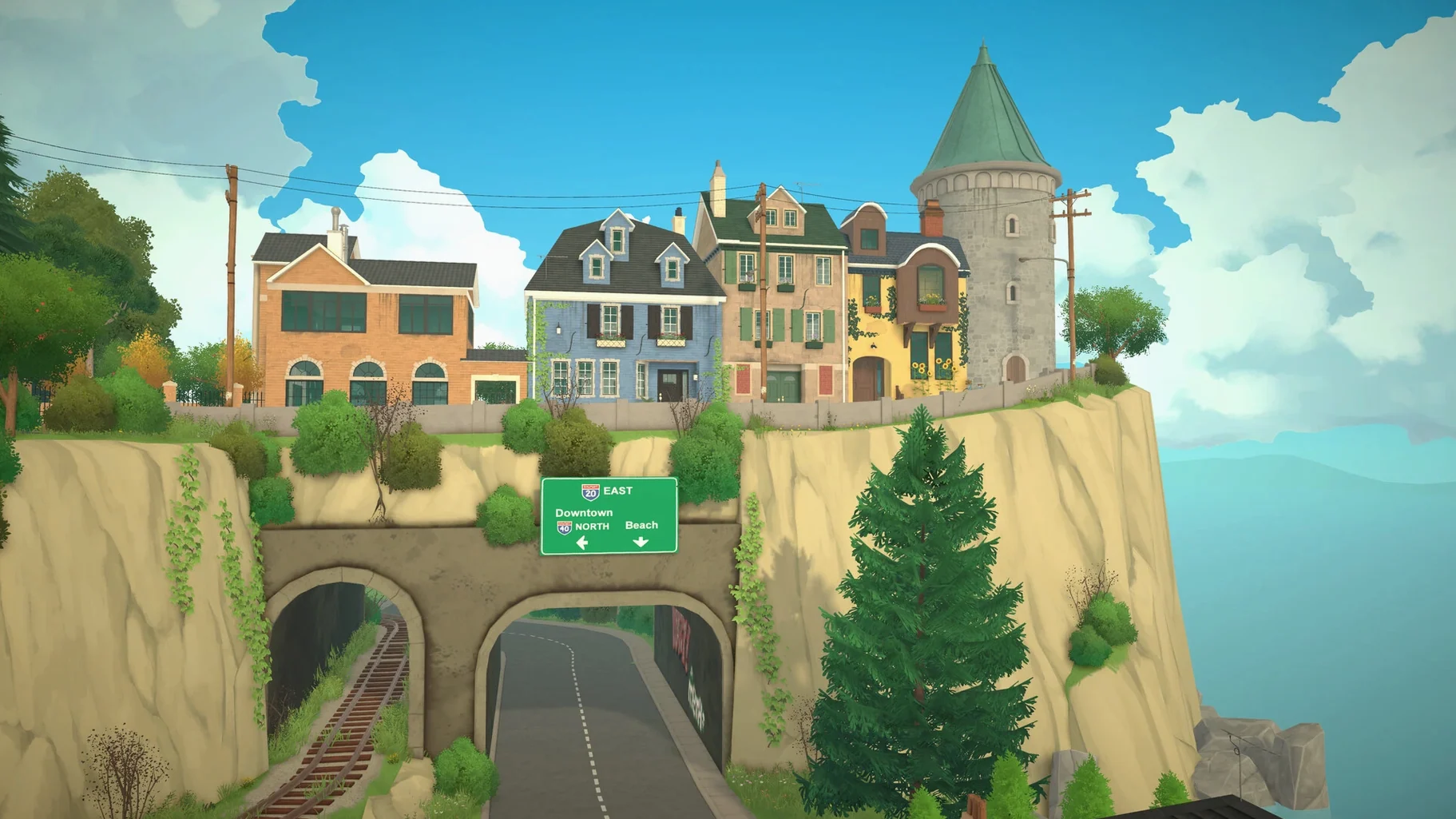
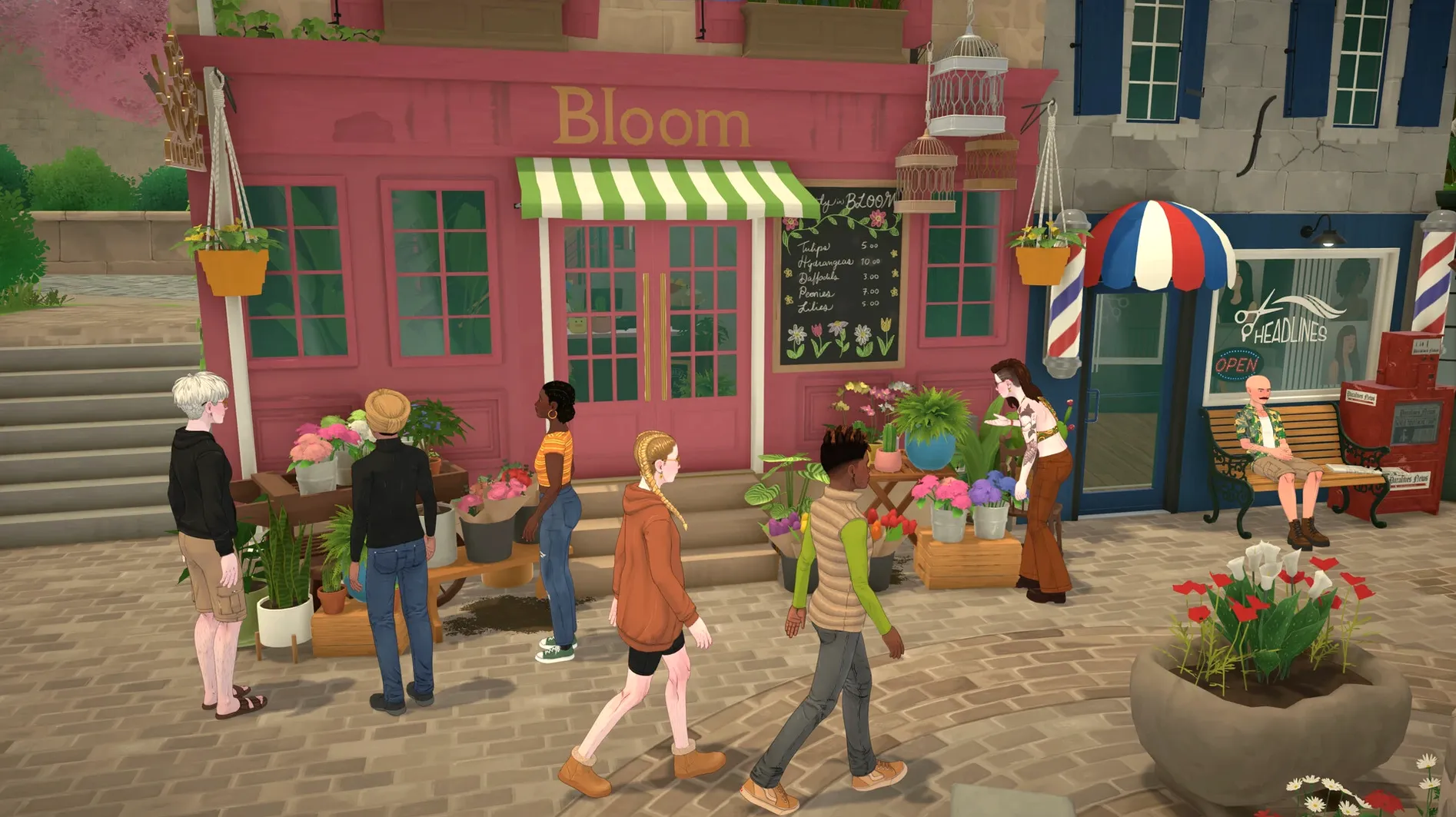
If you have ever nudged a sofa pixel-by-pixel in a life simulator, Paralives addresses that impulse directly. It drops the grid. Walls curve, objects resize on the fly, and floors split into mezzanines without workarounds. The live open city — parks, shops, beaches — runs outside the build mode, so a character's trip to a restaurant is part of the same world you are editing.
Build a split-level house with curved walls
Freeform construction is the core draw. You shape rooms without snapping to tiles, stretch windows to custom widths, and layer intersecting roofs that actually resolve cleanly.
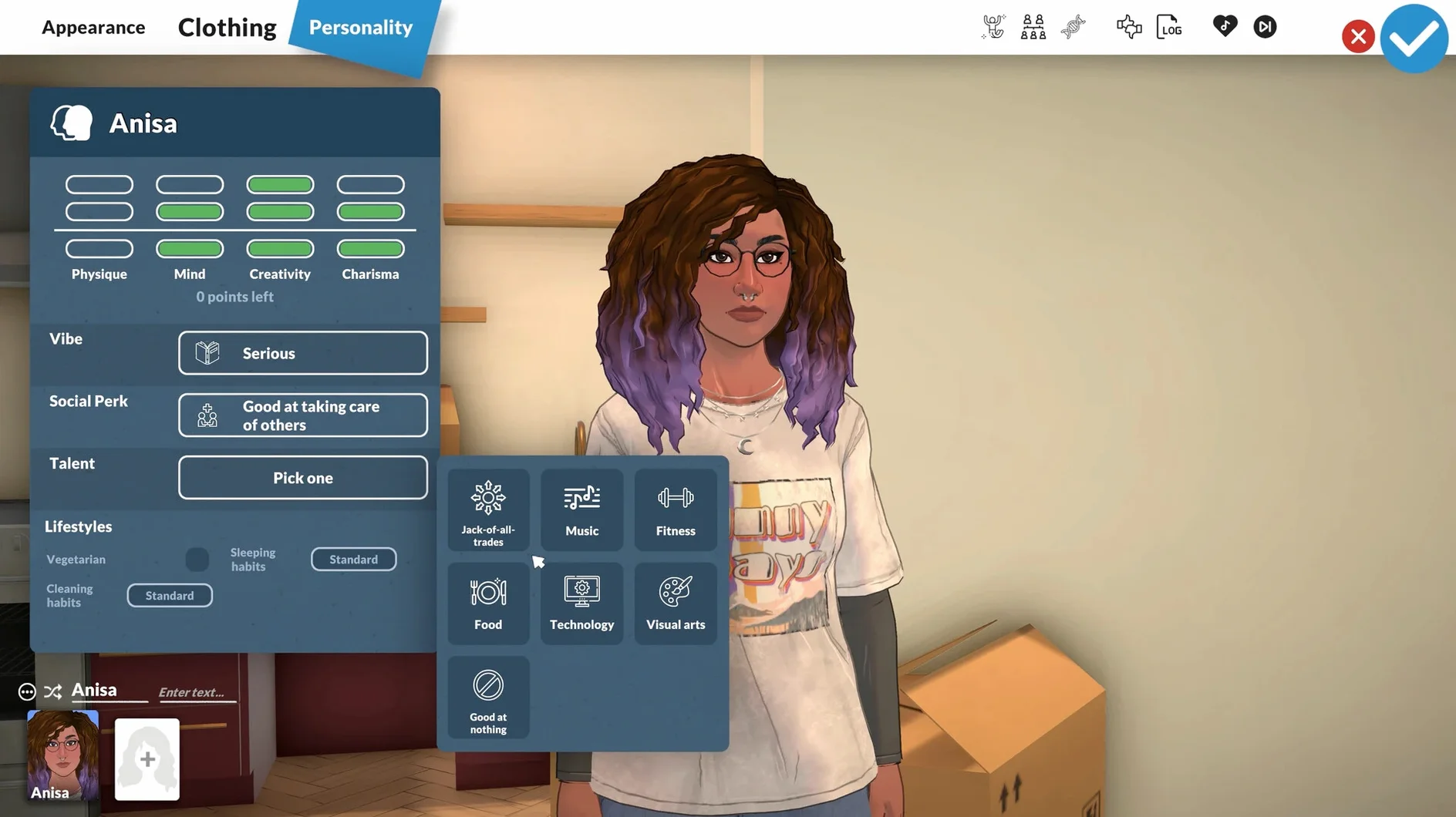
Create characters in an open city
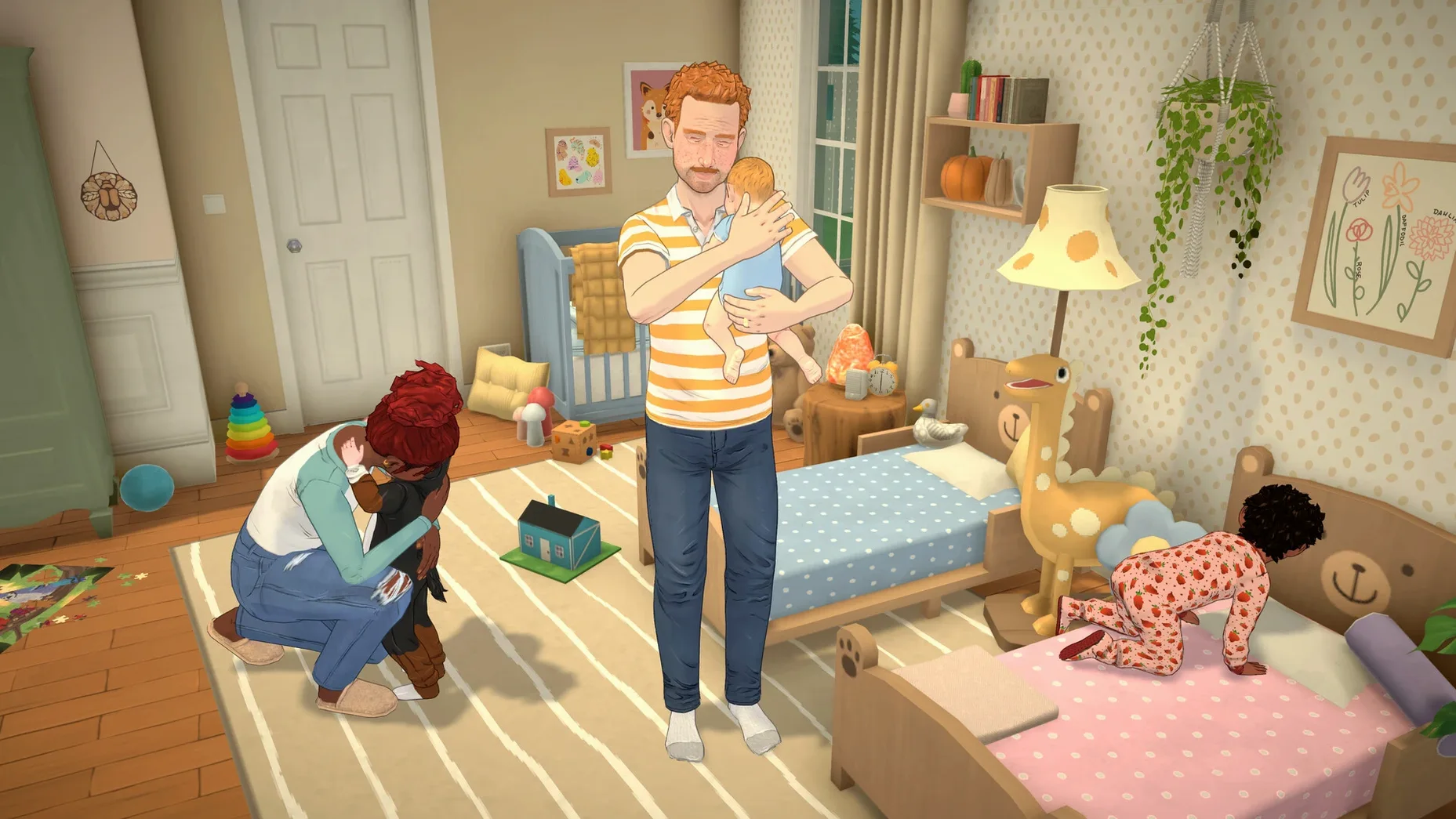
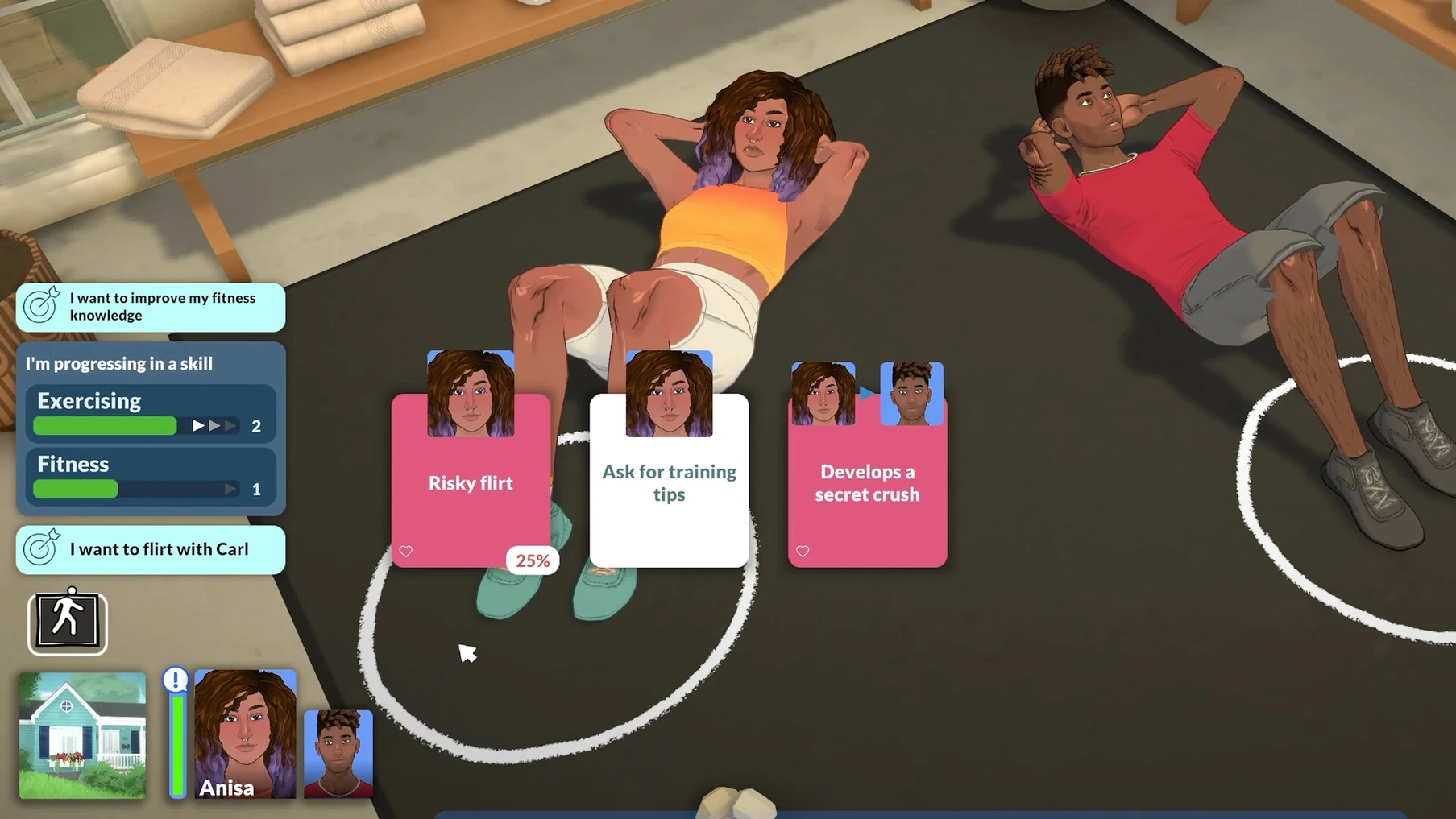
Parametric character design feeds into a live town where schedules, jobs, and social routines play out in shared public spaces, not hidden lots.
Tune the game with community mods
FBX mesh import and extensible tools mean custom furniture and behaviours appear early. The 0.1.8b hotfix already patched a mesh-import bug to keep the pipeline working.
Switch to Classic Camera for Fixed Pan and Tilt
Out of the box, Paralives defaults to the new dynamic camera that orbits freely around a character or room. Experienced builders often switch to the Classic camera mode added in patch 0.1.8 — it locks pan and tilt to fixed angles, which makes wall alignment and multi-storey edits feel more predictable. You will find the toggle under Settings > Camera.
A second adjustment that changes the early experience: the autosave interval. The game ships with a 10-minute backup cycle. On a large lot with detailed furniture, saving can cause a brief 0.5–0.8-second hitch. Moving it to 20 or 30 minutes smooths out build sessions, though you trade a little safety. While you are in that menu, turn on Show Object Bounds in Build Mode — it draws a thin wireframe around every item, which helps when you resize things to non-standard dimensions and need to see where the collision box actually ends.
Medium Lot Loads in 8 Seconds on an M4 Mac mini
On a Mac mini 2024 M4 with 16 GB of RAM, Paralives 0.1.8b loads a medium lot with four characters and moderate clutter in about 8 seconds from the main menu. Town travel between community lots adds a 3–4-second fade, with no loading screen — the open-world architecture streams assets in the background. Fans of older life sims will notice the difference immediately.
Memory pressure sits around 4.2–4.8 GB for a typical save. That figure climbs toward 6 GB when you subscribe to 20-plus Workshop items, so players who collect custom content heavily will want to keep an eye on swap usage. The game runs in native Apple Silicon, and the fan stays silent even during weather-heavy outdoor scenes with reflections enabled in the lake water. Frame pacing is stable at 60 fps on High settings at 1440p, with occasional dips to 48–52 fps when the camera pans across a park where 30 or more NPCs are pathfinding simultaneously. Those dips are the pathfinding thread, not the renderer — limiting the crowd density slider to “Medium” recovers the full 60 fps without visibly emptying the streets.
Bugs in this Early Access build are mostly the cosmetic sort: a Sim may clip a hand through a jacket during the updated embarrassed animations, and resized rugs sometimes forget their texture alignment after a lot reload. Crashes are rare. Over a dozen hours of mixed building and live-mode play, one crash occurred during a rapid undo stack of 14 curved-wall placements. Autosave had a backup from three minutes earlier.
Saves Live in ~/Documents for Easy Time Machine Backups
Paralives does not lock its files away in a sealed container. Saves and exported creations sit in ~/Documents/Paralives, which means you can back them up with Time Machine or copy them to another Mac without digging through hidden Library folders. The workshop subscription list is tied to your Steam account, so swapping between a desktop and a MacBook keeps your mod set in sync automatically.
For builders who like to plan outside the game, the community already passes around .png floor-plan exports dropped straight onto the desktop. These images open in Preview and can be dragged into a Notes board or a Freeform canvas alongside reference photos. Split View works during build sessions too: keep Safari open on the right with a Workshop page, while the game runs full-speed on the left — useful when you are browsing for a specific window style to match a real building reference.
A small but practical detail: the game respects macOS Focus modes. If you enable a Focus that silences notifications, Paralives does not override it with its own pop-ups, so a build session does not get interrupted by system alerts. Sound output switches cleanly to AirPods when they connect mid-game, with only a half-second drop in audio while CoreAudio re-routes.
Those hunting a paralives free mac or paralives mac torrent route can find builds that include Workshop support and the FBX import pipeline patched in 0.1.8b — just verify the version number and ARM binary signature to match what the developer tested on macOS Tahoe. The hotfix history shows active maintenance — the mesh import bug did not survive a week before it was patched. If you want a paralives download mac free of unintended behaviour, that is the build that keeps future patches and community content working.
- Apple Silicon Mac
Questions on file
Does Paralives run on Intel Macs?
The current early build is tested on Apple Silicon and specifically on a Mac mini M4 running macOS Tahoe. Intel support has not been confirmed.
What languages does the interface support?
The UI is localised into Russian, English, German, Spanish, Italian, Simplified Chinese, Polish, Portuguese, and French.
Can you build without a grid?
Yes. The building system uses freeform placement, curved walls, resizable objects, and multi-level floors without a fixed tile grid.
Sign in · Create an account to add a field note.
No field notes yet. A measurement, a version, a machine — they appear after moderation.