Games
Pathfinder: Kingmaker 2.1.7b.fix.again
GamesUpdated
| Requirement | On file |
|---|---|
| macOS | See the sheet |
| CPU | Intel 64-bit |
| Download | 28 GB |
| Tested on | macOS Tahoe, Mac mini 2024 M4 |
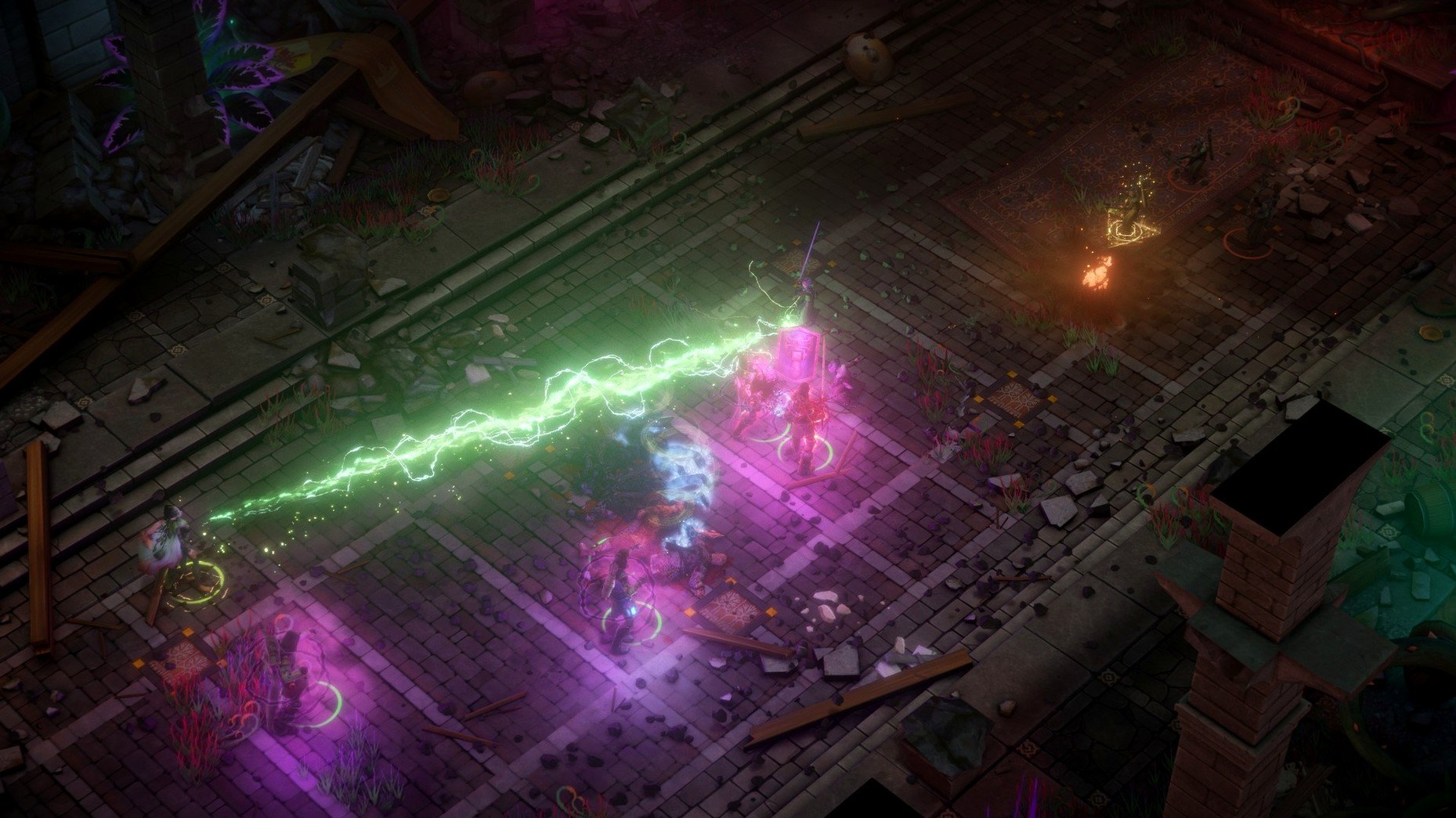
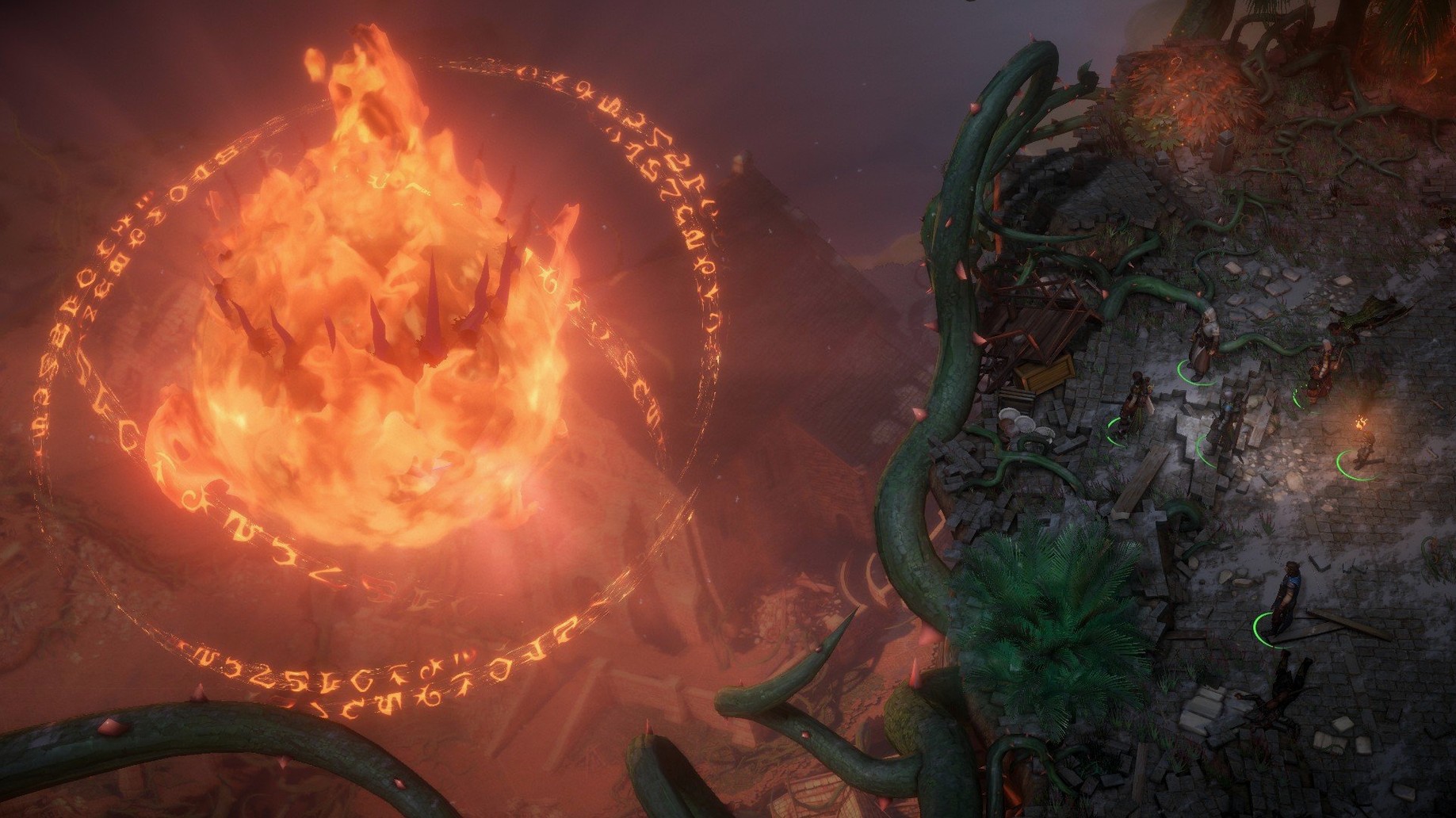
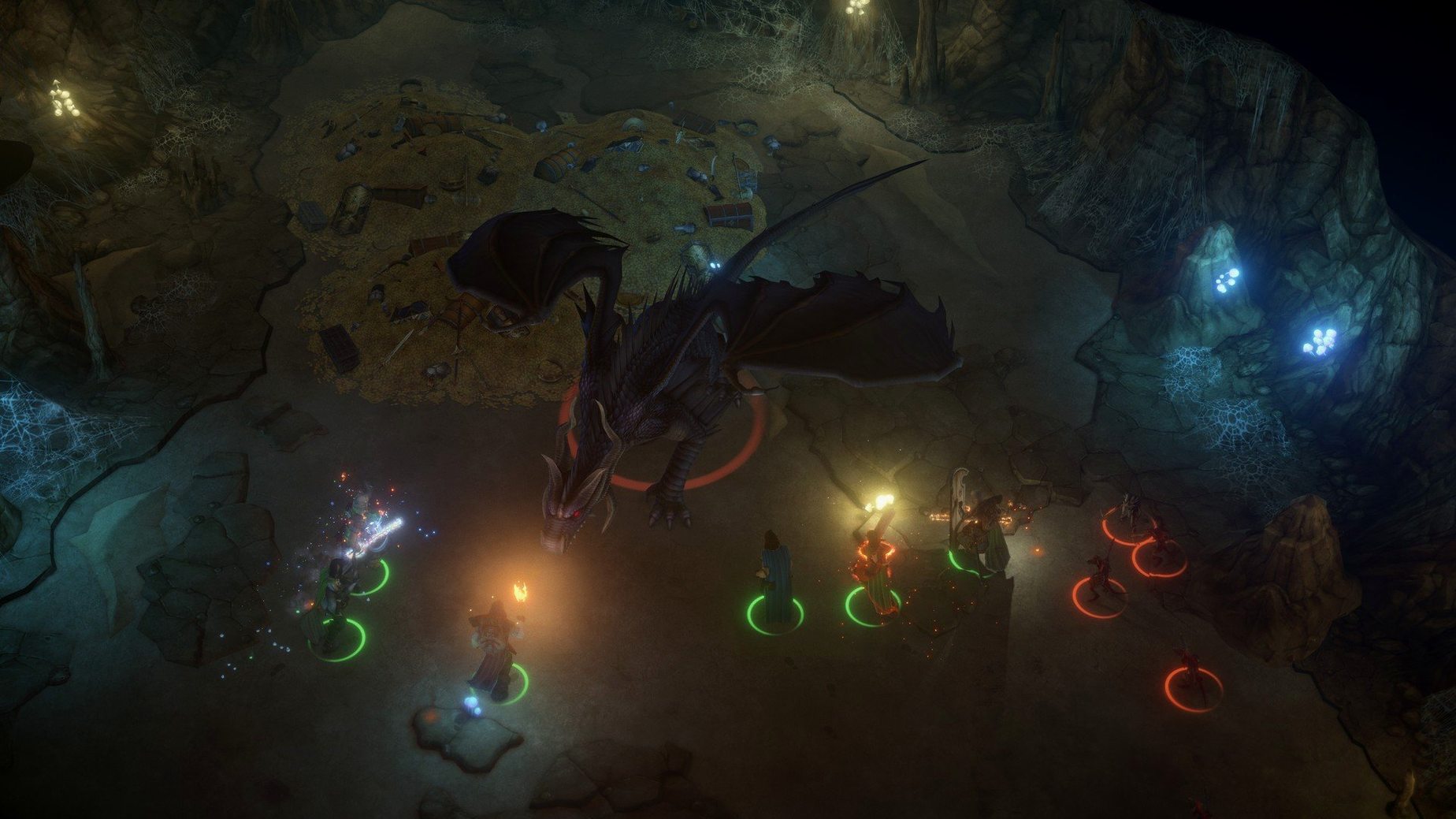
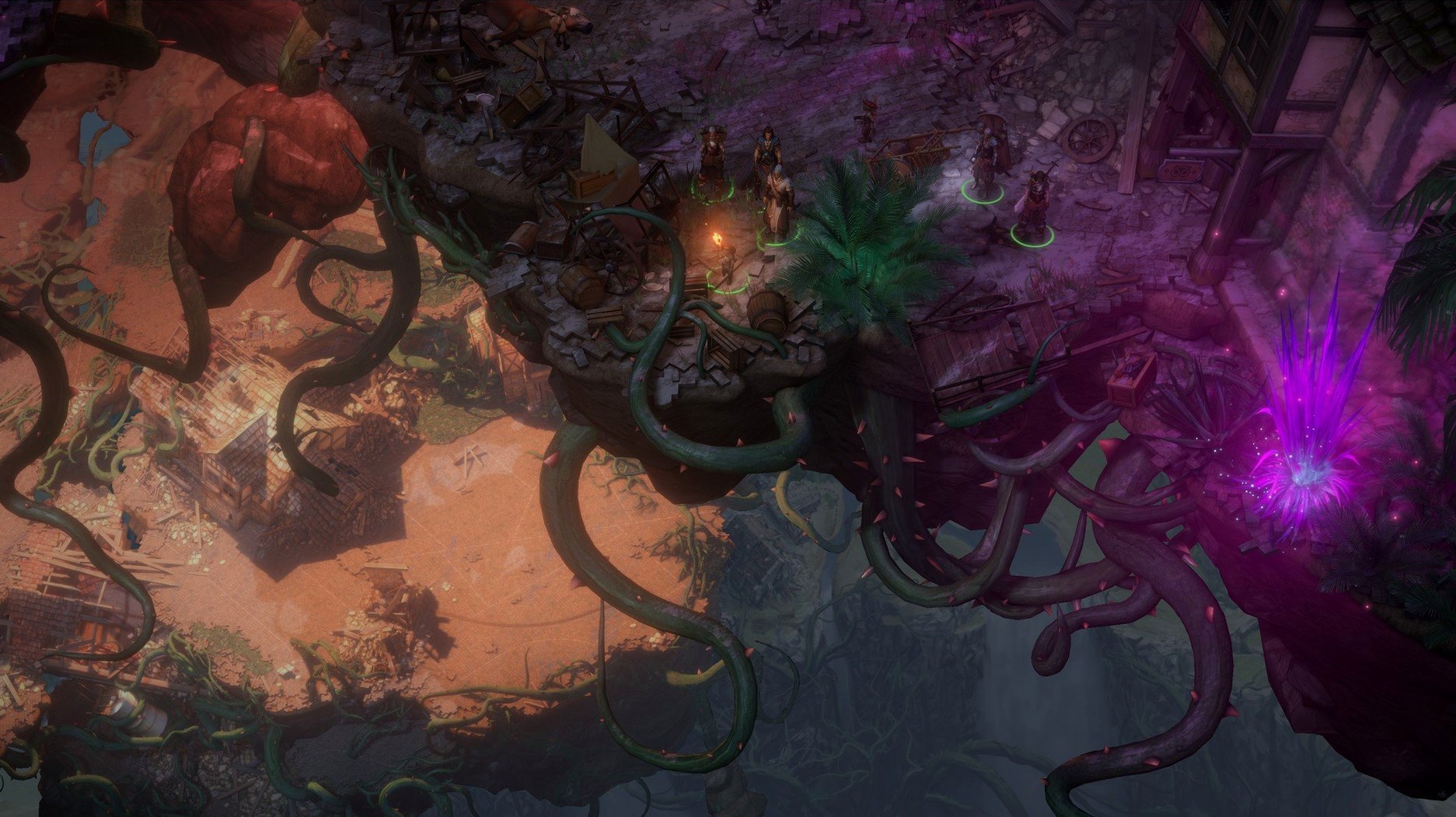
Pathfinder: Kingmaker is an isometric party-based computer RPG that adapts the Pathfinder tabletop ruleset into a sprawling single-player campaign.
Full party command and kingdom management
- Full party control — you command a group of four characters through quests, combat and exploration across dozens of above-ground and multi-level underground locations.
- Kingdom management layer — between adventures you rule lands, make edicts and handle events that shift based on your decisions.
- Interface languages include Russian, English, German, Simplified Chinese and French; voice language is English only.
Performance and architecture notes
The game is an Intel 64-bit application with no native Apple Silicon code. Testing was done against macOS Tahoe on a 2024 M4 Mac mini, so Rosetta 2 handles translation on Apple Silicon Macs. Expect a stable frame rate in exploration and small skirmishes, with occasional dips during large spell effects or crowded city hubs — typical for a Unity-based CRPG of this scope. Load times between areas are noticeable on mechanical drives; an SSD cuts them considerably.
Override the default auto-pause triggers
Out of the box, a few defaults work against you. The auto-pause options are too conservative for the encounter density this game throws at you, and the interface scaling needs attention on modern displays.
- Auto-pause triggers. Open Options > Game and enable Pause on enemy spotted and Pause on combat start. Without these, the party can blunder into a room full of trolls before you have time to react. Also switch on Pause on low health — the threshold defaults to 25%, which is about right for a first playthrough on normal difficulty.
- Turn-based vs. real-time. The game defaults to real-time-with-pause. If you are coming from tabletop Pathfinder or prefer action-by-action control, flip Combat Mode to turn-based in the same menu. You can toggle mid-fight with T, so the initial setting is not permanent — but changing the default removes one extra keystroke every encounter.
- Font and UI scaling. On a Retina display the default text size is small enough to cause squinting. Set UI Scale to 1.2× or 1.3× under Graphics. The inventory screen and dialogue box gain breathing room without clipping off-screen elements.
- Loot highlighting. Hold Tab highlights interactive objects. Switch the toggle behaviour in Controls so Tab locks the highlight on rather than requiring you to keep the key pressed. Your left hand will thank you during six-floor dungeon dives.
A baron's first month: a scenario for kingdom-minded players
Someone who downloaded Pathfinder Kingmaker for the realm-management promise — not just the dungeon crawling — will hit a pressure point around the start of Act 2. Your fledgling barony has three settlements, a handful of advisors, and a queue of problems that tick down in real game time.
You open the kingdom screen to find three events stacked: a monster sighting in the Narlmarches, a diplomatic envoy from Brevoy requesting an audience, and a trade dispute between two merchant guilds. Each demands a different advisor — General, Councilor, and Treasurer — and each takes 14 days to resolve. Sending your General to hunt monsters means she is unavailable if a second combat event spawns, so you assign the Treasurer to the trade dispute and postpone the envoy, gambling that relations with Brevoy can absorb the slight.
While advisors work, you take the party into the Kamelands to clear a hilltop that surveyors flagged for a future village site. Two owlbears and a hidden cache of +1 weapons later, you return to the throne room to find the monster event succeeded but the trade dispute rolled a failure — the guilds are now sabotaging each other and your Economy stat took a -2 hit. The envoy's patience expired and Brevoy's attitude shifted to冷淡. None of this is game-ending, but it teaches the rhythm: kingdom problems are not side quests you can ignore; they are the clock that drives your adventuring schedule. Every time a pathfinder kingmaker torrent finishes downloading on some forum, someone starts exactly this learning curve.
Instant camera centring and control-group shortcuts
- Double-click the portrait. Double-click any character portrait to centre the camera on that party member instantly. Useful when a rogue scouting ahead triggers a trap and you need to snap back.
- Control-group party selection. Select two or more characters, then press Ctrl+1 through Ctrl+9 to create a custom group. Tapping the number key re-selects them. Ideal for splitting the party — bind your tank and melee damage dealers to Ctrl+2, keep your backline casters on Ctrl+3.
- Shift-click to queue orders. While paused, hold Shift and issue movement or ability commands. The character executes them in sequence after you unpause. A caster can move behind a pillar, then cast Haste, then duck back behind cover — all from one queued chain.
- Inventory quick-split. Shift+click on a stack of potions or scrolls opens a split slider instead of moving the whole pile. Saves dragging individual items one by one when kitting out a party of six with healing potions.
- Camp supplies from the map. You can buy rations from any open map screen via the camp button — no need to walk back to a settlement first. The button is a tiny campfire icon in the bottom-right corner of the world map HUD, easy to overlook for the first ten hours.
- Inspect enemy stats mid-combat. Hover over an enemy and press Y (default) to open the inspection panel showing AC, saving throws, damage reduction, and active buffs. The game never surfaces this in a tutorial pop-up, and it changes how you handle fights with creatures that have DR/bludgeoning or energy resistance.
Build — marked as fix.
- macOS Tahoe or later (tested)
- Intel 64-bit processor (Apple Silicon supported via Rosetta 2)
Questions on file
Does Pathfinder: Kingmaker run on Apple Silicon Macs?
Yes, it runs via Rosetta 2. The developer tested the current build on a Mac mini 2024 with an M4 chip, and it is compatible with macOS Tahoe.
What type of game is Pathfinder: Kingmaker?
It is a single-player isometric CRPG set in the Pathfinder fantasy universe, with party-based combat, quests, exploration across many locations, and a kingdom management system.
Sign in · Create an account to add a field note.
No field notes yet. A measurement, a version, a machine — they appear after moderation.