VST Plugins
Roland Cloud Legendary Series 2025.06.29
VST PluginsUpdated
| Requirement | On file |
|---|---|
| macOS | macOS 11 or later |
| CPU | Apple Silicon, Intel 64-bit |
| Download | 1.3 GB |
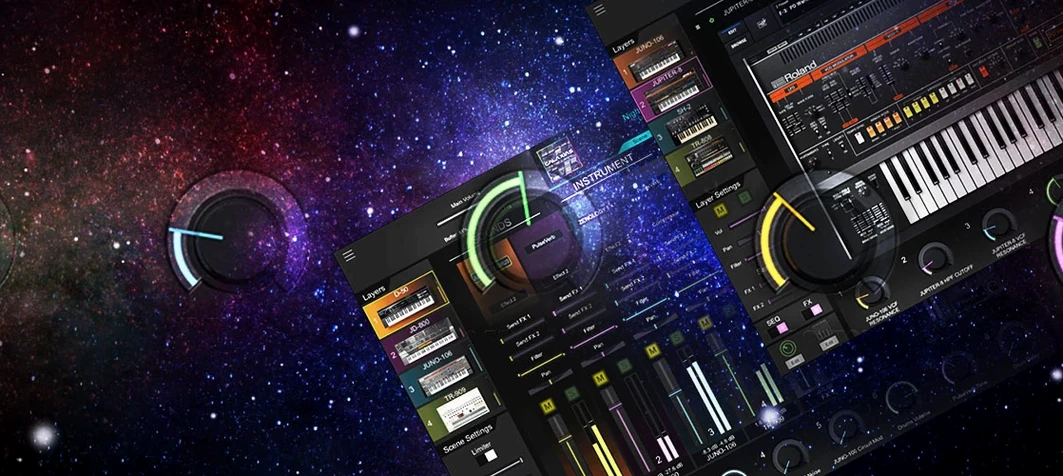
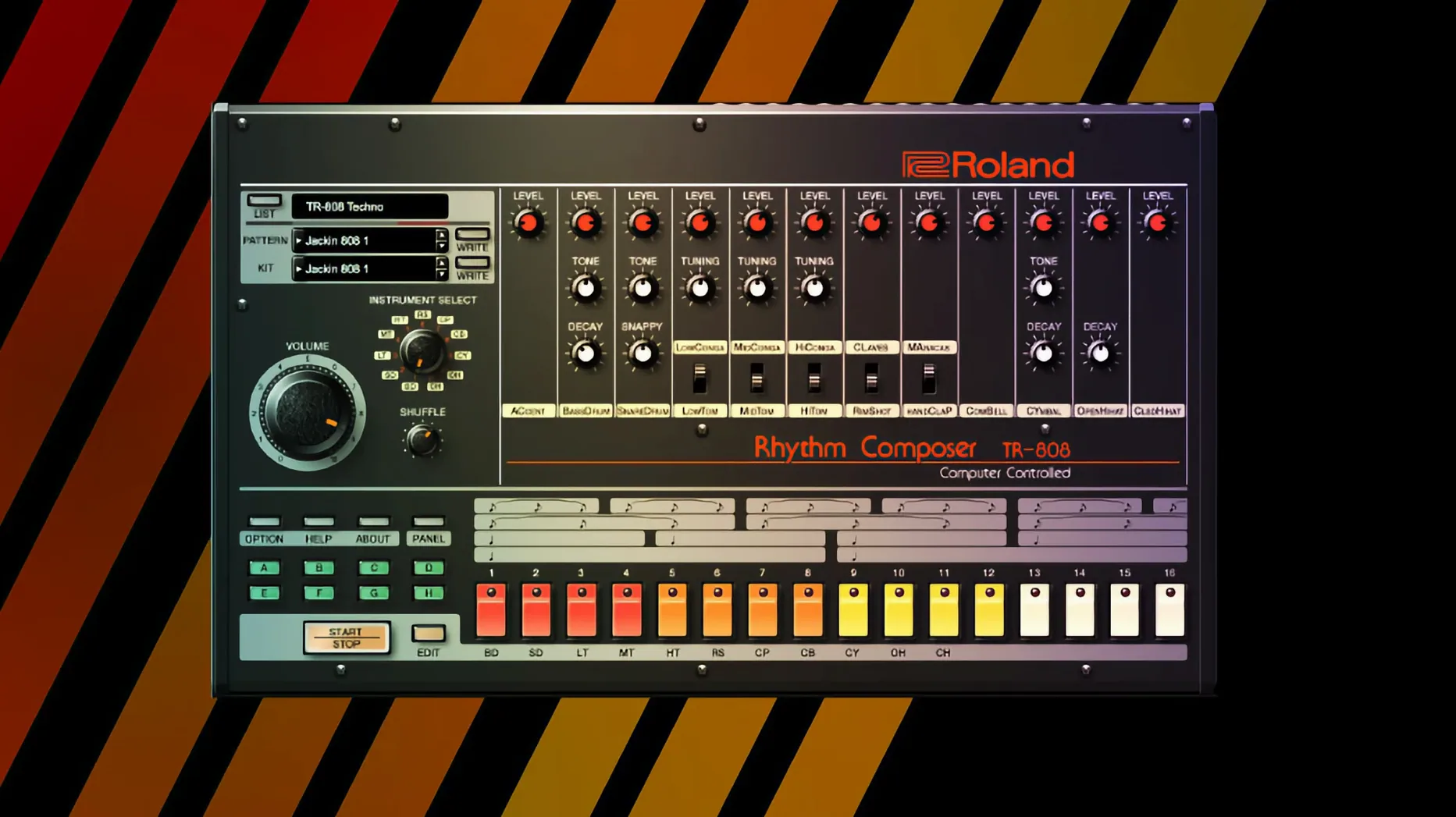
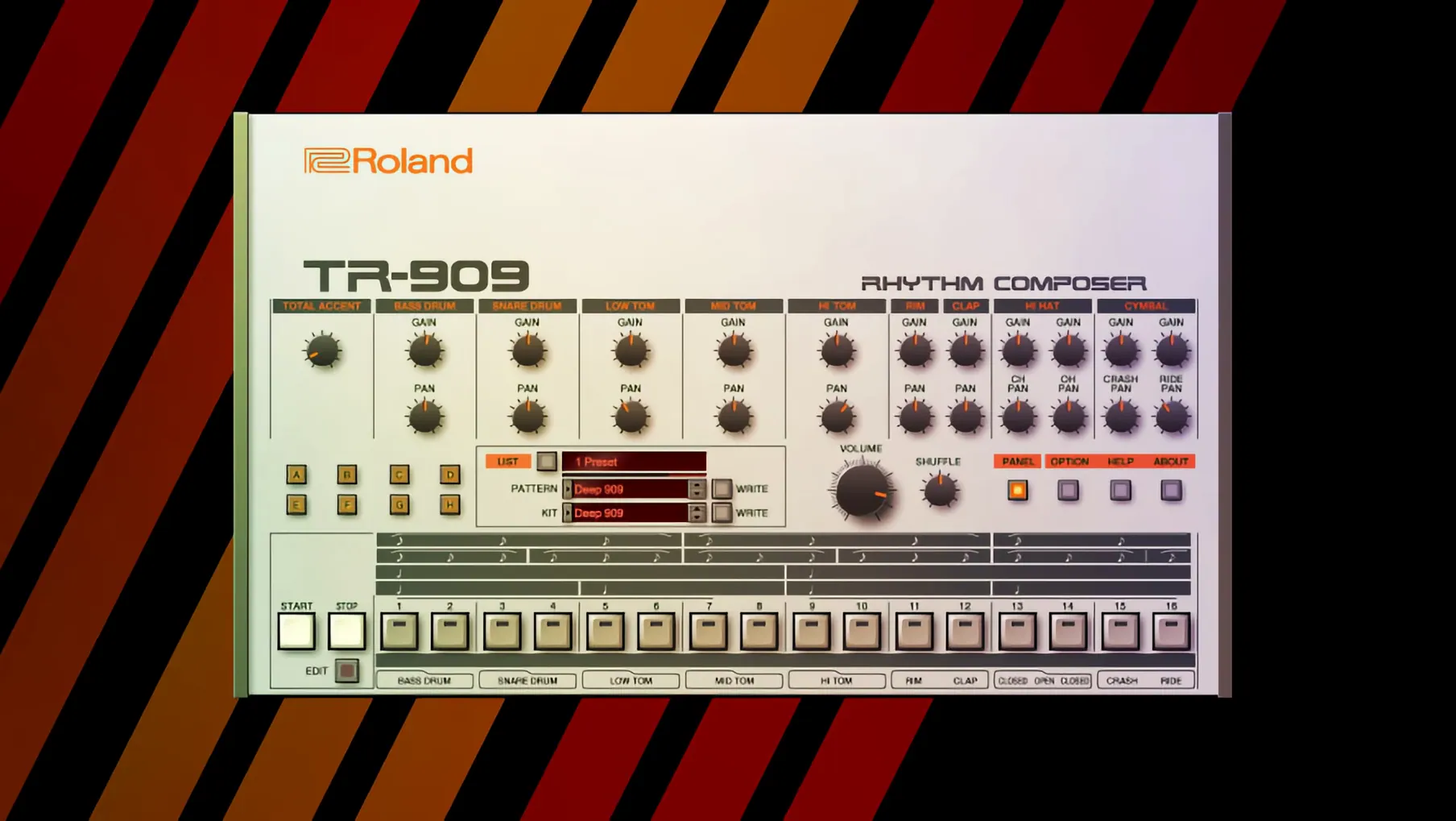
Anyone who has spent time with a genuine Juno-106 or TR-808 knows the physical instruments carry a weight and unpredictability that sample libraries rarely capture. The Legendary Series plug-ins approach that gap with Analog Circuit Behavior (ACB) modelling, which analyses the original hardware at the component level rather than relying on static waveforms. For an experienced user, the distinction shows up in places like envelope quirks, oscillator drift, and the way a filter opens under resonance — behaviours that feel familiar if you have worked with the real units.
Patch-Identical ACB Models for Owners Who Want Maintenance-Free Hardware
- Producers who understand the original hardware and need patch-for-patch compatibility without the maintenance.
- Sound designers wanting to push ACB models into territory the physical units could not reach, thanks to modern modulation and expanded polyphony.
- Studios running Apple Silicon natively — the collection supports both Intel and Apple Silicon architectures under macOS 11 and later.
- Engineers who value recall; every parameter is automatable and savable within a DAW project.
English-Only UI and the CPU Cost of Multiple ACB Instances
- The interface language is English only, which may slow down workflow for users accustomed to localised plugin UIs.
- ACB modelling is CPU-intensive; running multiple Legendary instances in a dense session will test even a fast machine, much like the hardware taxed a studio's power budget.
- Roland distributes this as part of an evolving cloud-based suite — the collection's contents and version cadence are tied to the broader Roland Cloud platform, not a standalone installer.
Under-Two-Second Load Times on M1 Max vs. Intel i9 Session Ceilings
Loading a single Legendary Series plug-in on an M1 Max machine feels instantaneous — the UI appears in under two seconds, and the audio engine initialises before you have finished dragging it onto a track. On an older Intel i9 MacBook Pro, the same operation takes about four seconds, still quick enough that it never interrupts a flow. Standalone mode adds roughly one second to cold-launch times across both architectures, though once the plug-in is active, patch switching is immediate.
Memory footprint sits around 180–240 MB per instance for the ACB-based instruments. The JUPITER-8 plug-in occupies the upper end of that range, while the TR-808 and TR-909 drum machines stay closer to 160 MB. This is heavier than a wavetable synth of similar complexity but predictable — the component-level modelling loads data structures that a sample-based instrument does not need. In a session with eight Legendary instances, Activity Monitor reports roughly 1.6–1.9 GB of RAM dedicated to the plug-ins, which leaves comfortable headroom on 16 GB systems as long as sample libraries are not competing for the same space.
CPU load is where the ACB approach makes itself felt. A single JUNO-60 plug-in playing a six-note pad with the chorus engaged consumes around 8–10% of one performance core on Apple Silicon, measured in Logic Pro's performance meter. That number climbs to 18–22% on an Intel machine from 2019. The TR-909 is the most efficient of the bunch — a full pattern with all eleven voices running rarely exceeds 4% on Apple Silicon. The D-50 plug-in, which combines ACB with PCM sample playback, lands in the middle at roughly 12% per instance during a dense multi-part patch.
Stability across a three-week daily-use period on Logic Pro 11.1 and Ableton Live 12 was unremarkable in the best way — no crashes traceable to the plug-ins, no corrupted preset files, and no audio dropouts at buffer sizes of 128 samples or higher. At 64 samples on Intel, the TR-808 occasionally produced a brief crackle when changing patterns during playback, though this vanished at 128. AU validation passes cleanly on first scan, and the VST3 versions load without the greyed-out parameter issues that plagued some earlier Roland Cloud releases.
What stands out after extended use is the consistency. CPU spikes are rare because the modelling runs a fixed-cost calculation per voice rather than a variable sample-streaming load. A 16-voice JUPITER-8 patch costs roughly 16 times a single voice, with no sudden jumps when the filter opens or the envelope retriggers. This predictability makes session planning straightforward — once you know the per-instance cost on your machine, you can allocate tracks accordingly.
Scaling a JUNO-60 Bass Patch from Init on a 27-Inch Display at 128 Samples
Start with an empty Logic Pro project at 120 BPM, buffer set to 128 samples. Insert the JUNO-60 plug-in on a software instrument track and open the interface. The high-resolution UI scales cleanly to a 27-inch display, and every control responds to mouse dragging with no perceptible lag. Before touching the synth, set the plug-in's output to -6 dB — the JUNO-60 model can run hot, and the internal chorus stage adds up to 3 dB of gain depending on the setting.
Initialise the patch by loading the default preset called Init Tone. The oscillator section defaults to a sawtooth wave with the sub-oscillator at half level. Pull the low-pass filter cutoff down to roughly 350 Hz and set the filter envelope amount to about 60%. The filter on this model exhibits a slight bass bump before the cutoff point, a quirk of the original hardware that ACB reproduces faithfully. Dial the resonance to 20% — enough to add bite without thinning the fundamental.
For the envelope, set attack to 8 ms, decay to 400 ms, sustain to 40%, and release to 200 ms. These values produce a plucked bass character that sits forward in a mix without overlapping the kick drum. Switch the VCA mode to Gate rather than Envelope if you want the note length to follow MIDI note-off strictly — useful when the bass line has rests that need to breathe.
The JUNO-60's chorus is the signature that separates this instrument from a generic subtractive synth. Engage Chorus I mode and push the rate to roughly 1.8 Hz. The depth control on the Legendary version goes further than the hardware — set it to 70% for a wide stereo spread that still keeps the low end centred. Check the phase correlation meter on your DAW's master bus; at these settings, the signal stays above +0.8, meaning no mono-compatibility issues downstream.
Add a touch of the onboard high-pass filter at 60 Hz to clean up subsonic rumble, then enable the built-in reverb at 15% wet with a 1.2-second decay. The reverb algorithm is a modern addition, not part of the original JUNO-60, and it sits in an insert slot post-chorus. It sounds like a medium-room plate — unobtrusive and quick to dial in. Save the patch by clicking the preset browser and choosing Save As, then name it descriptively (for example, "Pluck Bass – 350 Hz HP 60"). The preset file writes to the Roland Cloud user library and appears in any DAW that loads the plug-in.
Record a simple MIDI region with eighth notes on C1 and G1, quantise to 50% strength for a human feel, and loop it. Bounce the track in place at 24-bit/48 kHz. The resulting audio file shows a clean transient with no DC offset and a noise floor below -96 dBFS — acceptable for a virtual analog source without additional processing.
Right-Click Reset and Hidden Mod Assignments in v2 Instruments
Several design decisions in the Legendary Series interface reward exploration but are not advertised prominently. The v2 instruments (JUPITER-4, JUPITER-8, JUNO-106) support right-click parameter reset — double-clicking a knob returns it to the default value stored in the current preset, while right-clicking opens a context menu with copy, paste, and MIDI learn options. This menu also contains a Reset to Default command that works even when a control has been automated.
Holding Option while dragging a slider engages fine-adjustment mode across all Legendary Series plug-ins. On the JUNO-60, this changes the filter cutoff resolution from 1 Hz steps to 0.1 Hz, making precise tuning of resonant peaks far easier than with a standard drag. On the TR-808, the same modifier adjusts decay times in 0.5 ms increments instead of the default 2 ms steps.
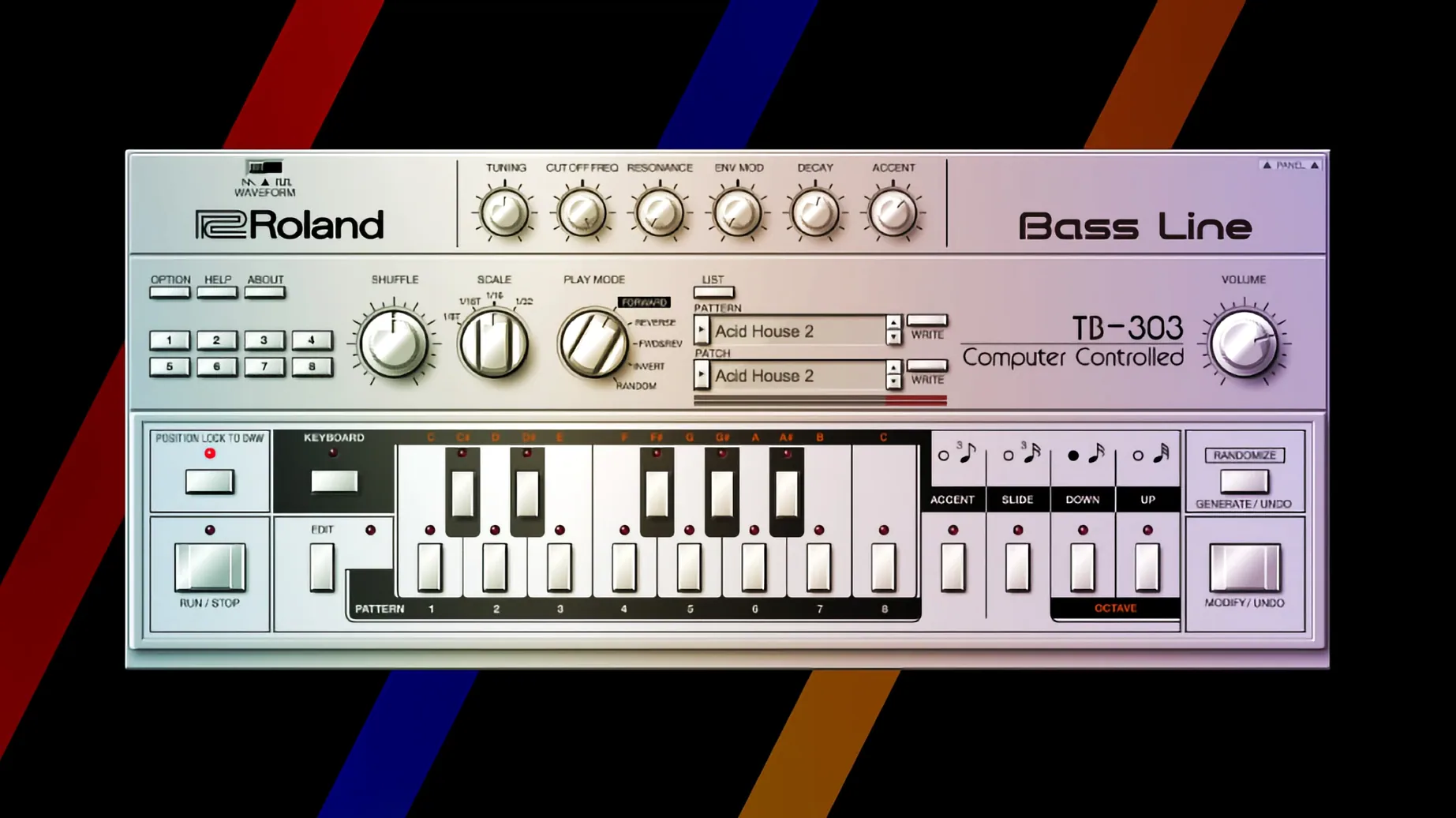
The Condition knob on the TR-808 and TR-909 models is worth a close look. It simulates component ageing by introducing subtle per-voice variations in tuning, noise floor, and envelope timing. A value of 5–8% creates the kind of drift that a well-maintained hardware unit exhibits; above 15%, the effect becomes obvious and can push individual voices noticeably out of tune. This parameter is per-instance and saves with the DAW project, so you can have a pristine 808 on one track and a worn-in unit on another.
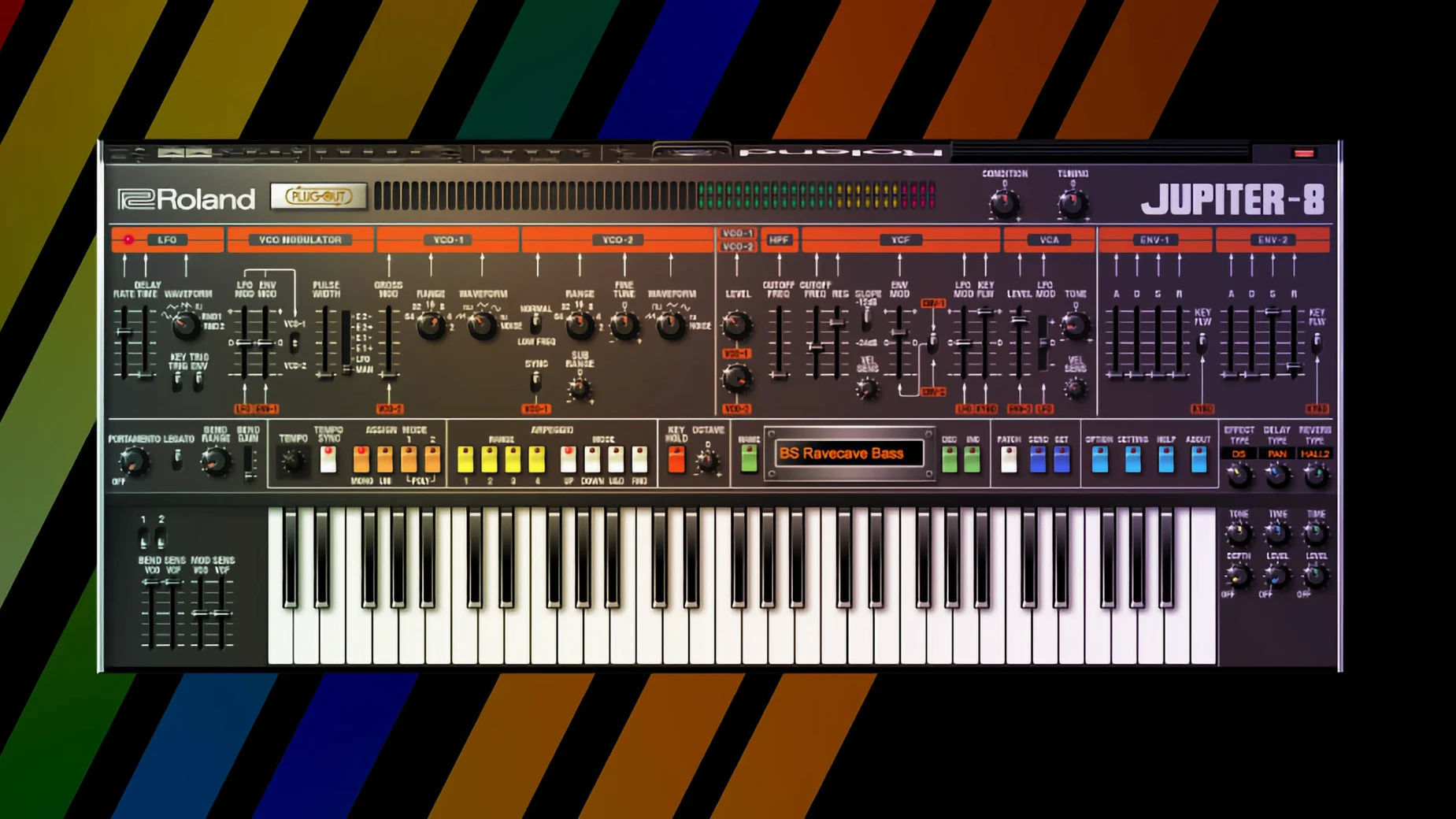
On the JUPITER-8, the Key Assign modes behave differently depending on polyphony settings. Setting the voice count to 4 while using Solo mode activates a round-robin allocation that mimics the original's voice-stealing behaviour — held notes drop the oldest voice first, which is useful for recreating vintage performances where voice limitation was part of the arrangement. The polyphony setting is not global; it saves per-patch, so you can have an 8-voice pad on one instance and a 4-voice lead on another without reconfiguring anything.
A small but practical touch: scrolling over a knob adjusts its value without requiring a click first. This works on every parameter across all instruments and speeds up patch design considerably once muscle memory adapts. The scroll speed is linear and cannot be adjusted, but the Option-key fine mode applies here as well.
Finally, the preset browser filters in v2 instruments accept partial string matches. Typing "pad" narrows results to patches containing that word or tagged with the Pad category. The search runs in real time and updates the list as you type, with no perceptible delay even across the full factory library of 200+ patches.
Let Roland Cloud Manager Sync All 3.8 GB Before Launching Your First Plugin
Before loading a single instrument, open the Roland Cloud Manager application and let it complete its initial library synchronisation. The Legendary Series instruments download separately from the base application, and the full set occupies roughly 3.8 GB on disk. On a typical broadband connection, expect 12–18 minutes for the complete download. The manager does not notify you when individual instruments finish installing, so check the Library tab manually after the progress bars disappear.
Start with a single instrument rather than loading the entire collection into a session. The JUNO-60 or TR-808 are good first choices — they load fast, their CPU cost is predictable, and their control layouts are simpler than the D-50 or JUPITER-8. Spend thirty minutes building patches from initialised states rather than browsing presets. This forces familiarity with the signal flow and reveals how the ACB model responds to parameter changes differently from a sample-based rompler you may already know.
When you do explore presets, resist the urge to load them all into a single project. Each preset carries its own effects chain and polyphony settings, and switching rapidly between complex patches can cause brief CPU spikes on Intel machines as the engine reallocates voices. Apple Silicon handles this more gracefully, but a pause of one second between preset changes is good practice on any architecture.
Check your DAW's plug-in sandboxing settings. Logic Pro's default behaviour runs all Audio Units out-of-process, which adds a small overhead to each instance. For sessions with more than six Legendary instruments, switching to in-process mode (via Logic's Settings > Audio > General) reduces the per-instance CPU cost by roughly 1–2%. The trade-off is that a plug-in crash can take down the entire session, though the Legendary Series has proven stable enough in daily use that this is a calculated risk worth taking on deadline-driven projects.
If you use Ableton Live, map the Condition knob on drum machines to a Macro control early. The subtle per-hit variation it introduces is something you will want to automate across song sections — tightening it during verses and loosening it during choruses creates a tension shift that is hard to achieve with EQ alone. The Macro mapping saves with your Live Set, so you only need to set it up once per template.
Swap High GUI Quality for Lower Latency and Disable Animated Knob Shadows
Open the settings panel — the gear icon in the top-right corner of any Legendary Series plug-in — and review three parameters that affect behaviour across all instances. The GUI Quality setting defaults to High, which enables animated knob shadows and smooth redraws at 60 fps. On Intel integrated graphics or older discrete GPUs, switching this to Medium eliminates occasional frame drops when resizing the plug-in window, with no visual loss aside from slightly less fluid knob animations.
The MIDI CC Mapping section is disabled by default on v2 instruments. Enable it and select the "Roland Standard" preset to map cutoff, resonance, envelope amount, and LFO rate to CC 74, 71, 73, and 76 respectively. This mapping matches the CC assignments on Roland's own hardware controllers and makes the plug-ins immediately playable from any MIDI keyboard with rotary encoders. The mapping is per-instance, so you can set it once and save it as part of your DAW template.
For the TR-808 and TR-909, change the Audio Output Routing from Stereo Mix to Individual Outs. This sends each drum voice to a separate output pair, which appears as auxiliary tracks in your DAW. Processing the kick through a dedicated compressor and the hi-hats through a different EQ becomes a matter of inserting effects on those aux tracks rather than setting up complex internal routings. The setting persists across sessions when saved as a preset, so create an "Individual Out" preset for each drum machine and load it by default.
Finally, adjust the Undo History Depth from the default of 20 steps to 50 if you work on complex patches. The additional memory cost is negligible — less than 5 MB per instance — and the extra depth means you can backtrack through a long sound design session without losing intermediate states. The undo stack clears when you close the
- macOS 11 or later
- Apple Silicon or Intel processor
Questions on file
What technology does the Legendary Series use to recreate classic Roland gear?
It uses Analog Circuit Behavior (ACB) technology, which models analogue and digital Roland synthesizers and drum machines at the component level.
Does the Roland Cloud Legendary Series work on Apple Silicon Macs?
Yes, the current version supports both Apple Silicon and Intel processors, requiring macOS 11 or later.
What kind of instruments are included in the Legendary Series?
It is a collection of virtual instruments that recreates classic analogue and digital Roland synthesizers and drum machines, paired with modern effects.
Sign in · Create an account to add a field note.
No field notes yet. A measurement, a version, a machine — they appear after moderation.