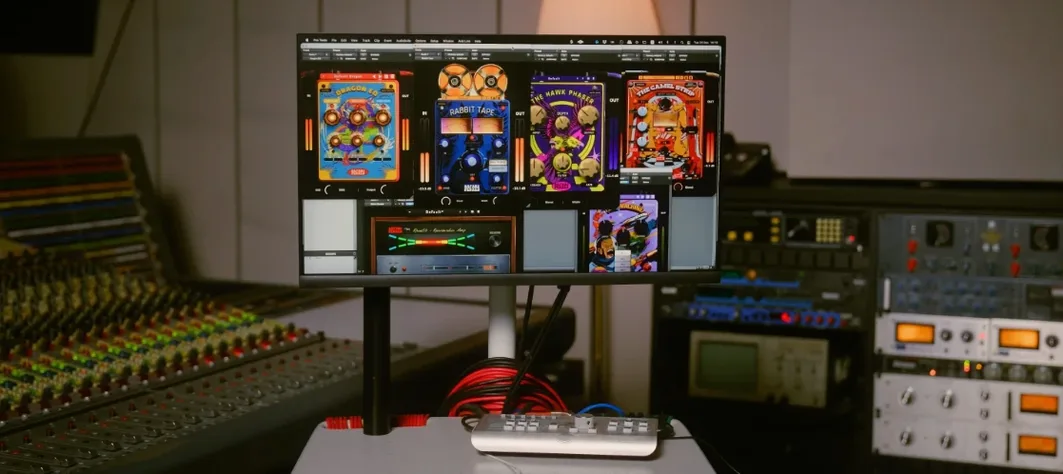
VST Plugins
Safari Pedals Everything Bundle 2026.05
VST PluginsUpdated

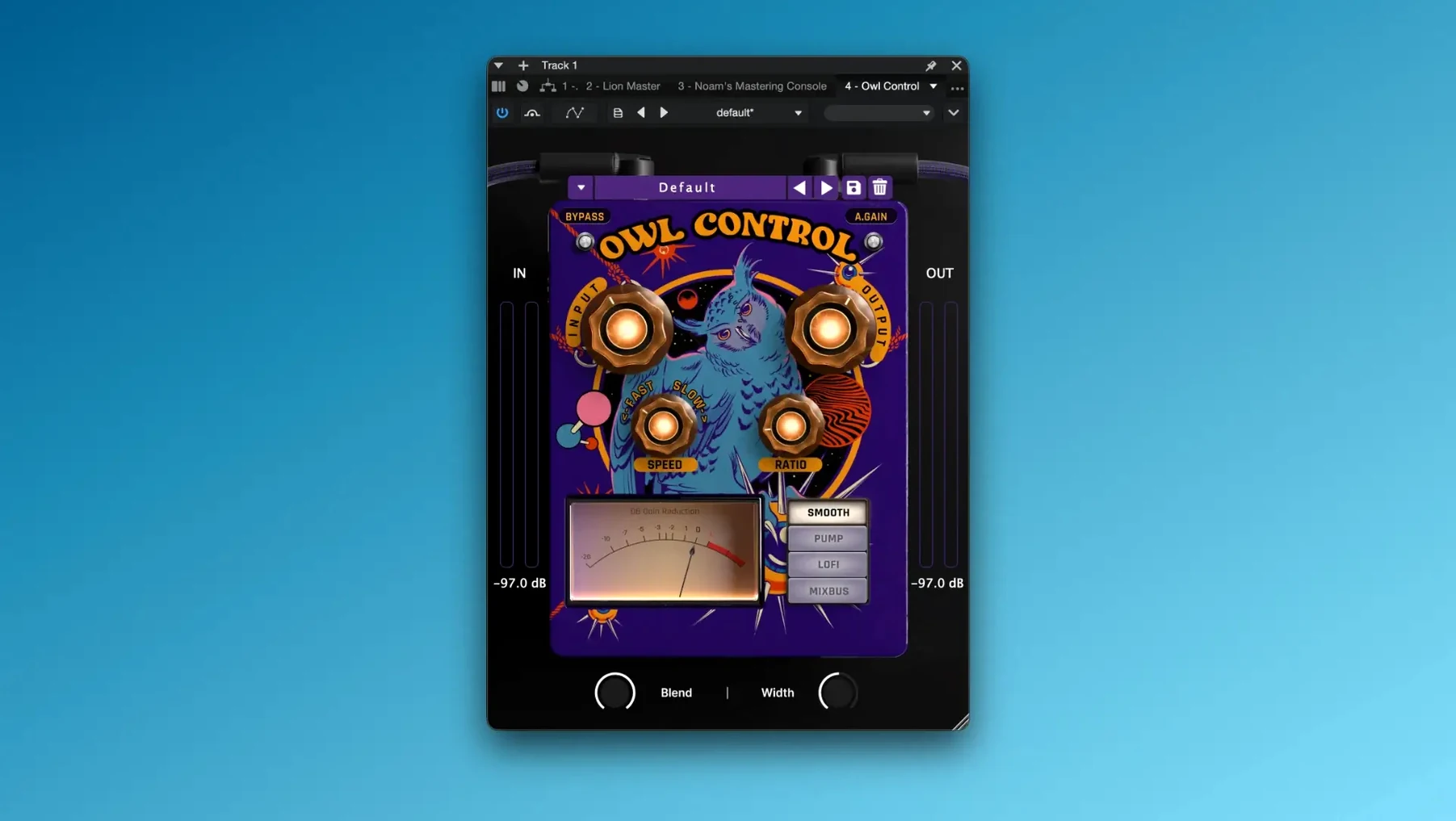
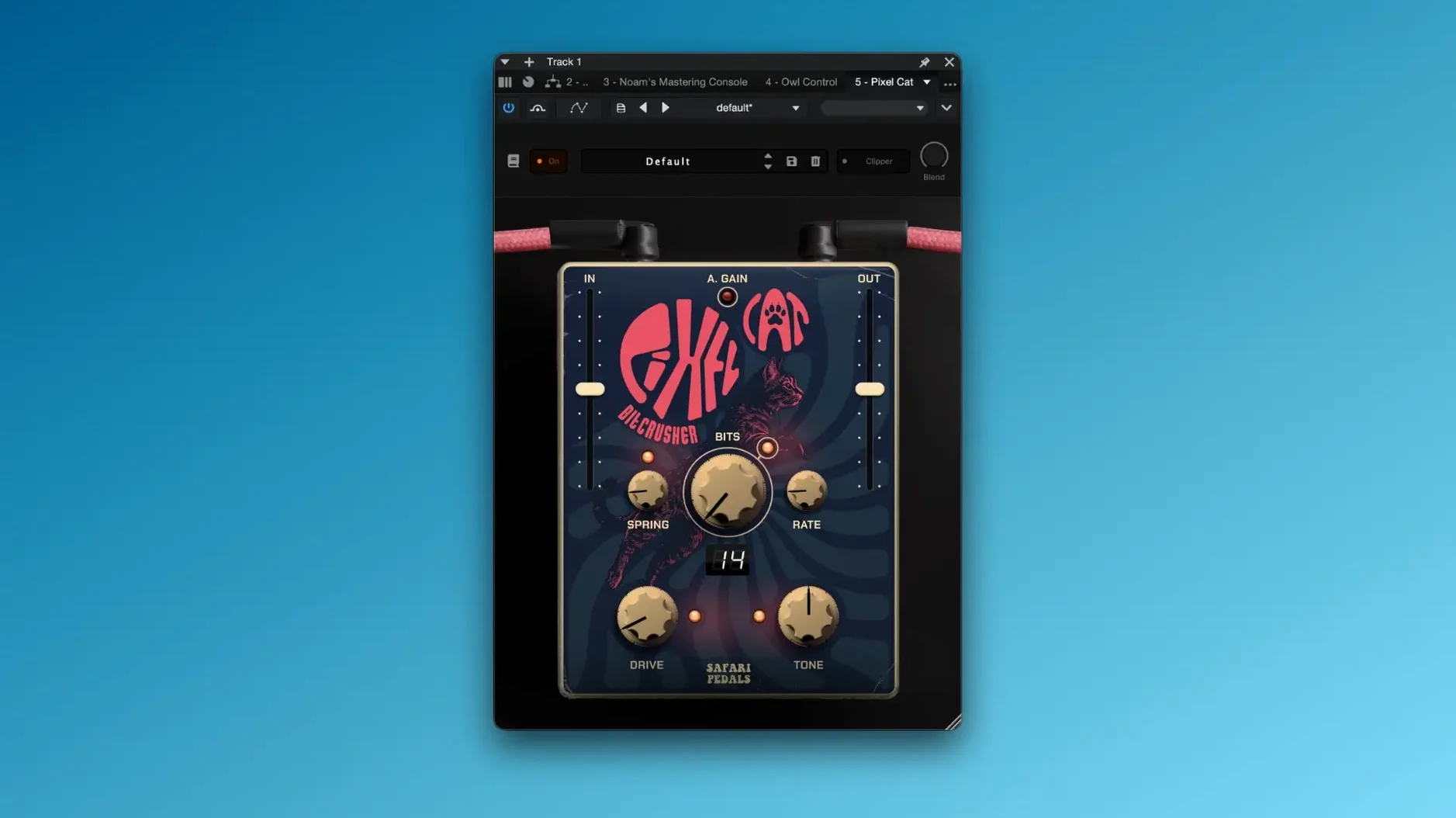
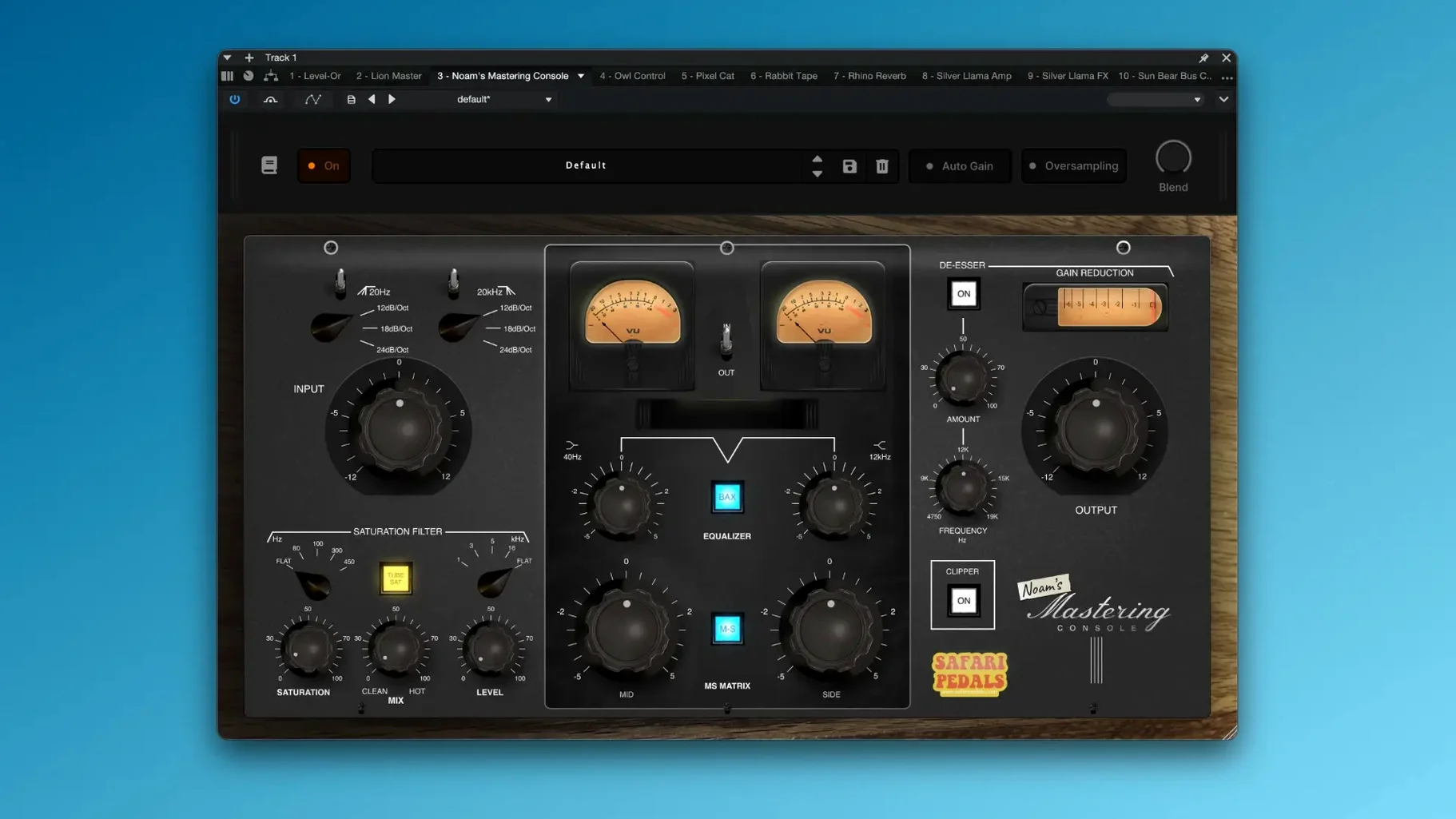
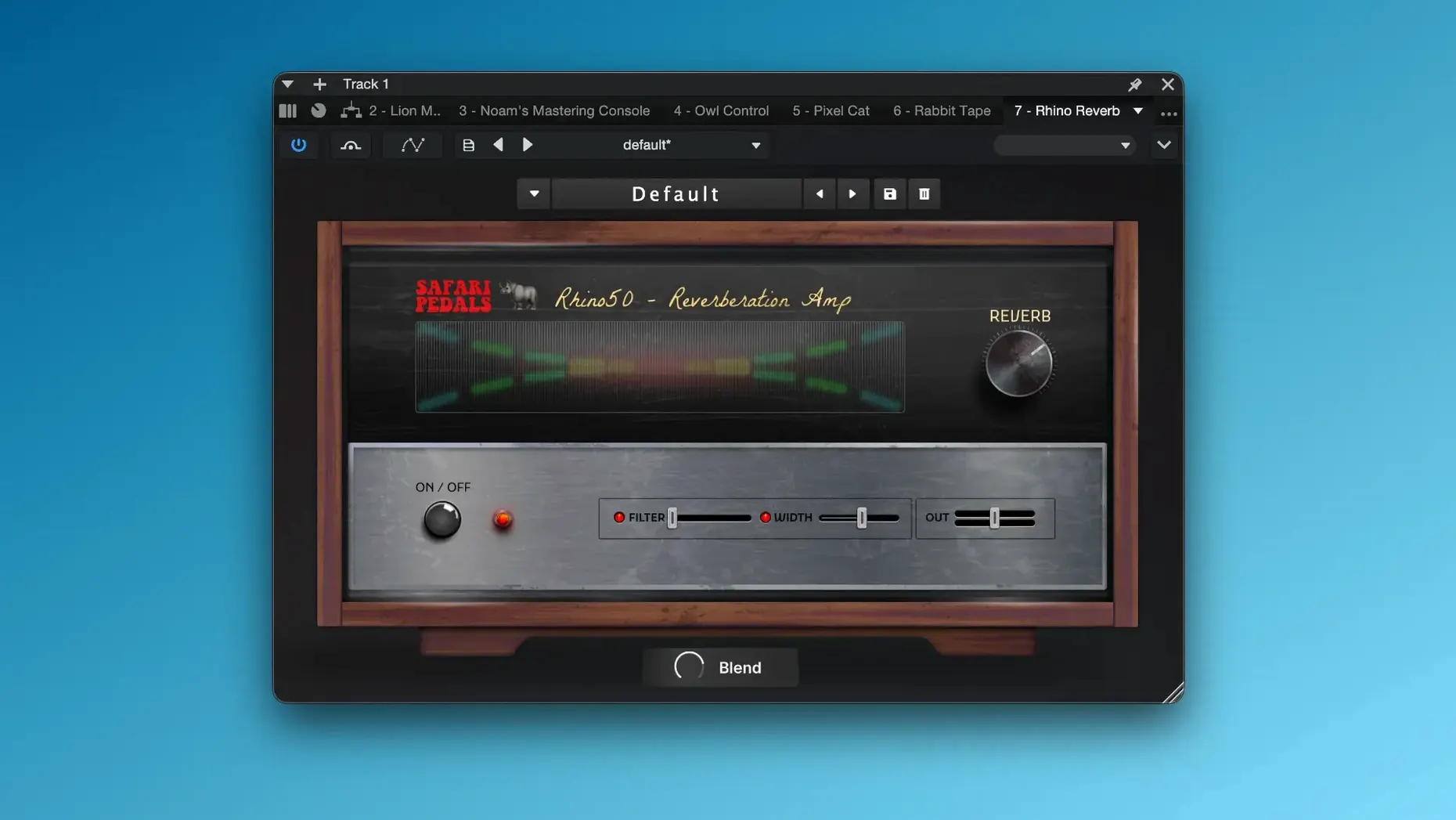
| Requirement | On file |
|---|---|
| macOS | macOS 11 or later |
| CPU | Apple Silicon, Intel 64-bit |
| Download | 628 MB |
If you have ever reached for a single-purpose saturation plugin and thought it handled one narrow job well, the Everything Bundle applies that same focused design philosophy across an entire effects rack. It is a collection of eleven distinct processors, each built around a specific sound-shaping task, rather than one multi-effect that tries to cover everything in a single interface.
Where do the drive and clipping tools sit?
Gorilla Drive and Zebra Clipper live on individual tracks that need harmonic thickening or peak control. Gorilla Drive pushes from subtle warmth through to heavy distortion, while Zebra Clipper is a hard-limiter style tool for transparently catching transients before they hit the bus.
Which plugins handle time-based effects?
Yak Delay and Fox Echo Chorus cover tape-style echo and modulated repeats. They suit guitar leads, vocal throws and synth lines where a straightforward digital delay would feel too clean. Fox Echo Chorus combines slapback delay with light pitch movement for a worn-in cassette character.
How do the verbs and modulation fit into a mix?
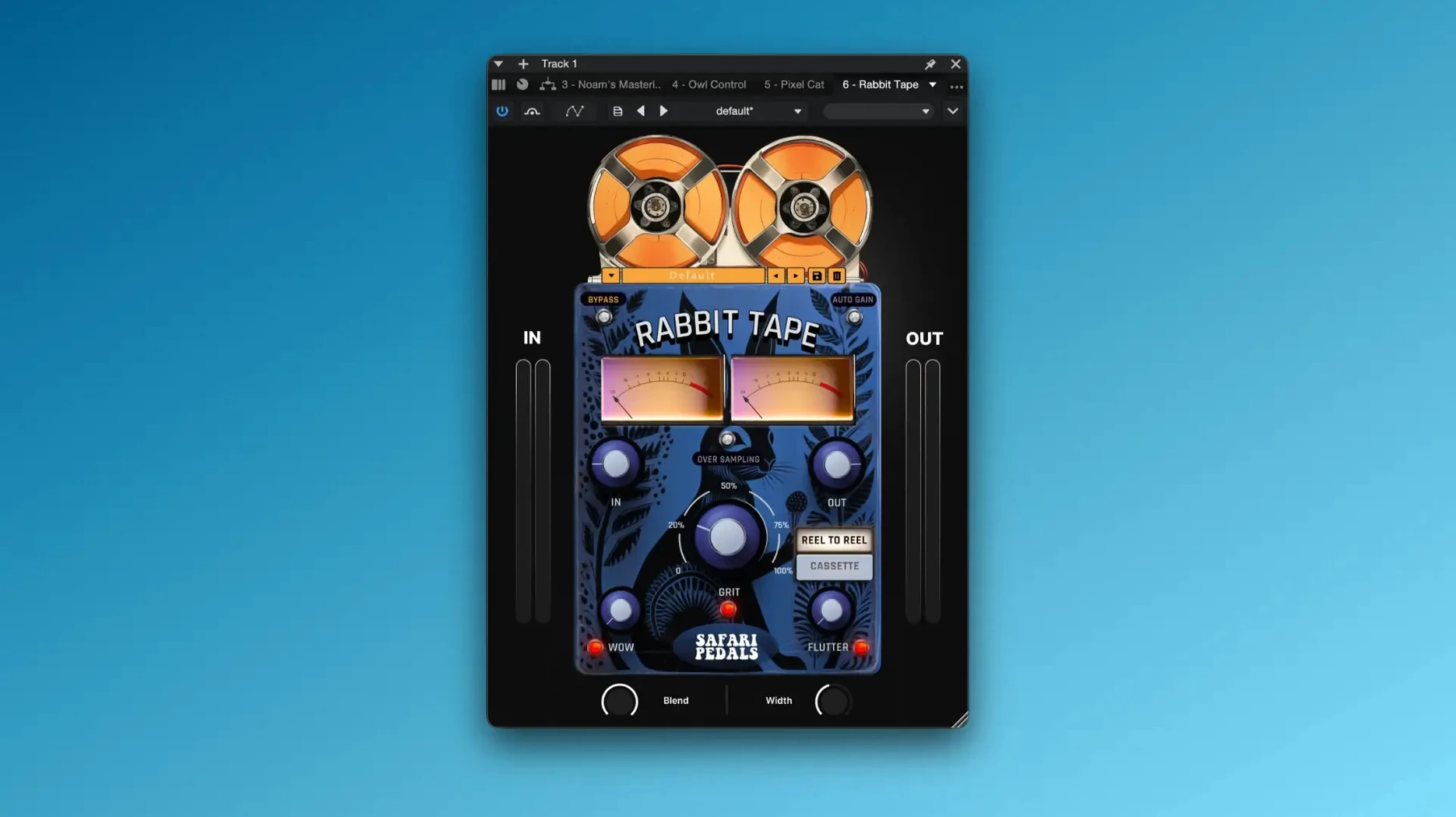
Rhino Reverb and Flamingo Verb sit on aux sends or directly on ambient tracks. Rhino leans toward larger, more traditional spaces, while Flamingo Verb produces shorter, spring-like textures. Hawk Phaser and Cassette Bunny add movement and lo-fi colour: the phaser works well on electric pianos and pads, and Cassette Bunny degrades the signal with wow, flutter and tape compression.
What covers tone shaping and mastering?
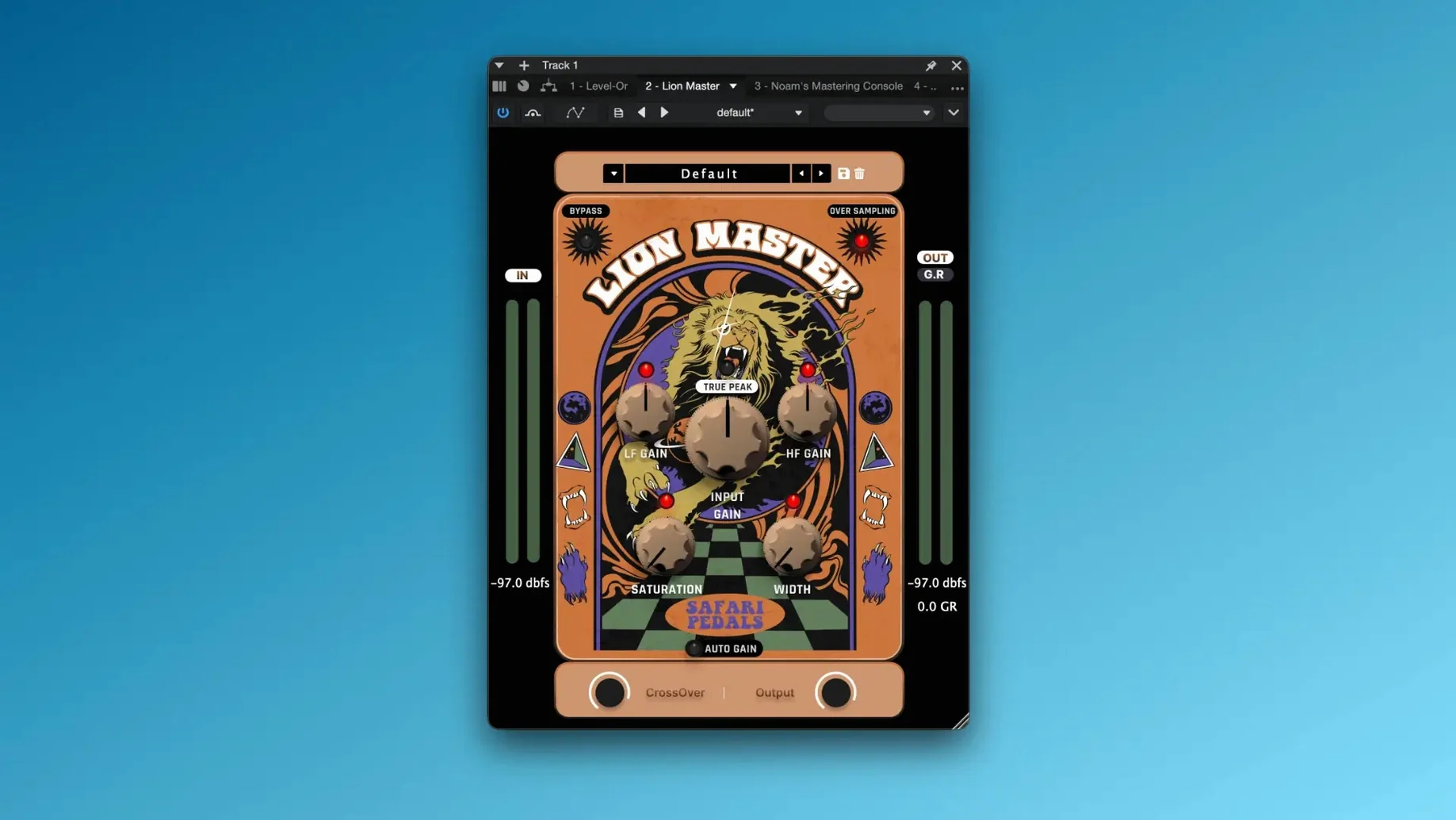
Dragon EQ is a musical equaliser suited for broad sculpting on buses and the master chain. Bull Sub Machine generates and reinforces sub-bass content for kick drums and 808s. Lion Master is the final-stage limiter, designed to increase perceived loudness without collapsing the stereo image.
How the bundle compares with similar Mac plugin collections
The three obvious comparisons on macOS are the Soundtoys 5 bundle, the Plugin Alliance mega-bundle and the smaller Klanghelm lineup. Each serves a different producer, and the differences come down to workflow assumptions more than raw feature counts.
Soundtoys 5 covers roughly the same ground — saturation, delay, modulation, a powerful EQ — but wraps everything in a unified preset-sharing system and the Effect Rack plugin. Soundtoys leans toward character processing with heavy analogue modelling. The Everything Bundle takes a drier, more individualistic route: each plugin is a standalone tool and the GUIs expect you to dial in the sound rather than browse presets. If you work quickly and hate loading multi-effect racks, the Everything Bundle's one-knob-per-function approach gets you there with fewer clicks. If you build complex chains inside a single insert slot, Soundtoys has the edge.
Plugin Alliance's catalogue dwarfs everything else, and its bundle includes channel strips, compressors and surgical EQs that the Everything Bundle simply does not offer. What Plugin Alliance lacks is a cohesive identity — you end up with tools from ten different developers that share zero visual language. The Everything Bundle feels like a single designer's vision: all eleven plugins share the same UI DNA, and switching from Gorilla Drive to Zebra Clipper feels like moving between rooms in the same studio.
Klanghelm's three-plugin lineup (DC8C, MJUC, SDRR) is far smaller but shares the Everything Bundle's philosophy of deep control through simple interfaces. The difference is scope. Klanghelm covers compression and saturation exhaustively; the Everything Bundle covers saturation, delay, reverb, modulation, EQ, sub enhancement and limiting. For a mixing engineer who wants a consistent set of tools across an entire session, the broader palette matters.
Mixing engineers who need drive and clipping on pop, rock, and electronic tracks
Three user profiles benefit disproportionately from this collection.
Mixing engineers working on pop, rock and electronic material will find the drive and clipping tools immediately useful. Gorilla Drive and Zebra Clipper handle the two most common mix tasks — adding weight and controlling peaks — without the option paralysis that comes with multi-mode saturation plugins. A mix engineer can insert Gorilla Drive on a snare top, dial in three dB of drive, and move on in under ten seconds.
Bedroom producers and beatmakers who build tracks from scratch gain from the time and modulation plugins. Yak Delay and Fox Echo Chorus add movement to static synth lines and one-shot samples without needing to chain three separate effects. Cassette Bunny's degradation engine gives lo-fi hip-hop and chillwave productions an instant aesthetic that normally requires two or three stacked plugins.
Sound designers working on game audio and post-production benefit from the bundle's clear signal flow. Each plugin does one thing audibly, and the lack of hidden menus or nested tabs means a designer can automate parameters confidently, knowing what every knob will do when pushed to its extremes.
Users who rely heavily on stock DAW plugins and want to expand their palette without learning twenty new interfaces also extract value quickly. The Everything Bundle's learning curve is shallow enough that you can audition all eleven tools in a single afternoon and remember what each one does a week later.
From DI bass and programmed drums to a finished indie-rock mix
Imagine a producer opening a Logic Pro session at 9am with a half-finished indie-rock track. The drums are programmed, the bass is a DI recording, and there are two guitar parts and a lead vocal.
The first move is to insert Gorilla Drive on the bass track. The DI signal is clean and thin. Driving the input by six dB and rolling off the tone knob slightly adds enough harmonic content that the bass sits under the guitars without needing EQ cuts. Ten seconds of knob turning, and the track already sounds like it was recorded through a valve preamp.
Next, the snare drum sample feels too transient-heavy. The producer inserts Zebra Clipper and pulls the threshold down until the waveform peaks flatten by roughly two dB. The snare loses none of its attack but stops poking out of the mix. The clipper's output gain brings the body of the snare up to match the kick.
The lead vocal needs space. Rather than reaching for a clean digital reverb, the producer sets up a send to a bus with Flamingo Verb. The spring algorithm's short decay time and slight metallic resonance give the vocal a vintage character that fits the track's garage-rock direction. The mix knob stays at forty percent wet to avoid washing out the consonants.
On the second guitar part — a clean arpeggio that repeats through the verses — the producer adds Fox Echo Chorus. A slapback setting with moderate modulation width makes the part pulse gently against the drums. The effect is subtle enough that a listener would struggle to identify it, but bypassing the plugin makes the part feel flat.
By 9:20am the broad strokes of the mix are in place. The producer loads Dragon EQ on the master bus and pulls a wide two-dB dip at 400 Hz to reduce mud, then shelves the top end up by one dB for air. Bull Sub Machine gets inserted on the kick drum channel, blending a clean 50 Hz sine wave underneath the acoustic kick sample to extend the low end without muddying the bass guitar.
Finally, Lion Master sits at the end of the master chain with the threshold set to catch peaks at roughly three dB of gain reduction. The output ceiling stays at -0.3 dB. The limiter's action is fast enough to control the transients from the snare and kick but transparent enough that the stereo width of the guitars remains intact.
The entire plugin load across the session uses seven of the eleven plugins. No preset browsing, no menu diving. The workflow is insert, dial, move on.
Why stacking Zebra Clipper and Gorilla Drive creates brittle, aliased top end
One common error is stacking Zebra Clipper and Gorilla Drive on the same track without listening for intermodulation distortion. Both plugins generate harmonics, and running a heavily driven signal into a hard clipper can produce brittle, aliased top end. A better approach is to decide whether the track needs saturation, peak control, or both, and if both, keep the drive moderate before the clipper.
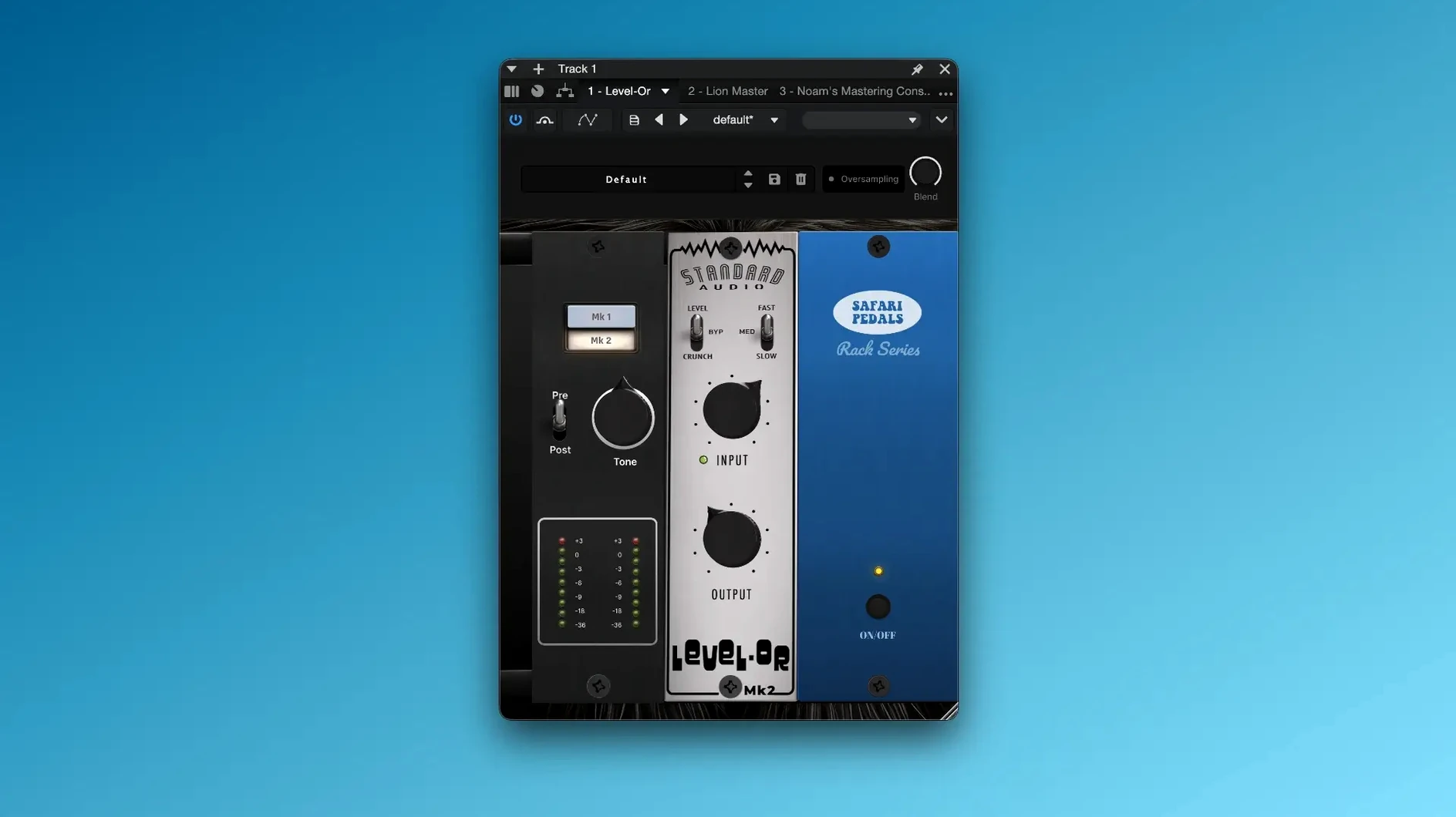
Another mistake is using Lion Master as a track limiter. It is designed for mastering-stage duties and its release behaviour suits full-range program material, not individual drum hits or vocal peaks. Dropping it on a snare track usually results in pumping and a collapsed transient. Zebra Clipper is the correct tool for per-track peak control.
New users sometimes overlook the output gain staging between plugins. Several processors in the bundle, particularly Gorilla Drive and Bull Sub Machine, can add significant level. If every insert boosts the signal by three dB, the master bus clips before Lion Master even engages. Gain-staging each plugin so the output level matches the bypassed input level prevents cumulative headroom loss.
Finally, beginners often ignore the wet-dry controls on the modulation and time-based plugins. Fox Echo Chorus and Yak Delay default to fully wet on some DAW insert settings, which overwhelms the dry signal. Blending back to thirty or forty percent wet on an insert — rather than using a send — keeps the original transient intact while layering the effected signal underneath. The difference between a washed-out mix and a polished one is often just the mix knob position.
Cassette Bunny — added to the bundle as a new tape degradation and modulation effect.
- Operating system: macOS 11 or later
- Architecture: Apple Silicon, Intel
- Interface languages: English
Questions on file
Which plugins are included in the Everything Bundle?
The bundle contains Cassette Bunny, Dragon EQ, Fox Echo Chorus, Gorilla Drive, Rhino Reverb, Bull Sub Machine, Hawk Phaser, Flamingo Verb, Lion Master, Yak Delay and Zebra Clipper.
Does the bundle work on Apple Silicon Macs?
Yes, the plugins run natively on Apple Silicon and Intel processors under macOS 11 and later.
Sign in · Create an account to add a field note.
No field notes yet. A measurement, a version, a machine — they appear after moderation.