Mac Apps
BlueHarvest 8.5.1
Mac AppsUpdated
| Requirement | On file |
|---|---|
| macOS | macOS 10.15 or later, macOS 10.15.4 or later |
| CPU | Intel 64-bit |
| Download | 7 MB |
If you've ever shared a USB drive with a Windows user, you've seen the side-eye they give a folder littered with .DS_Store files. BlueHarvest sits alongside your existing file manager and sync tools, handling the invisible housekeeping those apps leave behind. It acts on the disk itself — catching macOS metadata before it sticks.
- Automatically deletes .DS_Store, ._ AppleDouble files, .Spotlight, and .Trashes folders from specified disks
- Works on MS-DOS/FAT, ExFAT, and NTFS volumes — the file systems most likely to reach non-Mac machines
- Targets USB drives, SD cards, music players, file servers, or any local folder you nominate
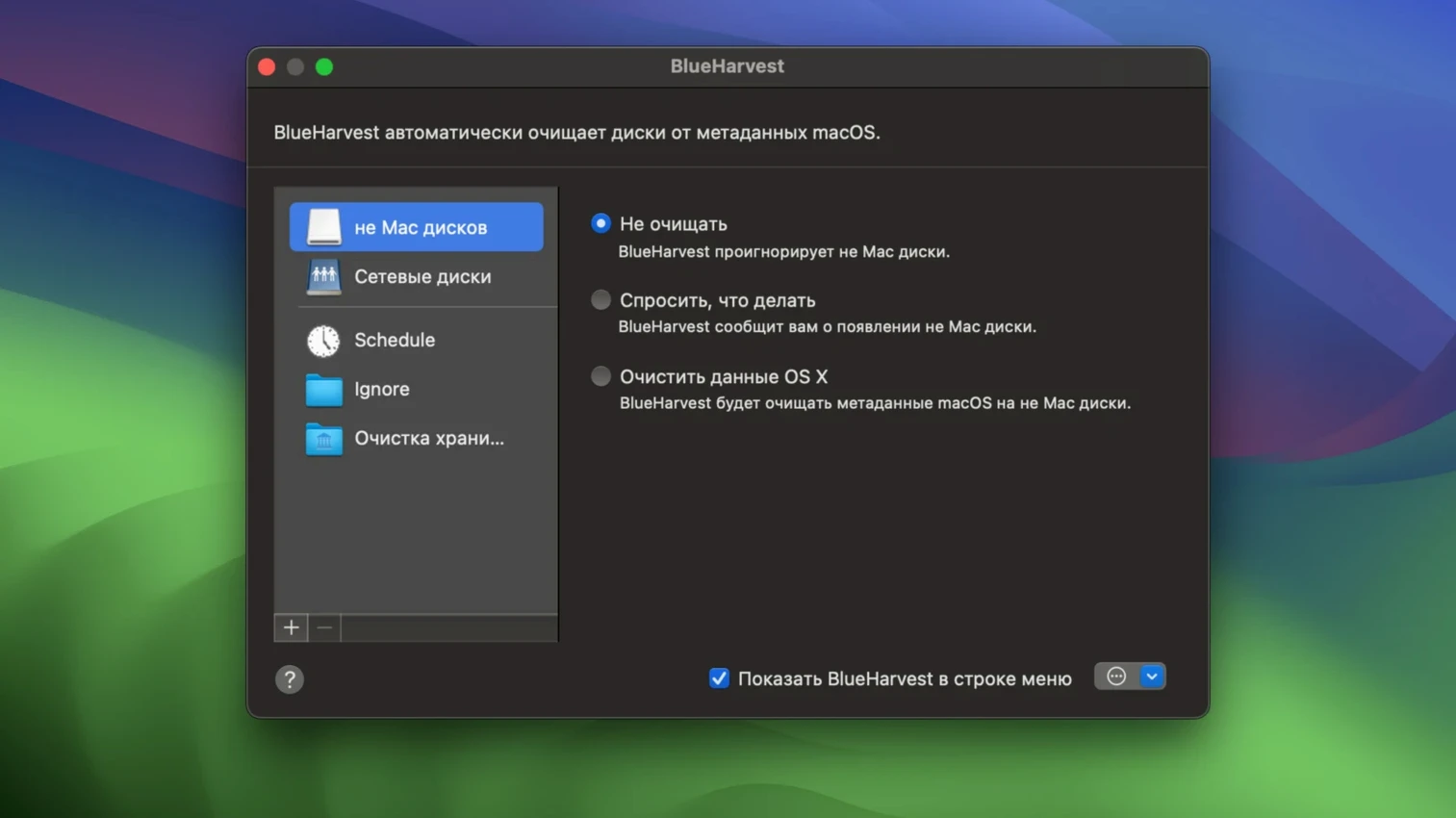
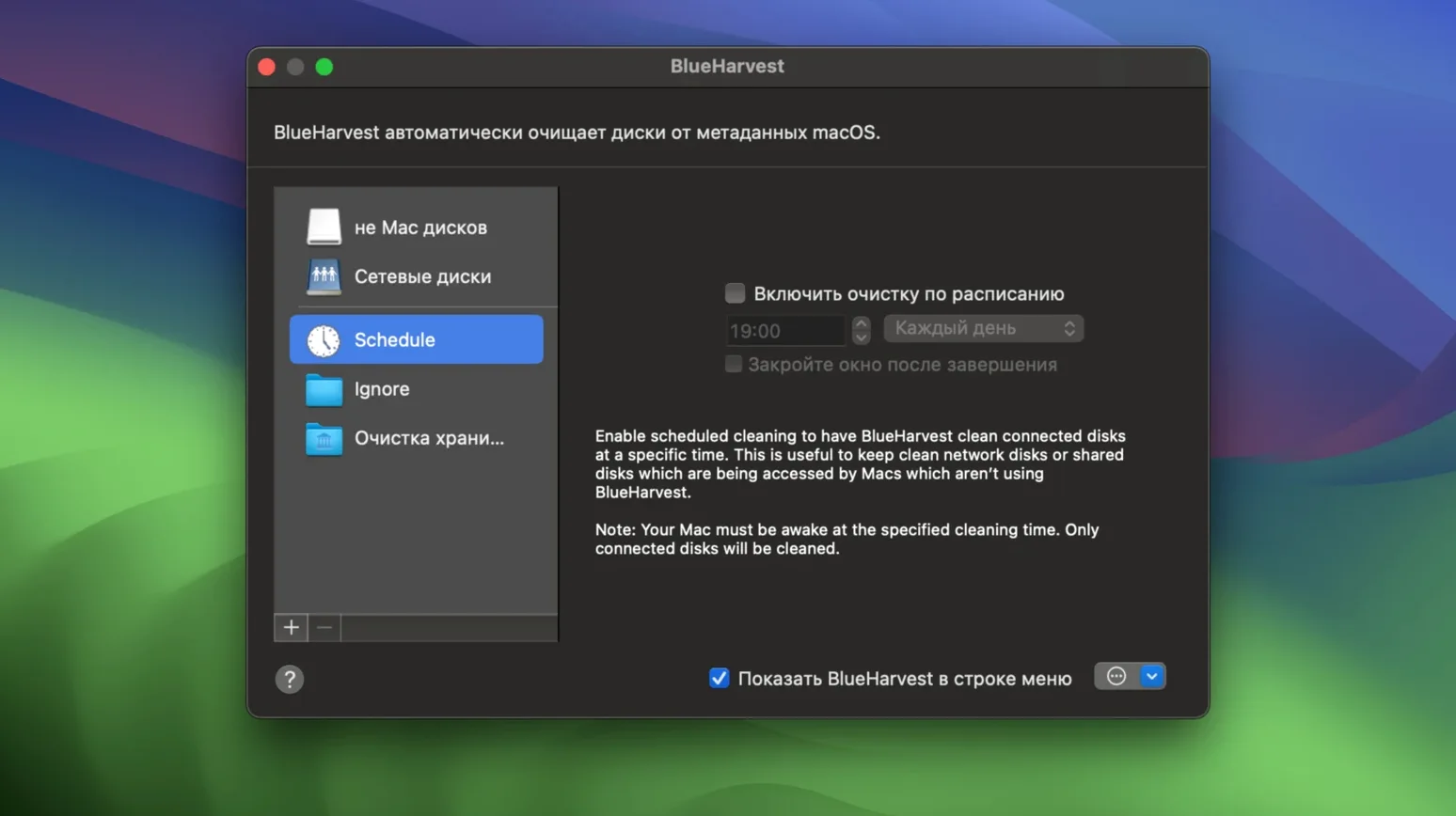
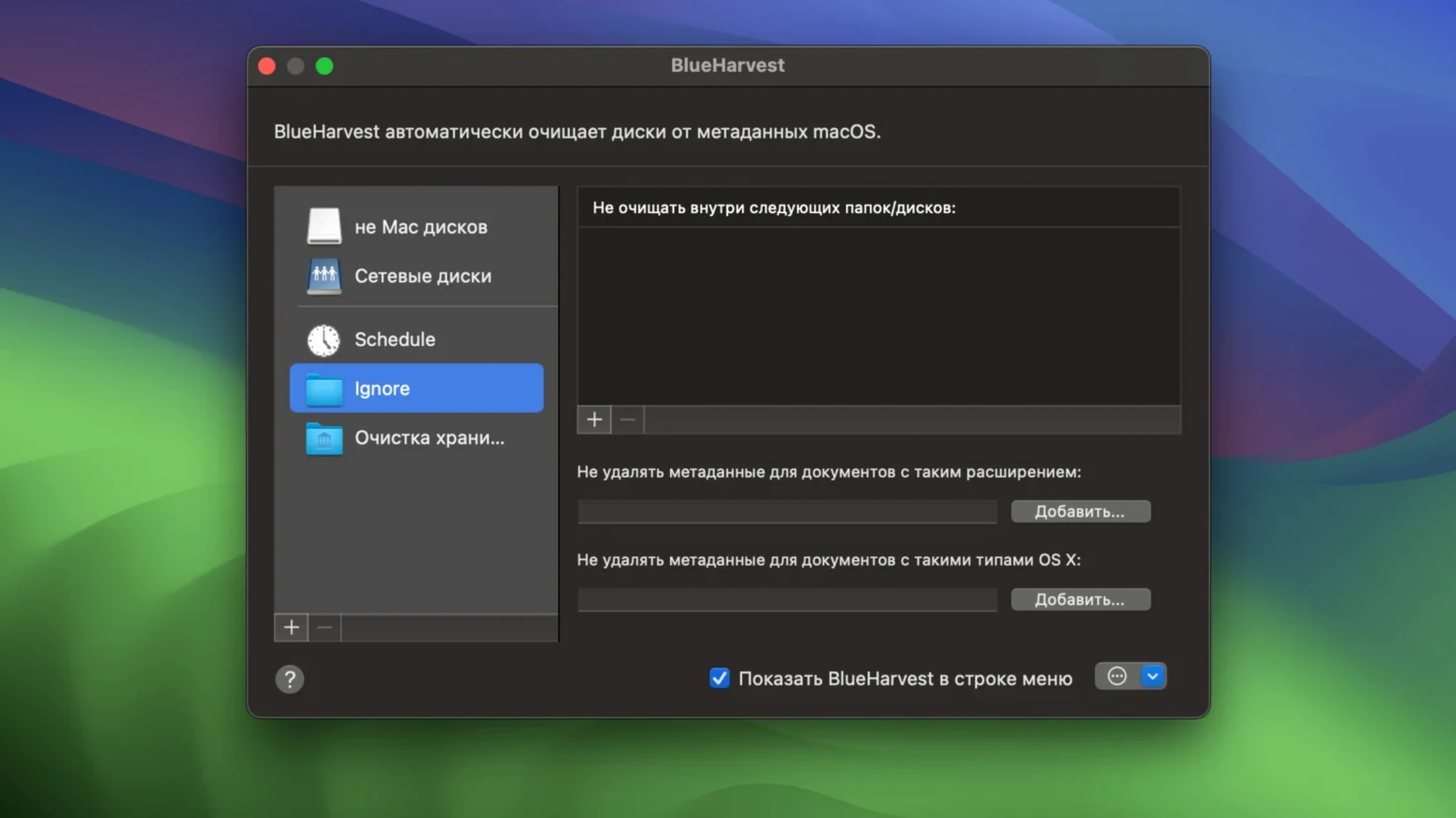
- Per-disk and per-folder configuration lets you leave your main Mac volume untouched
- Clean and Eject option deletes metadata then unmounts the disk in one move
- Version 8.4 added clearer error reporting when locked files cannot be removed
Granting Full Disk Access lets BlueHarvest reach the deeper .Spotlight and .Trashes directories. The utility runs in the background, scanning only the locations you've marked, so it doesn't interfere with Finder or command-line workflows. Think of it as a filter between macOS and the outside world — one you set once and forget.
When BlueHarvest Can't Delete a File
Most issues trace back to two things: permissions and locked files. When BlueHarvest cannot delete an item, version 8.4's improved error reporting spells out the reason instead of leaving you guessing.
Files that refuse to go. A .DS_Store file tied to a folder currently open in Finder will not budge. Close the Finder window pointing at that location — or eject and reconnect the drive — and BlueHarvest cleans it on the next cycle. The same applies to AppleDouble files on network volumes where another Mac still has the parent file open.
Full Disk Access not granted. Without this setting enabled in System Preferences, .Spotlight and .Trashes folders survive deletion attempts. The app still handles .DS_Store and ._ files on FAT and ExFAT volumes, but the deeper metadata stays put. Adding BlueHarvest to the Full Disk Access list and restarting the app resolves it immediately.
Menu bar icon missing. The non-App Store build can hide the icon entirely. If it vanished and you want it back, launch BlueHarvest from the Applications folder — the preferences window appears, and you can untick "Hide menu bar icon." The App Store build keeps the icon visible at all times.
Disk won't eject after Clean and Eject. Version 8.4 tightened ejection reliability, but a background process holding a file handle can still block it. If the disk sticks, check whether Quick Look, a terminal session, or a backup utility is referencing the volume. Quitting the offender lets the eject proceed.
A Photographer's Card Workflow
Consider a photographer who shuffles SD cards between a MacBook and a Nikon Z8. The camera writes to ExFAT, and every Finder visit sprinkles .DS_Store files across the card. Back in the camera, those files do nothing except confuse the playback menu when the card is later checked on a Windows laptop at a client meeting.
The photographer adds the SD card slot to BlueHarvest's disk list, ticks ExFAT support, and sets the app to clean on mount. Each time the card slides into the reader, BlueHarvest strips .DS_Store and AppleDouble files within seconds. A Clean and Eject after import catches anything Finder left during the copying step. The card leaves the Mac exactly as the camera expects — no hidden clutter, no puzzled looks from a Windows-using editor. Storage Cleaner runs on the side, clearing Adobe Lightroom's cache folder once a week to claw back a few gigabytes on the internal SSD.
Avoiding the All-Disks-at-Once Overkill
Enabling every disk on day one. Selecting all volumes, including the startup disk, is overkill. macOS needs its own metadata locally. Beginners sometimes tick every box in the disk list, then wonder why Finder folder view settings keep resetting on their main Mac. The smarter approach: target only external and network volumes — the places metadata causes friction.
Forgetting network volumes need separate rules. A user adds a NAS share to BlueHarvest while mounted as /Volumes/Media, then later connects under a different mount point and assumes the rule still applies. BlueHarvest tracks the path, not the volume label. Re-adding the share under its current mount point fixes the gap.
Ignoring the __MACOSX folder toggle. Version 8.4 added support for deleting __MACOSX folders — off by default. Beginners who unpack ZIP archives on a Mac and copy the contents to a USB stick can carry those folders across without realising it. Turning the toggle on stops them from hitching a ride onto FAT and NTFS drives where they serve no purpose.
Expecting instant deletion during heavy Finder use. BlueHarvest doesn't wrestle Finder for file handles. If you're actively renaming folders or moving large batches of files on a watched disk, deletions queue until the activity settles. A brief pause in file operations is all it takes — no need to restart the app or the Mac.
BlueHarvest 8.5.1 ships with a fresh round of under-the-hood corrections that keep connected drives free of macOS clutter.
- macOS 10.15.4 or later
- Intel 64-bit processor (Apple Silicon supported through Rosetta 2)
Questions on file
Does BlueHarvest work on the Mac's internal drive?
It can, but it is designed primarily for external and non-Mac disks. You configure it per-disk or per-folder, so you can exclude your startup volume and target only USB drives, SD cards, or file servers.
What file systems does BlueHarvest support?
It supports MS-DOS/FAT, ExFAT, and NTFS volumes — the three formats most commonly used when sharing drives with Windows or Linux machines.
Why does BlueHarvest need Full Disk Access?
Full Disk Access allows the app to delete system-level directories like .Spotlight and .Trashes. Without that permission, it can still remove .DS_Store and AppleDouble files, but the deeper folders remain untouched.
Sign in · Create an account to add a field note.
No field notes yet. A measurement, a version, a machine — they appear after moderation.