
Mac Apps
CleanMyMac 5.7.0
Mac AppsUpdated
| Requirement | On file |
|---|---|
| macOS | macOS 11 or later |
| CPU | Apple Silicon, Intel 64-bit |
| Download | 180 MB |
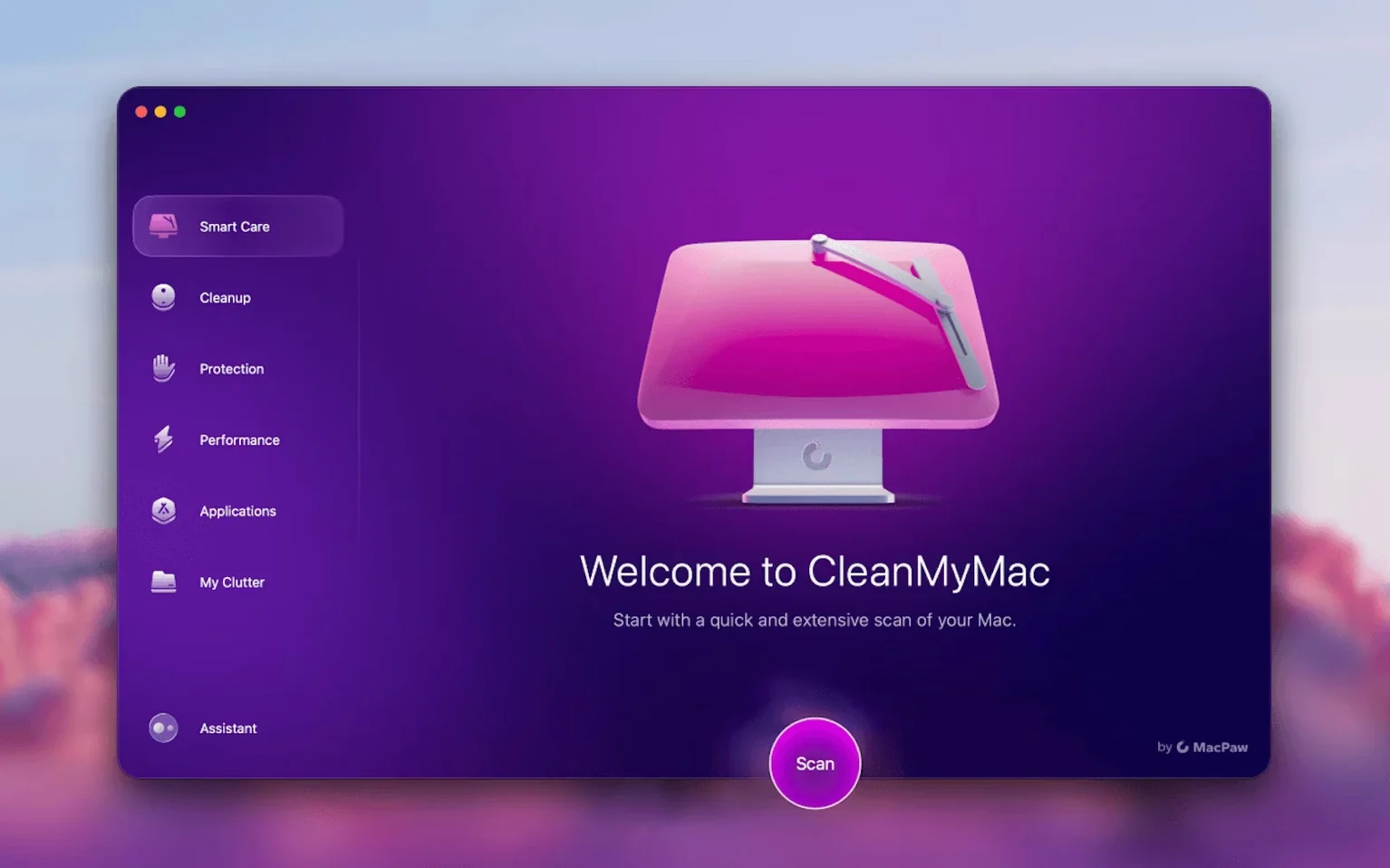
People who want a single utility for clearing system junk, removing apps and running maintenance routines often pick up CleanMyMac. It bundles those jobs into one interface, which appeals if you would rather not chase down five separate tools.
Requirements and compatibility
CleanMyMac 5.7.0 asks for macOS 11 or later and runs natively on Intel and Apple Silicon hardware. Before you install it, pull out any older version already on the machine — the developer advises a clean start. Once the disk image is open and the app is dragged into Applications, you can launch it from Launchpad. On macOS 27 and newer, the first launch will prompt you to grant full disk access; without it, the scanning engine can't read the areas it needs to clean.
What the tool covers
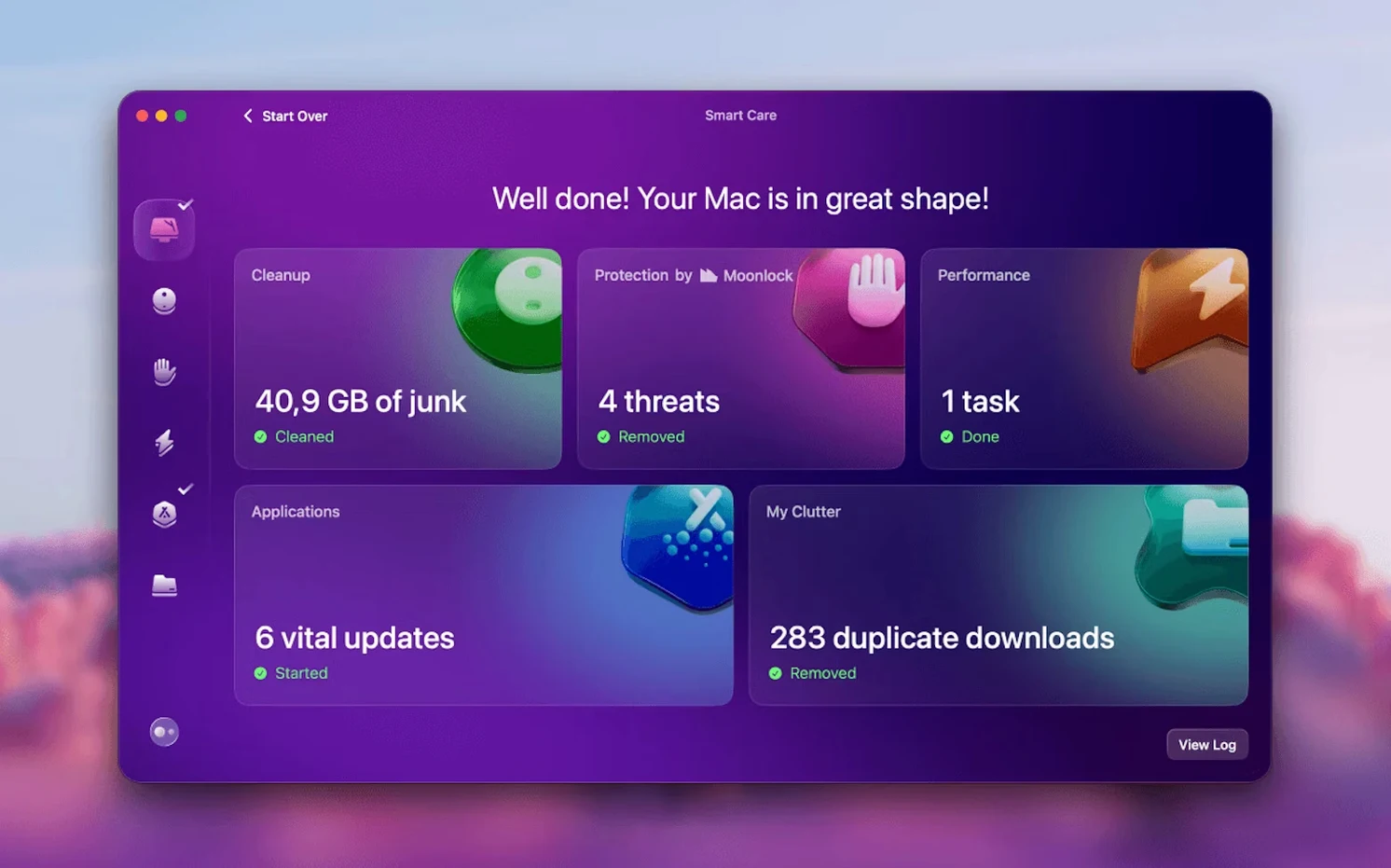
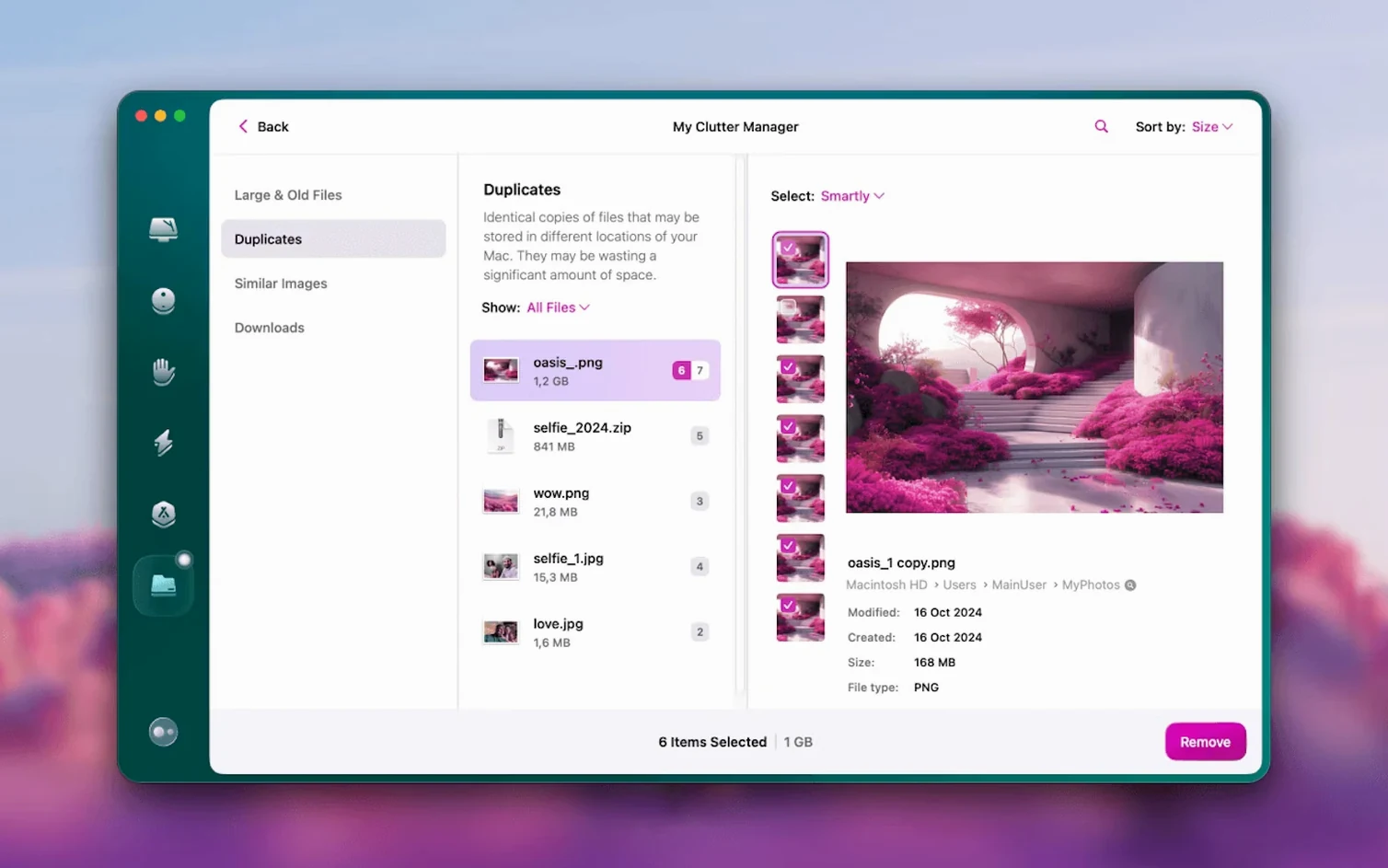
At its core, CleanMyMac is a cleanup and maintenance app. An instant system scan finds caches, logs, language files and other removable data. The current version adds mail cleanup tools aimed at Gmail, pulling out old attachments and bloated message threads. App removal sits alongside an updater that checks for newer versions of installed software. A module called File Scope gives you a memory-style view of large and forgotten files sitting on the drive. The interface ships in twelve languages including English, German, Japanese and Ukrainian.
Cleaning out a Gmail account — start to finish
Mail attachments have a habit of piling up over years. A single thread with a dozen replies, each carrying a 4 MB PDF or a 15 MB video clip, can quietly consume space Gmail counts against your quota. The email cleanup module added in recent builds turns this into a targeted, five-minute job rather than a session of manual searching in a browser tab.
Open the Mail Cleanup section from the sidebar. The tool asks you to sign into your Gmail account once — credentials are handled through Google's own authentication page, not stored locally by CleanMyMac. After granting read access, the scan pulls a sorted list: attachments grouped by size, old messages weighted by age and thread count, and a category labelled bulk mail that catches marketing newsletters and social notifications.
Check the boxes you want to act on. A common pattern is to select everything in Attachments > 10 MB first, then scroll through the bulk mail list and tick obvious senders you haven't opened in months. The preview pane shows the subject line and date — enough context to decide without opening Gmail itself. Tap the remove button and the tool sends deletion requests through Gmail’s API. Messages land in the trash folder, where the usual 30-day retention window still applies. Nothing is wiped without that safety net.
After the cleanup finishes, a summary appears: total space recovered, number of messages trashed, number of attachments removed. If you are cleaning a free Gmail account hovering near the 15 GB ceiling, this single pass often frees 2–4 GB without touching a single drive in Finder. It does not touch locally downloaded mail in Apple Mail; the two are separate channels.
Macs that still feel fresh in year four
CleanMyMac suits people who keep a Mac for four or five years and want the machine to feel the same in year four as it did on day one. The audience splits into three rough groups.
Users with 256 GB or 512 GB internal drives feel the space pressure first. System Data creeping past 60 GB, Xcode caches from an old iOS project, leftover Library folders from apps uninstalled months ago — these are invisible in Finder but weigh heavily on a small SSD. The instant system scan grabs them in one pass, and the large files tool catches 4K video clips and old disk images that slipped into the Downloads folder.
People who test software — beta builds, small utilities, creative tools tried once and forgotten — accumulate app leftovers at a steady clip. The uninstaller module hunts down preference panes, caches and support files that a simple drag-to-Trash removal misses. It is not as surgical as dedicated tools like App Cleaner & Uninstaller from the same developer, but it is fast enough to run after a weekend of trying three new markdown editors.
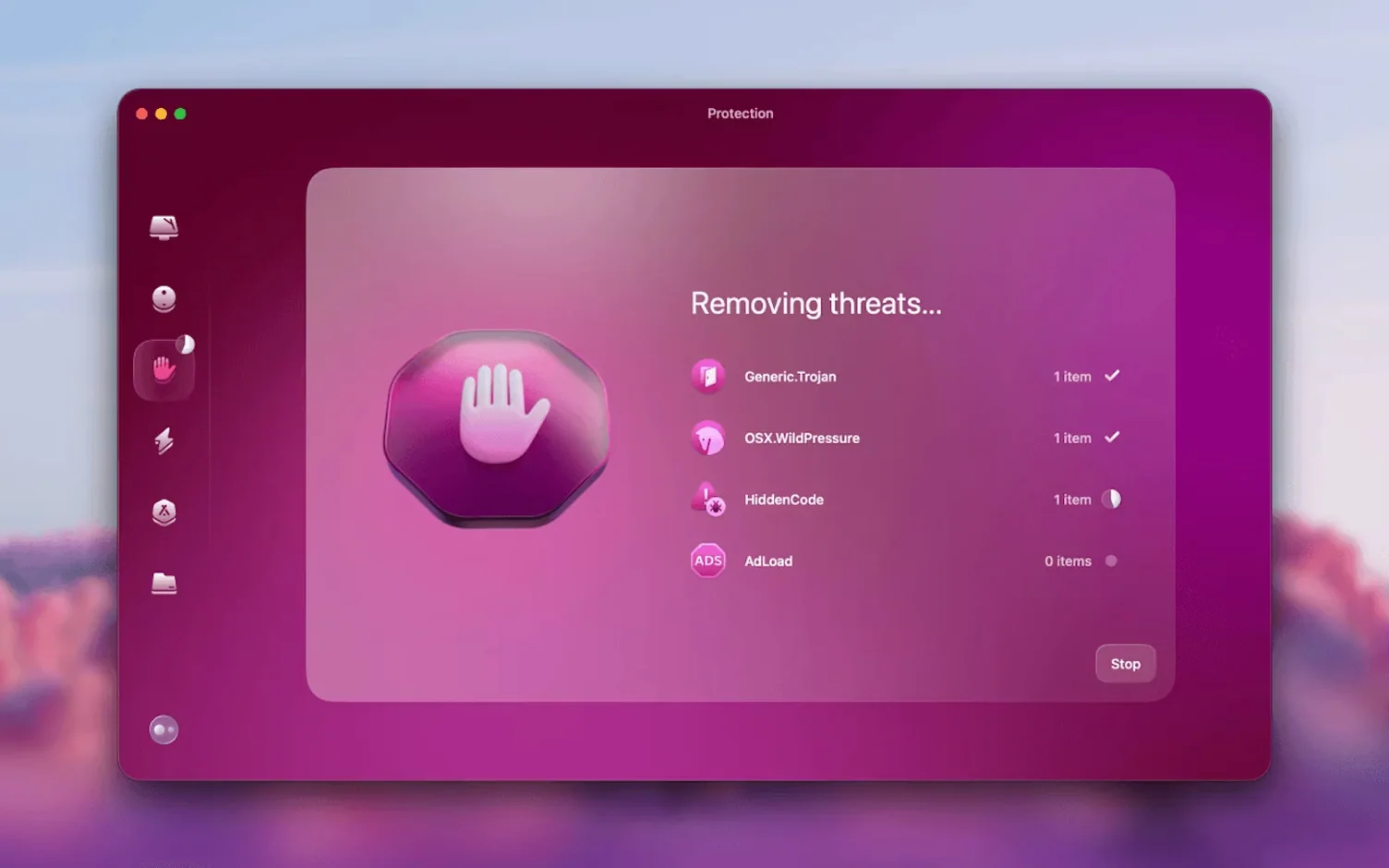
Privacy-conscious users lean on the browser history and chat attachment sweepers. The protection module is not a replacement for a dedicated security tool, but it catches known malware signatures and flags suspicious launch agents, which is useful when family members share a machine and occasionally click through installer wizards without reading prompts.
Gmail cleanup lands inside the main scan
Version 5.7.0 folds email cleanup into the main workflow — earlier 5.x builds had no mail tools at all. The Gmail integration is the headline addition, but the update also refined how the app handles APFS snapshots. Scans that used to stall on volumes with heavy Time Machine local snapshots now skip them cleanly, which cuts scan time by 15–25 seconds on machines with snapshots enabled.
An earlier point release in the 5.6.x cycle tightened the malware definitions update mechanism. Definitions now refresh in the background once every 24 hours without the app needing to be open; a small launch agent handles the fetch. This means the protection module is current when you open the app, rather than starting behind and making you wait for a manual update.
The interface gained a few small adjustments. The sidebar icons are slightly smaller, freeing vertical space on 13-inch screens. The scan progress bar now breaks down time estimates by module — system junk, mail, large files — instead of showing one global estimate that jumped around. These are quality-of-life changes, not rewrites, but they smooth out the rhythm of running a weekly cleanup.
Large files as a flat, filter-free list
CleanMyMac does not try to replace macOS tools; it sits alongside them and bundles access into a single window. The large files module is effectively a specialised Finder search with size filters pre-applied and a flat list view that ignores folder hierarchy — faster for spotting a stray 6 GB Parallels disk image than drilling through Finder's column view.
The app removal tool respects Launchpad and Spotlight: when you delete an app through CleanMyMac, the Launchpad icon disappears on the next SpringBoard restart, and the Spotlight index drops the app from results within a minute or two. Leftover files get moved to Trash, not wiped immediately, so you can recover them if you uninstall the wrong thing.
For people who already use MacPaw's App Cleaner & Uninstaller, there is some overlap in the uninstall function, but the two tools target different rhythms. App Cleaner & Uninstaller is a right-click-or-drag utility for removing one app at a time with full leftover scanning. CleanMyMac's uninstaller is built for batch work — select six apps, confirm once, walk away. Some users keep both: App Cleaner & Uninstaller for precise removal and CleanMyMac for the weekly maintenance pass.
The malware module is not a real-time shield in the sense that it sits between the network stack and your browser. It works on demand when you run a scan, checking files against a local signature database. For always-on browsing protection, you would pair it with a content blocker in Safari or a network-level filter. On the macOS side, it plays well with Gatekeeper and XProtect — it does not conflict with either, because it runs at your request rather than hooking into system events.
The Gmail module is the first piece of CleanMyMac to step outside the local machine and work directly with a cloud service. That is a notable shift in scope. It does not integrate with Apple Mail or third-party email clients; it talks to Gmail's servers over the API and nothing else. If your mail lives in iCloud or Outlook, this module simply isn't relevant to you.
A full scan in under a minute on M1
On an M1 MacBook Air with a 256 GB drive that is roughly 70% full, a full scan — system junk, mail, malware, large files — finishes in 45 to 60 seconds. That time doubles if you haven't granted full disk access and the scanner has to work around permission barriers, so granting access on first launch is worth the extra click. On an Intel i5 Mac mini with a spinning hard drive, the same scan stretches to roughly two minutes, mostly because the large files module crawls across platter reads.
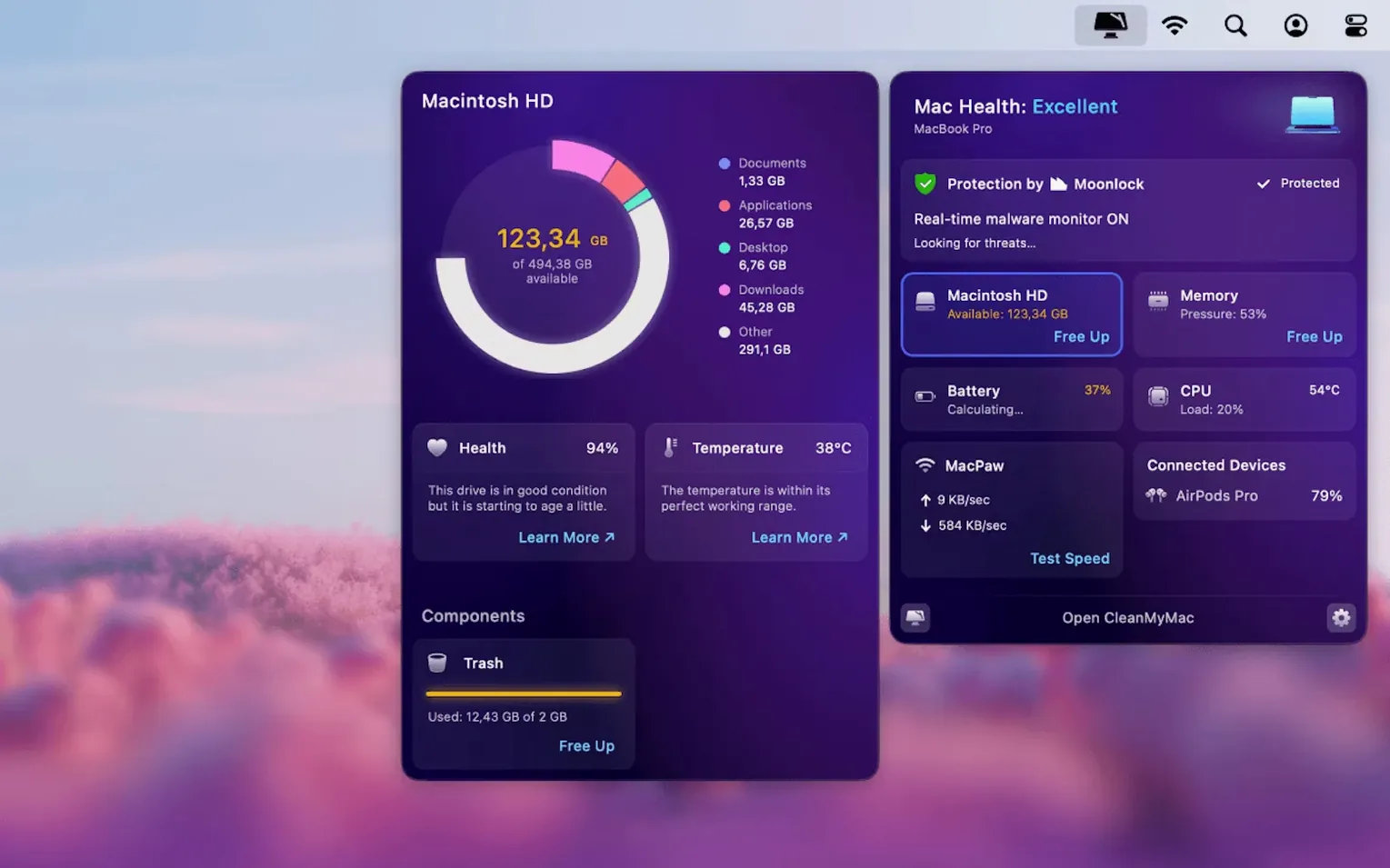
Memory use during a scan hovers around 180–220 MB, with brief spikes to 300 MB when the malware definitions load into RAM. When idle in the menu bar — if you enable the menu bar helper — consumption drops to roughly 45 MB. The helper provides one-click access to system stats: free RAM, disk temperature on supported models, network throughput. It is unobtrusive and can be disabled if you prefer a clean menu bar.
CPU draw is moderate and short-lived. The scanner throttles itself when it detects foreground app activity, so running a scan while compiling in Xcode or bouncing a mix in Logic Pro does not cause dropouts. On battery, the app pauses background definition updates until the Mac is plugged in, which is a sensible power-saving choice.
Stability is solid across the 5.x line. Crashes are rare and tend to correlate with scanning volumes that have filesystem errors — a dying external drive with bad sectors, for instance. The app logs the failure clearly and does not bring down the system. Mail module authentication failures surface as clear error messages rather than silent hangs, which makes troubleshooting straightforward: usually a revoked OAuth token that needs a fresh sign-in.
For users searching out older builds, terms like CleanMyMac 3 torrent or CleanMyMac TNT occasionally surface in forum threads. Those versions lack APFS awareness and the current malware definitions, and they won't receive the background definition updates that keep the protection module relevant. The gap between a 5.7.0 install and a CleanMyMac 5.6.1 or CleanMyMac TNT build floating around is primarily in the mail tools and the snapshot-handling improvements — functional differences you notice in the first ten minutes of use. A CleanMyMac torrent from the 3.x era is essentially a different product at this point, missing the entire privacy and malware modules.
- Mail cleanup — new tools for cleaning and managing attachments and threads in Gmail.
- Version bump — rolls the release up to 5.7.0 with the mail additions baked in.
- macOS 11 or later
- Intel or Apple Silicon Mac
Questions on file
Can I use CleanMyMac to remove applications?
Yes, it includes an app removal tool. MacPaw also offers a separate App Cleaner & Uninstaller if you only need that function.
What macOS versions does CleanMyMac 5.7.0 support?
It requires macOS 11 or later and works on both Intel-based and Apple Silicon Macs.
Sign in · Create an account to add a field note.
No field notes yet. A measurement, a version, a machine — they appear after moderation.