Mac Apps
CLion 2026.2.3.1
Mac AppsUpdated
| Requirement | On file |
|---|---|
| macOS | macOS 11 or later |
| CPU | Apple Silicon, Intel 64-bit |
| Download | 1.6 GB |
If you have spent time in a JetBrains editor for another language—Rider for .NET, IntelliJ for Java, or PyCharm for Python—the workspace in CLion will feel immediately familiar. The same project tool window, the same search-everywhere shortcut, the same commit panel. The difference is the toolchain underneath: CMake, compilers, and debuggers replace the runtimes you already know.
| Detail | Spec |
|---|---|
| Current version | 2026.2.3 |
| macOS requirement | macOS 11 or later |
| Architecture | Intel and Apple Silicon |
| Interface | English |
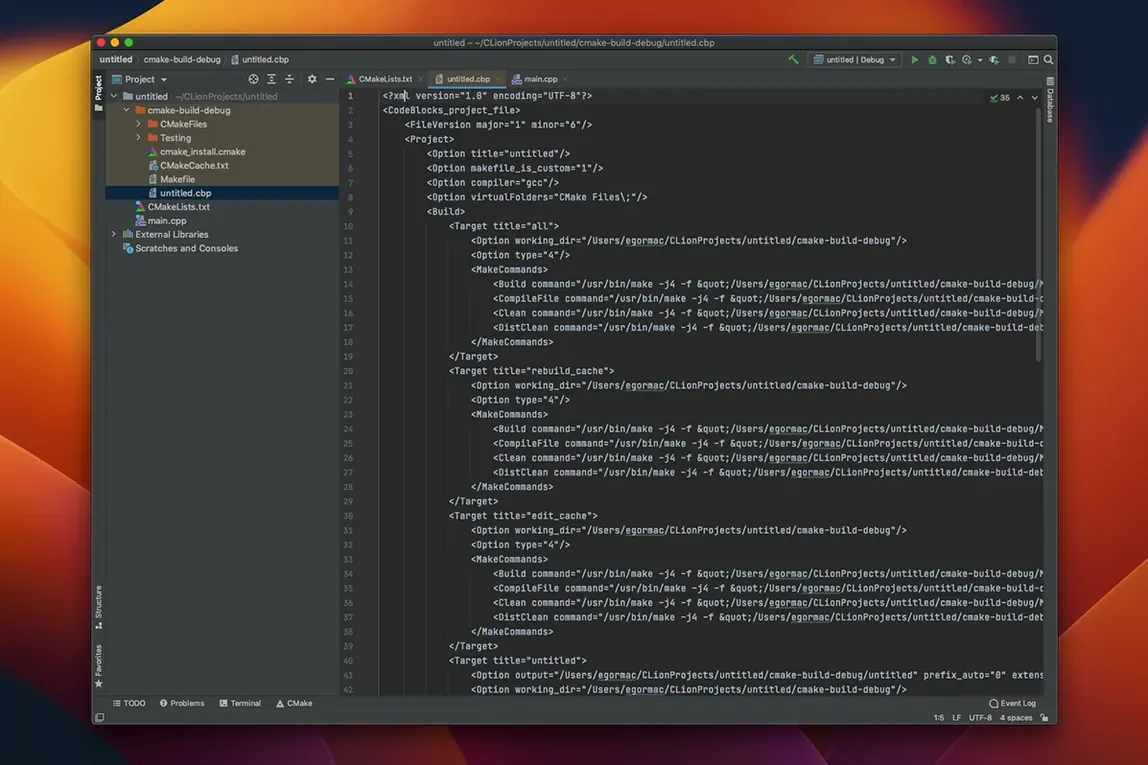
Once a CMake project is loaded, the first thing to try is the code analysis that runs without a manual build. As you type, CLion flags suspect expressions and offers completions filtered by type, so a pointer-to-struct only suggests struct members. Place the caret on any function call and press the quick-documentation shortcut: the popup shows the signature, inferred types, Doxygen comments, and even a formatted macro expansion if one hides behind the name. From there, jump to the definition or list every usage across the project—the index distinguishes a symbol by context, not just by string match. Newcomers working with tests will find the built-in runners for Google Test, Boost.Test, and Catch useful straight away; a failing assertion shows a clickable stack trace inside the IDE. The debugger attaches to a local process or connects over the network for remote targets, and the terminal pane handles local shells and SSH sessions without leaving the window. Breadcrumbs above the editor track your position in the code hierarchy, which helps when navigating a large codebase you did not write.
Opening a Single .cpp Instead of CMakeLists.txt
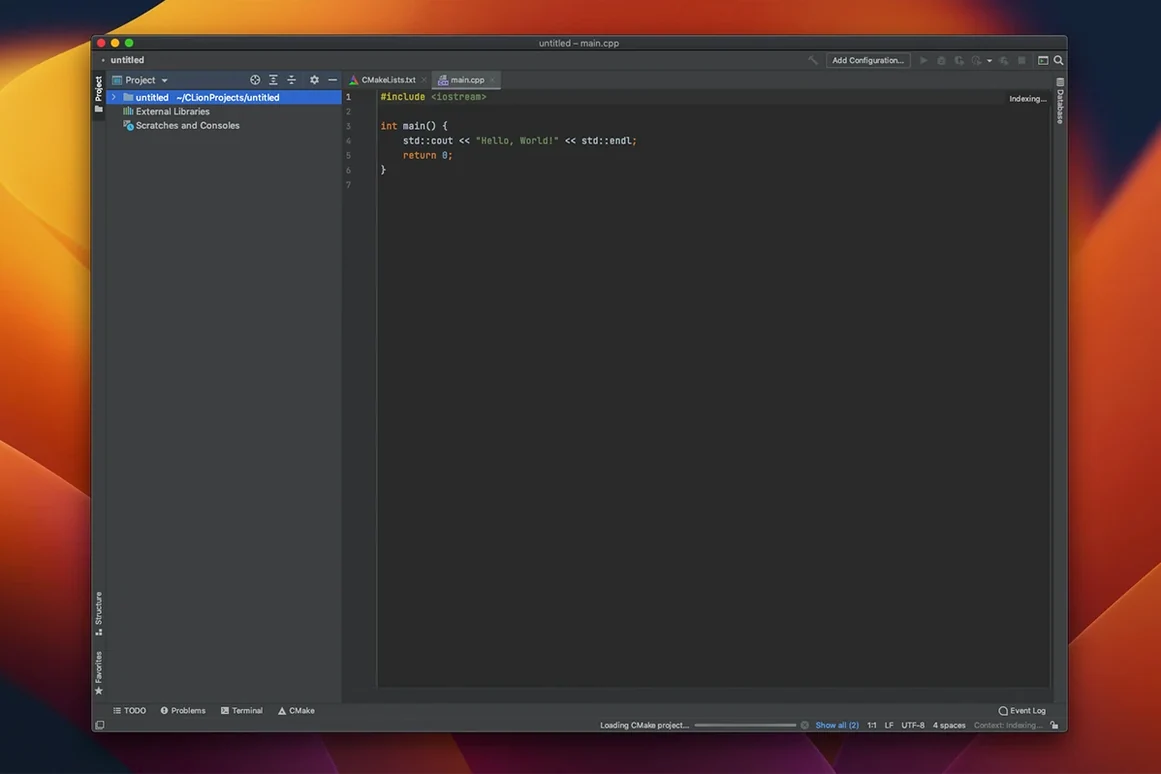
A fresh CLion workspace presents a CMake project, not a file. New users often open a single .cpp file instead of a CMakeLists.txt and wonder why the editor shows no code insight. The IDE expects a build system entry point—point it at the top-level CMake file and it constructs the project model in a few seconds.
Another common stumble is the toolchain configuration panel. On macOS, CLion does not ship its own compiler. If Xcode Command Line Tools are missing or the path to /usr/bin/gcc is broken, the CMake profile shows a red warning triangle. The fix is straightforward: install the tools via xcode-select --install in Terminal, then revisit Preferences > Build, Execution, Deployment > Toolchains and let CLion re-detect the environment. Users who skip this step often assume the IDE is broken when CMake simply cannot invoke a compiler.
Beginners also overlook the difference between the default "Debug" profile and a custom "Release" profile. Running a timing-sensitive loop under the Debug profile—with no optimisations and with debug symbols loaded—produces numbers that do not match a Release build. Create a separate CMake profile with -DCMAKE_BUILD_TYPE=Release early, and switch between them from the run configuration selector.
Native ARM Binary Ships for Apple Silicon
Does CLion work on Apple Silicon without Rosetta? Yes. The 2026.2.3 build ships a native ARM binary. The IDE, the bundled JBR runtime, and the debugger frontend all run natively on Apple Silicon. The toolchain you point it at—such as an ARM-native Clang from Homebrew—determines whether your compiled binaries are ARM as well.
Can I use a build system other than CMake? CLion supports Makefile projects, Meson, and compilation databases (compile_commands.json). If your project already generates a compilation database—common with Bazel or custom build scripts—open the folder containing that file and CLion will index the project from it. Makefile support handles GNU Make targets directly, and Meson support was added in this release cycle.
Will my existing Vim or VS Code keybindings transfer? CLion includes keymap presets for several editors, including VS Code and Emacs. The IdeaVim plugin ships separately but installs from the plugin marketplace inside the IDE and supports a .ideavimrc file for custom mappings. A user switching from a terminal-based setup can keep most muscle memory intact.
Three CMake Profiles for Cross-Compiled Firmware
Consider an embedded systems developer maintaining a C++ firmware library across three target architectures. The CMake project defines a cross-compilation toolchain file for each target. In CLion, she creates a separate CMake profile per architecture and points each at its toolchain file. The IDE indexes all three profiles in parallel, so a symbol rename propagates across ARM, x86, and RISC-V source sets without manual search-and-replace. When a remote test board is connected over Ethernet, she attaches the debugger via the GDB remote configuration, sets a hardware breakpoint on a register write, and steps through the interrupt handler while watching a peripheral status variable in the Variables pane. The SSH terminal pane sits docked at the bottom, already logged into the board’s Yocto environment for log checks. The whole workflow—edit, cross-compile, flash, debug—stays inside one window, with no serial-console juggling.
CLion 2026.2.3.1 has landed. The detailed changelog is published on the JetBrains website.
- macOS 11 or later
- Apple Silicon or Intel 64-bit
Questions on file
Can CLion debug a program running on a remote machine?
Yes, it can connect to a process over the network for remote debugging, and the built-in terminal supports SSH sessions for command-line work on the target.
Which unit-test frameworks work out of the box?
CLion includes integrated runners for Google Test, Boost.Test, and Catch, showing results and clickable stack traces directly in the editor.
Does the IDE help with boilerplate C++ code?
It can generate constructors, destructors, getters, setters, and comparison operators, plus code templates for common patterns.
Sign in · Create an account to add a field note.
No field notes yet. A measurement, a version, a machine — they appear after moderation.