Mac Apps
CrossOver 26.3.0
Mac AppsUpdated
| Requirement | On file |
|---|---|
| macOS | macOS 10.15 or later |
| CPU | Intel 64-bit |
| Download | 285 MB |
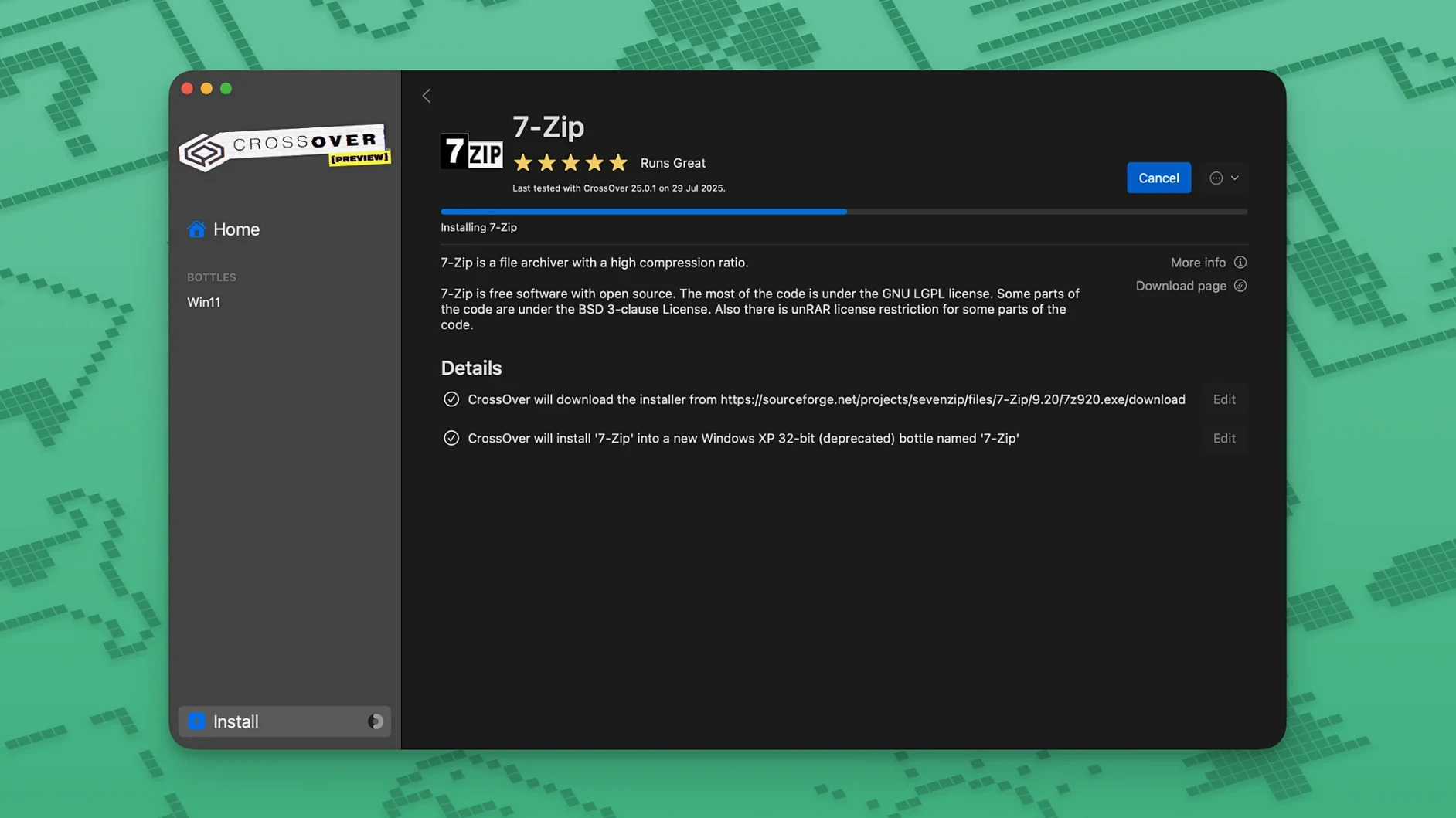
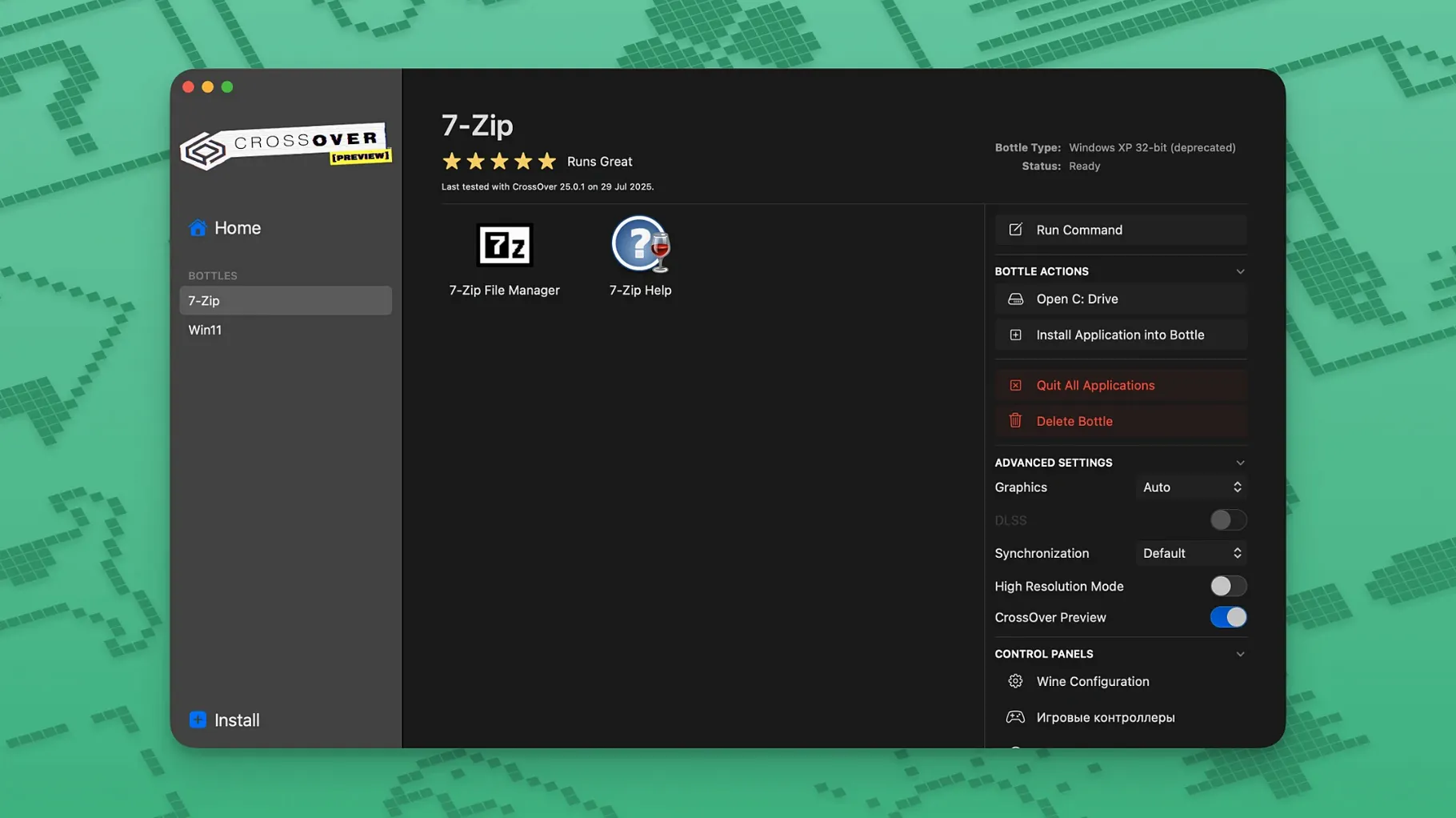
If you know Wine, think of CrossOver as its opinionated, GUI-driven cousin that handles dependency bundling so you don't have to script prefixes by hand. It gives you bottle-level control over drive mappings, DLL overrides, and registry hacks without touching a terminal—useful when an app needs a specific 32-bit library or a Windows version spoof.
Set per-bottle Windows versions
Each bottle can report a different Windows build to its guest application—7, 8.1, or 10—letting you sidestep installer checks that block older OS strings.
Override DLLs per executable
CrossOver exposes Wine's library override pane in its bottle manager. You can force a native Windows DLL (say, d3dx9) for one .exe and leave the rest on builtin, which resolves graphics-renderer mismatches in older games.
Inspect the fake C drive directly
Right-click any bottle to open its C drive in Finder. The folder tree mirrors a real Windows install—Program Files, users, system32—so you can drop in config files, save data, or mods manually.
The bottle-first debugging order that solves most failures
Most problems trace back to one of three layers: the bottle, the Wine build, or the installer itself. Working through them in that order saves time, because the first two are things you can change without touching the Windows application.
The installer hangs or never opens
Some Windows installers expect a specific Windows version string. If a setup .exe sits there doing nothing, open the bottle manager and switch that bottle to report Windows 7 instead of 10. A surprising number of older installers refuse to run when they see a version newer than what they were built for. If that does not help, try starting the installer from inside the bottle's C drive rather than double-clicking it in Finder—CrossOver sometimes resolves relative paths differently depending on how the process is launched.
An application launches, then crashes immediately
This is usually a missing DLL or a graphics translation failure. Check the bottle's library overrides first. If the application is a game, add an override for d3dx9 or d3dx11 and set it to native, which forces CrossOver to use the Windows version of those DirectX helpers instead of its own translation. For productivity software, the culprit is often a missing Visual C++ runtime. CrossOver can install these runtimes into a bottle from its list of supported dependencies, and doing so fixes many silent crashes on launch.
Text renders as empty boxes
The application cannot find the font it wants. Windows apps frequently request fonts that do not exist on macOS, like Arial or Tahoma. Copy the missing .ttf files into the bottle's drive_c/windows/Fonts folder and relaunch. Some bottles benefit from installing the corefonts dependency, which adds the standard Microsoft set in one pass.
Network-dependent apps cannot reach the internet
Wine's networking layer occasionally conflicts with macOS DNS settings, especially on machines that switch between Wi-Fi networks. In the bottle settings, confirm that the network mode is set to the default rather than a custom host. If downloads stall inside an application, wait a few minutes—some apps retry more politely than others—and consider launching the app while connected to a different network to rule out local DNS oddities.
Activation prompts reappear after a restart
When a bottle's registry does not persist between sessions, the usual cause is a permissions issue on the bottle folder. Running the license tool from the croslic folder and granting Terminal full disk access in System Settings resolves most cases. After that, launch the application once, quit it normally, and reopen it to confirm the bottle state sticks.
Treating one bottle as one PC, not a dumping ground
New users tend to treat CrossOver like a thin wrapper and skip the bottle concept entirely. That leads to a few predictable failures.
Installing everything into one bottle. A bottle mimics a separate Windows machine. Cramming a dozen applications into a single bottle means one bad dependency change breaks everything. Give large applications their own bottle. Group small utilities only if they share a runtime, like multiple .NET-based tools.
Choosing the wrong bottle type. CrossOver offers bottle templates for different Windows versions and use cases. Picking a generic bottle for a game that needs DirectX 9 support means more manual override work later. Read the bottle description before creating it.
Deleting a bottle to uninstall an application. This works, but it removes every application in that bottle. If you only want to remove one program, use the uninstaller entry inside the bottle manager instead. It runs the application's own uninstall routine and leaves the rest of the bottle intact.
Expecting every Windows app to run. CrossOver supports a large subset of Windows software, but unsupported applications may misbehave or not start at all. Checking the CodeWeavers compatibility database for your specific application before spending an afternoon troubleshooting saves frustration.
Ignoring the bottle's C drive. Beginners rarely open the fake C drive and then wonder why save files or config edits do not appear. The folder tree behaves like a real Windows install. Knowing where Program Files and users live inside a bottle makes manual fixes possible.
Owners of one or two must-have Windows apps with no licence budget
CrossOver suits a narrower audience than its marketing suggests. The people who benefit most have a specific need and realistic expectations.
Users with one or two essential Windows-only tools. A person who needs a Windows-only accounting package or an old engineering utility gets the most value. They do not need a full Windows environment; they need one application to open reliably. CrossOver gives them that without a VM or dual-boot setup.
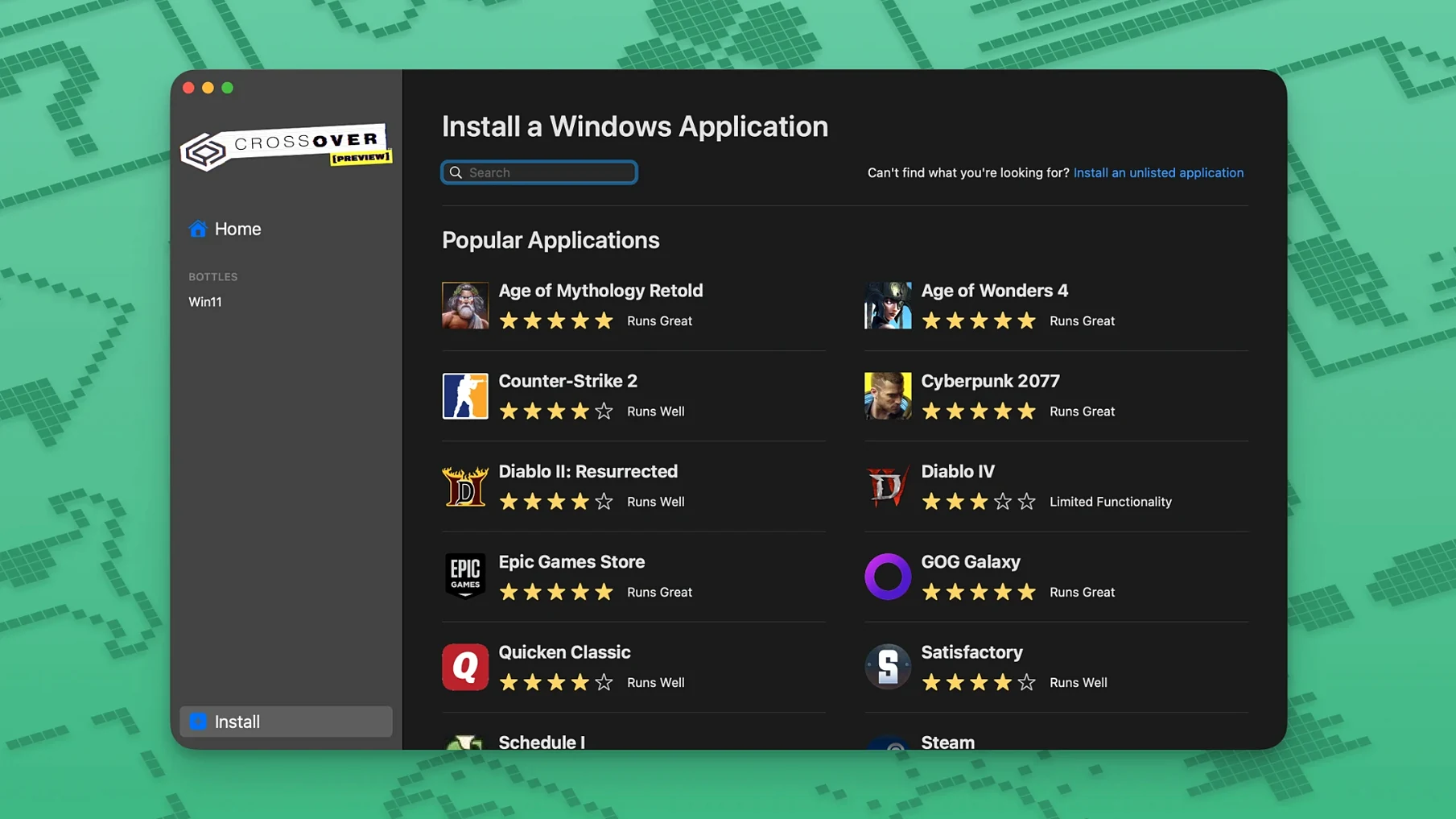
Gamers who play older or lightweight titles. Games that are several years old, particularly 2D or DirectX 9-era titles, often run well. Newer, graphically demanding games with anti-cheat systems are a different story. The fix list in version 26.3.0—Diablo IV launching after a game update, Epic Games Launcher downloads, GOG Galaxy loading—shows the kind of edge cases that get attention.
IT administrators managing small Mac fleets. When a team has a handful of Macs that need one internal Windows tool, CrossOver is easier to deploy than a stack of Windows licences. Bottles can be configured once and copied, provided the target machines match in architecture and macOS version.
Users on Intel Macs with limited RAM. Running a virtual machine means dedicating several gigabytes of memory to Windows. CrossOver runs applications in the Mac's own process space, which is lighter. On older Intel machines with 8 GB of RAM, that difference matters.
Tinkerers who already understand Wine. People who have built Wine prefixes by hand appreciate the GUI without losing access to the underlying mechanics. The bottle manager exposes the same override and registry options, just organised visually.
Running DispatchPro 4 on an Intel MacBook Air without Windows
Consider a field service technician who spends three days a week on the road with a 2019 Intel MacBook Air. The company's dispatch software, DispatchPro 4, is Windows-only and the IT department has no interest in buying Windows licences for field staff. The technician installs CrossOver, creates a Windows 10 bottle, and runs the DispatchPro installer inside it. The application opens, syncs job tickets over the company VPN, and prints to a networked label printer. On Tuesday, a job ticket PDF fails to render. The technician opens the bottle's C drive, locates the application's config.ini, and changes the PDF renderer setting from internal to system. The fix works. By Thursday, the bottle has accumulated two weeks of local job data. The technician backs up the bottle folder to an external drive before the weekend. The whole setup occupies about 1.4 GB on disk and uses less than 300 MB of RAM while the dispatch app is idle. A Windows VM on the same machine would have needed at least four times that memory.
No desktop, no kernel—just translated API calls for compatible apps
Does it replace Windows entirely? No. It translates Windows API calls so that supported applications can run on macOS without a Windows installation. It does not provide a Windows desktop, and not every application will work.
Will it slow down my Mac? When no Windows application is running, CrossOver uses very little in the way of resources. The overhead appears only while a Windows app is active. On Intel Macs, the performance is often comparable to running the same application on a modest Windows laptop, though graphically intensive software may run slower than it would under native Windows.
Do I need a Windows licence? No. CrossOver does not require a Windows licence or a dual-boot partition. That is one of the main reasons people choose it over Boot Camp or a virtual machine.
Can I run any Windows program? No. Supported applications generally work well, while unsupported ones may be unstable or fail to launch. Games with kernel-level anti-cheat are a common failure point. The CodeWeavers database is the best place to check before you commit to relying on a particular application.
Is it safe to use with my existing Mac files? Each bottle keeps its own C drive and registry, isolated from the rest of your system. You can choose whether a bottle can see your Mac's folders. By default, bottles are sandboxed from the wider file system, though you can grant access to shared folders if an application needs it.
What happens when a Windows app updates itself? In most cases the update runs normally inside the bottle. Occasionally a major update breaks something, which is what happened with Diablo IV before version 26.3.0 addressed it. If an update causes problems, reinstalling the application into a fresh bottle often restores function.
- Diablo IV — no longer fails to launch after a game update
- Epic Games Launcher on Mac — downloads work again after a client-side update
- GOG Galaxy — client loading issue resolved
- macOS 10.15 Catalina or later
- Intel-based Mac
Sign in · Create an account to add a field note.
No field notes yet. A measurement, a version, a machine — they appear after moderation.