Mac Apps
DataGrip 2026.2.6
Mac AppsUpdated
| Requirement | On file |
|---|---|
| macOS | macOS 11 or later |
| CPU | Apple Silicon, Intel 64-bit |
| Download | 1 GB |
Writing SQL without an intelligent environment means manually hunting down missing joins, mistyped column aliases, and schema objects whose exact names you’ve forgotten. DataGrip sits alongside your other JetBrains tools and text editors to handle that cognitive load, acting as a database client that understands the code you’re writing.
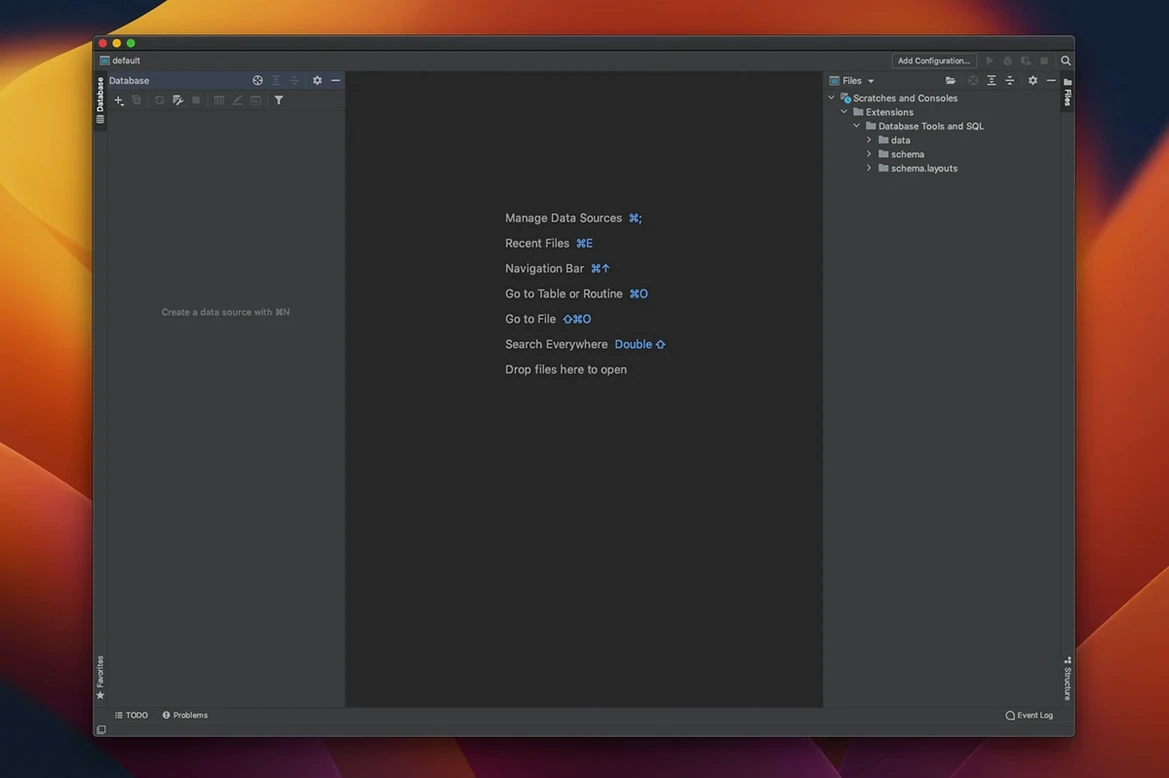
- Context-aware completion — suggests keywords, table names, and column references based on where the cursor sits, so you rarely need to flip back to the schema browser.
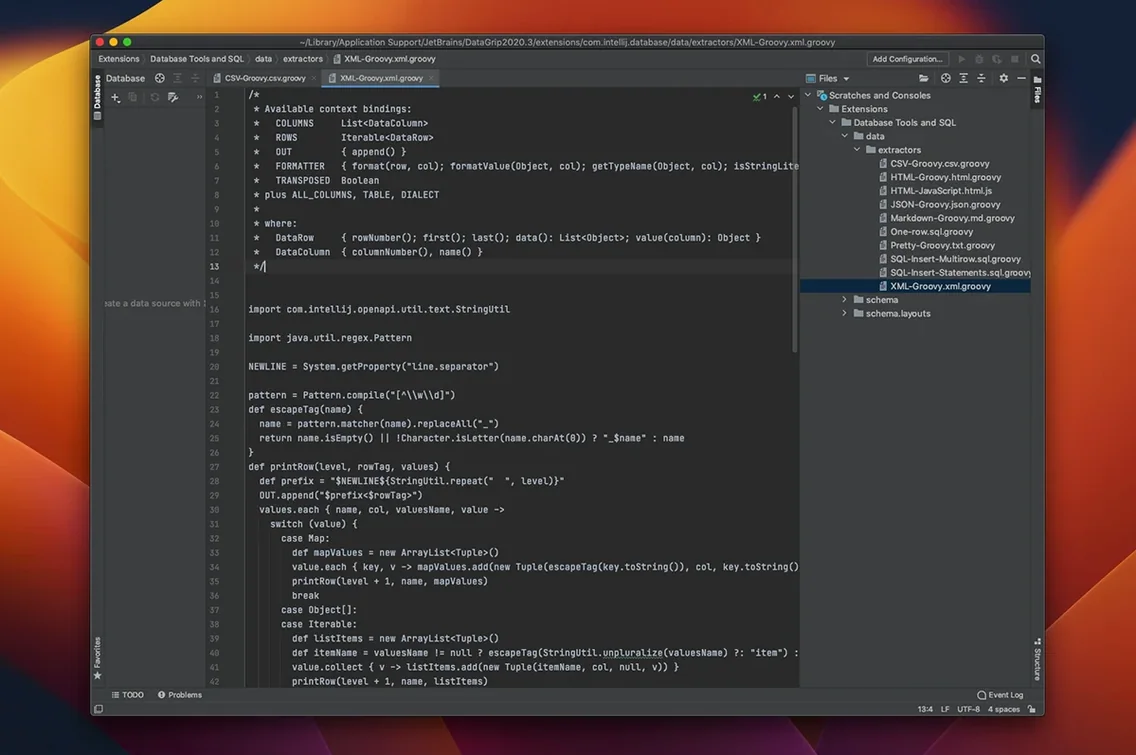
- On-the-fly code analysis — flags problems in queries as you type and can propose automatic fixes for common mistakes.
- Single-keystroke navigation — jump from a table reference in an SQL script directly to its source code or data view without opening a separate explorer pane.
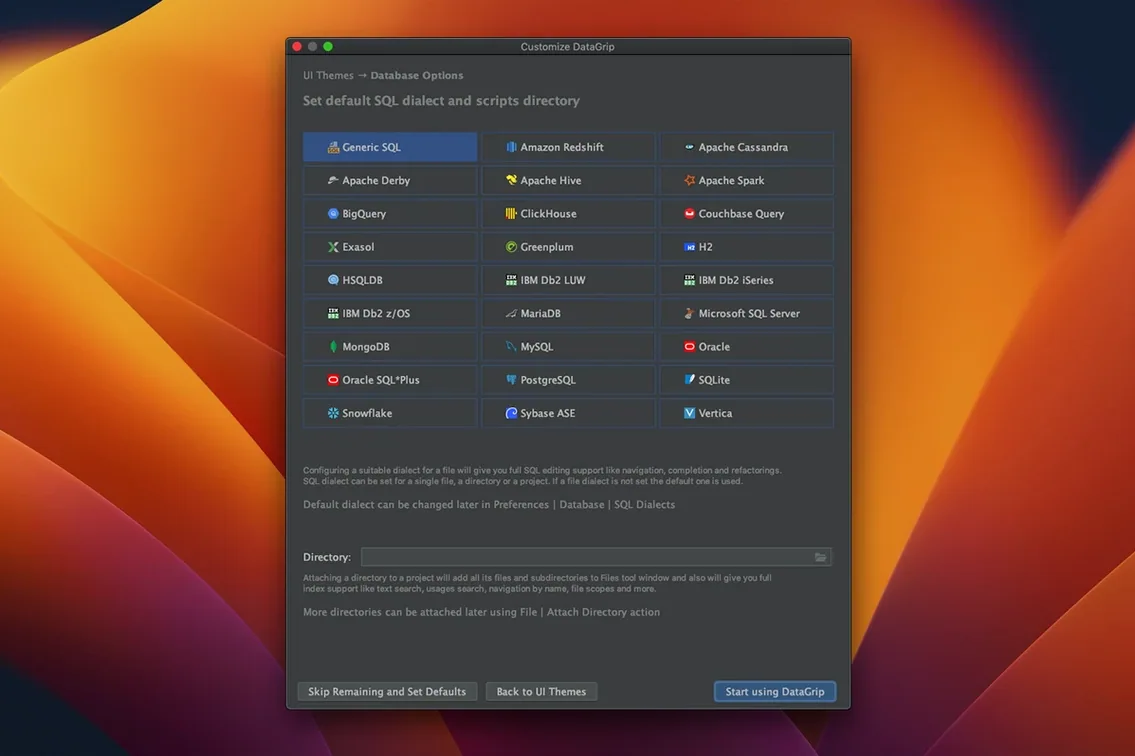
- Multi-database coverage — connects to relational engines and NoSQL systems from one interface, which keeps the toolchain tight when projects mix storage backends.
- Refactoring and version control — rename objects across scripts and track changes through integrated VCS support, matching workflows already familiar from other JetBrains IDEs.
The interface language is English. DataGrip runs on macOS 11 and later, with native support for both Intel and Apple Silicon Macs, so it slots into current hardware without translation overhead.
Flip the Console Read‑Only Toggle Before You Hit Production
Out of the box, DataGrip 2026.2.5 behaves sensibly, but a few defaults deserve early attention. The query console’s read-only mode toggle sits in the toolbar and is easy to miss until you’ve already run an UPDATE against production. Switch it on for any connection where you only inspect data; the console then blocks writes without forcing you to create a separate restricted user.
Next, check database navigation by object name search. The default shortcut opens a search field that matches tables, views, procedures, and columns as you type. If you work across schemas with overlapping names, adjust the matching scope in Preferences → Database → Navigation so the results don’t drown in same-named objects from unrelated schemas.
Auto-commit is the third setting to look at. Several database engines default to committing every statement, which makes a typo in a DELETE permanent before you can react. Turning auto-commit off per data source gives you an explicit commit step, and the console’s transaction indicator makes the state visible at a glance.
Finally, set the query history retention window. DataGrip stores both query history and input history automatically, which is useful for recalling a one-off diagnostic query three weeks later, but the default may not go back far enough if you maintain long-lived reporting scripts.
Same Shortcuts as IntelliJ IDEA for SQL Work
DataGrip rewards people who already live inside JetBrains tooling. The editor shortcuts, refactoring behaviour, and VCS panels follow the same conventions as IntelliJ IDEA or PyCharm, so switching between application code and SQL does not mean switching mental models. Developers who split their day between Java or Kotlin and the database layer get a fairly direct productivity gain.
Data engineers working with heterogeneous storage tend to benefit heavily. Multiple database engines coexist in one connection tree, and the query console treats them all with the same completion and navigation logic. The read-only mode also matters here: exploration on a replica or warehouse should not carry write risk.
Database administrators who need to inspect schema drift, trace object usage, or review query plans find the navigation and query plan tools useful. Jumping from a script to an object’s source removes the need to maintain a separate mental map of the catalog.
Less of a fit: people who only run occasional queries against a single database and already have a lightweight client they like. The interface density and feature surface are built for sustained work, not quick lookups.
A Workflow: Diagnosing a Slow Query
Start by opening the query console for the affected data source and pasting the slow statement. Before executing anything, use the object name search to open the tables involved; that gives you their current indexes and row counts without leaving the script view.
Run the query with the plan tool enabled. The tree view shows how the engine resolves joins and which indexes it touches. If the graph view suggests a missing index, add it to the relevant table, then rerun to see whether the plan changes.
When the problem is a badly formed join or a column alias that resolves to the wrong source, the code analysis should flag it before the next execution. Use the suggested fix to clean up the statement, then rename any confusing aliases with the refactoring tool so the script stays readable.
Finally, save the corrected query to your VCS. DataGrip’s Git and SVN integration lets you commit the script from the same window where you ran the diagnosis, so the investigation and the fix land in history together.
Release notes for version 2026.2.6 are published on the JetBrains site. This update delivers the developer's latest fixes and improvements.
- macOS 11 or later
- Apple Silicon or Intel 64-bit processor
Questions on file
Which databases does DataGrip support?
It works with a wide range of relational databases and several NoSQL systems. The exact list includes PostgreSQL, MySQL, Oracle, SQL Server, MongoDB, and many others.
Does DataGrip replace my existing JetBrains IDE’s database plugin?
It provides a standalone, deeper SQL editing environment. If you already use IntelliJ IDEA or another JetBrains IDE with the bundled database tools, DataGrip offers the same engine in a dedicated interface focused entirely on data work.
Can I refactor database objects from inside DataGrip?
Yes. It supports SQL refactoring, so renaming a column or table in a script can propagate the change across related files, and you can preview the affected objects before applying the change.
Sign in · Create an account to add a field note.
No field notes yet. A measurement, a version, a machine — they appear after moderation.