Mac Apps
FileMaker Pro 21.0.1
Mac AppsUpdated
| Requirement | On file |
|---|---|
| macOS | macOS 10.14 or later |
| CPU | Apple Silicon, Intel 64-bit |
| Download | 397 MB |
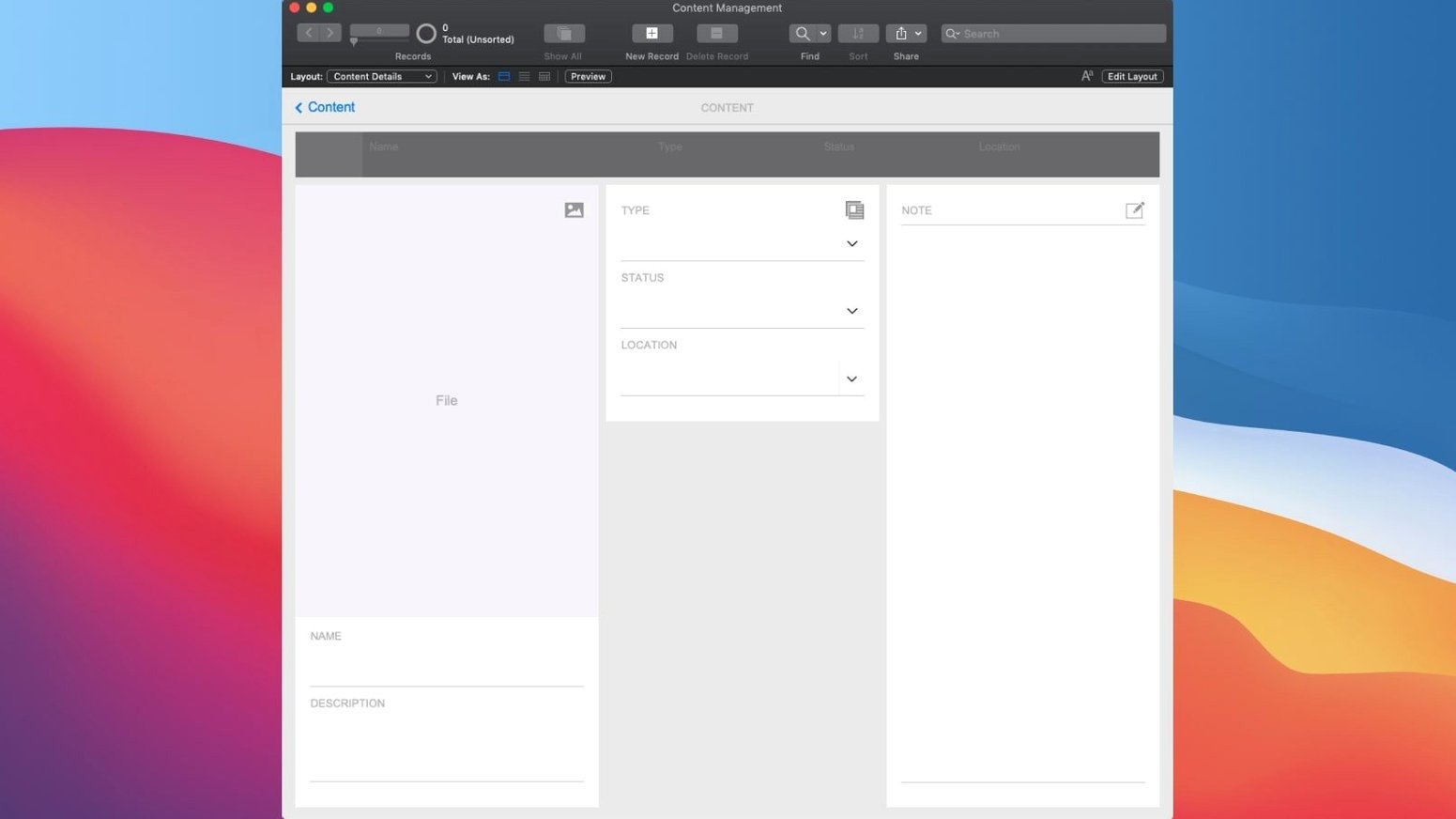
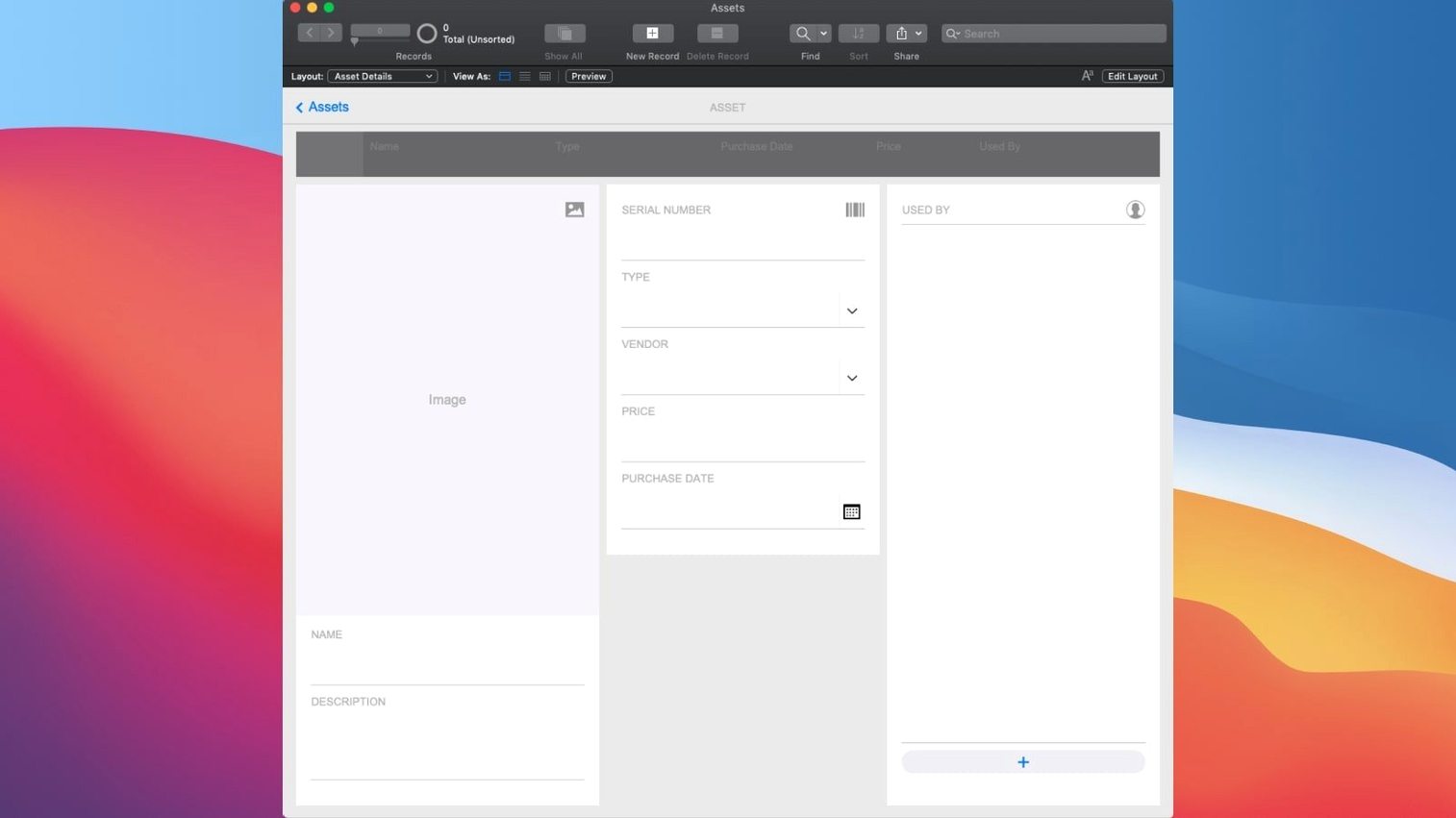
Most off-the-shelf business software forces you to adapt your process to its rigid structure. FileMaker Pro takes the opposite approach. It is a low-code development environment where you design the database, layout the interface and script the logic to match exactly how your team works—whether that is tracking client contacts, managing a content library or logging field assets. You do not need to write SQL or compile code; the platform provides a graphical relationship editor, drag-and-drop interface builder and a palette of ready-made components.
| Detail | Spec |
|---|---|
| Current version | 21.0.1 (2024) |
| macOS requirement | 10.14 or later |
| Architecture | Intel & Apple Silicon |
| Sharing | Mac, iOS, web, cloud, local network |
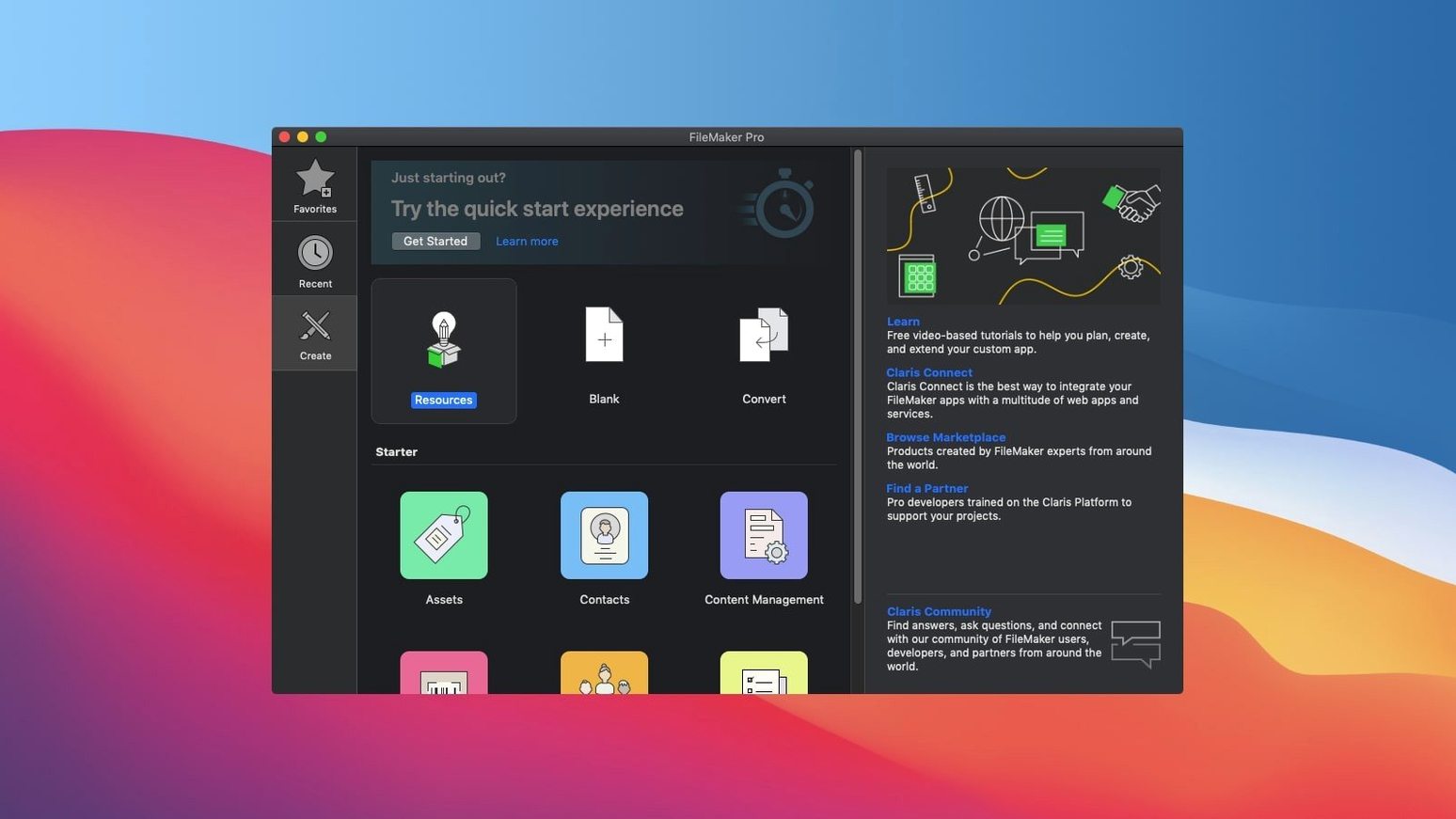
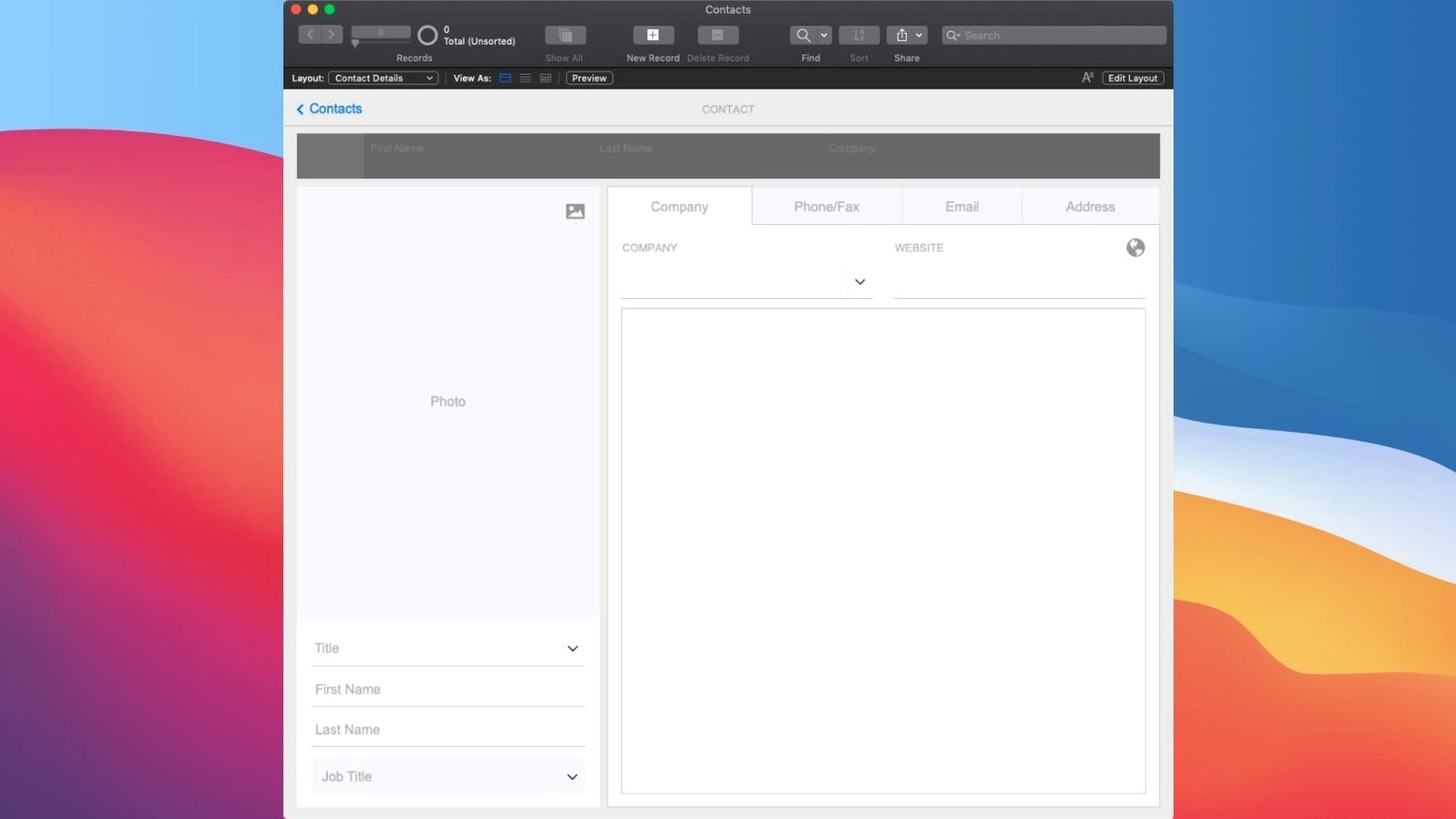
If you are opening FileMaker Pro for the first time, start with the Add-on library. These are pre-built functional blocks you drop straight into your file—charts, calendars, Kanban boards and activity graphs ship with the product. Pick a Starter Solution template that is close to what you need (say, a basic contact manager), then open Manage Database to see how the tables relate. The quickest way to get something useful is to modify an existing layout rather than designing from a blank canvas. Drag a field onto the form, switch to Browse mode and start entering data. From there, experiment with the Script Workspace to automate a repetitive action, like sending a summary email when a status field changes.
Set Your Network Identity Before Three People Become "User
The defaults in FileMaker Pro are sensible, but a few preferences trip up new users quickly. Open FileMaker Pro → Settings → General and set User name to something that identifies you across the network. When three people are all called "Admin" on a shared file, tracking changes becomes guesswork. The user name appears in record modification logs, so pick a real name or a clear team label.
Next, head to Layout preferences and enable Show sample data in Layout mode. Without it, fields sit empty during design and you cannot judge column widths or label alignment until you switch to Browse mode and enter dummy records. With sample data on, the layout shows representative values—names, dates, currency amounts—so you see spacing problems the moment they happen.
Under Plug-Ins, check the Allow solution to install files box. Many custom apps bundle helper plug-ins, and a script that tries to install one will stall silently if this is unchecked. There is no alert; the script step simply fails. If you are getting odd behaviour from a pre-built solution, this box is often the culprit.
One more: File → File Options → Open tab. Here you set which layout loads when the file opens and which account auto-logs in. On a file meant for a team, do not hard-code an admin auto-login. Leave it at a guest-level account or a login prompt, then build a startup script that checks privilege sets and routes users to the right dashboard. FileMaker Pro remembers the last account used, which is convenient during development but a headache in production if someone else opens the file on your machine.
A Real Scenario: An In-House Recruiter Tracking Candidates
Consider a recruiter at a mid-size agency who handles 40 open roles and roughly 300 candidates at any moment. Spreadsheets have grown unwieldy—one sheet per role, colour-coded cells for interview stages, and a separate folder of résumé PDFs on a shared drive. The recruiter needs something that connects candidates to roles, logs communication, and shows at a glance which positions are understaffed.
They start with the Contact Management starter solution, rename the tables in Manage Database, and add a Roles table linked to Candidates via a join table called Applications. Three relationships drawn in the graph editor and the structure is there. A layout based on Roles gets a portal showing associated candidates with their interview stage. Another layout, built from scratch with a drag-and-drop Kanban add-on, visualises the pipeline: columns for "Screening," "First Interview," "Second Interview," and "Offer," with candidate cards that move when the stage field updates.
The real time-saver is a script that triggers on a field change. When an interview stage advances from "First Interview" to "Second Interview," the script emails the candidate a calendar link (pulled from a Resources table where interview room bookings live) and logs the action in a Communication table. No extra clicks, no forgetting to send the follow-up. The recruiter later builds a summary layout with a chart add-on showing active roles versus filled roles, which the managing director opens on an iPad during Monday stand-ups.
How FileMaker Pro Connects With Other Apps and macOS
FileMaker Pro does not live in a silo. Its integration points let data flow in and out without constant manual export. The most direct connection is AppleScript. On macOS, you can write a script that tells FileMaker to run a named script inside a specific file, passing a parameter. This means a folder action in Finder can watch a network share for new PDF résumés and trigger a FileMaker script that creates a candidate record and attaches the file to a container field.
For less code-heavy workflows, the Insert from URL script step talks to any REST API that returns JSON. A common pattern: pull currency exchange rates from an open API once a day and update a preferences table, so an invoicing layout always calculates in the correct currency. The step runs synchronously, so put it in a script that executes during off-hours if the API call might lag.
FileMaker also respects several macOS-native conventions. It registers as a data source for other apps via Apple Events; Numbers and Excel can pull from a hosted FileMaker file. The Export Records command writes to Excel (.xlsx), CSV, tab-delimited, and other formats that drop onto a shared drive for a finance team that lives in spreadsheets. Container fields accept drag-and-drop from the Finder, and the Insert File script step can reference files by path, keeping a live link to an asset that another application maintains.
On the web side, Claris FileMaker Server publishes layouts as WebDirect pages. A warehouse manager on a Windows laptop opens the same inventory file that the Mac user in the office is editing, with no client install beyond a browser. Custom Web Publishing with the FileMaker Data API lets a front-end developer build a separate web interface in React or Vue that reads and writes the same live data the desktop app sees. The API is RESTful and returns JSON; authentication uses the same account and privilege set structure as the desktop client.
How FileMaker Pro Compares With Similar Mac Apps
Three products tend to come up in the same conversation as FileMaker Pro, each with a different philosophy about database creation and app building.
FileMaker Pro vs. Ninox
Ninox is the closest direct alternative on the Mac. It is also a low-code database builder with a drag-and-drop form designer, and it runs natively on macOS, iOS and the web. Where they diverge is in scripting depth. Ninox uses a formula-based trigger system that is quick to learn—an "if" statement in a field property can change a colour or send an email. FileMaker Pro gives you the full Script Workspace with step-by-step logic, variables, error trapping and the ability to call external APIs. For a simple contact list or a personal book collection, Ninox is faster to set up. For a multi-table solution with conditional branching and transaction-like operations, FileMaker Pro offers more control. Ninox also lacks a built-in relationship graph; table links are expressed through lookup formulas, which becomes harder to trace as the data model grows.
FileMaker Pro vs. Airtable
Airtable presents itself as a spreadsheet-database hybrid with a polished web-first interface. It excels at quick collaboration: share a link, set permissions, and a team is working together in minutes. The formula field is powerful, and the template gallery is extensive. But Airtable runs in a browser or an Electron wrapper; there is no native macOS app with the performance and integration touchpoints FileMaker Pro has. Offline work is limited. Scripting exists in Airtable (via the Extensions platform and automations), but it is JavaScript-based and less integrated with the data layer than FileMaker Pro's native script engine. Where FileMaker Pro pulls ahead is in applications that need local file access, AppleScript hooks, or a standalone runtime. A field technician logging inspections in a barn with no Wi-Fi will have a better experience with a FileMaker file on an iPad than with an Airtable base in a browser that has no network.
FileMaker Pro vs. Microsoft Access
Access is Windows-only, so the comparison matters mainly for teams running mixed environments or migrating from a PC-heavy office to Mac. Both are relational database builders with form and report designers. Access ties deeply into the Microsoft stack—SQL Server back-ends, VBA scripting, tight Office integration. FileMaker Pro ties into the Apple ecosystem and cross-platform deployment via iOS and WebDirect. Access uses a single-file model similar to FileMaker (.accdb vs .fmp12), but Access databases degrade under multi-user load without a SQL Server migration. FileMaker Server handles concurrent users more gracefully with its built-in hosting model. For pure Mac shops or teams that need iOS access alongside desktop, FileMaker Pro is the natural fit. For an office already running SQL Server and building .NET front-ends, Access may be the more logical piece of the puzzle.
Instant Records Over the LAN on a Monday Morning
9:14 AM. The office manager opens the custom asset-tracking file on a Mac Studio. The file is hosted on a FileMaker Server in the server room, but the experience feels local—layouts load instantly, records appear as fast as the network allows. The startup script detects her privilege set (Full Access) and opens the Dashboard layout. A chart add-on shows equipment checked out versus available, pulled from a summary field on the Assets table that counts records where status equals "Out."
9:17 AM. She notices a MacBook Pro is overdue. The expected return date passed yesterday. A script scheduled on the server ran at 8:00 AM and flagged the record, changing the status to "Overdue" and pushing a notification to the Alerts portal on the dashboard. She clicks the row, which runs a script that opens a detail layout for that asset. The layout shows the current assignee, a history portal of past checkouts, and a container field holding the signed equipment agreement PDF.
9:20 AM. She selects the assignee's email address from a drop-down (pulled from a Staff table via a value list), clicks a Send Reminder button, and the button's attached script composes an email with the asset name, serial number and a polite request to return it. The script logs the action in a Communication Log table with a timestamp and her user name. She switches to the Staff layout and checks the person's record—no other overdue items, so no further action needed.
9:35 AM. A new shipment of keyboards arrives. She opens a second window (Window → New Window) to keep the dashboard visible, navigates to the Assets list layout, and clicks New Record. The layout is set up with auto-enter fields: the record ID generates from a serial number field, the "Date Added" populates with the current date, and the status defaults to "Available." She types the model, serial number and quantity. Because the file is hosted, the new records appear for anyone else viewing the Assets layout in real time. No refresh needed.
9:50 AM. The IT lead, working from a MacBook Air on the same network, opens the file and sees the new keyboards. He
- AI integration — Configure AI Account and Set AI Call Logging added
- Semantic search — Perform Semantic Find can locate records by meaning, not just keyword match
- Vector operations — Insert Embedding and Insert Embedding in Found Set introduced for AI-driven workflows
- macOS 10.14 or later
- Intel or Apple Silicon Mac
- Interface language: English
Questions on file
What can I build with FileMaker Pro?
Applications for CRM, project management, content libraries, asset management and inventory tracking, all deployable on desktop, mobile and the web.
Sign in · Create an account to add a field note.
No field notes yet. A measurement, a version, a machine — they appear after moderation.