Mac Apps
Haptyk 2.0.4
Mac AppsUpdated
| Requirement | On file |
|---|---|
| macOS | macOS 13 or later |
| CPU | Apple Silicon, Intel 64-bit |
| Download | 18 MB |
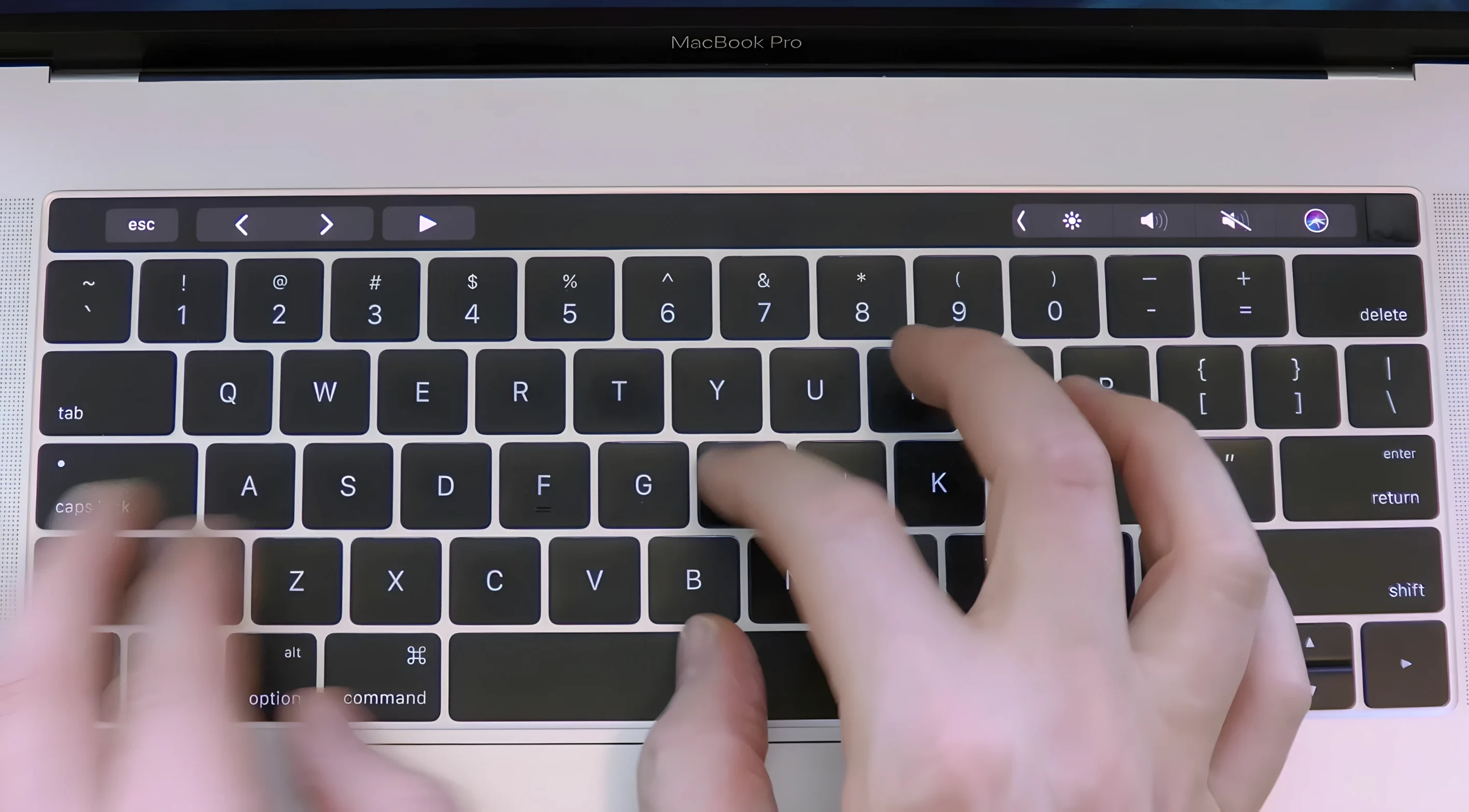
A silent MacBook keyboard is a perfectly fine tool — until the muscle memory for a tactile, audible response starts to feel missing. Typing becomes a visual feedback loop, and that can slow you down. Haptyk fills the gap by playing a mechanical-style sound that changes with how firmly you press each key, turning the built-in keyboard into something that feels more alive.
Which MacBooks can run it?
Not every Apple Silicon model works. Haptyk relies on the built-in accelerometer to measure typing force, and that sensor is absent from the M1 MacBook Air and the 13-inch M1 MacBook Pro. The MacBook Air M2 and later, plus the 14-inch and 16-inch MacBook Pro with M1 Pro, M1 Max, and later chips are compatible. Essentially, you need an Apple Silicon MacBook with M2 Pro or better — anything less and the app has no way to read force.
Does it actually read key pressure?
Yes, and this is the main technical detail worth knowing. Instead of a simple on/off trigger, Haptyk uses the accelerometer in supported MacBooks to gauge intensity. A light tap produces a softer sound; a harder press yields a sharper, louder strike. The result is a dynamic audio profile that follows your typing rhythm rather than playing a flat sample on every key-down event.
Is the interface heavy or distracting?
It's minimal. The app runs in English and stays out of the way once you pick a sound profile. There are no complex mixing panels or effect chains — just the core mapping of force to audio. Version 2.0.2 requires macOS 13, and installation is a simple drag to the Applications folder from the disk image.
A freelance journalist who files copy from coffee shops and train seats spends half the day on a 14‑inch MacBook Pro. The keyboard is fine, but after a decade of mechanical boards at home, the silence feels like typing into wet cardboard. Haptyk changes that — not by faking a clicky MX Blue, but by giving each keystroke a weight that matches the press. Soft touches sound different from firm ones, and that variation makes a crowded café feel less like a padded cell. She keeps the app running from login and almost forgets it is there until she has to work on someone else’s MacBook and the quiet throws her off.
One session with Haptyk
A typical working session starts without much ceremony:
- Open the disk image and drag Haptyk into Applications. The copying takes a few seconds.
- Launch it from Launchpad. A small menu bar icon appears — no floating window, no setup wizard.
- Click the icon and pick a sound profile. The list is short; most users land on a mid‑travel profile that mimics a dampened linear switch.
- Start typing normally. Within a few words, the brain adjusts to the audio cue and the connection between finger pressure and sound becomes automatic.
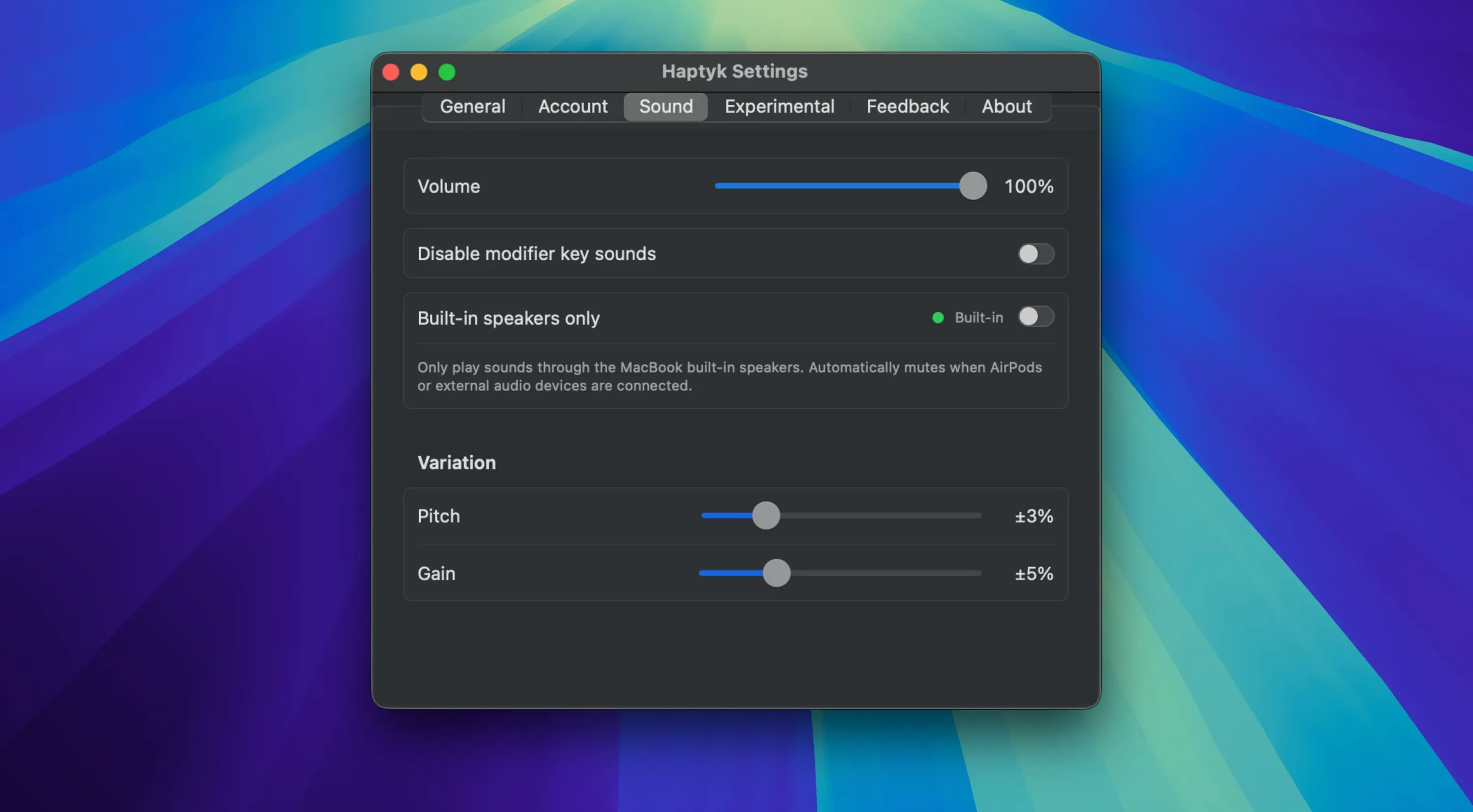
- Adjust volume with the Mac’s system controls. Haptyk respects the system output level, so headphones, speakers and built‑in drivers all work.
- Close the menu and forget the app is there. The sound layer just sits under every keystroke, session after session.
There is no editing of sound packs, no calibration screen. That limitation is deliberate: Haptyk is a set‑and‑forget utility, not a sound‑design tool.
Faster Accelerometer Polling Tightens Key‑Press Response
The update to 2.0.2 is modest on paper but sharpens everyday use. The main changes that affect a working day:
- Accelerometer polling — The read rate was tightened so fast typists hear less gap between key press and sound. Two‑finger rolls on common bigrams like “th” and “er” feel snappier.
- Force‑to‑volume curve — Earlier builds treated medium and hard presses too similarly. The current curve separates light, normal and firm strikes more clearly, giving a wider dynamic range without sounding theatrical.
- Menubar footprint — The app uses fewer background CPU cycles on x86 Macs running under Rosetta 2, though the difference is mostly visible in Activity Monitor, not in typing feel.
- Wake‑from‑sleep behaviour — The sound engine now reconnects faster after the MacBook wakes, avoiding a few seconds of silent typing that annoyed users on 2.0.1.
Built for Writers with Mechanical Keyboard Muscle Memory
Haptyk is not for everyone, and that is by design. It rewards specific habits and hardware:
- Writers who learned on mechanical keyboards — The muscle memory is already there. Haptyk just feeds it what the built‑in scissor switches cannot.
- Apple Silicon MacBook Pro users — The 14‑inch and 16‑inch models with M1 Pro and later have the accelerometer and a chassis that transmits enough vibration for the effect to feel coherent.
- People who code in quiet rooms — The sound gives a rhythm to long typing stretches without disturbing anyone, especially through headphones.
- Night‑owl workers — A backlit MacBook keyboard plus soft mechanical-style audio makes a dark room feel like a typing station rather than a silent slab.
- Users who dislike haptic trackpad feedback but miss keyboard tactility — Haptyk fills the sensory gap left by the scissor mechanism without adding physical resistance.
Anyone on an M1 MacBook Air or a 13‑inch M1 Pro misses out completely — the sensor needed for force detection is absent, so the app simply cannot do its job. A haptyk mac install on an unsupported machine will not damage anything, but no sound plays, and the menubar icon sits idle.
For the right hardware, a haptyk download turns the quietest part of a MacBook into something that responds like an instrument. No activation steps, no configuration files — just a drag to Applications and a sound that follows your fingers.
- macOS 13 or later
- Apple Silicon or Intel 64-bit processor
Sign in · Create an account to add a field note.
No field notes yet. A measurement, a version, a machine — they appear after moderation.