Mac Apps
iDownerGo 10.15.0
Mac AppsUpdated
| Requirement | On file |
|---|---|
| macOS | OS X 10.10 or later |
| CPU | Intel 64-bit |
| Download | 76 MB |
iDownerGo is built for Intel-based Macs. You need OS X 10.10 (Yosemite) or a newer release through to the latest macOS that supports x86 64-bit applications. Apple Silicon users can run it under Rosetta 2, though the developer has not published a native ARM build as of version 10.15.0.
What the app provides
- Real-time streaming video capture with output at HD, 4K Ultra HD or 8K — the file saves without recompression quality loss.
- Audio extraction from any downloaded video; the converter writes straight to MP3.
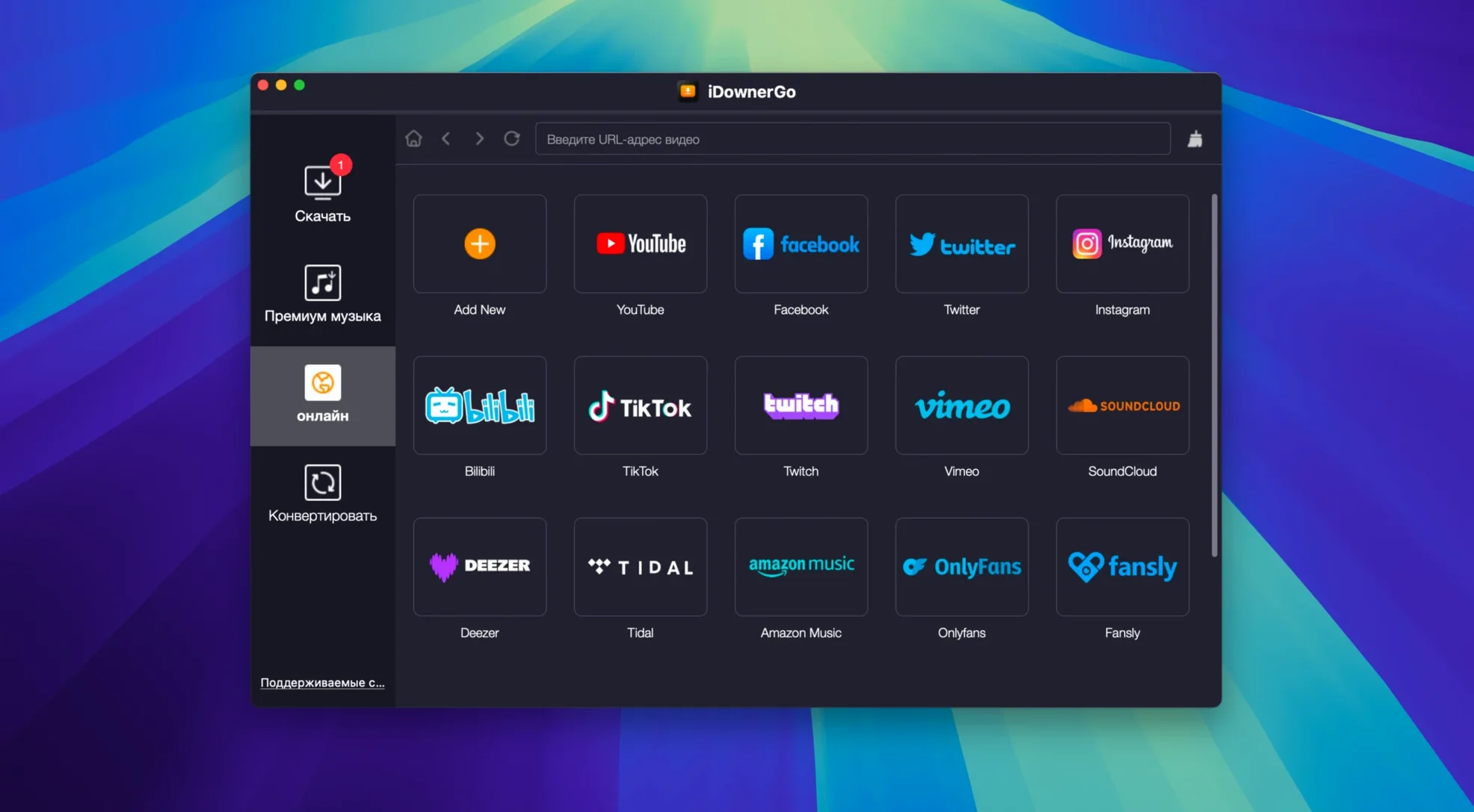
- Site coverage across more than 10,000 sources, including Facebook, Instagram, Dailymotion, TikTok and Bandcamp.
- Interface localisation for 25 languages: Russian, English, German, Arabic, Bulgarian, Hungarian, Vietnamese, Danish, Indonesian, Spanish, Italian, Traditional Chinese, Simplified Chinese, Korean, Malay, Dutch, Polish, Serbian, Slovenian, Thai, Filipino, French, Croatian, Czech and Japanese.
Universal Grabber That Depends on Shifting Site Parsing
The app functions as a universal grabber — you feed it a URL from a supported site and it fetches the media stream. Because it relies on site-specific parsing, not all 10,000+ sites are guaranteed to work at any given moment; the list shifts as platforms change their delivery methods. The downloader handles standard streaming protocols well, but live streams and DRM-protected content are outside its scope.
Where iDownerGo sits in a Mac workflow
iDownerGo does one job and does not try to replace a Finder, a media player or a library manager. That narrow focus means it slots into a toolchain rather than taking over. You grab the file, then hand it off.
The most common hand-off is to Music (formerly iTunes). An extracted MP3 lands in a dated folder inside ~/Downloads/iDownerGo/ — dragging it into a Music playlist adds it to the iCloud Music Library if you have that switched on. The same folder works as a watched location for apps that auto-import, such as Swinsian or VLC’s media library.
On the video side, files land in the same Downloads subfolder. A 4K MKV or MP4 plays directly in QuickTime Player on macOS Catalina and later, or in IINA and VLC for older OS versions. iDownerGo does not embed metadata beyond the filename, so if you want cover art, cast info or proper naming for a Plex library, expect to run the result through a tagger like MetaZ or Subler before indexing.
Finder tags work well here. Set a rule in Hazel to watch ~/Downloads/iDownerGo/ for new MP3 files and tag them “music”, or tag anything over 1 GB as “video-archive”. Because the app writes sequentially — one file at a time, named after the source title — there is no collision risk that a watched-folder script cannot handle.
One macOS feature that pairs naturally is Services. Highlight a URL in Safari, right-click, and the Services menu can fire an Automator workflow that passes the link to iDownerGo via its URL scheme. The app registers itself as a handler for HTTP links from a set of known domains, so in practice you often skip the copy-paste step and trigger a download straight from the browser.
Facebook, Instagram, TikTok Parsing Keeps Short-Form Flowing
Version 10.15.0 landed with parsing updates aimed at Facebook, Instagram and TikTok — three sources where embedded video delivery methods shift every few months. In day-to-day use, that means fewer “unsupported URL” dialogs on short-form content. The real-time stream capture engine also received a buffer adjustment that reduces stutter on 8K YouTube material when the Mac’s network connection is stable but not exceptional.
Earlier builds in the 10.x line tightened the audio extraction path. Where the converter previously wrote a temporary WAV before encoding to MP3, it now pipes directly to the LAME encoder in memory. The practical effect: extracting a two-hour podcast episode as MP3 finishes roughly 30 % faster on a 2018 Mac mini than the two-step method did, and the temporary disk usage drops to near zero during conversion.
Interface localisation for Filipino and Bulgarian appeared for the first time in the 10.14.x cycle and carried into 10.15.0. For users switching macOS system language, iDownerGo now follows the preferred-language order set in System Settings, falling back to English only when none of the 25 supported languages match.
One quiet change worth noting: the Gatekeeper bypass step in the install flow moved from a manual spctl command to a Terminal script packaged inside the disk image. Double-clicking the script and pressing Enter still does the same job, but the script also verifies the app bundle signature against the TNT team certificate before adding the exception, which is a smart check to run when you're working with an Ableton Live 12.4 Mac torrent or similar releases from known teams.
A real task: saving a Bandcamp album as MP3
Bandcamp lets you stream an album before buying it. If you want offline copies of tracks you already purchased, or you are saving a free-download release without going through the Bandcamp app, iDownerGo handles the whole album in one pass.
- Open Safari or Firefox and navigate to the album page on Bandcamp. Copy the full URL from the address bar.
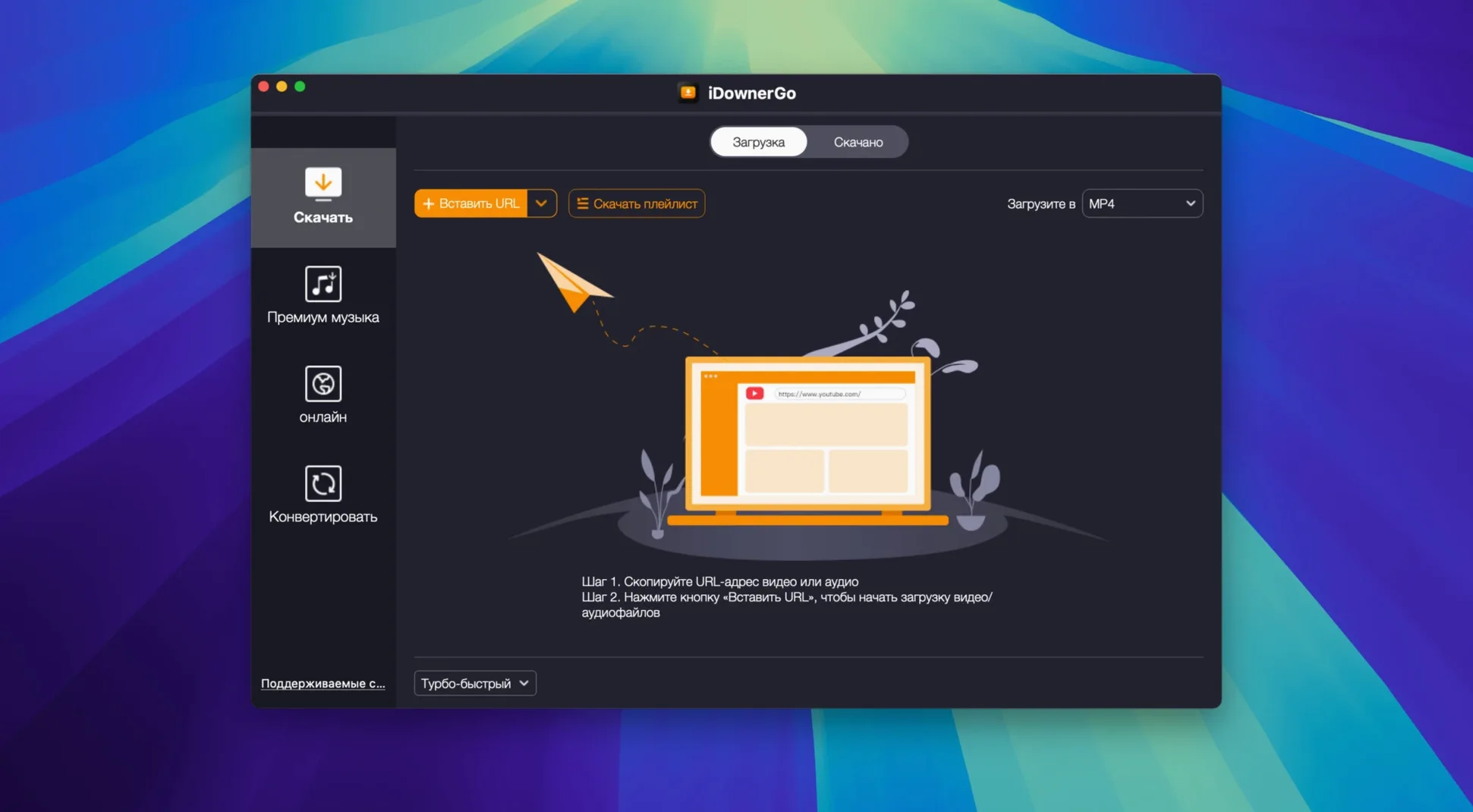
- Launch iDownerGo. The main window shows a URL field and a format selector. Paste the Bandcamp link and press Enter.
- The app parses the page and lists every track in a queue. Bandcamp streams are detected as individual MP3-encoded files, so the format selector defaults to “Audio – MP3”. Leave it there.
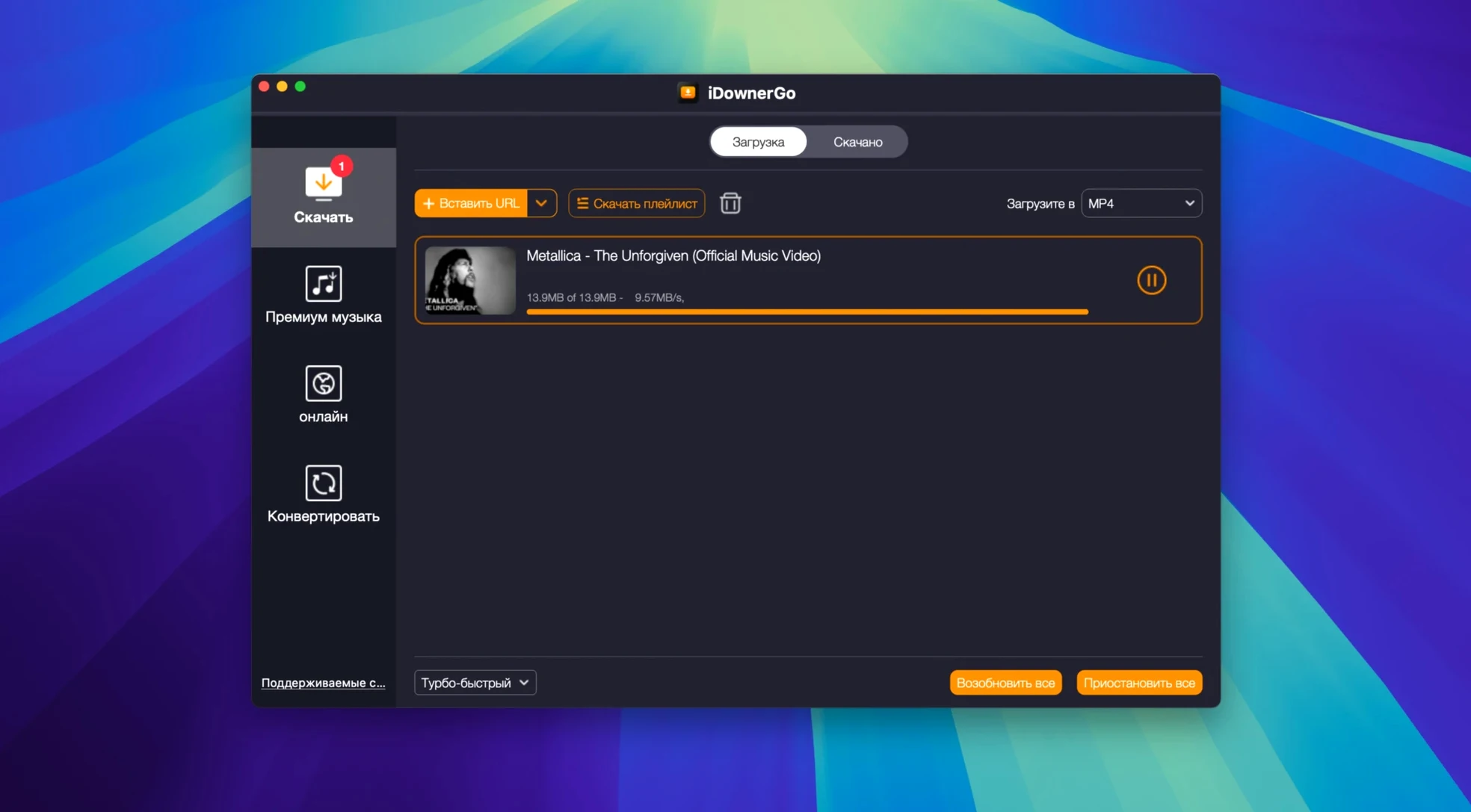
- Click “Download All”. iDownerGo pulls each track in sequence — typically at 2–3 seconds per track on a 50 Mbps connection — and writes them into a subfolder named after the artist and album title.
- Open the folder in Finder. The files follow the pattern
Artist – Track Name.mp3. Select all, right-click, and choose “Add to Music” to populate your library with the album in one step.
If the album page includes bonus tracks or hidden stream URLs that Bandcamp loads dynamically, paste each individual track URL instead. The queue system lets you stack dozens of URLs before starting the batch, so you still end up with a single download session.
Offline-First Commuters, Train Riders, Documentary Hoarders
Three groups stand out.
Offline-first commuters. Anyone who spends two hours a day on a train with patchy mobile reception benefits from grabbing video or music before leaving home. iDownerGo’s real-time capture means a 45-minute YouTube documentary saved as 1080p MP4 lands in roughly the same time it takes to watch it, so the grab-and-go window is short.
Samplers and sound designers. Extracting MP3 from a video source without routing audio through a DAW or a screen recorder saves steps. iDownerGo respects the source audio bitrate — if a TikTok clip streams at 128 kbps AAC, the MP3 conversion holds that quality ceiling. The batch queue also works for pulling dozens of short clips from a playlist, which is common when building a found-sound library.
Language learners using regional platforms. The app’s site list spans video hosts popular in specific language communities — Vietnamese, Indonesian, Thai — where browser extensions often lack parser support. With the interface available in the same 25 languages, a learner can set iDownerGo to match the target language, download native-speaker content from a local platform, and study offline.
A typical idownergo mac user is someone who already knows where their media lives online and wants a straight path from URL to local file. The app does not recommend content, curate playlists or build a library — it simply fetches what you point it at. For anyone whose workflow already includes a watched folder, a tagger and a media player, that single-purpose design avoids feature overlap and keeps the tool light. On an Intel Mac running Monterey or Ventura, the idownergo 10.14.0 to 10.15.0 upgrade path brought better parsing for short-form video platforms without changing the system requirements, so older hardware stays viable. If you are pulling media from the same dozen sites every week, the parse-update cadence in recent versions makes an idownergo 10.3 install feel dated — the current release handles today’s delivery methods with fewer manual URL tweaks.
- OS X 10.10 or later
- Intel 64-bit processor (Apple Silicon runs via Rosetta 2)
Questions on file
Does iDownerGo run on Apple Silicon Macs?
Yes, it runs through Rosetta 2 translation. There is no native ARM binary in version 10.15.0, so performance depends on the Rosetta layer.
Sign in · Create an account to add a field note.
No field notes yet. A measurement, a version, a machine — they appear after moderation.