
Mac Apps
iTubeGo 10.15.0
Mac AppsUpdated
| Requirement | On file |
|---|---|
| macOS | OS X 10.10 or later |
| CPU | Intel 64-bit |
| Download | 115 MB |
iTubeGo attracts people who treat online media as a personal archive. A lecture series on Vimeo, a music playlist scattered across YouTube, an Instagram reel you want to keep offline — the app handles the capture and conversion in one place. If you have just installed version 10.15.0, these are the moves worth making first.
- Grab a whole playlist in one pass. Paste a playlist URL and let the bulk downloader queue every item. The app claims up to 10× speed over single-threaded tools, which matters when you are pulling down a 40-video course.
- Test the quality ceiling. Find a clip marked 8K on YouTube and set the output to its highest resolution. iTubeGo offers a range from 480p to 8K, so checking what your display can actually resolve is a sensible early test.
- Pull audio-only from a music site. Pick any MP3 source URL and select the audio extraction preset. This strips the video track and saves a standalone file — useful for pulling a rare live recording off a platform like Dailymotion.
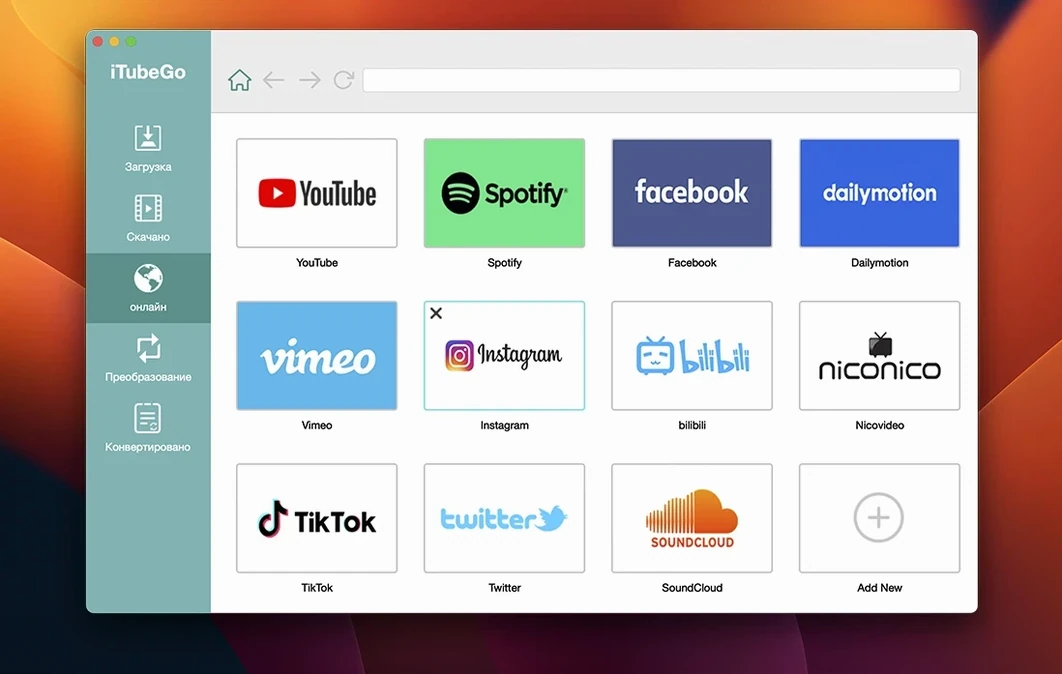
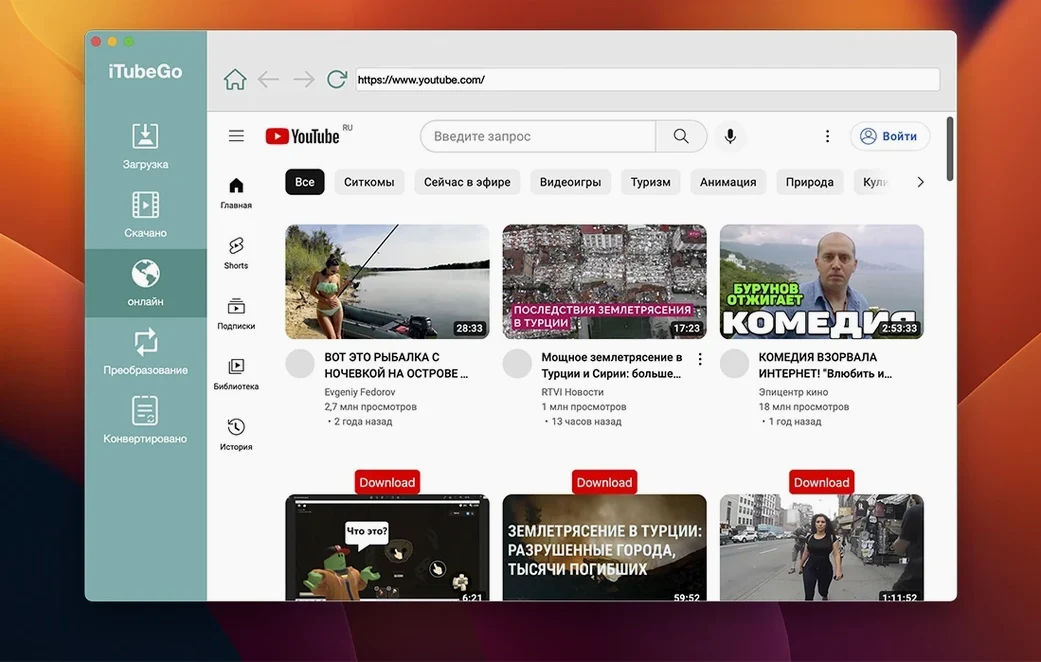
- Use the built-in browser for sites that resist pasting. Some platforms, including TikTok and Instagram, work more reliably when you navigate to the content inside iTubeGo’s own browser rather than copying a URL from Safari.
- Try a format switch on the same file. Download a clip as WEBM, then re-queue the URL and convert it to MP4. Comparing the file size and compatibility on your Mac gives you a feel for the conversion engine before you commit to a big batch.
- Explore the interface in a second language. The app ships with thirteen localisations, from French and Japanese to Vietnamese and Traditional Chinese. Switching early helps if English is not your first language and you want menu labels to match your workflow terminology.
None of this requires configuration beyond the initial install. The app reads the URL, parses the available streams, and presents the options in a single panel. Once you have tested a playlist, a high-resolution clip, and an audio extract, you will have a solid picture of what iTubeGo handles well — and where you might want to adjust the output format to suit your library.
- OS X 10.10 or later
- Intel processor
Questions on file
Which platforms can iTubeGo download from?
It supports YouTube, Facebook, Instagram, Dailymotion, Vimeo, TikTok, and several adult sites including Pornhub, Xvideos, SpankBang, and xHamster, plus MP3 extraction from most music sites.
What video quality does iTubeGo support on Mac?
The app offers quality options from 480p up to 8K, depending on what the source platform provides for a given clip.
Does iTubeGo work on older Macs?
Yes — the system requirement is OS X 10.10 or later on Intel hardware.
Sign in · Create an account to add a field note.
No field notes yet. A measurement, a version, a machine — they appear after moderation.