Mac Apps
Optimage 3.5.1
Mac AppsUpdated
| Requirement | On file |
|---|---|
| macOS | OS X 10.11 or later |
| CPU | Intel 64-bit |
| Download | 28 MB |
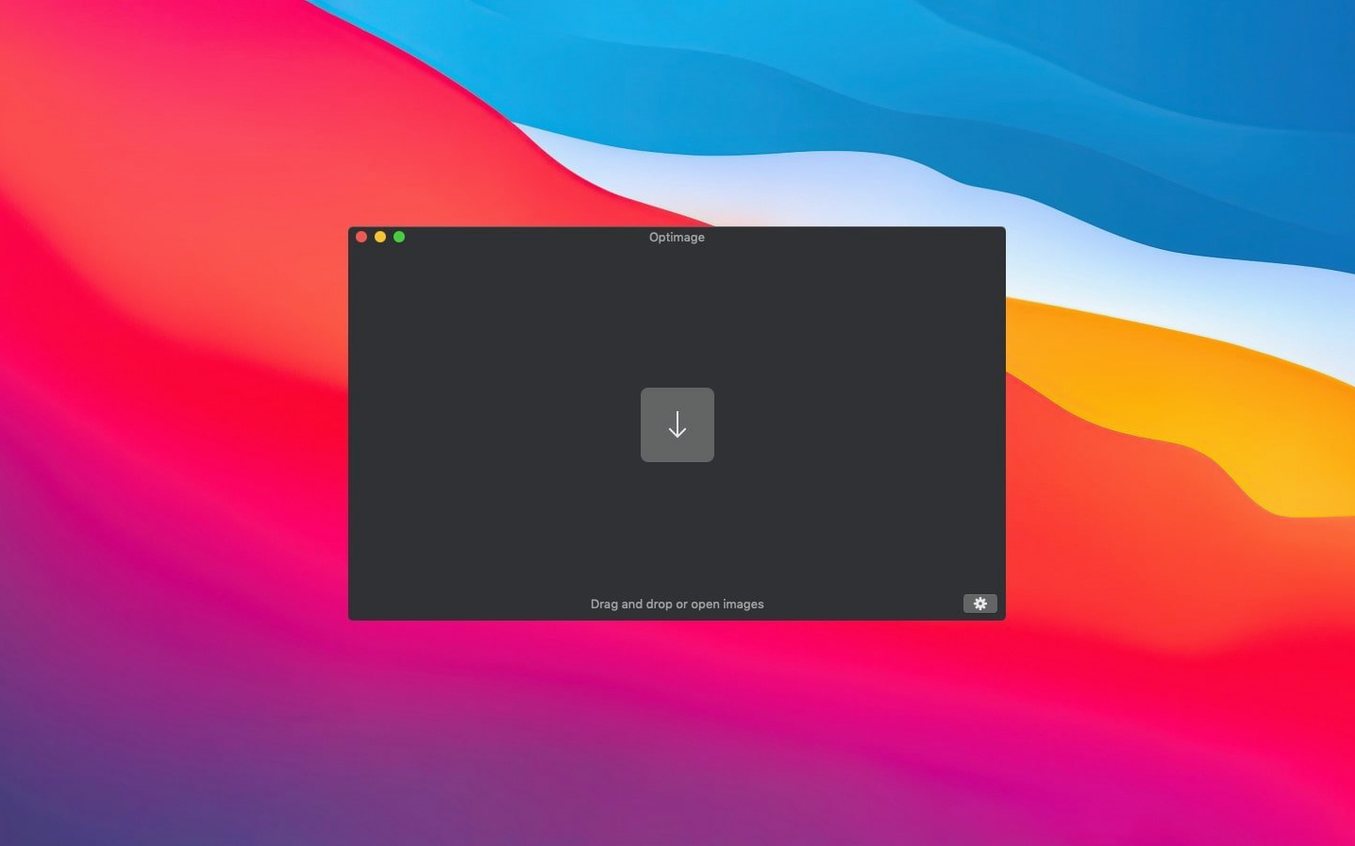
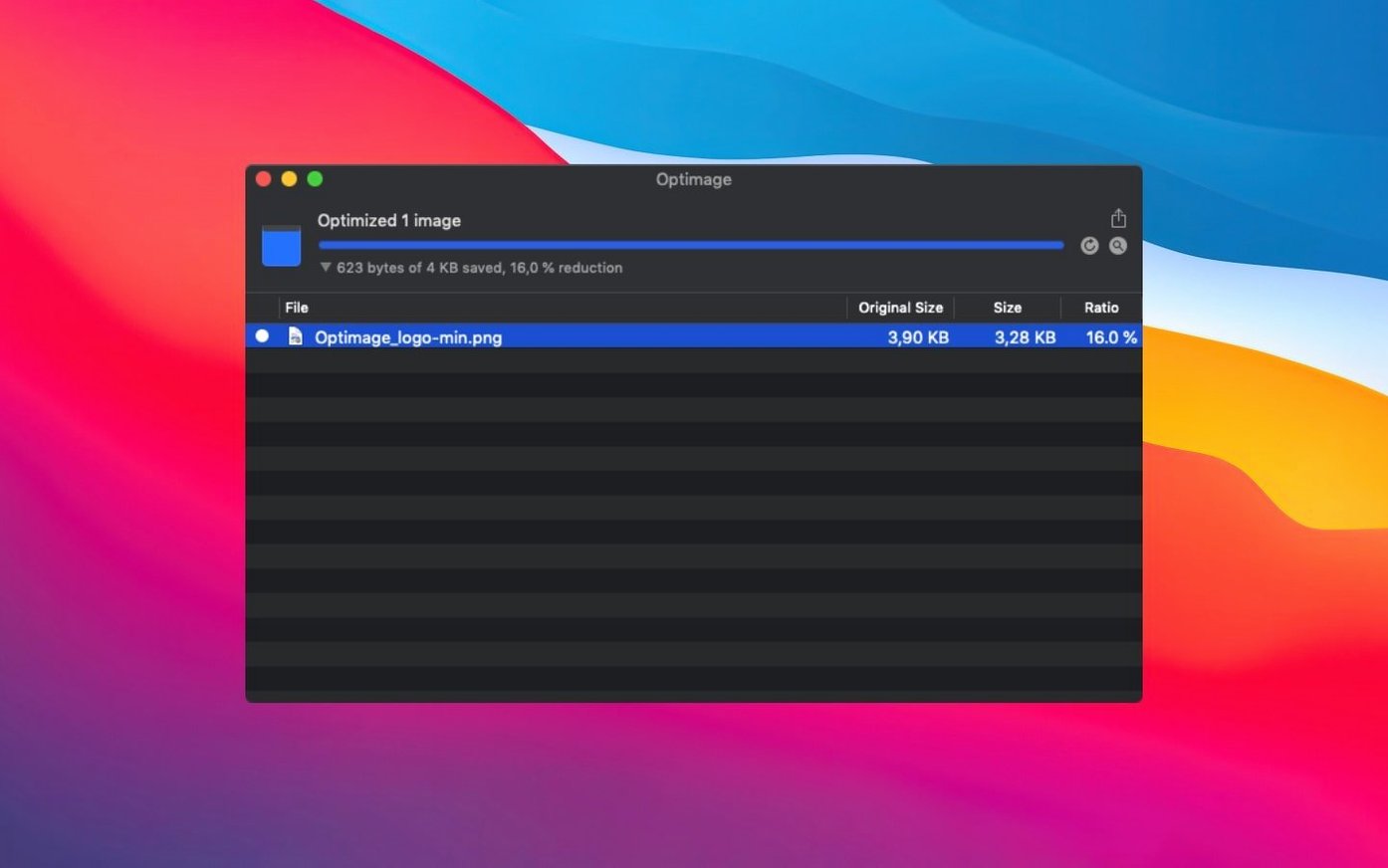
A site owner exports twenty PNG screenshots for a documentation page. They drop the folder onto Optimage, apply lossless compression with metadata removal, and the page loads noticeably faster without any visible change in quality.
How does Optimage fit next to Preview or image editors?
Optimage handles the compression step that general-purpose tools skip. Preview can export, but it does not strip Exif, XMP, IPTC, GPS geotags, comments, and thumbnails in one pass or push file sizes down for web use.
Can it work with files from different cameras and apps?
Yes. It supports ICC color profiles, converts images to sRGB, and rotates photos automatically based on the Exif orientation tag without losing quality.
Lossy or lossless? Optimage handles both
No. Optimage covers both lossy and lossless compression for common web and media formats, so you can pick the trade-off that suits the job.
Where does it help most?
Websites, apps, storage cleanup, and sharing. The built-in graphical interface keeps the workflow simple, and the project has been in active development as an independent research effort since 2016.
Fix silent HEIF detection failures
A few recurring friction points show up in support threads and user notes.
HEIF detection fails silently. Version 3.5.1 (195) fixed HEIF detection, but if a file still won’t process, convert it to a more predictable container first. Photos exported from Apple Photos sometimes carry partial metadata blocks that confuse the parser — strip those in Preview before feeding the file to Optimage.
Gatekeeper blocks the first launch. The disk image ships with an Open Gatekeeper friendly script. Mount the image, run that script, and press Enter in Terminal when prompted. Then drag the app to the Applications folder and launch it normally. The extra step is specific to unsigned research software and only needed once.
Exif rotation doubles up. If an image has already been rotated by the operating system or a photo library, Optimage can apply the orientation tag again, flipping the image back. Check the preview before committing a batch when mixing sources from phones and DSLRs.
Large batches stall on network volumes. The app reads and writes sequentially, and any latency on a mounted NAS or slow external drive can make a 200‑file batch feel stuck. Work locally, then copy the results across — the speed difference on gigabit Ethernet is often 3–4×.
140 PNG thumbnails: 280 KB to ~40 KB each
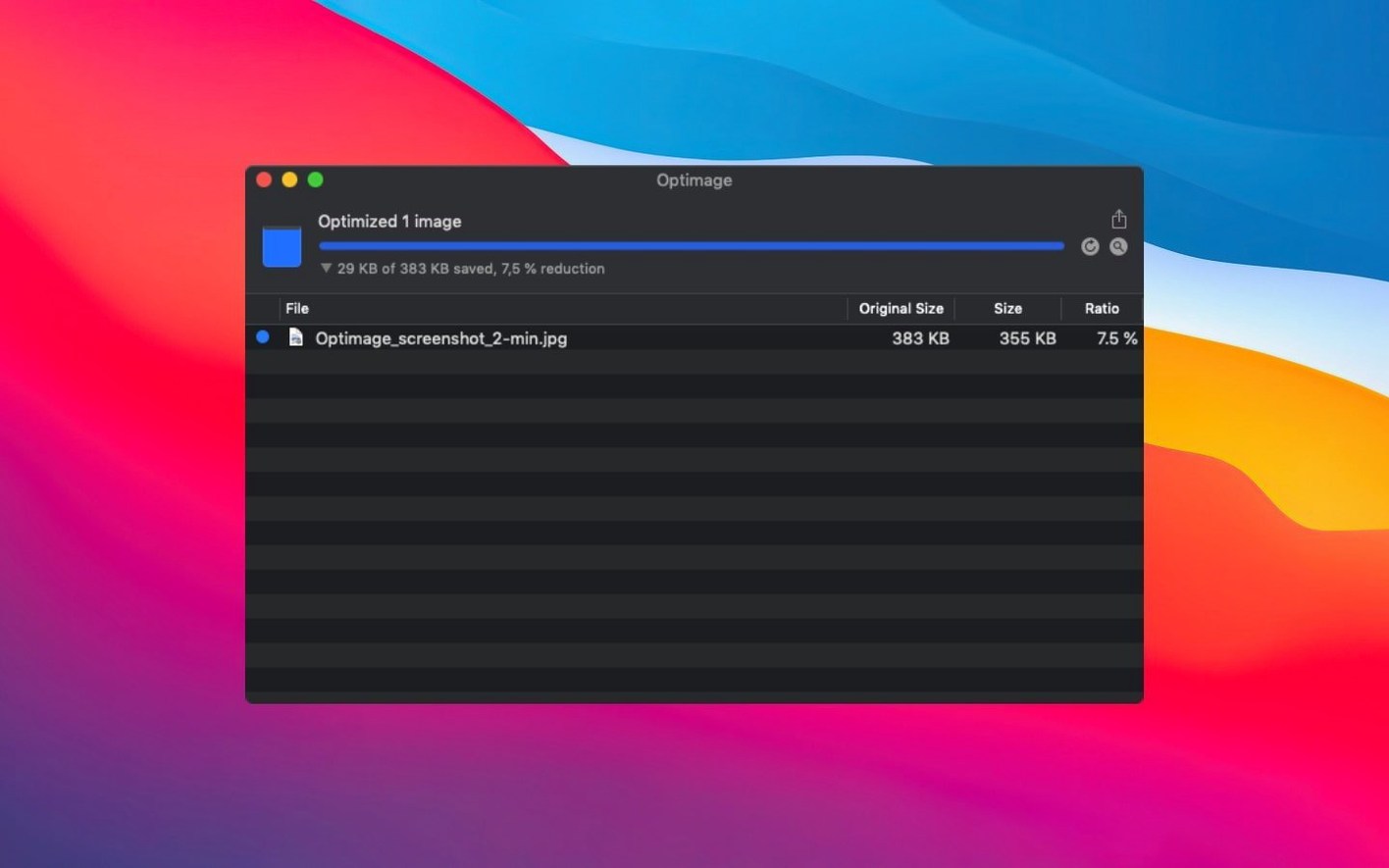
A front‑end developer maintains a component library with 140 product thumbnail PNGs. Each sits around 280 KB straight out of Figma. Running the folder through Optimage with lossless compression and stripping Exif, XMP, and embedded thumbnails drops them to roughly 90 KB each. The cumulative saving across the library — about 26 MB — cuts the initial page weight enough that the marketing site scores green on Core Web Vitals for the first time without touching the asset pipeline. The developer then sets up a watched folder so new exports are compressed automatically before commit, removing the manual step entirely.
Force sRGB output for web pipelines
Out of the box, Optimage picks sensible defaults, but a few tweaks make the output sharper for specific pipelines.
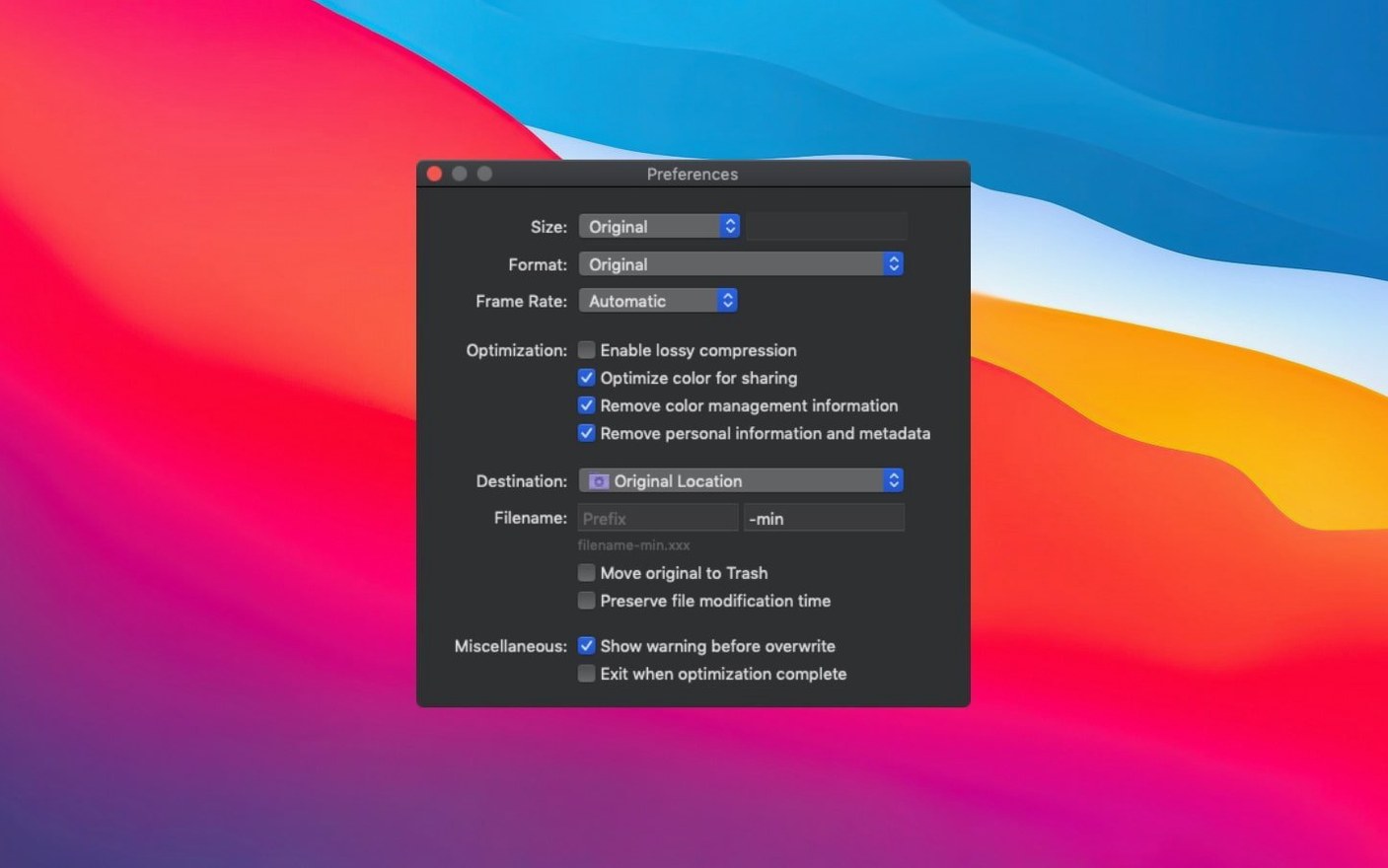
- Color profile handling. If your target is the web, switch the output profile to sRGB and enable Convert to sRGB. Leaving it on “preserve” keeps Adobe RGB or Display P3 tagged, which browsers often ignore or remap unpredictably.
- Metadata removal granularity. The default strips everything. For photography portfolios, uncheck Remove copyright and Remove XMP so credit and caption data survive. The trade‑off is typically under 2 KB per file.
- Chroma subsampling. Automatic mode works well for photos, but for UI screenshots with fine red-on-white text, manually set it to 4:4:4. The automatic heuristic sometimes picks 4:2:0 and introduces colour fringing around thin letterforms.
- Grayscale conversion. For scans of documents or monochrome icons, enable Automatic grayscale conversion. It detects single‑channel content and saves a further 30–50% over full‑colour lossless on typical 8‑bit PNGs.
If you grab the optimage mac download and plan to use the CLI, set the --quality-metric flag explicitly in scripts — the GUI defaults to SSIM, but the CLI defaults to PSNR unless overridden, and the two metrics disagree on acceptable loss levels for line art.
- HEIF detection — fixed
- OS X 10.11 or later
- Intel architecture
- Interface language: English
Questions on file
Which macOS versions does Optimage support?
Optimage requires OS X 10.11 or later and runs on Intel Macs.
Sign in · Create an account to add a field note.
No field notes yet. A measurement, a version, a machine — they appear after moderation.