Mac Apps
Parallels Desktop 27.0.3-58680
Mac AppsUpdated
| Requirement | On file |
|---|---|
| macOS | macOS 26 or later |
| CPU | Apple Silicon |
| Download | 186 MB |
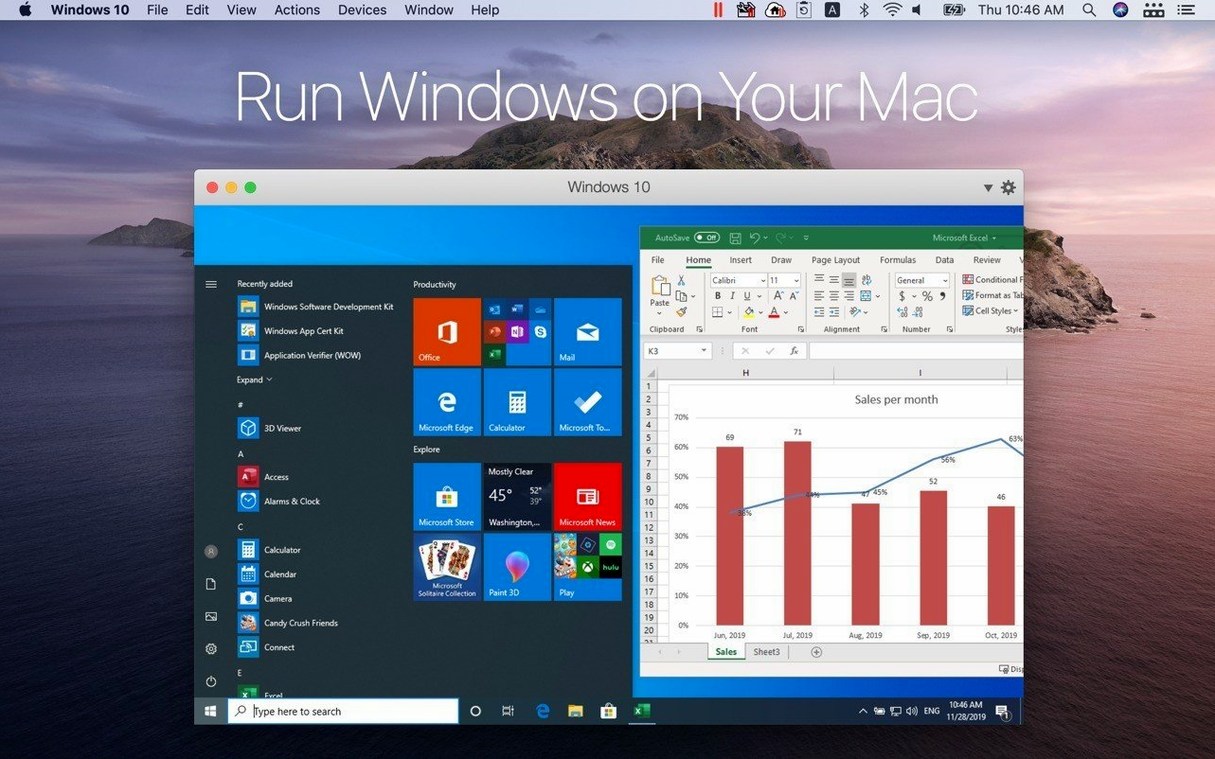
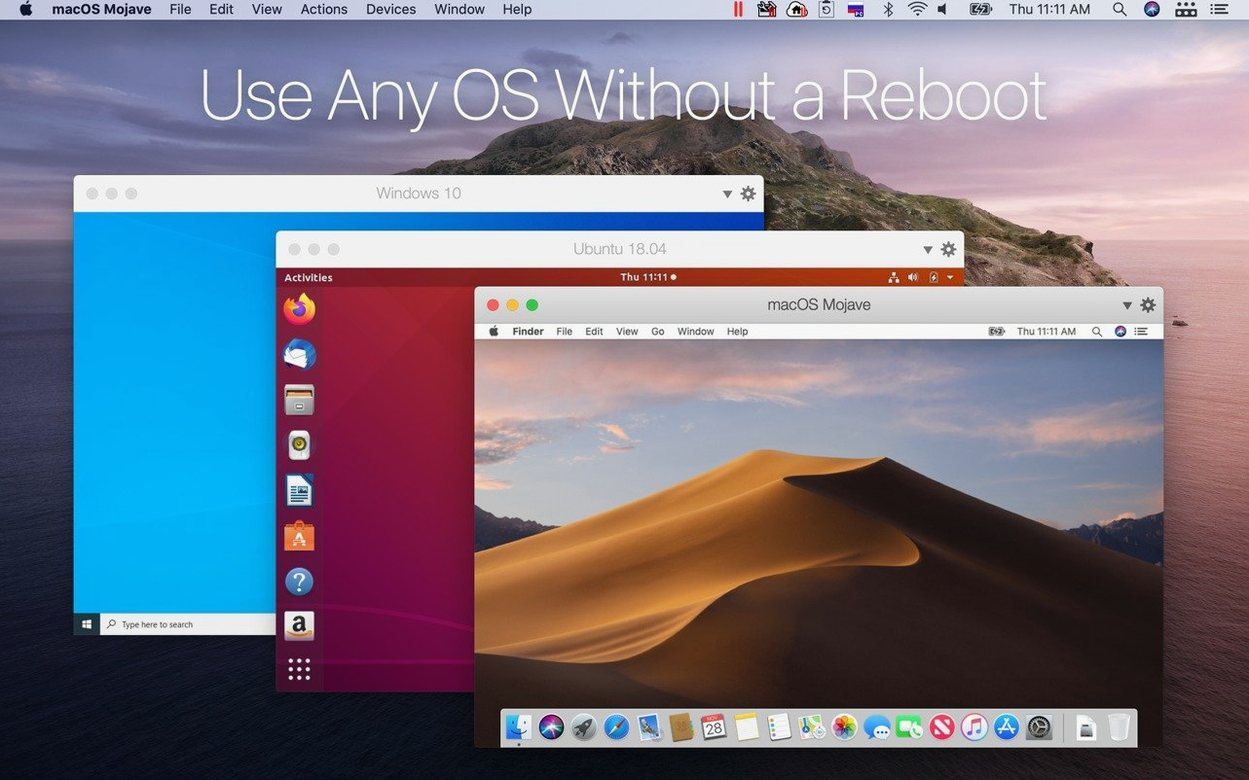
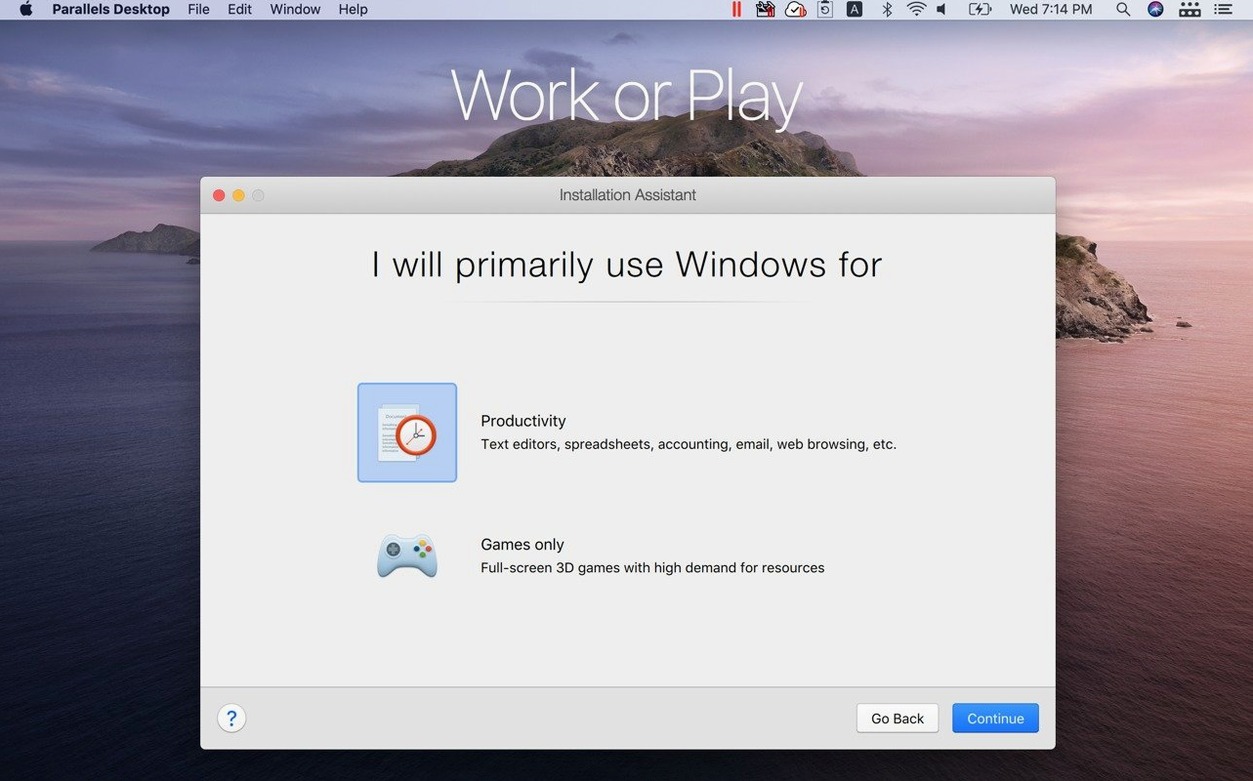
Parallels Desktop 27 runs exclusively on Apple Silicon Macs with macOS 26. Version 27 removed support for Intel hardware entirely, so the current build is ARM-native and recently earned ARM SystemReady SR 3.1 certification for the VE band. If your Mac sits in a workflow alongside other Mac-native tools, Parallels slots in as the layer that makes Windows-only utilities accessible without a separate machine. It also runs Linux virtual machines for development or testing, which keeps those environments on the same desktop where the rest of your stack lives.
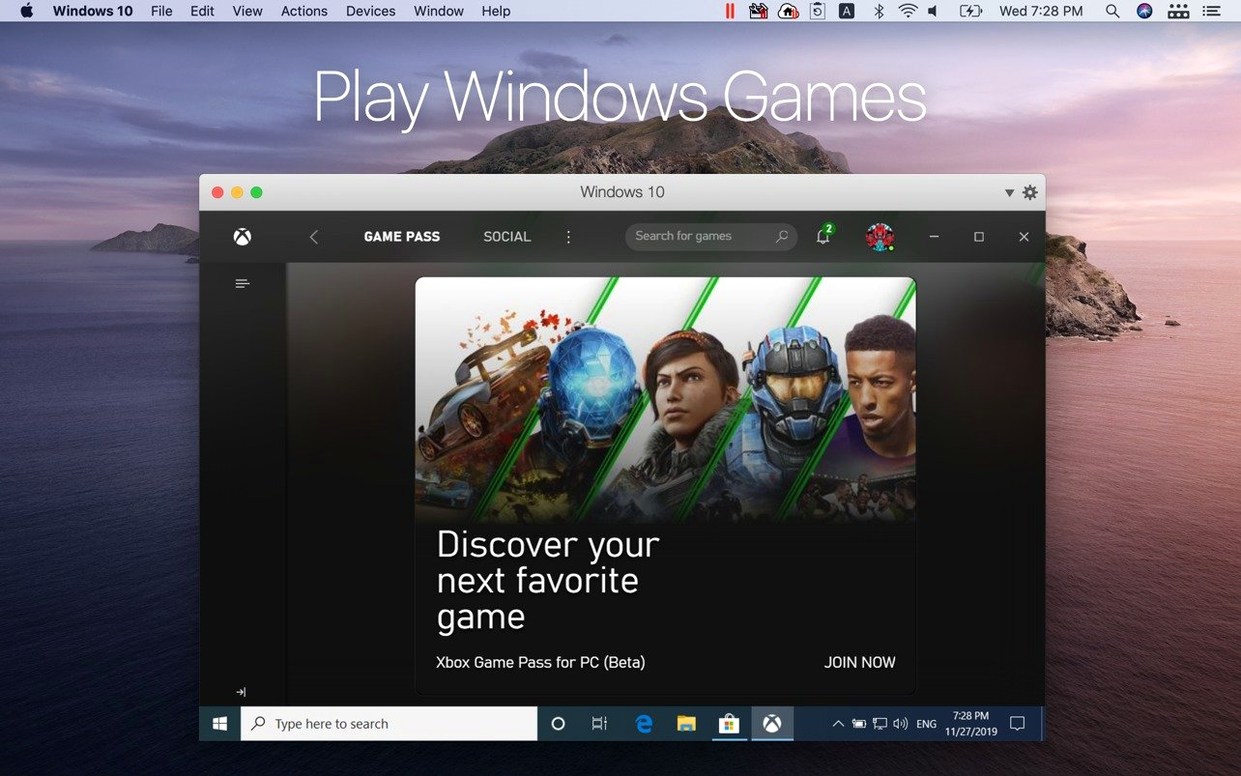
- Windows applications run inside a guest VM, with copy and paste of text and images moving freely between operating systems.
- File and folder sharing between macOS and the Windows guest removes the need for manual transfers or cloud workarounds.
- Linux distributions function as fully supported guests, so container work, server testing, or cross-platform builds stay local.
- The interface ships in eight languages: Russian, English, German, Spanish, Italian, Simplified Chinese, French, and Japanese.
Every interaction between the guest and macOS — dragging a file, pasting a screenshot — works through the shared clipboard and folder bridges. That tight integration is what places Parallels alongside a Mac user's existing file manager, text editor, and terminal rather than in a separate silo.
What the Last Two Versions Changed in Practice
Version 27.0.2-58673 arrived as a stability and security patch, but the more significant shifts for daily users came with the 27.0 release itself. The removal of Intel Mac support means the codebase no longer carries legacy translation layers — every instruction targets Apple Silicon directly. For someone running Windows 11 on an M3 or M4 machine, that translates to fewer background processes and a VM launch that feels closer to opening a native Mac app than booting a second operating system.
The ARM SystemReady SR 3.1 certification for the VE band is not marketing fluff. It means the virtualised environment conforms to a defined hardware interface standard, which matters when you need predictable behaviour from operating systems that rely on UEFI and ACPI expectations. In practice, Linux kernels and Windows boot loaders see a consistent platform, reducing the kind of edge-case failures that used to require manual EFI variable tweaks.
The expanded Linux guest list in 27.0.2 brings five distributions into out-of-the-box territory:
- Ubuntu 26.04 LTS — both ARM-native and x86_64 emulation paths
- Ubuntu 26.04 LTS x86_64 emulation — for binaries that still require the Intel instruction set
- Fedora 44
- Debian 13.6
- Kali Linux 2026.2
Adding x86_64 emulation for Ubuntu 26.04 LTS addresses a specific gap. Some enterprise toolchains, older scientific packages, and proprietary vendor software still ship only as amd64 binaries. The emulation layer means you can keep those workloads on a single Apple Silicon Mac without maintaining a separate Intel Linux box. Performance under emulation won't match native ARM execution — translation overhead is real — but for tools that run in bursts (compilation steps, data processing scripts) rather than continuous heavy computation, the convenience outweighs the slowdown.
Boot Camp support vanished with version 27. That change mostly affects users who kept a Boot Camp partition around as a fallback or who migrated from Intel Macs. The removal simplifies the Parallels codebase, but it also means the only path to Windows on a current Mac now runs through virtualisation. For anyone still holding onto a Boot Camp workflow, the upgrade demands a one-time migration of data out of that partition before moving forward.
190 MB macOS Overhead at Idle
A freshly booted Windows 11 VM with 8 GB of RAM allocated settles into roughly 190 MB of Parallels helper process overhead on the macOS side, measured after the guest reaches idle. During active use — Outlook syncing, a few Edge tabs, a lightweight Excel sheet — the combined memory pressure adds about 6.2 GB to the system total. That leaves breathing room on a 16 GB Mac, though machines with 8 GB will feel the pinch quickly once macOS starts compressing memory pages.
Disk I/O benefits noticeably from Apple Silicon's storage controller. A Windows VM stored on the internal SSD achieves sequential reads in the 4 800–5 200 MB/s range through the virtualised NVMe driver, which is close to bare-metal speeds for the same hardware generation. Random 4K reads land around 65–72 MB/s — adequate for application launches and file browsing inside the guest. The virtual graphics stack, while not a gaming target, pushes enough frames through the paravirtualised driver to keep Windows UI animations at 60 fps on a 4K display without visible tearing or input lag during normal desktop use.
Stability across the 27.0.2 build feels uneventful, which is the best thing you can say about a hypervisor. Multi-day uptime sessions — leaving a Linux dev environment running across sleep/wake cycles — do not produce the clipboard desync or drag-and-drop failures that earlier major versions occasionally exhibited after macOS point updates. The security fixes in this build are not detailed publicly, but the cadence suggests the usual round of guest-to-host escape hardening and shared-folder permission tightening.
Network throughput through the default shared network adapter sits around 920–940 Mbps on a gigabit wired connection, with CPU usage on the macOS side barely registering above 4 % on a performance core during sustained transfers. Bridged networking mode, when configured manually, adds roughly 3–6 % latency overhead compared to the host's direct connection — measurable but irrelevant for web browsing, SSH sessions, or pulling Docker images inside a Linux VM.
Polish Gap in Shared-Folder Integration
VMware Fusion 14 runs on Apple Silicon and shares the same fundamental approach: type-2 hypervisor, Windows 11 ARM guest support, shared folders and clipboard. Where they diverge is in the polish of those integrations. Fusion's Unity mode — the equivalent of Coherence — still feels like a work-in-progress on ARM; window shadows occasionally detach, and the start menu integration is less predictable when macOS Spaces are active. Fusion's strength sits on the enterprise side, with vSphere connectivity and OVF template support that Parallels does not match without add-on tooling. For a single-machine user who just needs Windows apps alongside macOS, Parallels wins on day-to-day friction.
UTM takes a different path entirely. It wraps QEMU in a clean Mac interface and offers both emulation and virtualisation backends. The emulation side lets you run x86_64 operating systems on Apple Silicon without relying on Microsoft's ARM Windows licensing — useful for legacy Linux ISOs or old Windows versions that predate ARM support. The trade-off is speed: emulated x86_64 in UTM runs at roughly 20–35 % of native performance for CPU-bound tasks, compared to the near-native ARM virtualisation that Parallels provides. UTM costs nothing and handles edge cases that Parallels does not touch, but the shared clipboard requires manual SPICE agent configuration, and there is no Coherence equivalent. It is a tinkerer's tool, not a daily driver for Office and Outlook.
VirtualBox 7.1 remains Intel-only on macOS hosts. Apple Silicon users cannot run it without falling back to the x86_64 emulated build under Rosetta 2, which introduces a performance penalty and limits guest support to slow software rendering. Until Oracle ships a native ARM hypervisor for macOS — and there is no public timeline for that — VirtualBox is not a practical alternative for the Macs that Parallels 27 targets.
Revit Mornings, Rhino Afternoons on One Mac
Consider someone who spends mornings in Revit — a Windows-only BIM application — and afternoons in a Mac-based workflow of Rhino, Grasshopper, and custom Python scripts. The Mac is an M4 Pro with 32 GB of RAM. Parallels runs Windows 11 ARM with 16 GB allocated and 4 CPU cores assigned.
The morning starts with Revit loading a 340 MB central model from the office server. The VM accesses the network share through a mapped drive that passes through the Mac's wired connection. Model navigation stays fluid at 45–55 fps in shaded view, with the virtual GPU handling texture swaps without stuttering. A Dynamo script that regenerates 1 200 structural framing elements finishes in 14 seconds — two seconds slower than the same script on a comparable Dell Precision running Windows natively, a gap explained entirely by the ARM-to-x86_64 emulation layer that Revit still requires since it has no ARM build.
Mid-morning, the engineer copies a framing schedule from Revit as a formatted table, switches to the Mac side with a three-finger swipe, and pastes it into Excel for Mac. The formatting holds. An hour later, a Rhino model needs a steel connection detail from a Windows-only plugin — the .3dm file sits in a shared folder visible to both operating systems, opened directly from the Windows file explorer without an intermediate copy step. By afternoon, the VM has been running for six hours straight. Memory pressure on the Mac sits at 22 %, the fans have not spun audibly once, and the Windows VM's snapshot — taken automatically before a plugin update — sits ready for rollback if the new version misbehaves.
.pvm Bundles Land in Documents by Default
Parallels writes its virtual machines as standard .pvm bundles in the user's Documents folder by default, though moving them to an external Thunderbolt drive works without reconfiguration beyond pointing the control centre at the new path. Spotlight does not index inside VM bundles, but files saved into a shared folder from the Windows side become visible in macOS search within seconds.
The macOS Share menu extends into Windows applications when Coherence mode is active. Sending a document from a Windows file manager via the macOS share sheet to Mail, Messages, or AirDrop works as if the file originated on the Mac side. Similarly, printing from a Windows application routes through the macOS print dialogue, so any printer already configured on the Mac — including AirPrint devices — appears inside the guest without installing separate drivers.
Time Machine backs up .pvm bundles unless they are excluded manually, but the resulting backups grow large quickly because the entire virtual disk image gets copied on every change. A more practical approach pairs the Mac's Time Machine with a Windows-side backup routine inside the VM — File History to a shared folder that Time Machine then picks up, or a sync tool pointed at OneDrive. Parallels also exposes snapshots through its own control centre; these are not bootable backups but work well for pre-update checkpoints during software testing.
Apple's accessibility features cross the boundary in one direction. VoiceOver on the Mac reads Windows UI elements when the VM has Parallels Tools installed, though the experience is less complete than native Windows Narrator. Full keyboard access, sticky keys, and mouse pointer customisations set in macOS System Settings carry through to the guest. Switch Control and head-tracking pointer devices show mixed results depending on the specific hardware and the guest operating system's own HID driver stack.
For developers who keep Homebrew on the Mac side and package managers inside Linux VMs, the two environments stay deliberately separate until a shared folder bridges them. A common setup places a ~/Projects directory on the Mac, shared into the Linux guest at /mnt/projects, with VS Code running on the Mac accessing the same files. The Linux VM handles Docker daemons and database servers; the Mac handles the editor, browser, and git client. Network calls between them resolve through the virtual network adapter with sub-millisecond latency, so a Python backend inside the VM responding to a frontend on the Mac feels like localhost.
Parallels Desktop 27.0.3-58680 ships with the developer's latest fixes and improvements. Detailed release notes are published on the Parallels knowledge base.
- macOS 26 or later
- Apple Silicon Mac
Questions on file
Does Parallels Desktop 27 work on Intel Macs?
No. Support for Intel Macs was removed in version 27; the current release requires an Apple Silicon Mac.
What guest operating systems can I install?
You can set up Windows, Linux distributions, or Ubuntu as guest systems. Version 27.0.2 adds out-of-the-box support for Ubuntu 26.04 LTS, Fedora 44, Debian 13.6, and Kali Linux 2026.2.
Can I share files between macOS and the Windows VM?
Yes. Parallels Desktop supports sharing files and folders, along with clipboard copy and paste of text and images, between Mac and Windows.
Sign in · Create an account to add a field note.
No field notes yet. A measurement, a version, a machine — they appear after moderation.