
Mac Apps
Shadowrocket 2.2.92
Mac AppsUpdated
| Requirement | On file |
|---|---|
| macOS | macOS 10.15 or later |
| CPU | Apple Silicon, Intel 64-bit |
| Download | 36 MB |
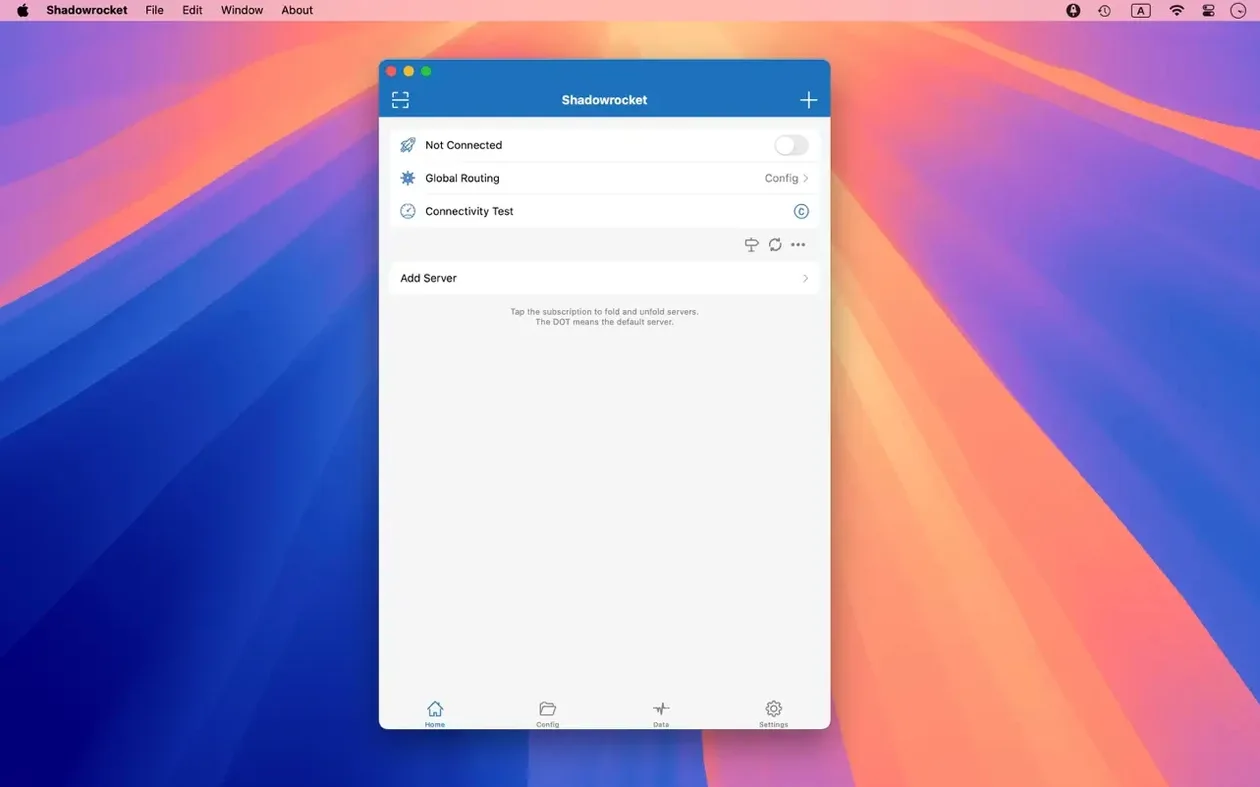
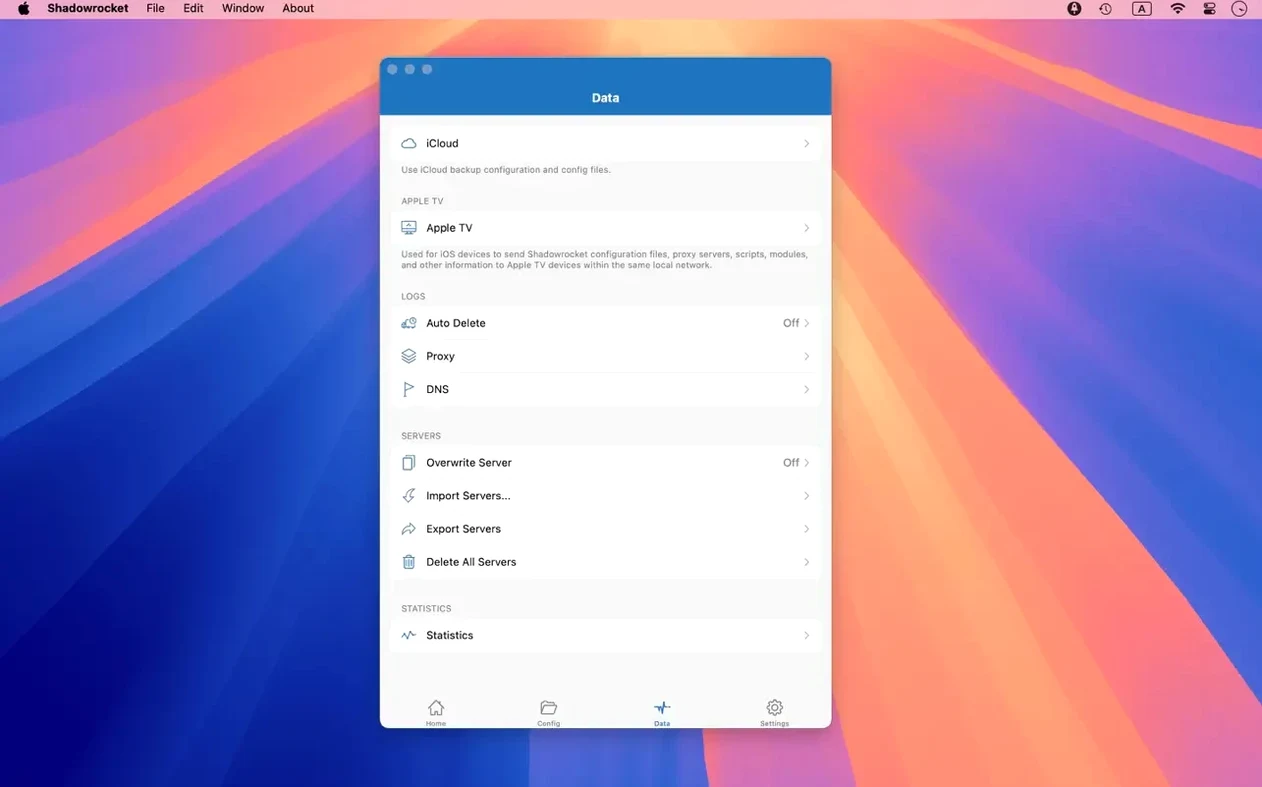
Shadowrocket is a rule-based proxy utility for macOS that routes traffic through configurable servers and filters. Version 2.2.92 is a maintenance release, sharpening interface behaviour while the core toolset remains unchanged from recent builds.
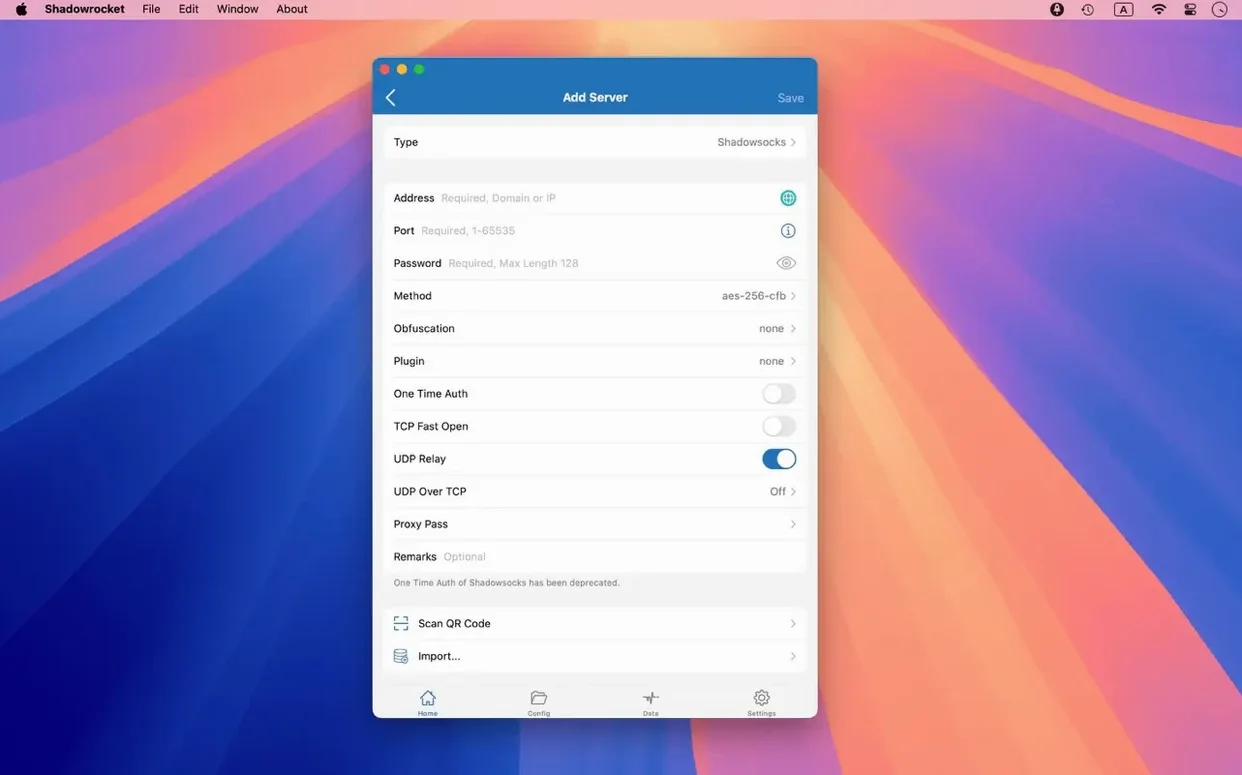
- Protocol support covers Shadowsocks, V2Ray, and SOCKS5, with multi-level proxy chaining for layered routing.
- Traffic inspection lets the app record and display HTTP, HTTPS, and DNS requests from macOS devices, including decrypted HTTPS payloads.
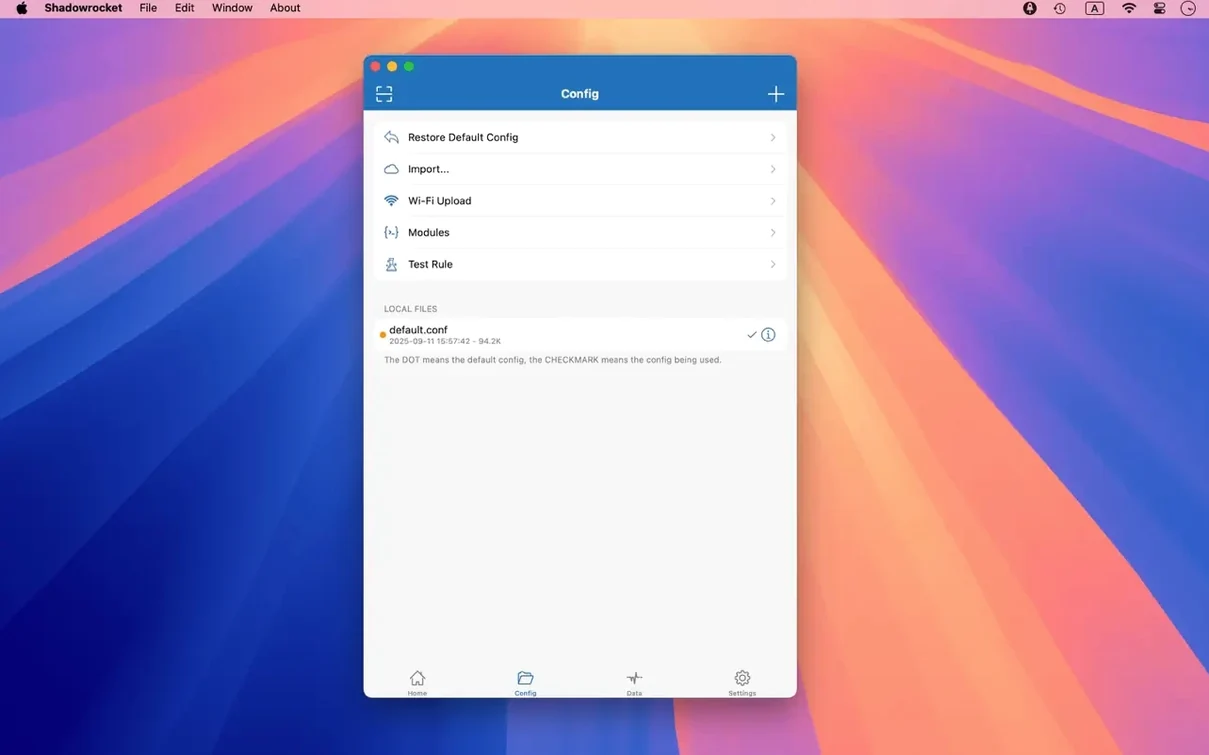
- Rule-based routing uses imported rule files (from a URL or iCloud Drive), URL rewriting, and script filters to direct traffic per domain or pattern.
- Local DNS mapping overrides public resolution for specific hosts directly inside the client.
- Stability fixes in this version address UI bugs in server tables, the menu bar extra, and the Dock icon on macOS.
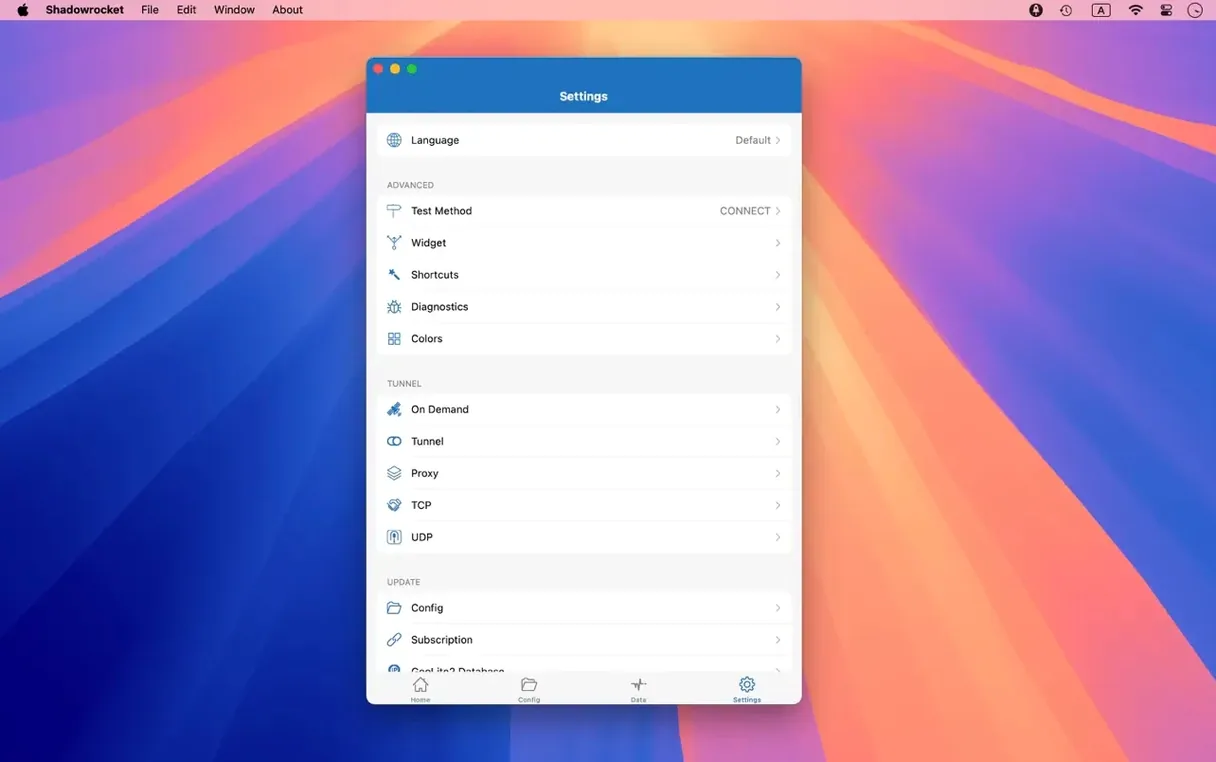
The app runs on macOS 10.15 and later on both Intel and Apple Silicon hardware. The interface ships in six languages: English, Russian, Vietnamese, Japanese, Korean, Simplified Chinese, and Traditional Chinese. Installation follows the standard drag-to-Applications flow from a disk image.
Sharpest Returns for Self-Managed Proxy Operators
People who configure their own proxy servers and need precise traffic control see the sharpest returns. If you maintain a Shadowsocks or V2Ray endpoint and want every packet from a specific app to follow a particular route, the rule engine here does that without wrapping the entire system in a single tunnel. Network engineers, developers testing geo‑restricted APIs, and anyone who runs a personal VPN gateway on a VPS tend to reach for it first.
Users who juggle multiple proxy profiles also benefit. A travel scenario where one Wi‑Fi network needs a domestic relay while another demands an offshore exit node is handled by switching rule sets, not by rebuilding a configuration from scratch. Because rule files can live on iCloud Drive, sharing a curated blocklist or a domain‑keyword set across a small team of Macs adds little friction.
Less obvious are people who care about per‑app visibility. Shadowrocket logs HTTP, HTTPS, and DNS requests, so a developer debugging a misbehaving background process can watch which endpoints it calls without launching a separate packet analyser. The decryption of HTTPS traffic means the log shows the actual request path, not just the SNI hostname. That alone makes it a lightweight diagnostics companion for Mac users who already run a proxy server elsewhere and want a cleaner view of their own traffic than tcpdump provides.
Pre-Installation Checks
Local Proxy, Not a System VPN Profile
No. Shadowrocket works as a local proxy, not a network‑extension VPN. Apps that honour the macOS system proxy settings will send traffic through it; apps that bypass those settings need extra routing rules or helper tools. The app does not install a kernel extension or a system VPN configuration profile, so it does not interfere with an existing IKEv2 or WireGuard tunnel when both are active.
Latency Follows Your Server, Not the Client
Latency depends on the proxy server you point it at, not on the client itself. On a local SOCKS5 relay, the overhead is barely measurable. On a remote Shadowsocks server, the added round‑trip time matches what you would see in any other client. The rule engine parses domain lists in memory, so rule matching does not add a meaningful delay even with several thousand entries loaded.
Can it block ads system‑wide?
It can block ads inside the traffic that passes through it, based on domain rules and user‑agent filters. That covers most browser‑based advertising and some in‑app trackers. It does not block first‑party ads baked into native AppKit views, because those requests often bypass the system proxy stack. Think of it as a capable network‑level filter, not a content blocker extension for Safari.
Bring Your Own Servers — No Bundled Relays
Shadowrocket is a client. You bring your own proxy servers — Shadowsocks, V2Ray, or SOCKS5 — and the app routes traffic to them. There is no bundled service, no hosted relay, and no server‑discovery feature. If you are looking for a one‑click privacy service with pre‑configured endpoints, this tool expects more hands‑on setup.
Interface Polish and macOS-Specific Fixes
The 2.2.92 update focused entirely on interface polish. Early 2.2.x builds had a few rough edges specific to macOS: selecting multiple rows in the server table could leave highlight artefacts behind, the menu bar extra sometimes failed to reflect the active proxy state after waking from sleep, and the Dock icon would occasionally bounce during a configuration reload even when the window was hidden. The current build irons those out.
For everyday use, the practical effect is quieter behaviour. The menu bar indicator now matches the connection state reliably, so a glance tells you whether traffic is routing through the proxy or falling back to a direct connection. The server table handles batch edits — deleting several unused profiles, toggling a group of rules — without visual glitches that made some users second‑guess whether the action registered. It is the kind of release that does not add features but removes small, persistent annoyances.
YAML Configs vs. Rule Engine Approaches
Three other macOS proxy clients occupy a similar space: ClashX, Surge, and SpechtLite. Each approaches rule‑based routing differently.
ClashX runs the Clash core and leans heavily on a YAML configuration model. It suits users who prefer editing a single config file and reloading it, and its community rule sets are extensive. Shadowrocket’s advantage is its GUI‑first rule builder and the ability to import rules piecemeal from a URL or iCloud Drive without merging a monolithic file. ClashX feels more natural for a command‑line workflow; Shadowrocket puts every toggle and filter in a native Mac window.
Surge is the most feature‑dense of the group, with a polished macOS interface, a built‑in dashboard, and advanced capabilities like external controller access and enhanced mode routing. The trade‑off is complexity and system footprint. Shadowrocket does less but stays closer to a lightweight utility: it logs, routes, and blocks, without growing into a full network‑management platform. Users who need Surge’s performance metrics or its capture‑and‑replay tools will find Shadowrocket too spare; those who only want a rule‑based proxy client may find Surge oversized.
SpechtLite is lighter still, an open‑source proxy app that handles basic Shadowsocks and HTTP relay. It lacks the decryption, URL rewriting, and script‑filter features that Shadowrocket carries. SpechtLite’s simplicity is a strength when the task is “connect to one server and leave it,” but the moment you need domain‑keyword rules or DNS‑over‑HTTPS inside the client, Shadowrocket pulls ahead.
Enabling the Proxy Before Building a Rule Set
The most common misstep is enabling the proxy before configuring a rule set. Shadowrocket starts in a default mode that sends all traffic through the selected server, and if that server is unreachable or slow, every app loses connectivity. Building even a minimal rule set — direct connection for LAN addresses, proxy for a few test domains — before flipping the switch avoids a confusing first experience.
Another frequent error is importing rule files and assuming they take effect immediately. The app loads them, but you still need to assign the imported rules to a proxy configuration and activate that configuration. A rule file sitting in the library without being linked to an active profile does nothing, and the interface does not flash a warning about it.
Some users turn on HTTPS decryption without understanding the certificate trust chain. Shadowrocket generates a local CA certificate to inspect encrypted traffic; macOS will show certificate warnings in browsers and apps until that CA is manually trusted in Keychain Access. Skipping that step produces a flood of SSL errors that look like a broken proxy, when the fix is simply trusting the generated certificate.
Lastly, people who treat Shadowrocket as an ad‑blocking replacement for a browser extension end up disappointed. The domain‑based blocking catches many trackers, but it cannot rewrite page layout the way a content blocker does. Empty ad frames still appear, just with the requests blocked at the network layer. Pairing it with a lightweight browser‑side blocker yields the cleaner result that some expect from the proxy alone.
- Server tables — UI bugs corrected in table rendering and interaction.
- Menu bar — fixed display glitches affecting the menu bar extra.
- Dock icon — resolved a UI issue related to Dock icon behaviour.
- macOS 10.15 or later
- Intel and Apple Silicon Macs
Sign in · Create an account to add a field note.
No field notes yet. A measurement, a version, a machine — they appear after moderation.