Mac Apps
YouTube Converter PRO 5.1.20
Mac AppsUpdated
| Requirement | On file |
|---|---|
| macOS | macOS 10.15 or later |
| CPU | Intel 64-bit |
| Download | 21 MB |
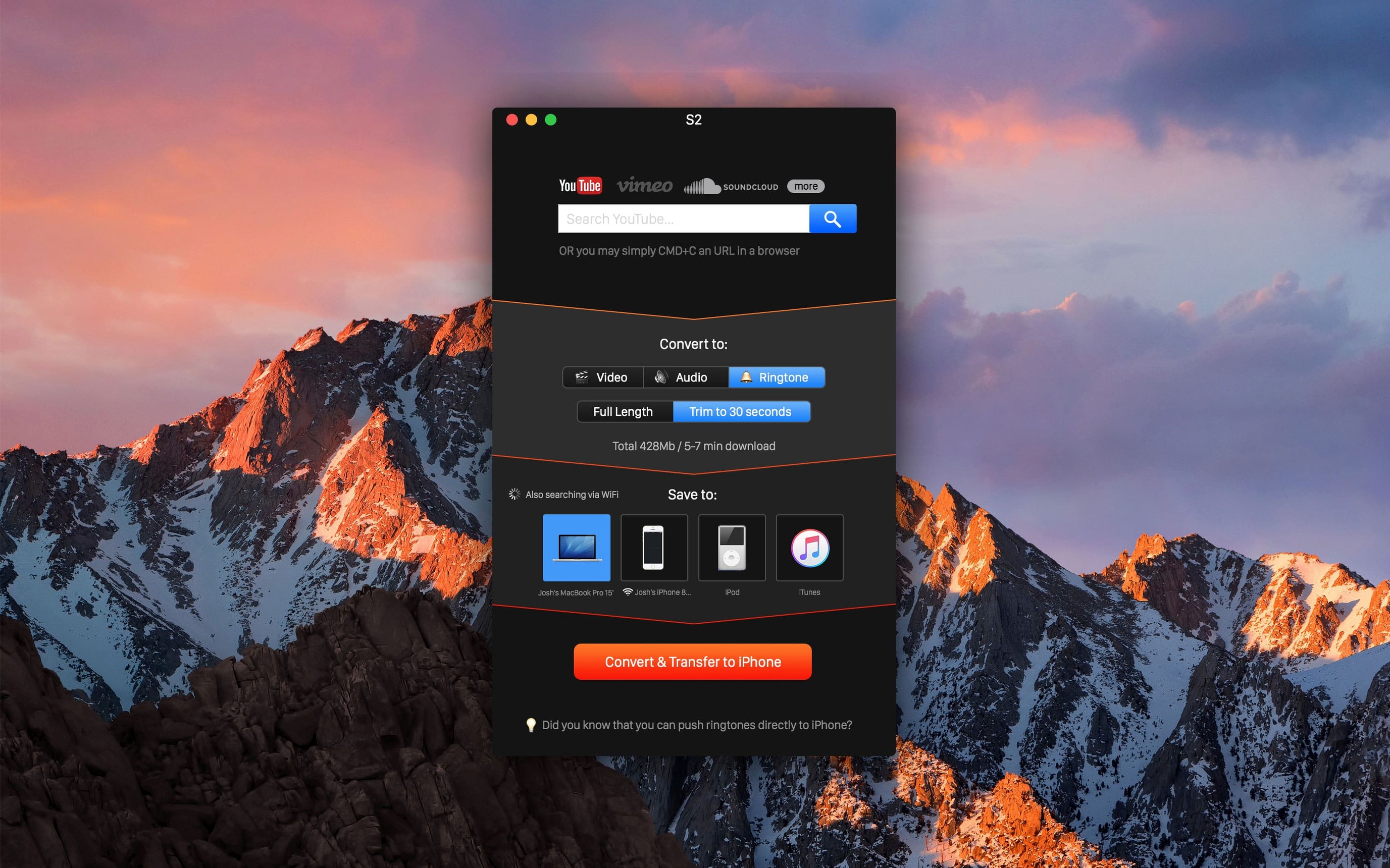
YouTube Converter PRO is a Mac downloader that picks up a video link the moment you copy it to the clipboard and pipes the file straight to an Apple device. The 5.1.20 release carries that same workflow forward without structural changes.
How the workflow runs
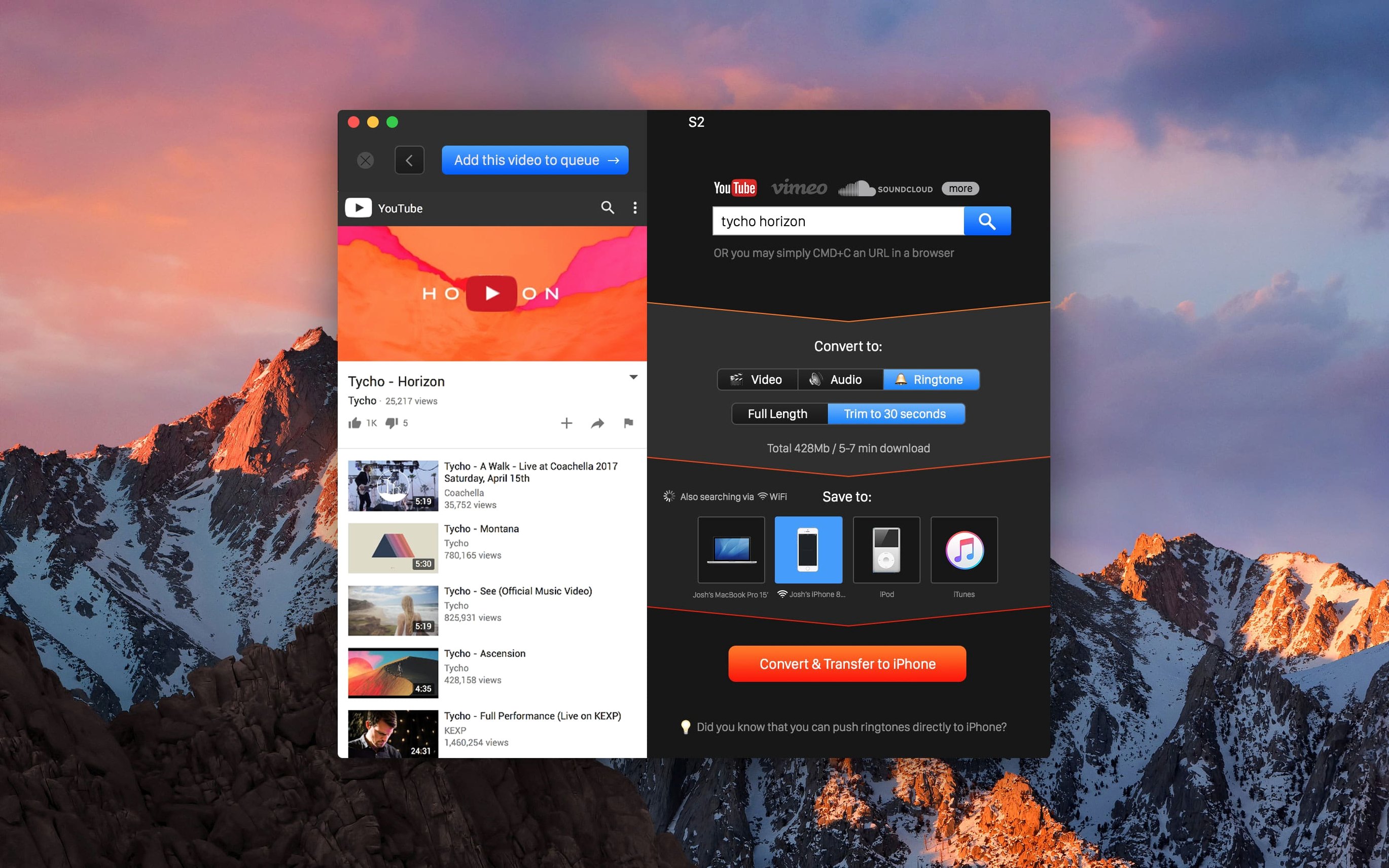
- Copy the link. Find a video on YouTube, Vimeo, Dailymotion, VK or SoundCloud and copy its URL. The app detects it from the clipboard without a manual paste.
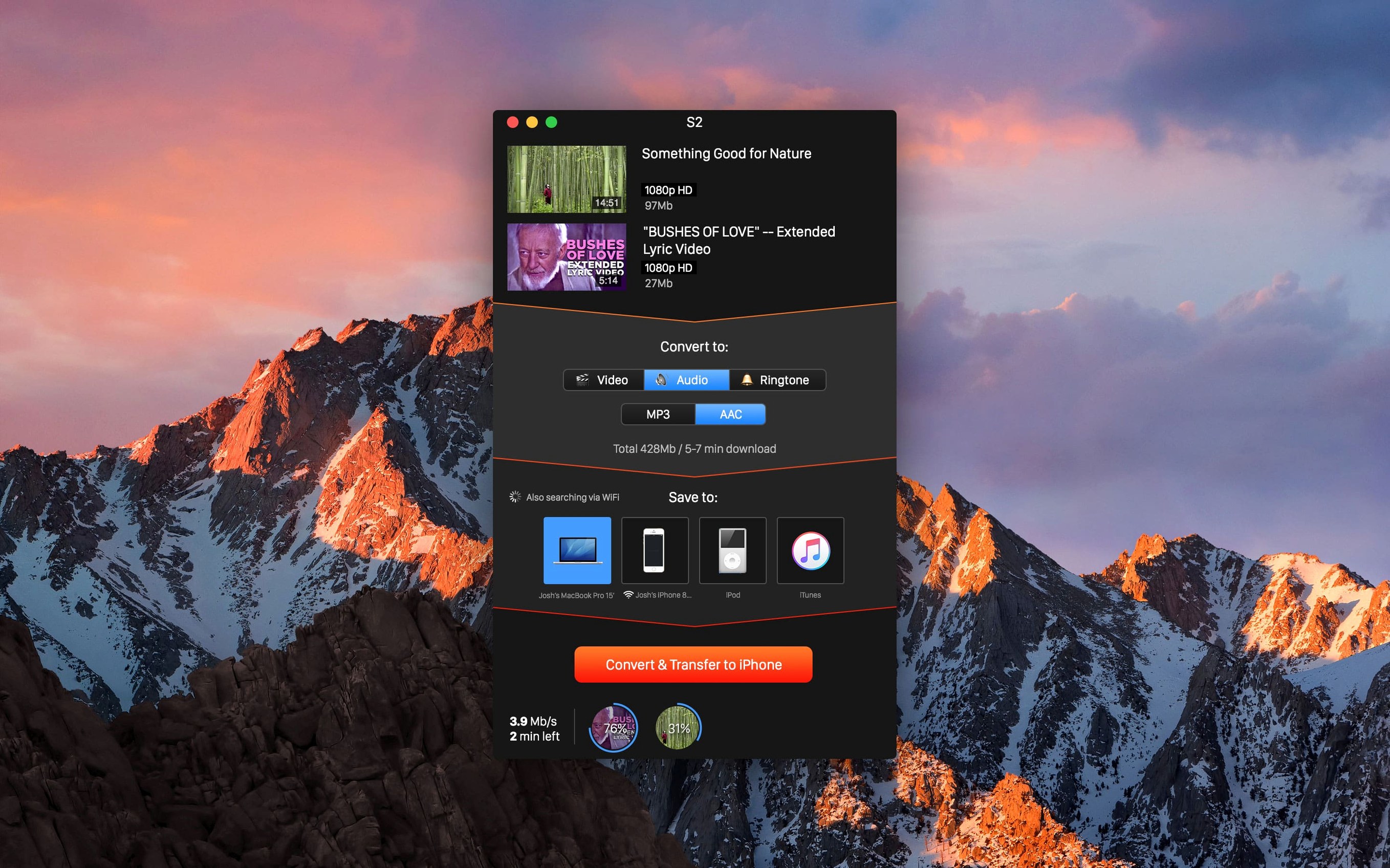
- Pick a format and quality. Choose a video resolution — 4K, 1080p, 720p, 480p or 360p — or extract audio only.
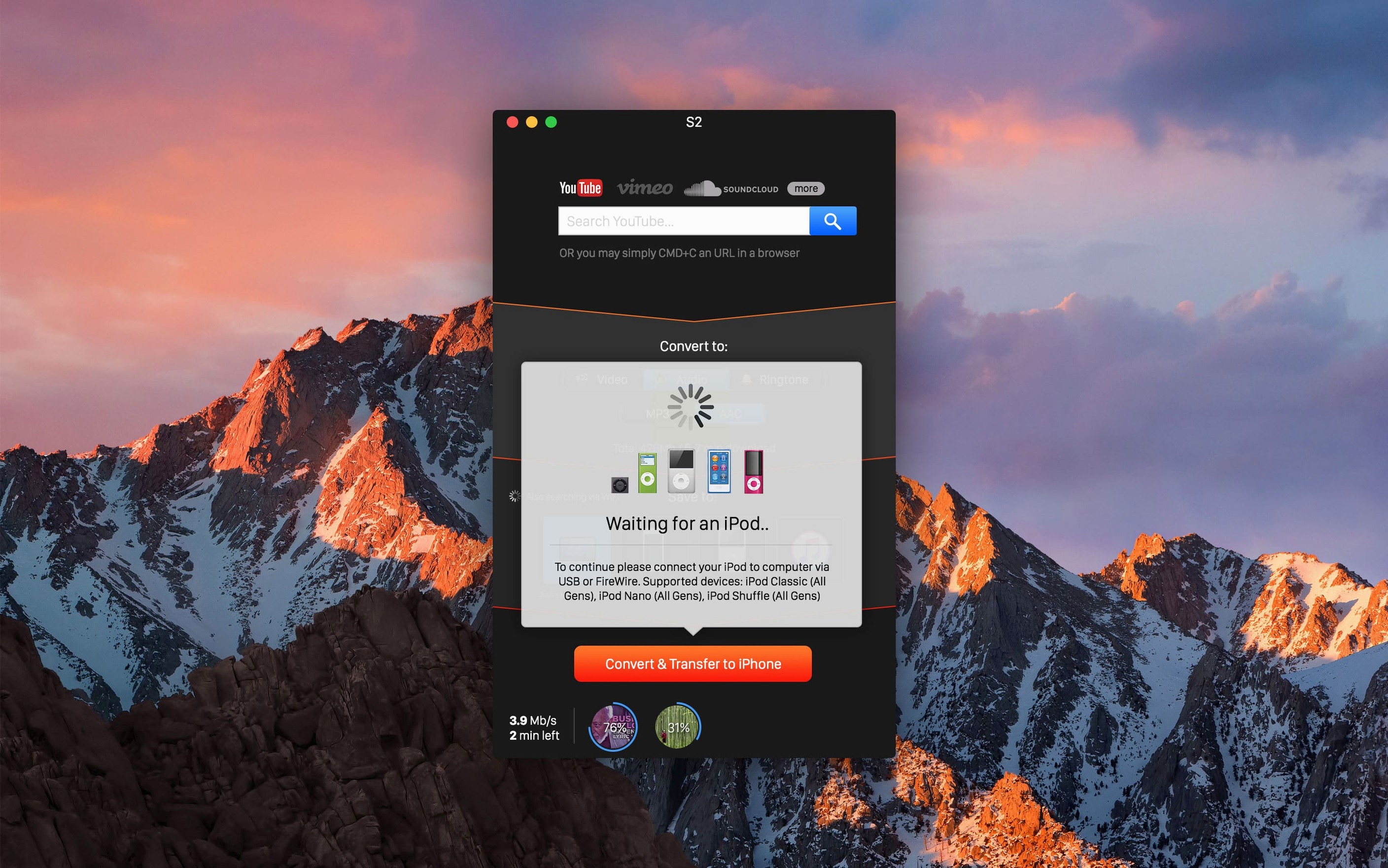
- Set the destination. Target a folder on the Mac, or select an iPhone, iPad or iPod from the device list.
- Convert & Transfer. The app processes the file. If wireless iTunes sync is already configured, a transferred video lands on the device without plugging in a cable.
The clipboard detection and the direct-to-iOS routing are the two pieces that give the app its shape. The rest — format selection, queue handling — sits around that core. No new features landed in 5.1.20, so anyone who last used the app a version or two ago will find the same tool. The quality ceiling of 4K and the device-targeting logic remain exactly where Softorino left them.
Clipboard Now Ignores Plain Web Links
Version 5.1.20 did not introduce new features, but a few behavioural shifts accumulated across recent updates that affect everyday use. Clipboard detection, for instance, tightened up — the app now ignores non-media URLs more reliably, so copying a plain web article link no longer triggers a false positive pop-up. That alone cuts a small but persistent annoyance for people who keep the app running in the background.
The 4K processing pipeline got a stability bump. Earlier builds occasionally choked on long YouTube videos at maximum resolution, producing a partial file or a silent failure halfway through. With 5.1.20 those edge cases largely disappeared. Audio extraction saw a quieter fix: the app now honours the chosen bitrate more consistently when saving MP3, where previously it would sometimes default to a lower rate on SoundCloud tracks regardless of the user's pick.
Wireless device targeting remains unchanged in function but feels snappier — the app finds an iPhone or iPad on the local network a second or two faster than it did around version 5.1.18. Small things, but they add up when you batch-process a playlist before a commute.
Offline Lecture Review on iPad Without Finder
The app suits two groups particularly well. The first is anyone who regularly moves lecture recordings, tutorial clips, or language-learning videos onto an iPad or iPhone for offline review. The direct-to-device routing removes a step that otherwise means opening Finder, locating the file, and dragging it manually. If wireless sync is already set up in iTunes, the chain is genuinely one action after conversion.
The second group is people pulling audio from long-form content — conference talks, interview archives, podcast-style uploads on YouTube or Vimeo that do not have an RSS feed. Grabbing the audio as MP3 or AAC with a resolution choice before conversion gives control that browser-based extractors often skip. The clipboard detection means you do not need to keep the app frontmost; copy a link, switch back to whatever you were reading, and the download triggers in the background.
Casual users who only need a video once every few weeks might find the device-list interface overbuilt for their purposes. The app is at its best when the transfer-to-Apple-device step is part of a daily or weekly rhythm, not a one-off experiment.
When Clipboard Detection Goes Silent
Clipboard detection goes silent. This is the most frequent hiccup. If copying a link does nothing, open the app menu and check that clipboard monitoring has not been toggled off — a keyboard shortcut collision or a system focus shift can disable it without warning. Restarting the app almost always restores it.
iPhone or iPad not showing in the device list. The device needs to be on the same Wi-Fi network as the Mac, with iTunes Wi-Fi sync already enabled and a prior cable sync completed at least once. If the device still does not appear, toggling Wi-Fi off and on again on the iOS device forces a re-announcement on the local network that the app picks up within seconds.
4K download produces a 1080p file. Some YouTube channels encode 4K as a separate video stream from the audio. If the app cannot mux them on-the-fly, it falls back to the highest combined stream available, which is often 1080p. There is no user-facing toggle to force a two-stream mux — choosing a different video from another channel is the only immediate workaround. The same quirk affects a handful of Vimeo uploads encoded in HEVC.
SoundCloud tracks land as AAC instead of MP3. A few SoundCloud uploads serve only an AAC source. When that happens, the app honours the source rather than re-encoding, so the output stays AAC regardless of the MP3 setting displayed. Checking the file extension after download confirms what actually arrived.
- macOS 10.15 or later
- Intel Mac
Questions on file
Does the app need a cable to send files to an iPhone?
No, if wireless iTunes sync is already set up on the device, the transferred video appears without a physical connection.
Which sites can it pull video from?
It supports YouTube, Vimeo, Dailymotion, VK and SoundCloud.
Sign in · Create an account to add a field note.
No field notes yet. A measurement, a version, a machine — they appear after moderation.