
Mac Apps
YT Saver 10.15.0
Mac AppsUpdated
| Requirement | On file |
|---|---|
| macOS | OS X 10.10 or later |
| CPU | Intel 64-bit |
| Download | 115 MB |
YT Saver 10.15.0 requires an Intel-based Mac running OS X 10.10 or later. Apple Silicon is not listed as a native target; the application runs via Rosetta 2 on current Macs.
Built-In Browser and 22-Codec Audio Roster
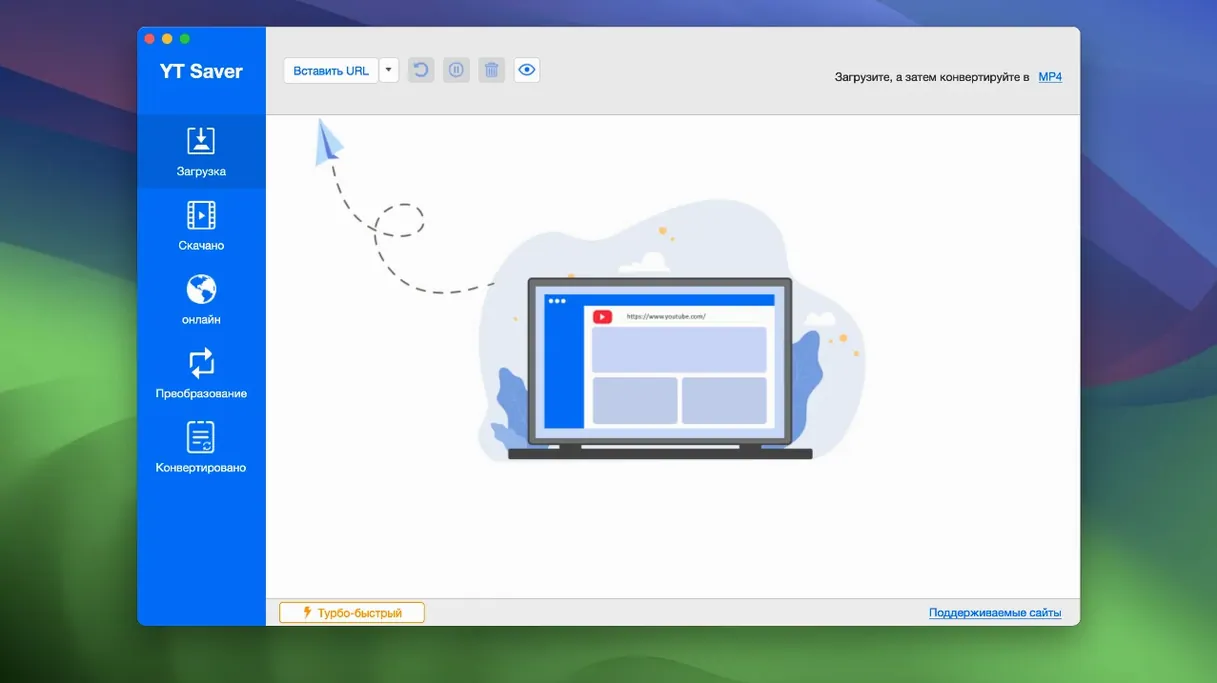
- Direct in-app browsing. A built-in web browser lets you visit video and audio sharing sites without leaving the application, then queue material straight from the page.
- Broad audio format support. The input list covers 22 codecs including FLAC, OPUS, APE, and WEBM. Export choices range from MP3 and M4A to WAV, OGG, FLAC, AIFF, and MKA.
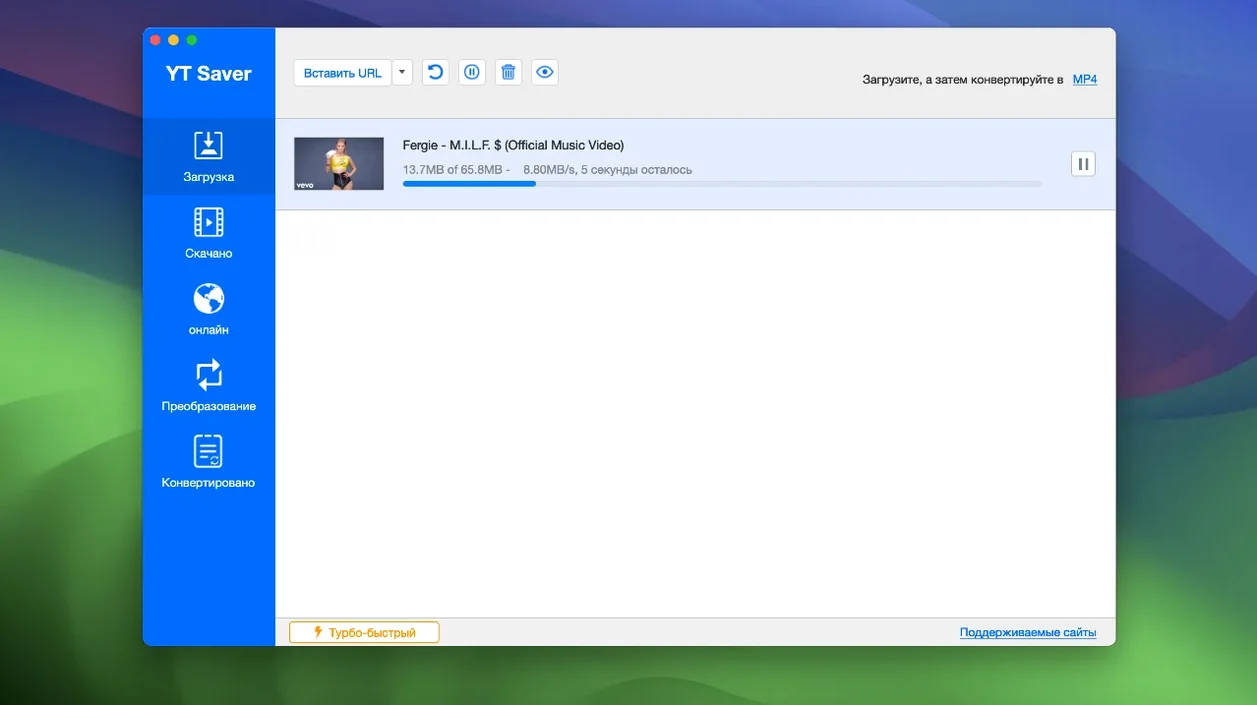
- Parallel downloads. Multiple videos can download simultaneously, which reduces waiting time on large playlists.
- Private mode. Content can be saved into a password-protected folder, keeping downloaded files out of plain sight.
- Wide language coverage. The interface ships in 12 languages: Russian, English, German, Indonesian, Spanish, Italian, Traditional Chinese, Simplified Chinese, Korean, Portuguese, French, and Japanese.
Intel-Only Binary with Rosetta Overhead
- Intel-only build. The app lists no native Apple Silicon binary. Performance on M-series Macs depends entirely on Rosetta translation.
- Streaming-site claims are broad. The developer states it works with streaming services, but no specific platform compatibility matrix is published with this version.
- No version-to-version changelog. Release 10.15.0 ships without documented changes, so existing users have no visibility into what shifted under the hood.
How YT Saver fits into a Mac workflow
YT Saver sits between a browser and a media player, and it borrows a little from both. The built-in browser means you do not need to copy URLs across from Safari or Firefox for every clip — you can search, preview, and queue material inside one window. Once files land on disk, they are plain media files, so Finder tags, Quick Look, and Spotlight all work as they normally would. An MP4 downloaded this morning shows up in Spotlight searches the same way a file you shot on a phone does.
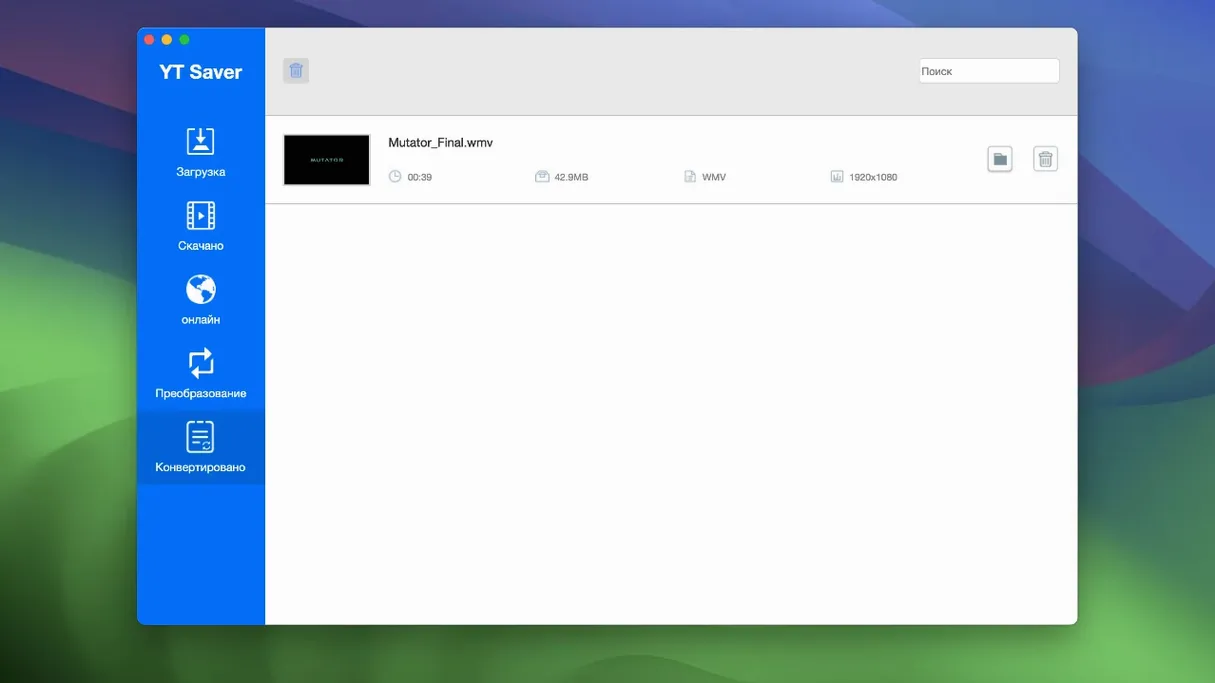
For conversion-heavy workflows, the app cuts out a step. Instead of downloading with one tool and converting with another, you pick the output format and quality before the download starts. The result drops straight into the destination folder as, say, an M4A rather than an MP4. That matters when you are building a library for a device with specific codec preferences — an old iPod shuffle that wants AAC, or a media server that indexes only certain containers.
The private-mode folder integrates at the filesystem level, not through some proprietary database. It is a regular directory protected by a password prompt inside YT Saver. Outside the app, Finder will show the folder but not its contents without the password. This sits outside macOS FileVault; it is an extra, application-level lock for a specific folder rather than full-disk encryption. It works independently of your Mac user account password, so handing over your machine for a presentation does not expose that folder.
Automator and AppleScript do not have hooks into YT Saver, so you cannot script a watch folder that auto-downloads new playlist entries overnight. The workflow stays manual: browse, queue, convert, and file. For someone who grabs a few videos a week, that is fine. For someone who archives entire channels daily, it means the app fills a specific role rather than acting as an unattended pipeline.
Daily-Use Differences vs. Downie, PullTube, and JDownloader
Three other Mac downloaders give useful reference points: Downie, PullTube, and JDownloader. Each handles the same basic task but structures the experience differently, and the differences show up in daily use rather than on a feature checklist.
YT Saver vs Downie
Downie leans hard on simplicity. You drag a URL onto its Dock icon or window, and it parses the page, picks the best quality, and downloads. No built-in browser, no format grid before you start. YT Saver gives you the in-app browser and a full output-format selector up front. Downie supports Apple Silicon natively and updates frequently with site-specific fixes; YT Saver remains Intel-only and ships releases without a public changelog. Where YT Saver pulls ahead is the private folder — Downie has no equivalent. If you share a Mac and want downloads locked behind a second password, YT Saver has the feature and Downie does not.
YT Saver vs PullTube
PullTube feels like a slim media shelf. You paste a link, see a thumbnail and format options, and hit download. Its format picker is visual and quick, but the supported export formats are fewer. PullTube handles MP4, M4A, WEBM, and a handful of others; YT Saver's list of output containers and codecs is substantially longer, especially on the audio side — FLAC, OGG, AIFF, and MKA are not in PullTube's export dialog. PullTube runs natively on Apple Silicon and integrates with the Mac sharing menu. YT Saver counters with the built-in browser and private-mode folder. For someone who lives in a browser and wants to jump from page to download without touching the system share sheet, YT Saver's all-in-one window is the more direct path.
YT Saver vs JDownloader
JDownloader is the heavyweight automation option. It captures clipboard links, handles captchas, unpacks archives, and runs headless on a server if you want. It is also a Java application with an interface that feels alien on macOS. YT Saver makes the opposite trade: a native Mac look, a single-purpose window, and no background services. JDownloader can manage hundreds of queued files across dozens of hosts with rule-based renaming. YT Saver can download several videos in parallel from a browser session, but it does not pretend to be a download manager for every file type on the web. If you need a Mac app that looks like a Mac app and you are pulling media from streaming sites, YT Saver fits. If you need a cross-protocol download engine that runs 24/7, JDownloader fits.
Grabbing a Documentary Straight from the In-App Tab
It is a Thursday evening. You remember a documentary series a colleague mentioned, hosted on a video platform that does not offer an offline button. You open YT Saver and the built-in browser loads to a blank tab — a minimal Chromium frame with an address bar and navigation buttons, nothing more. You type the platform's URL, log in through the page that renders inside the app, and search for the series. The browser behaves like a stripped-down Safari: cookies, sessions, and playback all work within the app's sandbox.
The first episode page loads. As soon as the video thumbnail appears, YT Saver detects the media stream and surfaces a download overlay. You click it, and a panel slides out showing the detected qualities: 1080p, 720p, 480p, audio-only. You pick 1080p, then tap the format selector and choose HEVC MP4 — smaller file, same visual quality, good for the iPad you will watch on tomorrow. You set the destination to a folder called Documentaries in your home directory and start the download.
While episode one transfers, you open a second browser tab inside the app, navigate to the series playlist page, and queue episodes two through six. YT Saver lists them in a download panel on the right side of the window. You select the remaining five, set the same format and destination, and hit "Download All". Three files download simultaneously; a small progress bar under each entry shows speed in MB/s and an estimated time remaining. The download speed runs higher than the browser's native save-as would manage, because YT Saver opens multiple connections per file where the server allows it.
Twenty minutes later, all six episodes sit in the Documentaries folder. You select them in Finder, press Space for Quick Look, and scrub through the first few seconds of each to confirm quality. The HEVC files play smoothly in QuickTime. You rename the files with a simple batch rename in Finder — "Documentary S01E01" through "S01E06" — and drag them into the TV app on your Mac for syncing to the iPad. The whole process, from opening YT Saver to closing your MacBook, took under half an hour. No browser extensions, no separate converter, no command-line tools.
Silent Update Clues in the 10.15.0 Interface
Version 10.15.0 ships without a public changelog, so direct before-and-after comparisons rely on what the interface shows and what the build supports. Several shifts are visible when you place this release next to earlier documented builds of YT Saver.
- Format grid expansion. Earlier versions listed fewer output presets. The current build adds HEVC MP4, HEVC MKV, and several Android-device-specific profiles that were absent in the 9.x line. For anyone archiving in modern codecs, the HEVC options reduce file size without a separate transcode step.
- Private mode folder. The password-protected storage directory appeared in the 10.x series. In older versions, all downloads landed in a standard folder visible to anyone with access to the Mac. The addition gives YT Saver a privacy feature that most competing Mac downloaders still lack.
- Language coverage. The interface now ships in 12 languages. Mid-cycle 9.x releases offered 8. The additions — Indonesian, Traditional Chinese, and Korean among them — broaden the app's reach, and you can switch language from the preferences pane without restarting.
- Built-in browser engine. Under the hood, the browser component has been updated to a newer Chromium base compared to versions from two years ago. The practical effect is better compatibility with sites that have dropped support for older browser engines — pages render correctly, and media detection works on platforms that recently updated their video delivery stack.
- Parallel download handling. Older versions limited simultaneous downloads to two. The current build raises the cap, and queue management feels snappier — pausing and resuming individual items no longer briefly freezes the panel on large queues.
What has not changed is the Intel-only architecture and the minimum OS requirement of OS X 10.10. The app still runs through Rosetta 2 on Apple Silicon, and there is no indication in the package contents of a universal binary. Users on M-series Mac
- Operating system: OS X 10.10 or later
- Architecture: Intel (Apple Silicon via Rosetta)
Questions on file
Which Macs does YT Saver support?
YT Saver 10.15.0 officially supports Intel Macs with OS X 10.10 or newer. Apple Silicon Macs are not listed as native but can run the app through Rosetta.
Sign in · Create an account to add a field note.
No field notes yet. A measurement, a version, a machine — they appear after moderation.