
Audio
AIMP 5.40.2675
AudioUpdated
| Requirement | On file |
|---|---|
| macOS | macOS 11 or later |
| CPU | Apple Silicon |
| Download | 582 MB |
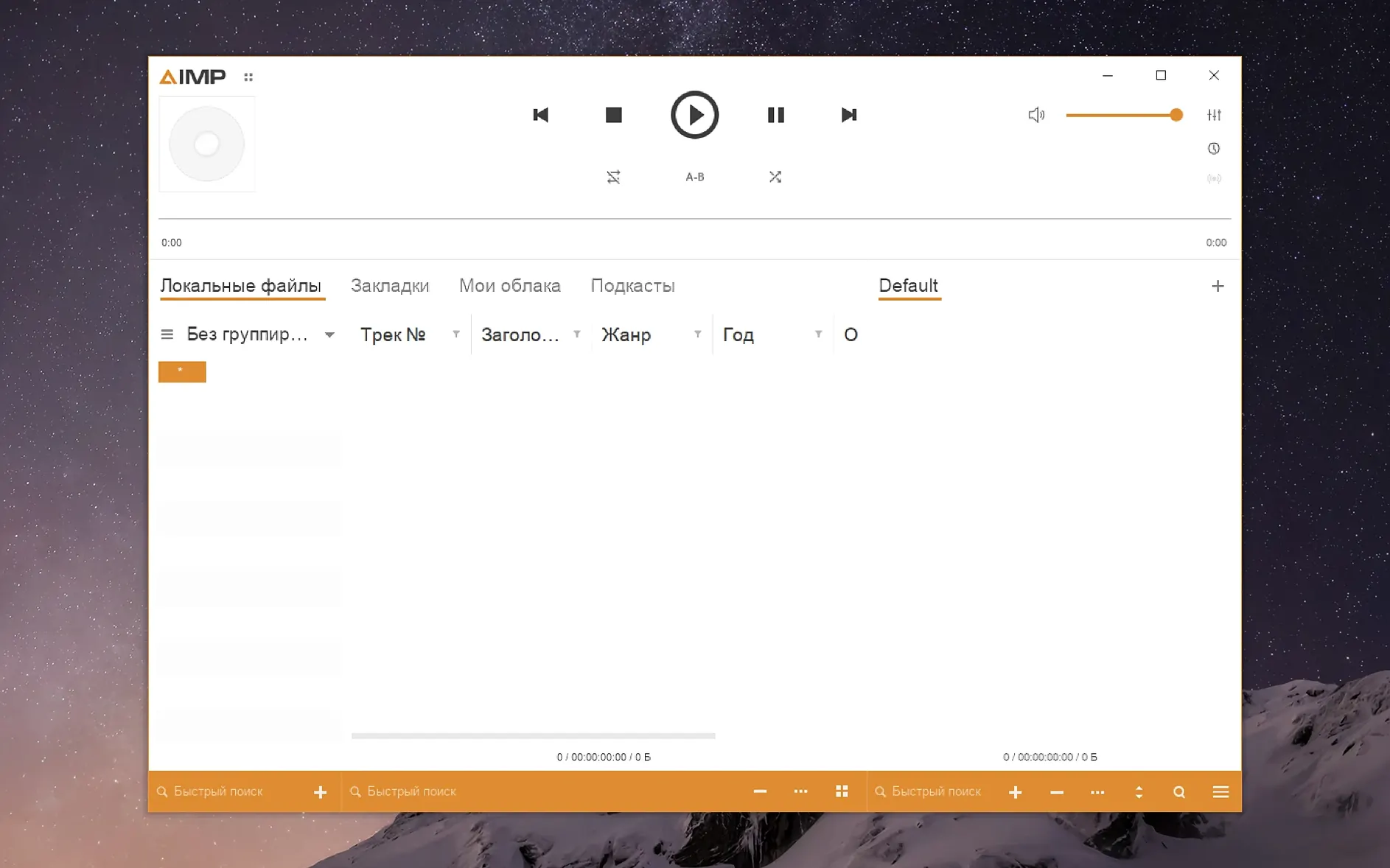
AIMP is the Windows-native audio player repackaged for macOS through Wineskin, giving you the full desktop sound engine without a virtual machine.
macOS 11 Big Sur or newer, Apple Silicon only
- macOS: 11 (Big Sur) or later
- Architecture: Apple Silicon (M-series chips)
Workflow after launch
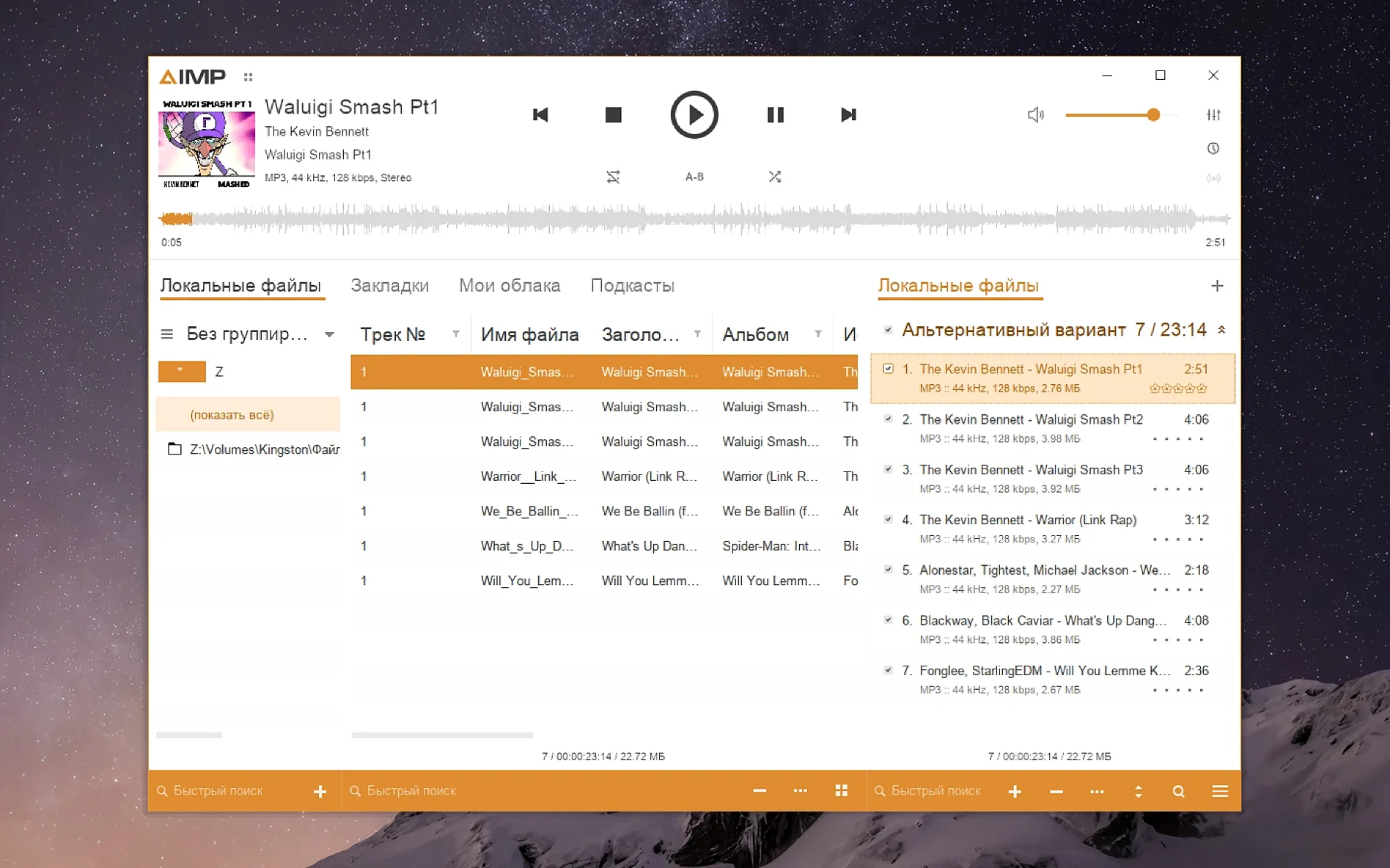
- Drop a folder of FLAC, MP3 or APE files onto the playlist panel — the library scans folder structure immediately.
- Open the equaliser and pick a preset from the built-in list, or save your own curve as a text file.
- Switch the interface language in the View menu — 21 languages ship in the bundle, from English and Russian to Hungarian and Danish.
- Right-click any track and open the tag editor; MP4 fields with unnamed atoms no longer throw a parser interruption.
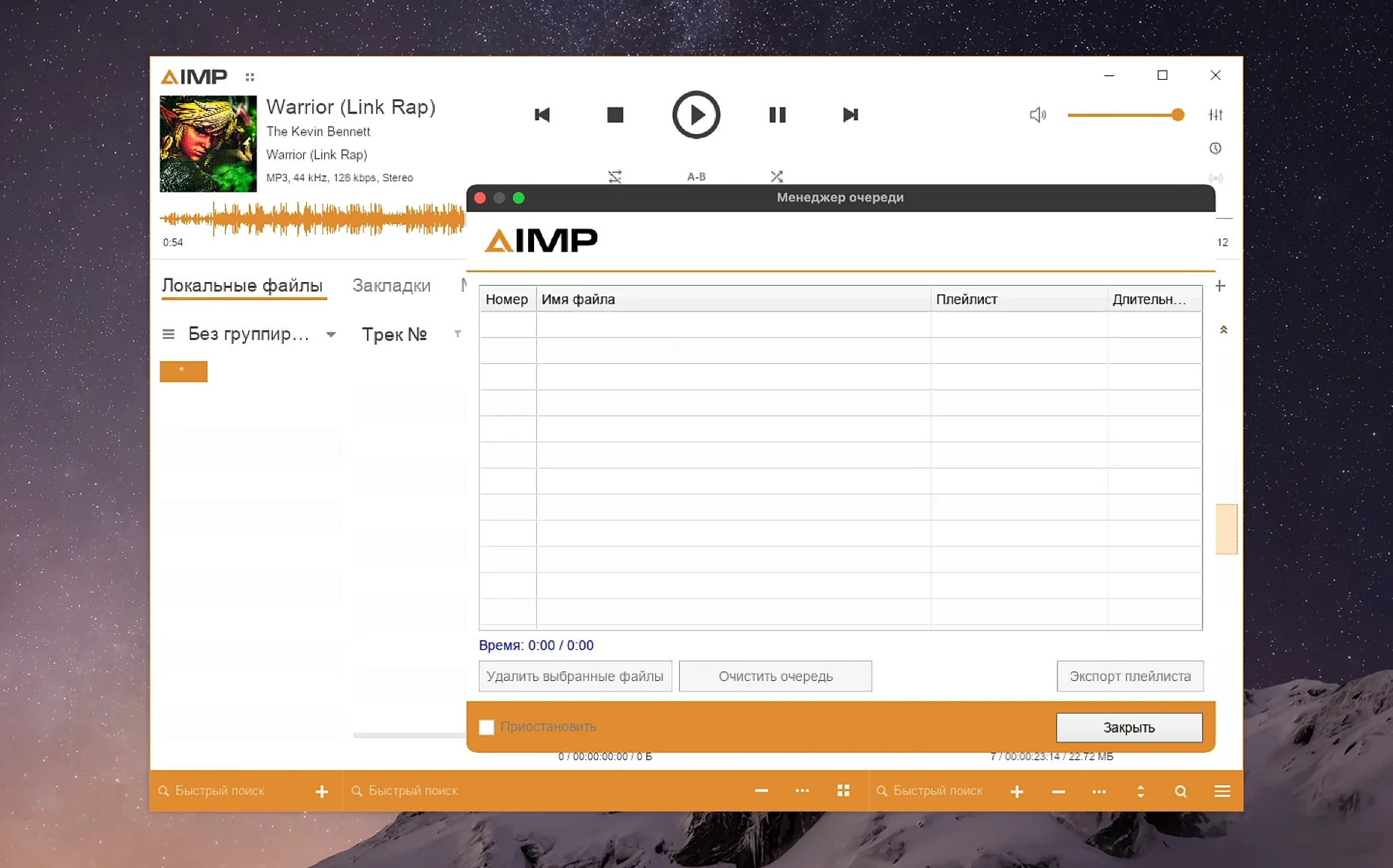
- Queue tracks via the playlist manager without the active storage marking itself modified on every playing-track change.
Waveform calculation across long files feels quicker in this build, and the Monkey's Audio codec runs on version 11.08. The mouse wheel inside the visualisation window no longer fights the Skin Engine, so scrolling through openGL-style spectrums stays smooth. Alt+Click behaviour in the library grouping tree also lands correctly now.
Muscle memory for Windows migrants, audiophiles and skin tinkerers
Three groups of Mac users tend to settle into AIMP quickly. The first is anyone migrating from a Windows machine who already has years of muscle memory tied to the original AIMP interface — the macOS build wraps the same code, so the equaliser curves, playlist manager shortcuts and tag-editor layout feel identical. A second group covers people who maintain large offline libraries (50 000 tracks or more) and want folder-watching that does not choke on deep directory trees. Because the Windows core handles file enumeration directly through its own routines rather than relying on macOS indexing, scan times on network-attached storage often come out shorter than with Finder-based players. The third group is less obvious: Mac users who need playback of Monkey's Audio files at compression levels above "normal" (the codec now runs version 11.08 internally) and find that many native macOS players either reject those files outright or decode them with audible gaps. If your collection was encoded with a Windows-oriented pipeline, AIMP decodes it without re-encoding.
It also suits anyone who wants interface localisation beyond the five or six languages most Mac audio apps ship. The 21-language set here includes Belarusian, Ukrainian and Turkish alongside the expected European and East Asian options, all updated in this build. For a bilingual household or a shared studio machine, switching the display language from the View menu takes under three seconds.
Leaves default audio handler untouched, plays nicely with Music and VLC
AIMP for Mac does not register itself as a default system audio handler, which means it coexists peacefully with Apple Music, IINA or VLC. You can keep Music as the app that opens when you double-click an MP3 in Finder, while AIMP stays reserved for lossless album playback or tagging sessions. Because the Wineskin wrapper isolates the player's file access behind a virtual C: drive, the app never writes hidden metadata folders into your music directories unless you explicitly point its output path there. That keeps album folders clean for other tools — useful if you sync the same library to a DAP or a Plex server.
Audio routing works through the standard macOS output device list. If you run SoundSource, Loopback or a multi-output aggregate device for a streaming setup, AIMP appears as a single client and follows the system-wide sample rate unless you lock it internally via the output plug-in settings. Remember the changelog note: switching the sampling frequency now flushes previously filled buffers, so rate changes — say from 44.1 kHz to 96 kHz between albums — no longer leave a burst of stale audio in the pipe.
Keyboard media keys respond inconsistently depending on the wrapper version. Play/pause usually works; next/previous track sometimes requires the AIMP window to have focus. If you use BetterTouchTool or Karabiner-Elements, mapping the AIMP global hotkeys (configurable inside Preferences) to your media keys gives you reliable transport control regardless of focus.
Wineskin overhead is negligible during playback and DSP work
Does the Wineskin layer slow things down? Not in a way you are likely to notice during playback. The wrapper translates Windows API calls to macOS equivalents at runtime, but audio decoding and DSP processing run on the same Apple Silicon cores as any native app. RAM overhead sits around 120–160 MB at idle with a 20 000-track library loaded, which is comparable to a native Electron-based player. Launch time is 3–5 seconds on an M1 or M2 machine; the first cold launch after a restart might take an extra two seconds while Wineskin initialises its runtime.
Will it break with the next macOS update? The developer has maintained steady release cadence across major Windows versions for over a decade, and the Wineskin packaging gets updates when the underlying Wine engine advances. The current build targets macOS 11 and runs on Apple Silicon, so it does not depend on Rosetta. There is no guarantee about macOS 15 or 16, but the track record suggests pragmatic maintenance rather than abandonment.
Is it safe to point it at an iTunes/Music library folder? Yes, with one caveat. AIMP reads the files but does not understand the .musiclibrary database or Apple's organisation structure. Point it at the top-level Music folder and it will parse every subfolder by artist and album. Duplicate detection inside AIMP is filename-based, so if you have both AAC and ALAC versions of the same album, both appear as separate entries unless you merge them manually in the playlist view.
Can it output bit-perfect audio to an external DAC? The WASAPI-equivalent path through Wine does not offer exclusive mode the way a native Windows install would, so the macOS audio stack still applies its own sample-rate conversion unless you set the output plug-in to match your DAC's native rate and disable any internal resampling. In practice, setting the output to 44.1 kHz or 96 kHz and turning off the equaliser and volume normalisation gets you close enough for critical listening, but a true bit-perfect chain requires the Windows version on bare metal.
Green memory pressure and 1–4 % CPU after a week on M1
After a week of running AIMP alongside a native email client, browser and design tools, memory pressure on a 16 GB M1 MacBook Air stayed green. The player's CPU footprint hovers between 1 % and 4 % during 24-bit FLAC playback with the spectrum visualisation running; switching to a skin with heavier graphical elements bumps that to 6–8 %, still low enough that the fans in an M-series MacBook Pro never spin up for audio alone. The waveform calculation improvement in this build is real: a 70-minute live set in FLAC renders its waveform preview in roughly 4 seconds, down from around 7 in the previous release.
Stability over multi-hour listening sessions is solid. No silent crashes or audio dropouts occurred across five consecutive evenings of 3–4 hour playback. The one reproducible quirk involves the tag editor: closing it while a write operation is in progress occasionally leaves the file handle open, which prevents Finder from moving the file until you quit and relaunch AIMP. The fix in this build for the unnamed MP4 field parser error does eliminate the most common tag-editing frustration, especially for users with large collections of AAC files purchased from different storefronts.
The interface scaling workaround (setting DPI through KegworksConfig) adds a few minutes to the initial setup but only needs doing once. After that, the player launches and looks sharp at any resolution you have configured. If you run a 4K display at native scaling, a DPI value around 144 keeps toolbar icons crisp without making text unreadably small. On a 1440p external monitor, 120–128 DPI hits the sweet spot. The skin engine fix in this build also means the visualisation window no longer steals scroll events when you are trying to navigate the playlist — a small but noticeable improvement in daily use.
- Localizations — multiple interface languages received updated translations.
- Monkey’s Audio — codec bumped to version 11.08.
- Waveform calculation — generation speed improved.
- libVorbis — conflict with third-party plug-ins resolved.
- Sampling frequency — buffering issue corrected.
- macOS 11 or later
- Apple Silicon
Sign in · Create an account to add a field note.
No field notes yet. A measurement, a version, a machine — they appear after moderation.