Audio
Fender Studio Pro 8.1.1
AudioUpdated
| Requirement | On file |
|---|---|
| macOS | macOS 13.5 or later |
| CPU | Apple Silicon, Intel 64-bit |
| Download | 558 MB |
The app runs on any Mac with macOS 13.5 Ventura or newer. It supports both Intel and Apple Silicon machines. Fender Studio Pro sits alongside your existing Mac audio tools as a recording and mixing environment that leans into guitar and bass workflows, but it doesn't stop there.
Built-In Fender Amps and Chord Suggestions
- Guitar and bass players who want built-in amp modelling. The app includes Fender amplifiers and effect pedals right inside the session, so you can track with a familiar sound without an external modeller.
- Quick composing sessions. Chord suggestions help you find progressions while you write, and the ready-made presets give you a starting point for sound shaping without building chains from zero.
- Remix and stem work. The ability to split a stereo recording into separate tracks (vocals, drums, bass and other instruments) lets you pull apart a mix and rework individual elements.
English-Only Interface and macOS 13.5 Minimum
- English-only interface. All menus, dialogs and documentation are in English. If your macOS runs in another language, the app doesn't localise.
- It wants a recent macOS. The 13.5 floor means older Intel Macs stuck on Monterey or earlier can't install the current version.
- Automation behaviour is patch-dependent. The Mustang and Rumble native plug-ins only follow automation correctly with Direct Monitoring enabled, a fix that arrived in version 8.1.1.
Audio Device and Block Size Verification
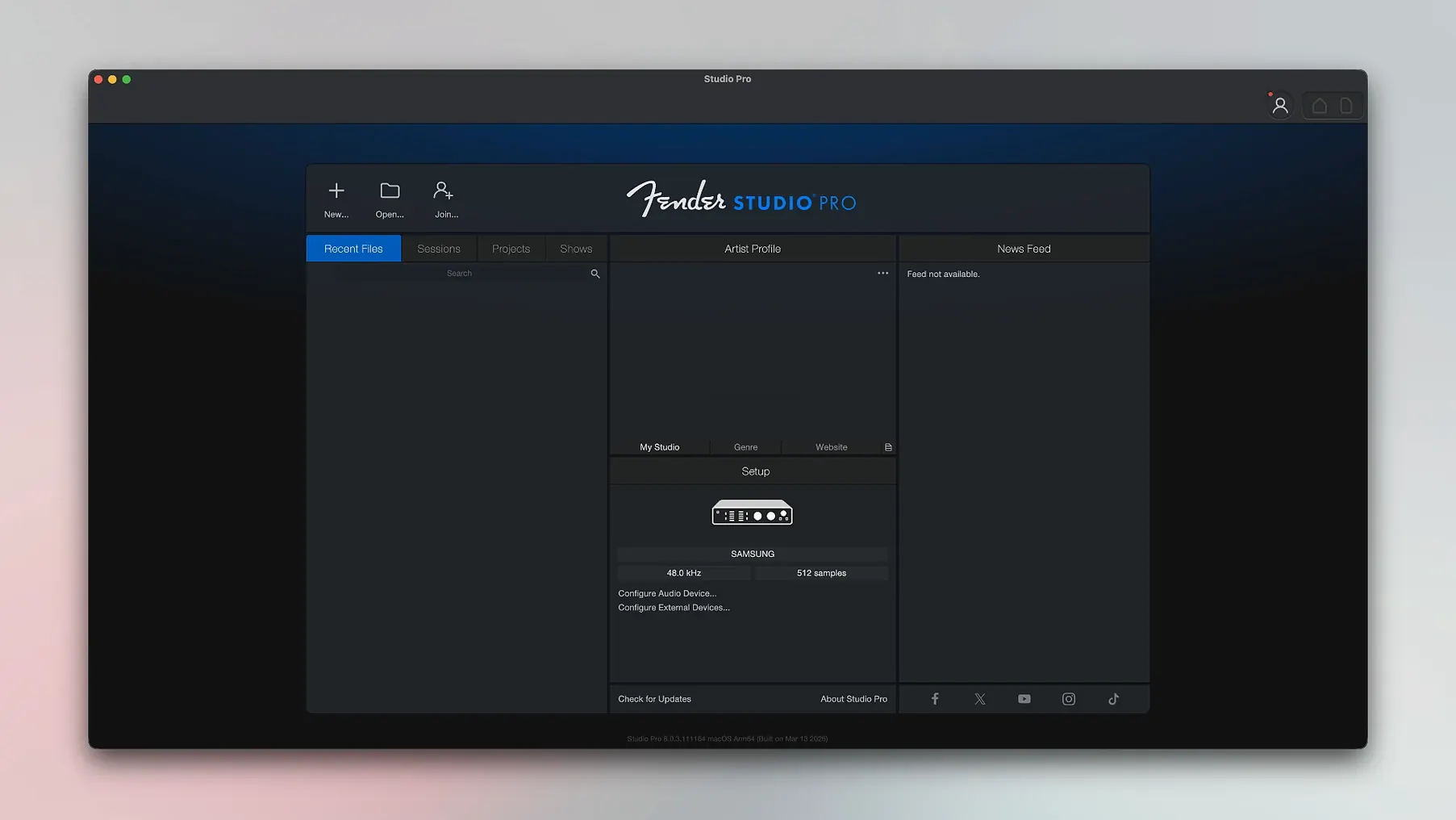
Out of the box, Fender Studio Pro makes a few assumptions about your hardware that are worth checking before you record anything. Open Studio Pro > Settings (or press Cmd+,) and walk through these three areas.
Audio device and block size. The app may default to Built-in Output or a low-channel-count interface. Under the Audio Setup tab, set your main interface as the Playback and Recording device, then check the Device Block Size. A value of 128 samples keeps latency around 3–6 ms on most modern Macs while tracking; drop to 64 if your machine handles it without clicks. For mixing with heavy plug-in loads, push it to 512 or 1024.
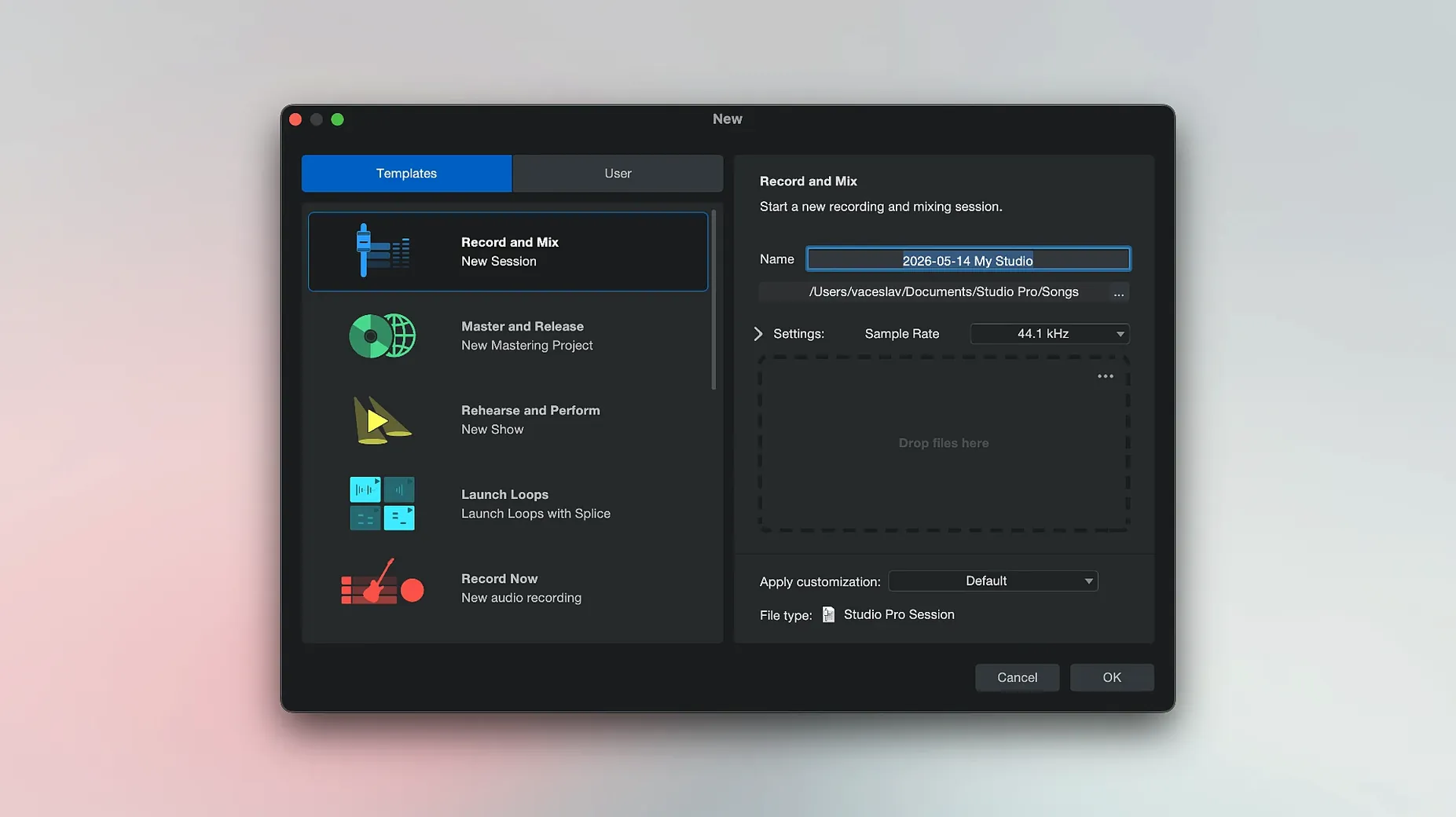
Song setup defaults. Every new song inherits sample rate, bit depth and tempo from a template. Go to General > Song Setup and set the default sample rate to match your interface's usual clock (48 kHz is a safe choice). Tick Prompt for song location so you never lose a session in a temp folder.
Plug-in scan behaviour. If you carry a large AU and VST3 collection, head to Locations > VST Plug-ins and add your custom folders before the first scan. The rescan button sits at the bottom of the same pane; run it after installing any new plug-in so the browser picks it up immediately.
One smaller setting that pays off quickly: enable Follow Loop in the Transport menu. When you're punching in on a section, the playhead returns to the loop start instead of rolling past the punch point.
A bass player's Saturday morning
Consider a bassist who records demo ideas at home. She has a passive P-bass, a two-input interface and a pair of headphones. Her goal isn't a finished mix — it's capturing an idea with a tone that makes her want to keep playing, then quickly building a rough arrangement.
She opens Fender Studio Pro, creates a new song at 44.1 kHz, and adds a mono audio track. The Input selector shows her interface's first channel. She loads the Rumble 800 Bass amp model from the plug-in browser — it appears as a native Fender plug-in, not a third-party wrapper — and dials in a preset called Thick Round. The amp responds to her playing dynamics immediately because the session runs at a 64-sample block size with Direct Monitoring enabled. She records two passes of a verse riff, comps the best bars together with the range tool, and freezes the track from the Launcher to free up CPU.
For a quick drum bed she drops an Impact XT kit onto an instrument track and taps in a kick-and-snare pattern with the pattern editor. She doesn't own a MIDI controller; the musical typing feature (Cmd+K) is enough for two minutes of programming. Chord Track suggests a I–IV–vi–V movement based on the riff's pitch centre, and she uses it to sketch a Rhodes part from the bundled Mai Tai synth. Twenty minutes after launching the app, she has four tracks, a printed bass take she likes and a basic arrangement she can send to her band's shared folder. The whole session file is under 120 MB.
From Blank Project to Rough Mix in an Hour
Here's how a typical tracking-and-mixing hour unfolds, step by step.
- Create and name the song. File > New Song, name it, pick a location. The empty project opens with a stereo Main output and no tracks.
- Set tempo and time signature. Tap the tempo field to the beat of a scratch vocal or guitar riff, or type a BPM. The transport bar shows 4/4 by default; change it in the Signature Track if needed.
- Add audio tracks. Drag from the track list or press
T. Name each track immediately (double-click the header) — "Guitar L", "Vocal", "Bass DI" — so the recorded files inherit the name. - Assign inputs and check levels. The I/O section on each track shows available inputs. Click the monitor button (the small speaker icon) to hear the signal. Aim for peaks around -12 dBFS on the track meter.
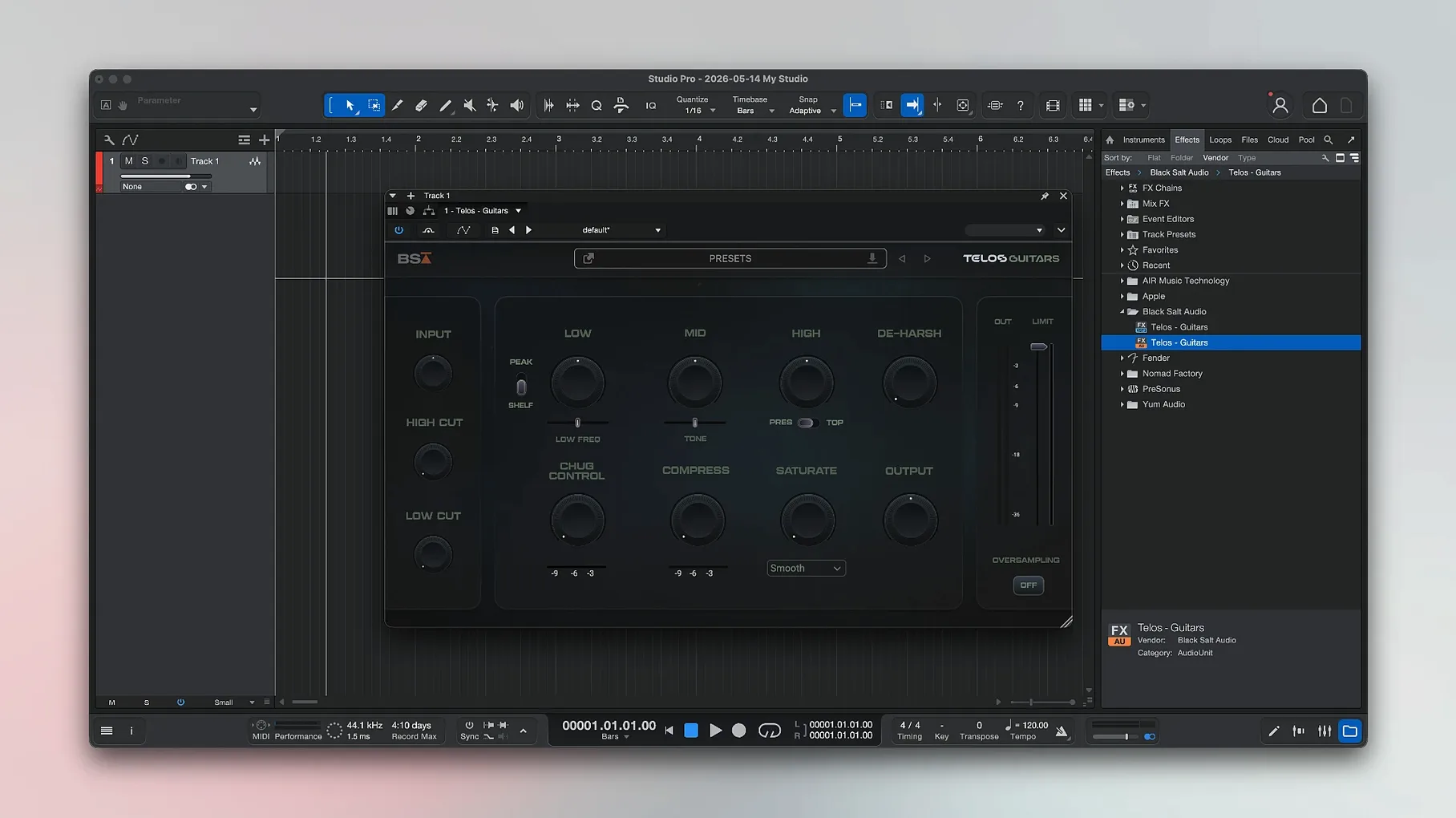
- Load amp and effect plug-ins. Drag a Fender Mustang or Rumble plug-in from the browser onto the guitar or bass track. Browse presets from the plug-in header. Add a compressor and EQ from the stock Dynamics and Pro EQ3 plug-ins if the part needs tightening before recording.
- Record. Arm the track (red button), press
*on the numeric keypad or click the Record transport button. The playhead rolls and waveforms draw in real time. PressSpaceto stop. - Comp and edit. Loop the take, open the track in the lower Zone editor, and drag the best sections into a comp lane. Use
Cmd+Bto split clips at the playhead andDeleteto remove dud bars. - Add virtual instruments. Track > Add Instrument Track, choose Mai Tai, Impact XT or Presence XT. The instrument loads with a MIDI input ready. Record-enable and play, or draw notes in the piano roll.
- Arrange with the Chord Track. Drag chords from the Chord Selector into the Chord Track lane. Instrument parts linked to the Chord Track follow the changes automatically.
- Rough mix. Open the Console view (
F3). Set fader levels, pan guitars hard left and right, add a room reverb on an FX send. The Batch Audio Converter (new in 8.1.1) handles any clip normalisation or format conversion without leaving the session. - Export. Song > Export Mixdown, choose WAV 24-bit/48 kHz, tick Close after export and let it render.
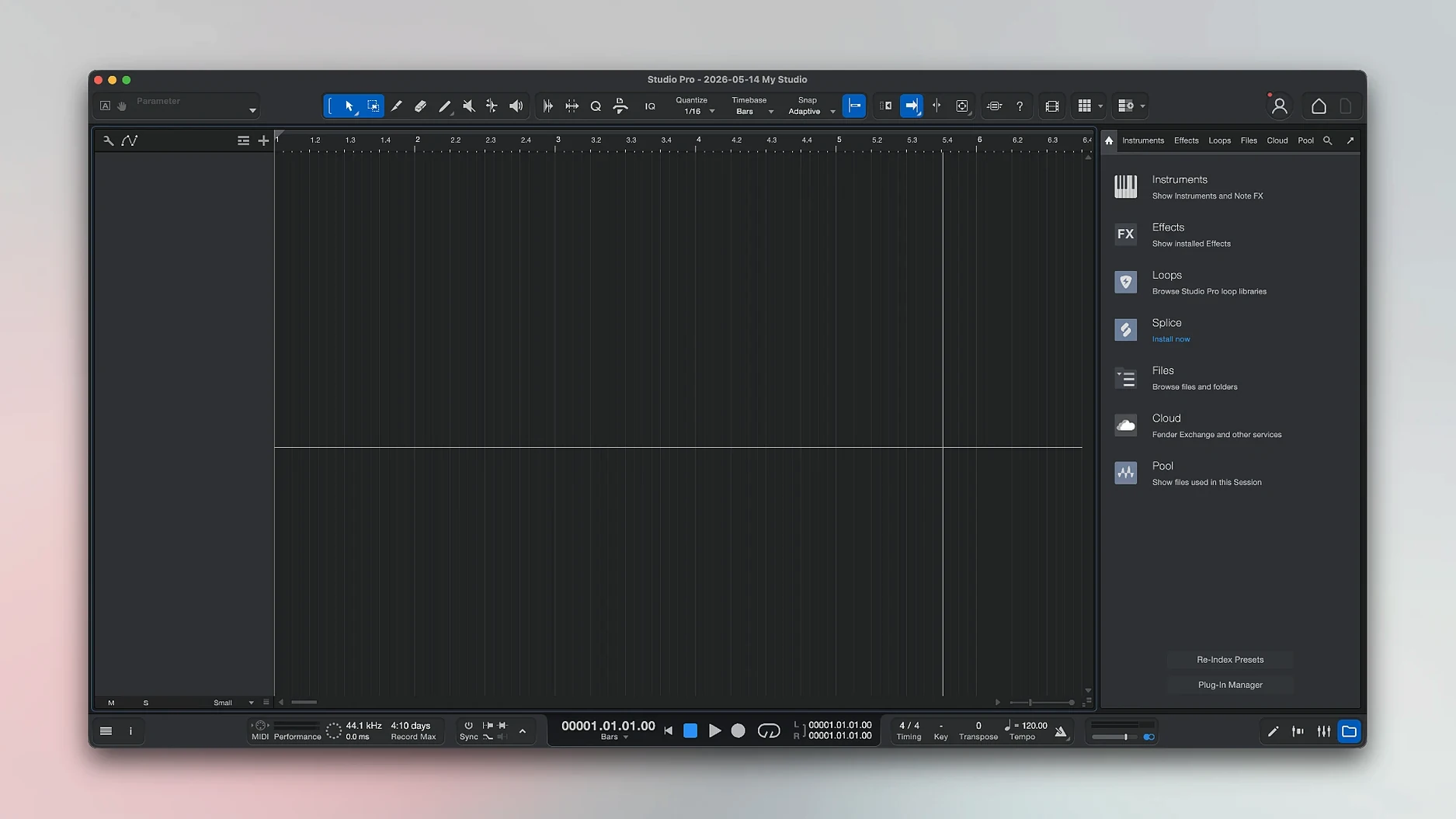
The whole flow stays in one window — the Console, editor and browser share the same space without floating panels getting lost behind other apps.
Studio One Workflow Without the Complexity
Fender Studio Pro inherits the engine and workflow of Studio One Pro, which puts it in a different category from entry-level apps while keeping the learning curve gentler than some cross-platform heavyweights. Three comparisons stand out.
Logic Pro. Logic's stock sound library is deeper — more synths, more sampled instruments, a bigger loop collection — and its Drummer track generates performances algorithmically rather than from static patterns. Fender Studio Pro counters with tighter drag-and-drop workflow, a single-window design that doesn't spread across multiple panes, and the Chord Track that updates MIDI and audio parts in real time. Logic's chord features arrived later and feel bolted on by comparison. For a guitarist, Fender's amp models are first-party and tailored to the Fender catalogue; Logic's Amp Designer covers similar ground but without the same brand-specific cabinet and pedal pairings.
Ableton Live. Live is built around the clip-launching Session View, which suits live performance and electronic improvisation. Fender Studio Pro is a linear arranger first: the timeline, comping tools and Console mixer mirror a traditional studio. If you write by stacking loops and triggering scenes, Live is the more natural fit. If you track full takes on a bass or guitar and edit them on a grid, Fender Studio Pro's comping lanes and freeze-from-Launcher shortcut feel faster.
Reaper. Reaper is lighter on system resources and endlessly customisable through scripts and themes. Its stock plug-in set is functional but plain. Fender Studio Pro ships with polished, ready-to-use amp models, a versatile synth and a set of mixing plug-ins that don't require third-party downloads. Reaper rewards users who enjoy configuring their environment; Fender Studio Pro rewards those who want to install, open and start tracking with minimal setup.
Freeze Tracks from the Launcher and Other Hidden Shortcuts
Several features sit in plain sight but go unnoticed in the first weeks of use because the interface doesn't flag them with a pop-up.
- Freeze from the Launcher. Right-click any instrument or audio track in the Launcher pane and choose Freeze Instrument Track (new in 8.1.1). The track renders to audio with one command, and the original MIDI or plug-in chain stays intact for later unfreezing. It's faster than navigating the Track menu.
- Drag-and-drop audio-to-MIDI. Record a vocal or bass line, then drag the audio clip onto an empty instrument track. Fender Studio Pro converts pitch and timing to MIDI notes — useful for doubling a sung melody with a synth or checking what your bass riff looks like as notation.
- Chord Track follow. After adding chords to the Chord Track, right-click any audio or instrument track and select Follow Chord Track. The track's pitch shifts to match the progression. Works best on monophonic lines; polyphonic material can get artefact-heavy.
- Nudge with arrow keys. Select a clip, hold
Optionand tap the left or right arrow key to nudge by the current grid value. No need to switch to the Nudge tool or open a dialog. - Plug
- Audio Batch Converter — now compensates plug-in latency during conversion.
- Mustang/Rumble native plug-ins — follow automation when Direct Monitoring is enabled.
- Launcher — Freeze Instrument Track is now available directly from the Launcher.
- macOS 13.5 Ventura or later
- Intel or Apple Silicon Mac
Questions on file
Can Fender Studio Pro split a mixed song into individual stems?
Yes. The app can split a recording into separate tracks for vocals, drums, bass and other instruments, which is useful for remixing or practising individual parts.
Does the app help with writing chord progressions?
It includes chord suggestions for composing, giving you harmonic ideas directly inside the session while you work on a piece.
What amplifier and effects modelling is built in?
Fender Studio Pro comes with guitar and bass amplifiers plus a collection of effect pedals and ready-made presets, covering core tones without third-party plug-ins.
Sign in · Create an account to add a field note.
No field notes yet. A measurement, a version, a machine — they appear after moderation.