Audio
FL Studio 26.1.6.5406
AudioUpdated
| Requirement | On file |
|---|---|
| macOS | macOS 10.15 or later |
| CPU | Apple Silicon, Intel 64-bit |
| Download | 1.1 GB |
Version 2026.1.6 is a maintenance release that tightens a few practical edges. The Plugin Performance Monitor now reports fractional precision on its percentage readouts, so a synth hovering between whole numbers no longer rounds off. The Tuner interface was adjusted for readability at a distance, which helps when you glance over from a keyboard. A small but welcome addition: connecting a new MIDI controller triggers a notification with an option to enable it immediately. Akai Fire users also get the dedicated control script applied by default now.
Underneath those tweaks, the 2026 generation introduced a FLEX sound search, cloud project backup, and a Gopher assistance system. The core remains the same full desktop DAW — recording, arranging, editing, and mixing happen in a single window with built-in synthesizers, samplers, and instruments.
Beat-First Design with Native Apple Silicon Support
- Pattern and beat creation — the channel rack and piano roll are central, not afterthoughts
- Running natively on Apple Silicon without Rosetta; 64-bit Intel Macs are equally supported
- Keeping automation clips, audio, and MIDI in one project file with no separate save dialogs for each
- Users who want the identical feature set across Windows and macOS — this is the full desktop version
Requires Catalina or Newer and a Tolerance for Dense Layouts
- macOS 10.15 Catalina is the floor — anything older cannot run this build
- The interface density remains high; new users spend time learning where controls sit
- Cloud project backup needs an internet connection
- Audio recording workflow is linear-track-based, which differs from pattern-based MIDI editing
Audio Crackles at Low Buffers? Here’s the Fix
A few issues crop up often enough to call out. The first is audio dropouts or crackling at low buffer sizes. Open the Audio Settings panel and raise the buffer to 512 or 1024 samples while arranging, then drop it back to 128 or 256 when tracking MIDI parts. On Apple Silicon machines, confirm the audio device driver is native ARM, not an Intel translation leftover — some third-party interfaces need a firmware update before they behave.
Plugin scan failures usually trace to two causes. One: the AU or VST3 version lives outside the standard folders FL Studio checks. Add custom paths under Plugin Manager and rescan. Two: the plugin itself is Intel-only and macOS Gatekeeper has quarantined it. Running a manual validation pass from the Plugin Manager window often resolves that without digging through system preferences.
MIDI controller detection changed slightly in 2026.1.6. The new notification banner appears in the top-right corner when you plug in a device, but if you dismiss it by accident, head to the MIDI tab under Options, find the device in the input list, and tick Enable. The Akai Fire now defaults to its dedicated script — if yours still shows generic mode, select "Fire" from the controller type dropdown and restart FL Studio.
Project files that refuse to open on a different Mac almost always involve missing samples. Use the File > Export > Project bones… command to bundle all audio files into a single folder before transferring. Cloud project backup, introduced in version 2026, handles this automatically if both machines sync to the same account, but offline transfers still need the manual bundle step.
When the mixer split rendering produces unexpected silence on the Master or Current strips, double-check the two checkboxes added in the 2026.1.6 export dialog. They control whether those outputs render alongside individual mixer tracks. Leaving both unticked by mistake skips them entirely — tick Master if you want the full mix stem alongside your separated channels.
FLEX Sound Search Lets You Type “Pad” Instead of Clicking Through Packs
The 2026 generation brought three additions that alter daily workflow. FLEX sound search means you type a word — "pad," "sub," "pluck" — and matching presets appear across all installed FLEX packs. It cuts down the time spent clicking through category menus. Cloud project backup runs in the background and saves snapshots to Image-Line's servers; the practical effect is you can move from a desktop machine to a laptop without carrying a drive, provided both have internet access.
Gopher assistance is a contextual help layer. Hover over a control, press a shortcut, and a pop-up explains the parameter with a short text description. It is not a tutorial system, but it reduces the number of trips to the manual for obscure mixer routing buttons.
The 2026.1.6 maintenance update addressed four friction points. The Plugin Performance Monitor now shows decimals — a CPU load that was once displayed as a flat "2 %" might actually be "2.3 %" or "1.8 %," which matters when troubleshooting a project nearing the audio buffer ceiling. The Tuner readability improvement shifts its visual design so pitch information is distinguishable from across a room, useful when you have a guitar in hand and the screen is not within arm's reach. MIDI controller plug-and-play now announces itself without opening settings. And the Akai Fire default script assignment removes a small configuration step that used to trip up first-time Fire owners.
Starting with the Channel Rack and a Kick Sample
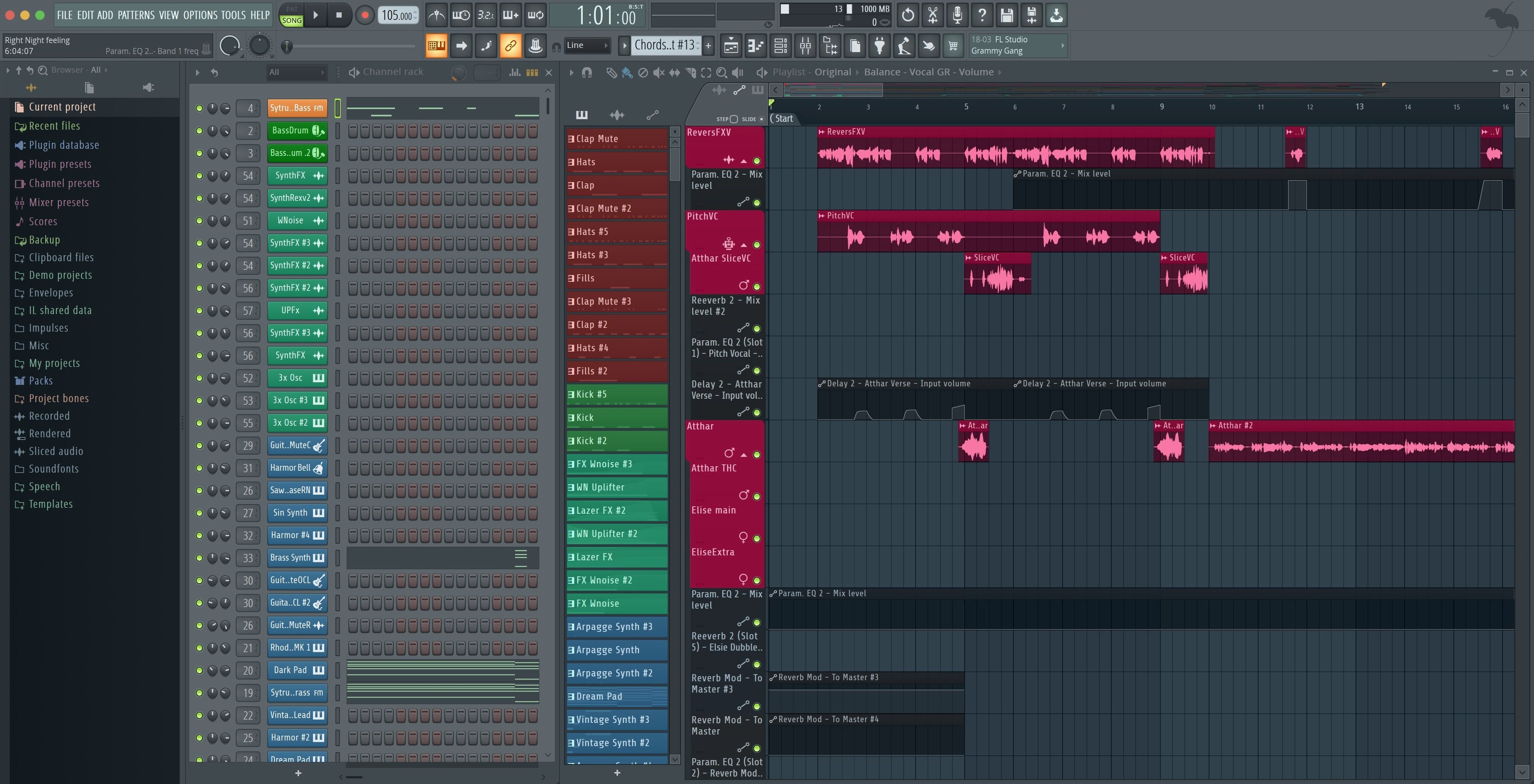
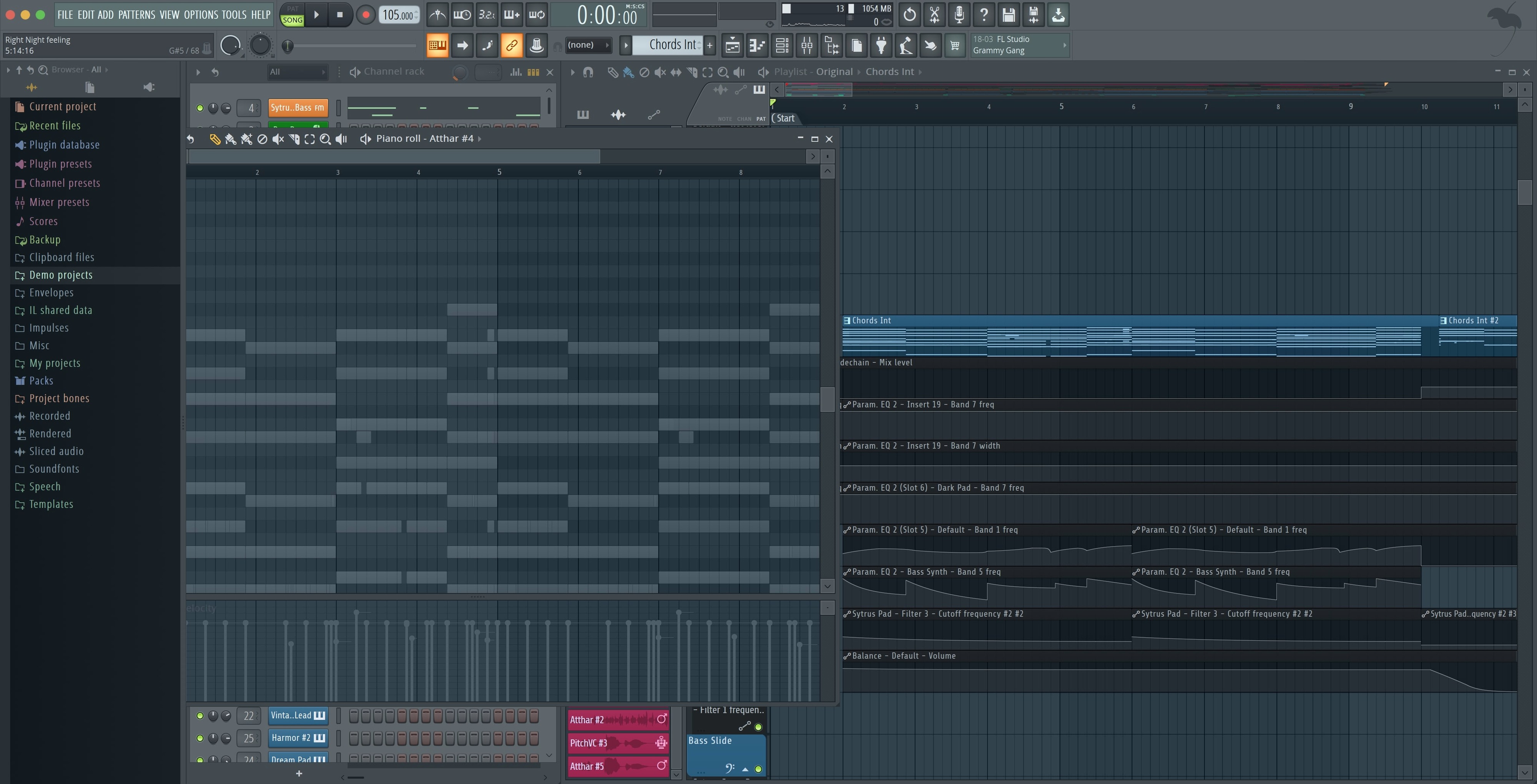
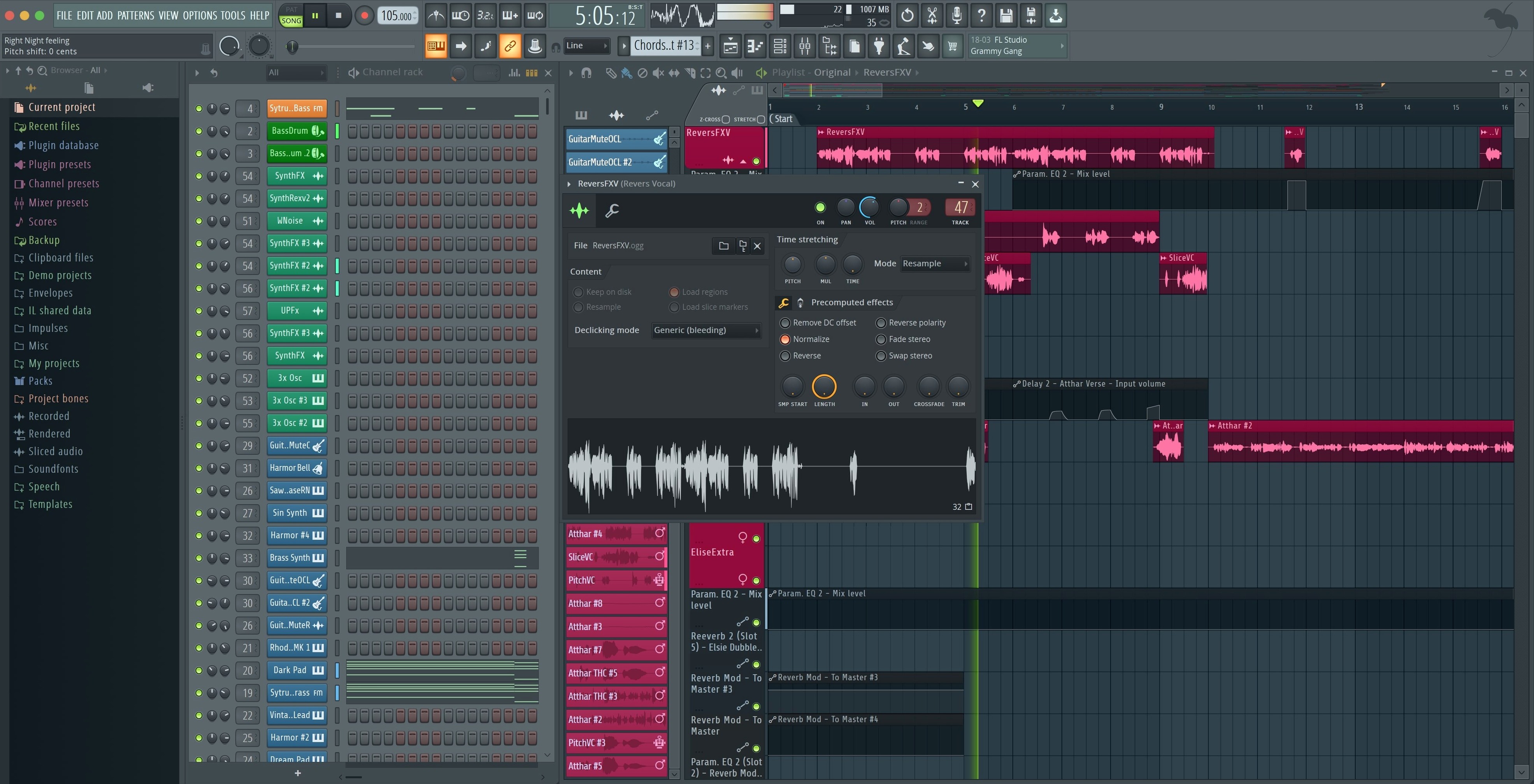
You open the app and a blank project greets you with the channel rack on the left and the playlist across the centre. You start by dropping a kick sample into the channel rack, then open the piano roll to draw a four-on-the-floor pattern. A snare and closed hi-hat follow — each gets its own pattern slot. The pattern blocks drop into the playlist as coloured strips; you drag them to build an eight-bar loop.
Next, you load FLEX from the plugin picker and search "analogue bass." Three results appear. You audition the first, tweak the macro knob labelled "Drive," and record a bassline with a MIDI controller. The performance monitor in the toolbar now reads "4.2 %" — the fractional precision confirms the patch is light on CPU.
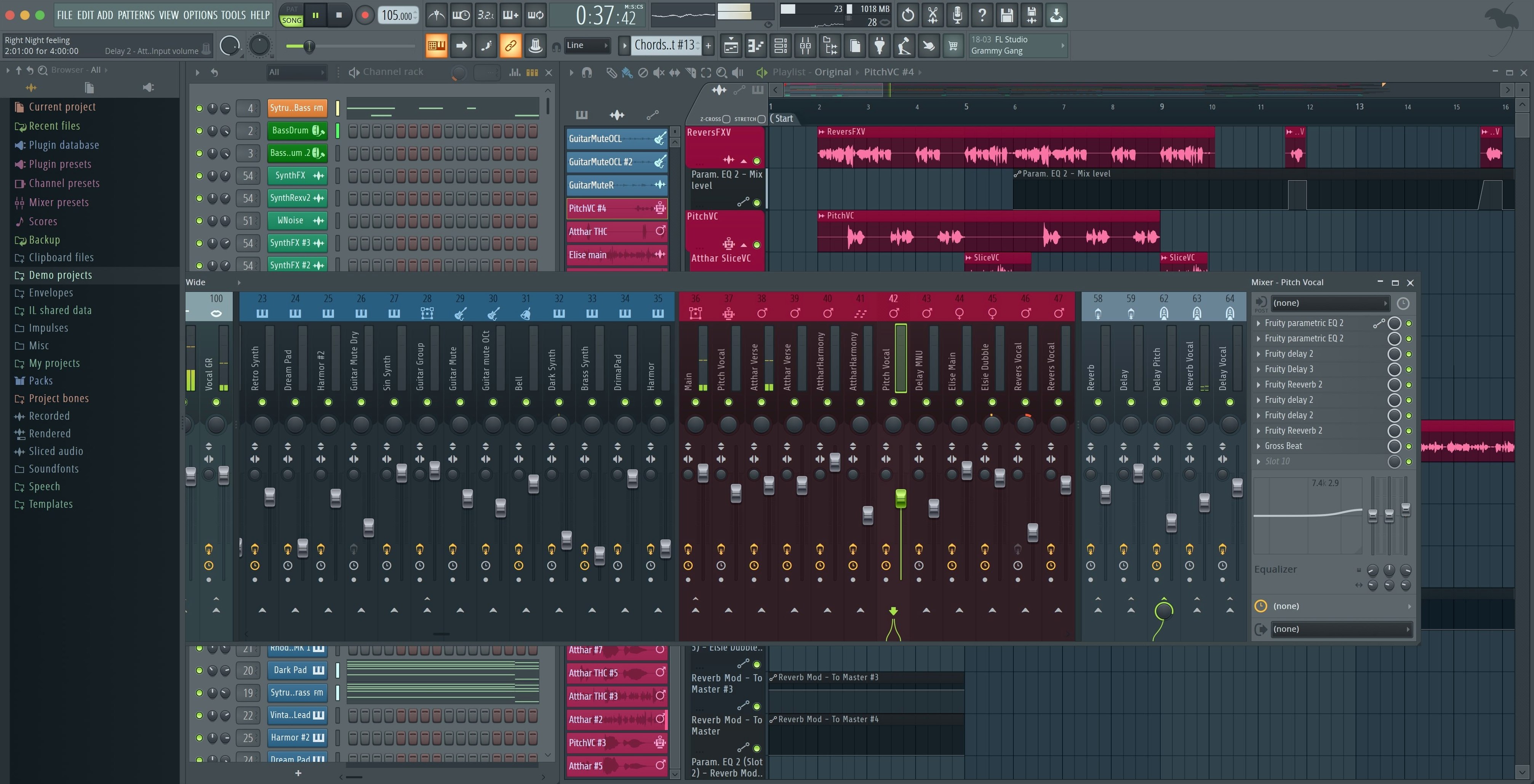
With the core loop arranged, you route the kick channel to mixer track 1, the bass to track 2, and apply a parametric EQ to each. You drop a compressor on the master track and dial in 2 dB of gain reduction. The Tuner sits open on a second monitor; its enlarged display makes it legible when you pick up an acoustic guitar and check tuning before laying down a doubled chord part on track 3.
Automation comes last. You right-click the filter cutoff on the bass synth, create an automation clip, and draw a rising curve across the final four bars. The clip sits in the playlist as its own lane, visually aligned with the pattern blocks above it.
When the arrangement feels complete, you open the export dialog. You tick "Split mixer tracks" and make sure both Master and Current boxes are checked, then render. The result is a folder of WAV files — one per mixer channel plus the full mix — ready for a separate mix session or collaboration.
How FL Studio’s All-in-One Project Handling Sets It Apart
FL Studio versus Logic Pro
Logic Pro is Apple's own DAW and comes preloaded with a large sound library optimised for macOS. Its linear arrangement view and region-based editing feel natural for recording live instruments and building songs from start to finish. FL Studio approaches arrangement through patterns and the playlist, which suits loop-based production and electronic music. Both support VST and AU plugins, but Logic Pro only runs on macOS and requires version 13.5 or later for the current release — FL Studio reaches back to Catalina. Logic includes Dolby Atmos mixing and a score editor; FL Studio keeps surround and notation as separate tools. The step sequencer in FL Studio is more immediate for drum programming, while Logic's equivalent is buried in a piano roll mode.
FL Studio versus Ableton Live
Ableton Live shares the loop-focused DNA. Its Session View is a grid of clips that makes live performance and improvisation central to the workflow. FL Studio's channel rack and playlist cover similar ground but keep the pattern-based approach without a dedicated performance matrix. Live's warping algorithms for audio clips are more flexible for tempo changes and stretching, while FL Studio's audio editing stays closer to a traditional waveform view. Both run natively on Apple Silicon. Live offers Max for Live for custom devices and effects; FL Studio relies on its own plugin format alongside VST and AU. The mixer in FL Studio feels more like a hardware console with its insert slots and routing matrix, whereas Live's mixer is simpler and more tied to its track structure.
FL Studio versus Studio One
PreSonus Studio One emphasises a drag-and-drop philosophy — instruments, effects, and audio files land on the arrange window and the software figures out the routing. FL Studio gives you more manual control over signal paths but expects you to learn its channel rack-to-mixer assignment system. Studio One's mastering page offers a dedicated workflow for finishing a project, with track sequencing and metadata editing built in; FL Studio handles mastering inside the standard mixer with no separate page. Both DAWs support third-party plugins, but Studio One's native plug-in suite covers more mixing and metering ground out of the box. FL Studio counters with lifetime updates — a distinction in how the software evolves over time compared with Studio One's paid upgrade cycle.
- Export dialog — checkboxes to render Master and Current when splitting mixer tracks
- Plugin Performance Monitor — percentage values show fractional precision
- MIDI controllers — notification when a new controller is connected, with an option to enable it
- Akai Fire — dedicated control script applied by default
- macOS 10.15 Catalina or later
- Apple Silicon (native, no Rosetta) or 64-bit Intel Mac
Questions on file
Does FL Studio 2026 run on Apple Silicon Macs?
Yes. FL Studio 2026 runs natively on Apple Silicon and 64-bit Intel Macs and does not require Rosetta.
What macOS version does the current FL Studio require?
The minimum requirement is macOS 10.15 Catalina. Both Intel and Apple Silicon Macs are supported.
Is the Mac version a cut-down edition of FL Studio?
No. The macOS version is the full desktop DAW with the same recording, arranging, editing, mixing tools, and built-in instruments as the Windows release.
Sign in · Create an account to add a field note.
No field notes yet. A measurement, a version, a machine — they appear after moderation.