Audio
Guitar Rig 7.0.2
AudioUpdated
| Requirement | On file |
|---|---|
| macOS | macOS 11 or later |
| CPU | Apple Silicon, Intel 64-bit |
| Download | 951 MB |
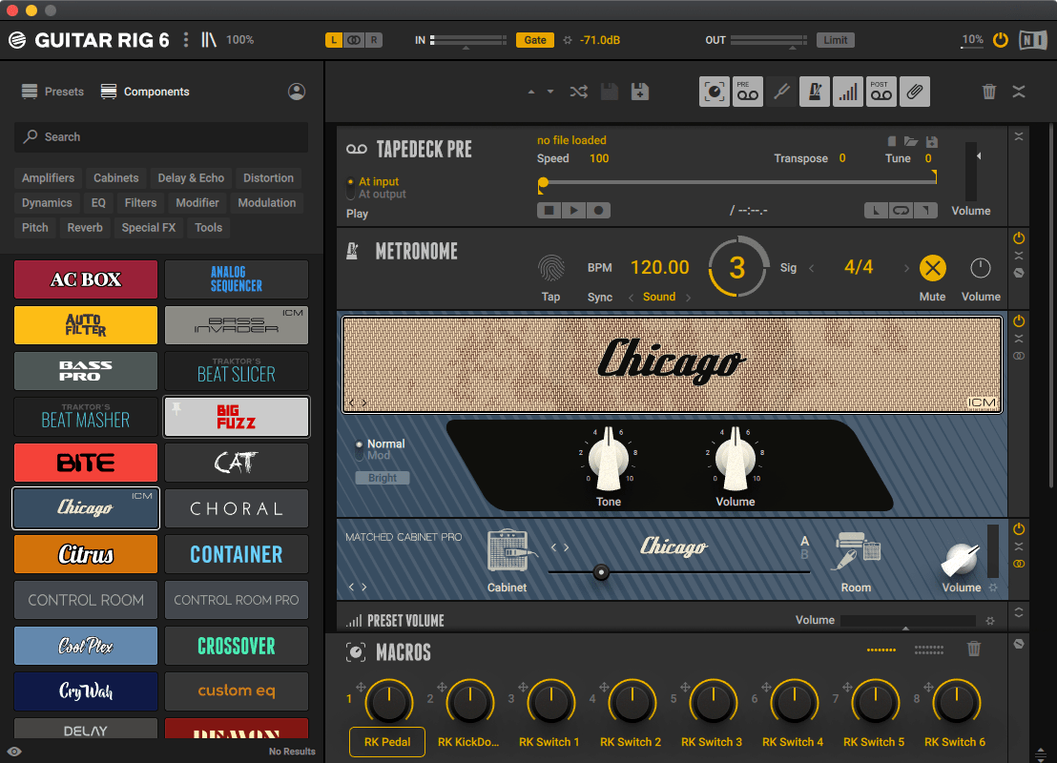
Guitar Rig 7 Pro ships as a 64-bit application, offering a rack-style environment where you chain amplifiers, cabinets, and effects for guitar and bass. Its interface is built for users comfortable with complex signal routing, and a tag-based preset browser helps sift through the collection. The current version is 7.0.2.
Check macOS Compatibility
Guitar Rig 7 needs macOS 11 or later and runs natively on both Intel and Apple Silicon processors.
Confirm the Available Formats
On macOS, Guitar Rig 7 Pro installs as a stand-alone application and as a plug-in in VST3, AU, and AAX formats. This covers integration with most modern DAWs, from Logic Pro to Pro Tools, alongside direct use outside a host.
What's in the Rack
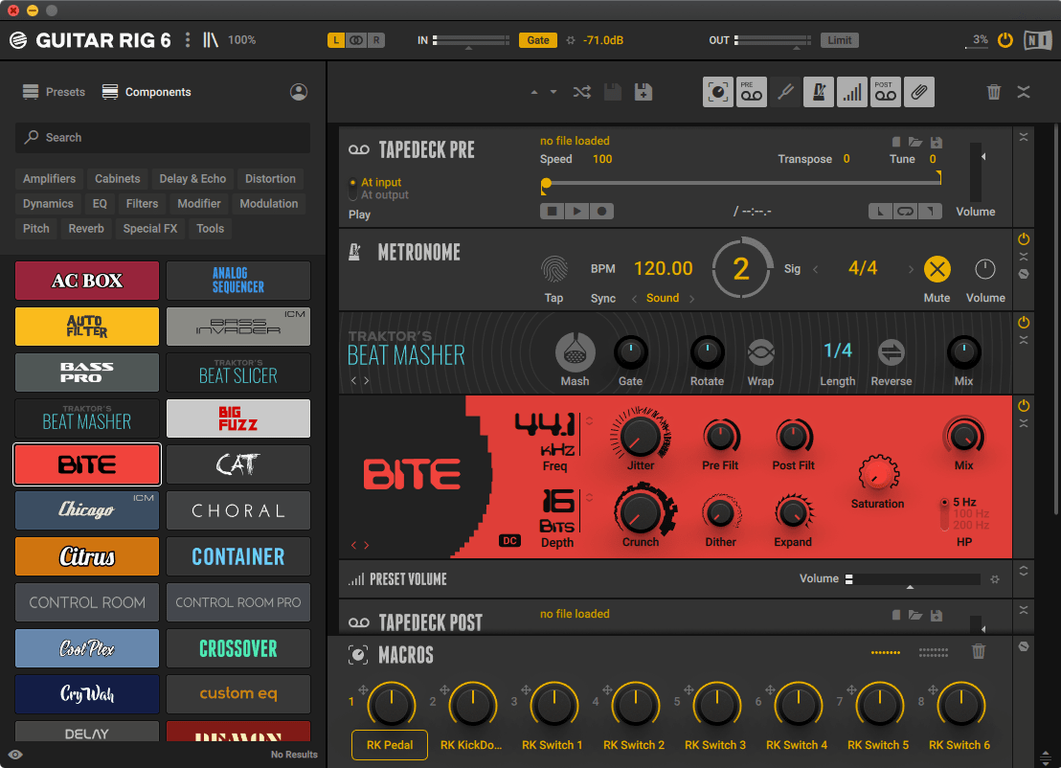
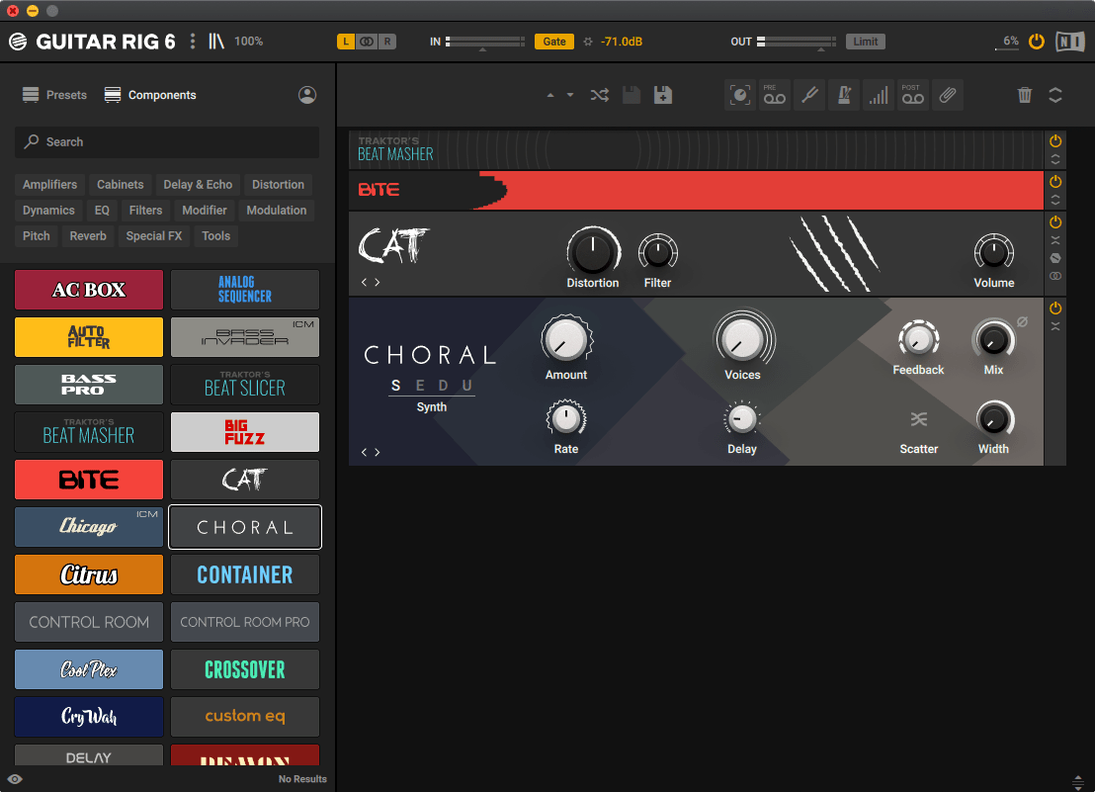
The core is a multi-effects rack and amp simulator. You get a tuner, a range of modelled amplifiers and cabinets, and the ability to build intricate effect chains. The preset browser uses a tag system for filtering by type, character, or instrument.
Load Three Contrasting Presets Before You Tweak
Start by loading a handful of factory presets that cover contrasting styles — a clean jazz tone, a mid-gain crunch, and something high-gain — and play through each one for five minutes. Resist the impulse to tweak immediately. This gives you a baseline for how the rack responds to your pick attack and guitar output before you start modifying parameters.
Next, map your audio interface buffer. In stand-alone mode, open the audio preferences and set the buffer to 128 samples for tracking. If you hear clicks or pops, step up to 256. Latency below 7 ms round-trip at 44.1 kHz is normal on Apple Silicon Macs with a decent interface; if you are much higher, the buffer size or driver is the bottleneck, not the software.
The preset browser tags are more useful than they first appear. Spend ten minutes tagging your own saved presets with instrument type (single-coil, humbucker, bass), gain level, and a descriptive word like “dark” or “open.” A month in, you will have your own filterable library that loads faster than scrolling through 200 unsorted patches.
20 ms Latency for Logic Pro and Cubase DI Tracking
Home recording guitarists who track into Logic Pro or Cubase get the strongest day-one advantage. The AU and VST3 plug-in loads with 20 ms on a modern Mac, and inserting a full amp-and-cabinet chain on a DI track becomes a one-click operation. No miking, no room treatment, no re-amping box. For someone recording at 11 p.m. in an apartment, that single difference reshapes the workflow.
Bass players who produce their own demos find the cabinet and pedal models genuinely useful. Low-end control in the bass amp modules stays tight down to 40 Hz, and the compressor and EQ models handle percussive playing without thinning the fundamental. You can stack a compressor, a bass overdrive, and a 4x10 cabinet model and still have headroom on the output bus.
Producers who treat Guitar Rig as a sound-design tool rather than a guitar processor extract a different kind of value. The modulation effects, pitch shifters, and delays work as well on synths and drum buses as they do on a Strat. Dragging a sequenced filter or a tape echo onto a vocal bus can push a mix in directions a conventional channel strip cannot.
Rack-and-Cables Workflow vs. Amplitube’s Pedalboard Visuals
Amplitube 5 presents a more literal, stompbox-on-a-pedalboard interface. Its cab room and mic placement visuals are more detailed, and the feel leans toward the physical world of gear. Guitar Rig takes the opposite approach with its rack-and-cables metaphor, which suits users who think in terms of signal flow rather than floor layout. Both load quickly on Apple Silicon; Amplitube's larger graphics assets can make the GUI slightly heavier on first open, though the difference fades once the plug-in is cached.
Logic Pro's built-in Amp Designer and Pedalboard offer a tighter integration with no extra install or routing. The Amp Designer models cover the same Fender, Vox, Marshall, and Mesa-inspired territory, and the Pedalboard plug-in lets you drag stompboxes in a row. Where Guitar Rig pulls ahead is in the sheer number of modulation and utility effects, the routing flexibility, and the ability to save entire multi-amp racks as a single preset. Logic's tools are sufficient for many tracking tasks; Guitar Rig becomes the choice when you want a flanger routed in parallel with a pitch shifter feeding a different cabinet.
Neural DSP Quad Cortex (hardware) and its software counterparts use capture technology rather than component modelling. The captured tones can be strikingly accurate for a specific amp at specific settings, but the flexibility is narrower — you get that one snapshot. Guitar Rig gives you continuous parameter ranges and the ability to morph a tone incrementally, which matters during arrangement when a part needs to shift from edge-of-breakup to saturated without changing the core character.
Fix Silent Stand-Alone Mode by Matching Your Interface Output
No sound after installation. The most frequent cause is the audio device selection in stand-alone mode defaulting to the Mac's built-in output while your interface is connected. Open Audio Settings and confirm the output device matches your interface. If the input shows “None,” set it to your interface's first input channel.
Plug-in does not appear in the DAW. After installation, Guitar Rig's AU and VST3 components sit in the standard system folders. If Logic Pro does not list it, run a plug-in rescan from Logic's Plug-in Manager. For Ableton Live, hold Option and click “Rescan” in Preferences → Plug-ins. AAX in Pro Tools may require a Pro Tools restart after the Native Instruments installer finishes.
High CPU usage on older Intel Macs. A single instance with six or more active modules can push a 2017 MacBook Pro past 40% CPU on one core. Freeze or bounce the track after dialling in the tone. Disabling the high-resolution cabinet IR mode in the settings panel trims roughly 15% off the CPU load without a noticeable change in a busy mix.
Preset browser feels sluggish. On first launch after installation, Guitar Rig indexes its preset database. Subsequent launches are faster, but a library with thousands of user patches can still lag. Keep the number of user presets in a single folder under 500, and split larger collections into subfolders.
Daily-Work Impressions: Speed, Stability, Resources
On an M-series MacBook Air with 16 GB of RAM, the stand-alone app launches cold in under four seconds. Loading a moderately complex preset — amp, cabinet, compressor, delay, reverb — takes less than a second. The AU plug-in appears in Logic Pro's instrument slot immediately, and switching presets during playback causes a brief dropout of roughly half a second, which is typical for plug-ins of this weight.
Memory usage sits around 380 MB for a single instance with six active modules. Running eight instances in a 24-track Logic session on an M1 Pro raises total memory pressure to yellow but not red, and the system remains responsive. On Intel Macs with 8 GB of RAM, four instances is a practical ceiling before swap starts affecting playback.
Stability over weeks of daily use holds up well. Crashes in version 7.0.2 are rare on macOS 13 and later, and when they occur, the crash log typically points to a third-party audio driver rather than the Guitar Rig process itself. The one reproducible quirk involves rapidly switching presets while audio is streaming — once every twenty or thirty switches, the interface can freeze for two seconds before catching up. Audio continues uninterrupted during the freeze. Closing and reopening the plug-in window, or toggling it with your DAW's show/hide command, clears the condition.
Disk footprint after installation, including all factory presets and IRs, sits just under 900 MB. The installer places files in the standard Application Support and plug-in component directories. No kernel extensions, no background daemons — after quitting the app, no Native Instruments processes linger in Activity Monitor. For users who keep their Macs lean, that tidiness matters.
- Maintenance — version 7.0.2 of Guitar Rig 7
- macOS 11 or later
- Intel or Apple Silicon Mac
- 64-bit host for plug-in use
Sign in · Create an account to add a field note.
No field notes yet. A measurement, a version, a machine — they appear after moderation.