Audio
Dorico Pro 6.2.30
AudioUpdated
| Requirement | On file |
|---|---|
| macOS | macOS 12 or later |
| CPU | Apple Silicon, Intel 64-bit |
| Download | 661 MB |
Standard notation software often stumbles on the edges of musical complexity—tuplets that cross barlines, microtonal accidentals, or stemless contemporary scores. Dorico Pro is built to handle those situations without forcing a composer into tedious manual adjustments.
Scores built around tuplets, microtones and a piano-roll MIDI editor
- Engraving scores where tuplets, irregular meters and microtonality are part of the musical language, not exceptions.
- Composers who want a sequencer-style piano-roll MIDI editor alongside traditional notation, rather than switching between separate applications.
- Projects requiring independent voice playback routing—version 6.2.30 lets you enable Cantai routing per instrument from the Track Inspector in Play mode.
- Layout-intensive work: the automatic page layout with collision avoidance reduces manual tweaking of collisions between dynamics, slurs and noteheads.
macOS 12 minimum and a learning curve for deep engraving
- The software requires macOS 12 or later on either Apple Silicon or Intel hardware.
- Deep engraving flexibility means a learning curve if you are accustomed to simpler notation tools.
- Export of sustain and sostenuto pedal lines is supported as of this build—earlier versions lacked it.
- The 6.2.30 update contains a long list of bug fixes and refinements to hidden-note handling, so earlier builds may exhibit behaviour that has since been corrected.
The 6.2.30 update landed in early June 2026 and, while it's labelled a maintenance release, the list of changes touches enough everyday workflows to feel like more than a quiet bug-fix round. Over forty fixes and refinements sit in the change log, and a handful of them change what you see and hear during a normal session.
One change you notice immediately in Play mode: instruments routed to Cantai now support independent voice playback. The toggle lives in the Track Inspector—flip it on, and each voice within a staff can feed its own Cantai instance. Practically, that means a violin section divisi passage no longer collapses into a single blended sound. You get two separate lines, two separate expressions, and a much clearer sense of how the divisi will sound in a hall. Before 6.2.30, you would have routed voices to separate staves to achieve the same result. Now it is a checkbox.
Glissando notation received a quiet but meaningful upgrade. The wiggly glissando line—the one that looks like a trill squiggle stretched across a staff—can now be drawn with either the traditional trill wiggle glyph or a custom line style pulled from your project's style set. A new line style property in the Properties panel overrides the appearance of individual glissando lines without touching the global engraving options. For a harp part with two adjacent glissandi, you can make one a straight portamento line and the other a wiggly one in three clicks. Small thing, but it removes one of those moments where you previously reached for a workaround symbol or an attached text object.
Pedal line export is another workflow gap that closed with this build. Sustain and sostenuto pedal lines now survive the trip out of Dorico cleanly. If you regularly send MusicXML to a collaborator working in another application, or if you generate PDF parts for a pianist who actually reads pedal markings, the difference is immediate: no more missing pedal indications that you only catch after printing.
Hidden-note handling received attention across several areas. Notes that you mark hidden now behave more predictably during spacing, and the interplay between hidden notes and tuplet brackets—particularly brackets and numbers suppressed via engraving options—has been tightened. If you have ever hidden a cue-sized note in a score only to watch the surrounding tuplet bracket jump to a strange position, 6.2.30 resolves a lot of that. MusicXML import and export saw specific fixes too, though Steinberg's notes are light on detail. The practical effect is fewer surprises when round-tripping a score between Dorico and a DAW or another notation program.
Fast redraws and layout recalculations on Apple Silicon
On Apple Silicon machines, Dorico 6 feels fast in the places that matter: score redraws during scrolling, layout recalculations after inserting a bar, and switching between Write and Engrave modes. A twenty-four-staff orchestral project with linked parts opens in roughly the same time as a five-staff vocal score—the bottleneck tends to be the sample library loading path, not the application itself. Intel Macs show their age here; a 2019 MacBook Pro running macOS 12 will still run Dorico, but the piano-roll MIDI editor can feel labouring when you have a full orchestral template and several VST 3 instruments active.
Memory usage sits higher than you might expect for notation software. With the full HALion Symphonic Orchestra library loaded—roughly 1,500 sounds—Dorico can occupy 3–4 GB of RAM before you write a single note. On a 16 GB Apple Silicon machine, this leaves comfortable headroom. On an 8 GB Intel Mac, you will notice swapping during playback of large scores. The fix is straightforward: reduce the number of loaded sounds in Play mode, or switch to a lighter sound set for sketching.
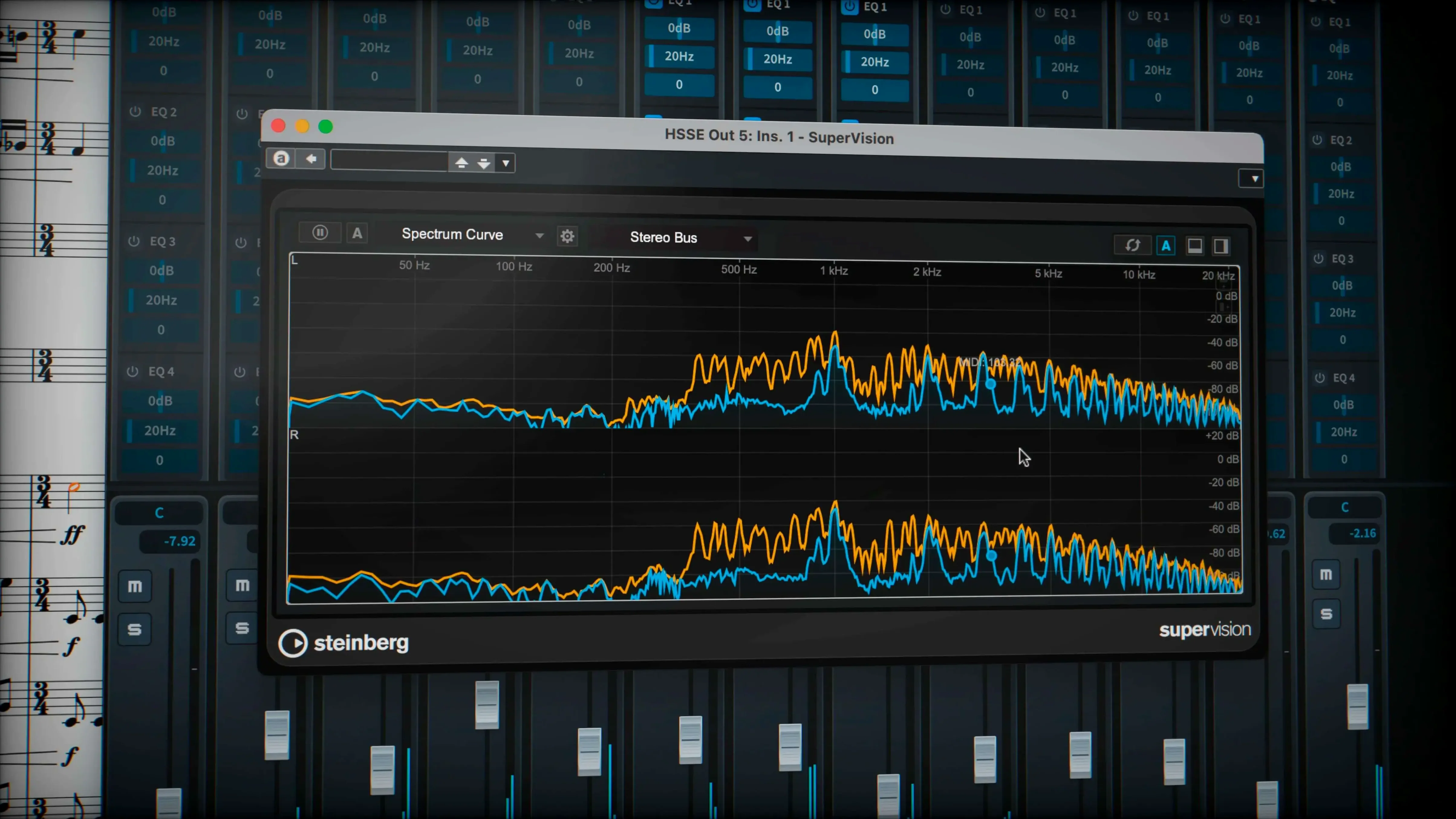
Stability across the 6.x releases has been solid, and 6.2.30 continues that trend. Crashes are uncommon in normal use. The situations that trigger them tend to involve third-party VST 3 plug-ins—particularly older ones that do not fully respect Steinberg's plug-in interface versioning. If you run a large orchestral template with multiple Kontakt instances, occasional audio engine dropouts happen on Intel machines more often than on Apple Silicon. A quick toggle of the audio engine in the Play menu usually restores things without a restart.
Fixing audio engine silence after installation
A few friction points surface regularly. The most frequent is audio engine silence after installation. Dorico ships with its own audio engine, but it sometimes defaults to a sample rate your interface does not support. Go to Edit → Device Setup and check that the sample rate matches what your interface expects—44.1 kHz is the safe default for nearly everything.
Another recurring one: missing sounds on first launch. The HALion library downloads separately and Dorico will not nag you about it during setup. If you start a project and hear only piano sounds, open Play → Playback Template and verify that HALion Symphonic Orchestra is selected rather than the basic General MIDI set. On fresh installs, the default template sometimes falls back to the basic set until you manually switch it once.
Tuplet behaviour confuses people coming from other notation programs. Dorico treats tuplets as rhythmic containers rather than cosmetic brackets around notes. If you input a triplet by entering the first note of the tuplet and then pressing the triplet shortcut, you are doing it the Dorico way. If you enter three notes and then try to wrap them in a triplet bracket, you are fighting the design. The fix is unlearning the post-entry approach and trusting the rhythmic grid to handle it during input.
MusicXML export can produce files that other applications render with slightly different spacing. This is not strictly a bug—it is the nature of translating between layout engines. If a collaborator reports that a part looks cramped in Sibelius or Finale, try exporting with the Simplify layout option enabled in the MusicXML export dialog. It strips some of Dorico's granular spacing data and lets the receiving application recalculate things its own way.
Playback expectations on a 2019 Intel Mac
Will it run well on an Intel Mac from 2019? Yes, but set your expectations for playback. Notation entry, layout and engraving are responsive. Full orchestral playback with a large sample library will push the machine hard. Consider using the lighter sound sets during composition and reserving the full HALion library for final playback checks. Apple Silicon machines handle everything without caveats.
Does the 6.2.30 update break existing projects? No. Projects created in any Dorico 6 build open without conversion. The update changes behaviour in specific, narrow areas—glissando appearance properties, independent voice playback for Cantai—but does not alter the core file format. If you have heavily customised glissando line styles in a project, open it after updating and quickly scan the glissandi to confirm they render as intended.
Can I exchange files with people using other software? Yes. MusicXML, MIDI and PDF export cover the common exchange formats. The 6.2.30 build improved MusicXML import and export handling, and pedal line export now works correctly. If your collaborator uses an older notation program, exporting a PDF for the visual reference alongside a MusicXML file for data exchange covers most scenarios.
Is it practical for contemporary scores with no barlines or stems? Yes. Dorico handles open-meter music and stemless notation without needing invisible bar rests or hidden time signatures. You define the rhythmic grid in terms of beats rather than bars, and the notation engine spaces everything accordingly. This is one of the structural design decisions that sets it apart from software where barline-based spacing is fundamental.
What about people searching for a dorico 6 crack or a dorico torrent? Those searches can lead to builds that need a few checks to run well—verifying activation workarounds and confirming sound library paths. The 6.2.30 release specifically addresses bugs in hidden-note handling, MusicXML exchange and pedal line export—all things that earlier, cracked versions lack. A dorico mac torrent or dorico pro torrent floating around from 2025 will not include the independent voice playback for Cantai or the glissando line style overrides. And a dorico 6 mac torrent from an unknown source may require manual HALion library setup; once properly configured, the notation program can access its full sound set.
Learn caret navigation and popovers with a lead sheet
Start with a small project, not your symphony. A lead sheet or a piano piece with three or four staves will teach you the input conventions—caret navigation, popovers for dynamics and playing techniques, and the difference between Write mode and Engrave mode—without the overhead of a full orchestral template. Give yourself two sessions just for input before you open a large score.
Set up your playback template early. Go to Play → Playback Template, select HALion Symphonic Orchestra, and save it as your default. This avoids the "why does everything sound like a piano" moment on your second day. While you are in Play mode, open the Track Inspector and take note of the independent voice playback checkbox—you will want it later, even if you do not need it on day one.
Customise two key shortcuts. The default key commands are logical but dense. Map Switch to Write mode and Switch to Engrave mode to something you can hit without looking at the keyboard. You will toggle between those two modes constantly, and reaching for the mouse each time adds friction. Everything else can wait until you know the workflow better.
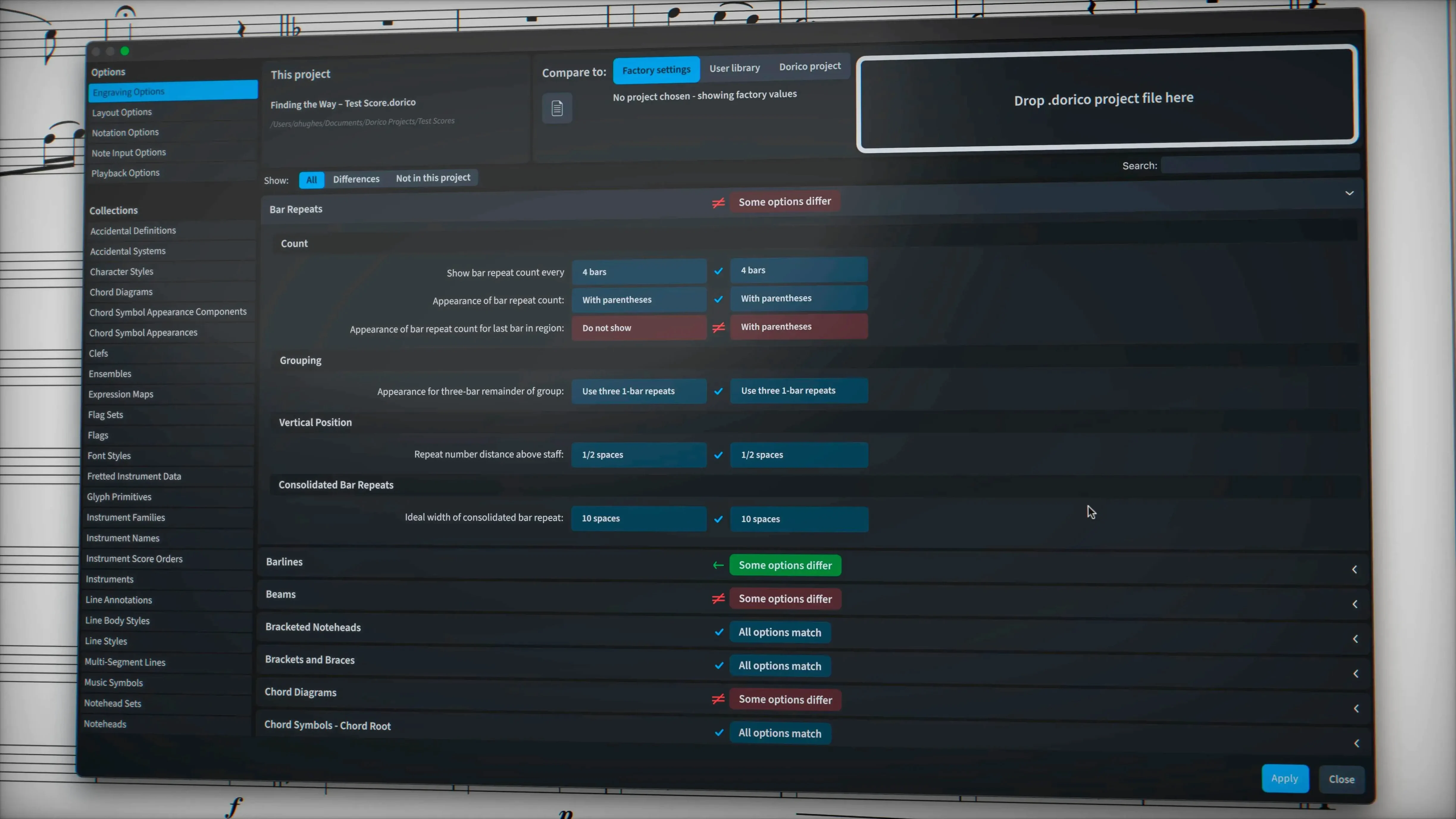
Resist the urge to adjust every engraving option on your first day. Dorico's defaults produce clean, publication-ready output for most common notation situations. Spend your first week inputting music and letting the automatic collision avoidance handle collisions. After a week, you will know which specific layout behaviours actually bother you—and the engraving options for those are usually findable by right-clicking the offending item.
- macOS 12 or later
- Apple Silicon or Intel processor
Questions on file
Does this version handle glissando line appearance?
Yes, a line style property can now override the appearance of individual glissando lines, giving you per-line control instead of a single global setting.
Which interface languages are available?
The interface supports Russian, English, German, Spanish, Italian, Simplified Chinese, Portuguese, French and Japanese.
Sign in · Create an account to add a field note.
No field notes yet. A measurement, a version, a machine — they appear after moderation.