Design
CorelDRAW 27.2.0.135
DesignUpdated
| Requirement | On file |
|---|---|
| macOS | macOS 13 or later |
| CPU | Apple Silicon, Intel 64-bit |
| Download | 2.1 GB |
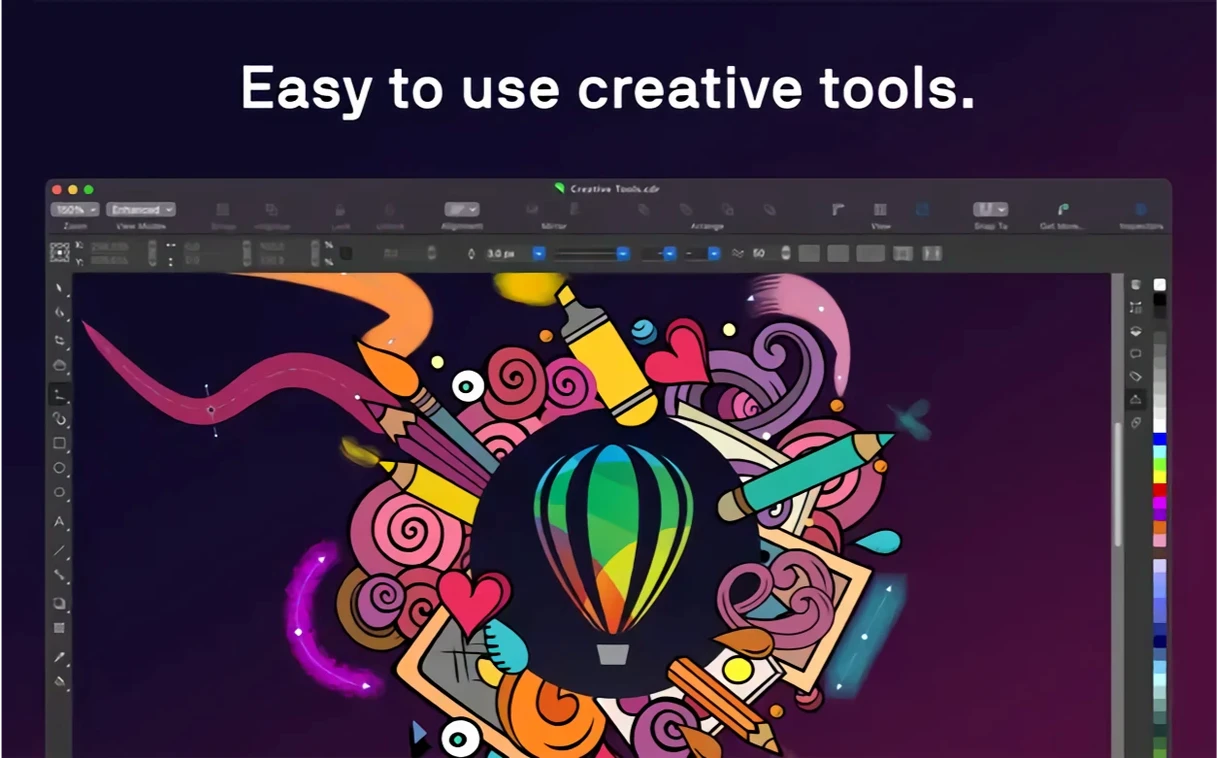
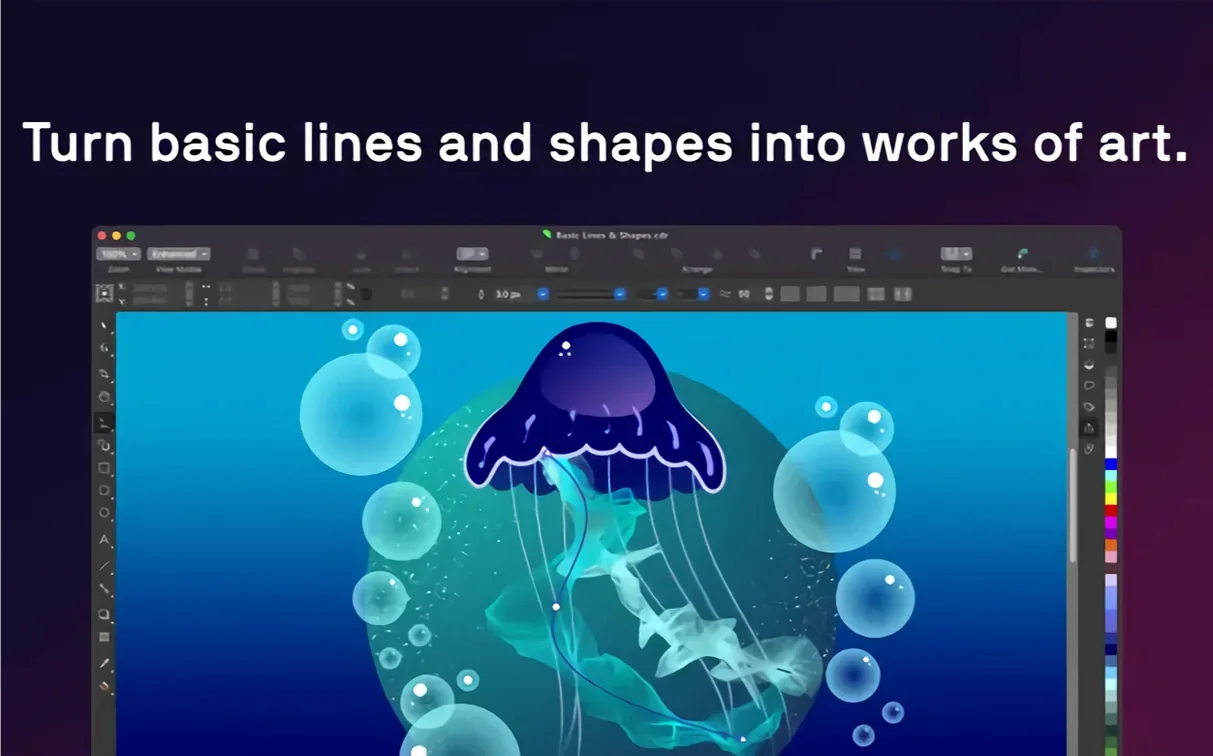
A Mac user who spends the day in Pixelmator Pro or Affinity Designer will find CorelDRAW occupies a different slot on the shelf. It is not a pixel-first photo editor but a vector and page-layout workhorse built around the CDR format, with a toolset that stretches from freehand drawing to multi-page document assembly. The Mac edition shares its engine with the Windows release, so files travel between the two without conversion, and it opens a long list of formats that includes AI, PSD, PDF, EPS, and DWG.
Where it overlaps — and where it doesn't
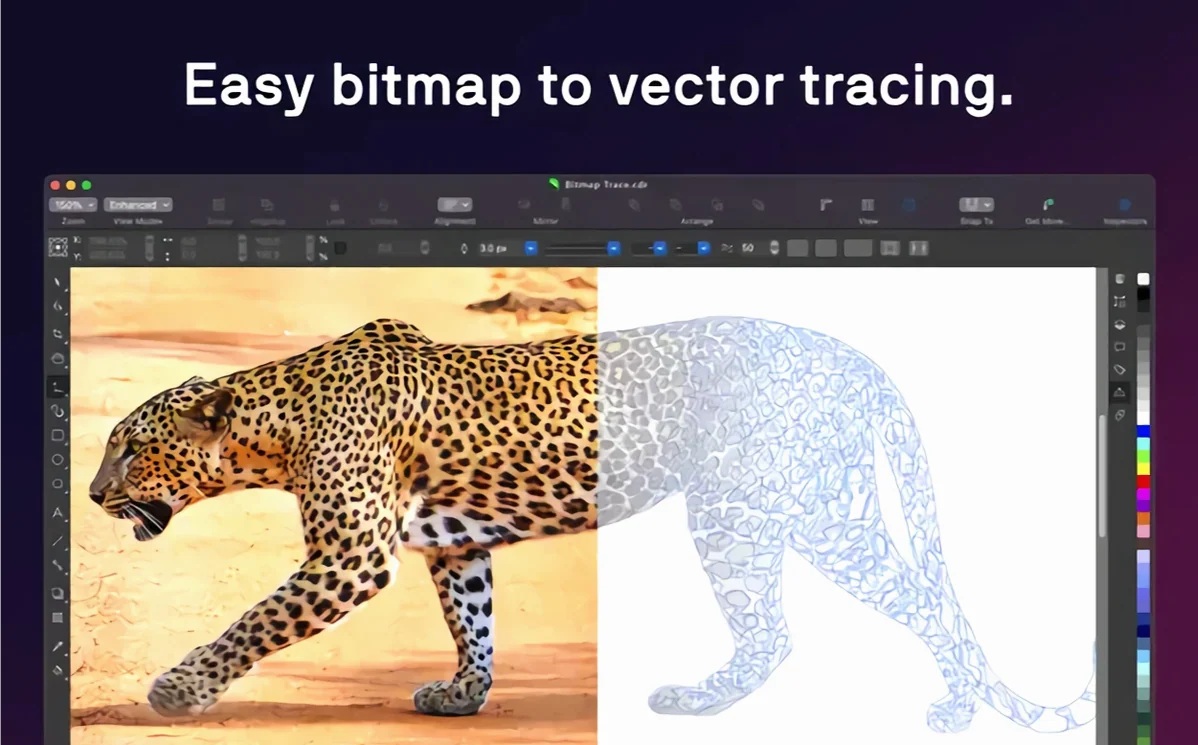
At the object level, CorelDRAW handles the same fundamentals as any modern vector app: transparency, pattern fills, gradient meshes, and outline properties. Where it pulls ahead is in document-wide control. Styles and style sets let you reformat text, fills and strokes across dozens of objects or whole pages in a few clicks, something that feels closer to a desktop publisher than a canvas-based illustration tool. The raster-to-vector tracing engine, PowerTRACE, sits inside the standard install, so converting a scanned sketch or a low-resolution logo into editable curves does not require a separate utility.
Working alongside Mac-native tools
File exchange is the practical bridge. A layout roughed out in CorelDRAW can export a print-ready PDF for a colleague who works in Acrobat, or push an SVG to a developer working in Sketch. Photographers who retouch in Capture One or Lightroom can pass a layered PSD across for a layout wrap, and the Mac version writes TIFF and HEIF directly. The hardware requirements are clear-cut: macOS 13 or later, either Apple Silicon or a multicore Intel chip with AVX2, 8 GB of RAM (16 GB recommended), and an OpenCL 1.2-capable GPU with at least 3 GB of VRAM. It is a specification sheet that puts it on par with current pro creative apps, not an entry-level drawing toy.
Native macOS feel, not a ported afterthought
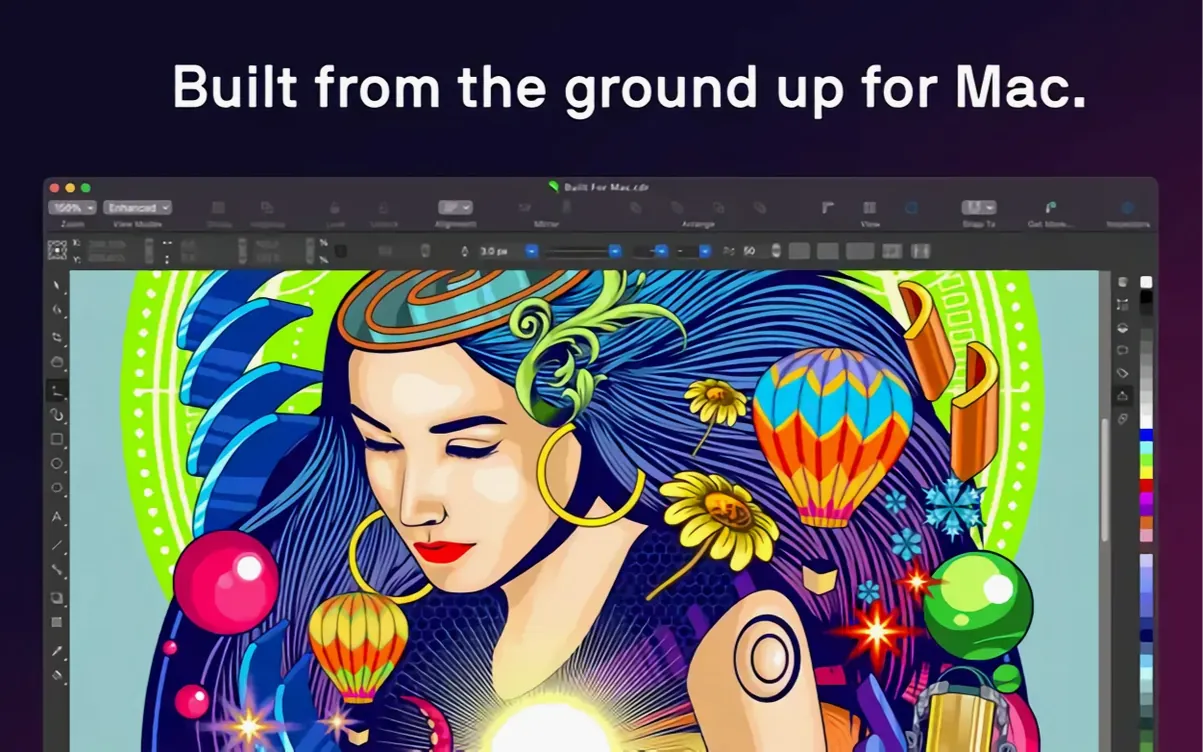
One question surfaces more than any other: does the Mac version feel like a port, or does it behave like a native app? CorelDRAW on macOS uses the system's own window chrome, supports Sidecar for iPad and Apple Pencil input, and offers Touch Bar controls for layers and text properties on MacBook Pro models that still carry one. The interface is not a straight copy of the Windows build — menus and palettes follow Mac conventions, and file dialogs are the standard macOS ones. That said, anyone coming from a twenty-year Windows habit will notice a few dialog layouts that carry a cross-platform family resemblance. It is not Sketch or Affinity in its pixel-for-pixel macOS design language, but it does not feel alien either.
A second recurring question concerns file compatibility with Adobe workflows. The app opens Illustrator AI files up to a certain legacy version threshold and writes AI and EPS. It also reads and writes PSD, so a layered Photoshop file arrives with its blend modes and transparency intact enough for layout work. PDF import and export are thorough, with support for spot colours, overprint preview, and bleed settings. For teams that mix CorelDRAW at one desk and Adobe at another, the exchange format of choice is usually PDF/X-4 — it preserves vector data, colour profiles, and text as live type where the exporter allows.
The third question is about performance on Apple Silicon. Version 27.2.0.135 runs natively on ARM, not under Rosetta. On an M2 or M3 with 16 GB of RAM, redraw of complex multi-page documents with dozens of gradient-filled objects stays fluid. PowerTRACE tracing jobs that take ten seconds on an Intel MacBook Air from 2019 complete in under three on an M3. The GPU requirements are specific — OpenCL 1.2 with 3 GB VRAM — but the Metal driver stack handles that on integrated Apple GPUs without complaint. Intel Macs with AVX2 support remain fully functional, though the thermal behaviour of fanless Intel MacBooks under sustained vector rendering makes them a secondary choice for heavy production work.
Users who extract the most from it
Sign makers and wide-format print shops have long formed a core user base, and the Mac version does not change that. CorelDRAW's handling of large-format page sizes, CMYK and spot-colour separations, and direct export to RIP software gives it a practical edge for vinyl cutters, vehicle wraps, and trade-show graphics. The ability to set up a 3-metre banner as a single artboard and tile it for output without third-party imposition tools saves a daily step.
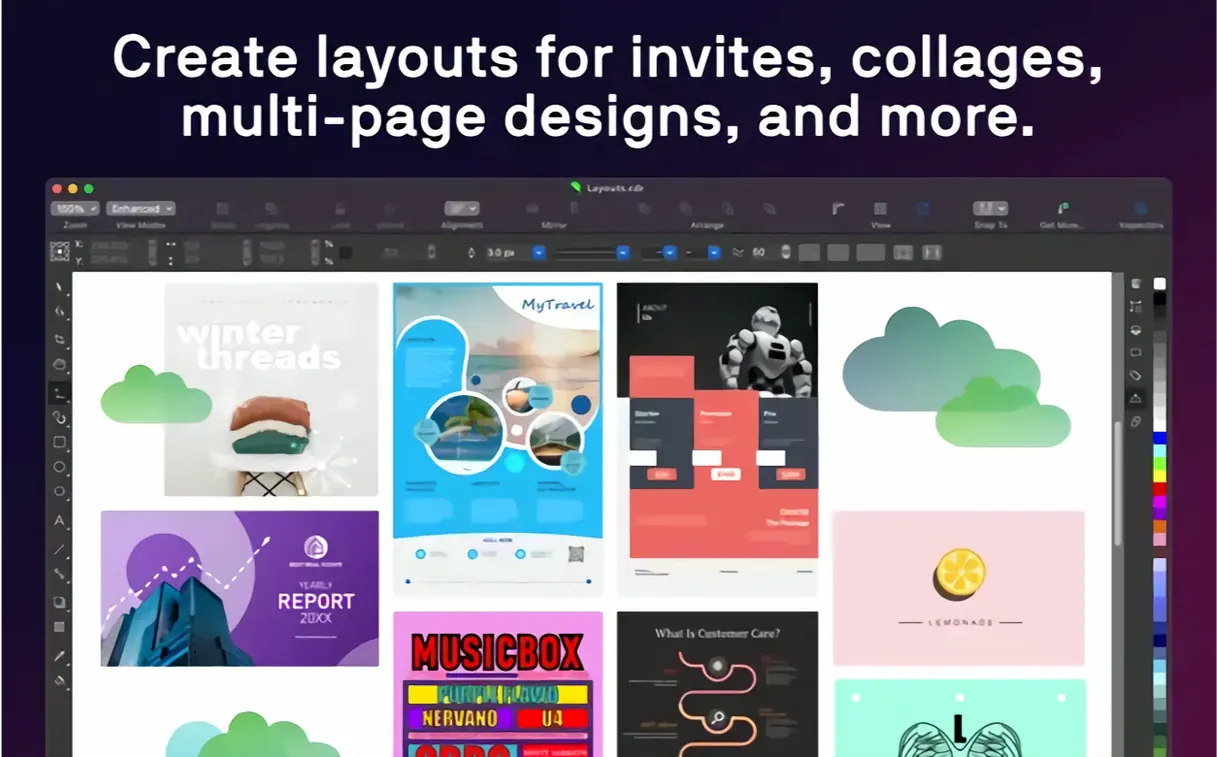
Marketing teams that produce multi-page brochures, catalogues, and data sheets benefit from the style-set system. A product brochure with forty pages and consistent heading, subheading, body, and caption styles can be reformatted mid-project by editing one style definition. Variable font support — where the typeface exposes weight, width, or optical-size axes — adds another lever for fitting text into tight column grids without switching families.
Illustrators who work with a stylus on an iPad via Sidecar get a combination that Apple's own ecosystem does not offer in one package: a full vector illustration toolset on the Mac screen, with Apple Pencil pressure and tilt passed through to brushes and the freehand drawing tools. The Touch Bar on supported MacBook Pro models adds a quick-access strip for toggling layers on and off and nudging text properties, but the Sidecar workflow is the more practical daily driver. No separate iPad app is required; the Mac canvas extends onto the tablet screen and accepts Pencil input directly.
Technical illustrators who need to import DWG and DXF files from CAD packages find CorelDRAW's dimensioning and snapping tools better suited than most canvas-first vector apps. The ability to open a factory-floor layout exported from AutoCAD, trace over it, add callouts, and export a print-ready PDF without intermediate conversion steps collapses a workflow that would otherwise involve two or three applications.
Task-based workspace switching from the Welcome screen
The first launch presents a Welcome screen with a workspace picker. Choose Illustration or Page Layout depending on the day's main task — the workspace switching is not cosmetic; it rearranges toolbars and docked panels to match the task. Power users often settle on Advanced after a week, but starting with a focused workspace reduces the initial panel clutter.
Set the nudge distance early. Under CorelDRAW > Preferences > Document > Nudge, the default is often too coarse for logo work. Dropping it to 0.25 mm or 0.5 pt, and setting the Super Nudge multiplier to 4×, gives fine keyboard control without overshooting. This one change prevents a lot of early frustration when aligning nodes.
Colour management needs attention on first setup. CorelDRAW ships with a default RGB profile of sRGB and a default CMYK profile that depends on the region setting. If your print provider expects FOGRA39 or GRACoL, switch the defaults under Tools > Colour Management > Default Settings before creating the first document. Changing it later applies to new objects only; existing fills do not automatically remap unless you explicitly convert.
The Font Manager, a separate utility installed alongside the main app, is worth opening on day one. It indexes system fonts and any local font folders you point it at, and its font-search by visual similarity — type a few characters and it finds close matches from installed families — is faster than scrolling through a dropdown in the middle of a layout. Fonts activated through Font Manager are available to CorelDRAW and Corel PHOTO-PAINT immediately without restarting.
Those migrating from Illustrator should spend twenty minutes with the Pen tool behaviour. CorelDRAW's node editing distinguishes between curve nodes, cusp nodes, and smooth nodes with slightly different modifier-key logic. Drawing a shape, switching to the Shape tool (F10), and deliberately converting nodes back and forth while watching the control handles builds the muscle memory.
AI upsampling and artifact removal inside Bitmap menu
The jump to version 27 brought the AI-based upscaling and JPEG artifact removal tools into the Mac build. These are not tucked away in a separate utility — they live in Bitmap > AI > Upsample and Remove JPEG Artifacts. In practice, the upsampler handles 2× and 4× enlargements of embedded bitmaps without producing the stairstep edges that bicubic interpolation leaves behind. It is not a substitute for a dedicated photo-resampling pipeline like Topaz Gigapixel, but it is fast enough for in-document use when a client supplies a low-res product shot that needs to fill a quarter-page frame.
Variable font support arrived in version 27 and is exposed through the Property Bar when a variable font is selected. The sliders for weight, width, and slant appear inline, not in a separate dialog, so adjusting the look of a headline to fit a fixed space becomes a drag rather than a trial-and-error font-switching exercise. Not all installed variable fonts expose every axis, and the interface makes it clear which axes are available for the current family.
The native Apple Silicon build that shipped with version 27 eliminated the Rosetta translation layer for ARM Macs. For everyday use, the change shows up in three places: launch time dropped by roughly half on M-series machines, switching between open documents no longer triggers a brief beachball on complex files, and PowerTRACE tracing jobs finish within a single progress-bar cycle where the earlier Intel-only build sometimes paused mid-trace.
Sidecar with full Apple Pencil pressure and tilt
Sidecar is the headline integration for illustrators. With an iPad connected wirelessly or via USB, CorelDRAW treats the tablet as an extended display with full Pencil support — pressure, tilt, and the double-tap gesture on the Pencil 2 can be mapped to tool-switching commands. The lag over a strong Wi-Fi connection stays under a quarter-second for most brush strokes; a wired connection cuts that to imperceptible. The main limitation is that Sidecar mirrors or extends the Mac desktop rather than offering a dedicated full-screen iPad drawing mode, so the palettes still live on the Mac screen unless you drag them onto the iPad portion.
Corel PHOTO-PAINT, the photo-editing component installed alongside CorelDRAW, handles the pixel side of a project without leaving the suite. A common workflow: rough out a vector layout in CorelDRAW, select a placed photo, choose Bitmap > Edit in PHOTO-PAINT, retouch or colour-grade it, save, and the document updates automatically. The two apps share the same colour management engine, so a CMYK profile set in one carries through to the other without conversion surprises.
Exchange with the Finder is straightforward: CDR and CPT files preview as thumbnails in column and gallery views on macOS 13 and later. Quick Look (spacebar) renders the first page of a multi-page CorelDRAW document at screen resolution, enough to identify which flyer version is which without opening the file. The preview generator is part of the standard install, so it works immediately after the first launch.
For users who move between Mac and Windows machines, the file format is the same CDR across platforms. A file saved on a Mac opens on a Windows machine with fonts, colour profiles, and object properties intact, provided both machines have access to the same font files. The one cross-platform friction point is font naming: if the Mac uses PostScript-flavoured OpenType and the Windows machine has TrueType-flavoured equivalents, CorelDRAW will flag a font substitution on open and offer the closest match from the installed set.
- macOS 13 (Ventura) or later
- Apple Silicon or multicore Intel processor with AVX2 support
- 8 GB RAM (16 GB recommended)
- OpenCL 1.2-compatible GPU with 3 GB VRAM or more
Questions on file
What file formats can CorelDRAW open on a Mac?
It opens CDR, CDT, CPT, DES, AI, PSD, PDF, JPG, PNG, SVG, DWG, DXF, EPS, TIFF and HEIF, covering vector, raster and CAD exchange formats.
Does the Mac version include raster-to-vector tracing?
Yes, PowerTRACE is built in, allowing you to convert scanned sketches or bitmap logos into editable vector curves without a separate app.
What are the RAM and GPU requirements for CorelDRAW on macOS?
You need 8 GB of RAM (16 GB recommended) and an OpenCL 1.2-compatible video card with 3 GB or more of VRAM.
Sign in · Create an account to add a field note.
No field notes yet. A measurement, a version, a machine — they appear after moderation.