Design
Pixologic Zbrush 2026.2.1
DesignUpdated
| Requirement | On file |
|---|---|
| macOS | macOS 12.6 or later |
| CPU | Apple Silicon, Intel 64-bit |
| Download | 3.1 GB |
When concept art demands more than hard-surface box-modelling, a mesh that needs organic folds, horns and weathered skin pushes polygon pushers to their limit. That is the gap digital sculpting fills, and it is where ZBrush sits.
How do you start a sculpt from nothing?
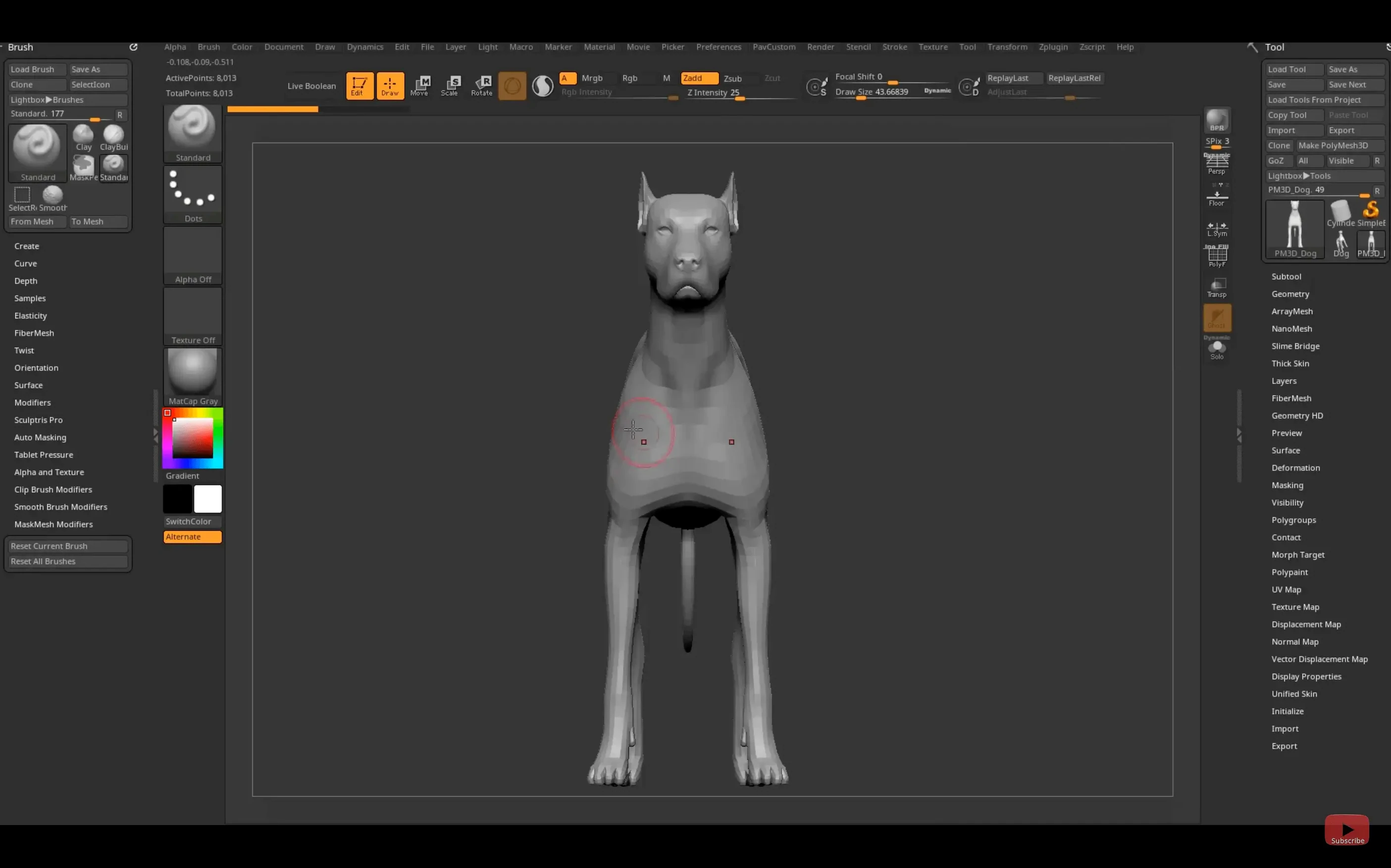
Launch the app and pick a base mesh from the Tool palette — a simple sphere or a generic bust. Draw it onto the canvas in Edit mode, then subdivide the geometry a few times so the surface has enough resolution to hold fine detail.
What brushes shape the primary forms?
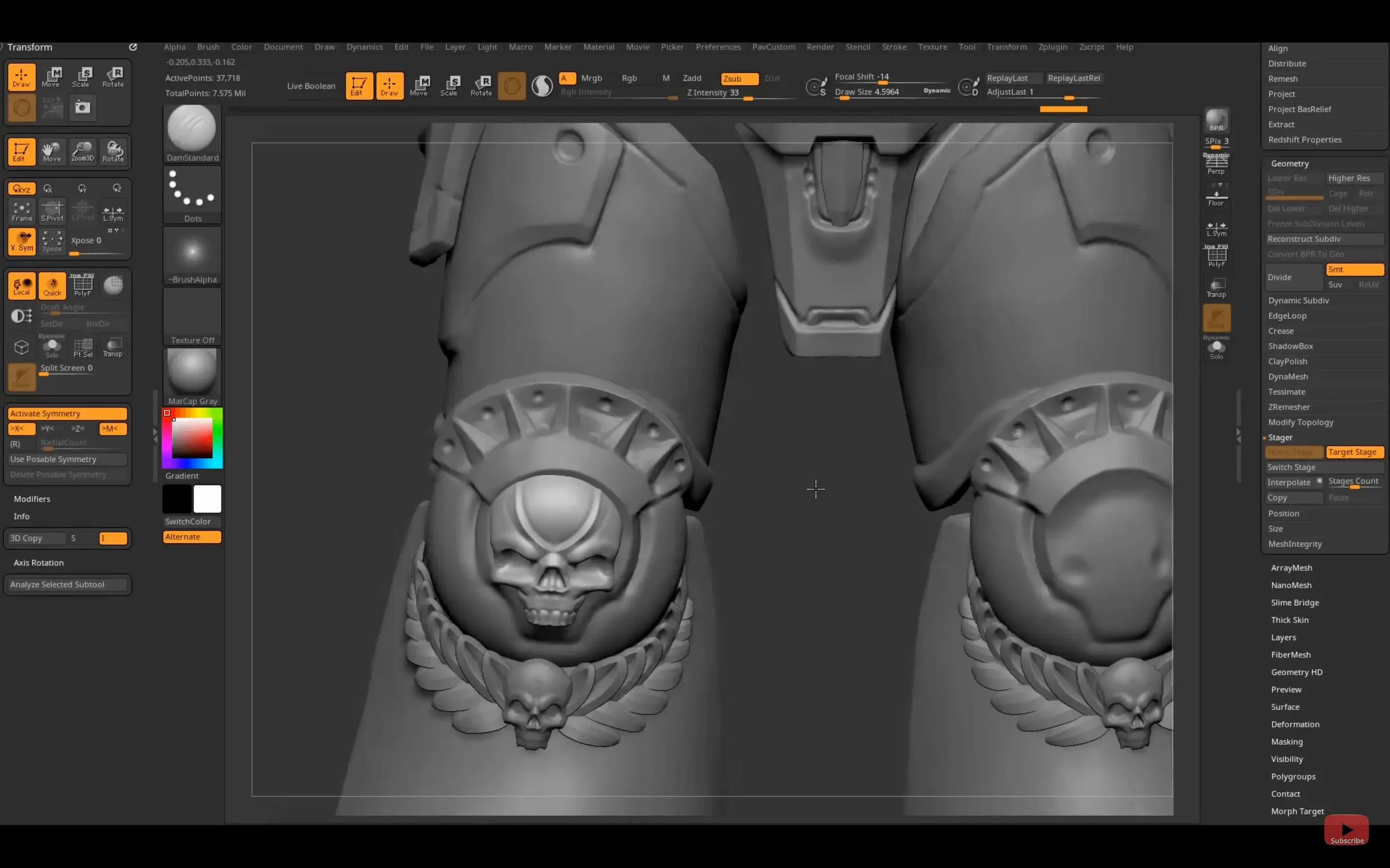
The Move brush pulls out cheekbones and jawlines; ClayBuildup adds mass to a brow ridge. Hold Alt with any brush to carve inward, pushing eye sockets and nostril cavities into the surface.
How does detail like pores and scales get added?
Once the silhouette reads well, subdivide again and switch to the DamStandard brush for creases and the Standard brush with a skin alpha. Masking by cavity lets you isolate crevices for darker polypaint without bleeding onto raised areas.
What happens when the sculpt is done?
Decimate the mesh to a sensible triangle count and export an FBX through the Tool palette. That file lands on a layout artist’s desk with the sculpted detail baked into a normal map, ready for lookdev in another app.
Where ZBrush sits among its peers
Mudbox, Blender’s sculpting module, and Nomad Sculpt on iPad are the three names that come up most often when artists ask about alternatives. They share a surface-level similarity — brushes that push and pull geometry — but the underlying engines diverge quickly.
Mudbox feels like a layer-based painting app grafted onto a sculpting core. It handles displacement maps and PBR viewport feedback well, and its stamp-based stencil system is clean. The polygon ceiling is much lower, though. Mudbox begins to labour around 15–20 million active points, whereas ZBrush cruises past 60–80 million on the same Mac. For a creature artist who needs every pore baked into a 32-bit displacement, the difference matters.
Blender’s sculpt mode has improved sharply in the last three years. The cloth brush, pose brush and remesher are genuinely useful, and staying inside one app from blocking to retopology saves time. The trade-off is performance under heavy subdivision. Blender’s viewport starts stuttering at polygon counts that ZBrush treats as moderate, and the DynaMesh equivalent — the voxel remesher — lacks the same localised control.
Nomad Sculpt deserves a mention because the iPad version of ZBrush exists, and the comparison is inevitable. Nomad is snappy, lightweight, and costs nothing like the competition. For quick concept doodles on a train it works fine. It cannot, however, open a 30-million-point ZTool or run the ZModeler edge-extrusion workflow. ZBrush for iPad shares the same file format as the desktop app, so a sculpt started on a MacBook picks up exactly where it left off on the tablet.
A search for zbrush torrent or zbrush mac torrent might surface older builds that miss the Substance Bridge and the current GoZ updates, and those builds often break on Apple Silicon machines past macOS 13. A zbrush download mac torrent can run smoothly if you verify the build includes native ARM support and confirm the plug-in chain loads correctly on first launch.
Five mistakes beginners keep making
They are all fixable in a few minutes, but they eat hours until someone points them out.
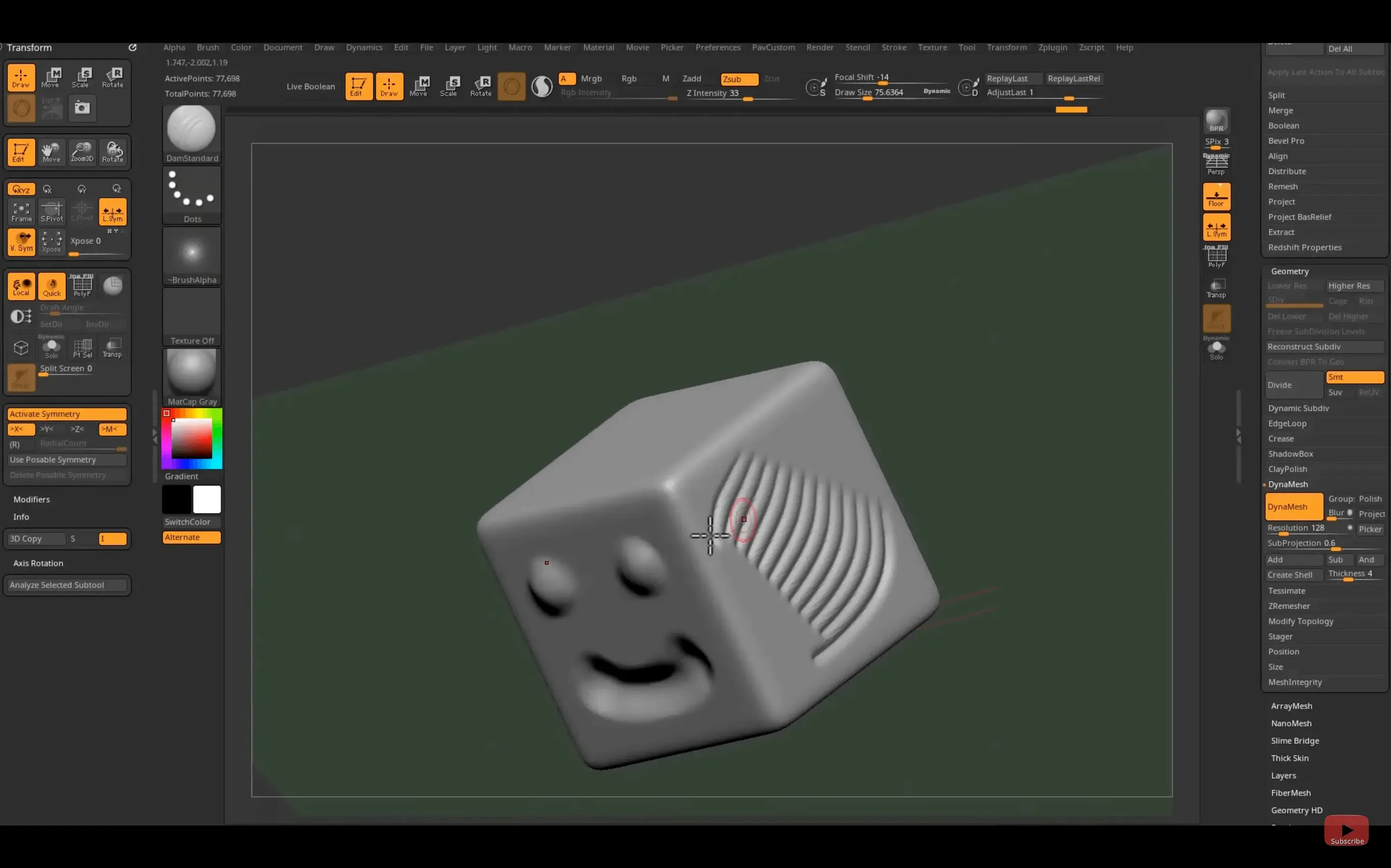
- Painting on the canvas instead of editing the tool. Tapping the canvas with a new primitive drops a fresh instance that cannot be sculpted. Enter Edit mode — the button is right there in the top bar — before any brush stroke.
- Subdividing too early. A 512-polygon sphere subdiv six times becomes a 33-million-point blob with no silhouette structure. Block in the primary masses first at low resolution, then subdivide only when the large forms are locked in.
- Ignoring ZRemesher guides. ZRemesher will auto-retopologise a mesh, but without painted poly-density colour and curve guides, the edge loops wander. Spending two minutes painting guide curves along the mouth line and eye orbits saves a retopology artist a full afternoon.
- DynaMeshing with the resolution slider too high. DynaMesh at 512 is tempting for detail, but it grinds performance and produces a mesh too dense to ZRemesh cleanly later. Stay at 128–256 for organic forms; go higher only briefly for specific areas.
- Neglecting the LightBox browser. New users hunt through Finder for ZTools they downloaded. LightBox indexes the ZBrush project folders natively and shows a thumbnail grid of every tool, material and brush preset installed. Two keystrokes replaces a minute of clicking.
People who grabbed a zbrush 2026 download from an unofficial source sometimes discover that LightBox paths are broken or that GoZ cannot find Maya 2026. A proper installation keeps the Maxon ecosystem paths intact and the Substance Bridge functional.
Task workflow: sculpting a rock golem bust
This is a full start-to-finish sculpt, from sphere to decimated export, that leans on the 2026.2.1 feature set.
- Start tool. Pick the Polymesh3D star from the Tool palette, draw it on the canvas, and hit Edit. DynaMesh it immediately at resolution 128 to unify the geometry.
- Primary shapes. With the Move brush, pull the top third of the sphere forward into a heavy brow ridge. Use ClayBuildup to add mass across the shoulders and trapezius region. Hold Alt with the TrimDynamic brush to slice a flat base under the bust.
- Rock-plane language. Switch to the hPolish brush and carve large planar facets across the cranium and cheek areas. Golems read better with chunkier, faceted forms than with smooth organic curves. Work at subdivision level 2 so each facet spans roughly 200–300 polygons.
- Mid-frequency cracks. Subdivide to level 3. Select the Orb Cracks brush with a crisp alpha, set the stroke to DragRect, and lay fracture lines from the brow down toward the jaw. Mask the crack interiors with the MaskLasso tool and inflate the edges slightly (Tool > Deformation > Inflate set to 2–4) to create raised fissure rims.
- Surface noise for rock grain. Apply a noise layer from the Surface palette — the default noise works, scaled down to 0.08 — and bake it into the mesh. This turns smooth polygon facets into rough stone without adding subdivision levels.
- Polypaint. Fill the object with a mid-grey base, then use the Standard brush with RGB on and Zadd off to spray darker ochre into the crevices and lighter warm grey across the raised planes. Switch the cavity mask on so paint hits only the recesses.
- Export preparation. ZRemesh the bust to a clean 25 000-triangle base, project the high-frequency detail from the sculpt, then decimate the high-res version to 800 000 triangles. Export the low-res as FBX and the high-res as OBJ. Both files carry the polypaint data.
The whole process takes about 90 minutes on a MacBook Pro with an M2 Pro chip. The DynaMesh and ZRemesh steps run fast; the noise bake accounts for the single longest pause at roughly 12 seconds.
Cold Launch in Under Four Seconds on Apple Silicon
On Apple Silicon, ZBrush 2026.2.1 launches in under four seconds cold and restores the last session in about eight if the tool was a 40-million-point sculpt. The interface waits for nothing — brush lag is negligible up to roughly 70 million active points on a machine with 32 GB of unified memory. Beyond that, the Move brush starts to drift slightly behind the cursor, but the Clay and Standard brushes stay responsive.
Memory pressure is the real ceiling, not CPU. A single ZTool of 90 million points occupies 2.6–3.1 GB in the working file, and with undo history set to 64 steps the app routinely sits at 11–14 GB of RAM. That is fine on a Max chip with 32 GB; on a 16 GB machine it means closing everything else or lowering the undo depth to 16. The autosave to the QuickSave folder, which runs every 15 minutes
- Substance Bridge — one-click transfer to Substance Painter
- GoZ — updated for Maya 2026 and 3ds Max 2026
- Hotkeys — custom hotkey sets can be saved and shared
- macOS 12.6 or later
- Apple Silicon or Intel 64-bit processor
Sign in · Create an account to add a field note.
No field notes yet. A measurement, a version, a machine — they appear after moderation.