Design
Rhino 8.30.26103.11002
DesignUpdated
| Requirement | On file |
|---|---|
| macOS | macOS 12.4 or later |
| CPU | Apple Silicon, Intel 64-bit |
| Download | 760 MB |
For a designer hitting the limits of mesh-based modelers, Rhino offers a mathematically precise environment where complexity is bounded only by hardware.
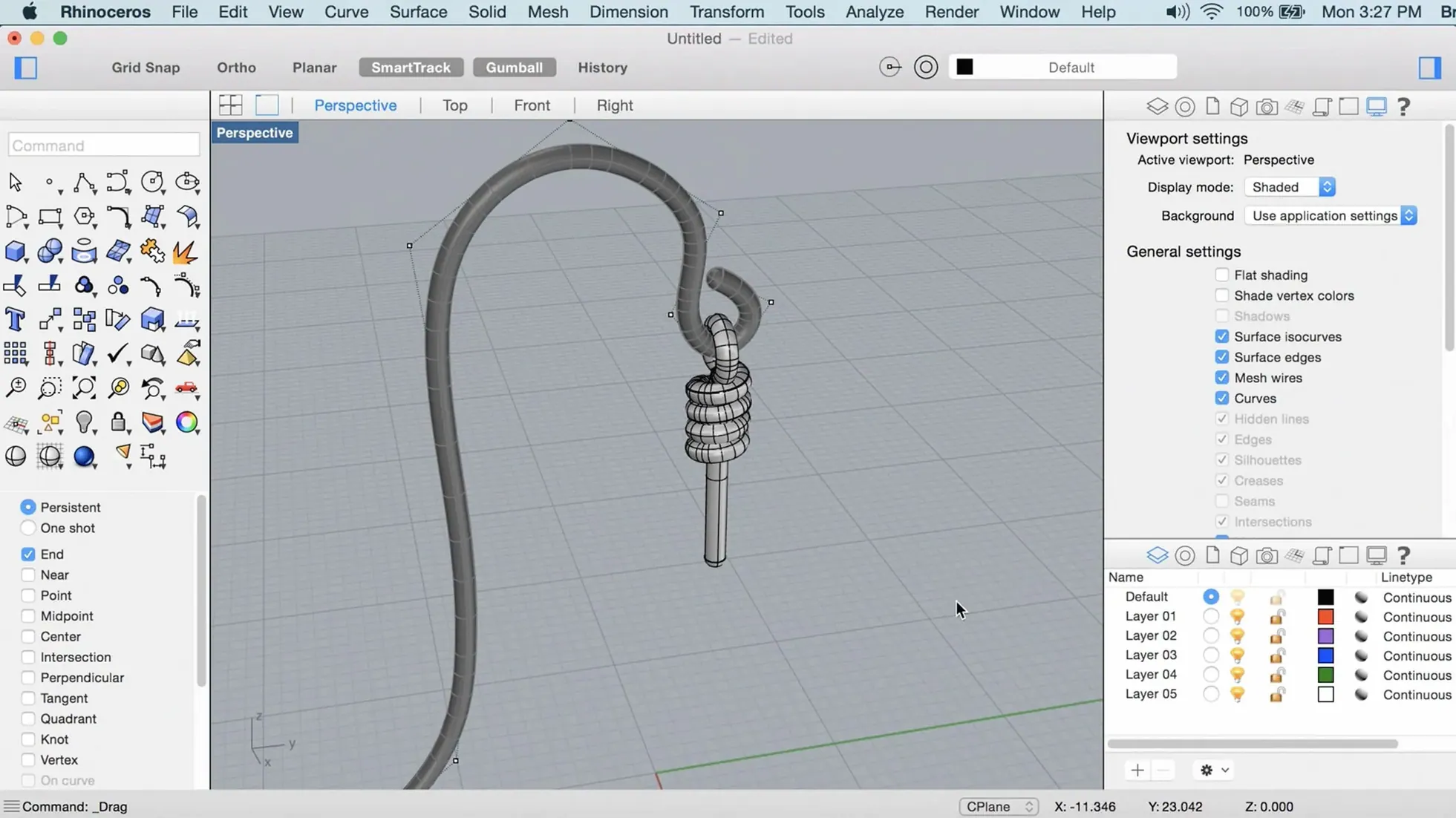
ShrinkWrap — creates a watertight mesh envelope around existing geometry, useful for generating solids from complex, intersecting NURBS and mesh assemblies.
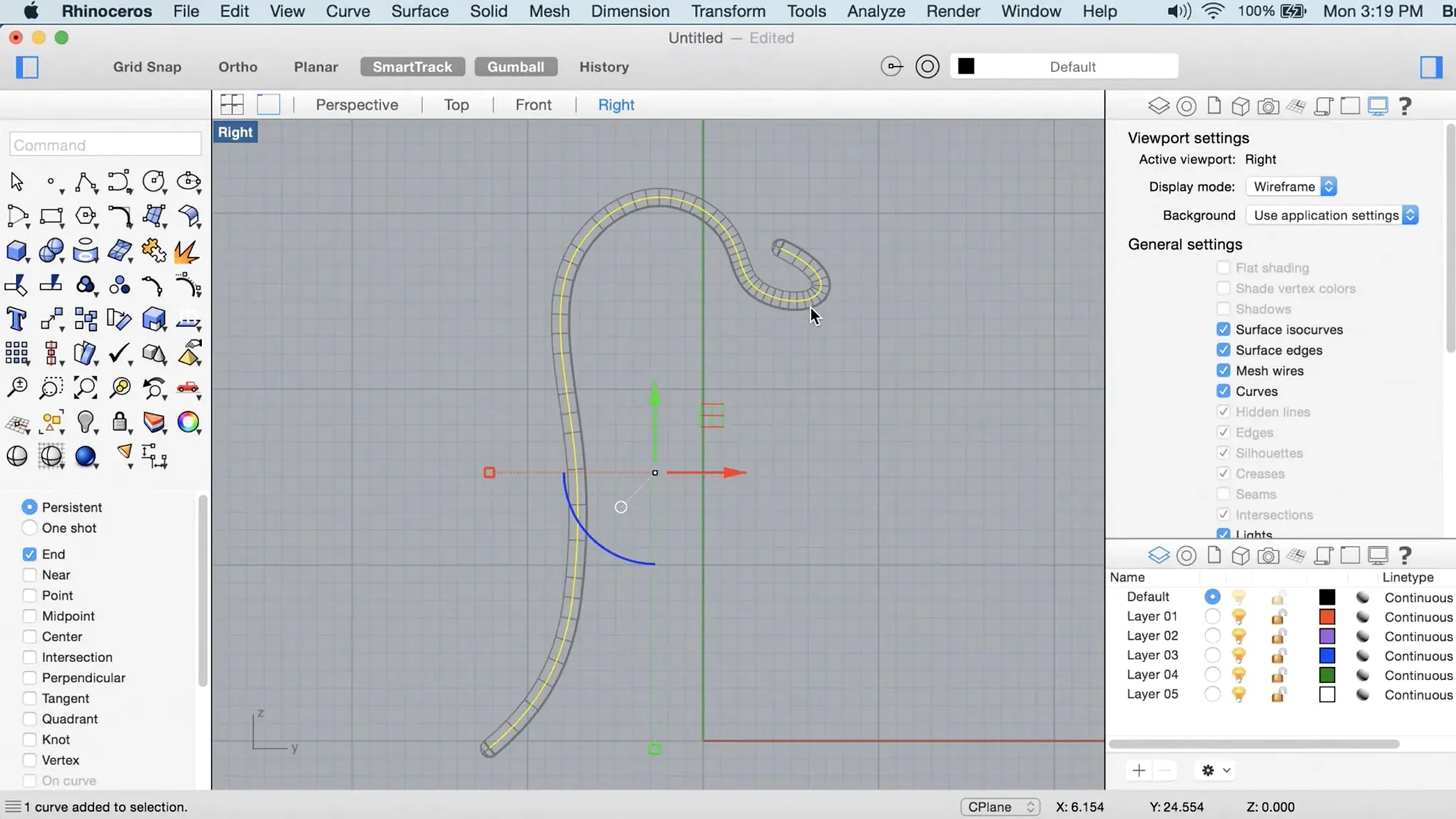
PushPull — a direct modeling method that extrudes faces and edges of polysurfaces without needing to select sub-curves or invoke a separate command, speeding up volumetric exploration.
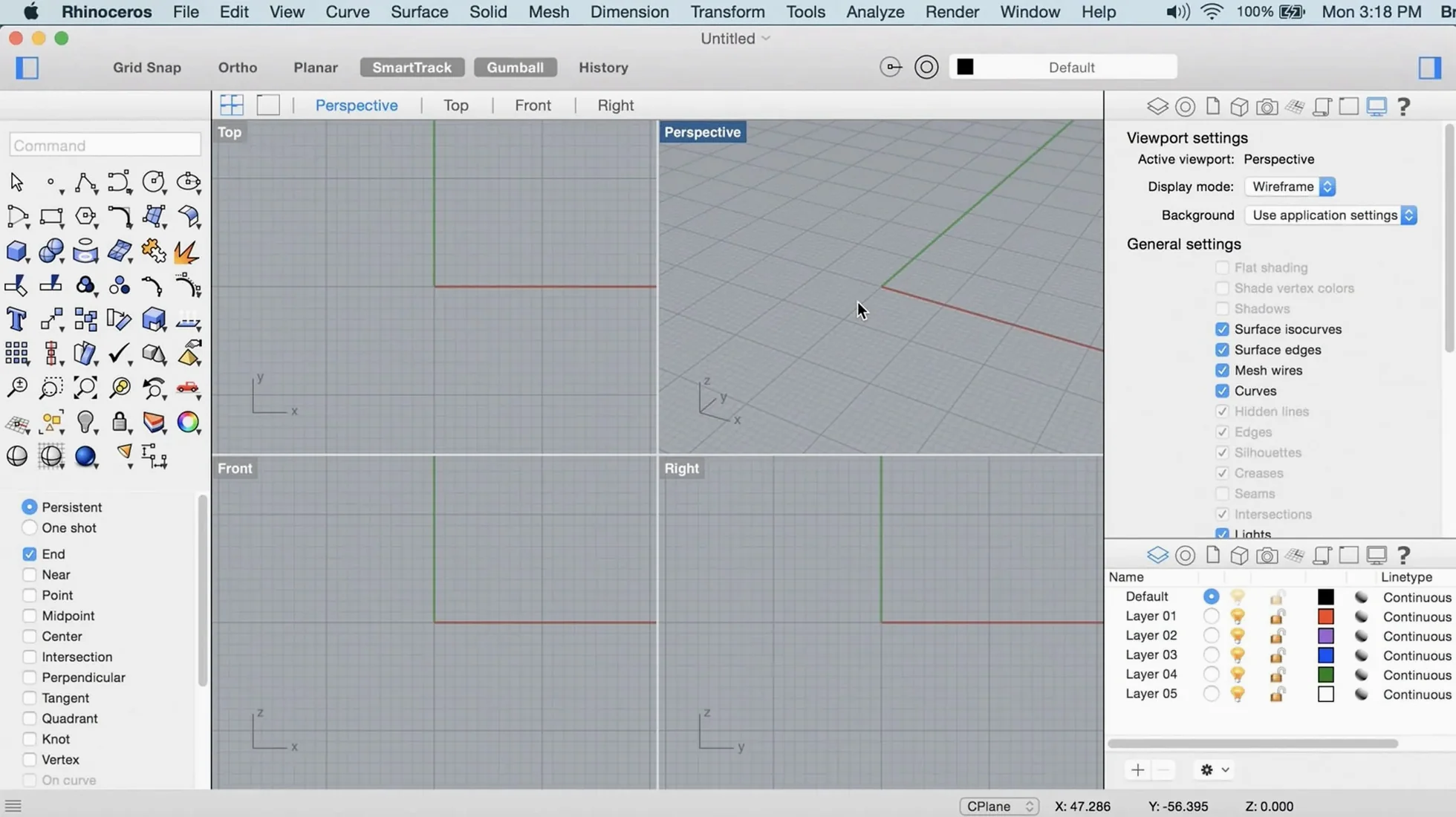
Customizable UI — toolbars, panels, and macro buttons can be rearranged into task-specific workspaces, with the Mac build now receiving the same interface flexibility as the Windows version.
Metal-based Graphics — the viewport rendering pipeline runs on Apple’s Metal API, giving the Mac version a more responsive display when orbiting, panning, and zooming on dense models.
NURBS Core — all geometry is defined by Non-Uniform Rational B-Splines, allowing precise control over curvature and continuity, from a simple arc to a Class-A automotive surface.
Hardware Limits — the software itself imposes no cap on object complexity or file size; the practical ceiling is your Mac’s RAM and GPU, with 8 GB RAM the recommended minimum.
Where Rhino sits among Mac 3D modelers
Two applications surface most often in the same conversation: Blender and Fusion 360. They share some audience overlap with Rhino but diverge sharply in modelling philosophy and production intent.
Blender is a polygonal modeller with a deep animation, sculpting, and rendering toolset. It handles organic forms and character work with ease, but its freeform mesh approach does not give you the curvature control that NURBS provides. A designer trying to model a yacht hull in Blender will wrestle with edge loops and subdivision artefacts; in Rhino the same surface is a set of degree-5 splines with G2 continuity, inspectable down to the curvature comb. Blender wins on price (none), rendering (Cycles and Eevee are built in), and community add‑ons. Rhino wins on precision, manufacturability, and the ability to output clean 2D drawings from a 3D model without rebuilding geometry in a separate CAD package.
Fusion 360 shares Rhino’s NURBS foundation but wraps it in a parametric, timeline-driven environment. Every sketch and extrusion is a feature in a history tree; change a dimension early in the timeline and the entire model rebuilds. That is powerful for mechanical parts that undergo iterations. Rhino takes a more direct approach — there is no history stack by default, just geometry you push and pull. This makes Rhino feel faster and more flexible during conceptual surfacing, where the shape is still being discovered. Fusion’s constraint solver is stronger for assemblies; Rhino’s freeform surfacing tools are stronger for complex blend surfaces. Many workshops run both: Fusion for parametrics and CAM, Rhino for the tricky surfaces Fusion cannot handle.
A third tool worth mentioning is Plasticity, a younger Mac modeller built on Parasolid. It focuses purely on a streamlined push/pull NURBS workflow without the breadth of Rhino’s ecosystem. Plasticity is light and fast, but it lacks Grasshopper, lacks layout and drafting, and its import/export range is narrower. Rhino’s depth — scripting, plug‑ins, file format support — puts it in a different weight class.
How Rhino fits with other apps and macOS features
Rhino rarely works alone. Its role in a toolchain is typically the geometry hub: models start here, then move to renderers, CAM packages, BIM tools, or game engines.
Rendering pipelines
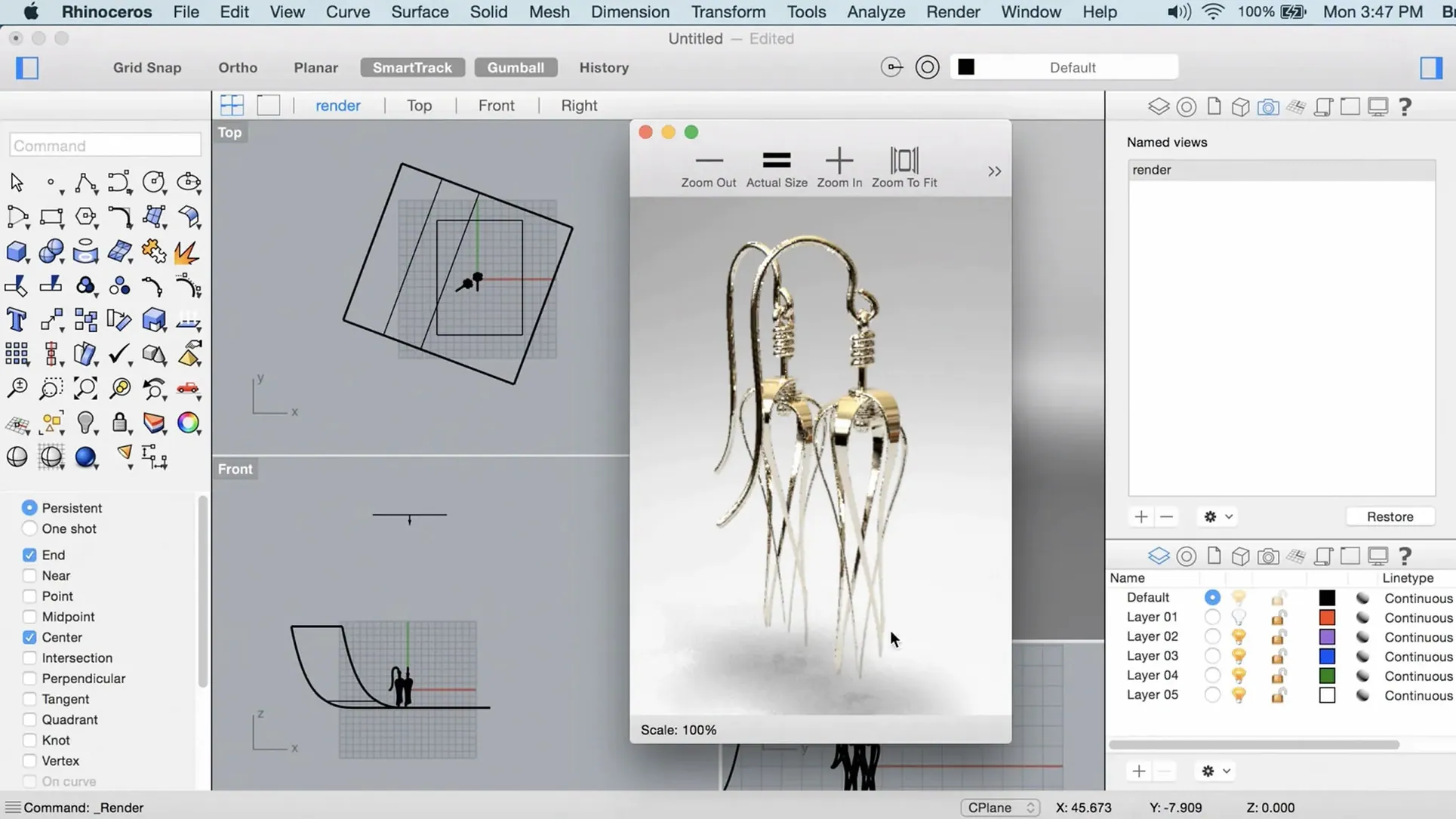
The built-in Cycles renderer handles previews and middling production work, but Rhino connects cleanly to third-party renderers through dedicated plug‑ins — V-Ray, Enscape, and Twinmotion all have Mac-compatible bridges in 2025. Export presets for OBJ, FBX, and glTF let you move geometry to Blender, Cinema 4D, or Unreal Engine without losing UVs or material assignments.
CAD and fabrication
STEP, IGES, and SAT export means a Rhino model can feed directly into SolidWorks, Inventor, or Siemens NX for detail engineering. For CNC shops, Rhino’s DXF and DWG output is clean enough that many machinists accept native Rhino files for 3‑axis toolpath generation. The Grasshopper environment adds parametric links to laser cutters, 3D printers, and robotic arms through community plug‑ins like KUKA|prc.
Mac ecosystem integration
Rhino uses standard macOS file dialogues, so Finder tags, iCloud Drive folders, and network volumes work as expected. Quick Look previews for .3dm files are not provided by Apple, but the free Rhino for Mac viewer (a separate download from McNeel) adds a lightweight preview capability. The software respects standard Mac keyboard shortcuts — Cmd‑Z for undo, Cmd‑Shift‑S for Save As — though some Windows‑origin holdovers like the F1–F12 function keys appear in certain command aliases. AppleScript support is absent; automation goes through RhinoScript (Python) or Grasshopper instead.
For multi-monitor setups, Rhino lets you detach viewports and palettes across displays. On a MacBook Pro with an external 4K screen, a common arrangement is the perspective view on the big display with Grasshopper and the layer panel on the laptop screen.
Skipping the CPlane and wondering why points snap to the wrong depth
New users coming from sketch-based modellers often trip over a handful of Rhino‑specific habits.
Ignoring the construction plane. The CPlane is the invisible grid that defines where points land when you click in the viewport. Beginners set a perspective view, click to place geometry, and later discover their curves are floating metres off‑axis. Setting the CPlane to a known surface or using named CPlanes from the start saves hours of cleanup.
Modelling in millimetres while thinking in metres. Rhino itself has no fixed unit; the user chooses the template. Opening the “Small Objects – mm” template for a building site plan and drawing everything numerically in metres gives a model 1,000× too small. File Properties > Units is the first stop after opening a new file.
Not using object snaps properly. OSnaps are the core of accurate modelling. Newcomers either leave every snap enabled (leading to End, Mid, Near, and Int all fighting for priority) or disable them entirely and place points by eye. A clean pattern is to keep End, Int, and Perp active, toggling others via the Osnap panel only when needed.
Drawing with absolute coordinates instead of relative. Typing 10,10 places a point at the world origin offset; typing R10,10 places it relative to the last point. The missing “R” prefix is a classic cause of geometry landing in unexpected locations.
Over‑reliance on the Delete key. Rhino’s Trim, Split, and Boolean tools expect clean, intersecting geometry. Beginners often delete troublesome surfaces and rebuild them rather than troubleshooting why a Boolean failed — which is usually a naked edge, a non‑manifold join, or a tolerance mismatch.
Does the Mac version still trail the Windows release?
Does the Mac version feel like a second‑class port? For version 7 and earlier, the Mac build lagged the Windows release in both features and interface polish. Rhino 8 narrows the gap considerably. The Metal viewport is responsive, the UI customisation matches the Windows toolset, and file compatibility is bidirectional — a .3dm saved on Mac opens identically on Windows and vice versa. A small number of plug‑ins remain Windows‑only (chiefly those relying on .NET framework libraries not available on macOS), but the core modelling toolset is complete.
Will it run on an 8 GB MacBook Air? Yes, for light work. A model with a few hundred surfaces, some basic Grasshopper definitions, and no heavy meshing will run within 8 GB. The moment you attempt ShrinkWrap on a dense point cloud or try to render a scene with displacement materials, the machine will swap heavily. For production work, 16 GB is a practical floor and 32 GB is comfortable. Apple Silicon Macs handle the Metal viewport well; Intel Macs with integrated graphics will struggle with shaded mode on models above roughly 50,000 polygons.
Can I open my old Windows Rhino files? The .3dm format is platform‑agnostic. Files from Rhino 5, 6, 7, and 8 on Windows open natively on the Mac build. Embedded preview bitmaps and material assignments carry over. Plug‑in‑specific data (for example, V‑Ray material nodes created on Windows) will require the corresponding Mac plug‑in to render correctly, but the geometry itself remains intact.
What about Team TNT releases? Some Mac users search for rhino mac crack or download rhino 8 crack to evaluate the software before committing. The TNT-signed build available on various trackers is the full Rhino 8 application with all features unlocked; the disk image includes a Gatekeeper-friendly launcher that handles the quarantine bypass without manually running xattr -cr. People who search download rhino mac or rhino 8 for mac crack typically want confirmation that Metal viewport support and Apple Silicon native code are present — both are in the 8.30.26103.11002 build. The rhino 8 full crack query often comes from users wanting to verify that Grasshopper, the Python editor, and all import/export formats are functional, which they are.
Gatekeeper blocks launch after dragging to Applications
The app does not open after dragging it to Applications. Apple’s Gatekeeper quarantines unsigned software. The disk image bundled with this build includes a helper called “Open Gatekeeper friendly”; run that, press Enter at the Terminal prompt, and the quarantine attribute clears. If the helper is missing, open Terminal manually and type xattr -cr /Applications/Rhino\ 8.app followed by Return. The app should launch normally afterward.
The viewport is sluggish even on Apple Silicon. Check the display mode. Rhino defaults to “Shaded” which uses the Metal pipeline. If a file opens in “Rendered” mode and contains many light sources, the viewport will drop frames. Switch to Shaded or Wireframe for modelling, reserving Rendered for preview. Also check that “Anti‑aliasing” in Rhino Preferences > View > OpenGL is set to 2× or 4×, not 8× — high anti‑aliasing multiplies the GPU workload on dense scenes.
Grasshopper components are missing or show errors on open. Grasshopper definitions from Windows often reference plug‑ins that are not installed on the Mac side. The missing components appear as red “Unrecognized object” nodes. The fix is to install the Mac versions of those plug‑ins where available, or to bake the reliant geometry into the Rhino document before transferring files between platforms.
Boolean operations fail on seemingly clean geometry. The two most common culprits are naked edges and tolerance mismatches. Run ShowEdges on the input surfaces; any naked edges indicate gaps in what should be a closed polysurface. Use JoinEdges or MatchSrf to close them. If the edges are clean, check the file tolerance under File > Settings > Units — two objects imported from different CAD systems may have tolerances that differ by an order of magnitude. Setting the file tolerance to 0.001 mm and running MergeAllFaces on each solid before Boolean operations resolves most cases.
ShrinkWrap produces a mesh with too many faces. The default ShrinkWrap settings bias toward accuracy, which can yield meshes with millions of polygons for detailed input. Reduce the “Target edge length” parameter in the ShrinkWrap dialogue — start with a value about 1/50th of the object’s largest dimension and adjust downward if detail is lost. For background objects or rapid previews, values around 1/20th of the bounding box size are often adequate and keep the resulting mesh under a few hundred thousand faces.
- Geometry — ShrinkWrap command added for creating watertight meshes from complex geometry.
- Performance — Metal-based viewport graphics introduced for the Mac build.
- Interface — Customizable UI, previously a Windows-only feature, is now available on Mac.
- macOS 12.4 Monterey or later.
- Apple Silicon or Intel Mac.
- At least 8 GB RAM recommended.
- 10 GB available disk space.
- A multi-button mouse with a scroll wheel is recommended.
Sign in · Create an account to add a field note.
No field notes yet. A measurement, a version, a machine — they appear after moderation.