
Design
RightFont 10.2.1
DesignUpdated
| Requirement | On file |
|---|---|
| macOS | macOS 11.1 or later |
| CPU | Apple Silicon, Intel 64-bit |
| Download | 18 MB |
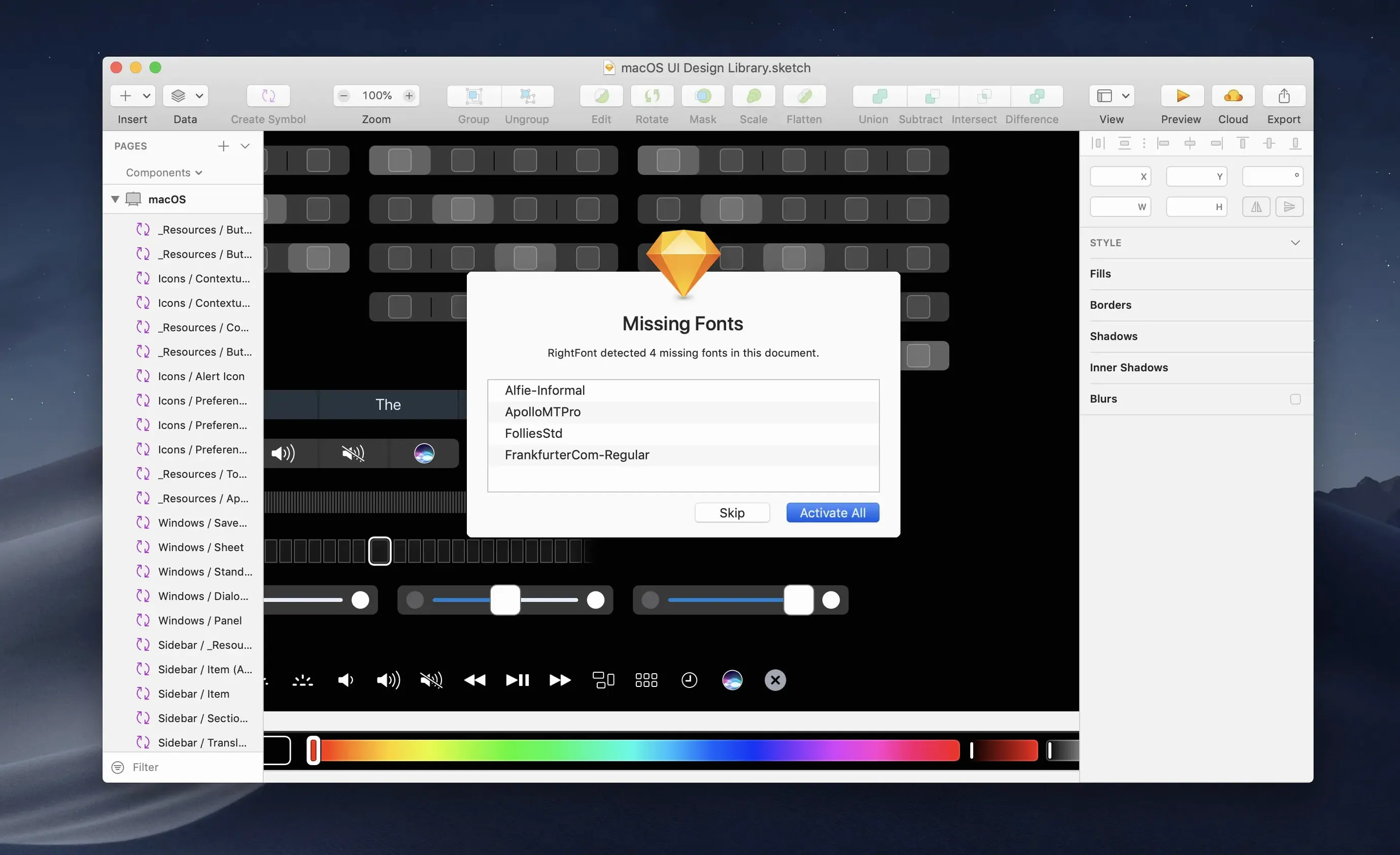
A designer opens a layout file sent from a colleague, and half the fonts are missing from the system. Instead of hunting through folders, they open RightFont, type the first few letters of a missing weight, and activate it before the document finishes loading.
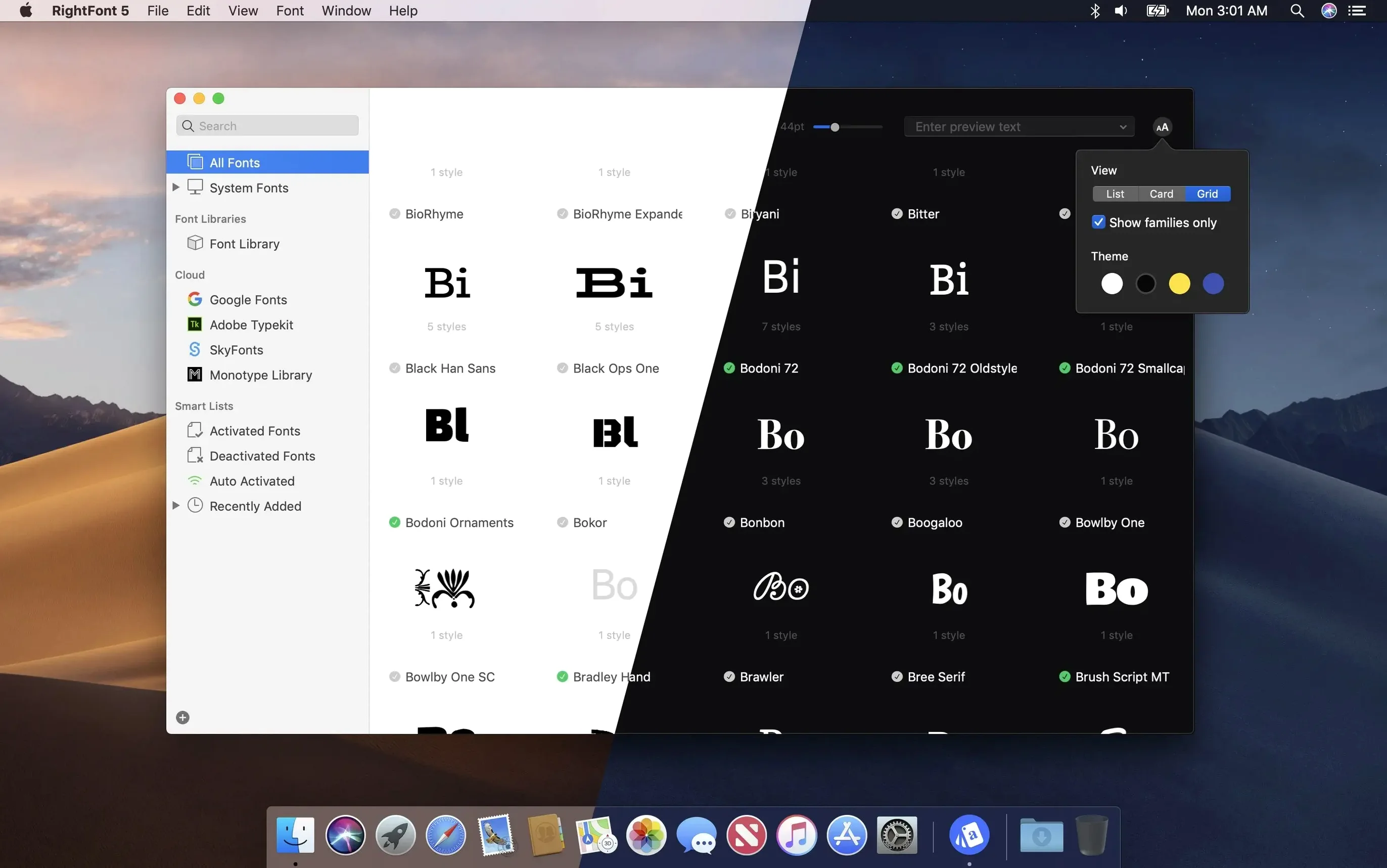
- Instant search with live filtering. Results appear as text is entered. Narrow the list further by classification, width, and weight — no waiting, no separate search dialog.
- Auto-activation for design apps. RightFont connects directly to Adobe Creative Cloud apps and Sketch. Open a document, and the required fonts activate without leaving the canvas.
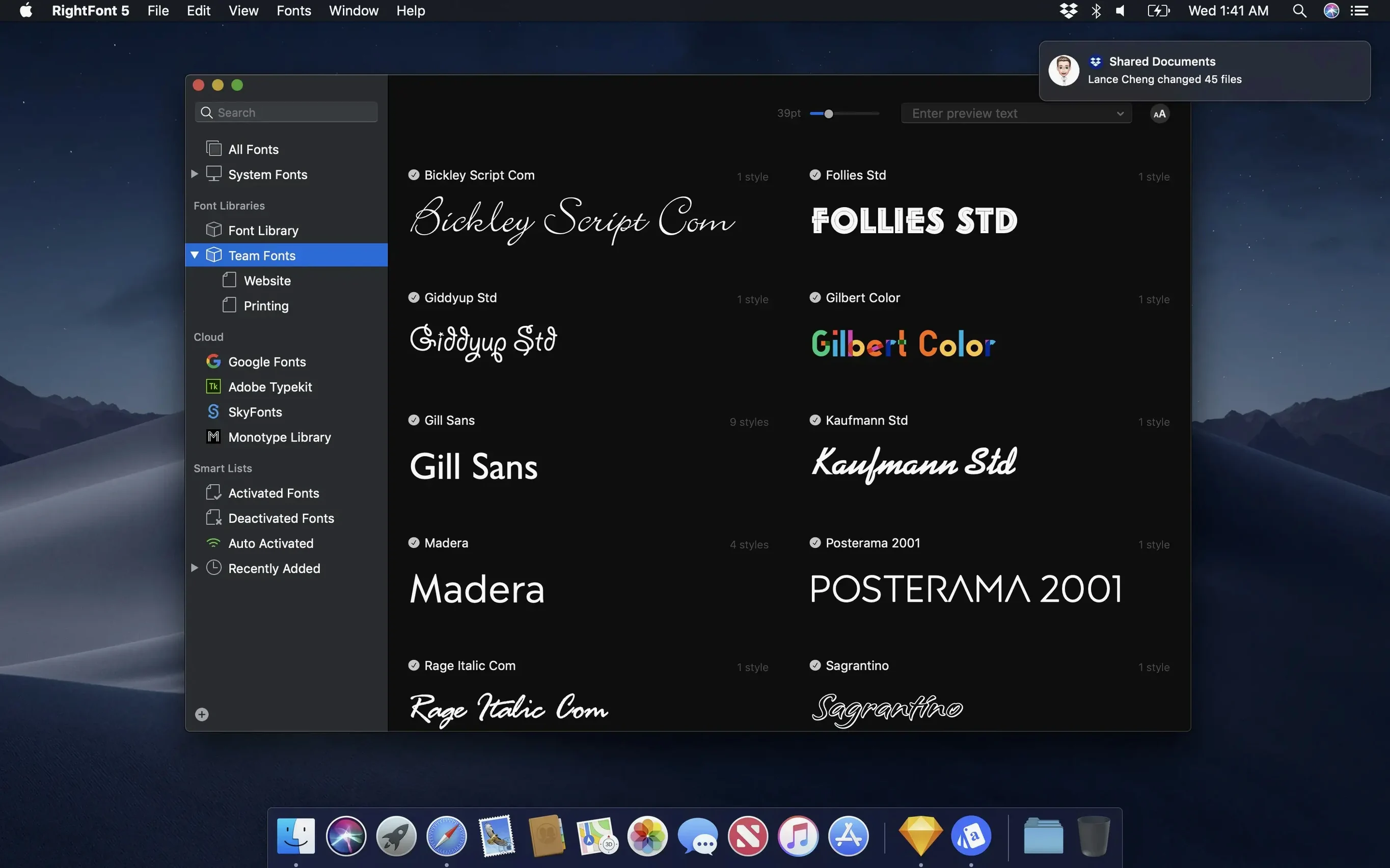
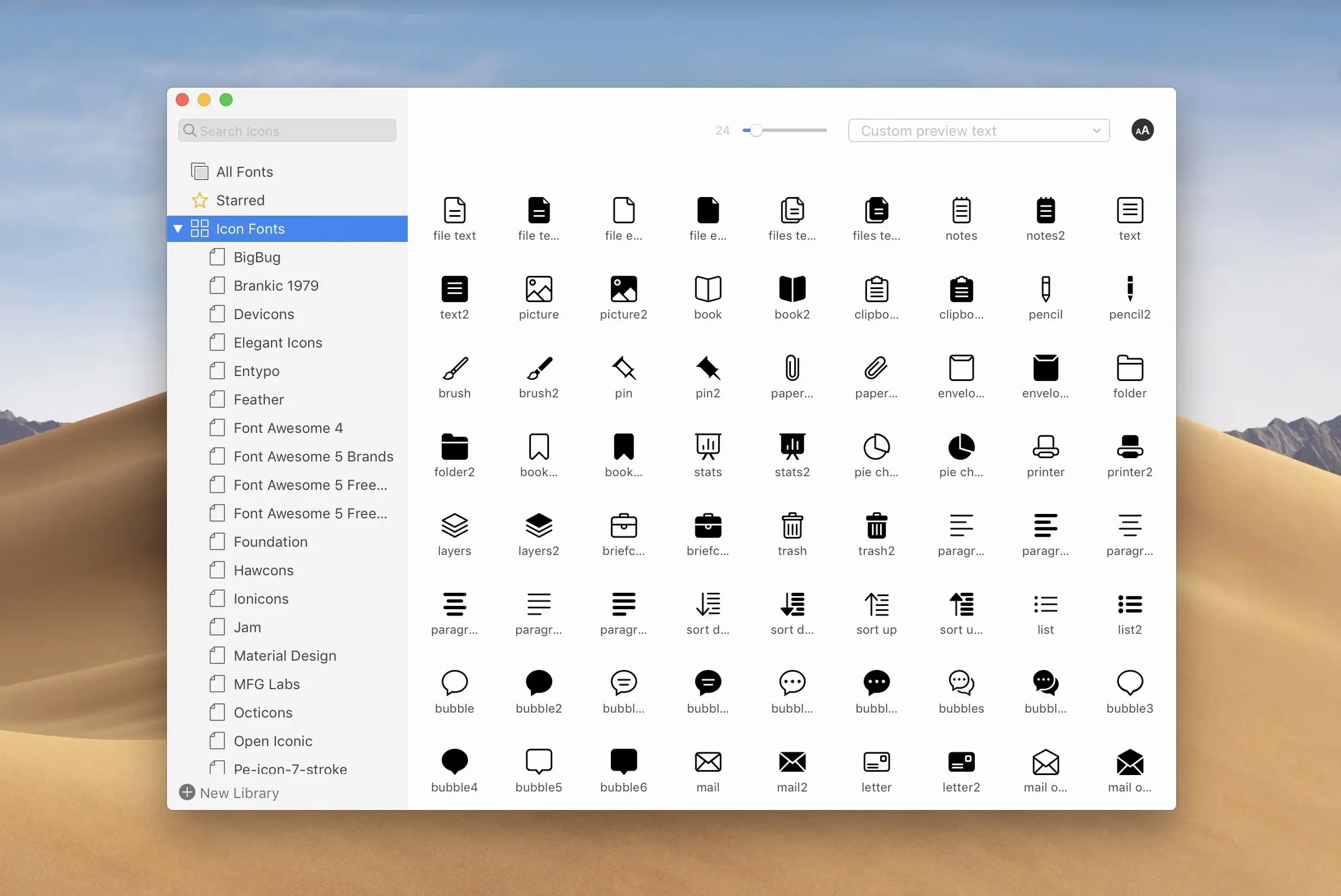
- Organise into libraries. Group typefaces into custom sets. Move a library to a shared drive for team access or copy it to an external disk for backup.
- Manage from the menu bar. Browse, activate, and deactivate fonts from a compact dropdown. The app stays out of the way when you don’t need the full window.
The result is a font workflow that keeps the system font database lean while making thousands of typefaces instantly reachable. Version 10.2.1 tightens a few loose bolts: font imports are more reliable, tag management is smoother, and fixes land for Adobe Illustrator, QuarkXPress, and macOS 27. The import progress panel now shows a finalisation stage and a count of unsupported files, so you know exactly what came in and what didn’t.
Surviving 18 Artboards Before a Noon Pitch
A brand designer walks in at 8:30 with three client presentations due by noon. The first task is updating last quarter’s identity deck — eighteen artboards in Illustrator, each pulling from a different type family the previous freelancer picked. macOS shows twelve of those fonts as inactive. The designer launches RightFont, opens the shared studio library stored on a network drive, and drags the entire “Q4 Client Work” font list to the auto‑activation pane. Illustrator flickers once. Every artboard renders with the correct weights. That problem took forty seconds. The next fifty minutes go to actual design work, not font forensics.
What makes the scenario work is that RightFont never asks the designer to think about system font directories. The studio keeps its 900-odd licensed typefaces in a single library, tagged by client code. When a project wraps, the font list gets deactivated in two clicks and the system stays lean. New freelancers onboard by copying the library folder — no installer packages, no manual Font Book imports.
Activation Is Not Permanent System Installation
Beginners often treat RightFont like a system font installer. They drag typefaces into the app expecting them to land in /Library/Fonts permanently. RightFont manages activation, not system‑level installation. A font activated in the app is available to all applications, but it lives in RightFont’s own library structure. Deactivate it there, and it’s gone from the system until the next activation. Users who bypass this and manually copy files to the macOS Fonts folder end up with duplicates and activation conflicts.
Another common stumble: ignoring the auto‑activation pane’s per‑app settings. Someone installs RightFont, ticks “Enable auto‑activation,” then opens an InDesign document with fifty missing fonts and waits. Nothing happens — because auto‑activation needs the Adobe plug‑in installed and the target app selected in RightFont’s preferences. The fix is straightforward, but the preference panel isn’t where people look first.
A subtler mistake involves tags. New users create deep hierarchies of subtags — “Client > Project > Weight” — then wonder why filtering feels slow. RightFont searches tags instantly, but the visual clutter of a five‑level tree makes navigation harder, not easier. The app works best with two or three levels and relies on the live search bar for the fine‑grained filtering.
Finally, some users never touch the menu bar mode. They launch the full window every time they need a single font, which adds unnecessary friction. The menu bar dropdown handles activation and deactivation for 80 % of daily tasks without breaking focus from the design canvas.
How Corrupted Files Stopped Blocking Imports
The import pipeline received the most noticeable fixes. Earlier versions could stall on corrupted or unsupported font files without clear feedback. In 10.2.1, the progress panel breaks the import into stages and finishes with a count of any files that were skipped. A designer dropping in a folder of 200 fonts now sees “3 unsupported” at the end instead of silently wondering whether everything landed. This matters during client handoffs, where received font bundles often contain old .dfont files, Windows‑only .fon relics, or zero‑byte placeholders.
Tag management got a usability correction that regular users appreciated immediately. Subtags can now be dragged back to the main Tags section, which means reorganising a tag tree no longer requires deleting and recreating branches. A typographer who experiments with classification schemes can reshuffle tags during a working session without friction.
The application‑specific fixes in 10.2.1 address real‑world breakage. Adobe Illustrator users saw intermittent crashes when activating fonts while a document was open — that’s resolved. QuarkXPress, which still powers a surprising number of newspaper and book layouts, received a long‑standing activation fix. The mention of “macOS 27” in the patch notes refers to internal build numbering for a Sequoia point release; the practical effect is stability on the latest Apple silicon Macs where earlier builds occasionally dropped menu bar responsiveness after sleep.
Coexisting with Font Book Without Collisions
Does RightFont replace Font Book? It can, but it doesn’t have to. The two coexist without conflict as long as you avoid activating the same fonts in both simultaneously. Many users keep Font Book for system fonts and move their working collection entirely to RightFont. The advantage is finer control — Font Book activates in bulk, while RightFont lets you activate a single weight from a 36‑style family without loading the rest.
Will it slow down my Mac on startup? RightFont doesn’t load fonts at login unless you explicitly configure a startup list. Out of the box, it launches as a background agent and activates nothing. The system font database stays small, which keeps login times fast. Users who came from font managers that force‑loaded hundreds of typefaces at boot notice the difference immediately.
How does it handle Google Fonts or Adobe Fonts? RightFont manages locally stored files. Adobe Fonts activated through Creative Cloud sync appear in the system automatically and are visible to RightFont, but the app’s strength is organising typefaces you own as files. Designers often use it for their permanent library while letting Creative Cloud handle the subscription fonts separately. The two workflows don’t collide.
What happens if I move my library to another Mac? Copy the library folder to the new machine, point RightFont to it in preferences, and your font lists, tags, and activation states carry over. Team studios running rightfont on multiple workstations often keep the library on a shared volume. One person updates the collection, and everyone else sees the changes on next launch. There’s no cloud sync built in — the approach is file‑based and deliberately simple.
- Imports — More reliable font imports with clearer progress feedback, a finalisation stage, and a count of unsupported files.
- Tags — Improved tag management; subtags can now be dragged back to the main Tags section.
- Fixes — Resolved issues in Adobe Illustrator, QuarkXPress, and macOS 27.
- macOS 11 or newer
- Intel-based Mac or Apple silicon Mac
Questions on file
Does RightFont work with Adobe Creative Cloud and Sketch?
Yes. RightFont provides direct access to fonts inside Adobe Creative Cloud apps and Sketch, with auto-activation when you open documents.
Sign in · Create an account to add a field note.
No field notes yet. A measurement, a version, a machine — they appear after moderation.