Office
ABBYY FineReader PDF 15.2.14
OfficeUpdated
| Requirement | On file |
|---|---|
| macOS | macOS 11 or later |
| CPU | Intel 64-bit |
| Download | 900 MB |
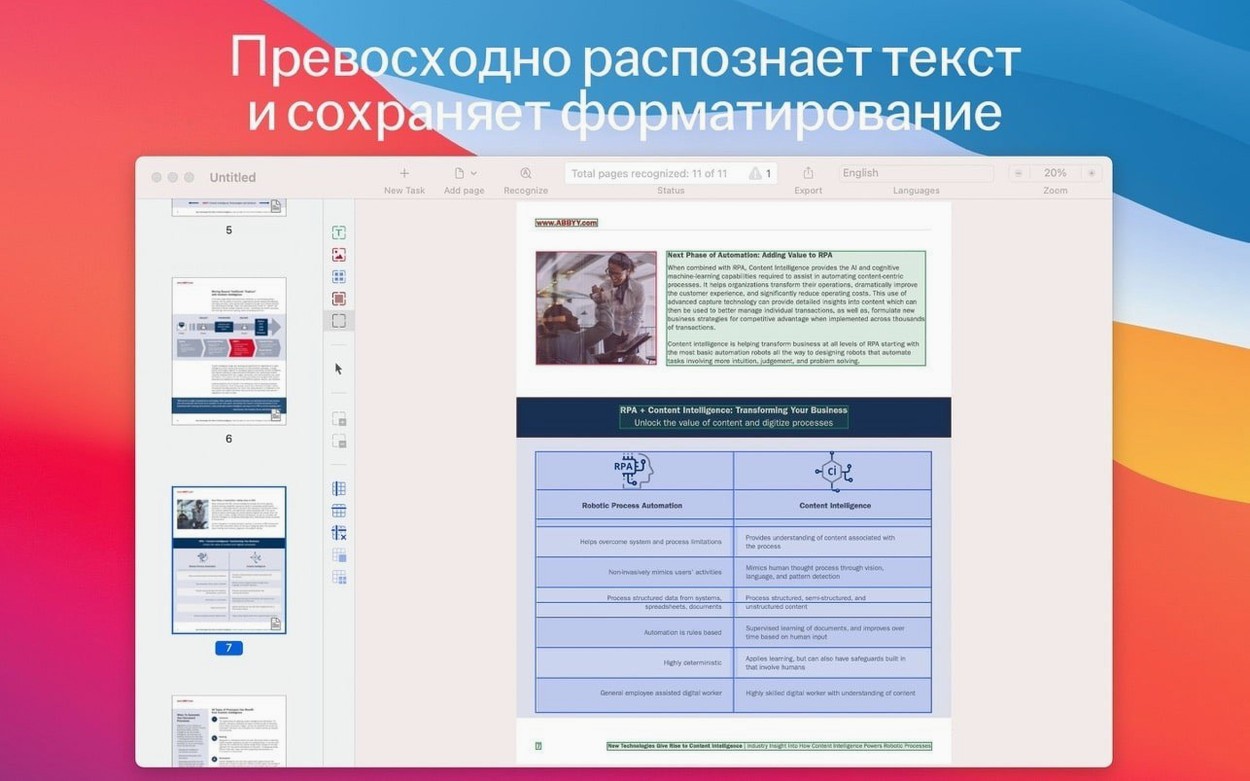
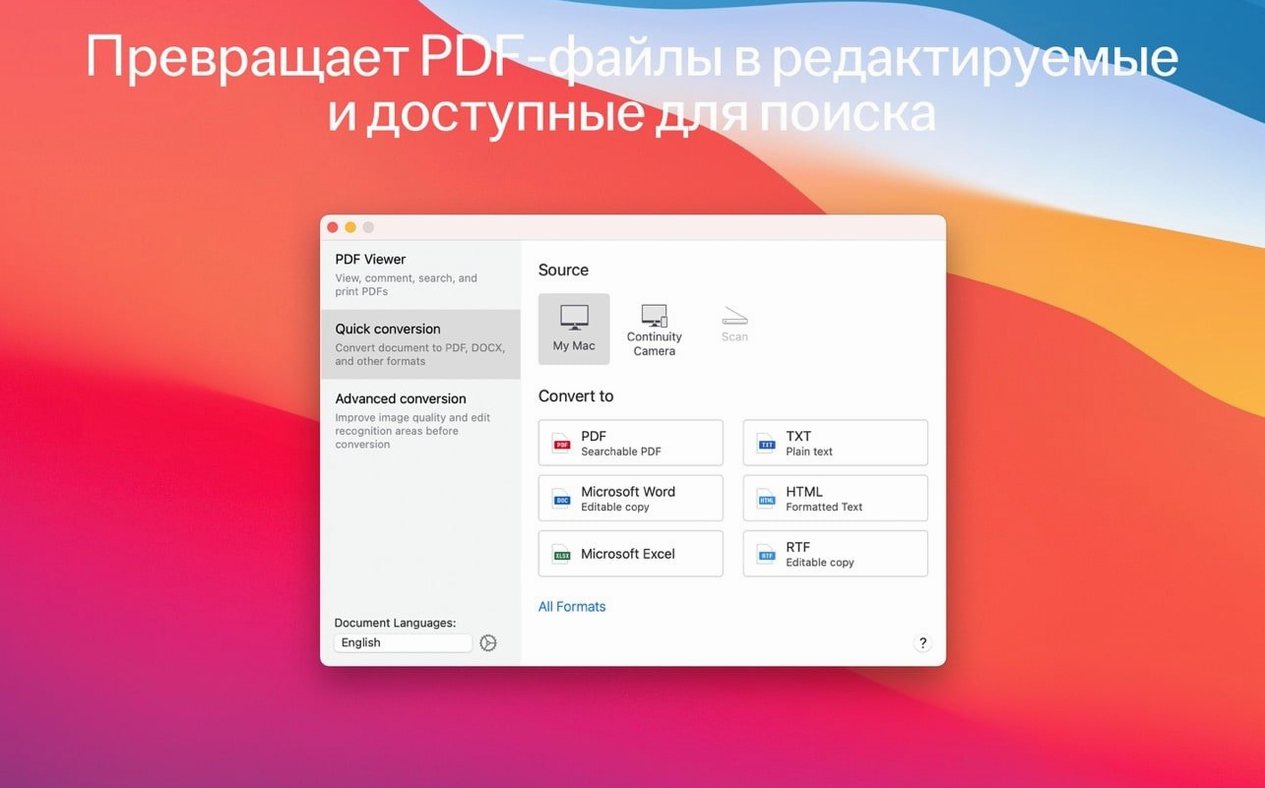
A printed contract lands on your desk, but the original file is long gone. Scanning it gives you a flat image—useful for viewing, useless for editing. ABBYY FineReader PDF turns that dead-end scan into a live document you can actually work with. It reads text from PDFs, paper documents, and images, then hands back editable Word, Excel, and other formats.
Conversion That Preserves More Than Words
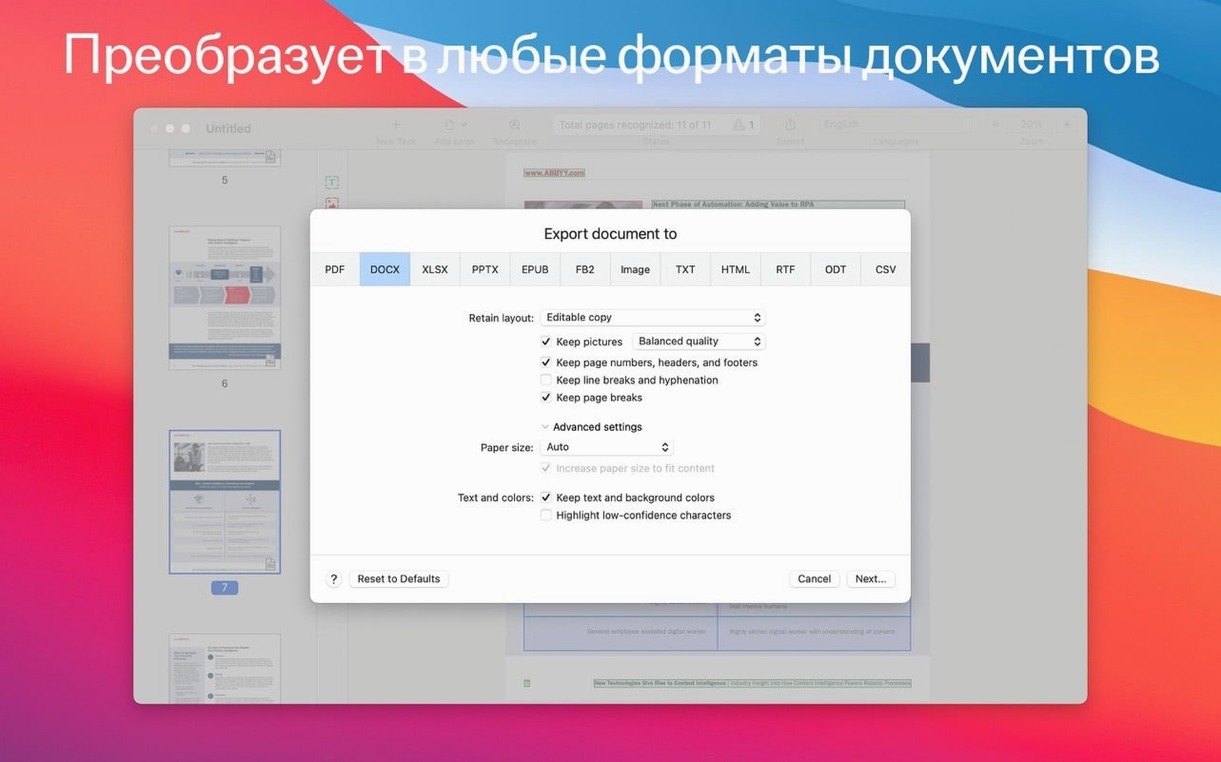
The core job is straightforward: take a scan and return a DOCX or XLSX file. FineReader PDF handles the obvious—body text, headings, page structure—but it also targets long-term file integrity. It can output PDF/A files for archiving and PDF/UA documents that meet accessibility standards, so the converted file isn't just editable today; it's built to remain usable years from now. For simpler needs, a searchable PDF option adds a text layer behind the scanned image without altering the visual layout, making the document findable by keywords.
An Editor That Reads the Page
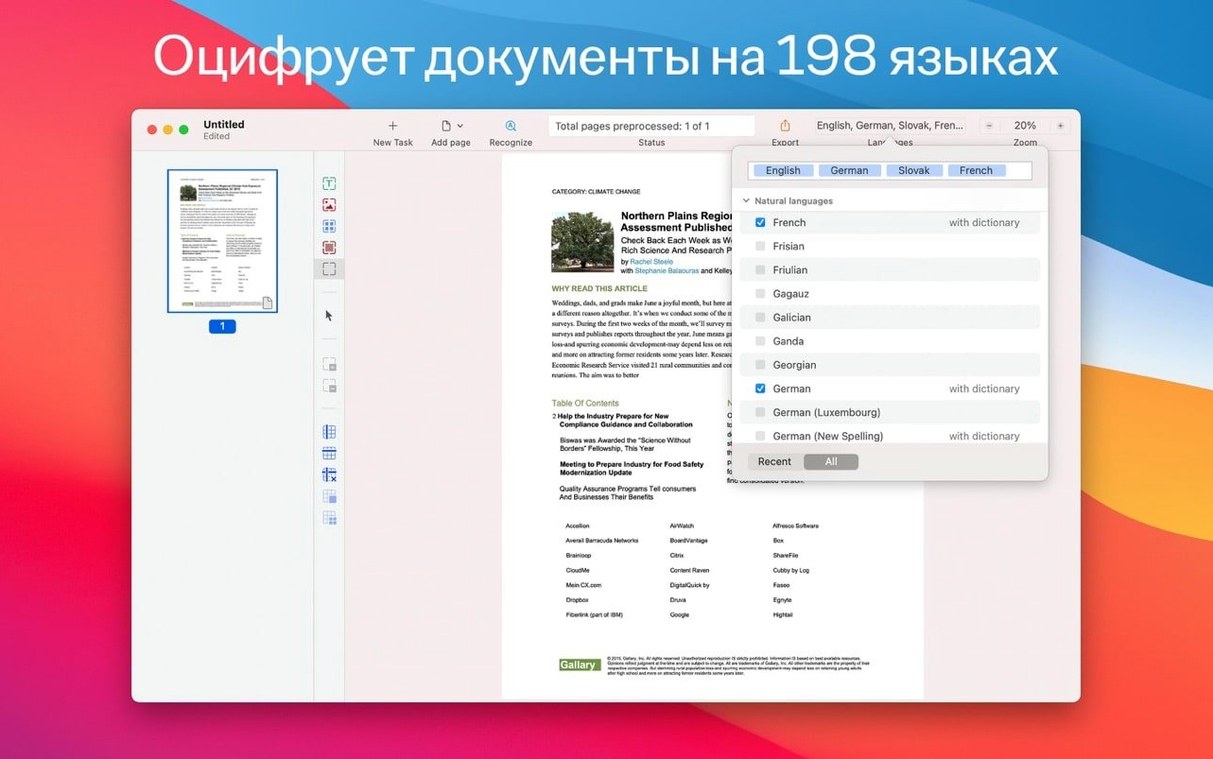
Beyond batch conversion, the app works as a hands-on tool. The built-in PDF viewer opens files directly, and switching to OCR editor mode lets you verify and correct recognition results before exporting. This matters when a document contains mixed languages or unusual formatting that automatic processing might misinterpret. You can also pull in images captured earlier on an iPhone or iPad, route them through the recognition engine, and push the editable result straight to a chosen format—RTF, ODT, and several others sit alongside the Microsoft Office options.
- macOS 11 or later
- Intel-based Mac (x86 64-bit)
Questions on file
What export formats does ABBYY FineReader PDF for Mac support?
It converts documents to DOCX, XLSX, RTF, and ODT, and can create searchable PDFs, PDF/A files for archiving, and PDF/UA files for universal accessibility.
Sign in · Create an account to add a field note.
No field notes yet. A measurement, a version, a machine — they appear after moderation.