
Office
FSNotes 7.3.6
OfficeUpdated
| Requirement | On file |
|---|---|
| macOS | macOS 12.4 or later |
| CPU | Apple Silicon, Intel 64-bit |
| Download | 24 MB |
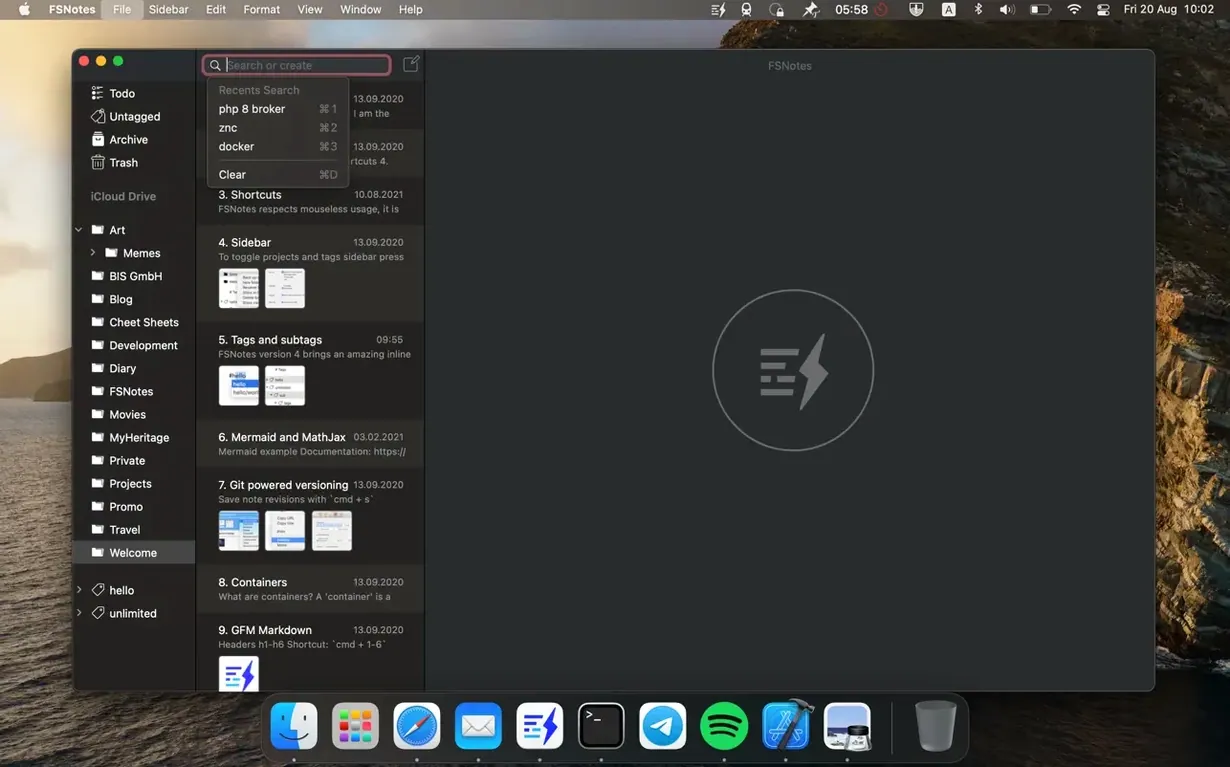
A technician unpacks a new field-deployable sensor, and the quick-start guide lists a dozen calibration values. A global hotkey brings up a floating search field; typing a part number pulls up a Markdown note with the exact figures, stored in a shared iCloud folder. That’s the FSNotes model — notes are individual files on disk, not rows inside a database. For a newcomer, the first session is about learning where those files live and how the app reaches them.
Pick your folder, then pick your format
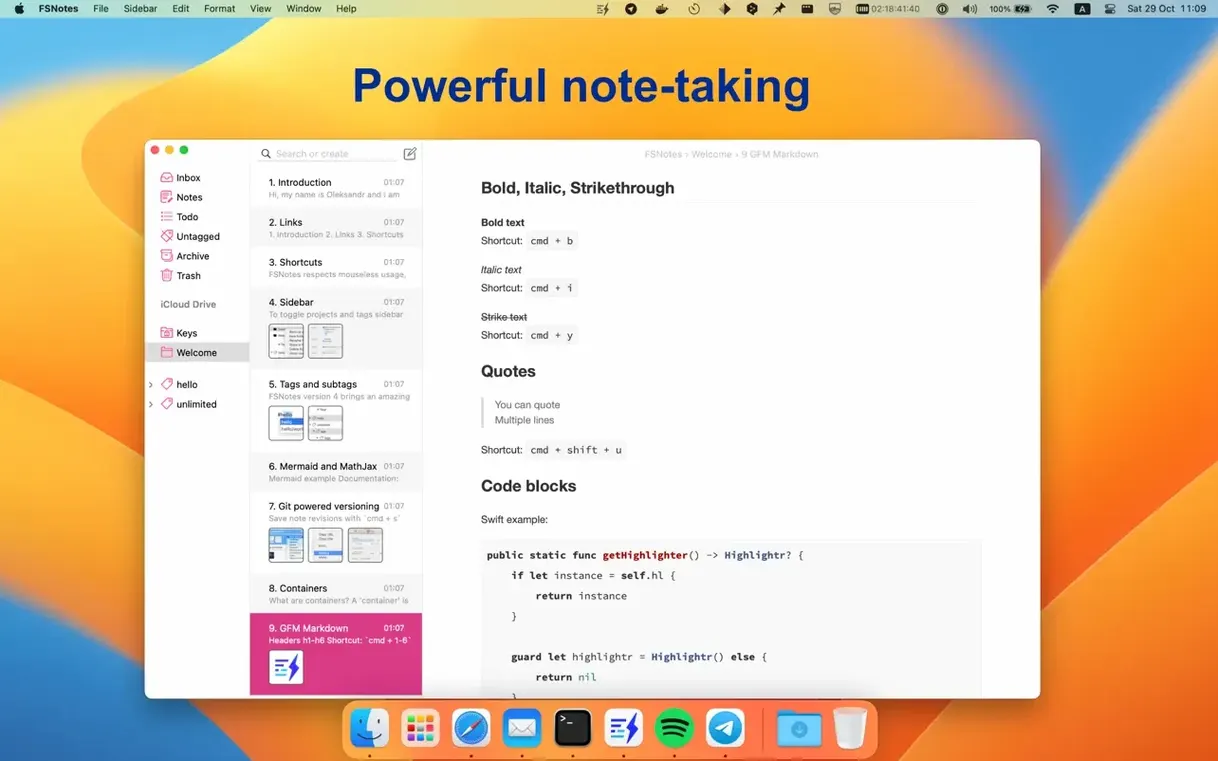
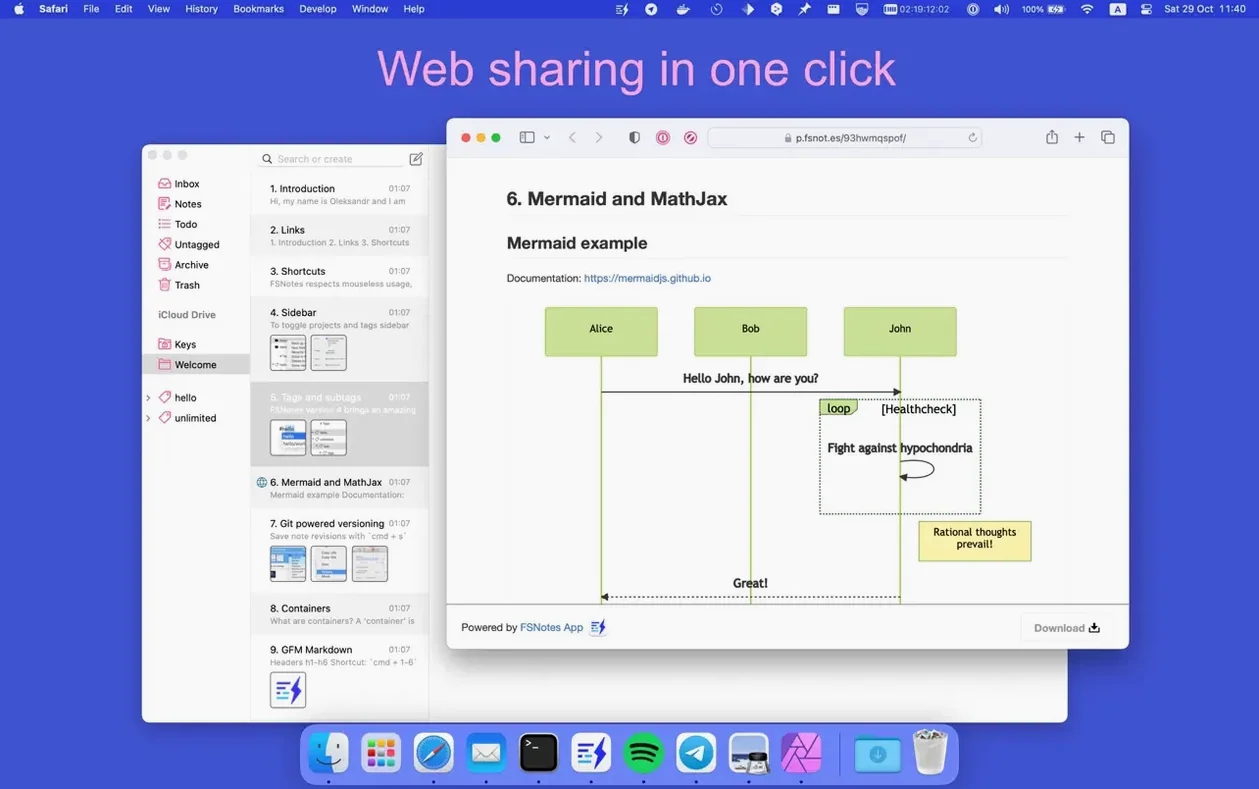
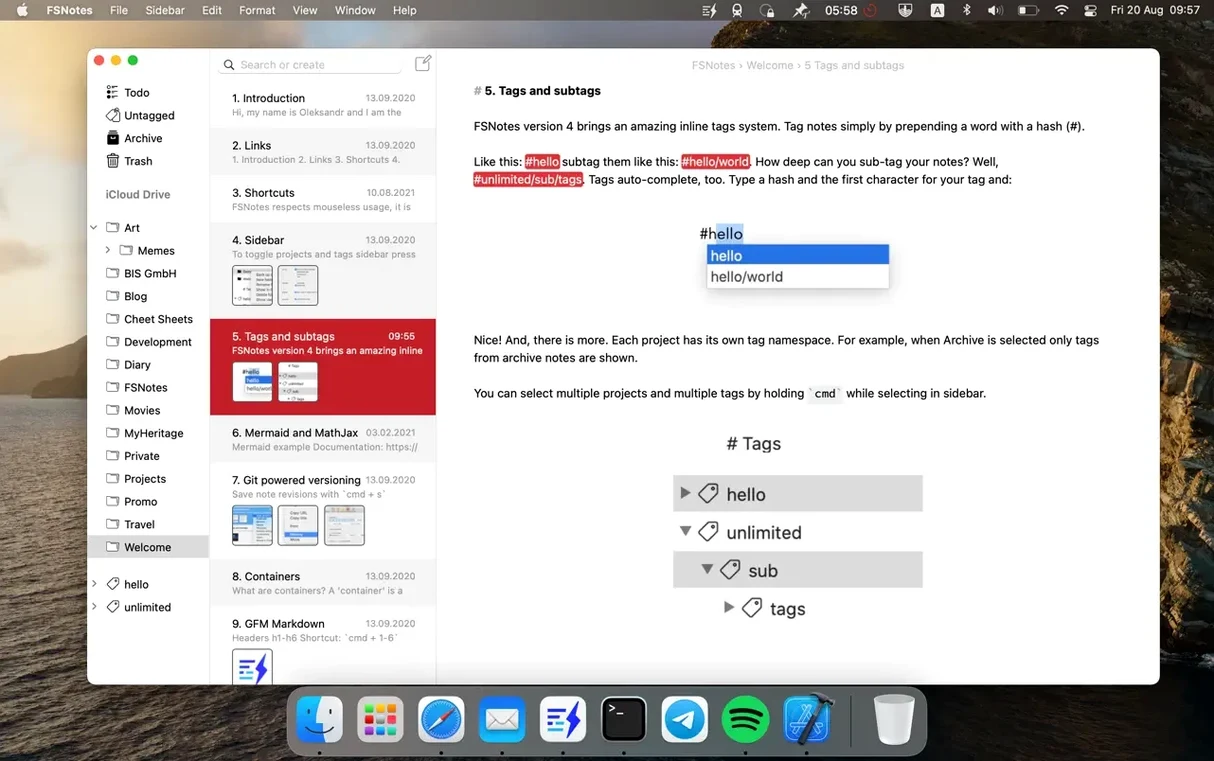
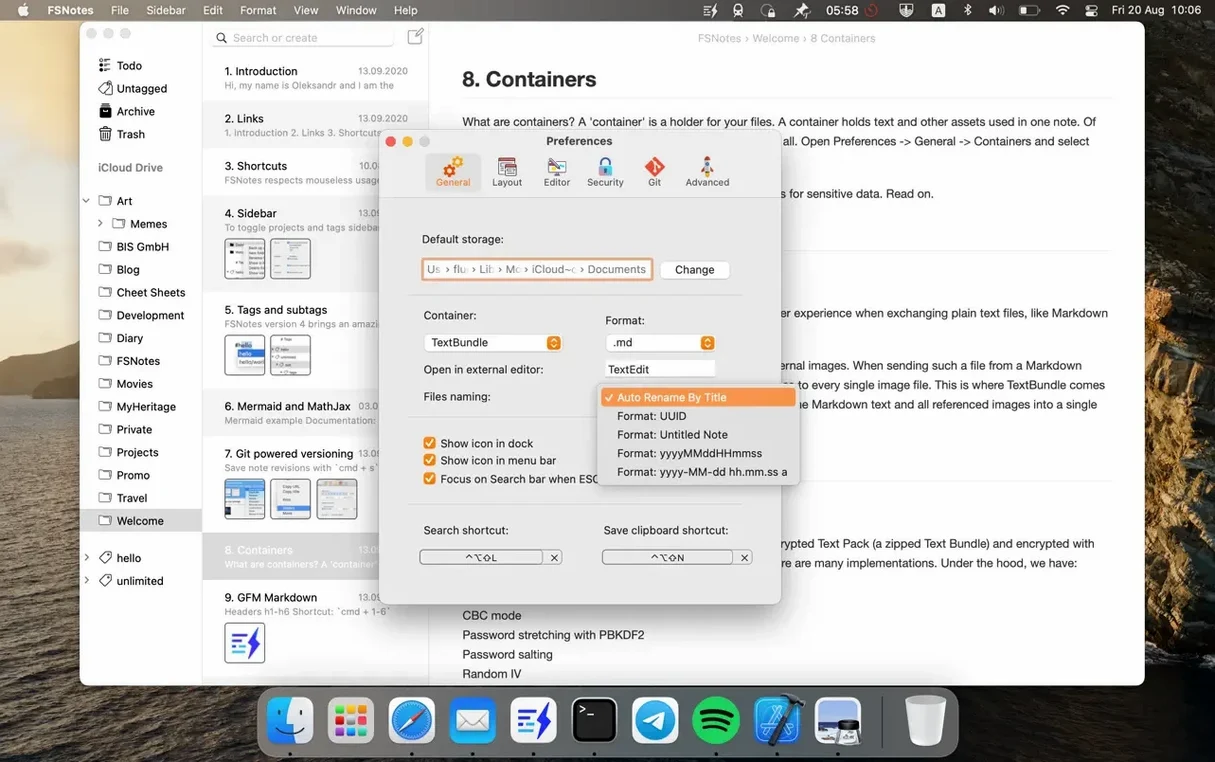
After launching FSNotes 7.3.4, choose a storage folder for your notes. The app doesn’t lock notes into a single library: you can add several folders, each treated as a separate root. New notes can be plain text, Markdown (.md), or RTF — set a default in the preferences. If you work in Markdown, toggle the preview pane to see rendered output alongside the source. Split view offers vertical or horizontal layouts, switchable from the toolbar. Start by pinning one reference note (right-click > Pin) so it stays at the top of the list while you test the editor.
Wire up external tools and shortcuts
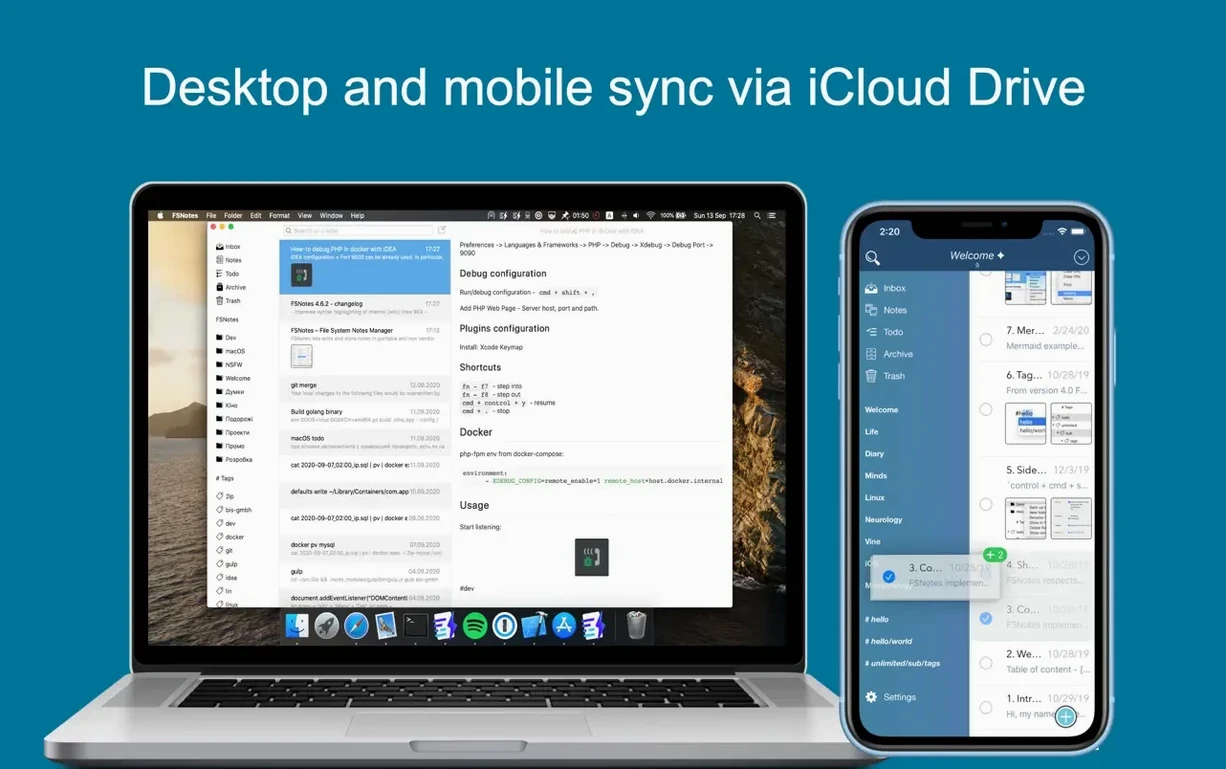
FSNotes rewards users who pair it with an external editor. In the preferences you can set an external app — BBEdit, Nova, or even Terminal vim — and open any note there with a single click. A global shortcut takes clipboard content and appends it to a new or existing note without bringing the main window forward; another hotkey summons the search field. For a practical first workflow, create an “Inbox” folder, store it in iCloud, and assign the clipboard shortcut. From then on, any snippet, log entry, or serial number lands in a file that Spotlight can index directly. The app uses macOS 12.4 or later and runs on both Intel and Apple Silicon machines.
Troubleshooting the small stuff
A freshly created subfolder doesn’t always appear in the sidebar straight away — version 7.3.4 specifically addresses an outline-view bug for that. If you still see a delay, toggle the relevant storage folder off and on in Preferences > Storage. Another common snag: a note refuses to switch from plain text to Markdown highlighting. Check the file extension in Finder. FSNotes reads .md and .markdown; a .txt file stored in a Markdown-default folder stays plain until you rename it. When iCloud sync stalls, open the folder in Finder and look for a stuck “waiting” badge. A quick local edit usually nudges the upload, and because notes are bare files, no database rebuild is ever needed.
A writer’s daily rhythm
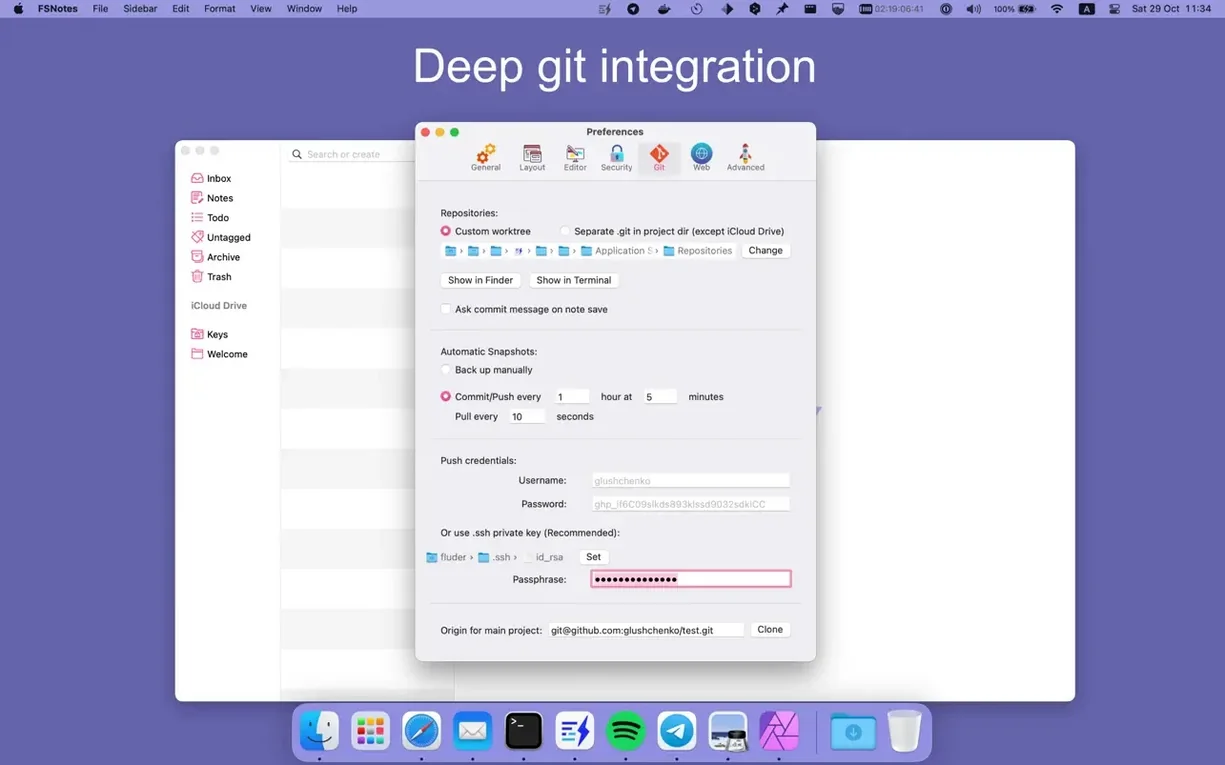
Consider a technical author juggling release notes across three projects. Each project lives in its own folder — two on iCloud, one on a local Git working copy. They keep a pinned “Snippets” note with reusable error messages and a plain-text “Changelog” that a build script reads directly. During a review call, the global clipboard shortcut captures action items into the Inbox without switching windows. Afterwards, they pull up the search field with the second global hotkey, type a keyword from the call, and drag the resulting note into the relevant project folder. Because FSNotes indexes the file system, the same fsnotes mac download reference material they wrote earlier surfaces instantly alongside notes written inside the app.
Performance under load
With around 800 notes totalling 40 MB of mostly Markdown, the app launches in under three seconds on an M1 machine — roughly the same on a 2018 Intel MacBook Pro. Live Markdown highlighting in fenced code blocks (the engine recognises over 170 languages) keeps up with fast typing without visible lag. Memory sits around 180–220 MB during normal use; editing a single 10 000-line log file pushes it temporarily toward 400 MB. The split-view preview remains responsive, re-rendering on each save. Searches scan filenames and content directly on disk, so a full rebuild of the internal cache — which FSNotes triggers when you add a fresh storage folder — takes about four seconds for a medium-sized library. CPU spikes are brief and coincide only with mass file imports, after which the app settles back to idle-level activity.
Version 7.3.6 [MAS] ships with fixes and general improvements.
- macOS 12.4 or later
- Apple Silicon or Intel 64-bit
Questions on file
Where does FSNotes store its data?
It stores notes as individual files in folders you specify on your file system, not inside a proprietary database.
Can I use FSNotes with iCloud?
Yes, you can add an iCloud folder as a storage location, which keeps notes synchronised across devices that access the same iCloud directory.
What file formats can I write in?
FSNotes supports plain text, Markdown, and RTF, and you can set a default format in the preferences.
Sign in · Create an account to add a field note.
No field notes yet. A measurement, a version, a machine — they appear after moderation.