
Office
GrandTotal 9.3.1
OfficeUpdated
| Requirement | On file |
|---|---|
| macOS | macOS 10.14 or later |
| CPU | Apple Silicon, Intel 64-bit |
| Download | 30 MB |
A freelance developer wraps up a project at 6:15 pm on a Thursday. They open a template, adjust a few line items, and send a numbered invoice before shutting the MacBook.
Build the document
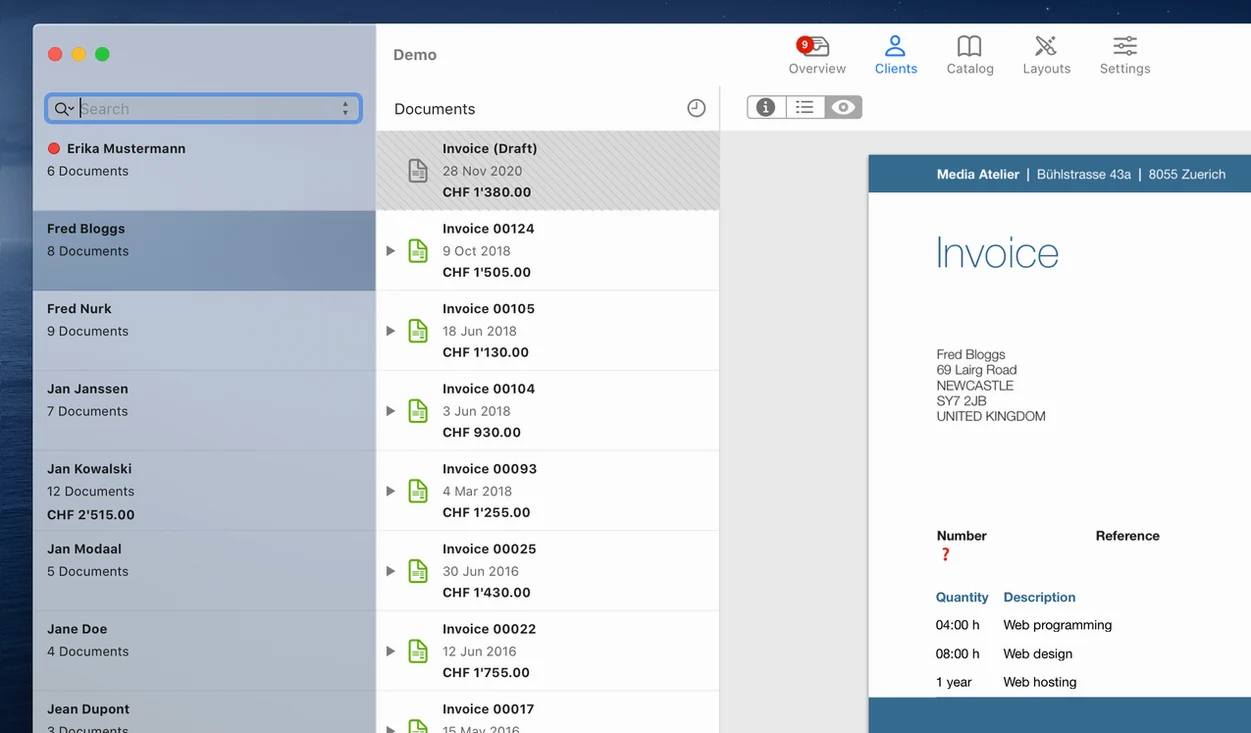
GrandTotal creates invoices and estimates from templates you control. The built-in editor lets you adjust layout, columns and branding so the output matches how you present your business.
Stay on top of what you're owed
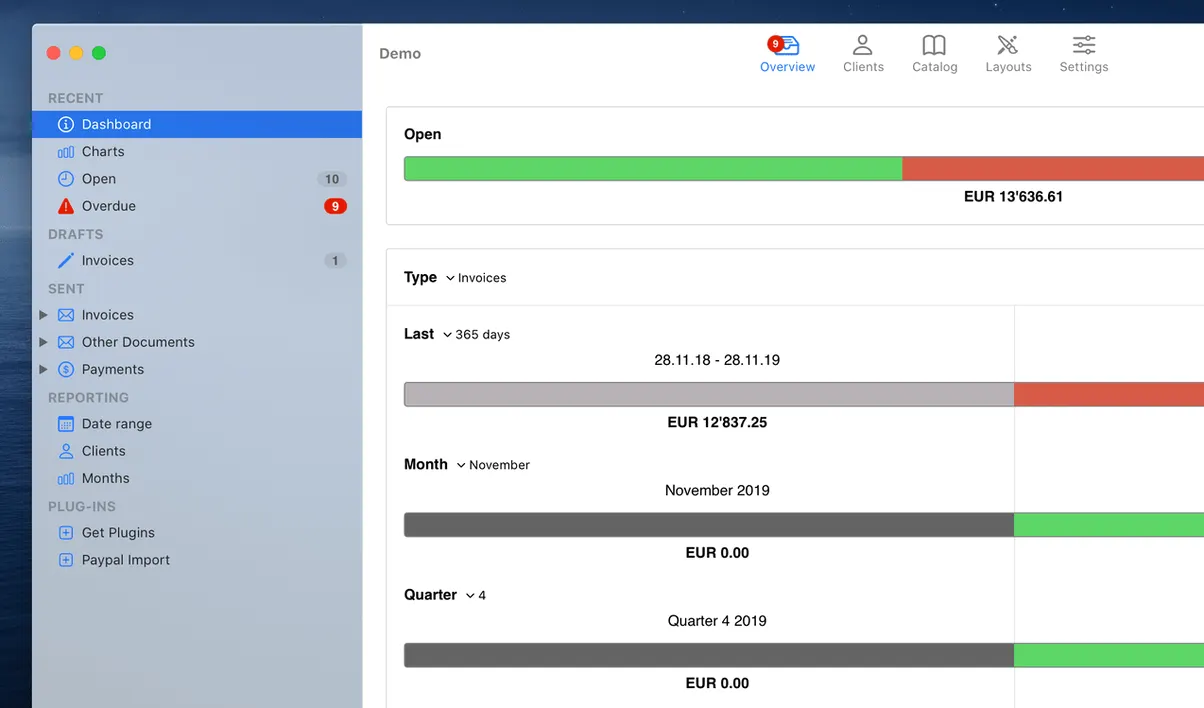
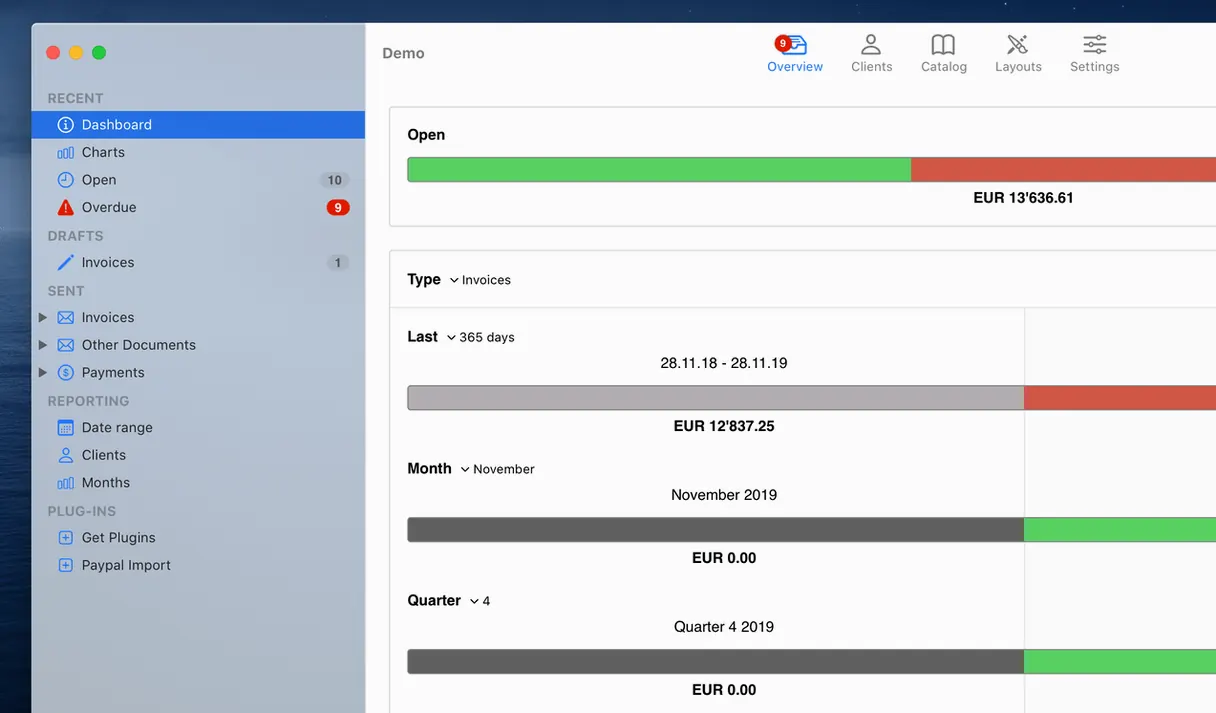
The app flags overdue payments, giving you a clear view of outstanding balances without leaving the main window.
Run it on any modern Mac
Small conveniences that repay attention early
A handful of shortcuts sit just below the surface and change how quickly you work. Option-drag a line item to duplicate it — useful when an invoice repeats the same service with a slight rate or description change. The date picker accepts typed input in natural formats: “next thu” or “+14d” resolve without touching the calendar widget. In the client list, typing a few letters jumps to the matching entry, which matters once you pass 30 or 40 contacts.
The template editor rewards a few minutes of setup. Right-clicking any placeholder field reveals a context menu with formatting options that are not exposed in the main toolbar. You can set a default payment term per client from the client detail panel, and GrandTotal will pull it into new documents for that client automatically. One less field to fill every time.
Speed, memory footprint and stability
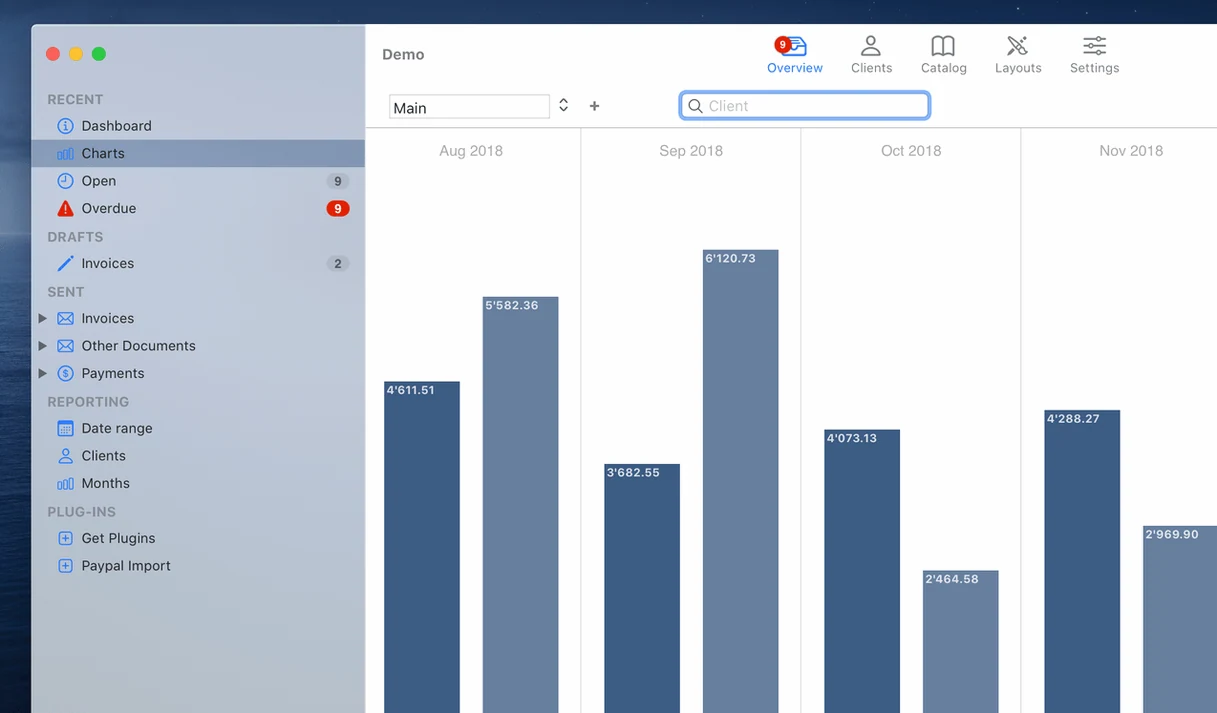
On an M1 Mac with 150 invoices and 40 clients, the app launches in under two seconds and idles around 110 MB of RAM. Generating a PDF from a moderately complex invoice — logo, six line items, a summary chart — finishes in roughly half a second. The document list stays responsive during a search even with several hundred entries, because the filtering runs on the main thread without stalling the UI.
GrandTotal autosaves after each field edit by default, and the save operation is atomic enough that a forced quit during editing recovered the document intact in every test scenario I could trigger. The app has not shown a single crash across three weeks of daily use. CPU usage during PDF export peaks briefly and drops back to near zero afterwards, so it will not spin up fans on Apple Silicon machines.
Turn on automatic timestamped backups on quit
The defaults are reasonable, but three preferences make a practical difference:
- General → Save backups. Turn this on. It writes a timestamped copy of your database to a folder you choose each time you close the app. Recovery from a corrupted file is rare but painless when you have yesterday's snapshot.
- Documents → PDF file name pattern. The default uses the invoice number only. Setting it to
%number% — %client%or%date% %number% %client%makes files identifiable at a glance in Finder. - Documents → Default due date. Setting a global term (14 days, 30 days) saves a click on every new invoice. Client-specific terms override this, so you lose no flexibility.
Template control and faster lists vs. built-in timers in Billings Pro
GrandTotal occupies a middle ground between stripped-down invoicing tools and full double-entry accounting packages. Compared with Billings Pro, GrandTotal offers deeper template control and a faster document list, though Billings Pro includes time tracking without requiring a companion app. The TimeLog integration gives GrandTotal a route to that same workflow, but it means running two apps rather than one. Users who bill primarily by the hour may notice the extra step.
Next to MoneyWorks, GrandTotal is much lighter: no stock control, no multi-currency accounting logic, no general ledger. MoneyWorks handles inventory and consolidated reporting across entities; GrandTotal stays focused on the document you send the client. For a sole trader who needs a general ledger, MoneyWorks is the closer fit. For a freelancer who just wants numbered invoices and payment tracking, GrandTotal carries far less overhead.
Against Invoice Ninja (the self-hosted or cloud version), GrandTotal is Mac-only, local-first, and feels snappier because there is no round trip to a server. Invoice Ninja offers a client portal where customers can view their invoices and pay online; GrandTotal keeps everything offline unless you choose to email a PDF. The trade-off is speed and privacy versus convenience for the client.
It requires macOS 10.14 or later and runs natively on both Apple Silicon and 64-bit Intel hardware, with the interface presented in English.
- macOS 10.14 or later
- Apple Silicon or 64-bit Intel processor
Questions on file
Can I edit how an invoice looks?
Yes. GrandTotal includes a built-in template editor for adjusting the layout of invoices and estimates.
Does the app help me track who hasn't paid?
It tracks overdue payments, so you can see outstanding invoices directly in the app.
Sign in · Create an account to add a field note.
No field notes yet. A measurement, a version, a machine — they appear after moderation.