Office
iA Writer 8.1.1
OfficeUpdated
| Requirement | On file |
|---|---|
| macOS | macOS 10.15 or later |
| CPU | Apple Silicon, Intel 64-bit |
| Download | 23 MB |
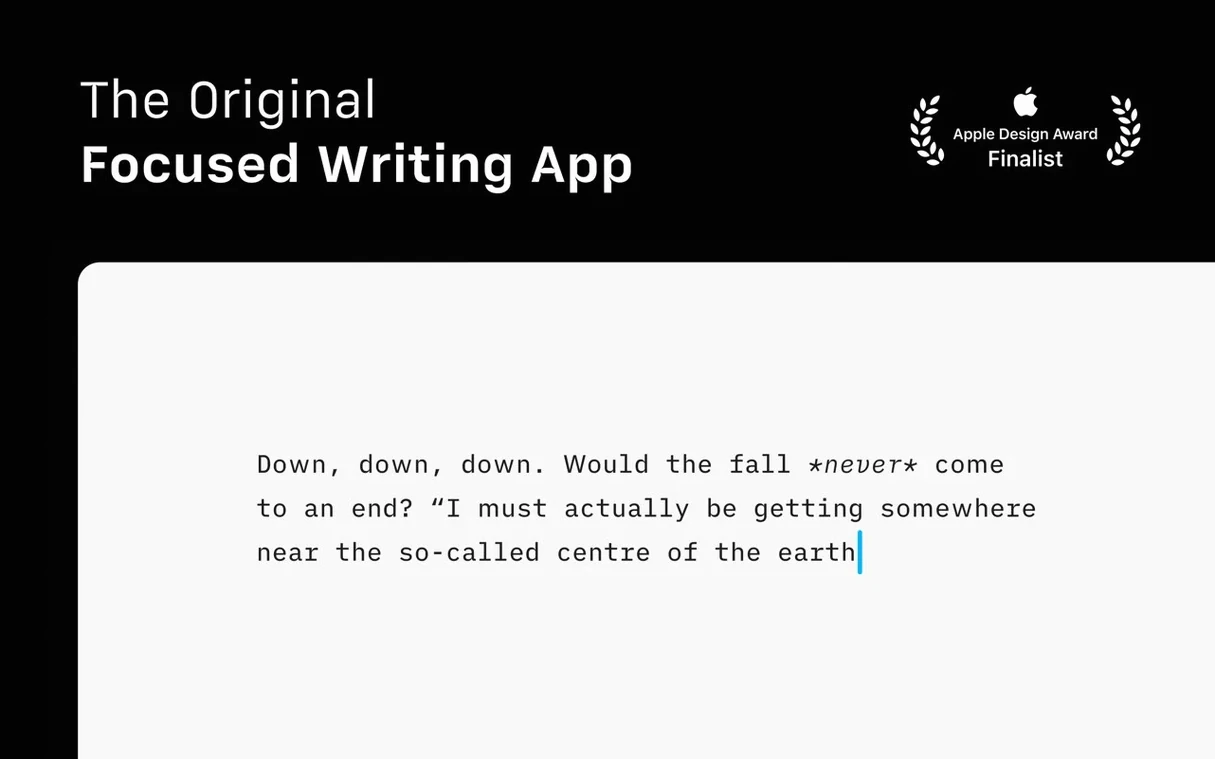
Write without distraction
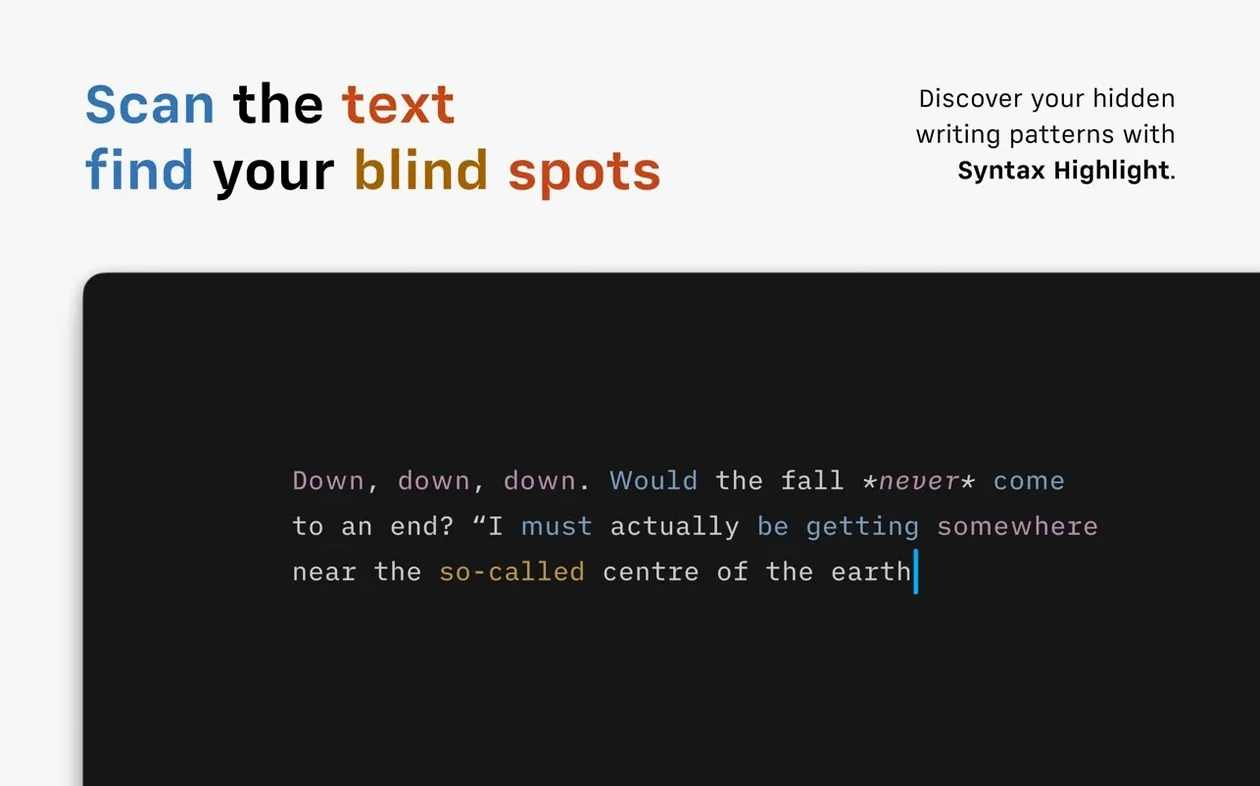
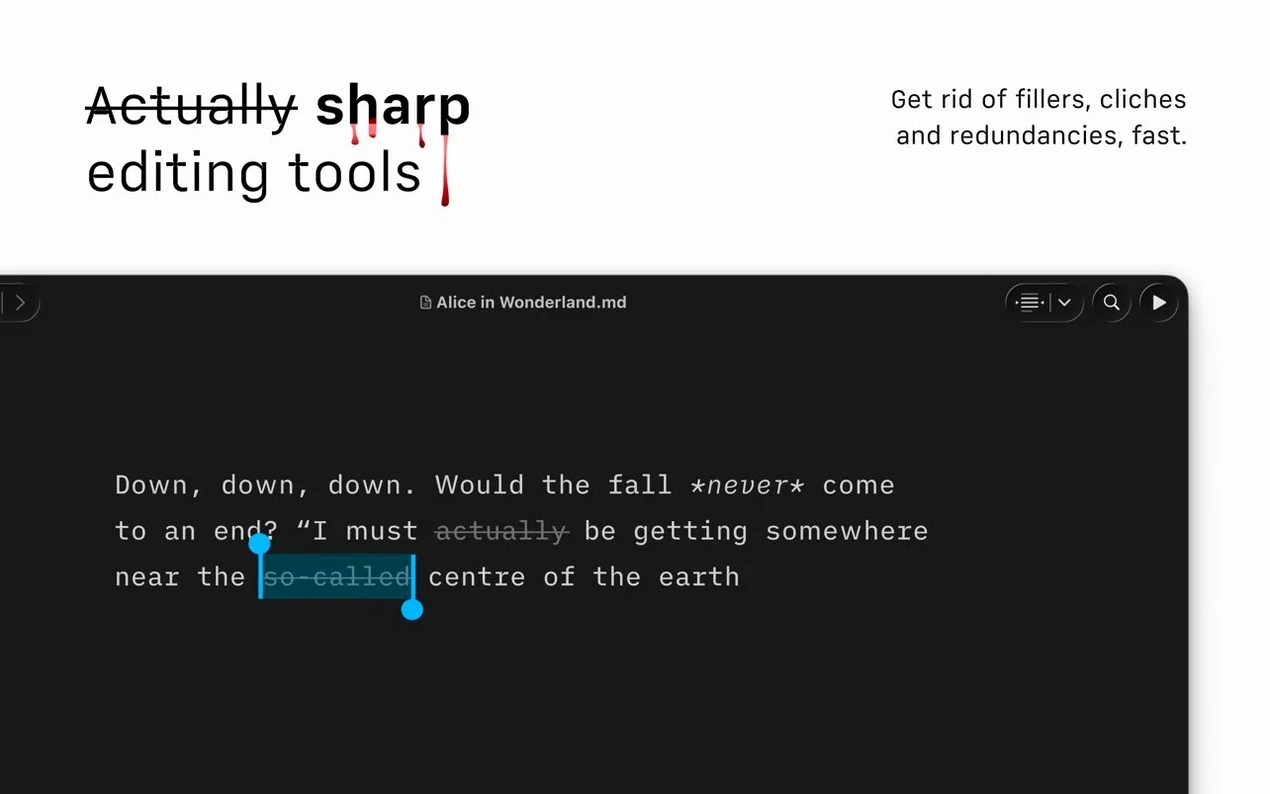
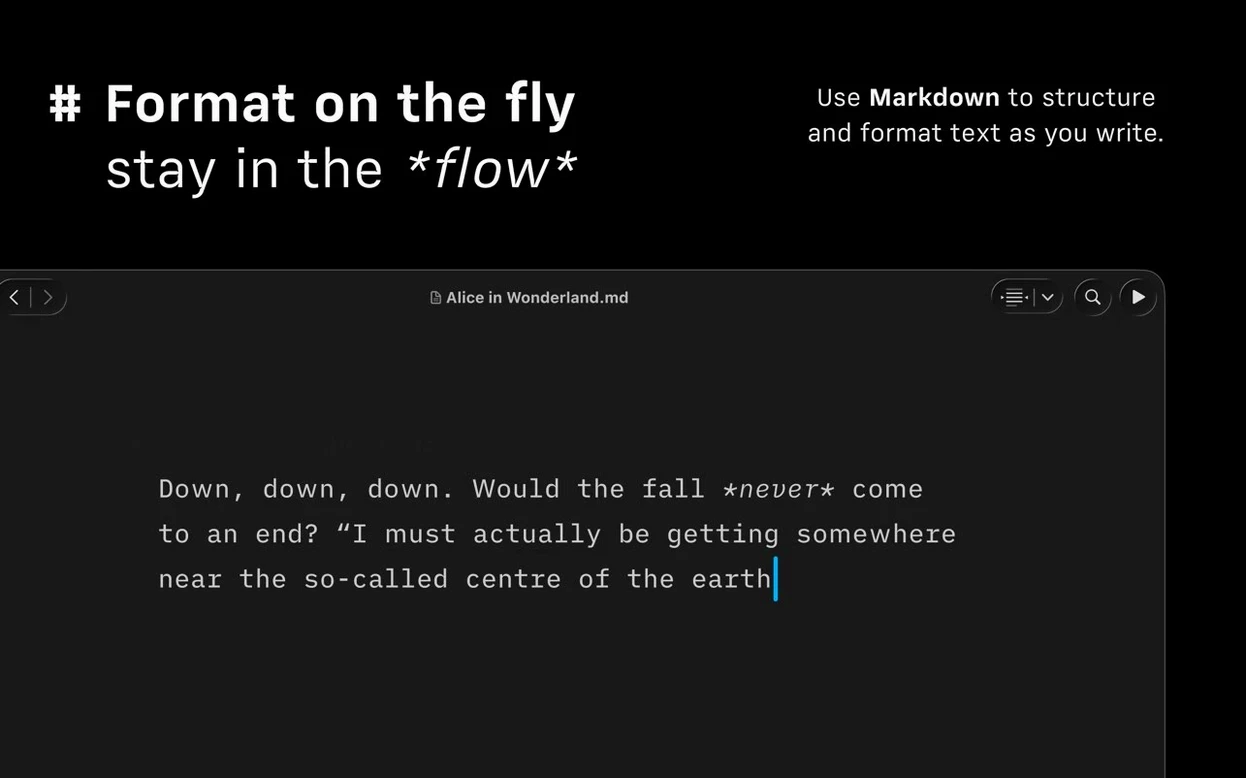
The Syntax Highlight feature does more than colour headings and bold text. It scans for extra adjectives, weak verbs and repeated nouns, drawing a faint grey underline beneath each one so you can edit the prose, not just the markup. Everything else fades into a single-pane editor with no floating palettes.
Ship directly from the editor
Finish a draft and send it to WordPress or Medium without leaving the window. iA Writer builds the HTML in the background, and the export panel also writes clean DOCX files and PDFs with custom templates when a document needs to travel further.
Find any file across services
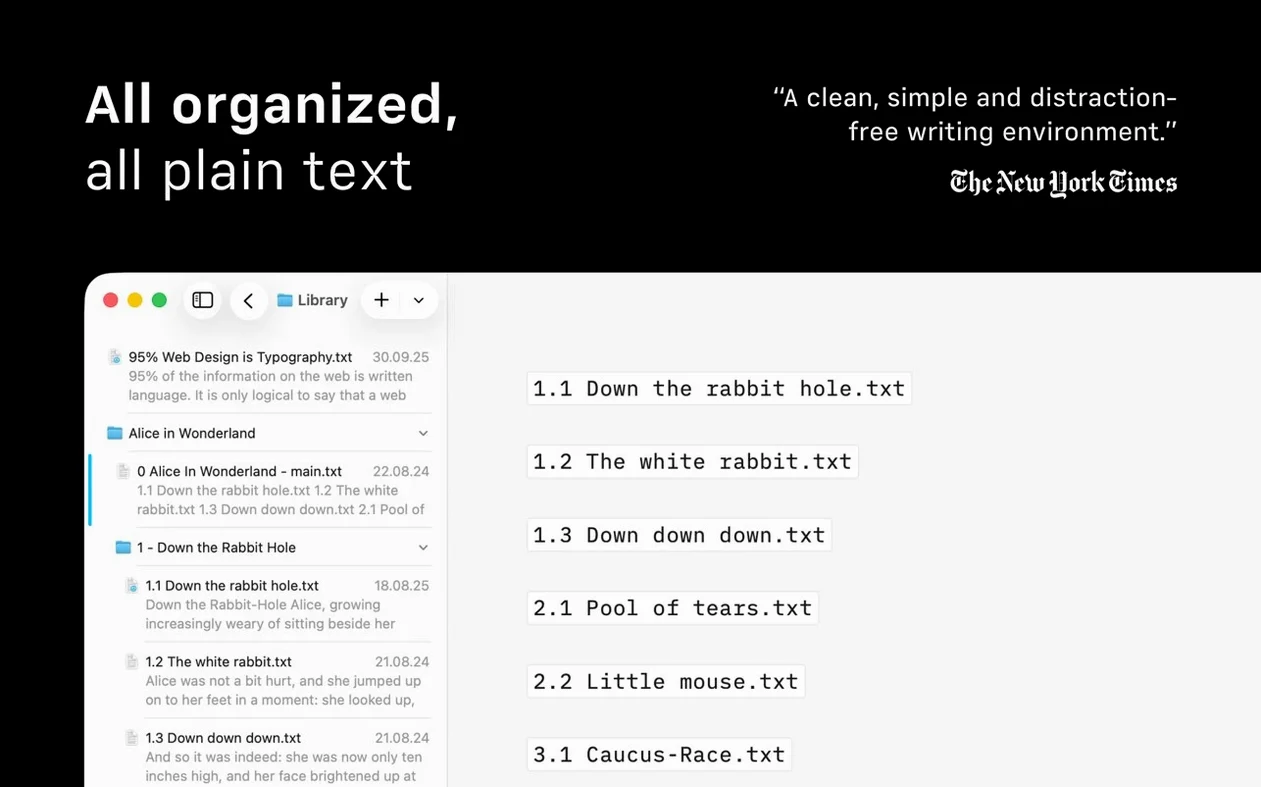
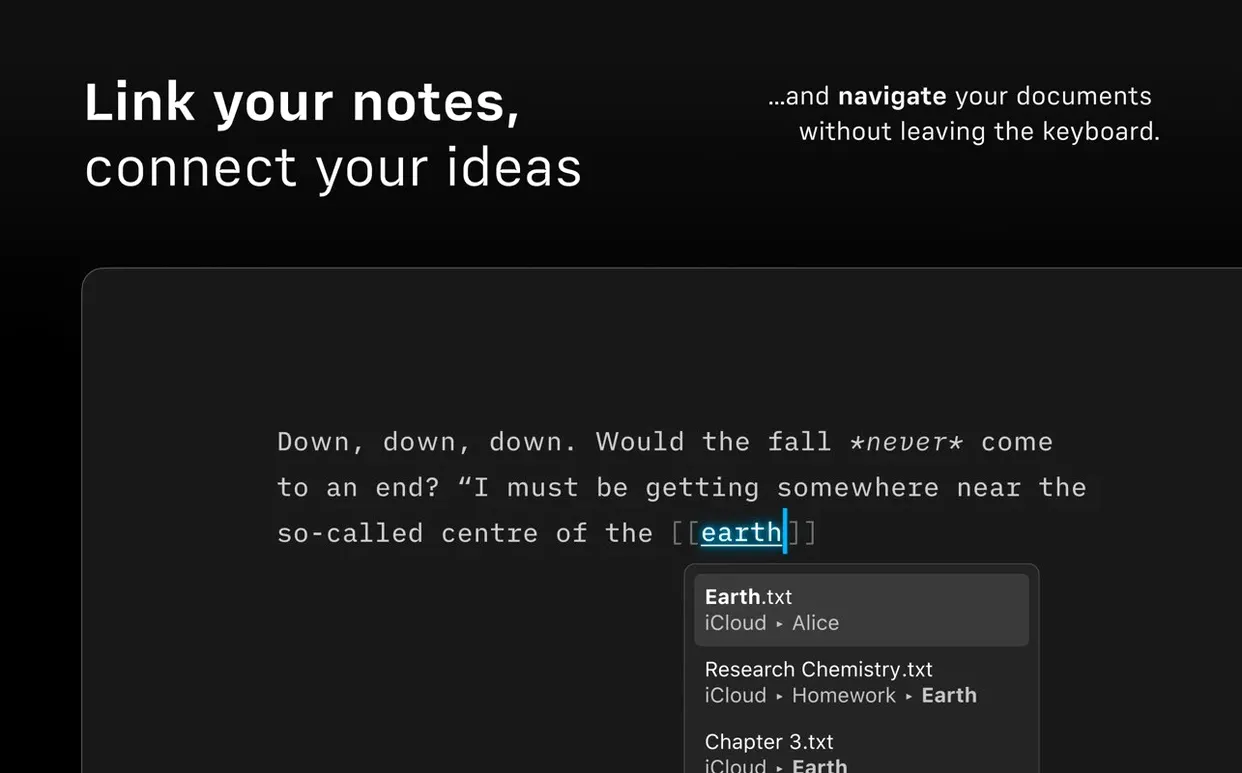
The Library collects documents from different cloud services into one searchable list. The new Document Outline with Quick Search narrows long texts to a section heading in a few keystrokes, which matters when a project spans a dozen Markdown files.
Bloggers who publish without copy-paste
Not every Mac user needs a plain-text editor that strips away chrome. Three groups tend to keep it open all day.
Bloggers and freelance journalists who publish to WordPress or Medium directly. The built-in publishing cuts out the copy-paste dance between a writing app and a browser CMS, which matters when you file three short pieces before lunch. Syntax Highlight also catches the filler words editors will strike anyway — fewer revision rounds.
Technical writers and documentation people who live in Markdown. The Document Outline, added in version 8, turns a 4,000-word spec into a jump-to-anywhere index with Quick Search. Export to PDF with a company-branded template means the same file that lives in Git can become a client-facing handout without reformatting.
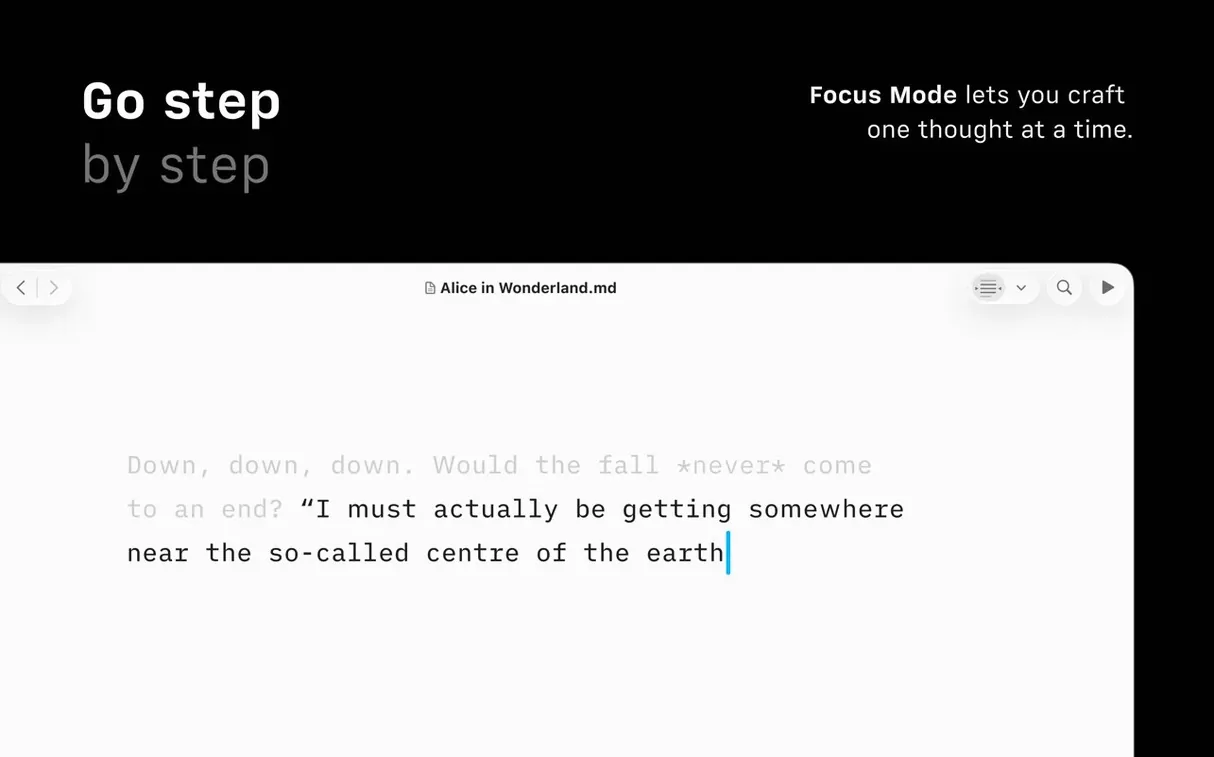
Students with long-form assignments — theses, dissertations, seminar papers. Focus Mode dims everything except the current paragraph, which helps when the alternative is staring at a blinking cursor for twenty minutes. The noun-repeat detection is especially useful when you have used the word "argument" eleven times in three pages without noticing.
Juggling iCloud and Dropbox notes for a gadget blog
Consider someone who runs a mid-sized gadget blog — three posts a week, mix of news roundups and hands-on impressions. They keep product notes in a Library that pulls from iCloud and a Dropbox folder shared with a part-time contributor.
At 08:30 they open iA Writer, tap ⌘⇧O to bring up the Document Outline, and type "snapdragon" into Quick Search. Two files surface: a draft hands-on and a half-finished SoC comparison table. They open the hands-on, switch to Focus Mode at paragraph level, and write 500 words without touching the mouse. When a sentence feels loose, the grey underline under "very fast" reminds them to replace the weak adverb with a clock speed.
They press ⌘⇧P to open the Command Palette, choose "Publish to WordPress," set a scheduled time, and send it. The whole session from Library search to scheduled post runs inside one window. That afternoon, the same person exports the comparison table as a PDF with a custom template and emails it to a sponsor — no Word, no web dashboard, no file conversion step.
A flatter interface tuned for macOS 26
Version 8.0.9 is a bug-fix release, but the jump to version 8 brought several changes that alter the rhythm of working in the app.
Interface — The refreshed look for macOS 26 and later is flatter and lighter on the eye, with less chrome around the editor pane. Toolbar buttons recede further, which suits people who already know the keyboard shortcuts.
Document Outline — Before version 8, navigating a long Markdown file meant scrolling and squinting at headings. The Outline panel lists every #-level heading in a sidebar; typing a few letters into Quick Search filters the list instantly. For anyone who keeps a single "project bible" file per client, this replaces a separate table-of-contents sticky note.
Command Palette — ⌘⇧P now opens a searchable menu of actions: export formats, publishing targets, Authorship colour selection, even toggling Syntax Highlight rules. Power users who memorised menu paths can now type "PDF" and hit Return.
Library layout — The compact Library option hides dates and text excerpts, showing only filenames in a denser list. On a 13-inch MacBook Air screen, this recovers about four extra file rows — small, but noticeable when you manage 60-plus documents.
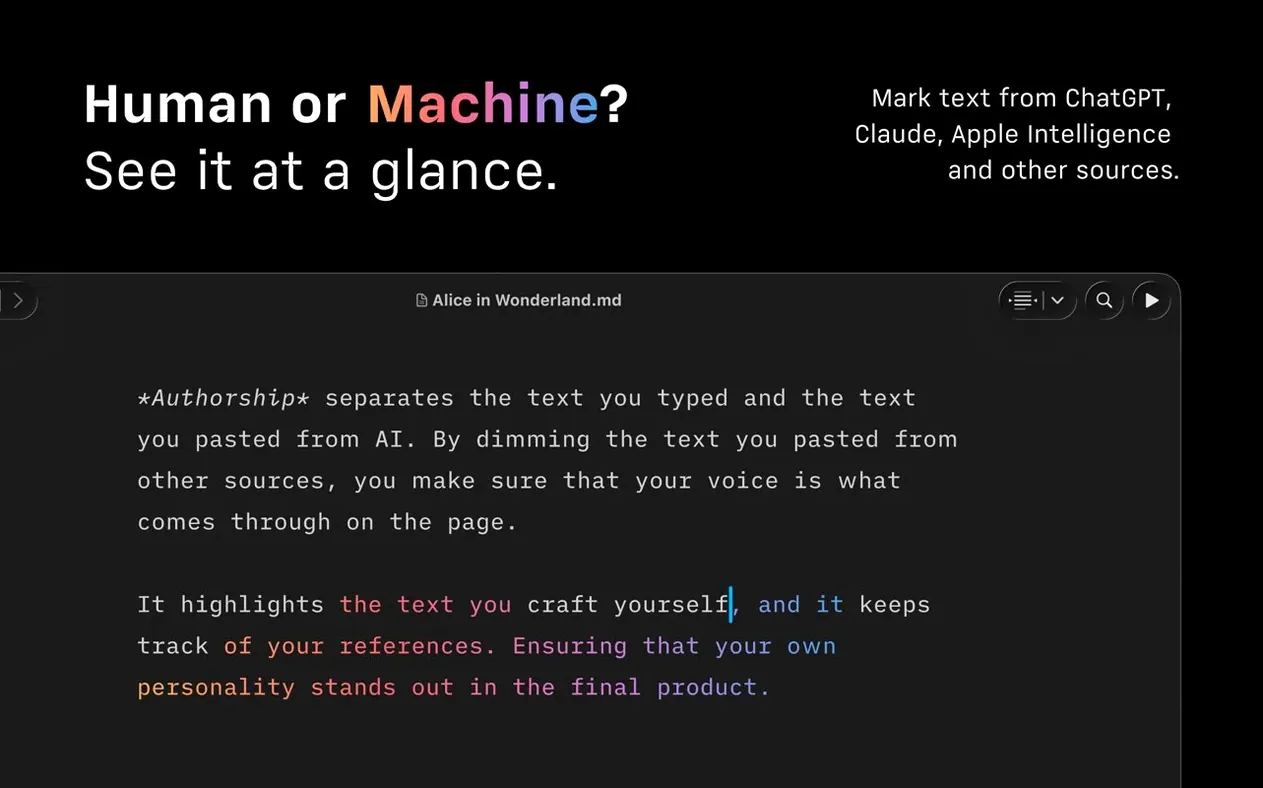
Authorship indicators — When multiple people contribute to a shared folder, each author's colour now appears in Library menus and the Outline. You can spot your co-writer's sections before opening the file.
No login screen, no account required
Does it need an account or sign-in? No. iA Writer launches straight to the Library without a login screen. Publishing to WordPress or Medium requires you to add those account credentials inside the app's settings, but local writing and export work offline with no registration.
Will it open my existing Word and text files? It imports DOCX by converting to Markdown on open, and it exports back to DOCX when you are done. Plain text, Markdown, and MultiMarkdown files open natively. The conversion is one-way on import — the original Word file is not altered unless you overwrite it during export.
How does it handle images? Images are referenced with standard Markdown syntax and rendered in the preview pane. The app does not embed images into the Markdown file itself; it links to them on disk or at a URL. When you export to PDF or HTML, the linked images are pulled into the output.
Is the Syntax Highlight feature configurable? Partly. You can toggle detection of adjectives, weak verbs, and repeated nouns on or off individually in the editor settings. The highlight colours follow the system appearance — grey underlines in light mode, slightly lighter grey in dark mode. The detection rules themselves are not user-editable.
Does Focus Mode work with a keyboard shortcut? Yes. ⌘⇧D cycles through sentence focus, paragraph focus, and off. No toolbar click required once you learn the chord.
Dragging from the Library copies, not moves
Treating the Library like Finder. The Library shows documents from multiple cloud services in one list, but it is not a sync engine. Dragging a file from the Library to the desktop does not move it — it copies. Deleting a file in the Library deletes it from the cloud service too. New users sometimes clean up the Library view and accidentally remove files from iCloud.
Ignoring the Command Palette. People who started on iA Writer before version 8 often still navigate menus by hand. The Command Palette (⌘⇧P) is faster for export, publishing, and toggling Authorship colours, but it only helps if you form the habit.
Exporting before checking Syntax Highlight. The grey underlines do not appear in exported PDF or HTML. A beginner writes a draft, sees no warnings, exports, and later finds weak verbs in the published post. Running a quick Syntax check before ⌘⇧E export catches what the preview hides.
Not setting a custom PDF template early. iA Writer ships with a default PDF template that is clean but generic. Users who export regularly — freelancers sending invoices-as-proposals, students submitting papers — often wait weeks before customising fonts, margins, and header styling via the built-in template editor. Setting it once saves ten minutes of reformatting per export thereafter.
Confusing Authorship mode with track changes. Authorship colours show who wrote what in a shared folder based on file metadata, but they are not a version-control system. There is no accept/reject workflow, and colours do not persist if you copy text to a new file outside the shared folder. Beginners sometimes treat it like Word's Track Changes and wonder why their edits are not marked for review.
Version 8.1.1 [MAS] ships with the developer's latest fixes and improvements. Full details are available in the official release notes.
- macOS 10.15 or later
- Apple Silicon or Intel 64-bit
Questions on file
Can iA Writer publish directly to WordPress and Medium?
Yes, it has built-in support for both platforms, converting your Markdown to HTML automatically when you publish.
What file formats does iA Writer export to?
It exports documents as HTML, PDF (with customisable templates), and Microsoft Word DOCX files.
Does iA Writer work on Apple Silicon Macs?
Yes, the app runs natively on both Intel and Apple Silicon Macs running macOS 10.15 or later.
Sign in · Create an account to add a field note.
No field notes yet. A measurement, a version, a machine — they appear after moderation.