Office
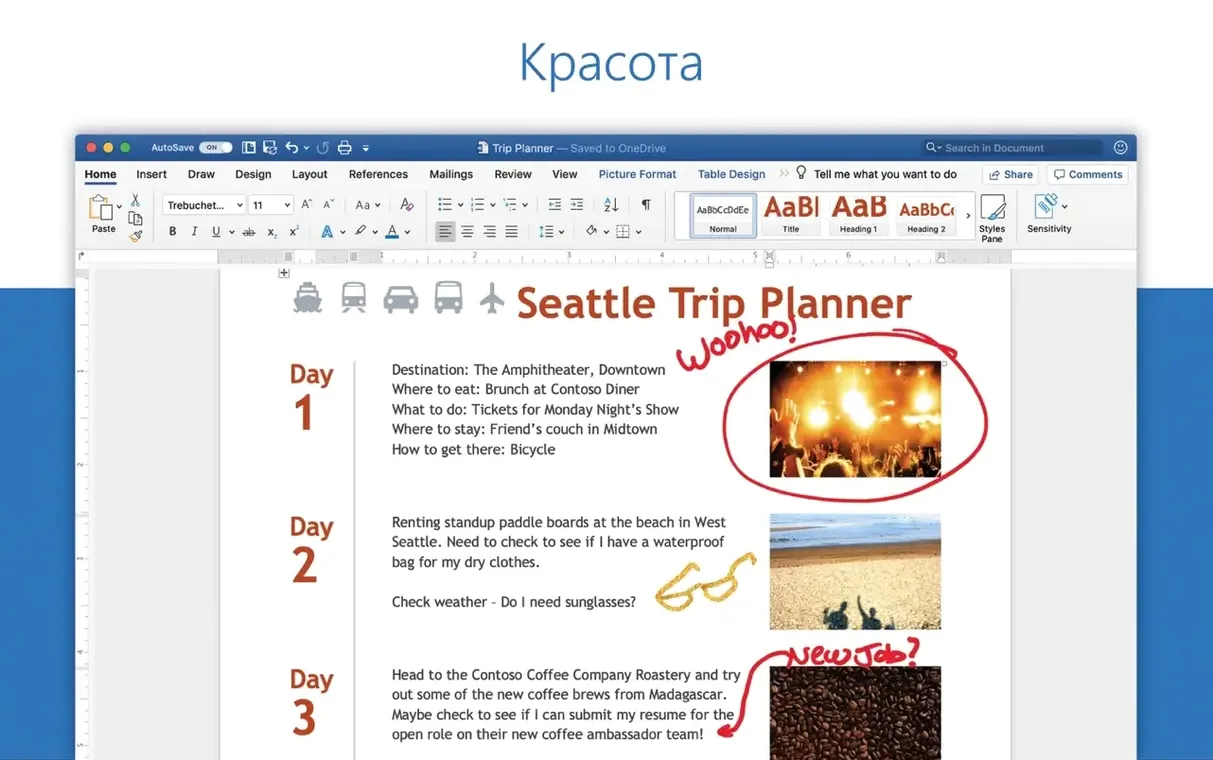
Microsoft Word 16.93
OfficeUpdated
| Requirement | On file |
|---|---|
| macOS | macOS 13 or later |
| CPU | Apple Silicon, Intel 64-bit |
| Download | 2.4 GB |
Version 16.93 ships quality and performance improvements, plus a fix for equation editing that could misbehave in earlier builds. No new front-facing features, just a steadier writing environment.
Where does Word sit next to Pages?
Pages handles light layouts and Apple ecosystem sharing gracefully, but Word remains the reference tool for complex tracked changes, legal numbering and DOCX fidelity. If a document will bounce between reviewers on Windows, Word for Mac eliminates the conversion drift that Pages can introduce.
Live Excel charts and Outlook DOCX previews
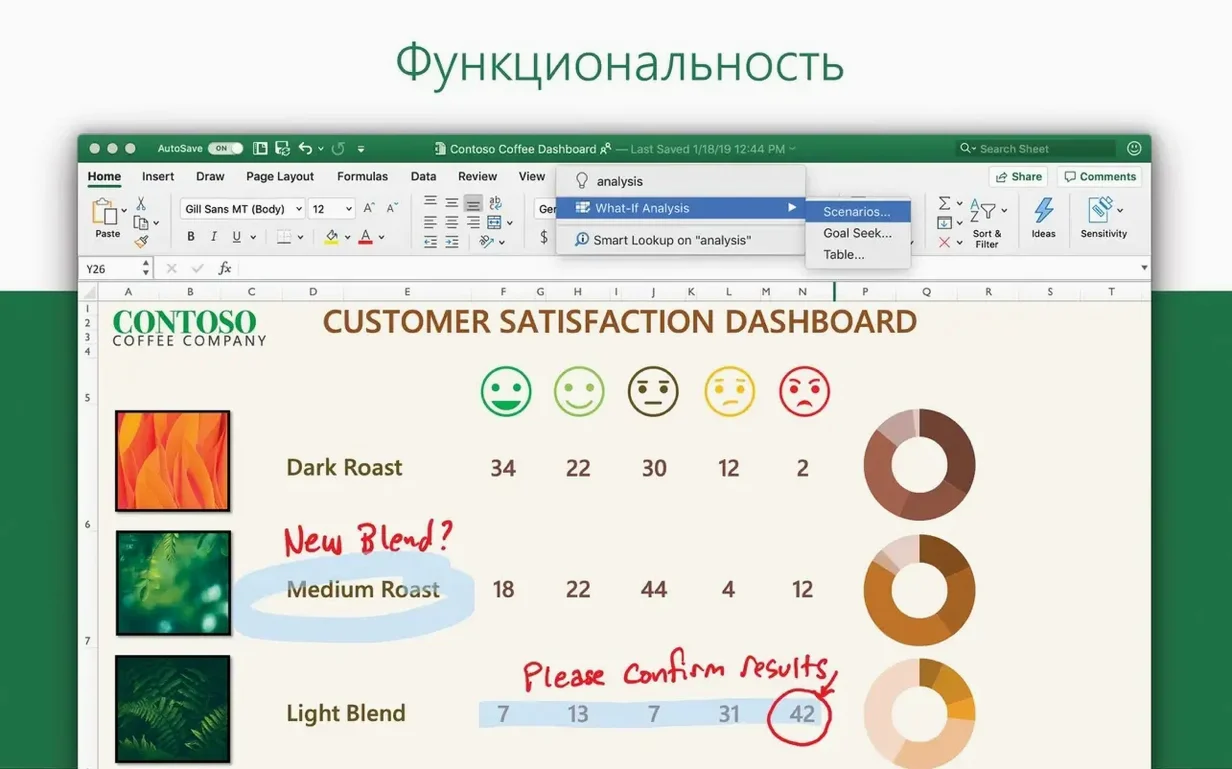
Yes — it shares the same Microsoft 365 backbone as Excel and PowerPoint. Charts pasted from Excel stay live, and Outlook can open attached DOCX files directly in the editor without round-tripping through another viewer.
What about collaboration?
Co-authoring works in real time when the file lives on OneDrive or SharePoint. Comment threads and @mentions mirror the web and Windows clients, so a mixed-platform team sees the same markup.
Word versus Nisus Writer Pro and LibreOffice Writer
Nisus Writer Pro appeals to the power-user crowd who want regex-heavy find-and-replace and a non-modal style system. Its RTF engine is solid, and the app feels lighter on disk than Word. But step outside RTF and the cracks show. Opening a tracked-changes DOCX from a law firm often shifts comment anchors or flattens numbered clauses, which is exactly the kind of drift that kills a contract review. Word opens that same file with the redlining intact, down to the paragraph-level revision marks.
LibreOffice Writer handles DOCX reasonably well for straightforward prose, and its keyboard-driven interface will feel familiar if you cut your teeth on Word 2003. The trouble arrives with nested tables, multi-level legal numbering, and documents that rely on Word's field codes for cross-references. A 120-page tender document with automatic clause numbering can unravel in Writer, requiring half an hour of manual renumbering. Word for Mac preserves the field logic and lets you update cross-references with a single keystroke.
Where Nisus and LibreOffice win is transparency: both store files in open formats by default, and neither pushes a subscription model. Word's file format is documented, but the application itself ties deeply into the Microsoft 365 ecosystem. If your workflow involves sending files to a government department that demands DOCX with specific template styling, Word is the only one of the three that guarantees the formatting survives the round trip.
Clear the stale MAU cache when AutoUpdate sticks
AutoUpdate refuses to find version 16.93. This happens most often when the MAU cache has a stale manifest. Quit all Office apps, open Terminal, and run defaults delete com.microsoft.autoupdate2. Relaunch MAU from the Help menu of any Office app and check for updates again. If the update still does not appear, download the full installer package directly from the Microsoft servers and install it over the existing build — your preferences and activation state remain untouched.
Equation Editor hangs after the update. Version 16.93 explicitly fixes an equation editing bug, but the fix can trip over a corrupted font cache. If the equation tools beachball, quit Word, open Font Book, select all fonts, and choose File → Validate Font. Remove any flagged as damaged, restart the Mac, and launch Word again. The equation editor should respond within a few seconds.
Track Changes slows to a crawl on large documents. A 300-page manuscript with hundreds of tracked revisions can make Word stutter, particularly on Apple Silicon Macs running under Rosetta. Switch to the native ARM build if you haven't already — Word 16.93 is a universal binary. Additionally, open the Review pane and set it to show only comments, not all markup. The rendering engine struggles less when it does not need to draw every inline deletion in real time.
Custom templates vanish after updating. Office updates sometimes reset the default template location. Your old templates are still in ~/Library/Group Containers/UBF8T346G9.Office/User Content/Templates. In Word, go to File → Options → File Locations, select User Templates, and point it back to that folder. Any templates you placed there will reappear in the New Document gallery.
Running two Office versions side by side
Will it run alongside an older Office version? You can keep Office 2019 or 2021 installed while running 16.93, but only one version of Word can be the default DOCX handler. The last one installed claims the file associations. If you need both, hold Option when right-clicking a DOCX and choose the specific build from the Open With menu. Activation tokens for the volume-licensed LTSC 2024 build sit separately from older retail licences, so the two do not interfere.
Does the Mac version handle the same field codes as Windows? The field code engine is shared across platforms. Merge fields, SEQ numbering, and DOCVARIABLE fields all compute the same way. The few gaps are in legacy ActiveX controls and some Windows-only OLE objects — embedded Visio diagrams will show as static placeholders. For document assembly workflows that rely on IF and MERGEFIELD logic, the Mac build parses and executes them identically.
How much disk space does it need? The application binary and shared Office libraries occupy roughly 2.4 GB. Add another 800 MB for the MAU cache and downloaded proofing tools if you install all twenty language packs. The installer package itself is about 1.9 GB compressed, which you can delete after setup without affecting the installed app.
Can I use it offline? Yes, with a caveat. The LTSC volume licence does not require periodic online check-ins the way a Microsoft 365 subscription does. Co-authoring and cloud template fetching obviously need a connection, but the core editor — typing, formatting, printing, saving locally — works without any network access. Just activate once during installation and you are set.
Clause numbering that survives section reordering
Legal professionals and contract specialists. Word's multi-level list engine and cross-reference system handle clause numbering schemes that would make most writing apps choke. A construction contract with thirty sub-clauses under 4.2.1(a) stays correctly sequenced even when sections are reordered. The Compare Documents feature produces a redline that opposing counsel's Windows copy of Word will display exactly as you prepared it.
Technical writers working with structured templates. If you inherit a DOCX template packed with content controls, building blocks, and mapped XML, Word for Mac honours all of it. The Developer tab exposes the same content control properties panel as Windows — binding controls to custom XML parts still works, which matters for teams that generate documents from a CMS.
Academics and grant writers. Reference managers like Zotero and EndNote plug into Word via the same API on Mac as on Windows. A grant proposal with three hundred citations and a generated bibliography updates in place when you add new sources. The bibliography field code survives conversion to PDF without losing the hanging-indent formatting.
Anyone collaborating with Windows users. Mixed-platform teams need one thing above all: identical pagination. Word's layout engine shares the same core text-measurement code across platforms, so page breaks land in the same spot. A 45-page report with footnotes and inline images will print identically from either OS.
First days with Word 16.93
Pin your most-used templates to the New Document gallery. After you point Word at your template folder, open any template, make a trivial edit, and save it. Right-click the template thumbnail in the New gallery and choose Pin. The next twenty times you need that letterhead or report skeleton, it sits one click away instead of buried in a file dialog.
Turn off the floating formatting toolbar. The mini toolbar that appears when you select text is useful on a touchscreen but distracting with a mouse. Open Word → Preferences → Edit and uncheck "Show Mini Toolbar on selection." Your text selections will feel cleaner, and you stop accidentally clicking the bold button when highlighting paragraphs.
Set your proofing language explicitly. Word's auto-detection guesses wrong about a third of the time on multilingual documents. Before writing, press Command-A, go to Tools → Language, and select your primary language. If you toggle between English and another language mid-document, define character styles for each language — Word will then spell-check each stretch against the correct dictionary without you needing to reselect every time.
Adjust AutoCorrect before it adjusts you. The default AutoCorrect list includes substitutions that some writers loathe — straight quotes to smart quotes, hyphens to em dashes, and automatic numbered-list creation. Visit Tools → AutoCorrect and review each tab. Many technical writers untick "Replace text as you type" for fractions and ordinals, because 1/2 and 3rd are often intentional in spec documents.
Map a keystroke to Paste Text Only. Out of the box, Command-V carries source formatting, which turns a clean document into a font salad within ten pastes. Open Tools → Customise Keyboard, search for PasteTextOnly, and assign it to Command-Shift-V. After a week of using it, you will wonder why the regular paste still exists.
Check the AutoRecovery save interval. Word defaults to saving recovery information every ten minutes. Crank it down to five under Word → Preferences → Save. The performance hit is imperceptible on any Mac that runs macOS 13 or later, and losing five minutes of work stings far less than losing ten. While you are there, confirm that "Always create backup copy" is ticked — the backup file has saved more than one document that was accidentally closed without saving.
Quality and performance — general stability improvements across the app.
Equations — fixed an issue where editing equations may not work as expected.
- macOS 13 or later
- Apple Silicon or Intel Mac
Questions on file
Can I open a Word document attached to an email without saving it first?
Yes — double-click the attachment in Outlook or Apple Mail and Word opens it in read-only mode; you can enable editing from the toolbar when you are ready to save a local copy.
Which languages does the Mac interface support?
The app includes interface localisation for 21 languages, among them Russian, Japanese, Korean, German, French, Spanish, Portuguese, Italian, and Czech.
Sign in · Create an account to add a field note.
No field notes yet. A measurement, a version, a machine — they appear after moderation.