
Office
Typora 1.14.15
OfficeUpdated
| Requirement | On file |
|---|---|
| macOS | macOS 10.13.6 or later |
| CPU | Apple Silicon, Intel 64-bit |
| Download | 15 MB |
Version 1.14.10 shifts the macOS context-menu settings to a more accessible overlay, removing one of the last interface actions that required a trip to the menu bar. Typora strips out the preview pane entirely. What you type is what you get, rendered in place as soon as the cursor leaves the Markdown syntax.
| Detail | Spec |
|---|---|
| Current version | 1.14.10 |
| Architecture | Apple Silicon, 64-bit Intel |
| Interface languages | 31, including Russian, German, Arabic, Simplified Chinese and Japanese |
| Export | Lightweight built-in formats; Pandoc support |
Because the editor hides the markup on the fly, reading and writing happen in the same visual space. The sidebar can now show hidden files and folders, which makes the file tree more useful for projects that pull in dotfiles or version-control directories. Export is intentionally lightweight — enough to get a clean document out without a build chain — and the 1.14.10 release fixes a Pandoc export path that previously failed when triggered from source-code mode. Any Mac on macOS 10.13.6 or later, Intel or Apple silicon, meets the floor.
Reveal hidden files in the sidebar and tighten image handling
A handful of defaults in Typora 1.14.10 trade flexibility for a quieter first impression. Changing three or four of them early on shapes the editor around how you actually work.
Show hidden files and folders in the sidebar. Off by default, and that is a problem the moment you keep notes inside a Git repository or a project directory with dot-config files. Typora 1.14 added the toggle — find it in the sidebar's context menu, now native on macOS. Switch it on once and the file tree stops pretending .github and .obsidian do not exist.
Show non-Markdown files. Another 1.14 addition, also tucked into the sidebar context menu. Turn this on if your writing project pulls in CSVs, plain-text logs or YAML front-matter templates you want quick click access to. Typora opens them in its own viewport with read-only syntax colouring where it can. The sidebar becomes a lightweight project browser instead of a filtered Markdown-only list.
Default save location. Typora ships preferring its own library folder. Swapping it to an iCloud Drive or Dropbox directory — something outside ~/Library — means your notes survive a macOS reinstall without an export step. The preference lives under Files in the settings panel.
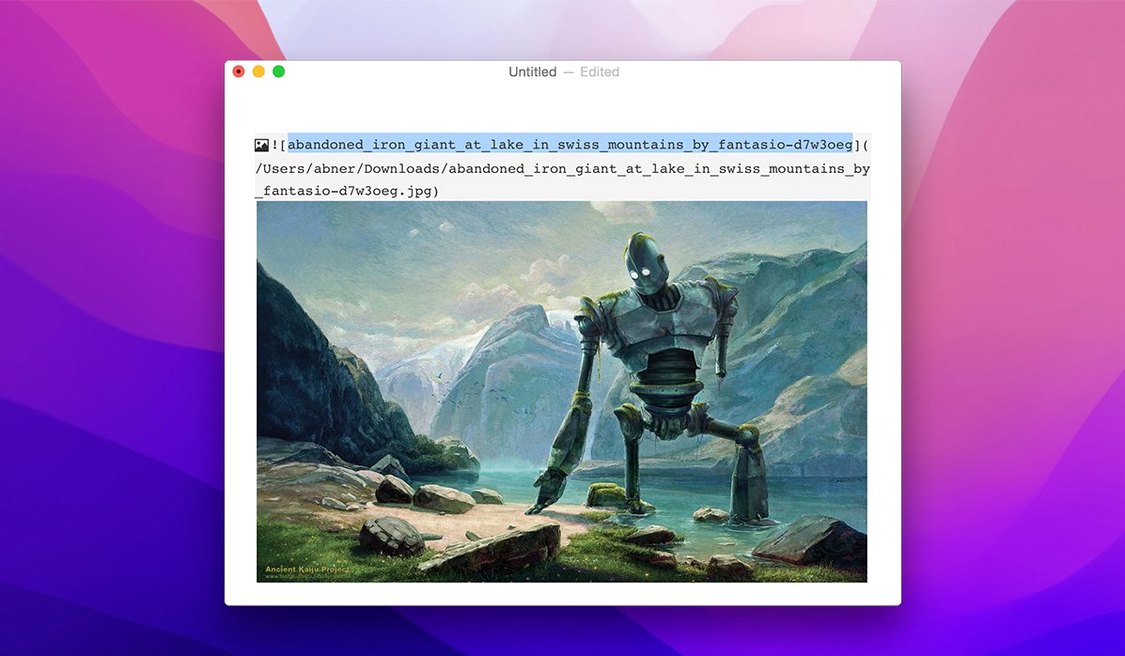
Image copy behaviour. Drag an image into a document and Typora copies it to a local asset folder by default, relative to the Markdown file. That is sensible for portability, but if you already keep images in a shared media directory elsewhere, switch the path to an absolute location or disable the copy entirely under Editor → Images. Saves disk churn on large projects.
Fix Pandoc export failures when switching from source-code mode
A few friction points come up often enough that they are worth listing alongside their fixes.
Pandoc export fails from source-code mode. Version 1.14.10 specifically patches this. If you still hit it, check that Pandoc is actually on your PATH — Typora calls the system Pandoc binary and does not bundle its own. Run which pandoc in Terminal. No output means install it via Homebrew first, then restart Typora.
Welcome panel content clips at narrow window widths. Fixed in 1.14.10, but resizing the window below roughly 680 px still forces the panel layout to collapse awkwardly. The workaround is to dismiss the welcome panel entirely — Cmd+W or click the close button — and work from the sidebar file tree or the File → Open dialog.
Custom CSS themes break after an update. Typora stores user themes in a folder that survives version bumps, but the internal class names sometimes shift between minor releases. If a theme stops applying properly, open the developer tools via View → Developer Tools (or Option+Cmd+I), inspect the element that looks wrong, and compare the class names against your theme file. The fix is usually a one-line CSS selector update.
LaTeX blocks render slowly on large documents. Typora uses MathJax for LaTeX rendering, and a document with fifty or sixty block equations can stutter during live preview. Split long documents into separate files and link them with a Markdown-based include workflow, or switch the math renderer to KaTeX in preferences — KaTeX trades some LaTeX package support for noticeably faster re-renders.
macOS Gatekeeper blocks first launch. Right-click the app and select Open, then confirm in the dialog. One extra click, no Terminal work required. The TNT-signed build typically bypasses this after the first launch.
Eight open docs on Apple Silicon barely nudges memory pressure
Typora sits in the lightweight end of Electron-based editors, but it is still an Electron app. On an Apple Silicon Mac with 16 GB of RAM, a session with eight open documents — average file length around 2 000 words, a mix of prose and code fences — settles at roughly 380–420 MB of memory. That holds steady across hours of editing without creeping upward, suggesting the garbage collection in the bundled Chromium runtime is reasonably tuned for this workload.
Cold launch from an NVMe SSD takes three to four seconds with the sidebar populated. Restoring a previous session with four open tabs adds roughly a second. The 1.14 floating editor toolbar renders as a native-feeling overlay; scrolling responsiveness stays at a solid 60 fps on the internal display of an M-series MacBook Pro, dipping only when MathJax is chewing through a dense block of LaTeX.
Stability under 1.14.10 is uneventful — crashes are rare in routine writing. The most common trigger for a hard quit in earlier builds was Pandoc export from source mode, which this version explicitly fixes. Autosave triggers on focus loss, not on a timer, so a crash mid-sentence might cost you the last few keystrokes but never a full paragraph. The file format is plain .md on disk; even a corrupted session leaves your words readable in any text editor.
CPU use is negligible during idle — under 1 % on efficiency cores — and spikes briefly to 15–25 % on a single performance core during large file opens or export jobs. That makes it a comfortable companion alongside heavier tools like Xcode or Docker without fans spinning up on Apple Silicon hardware.
Technical writers, academics and note-taking minimalists
Typora suits a narrower set of use cases than the general-purpose Markdown editor label suggests. Three groups stand out.
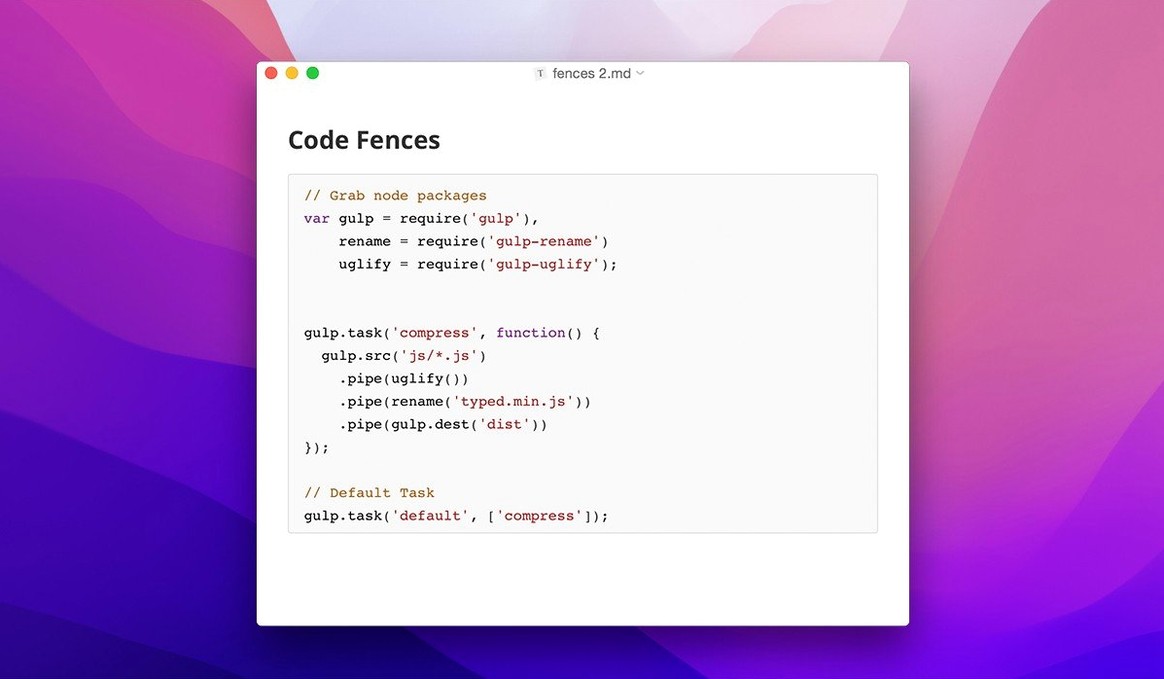
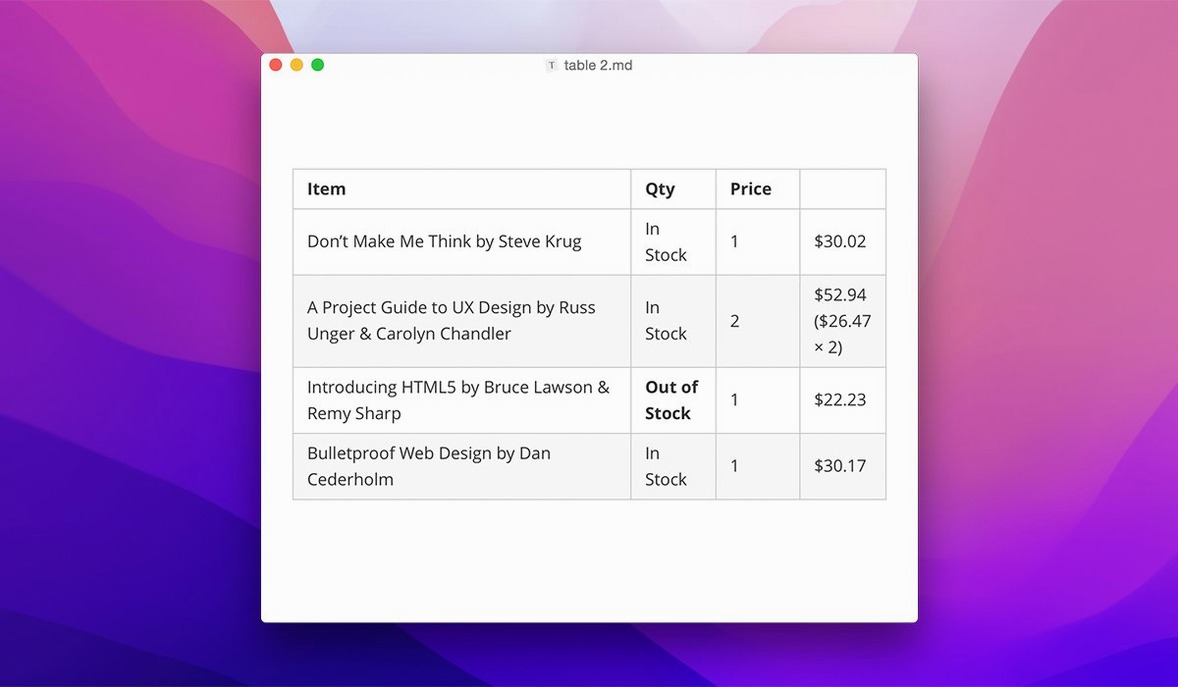
Technical writers and documentation authors. The inline preview eliminates the mental split between source and output, which matters when you are writing spec sheets, README files or software catalog entries — documents where formatting must be correct on first view. Code-fence syntax highlighting for twenty-plus languages, combined with LaTeX for equations and one-click table editing, covers the majority of structured writing tasks without a build step. The sidebar's hidden-file toggle keeps Git-tracked doc repos navigable.
Researchers and students working with LaTeX-adjacent notes. Typora will not replace a full TeX environment, but it handles inline math, block equations and cross-references well enough for lecture notes, lab journals and draft papers. Export to PDF via Pandoc preserves math formatting, and the distraction-free writing mode strips the UI down to a blank canvas — helpful during long writing sessions where the file tree and toolbar become noise.
Readers who treat Markdown as a document format, not a source language. Because Typora hides all syntax by default, reading a Markdown file feels like reading a rendered document. The sidebar tree, now with keyboard navigation in 1.14, makes it a capable offline reader for a folder of notes or a downloaded documentation set. People who pull down Typora Mac crack or search for Typora torrent looking for a clean reading experience often land here for exactly that reason — the editor doubles as a reader without configuration. The same goes for those hunting a specific older build like Typora 1.12.6; the current 1.14.10 covers all that functionality and more.
Users who need real-time collaboration, rich-media embedding beyond images, or a plugin ecosystem will find the feature set too restrained. But for solo writing, reading and light export workflows on a Mac, Typora fills a gap that split-pane editors have left open for years.
- macOS 10.13.6 or later
- Apple Silicon and Intel 64-bit
Sign in · Create an account to add a field note.
No field notes yet. A measurement, a version, a machine — they appear after moderation.