Photo
CameraBag Pro 2026.2
PhotoUpdated
| Requirement | On file |
|---|---|
| macOS | OS X 10.10 or later |
| CPU | Intel 64-bit |
| Download | 71 MB |
Photographers and video editors who want to move beyond basic sliders without spending hours learning a node-based compositor often pick up CameraBag Pro. It suits people who work in preset-first workflows, reorder adjustments like a stack of filters, and need the same toolset for both stills and motion work.
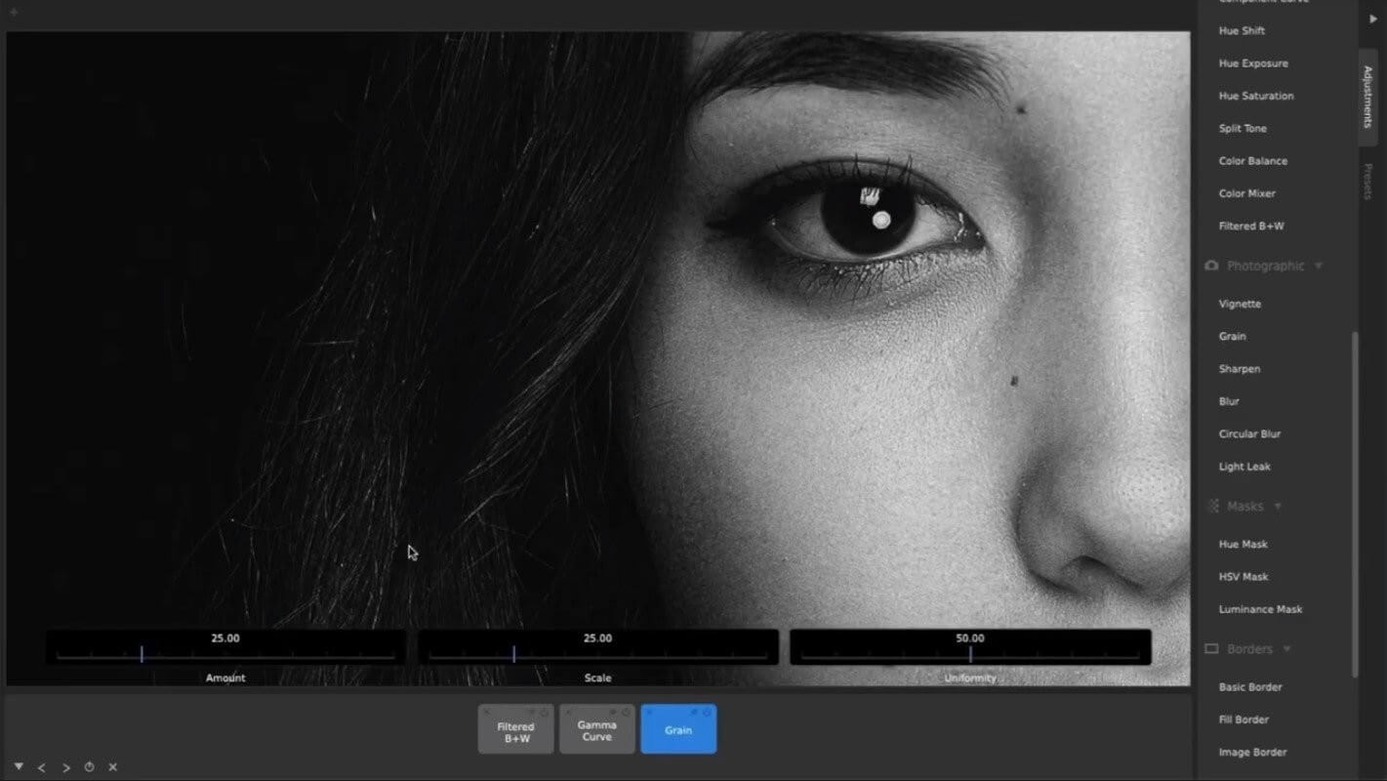
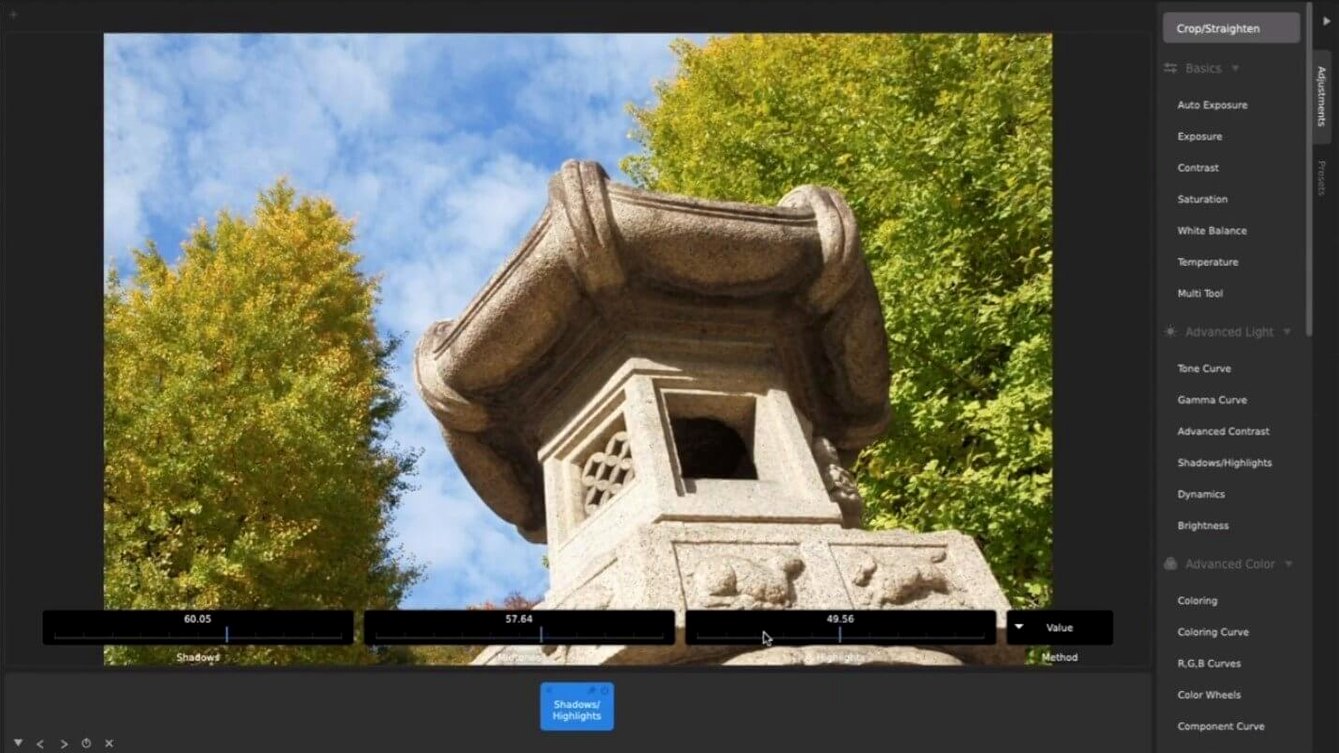
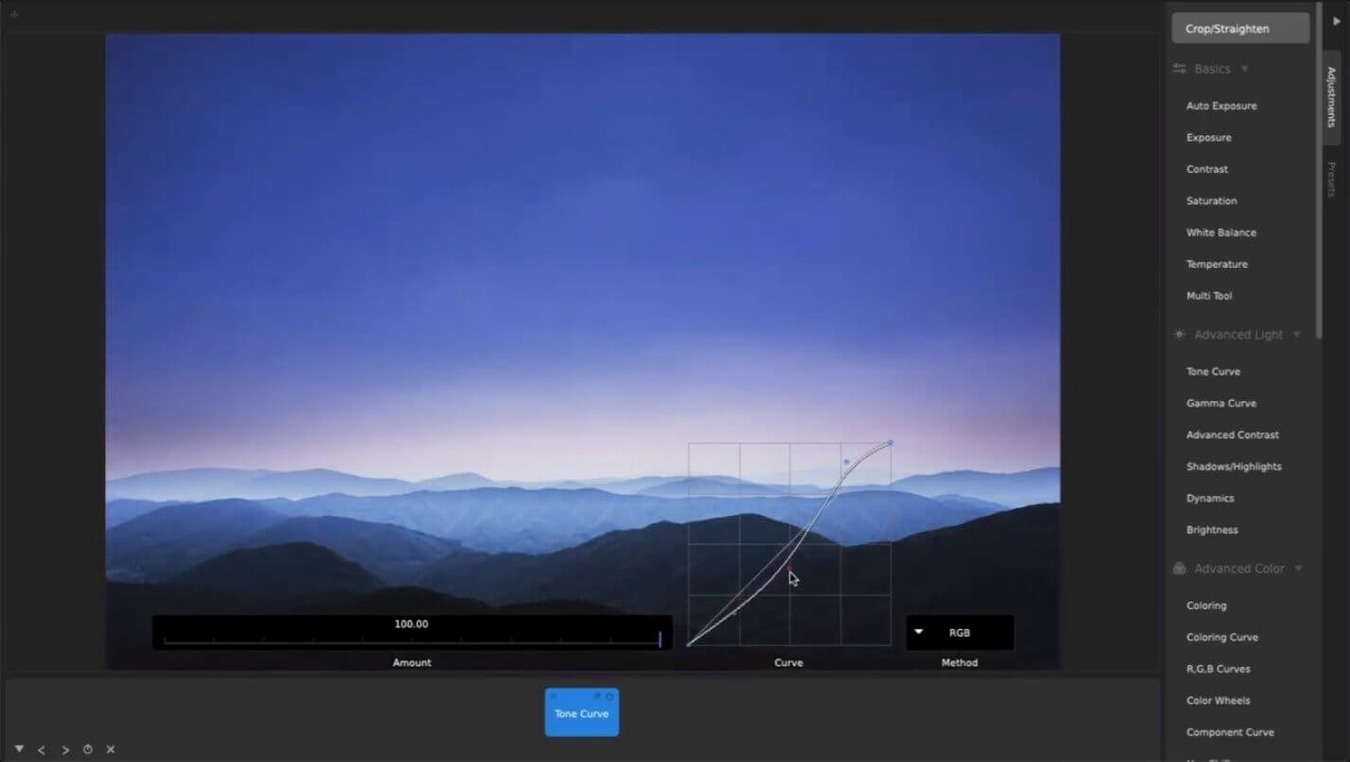
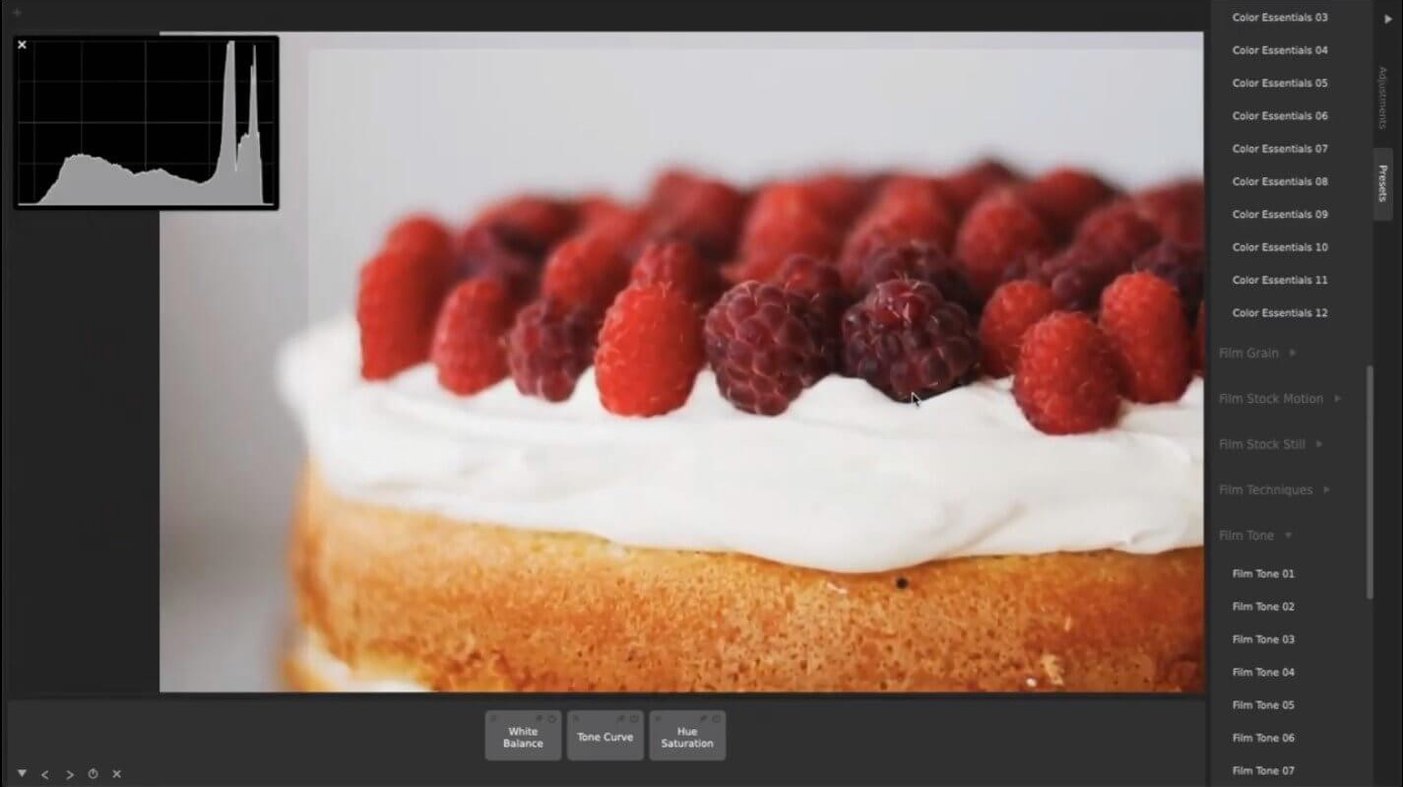
A sensible first move after installation is to load a familiar image or short clip and open the adjustments tray. The layout pushes presets to the front, but the manual controls sit right alongside them. Drag the exposure, contrast or saturation tiles into the stack, then shift their order vertically. Watching how a curve applied before or after a colour wash changes the output teaches you the layering logic faster than reading a manual.
Next, try importing a LUT file you already trust. The app reads standard cube-format LUTs and treats them as a tile you can place anywhere in the chain. Combining a LUT with the built-in curve tools gives you precise colour response without duplicating work you have already done in other software. The controls themselves are large and deliberate — designed for fine mouse adjustments rather than squinting at tiny number fields.
If you plan to share drafts or deliver proofs, add a watermark early. The watermark and branding tile sits in the same adjustment stack as everything else, so you can toggle it on or off without re-rendering. That stack-based approach, where every tweak is a tile you can reorder, bypass or duplicate, is the central habit to build during your first session.
When It Replaces Your Editor—and When It Doesn’t
Most people ask whether CameraBag Pro replaces their existing editor. The honest answer is that it depends on the task. For preset-driven colour work, batch exports and quick video treatments, it covers more ground than a general-purpose photo app. For heavy compositing, masking or multi-track audio, you will still reach for something else. What it does well is give you a single adjustment stack that behaves the same way on a still frame and a 30-second clip.
Another common question is about LUT handling. The app imports cube-format LUTs and exports them too, which matters if you move grades between CameraBag Pro and a dedicated colour pipeline. The LUT sits in the stack as a tile, so you can test it against a curve or a film preset without committing to a baked-in look. People also ask about video length and format limits. The app works with standard video files and applies the same tiles you would use on photos, including the motion film stock presets. No transcoding step is required before you start adjusting.
Batch work comes up often as well. You can process large media sets through the same preset, which suits event photographers and anyone converting a folder of clips to a consistent grade. Watermarking rides along in the same batch, so a single pass handles colour, resize and branding.
Grading 40 Interview Clips from Scratch
Imagine a folder of 40 interview clips that need a consistent look before a client review. You open the first clip, drop a motion film stock preset onto it, then pull the exposure tile below the preset so the grade sits on top of corrected levels. The curve tile goes in next, nudging the shadows toward a softer roll-off. You duplicate the stack, save it as a custom preset, then point the batch processor at the folder. While it runs, you open a still frame from the same shoot and apply the identical preset. The frame matches the video without any extra work.
A second pass adds a watermark tile to the top of the stack. You reposition it once, lock the scale, and let the batch update all 40 clips. The whole session — from first clip to final exports — stays inside one app, with no round-tripping through a separate colour tool or watermark utility. That is the workflow CameraBag Pro is built around, and it holds up when the media count climbs into the hundreds.
Why It Still Runs on Older Macs
The current build, 2026.1.0, keeps the same Intel 64-bit requirement and OS X 10.10 floor that long-time users already know. In everyday terms, that means the app still runs on older Macs that newer editors have left behind, and the install path stays simple: mount the disk image, drag the app to Applications, open it. Recent updates have focused on tightening the interaction between LUT import and the existing tile stack, so a LUT you bring in behaves like any other adjustment rather than a separate mode. For people downloading the camerabag pro mac full version, that continuity matters more than a long list of new buttons.
CameraBag Pro 2026.2 arrives with general maintenance work and the developer's most recent set of refinements.
- OS X 10.10 or later
- Intel 64-bit processor
Questions on file
Does CameraBag Pro work on Intel Macs?
Yes, the software uses x86 64-bit architecture and requires OS X 10.10 or later.
Can I use LUT files in CameraBag Pro?
It supports standard LUT files and lets you place them inside the adjustment stack alongside curves and other manual tools.
Does CameraBag Pro have the same features as CameraBag Photo?
Yes, CameraBag Pro includes the full feature set of CameraBag Photo and adds video editing and watermarking capabilities.
Sign in · Create an account to add a field note.
No field notes yet. A measurement, a version, a machine — they appear after moderation.