Photo
Darkroom 7.4.1
PhotoUpdated
| Requirement | On file |
|---|---|
| macOS | macOS 15.4 or later |
| CPU | Apple Silicon, Intel 64-bit |
| Download | 76 MB |
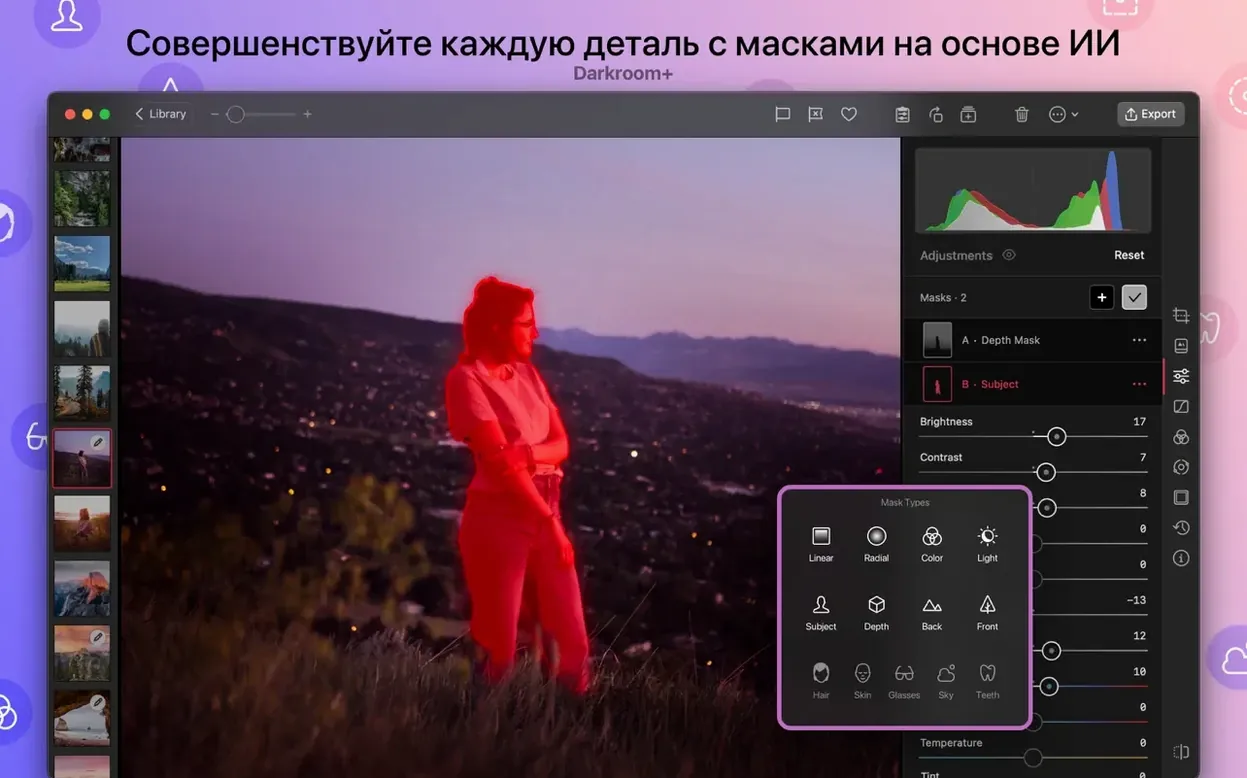
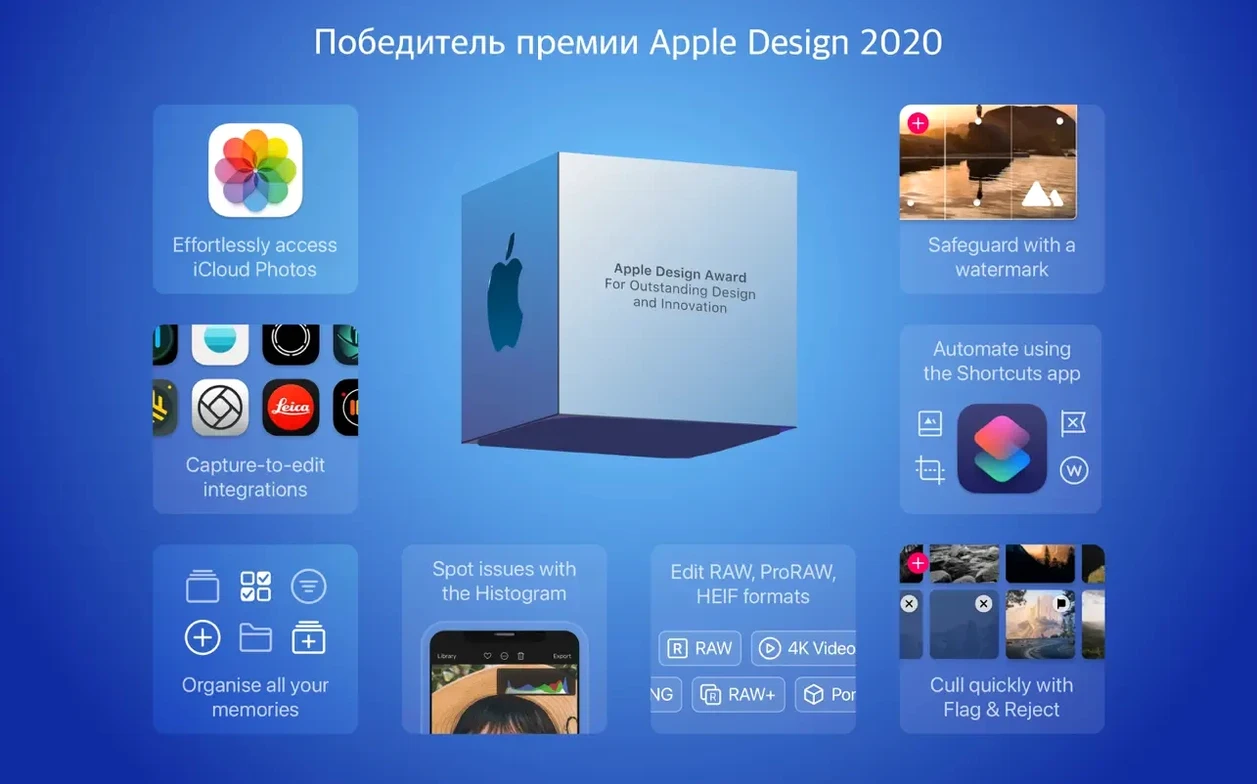
Photographers who live inside the Apple Photos ecosystem and want more control than the built-in tools offer tend to reach for Darkroom. It is not a Lightroom clone or a pixel-pushing Photoshop alternative. Instead, it hooks straight into the iCloud photo library on macOS 15.4 and later, so every edit syncs back to your iPhone and iPad without intermediate exports. The Mac app is a native, full-featured editor that handles stills and video in one interface, with a design that follows the Liquid Glass language introduced in version 7.4.
- Library-aware editing. Edits are non-destructive and written directly to the Apple Photos library. You can open an image, make adjustments, and see the final version on every device signed into the same iCloud account.
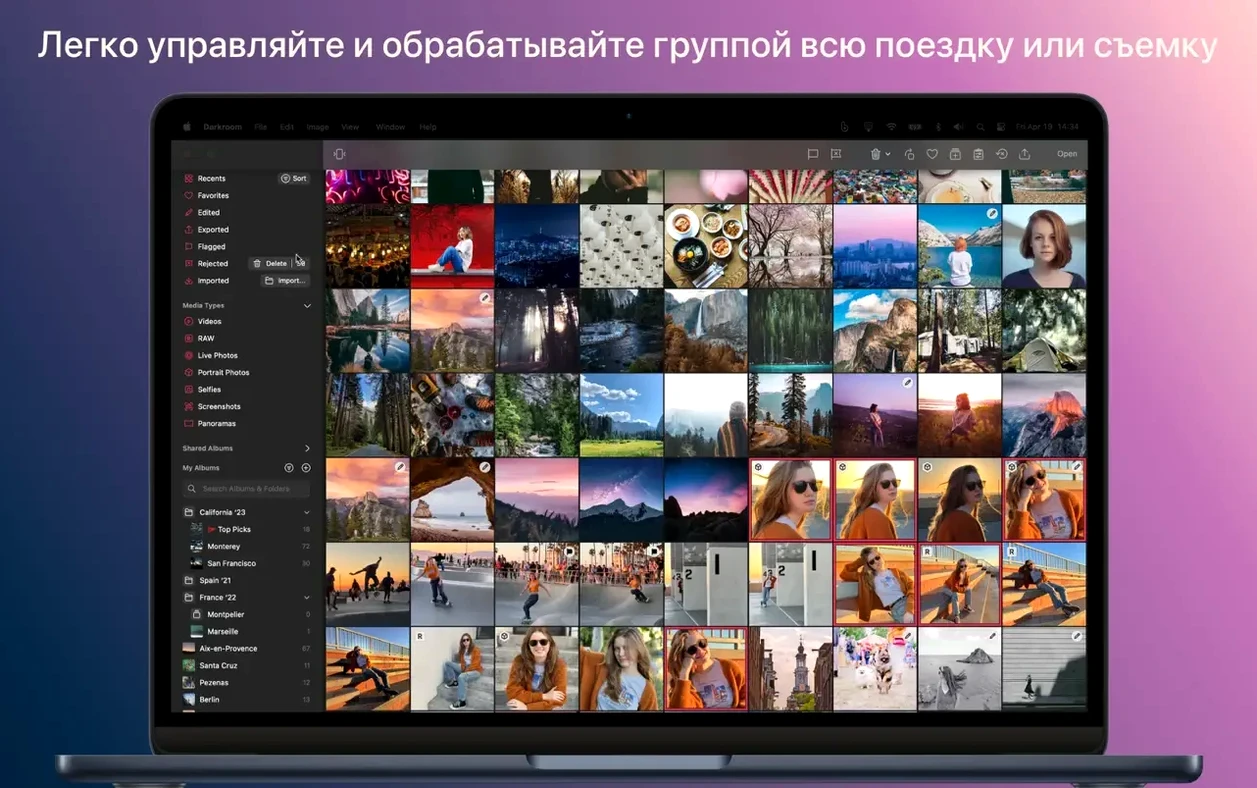
- Batch processing. Copy a set of adjustments from one photo and apply them across an entire shoot. Useful for matching white balance or a custom filter across dozens of frames shot under the same light.
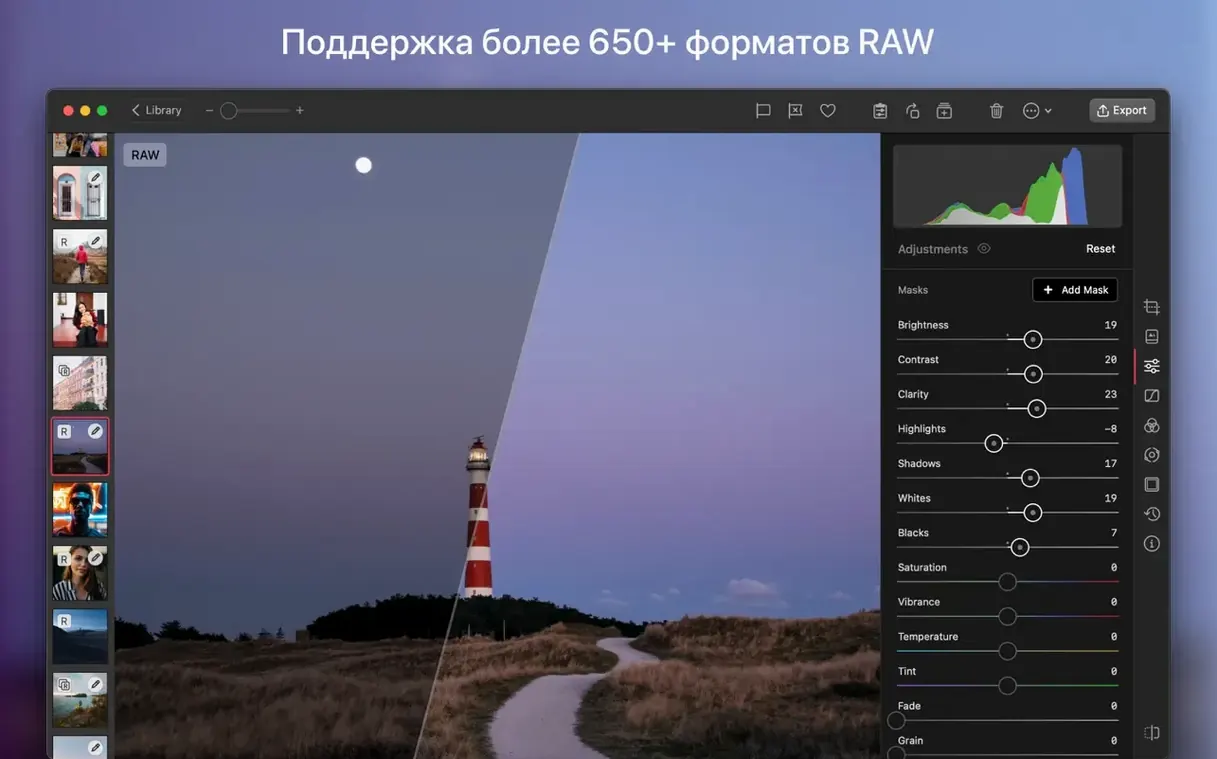
- Curves with HSL control. Version 7.4 adds five HSL curves alongside the standard luminance curve, with unconstrained point placement. You can target a narrow colour range without masking.
- Rebuilt White Balance tools. A one-tap automatic correction sits next to manual temperature and tint sliders, both reworked in the latest release for cleaner colour separation.
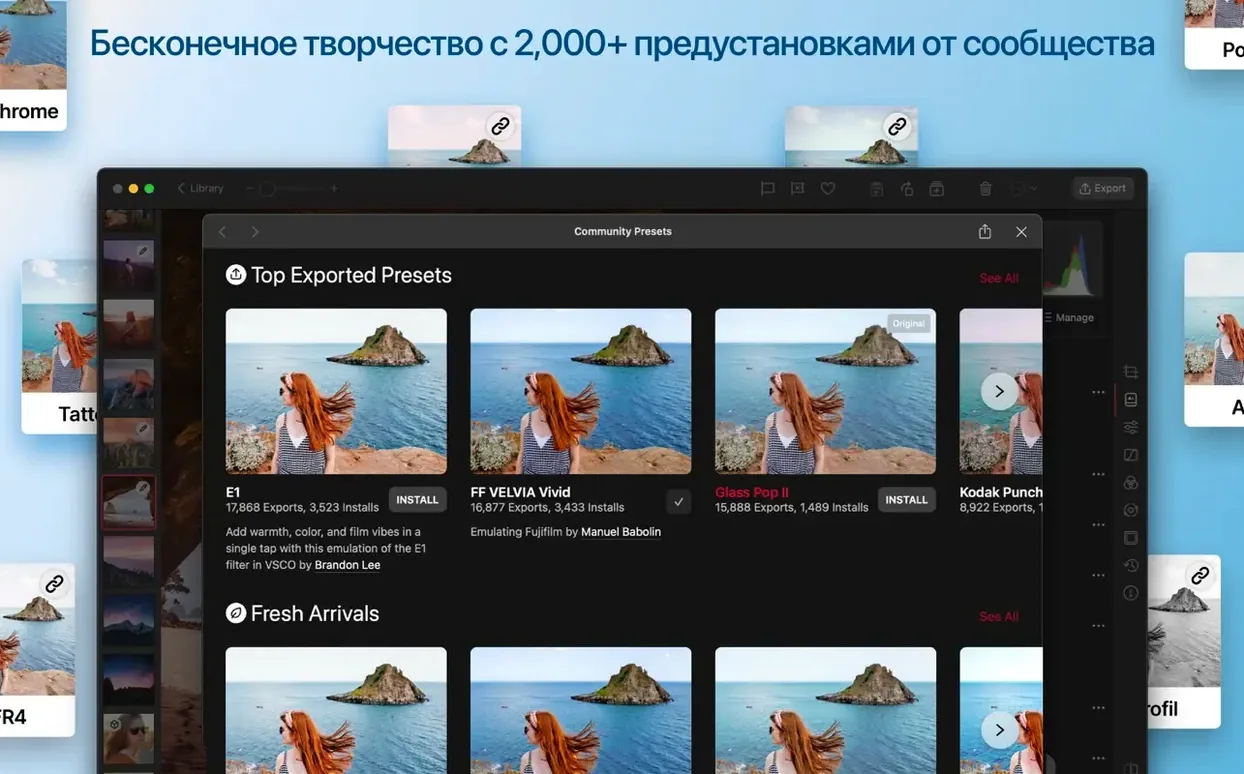
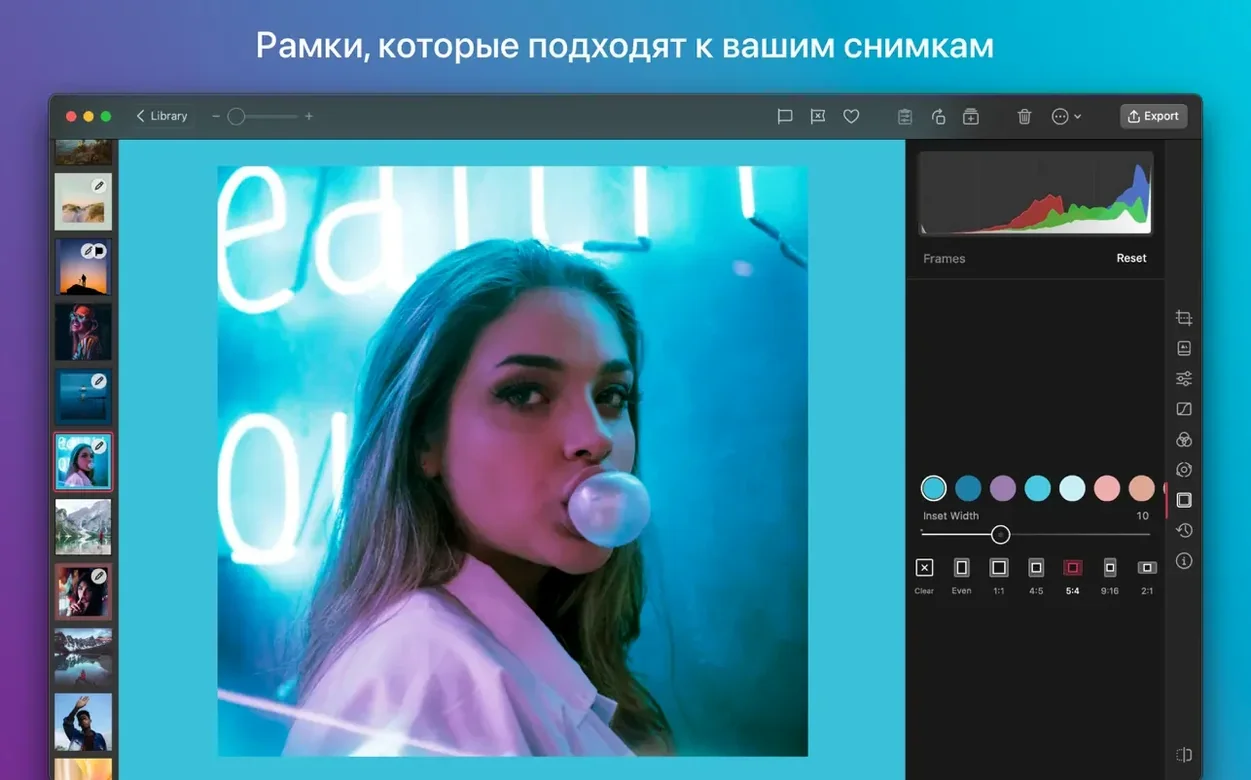
- Custom filters. Build and save your own presets from any combination of adjustments, then apply them during import or batch editing.
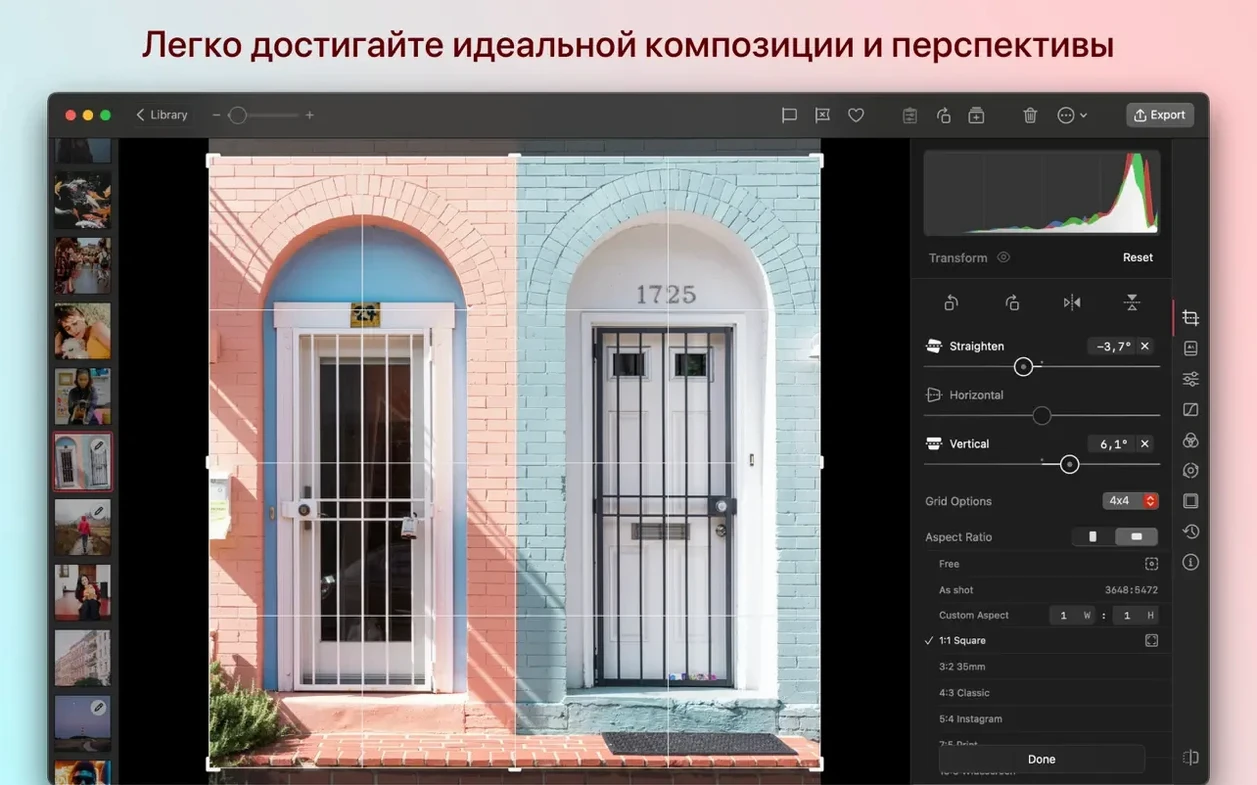
- Apple Photos extension. On Mac, Darkroom appears inside the standard Photos editing panel, so you can jump into its tools without leaving the library view.
The app supports 13 interface languages, runs on both Intel and Apple Silicon Macs, and handles video clips in the same adjustment stack as stills. It is a focused tool for a specific workflow — managing and editing an iCloud photo library with more precision than Photos.app provides. If your images already live in that library, Darkroom slots in as the missing adjustment layer.
Let the Library Index Overnight for a Snappier Start
Let Darkroom index your library overnight. The initial scan on a large Photos library can take a while, and the interface feels snappier once every thumbnail and adjustment preview has been cached. If you shoot RAW, set Darkroom as the default editor inside Photos: open any RAW file, choose Edit With > Darkroom, then tick Use Darkroom as the default editor in the subsequent dialog. From that point, double-clicking a photo in the library opens it directly in Darkroom’s adjustment stack.
Spend ten minutes building one custom filter. Pick a well-exposed image, dial in your usual starting corrections — a slight S-curve for contrast, a color temperature tweak, maybe a gentle HSL shift to pull greens away from yellow — and save the filter with a descriptive name. You will apply it during import or batch-edit a whole album in a few seconds the next time you offload a memory card. For video clips shot under the same lighting, the same filter works without modification; the adjustment stack applies identically to stills and footage.
Check the auto white balance tool on a few indoor shots from your library. Version 7.4’s rebuild handles mixed-lighting scenes better than the previous algorithm, especially tungsten-fluorescent combinations. If the automatic result feels too neutral, nudge the temperature slider by 200–400 K while holding the Option key for a finer increment.
iPhone Shooter with a Mirrorless RAW Pipeline
People who treat the Photos app as their primary hub benefit immediately. If you shoot on an iPhone, import RAWs from a mirrorless camera into Photos on the Mac, and expect every edit to sync back to the phone for sharing, Darkroom removes the round-trip through an external catalogue. Event photographers who deliver same-day galleries through a shared iCloud album find the batch editing and filter presets especially useful — copy adjustments from one keeper and paste them across 200 reception shots in under a minute.
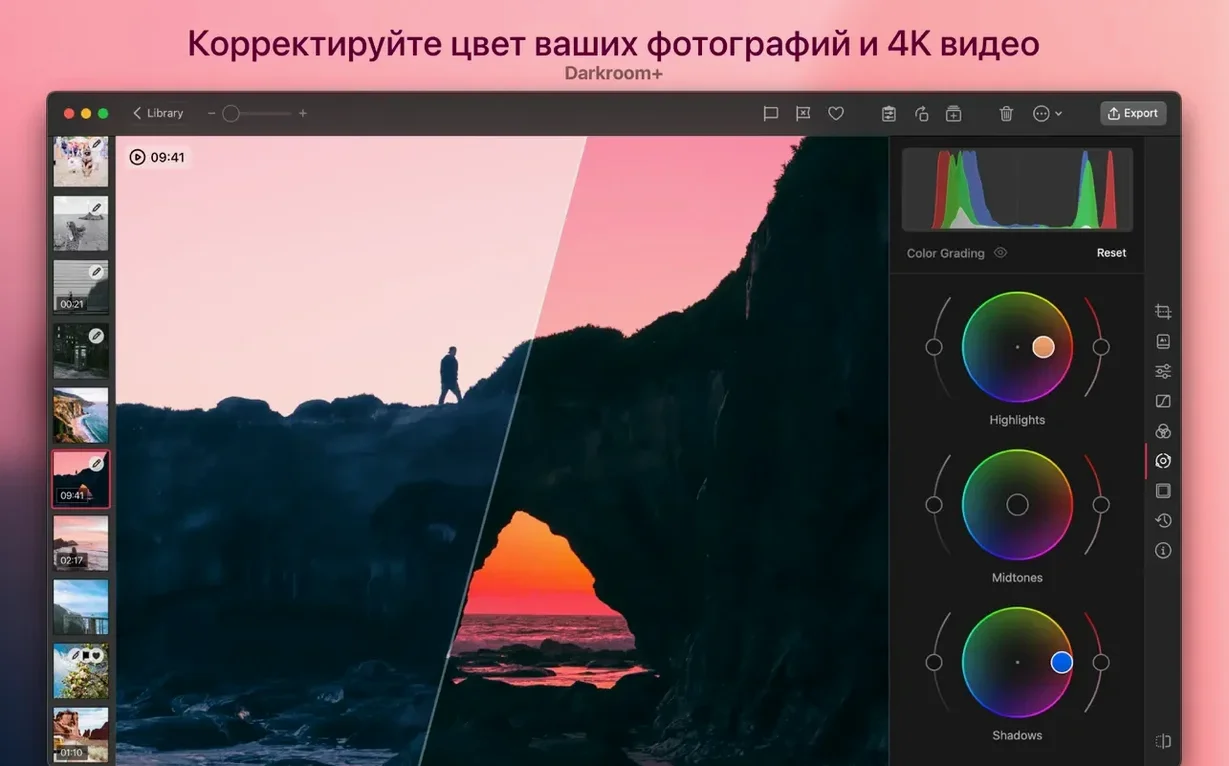
Video creators who work in short clips, not multi-hour timelines, also fit well. Darkroom handles exposure, color, and curve adjustments on video the same way it handles stills, which means you can grade a 4K clip from a Sony or Canon body without leaving the library. Portrait-mode photographers get direct control over the depth blur after the fact, a feature that the standard Photos editor still keeps behind a simple slider.
Users who need a full cataloguing system with star ratings, smart collections, and print layouts will find Darkroom too lean. It does not manage folders, keywords beyond hashtag sets, or export to FTP. For that audience, it works better as a fast finishing tool inside Photos than as a standalone replacement.
Edits Live Inside Your Existing Photos Library
Will it duplicate my library? No. Darkroom reads and writes to the existing Photos library. There is no import step, no sidecar folder full of XMP files, and no parallel catalogue to maintain. Edits made in Darkroom appear in Photos immediately, and edits made in Photos on an iPhone appear in Darkroom on the Mac after iCloud syncs.
Does it work without iCloud? Yes, for local libraries. The app edits the library database directly on disk. If your Photos library is stored locally on the Mac and not synced through iCloud, Darkroom still reads and writes adjustments without issue. Syncing simply extends the workflow across devices.
What happens to edits if I uninstall? Adjustments remain baked into the library. Photos renders them as previews and applies them on export. Reinstalling Darkroom later restores full nondestructive access to every slider and curve point you set.
How does it handle ProRes and RAW video? Darkroom applies color and exposure adjustments to video clips in the same stack as stills. Playback scrubbing stays responsive on Apple Silicon Macs, though 4K ProRes 422 HQ files benefit from being stored on an SSD with at least 1,500 MB/s read speeds. For users who need a clean, fast download of the latest version, the disk image is available directly; searching for download darkroom or darkroom for mac surfaces the package quickly. The same build runs on Intel and Apple Silicon, so there is no separate binary
- macOS 15.4 or later
- Apple Silicon and 64-bit Intel
Sign in · Create an account to add a field note.
No field notes yet. A measurement, a version, a machine — they appear after moderation.