
Photo
DxO ViewPoint 5.15.0
PhotoUpdated
| Requirement | On file |
|---|---|
| macOS | macOS 11 or later |
| CPU | Apple Silicon, Intel 64-bit |
| Download | 647 MB |
Architectural photographers and wide-angle shooters who need true verticals and level horizons turn to DxO ViewPoint when their host editor's built-in tools fall short at the frame edges.
| Detail | Spec |
|---|---|
| Current version | 5.15.0 |
| macOS requirement | macOS 11 or later |
| Architecture | Intel & Apple Silicon |
| Deployment | Standalone app and plug-in |
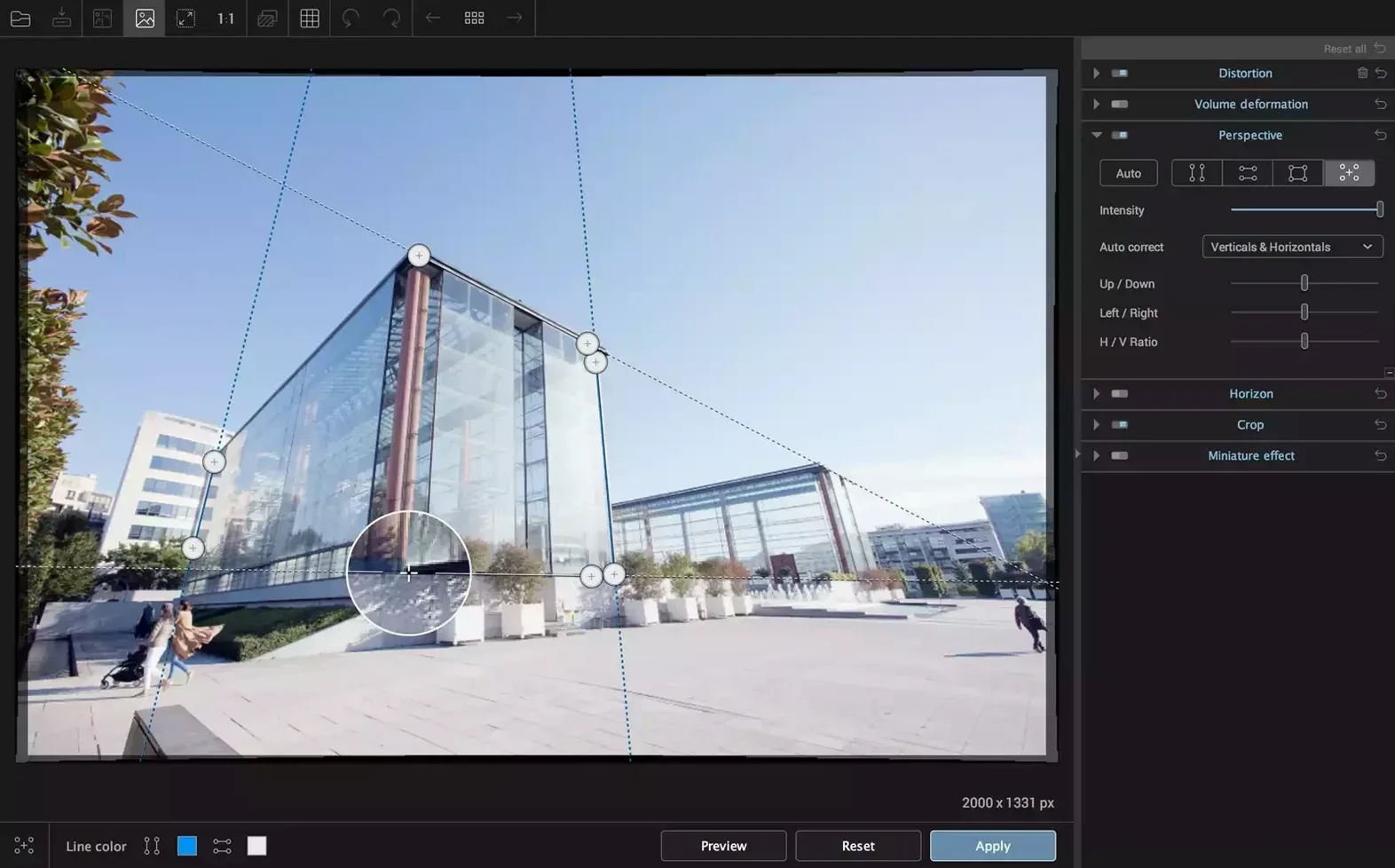
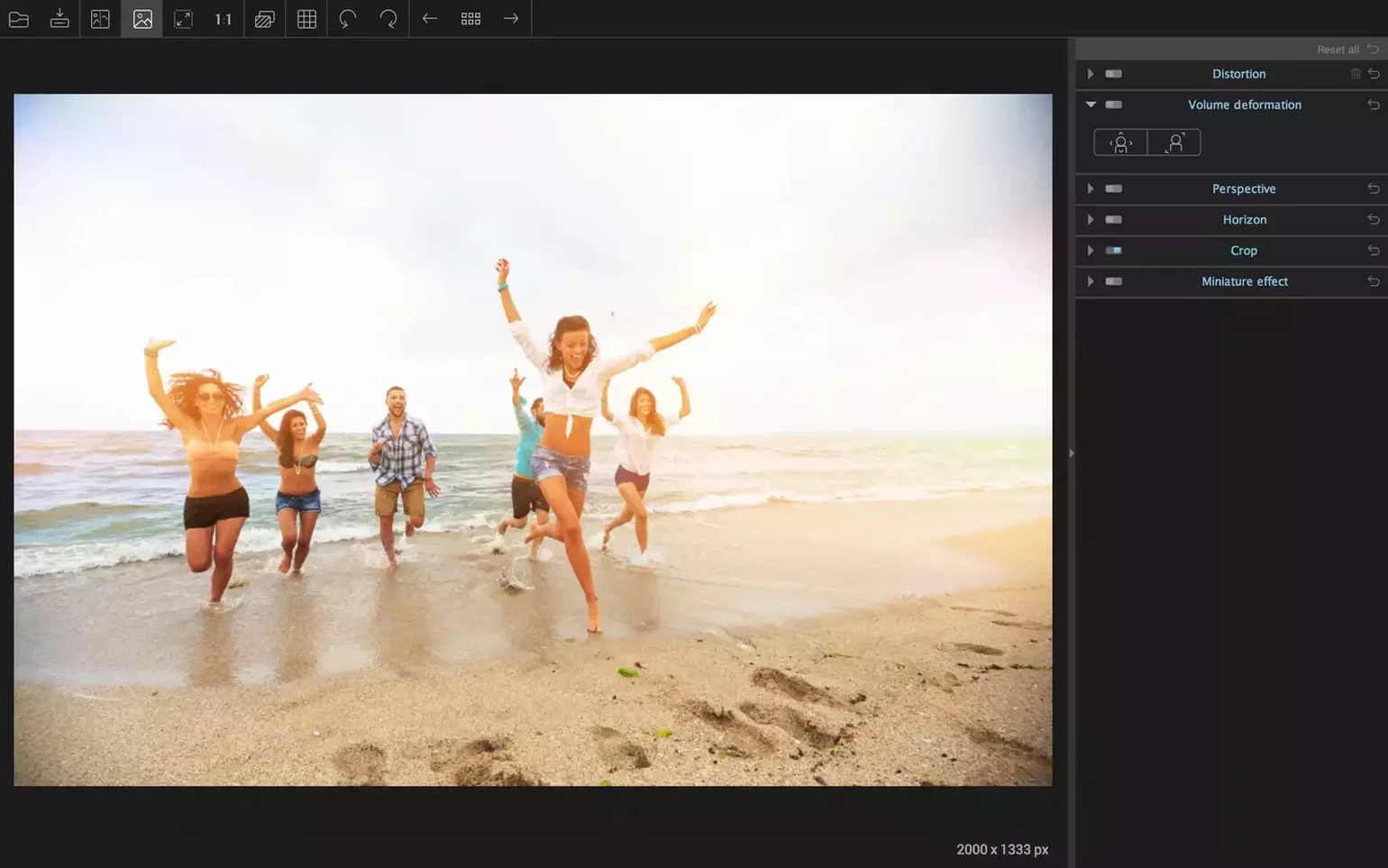
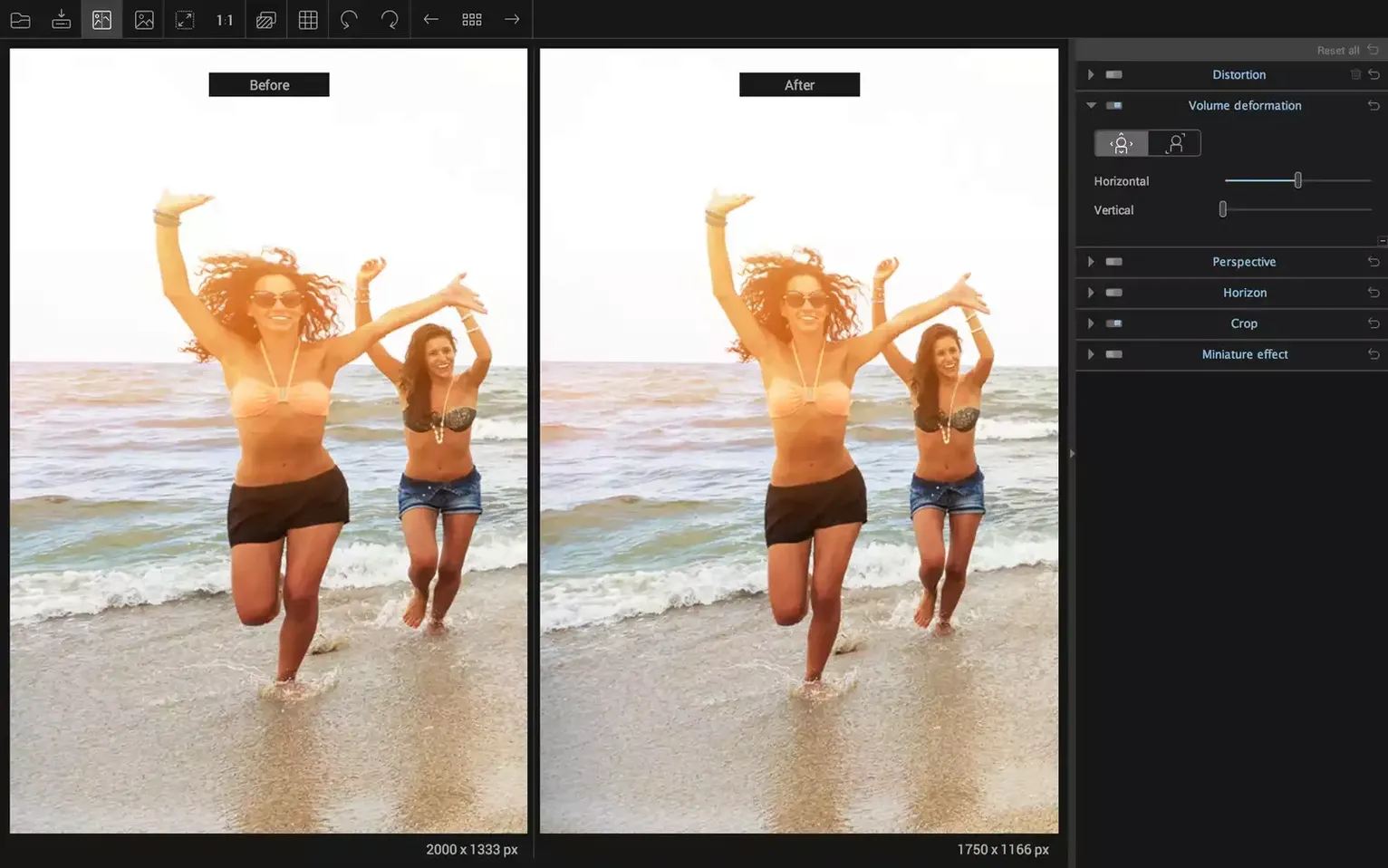
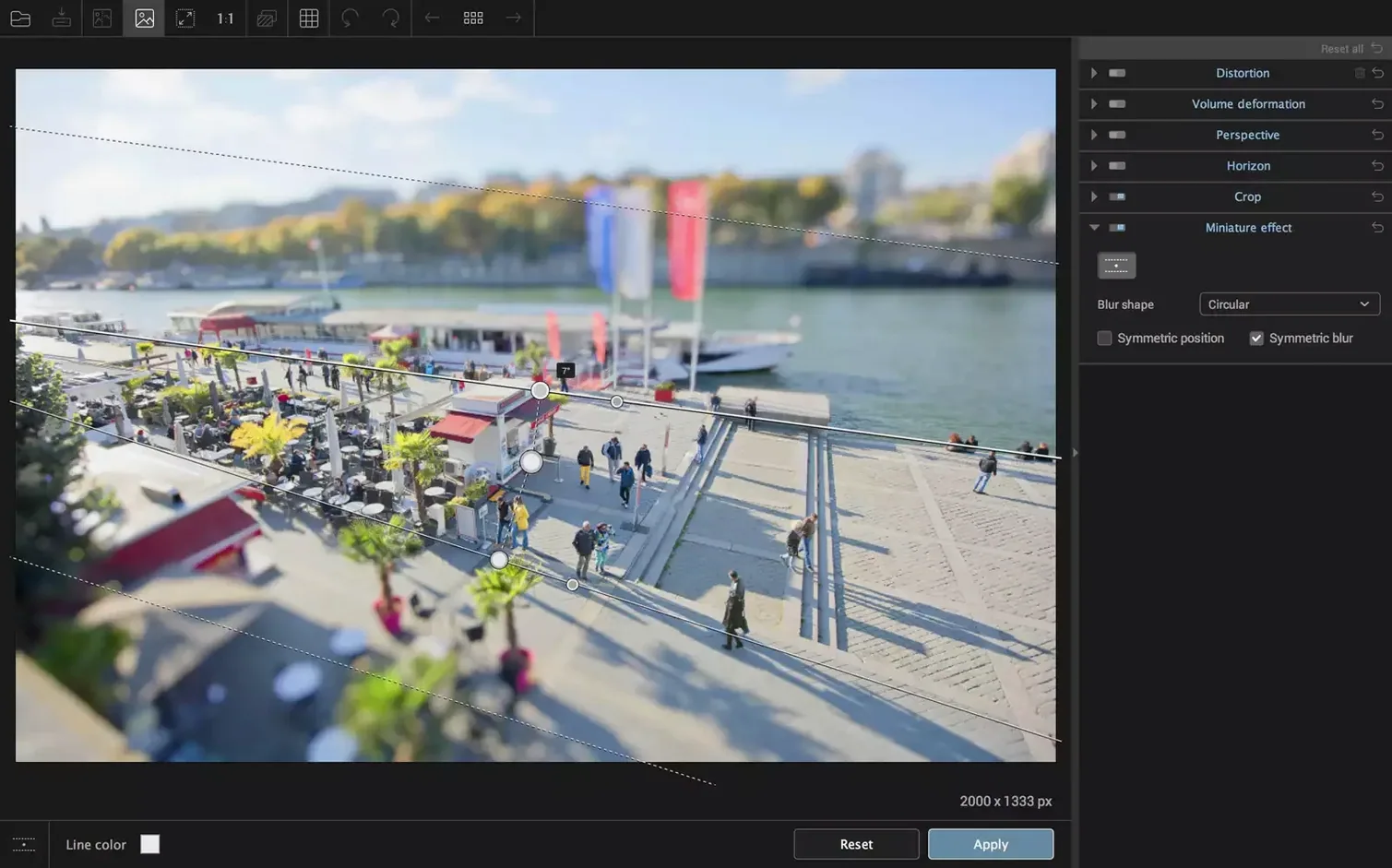
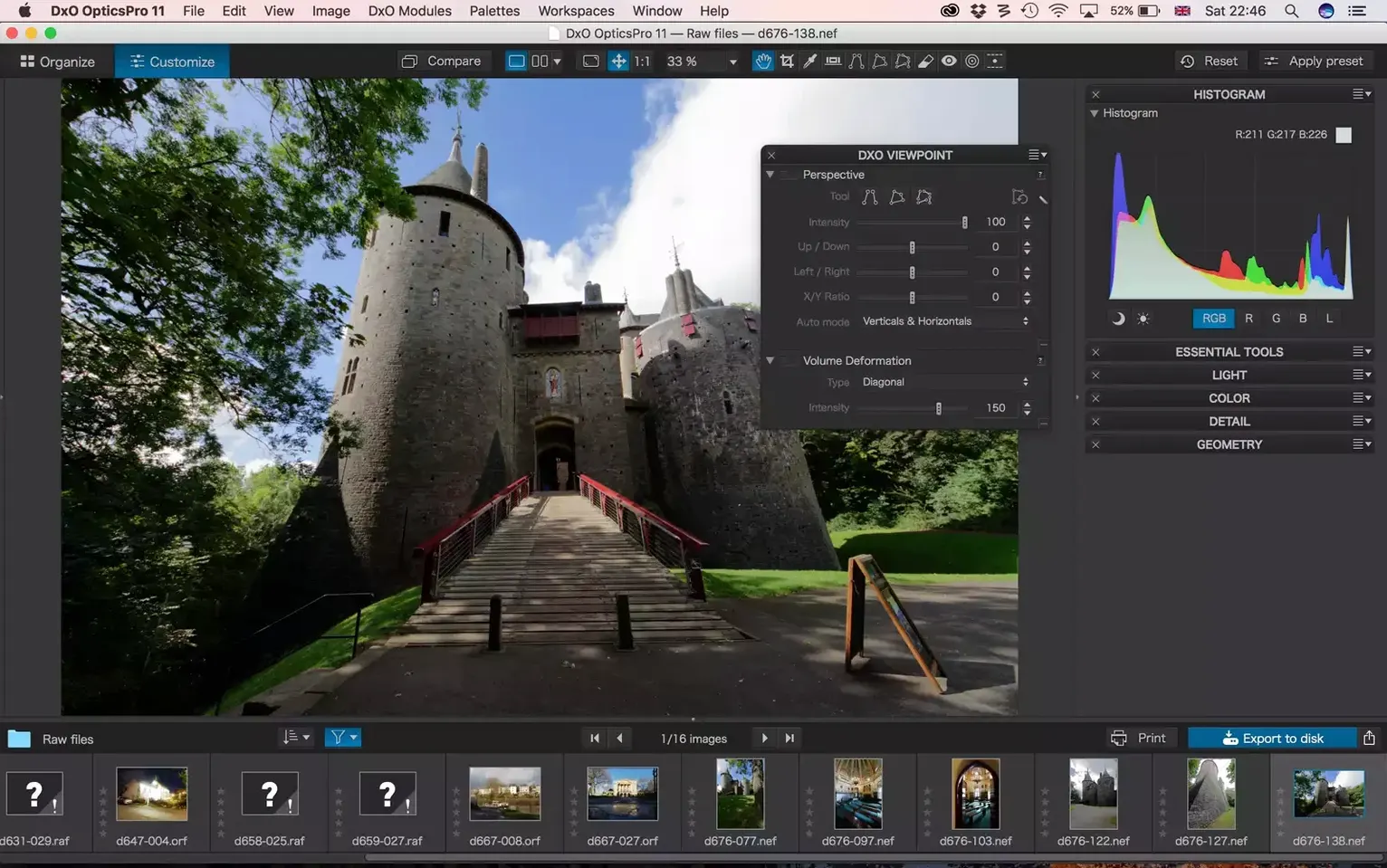
Straightening a city skyline shows what ViewPoint's geometry engine handles well. Load a raw file with converging verticals, drag the corner anchors to define two lines that should be parallel, and the forced-perspective correction squares the buildings instantly. The visual grid overlays help dial in an exact match while the one-click Volume Deformation fix restores natural head shapes on people caught near the wide-angle edges—a task that takes several masked layers in a general-purpose editor. ReShape Fusion takes over where global corrections stop, letting you select any region and move, scale or rotate it independently, useful for fixing a leaning spire without affecting the rest of the frame. The horizon tool reads the tilt angle directly from the image and levels it in one click, with fine rotation sliders for the last half-degree.
Near-instant corrections on Apple Silicon
On an Apple Silicon Mac, corrections apply fast enough that you rarely wait for a progress bar on a single raw file. The perspective grid snaps into place without lag, and dragging distortion sliders updates the preview at what feels like 15–20 frames per second—not real-time video smooth, but close enough that you can judge the effect without overshooting. Memory use sits around 400–600 MB while editing a 45-megapixel TIFF, climbing by roughly 150 MB for each additional file open in the standalone app. The plug-in route through Photoshop adds a sliver of overhead, mostly on the Adobe side; ViewPoint itself idles quietly when its panel is closed. Batch processing half a dozen 16-bit TIFFs pushes CPU utilisation into the 70–80% range for a couple of minutes, with the fans on a MacBook Pro 14-inch staying below audible levels. Intel machines feel the difference—corrections take about a third longer on equivalent i7 hardware—but the software remains stable across both architectures. I have not seen a crash when pushing the ReShape mesh with 15 or 20 control points on a 60-megapixel file, which suggests the undo stack and memory management are tuned sensibly.
Greyed-out plug-in menu in Lightroom Classic
The most common head-scratcher is a greyed-out plug-in menu inside Lightroom Classic. Nine times out of ten, Lightroom has handed off a virtual copy or a raw file with unsupported adjustments baked into a smart preview. The fix: make a real 16-bit TIFF copy, send that to ViewPoint, and the menu lights up. Another recurring issue is the horizon tool misreading a scene with strong diagonal elements—think a hillside behind a lake. The auto-levelling rotates the whole frame to match the slope instead of the waterline. Manually drawing a reference line across the actual horizon overrides the auto guess and sorts it in seconds. Some users report that the Volume Deformation slider overcorrects on group shots where faces are at different distances from the lens; reducing the strength to 60–70% and applying a second pass only to the outermost figures gives a more natural result. If the standalone app refuses to open a raw file that your camera manufacturer released after version 5.15.0 shipped, the raw support module simply does not know the format yet. Converting to DNG first side-steps that limitation cleanly.
No plug-in support beyond Adobe apps
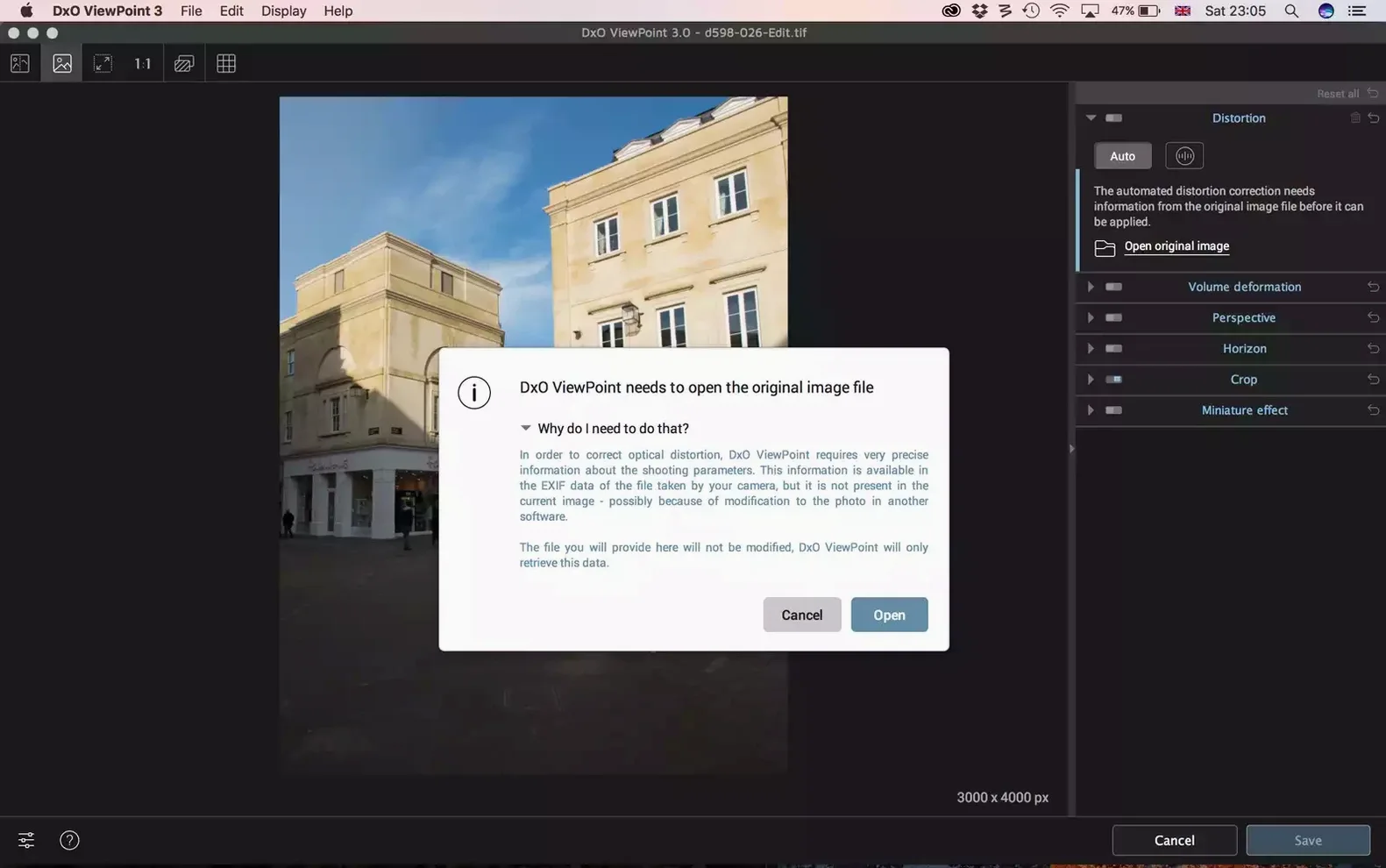
One question that comes up often is whether ViewPoint works as a plug-in inside Affinity Photo or Capture One. It does not—the plug-in path is strictly Adobe Photoshop and Lightroom Classic. If you work outside the Adobe ecosystem, the standalone application is your route, and it handles JPEG and TIFF files without fuss. People also ask if the correction is destructive. In the standalone app, you save a new file, so the original stays untouched. The plug-in workflow depends on how you call it: sending a smart object from Photoshop keeps the correction live; sending a flattened layer bakes it in. Another common query is whether the lens-distortion module duplicates what Lightroom's own profile corrections do. There is overlap, but ViewPoint's distortion tools go further—you can correct fisheye curvature manually when no lens profile exists, and the ReShape tool handles local warping that a global profile cannot touch. Finally, users wonder about the difference between the dxo viewpoint mac download available on this page and the trial from the developer's site. The build here includes activation handled inside the package, so you skip the licence-check steps entirely and go straight to the geometry work.
- macOS 11 or later
- Intel or Apple Silicon Mac
Sign in · Create an account to add a field note.
No field notes yet. A measurement, a version, a machine — they appear after moderation.