
Video
Fusion Studio 21 21.0.4 AIO
VideoUpdated
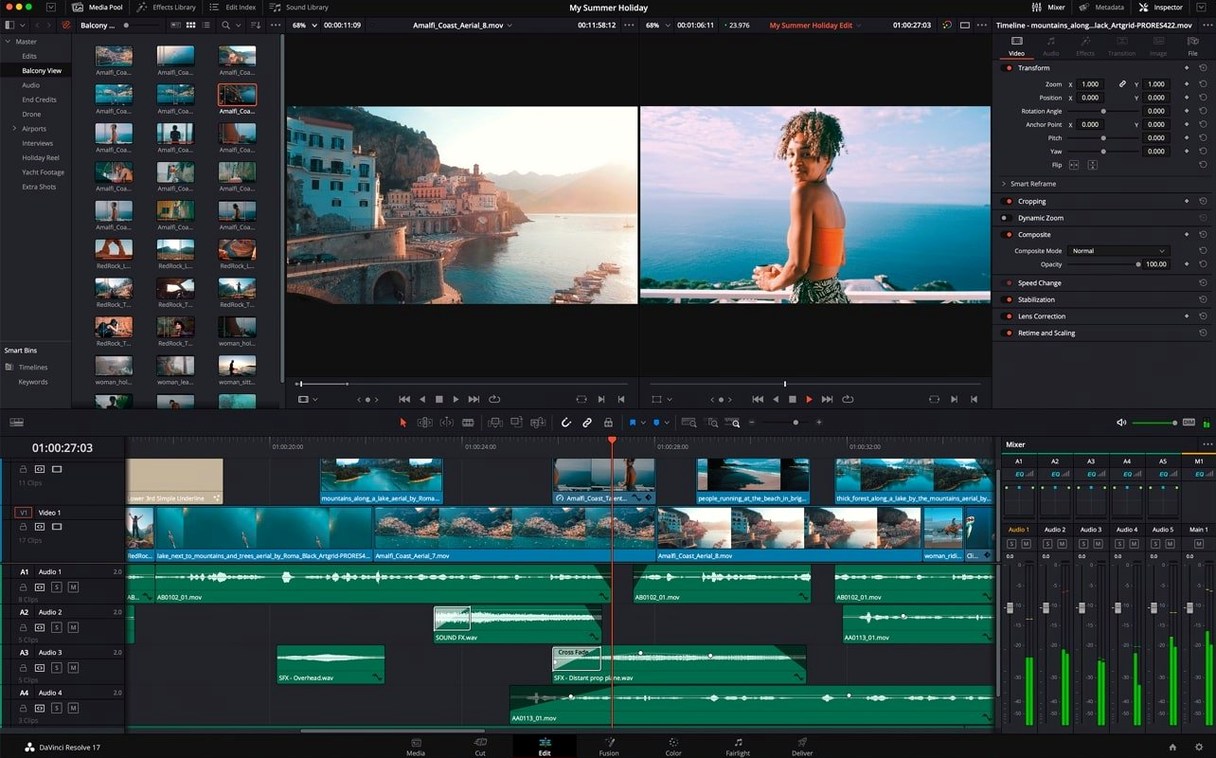
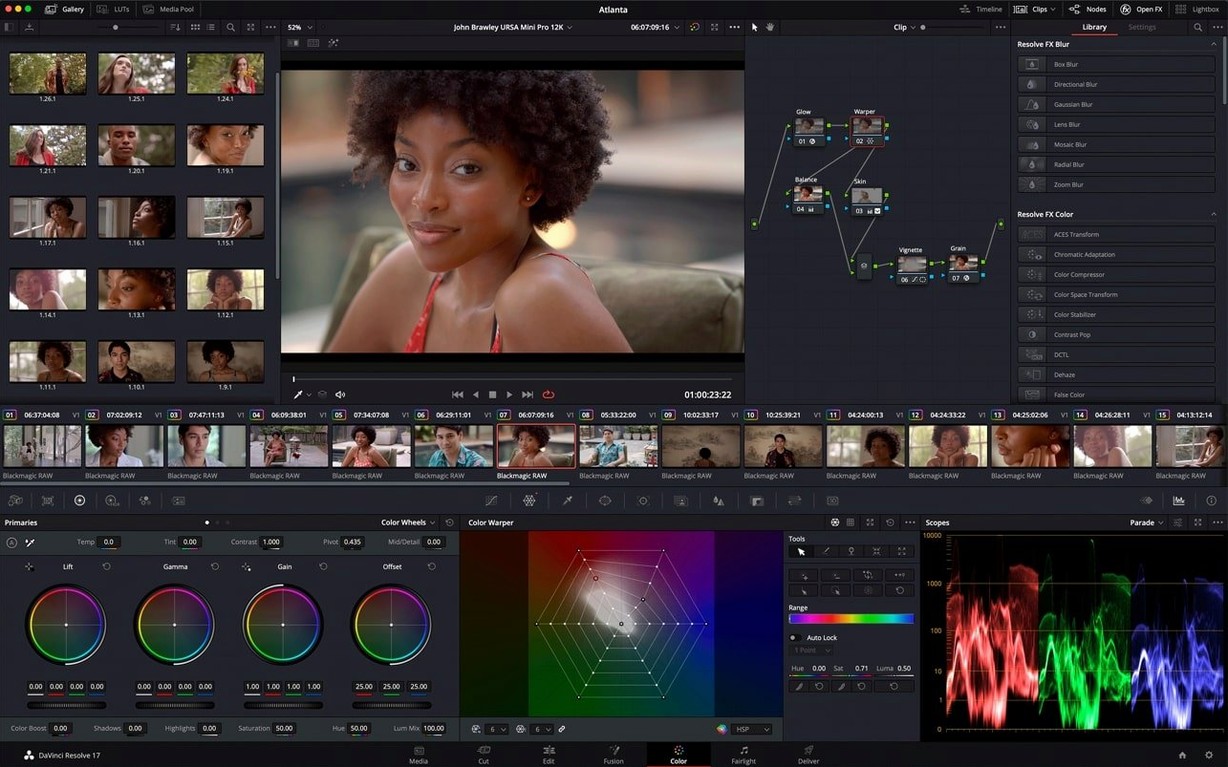
| Requirement | On file |
|---|---|
| macOS | macOS 14 or later |
| CPU | Apple Silicon, Intel 64-bit |
| Download | 3.1 GB |
A compositor needs to extract a moving camera from a handheld plate, integrate a CG element with correct parallax, and hand the comp off to a render farm before the morning review. That is the kind of multi-step, high-precision task Fusion Studio 21 is built to dissect.
How does the node editor handle complexity at scale?
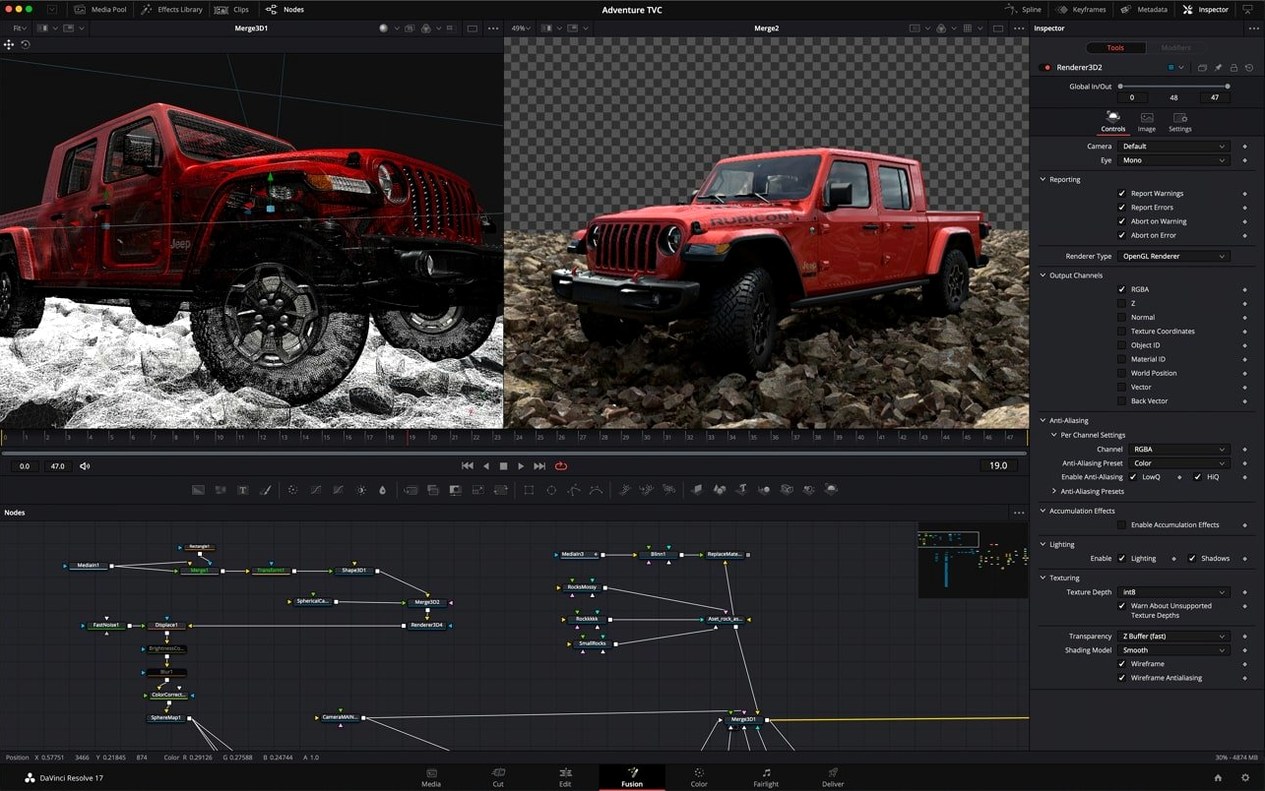
Every operation—from a simple blur to a full 3D scene—exists as a discrete node in a flow graph. You can group dozens of nodes into a single Macro, nest comps within comps, and colour-code branches to keep a very large shot readable.
What makes the 3D compositing environment practical for VFX?
It is a genuine 3D workspace with support for cameras, lights, and geometry, not just 2.5D planes. Objects exist in real space, allowing you to project textures, cast shadows, and integrate native Relief Maps for surface detail without leaving the composite.
How does network rendering work in a studio setup?
Fusion Studio can distribute a single frame or an entire sequence across any number of render nodes on a local network. That means you can send a complex 3D composite with heavy Vector Motion Blur directly to idle machines and keep working on the next shot.
What does the USD and Hydra 2.0 API support unlock?
With the USD SDK 25.11 and Hydra 2.0 API for the Storm renderer, you can load and fully interact with large-scale USD scenes. This lets a compositor import full 3D stage setups from other departments and render them directly in the Fusion viewer for context-accurate composites.
Installing Next to the Resolve Fusion Page
One question that surfaces repeatedly is whether Fusion Studio 21 coexists with the Fusion page inside DaVinci Resolve on the same machine. The two share a core engine but live as separate applications. Installing Fusion Studio does not overwrite or disable the Resolve page, and project files move between them without conversion. A comp built in the standalone app opens on the Resolve Fusion page, and vice versa.
Another frequent concern is GPU memory. Fusion Studio leans heavily on the GPU for interactive previews, the Storm renderer, and the 27 Resolve FX accelerators. A machine with 8 GB of unified memory can run the application, but complex 3D comps with multiple relief-mapped objects and high-resolution plates will push the viewer frame rate down noticeably. Artists working at 4K or above on Intel Macs with discrete GPUs benefit from 8 GB or more of VRAM; Apple Silicon machines handle memory pressure differently, but large scenes still appreciate headroom.
People also ask whether the fusion studio 21 mac full version installer includes all the templates and macros shown in the Edit and Cut pages of Resolve. The templates live inside the Fusion Studio application bundle and appear automatically in the Effects Library. No separate download is required. The macro system also lets you save any node group—including custom vector shapes combined with Boolean operators—as a reusable template that appears in the library alongside the built-in set.
Vertical Node-Spline Stack for Animation
Several quality-of-life features sit just below the surface. The vertical layout option, available from the Workspace menu, moves the node editor to the top half of the screen and stacks the spline and keyframe windows underneath. For animation-heavy work where you constantly adjust curves against a node graph, this arrangement eliminates the left-right eye jump that the default horizontal split imposes on a single display.
The keyframe waveform display in the timeline is not purely cosmetic. When you sync animation to an audio track, the waveform renders directly behind the keyframe splines, making it possible to align a position pop or a scale bump to a transient without scrubbing playback repeatedly. Right-clicking the waveform toggles between rectified and bipolar views.
Text+ and MultiText nodes gained spell-check underlines in this release. Misspelled words show a dotted red underline inside the viewer, and a right-click offers corrections. For localised broadcast graphics that pass through multiple review cycles, this catches typos before they reach the client monitor.
The animation curve modifiers for automatic retiming are a subtle but powerful addition. When a composition's duration changes—because an edit page trimmed the clip range—keyframed animation reflows proportionally. You can override the default linear retime with ease-in or ease-out modifiers per parameter, which saves rebuilding animation curves when shot lengths shift late in a project.
Building a screen-replacement composite: a workflow
Imagine a handheld shot of an actor holding a tablet. The screen needs to show a custom interface, reflections must match the original glass, and the composite must track with the slight wobble of the actor's grip. Here is a practical chain built entirely inside Fusion Studio 21.
Drop the plate onto a Loader node and add a Planar Tracker downstream. Switch the tracker to Hybrid Point/Planar mode and place four corner pins on the tablet's bezel. Track forward; the algorithm handles the subtle rotation and perspective shift of a handheld shot well, but check frames where the actor's thumb crosses a corner point and nudge the track manually if needed.
Create a Background node set to the screen insert's resolution and connect a MediaIn node carrying the interface graphic. Merge the graphic over the background, then pipe the result into a Corner Positioner node. Right-click the Planar Tracker and choose "Export Corner Positions to Corner Positioner" so the insert locks to the tablet bezel precisely. Add a slight blur to the insert—0.5 to 1 pixel is usually enough to match the plate's optical softness at that depth.
To restore the original reflections, duplicate the plate Loader branch and add a Luma Keyer to isolate the bright specular highlights on the glass. Screen this keyed reflection layer over the tracked insert using an Apply Mode of Screen or Add, and dial the blend down until the composite reads as a single glass surface rather than a split element. The whole node chain can be grouped into a Macro and saved for reuse on future screen-replacement shots.
- macOS 14 or later
- Apple Silicon or Intel processor
Questions on file
Is this the same Fusion page found in DaVinci Resolve?
Resolve has a Fusion page built in, but Fusion Studio is the standalone application, with network rendering and the full toolset outside an editing project.
What GPU-accelerated effects are available?
It includes 27 GPU-accelerated Resolve FX on the Fusion page, covering common tasks like lens flares, glows, and stylisation that process without a round-trip to the CPU.
Can I do VR work inside Fusion Studio?
Yes, the toolset includes specific support for VR workflows, allowing you to comp and review stereoscopic or monoscopic 360-degree footage natively.
Sign in · Create an account to add a field note.
No field notes yet. A measurement, a version, a machine — they appear after moderation.