
Video
Movist Pro 2.21.0
VideoUpdated
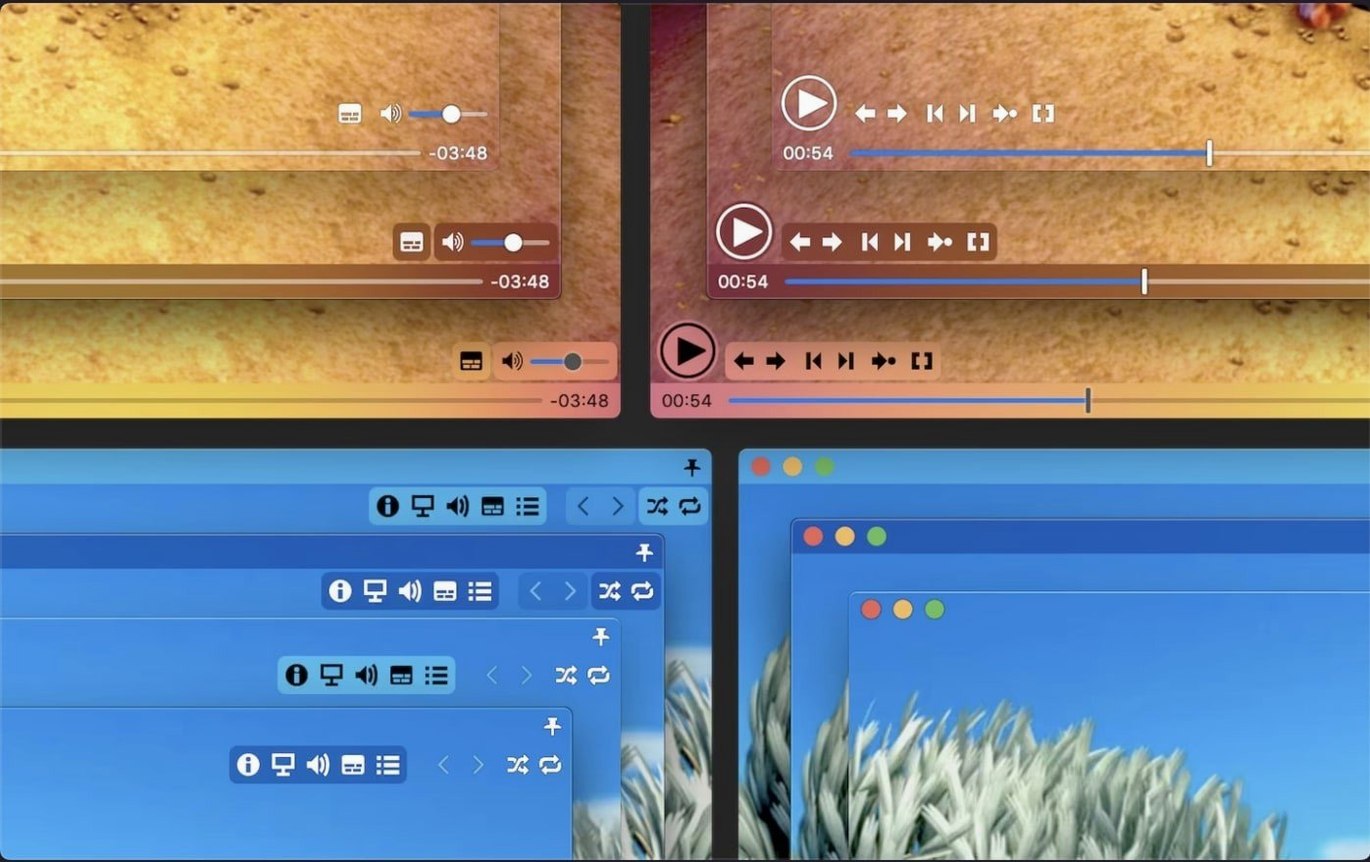
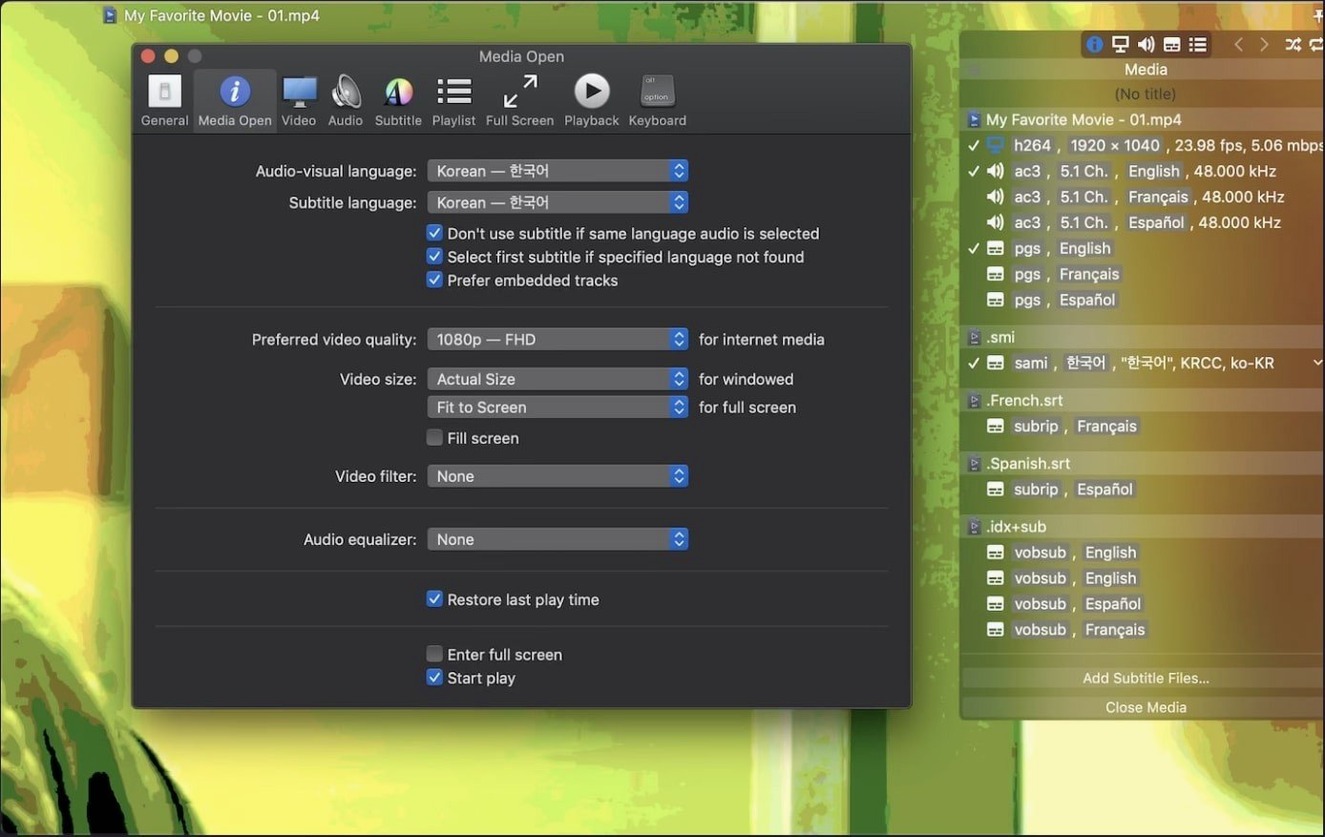
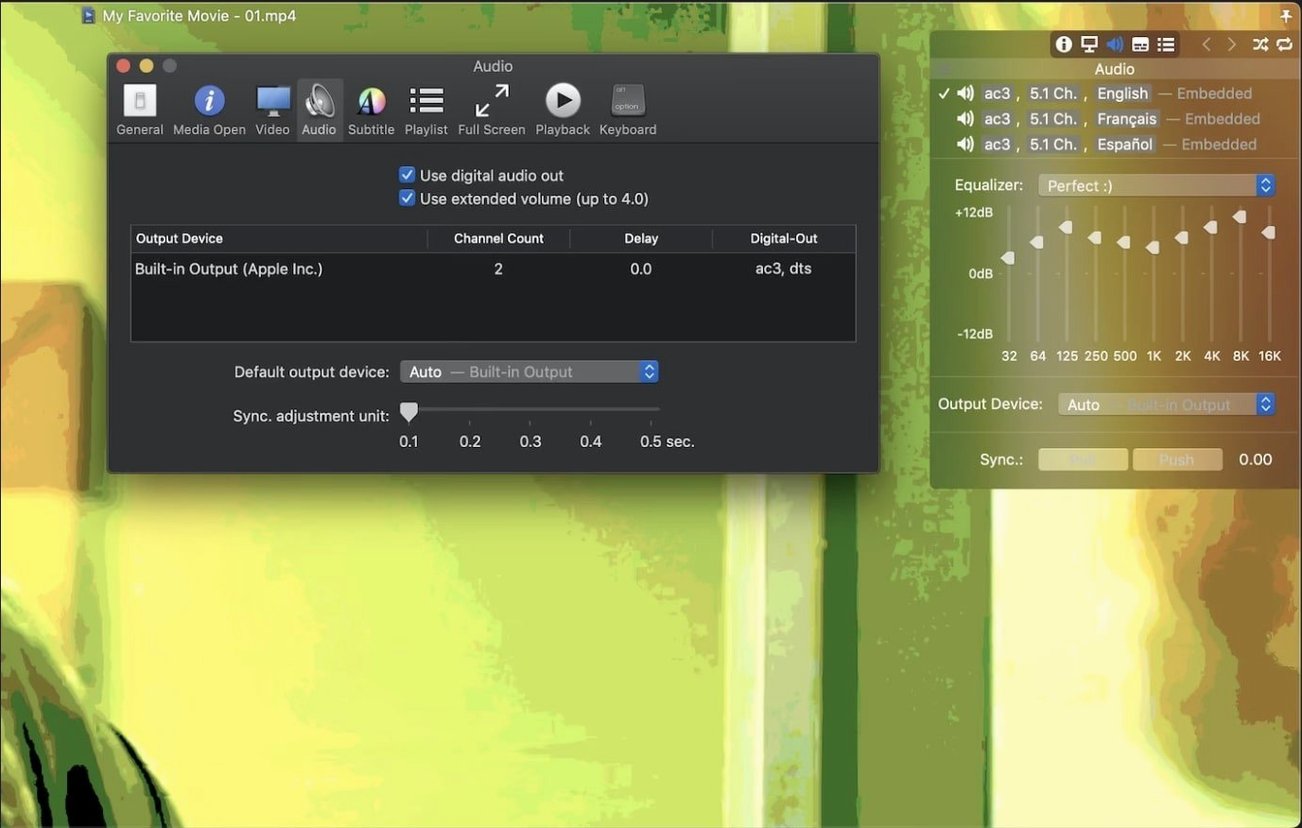
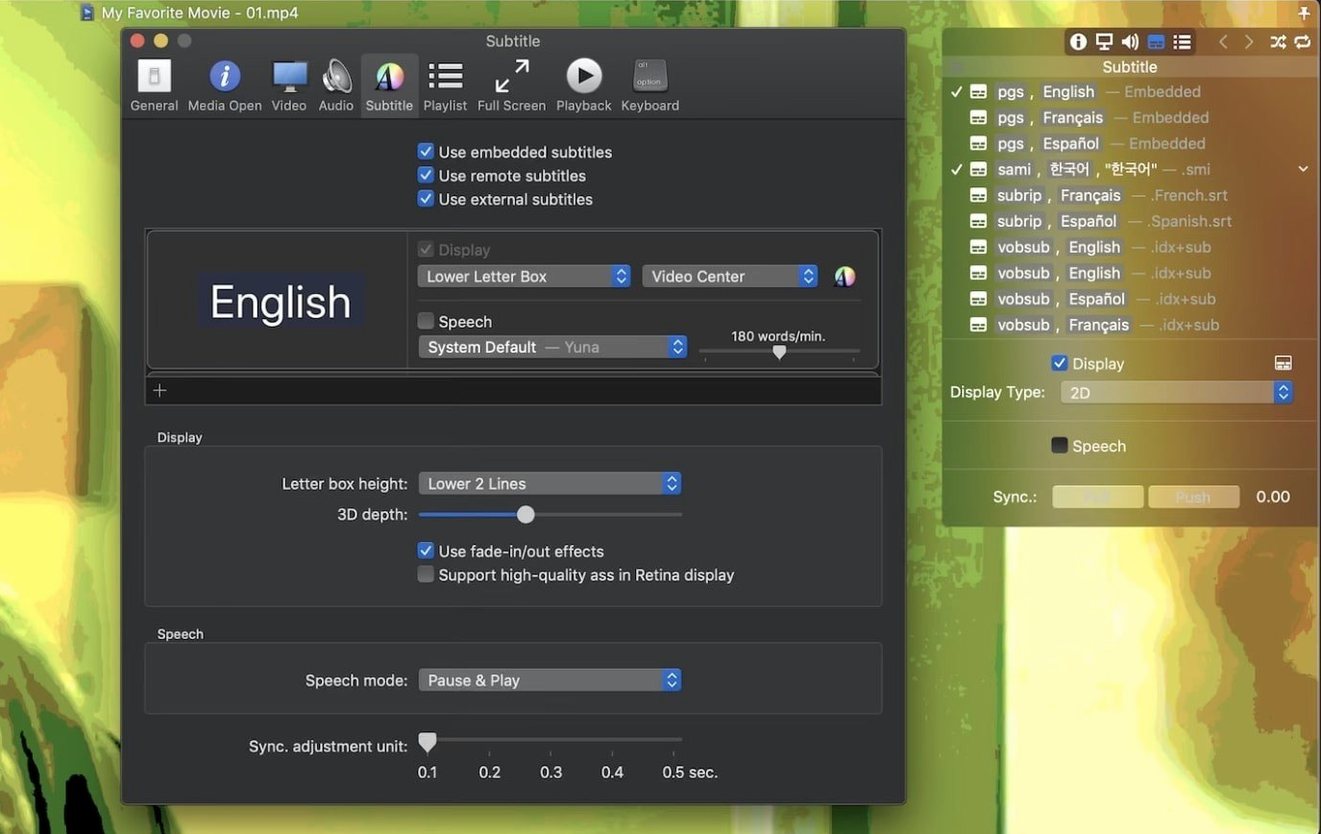
| Requirement | On file |
|---|---|
| macOS | macOS 11 or later |
| CPU | Apple Silicon, Intel 64-bit |
| Download | 60 MB |
Translators who need three subtitle streams stacked, engineers scrubbing through TS recordings, and anyone who keeps a library of oddly encoded Matroska files tend to land on Movist Pro. It does not try to be a media centre—just a player that handles QuickTime and FFmpeg codecs under one roof.
Stack and sync subtitles
With no cap on simultaneous subtitle tracks, you can display a full dialogue list, a commentary track, and a translation all at once. The sync adjustment slider stays live during playback, and compressed .zip or .rar subtitle archives are read directly without extraction.
Build a playlist without hunting
When you open a single episode, the autocompletion engine scans the folder for the next numbered file and any matching subtitle tracks, assembling a full season queue in one step. Embedded subs from the container show up alongside external files.
Play what QuickTime won't
Movist Pro picks either the QuickTime or FFmpeg engine per codec, so H.264 stays hardware-accelerated while legacy AVI and TS streams still run. Version 2.17.2 restores playback for certain TS files that previously failed and fixes a crash tied to disabled System Integrity Protection.
TS playback bug that blocked broadcast recordings
The two fixes in 2.17.2 are narrow but hit real workflows. The TS playback bug affected transport stream recordings from broadcast captures and some IPTV dumps—files that VLC would open without complaint but Movist Pro simply refused. For anyone who archives live TV or uses the player as a quick preview tool for raw MPEG-TS footage, that one-liner in the changelog meant the difference between keeping Movist Pro as the default and switching away.
The SIP-related crash was harder to pin down. Users who had deliberately disabled System Integrity Protection—common among developers running unsigned kernel extensions or tinkerers on Hackintosh builds—would see the app bail out unpredictably, often during window resizing or when switching between QuickTime and FFmpeg renderers. The fix removes that fragility, though the player itself requires no SIP modifications to function.
Neither change touches the interface or adds features. What they do is restore reliability in two edge cases that, for the people who hit them, were complete blockers.
How Movist Pro compares with IINA, VLC, and Elmedia Player
Three players dominate the "not QuickTime Player" space on macOS, and Movist Pro sits somewhere in the middle of them in scope.
IINA is the closest comparison. Both use mpv/FFmpeg under the hood, both support hardware decoding for H.264 and HEVC, and both have Retina-aware interfaces. IINA leans heavily on mpv's config-file flexibility; Movist Pro wraps QuickTime and FFmpeg into a single decision engine and adds subtitle features IINA does not match—unlimited simultaneous tracks, compressed archive reading, 3D subtitle support, and Letter Box placement. IINA's playlist handling is basic folder queueing; Movist Pro does episode-and-subtitle autocompletion. For pure video playback, they are close. For subtitle-heavy workflows, Movist Pro pulls ahead.
VLC plays nearly everything but treats subtitles as a secondary concern. You get one track at a time, sync adjustment is buried in hotkeys, and the interface shows its cross-platform roots. Movist Pro's subtitle stack and S/PDIF digital audio output make it a stronger choice for a home theatre chain or a translation workstation. VLC's codec reach is wider in edge formats, but Movist Pro's dual-engine approach covers the common ones with less interface friction.
Elmedia Player competes on the single-window, Mac-native look and adds streaming protocol support Movist Pro does not offer. Its subtitle handling is solid but capped: no simultaneous tracks, no archive reading. Elmedia's strength is AirPlay and DLNA streaming; Movist Pro ignores streaming entirely and concentrates on local file playback with finer control.
Switching the decoder when H.265 stutters
The most common confusion is the engine selector. Movist Pro does not advertise which codec path it takes unless you check the inspector. New users sometimes assume a stuttering H.265 file means the player is broken, when switching the decoder from FFmpeg to QuickTime hardware acceleration fixes it—or vice versa for an older codec where QuickTime stumbles. The setting is per-file and easy to miss.
Another frequent stumble: dragging a .rar or .zip subtitle archive onto the window and expecting it to load automatically. Movist Pro reads compressed archives when they sit alongside the video with a matching filename, but a manual drag requires the archive to contain exactly one subtitle file. Dropping a multi-sub archive does nothing, and the app offers no error message to explain why.
Playlist autocompletion trips up users who rename episode files inconsistently. The scanner looks for sequential numbering patterns; if season two starts with "S02E01" but season one used "01", the chain breaks. Keeping numbering uniform across a series is the quiet prerequisite the feature never states.
A subtitle translator's afternoon
Say you are localising a Korean drama into Russian and English. You have the original MKV with embedded Korean subtitles, an English SRT from a colleague, and your own partial Russian translation in a .zip alongside reference notes in a second external file. You open the MKV in Movist Pro. The embedded track appears. You drag in the English SRT and the uncompressed Russian file. All three render stacked—Korean at the bottom, English above, Russian at the top—each with its own font size and colour set in preferences. A scene's dialogue moves too fast, so you tap the sync slider and nudge the Russian track 400 ms ahead without touching the others. Halfway through, you spot a timing drift in the English SRT; you adjust it independently. No extraction, no muxing, no external editor. By the end of the episode, all three tracks are aligned, and you export your corrected Russian file straight from the subtitle list.
- macOS 11 or later
- Apple Silicon or Intel 64-bit processor
Sign in · Create an account to add a field note.
No field notes yet. A measurement, a version, a machine — they appear after moderation.