VST Plugins
Arturia Analog Lab V 5.12.6
VST PluginsUpdated
| Requirement | On file |
|---|---|
| macOS | macOS 11 or later |
| CPU | Apple Silicon, Intel 64-bit |
| Download | 2 GB |
A producer opens a project with 40 tracks already printed and the CPU meter nudging 70%. They drop Analog Lab V onto a new instrument track, call up a glassy FM pad from the intelligent browser, and play in a counter-melody without freezing a single channel. That is where this plugin sits best: late in a session when the heavy synthesisers are committed to audio and you just need a sound that works.
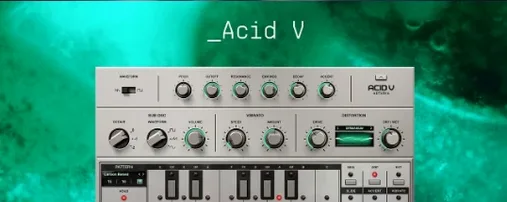
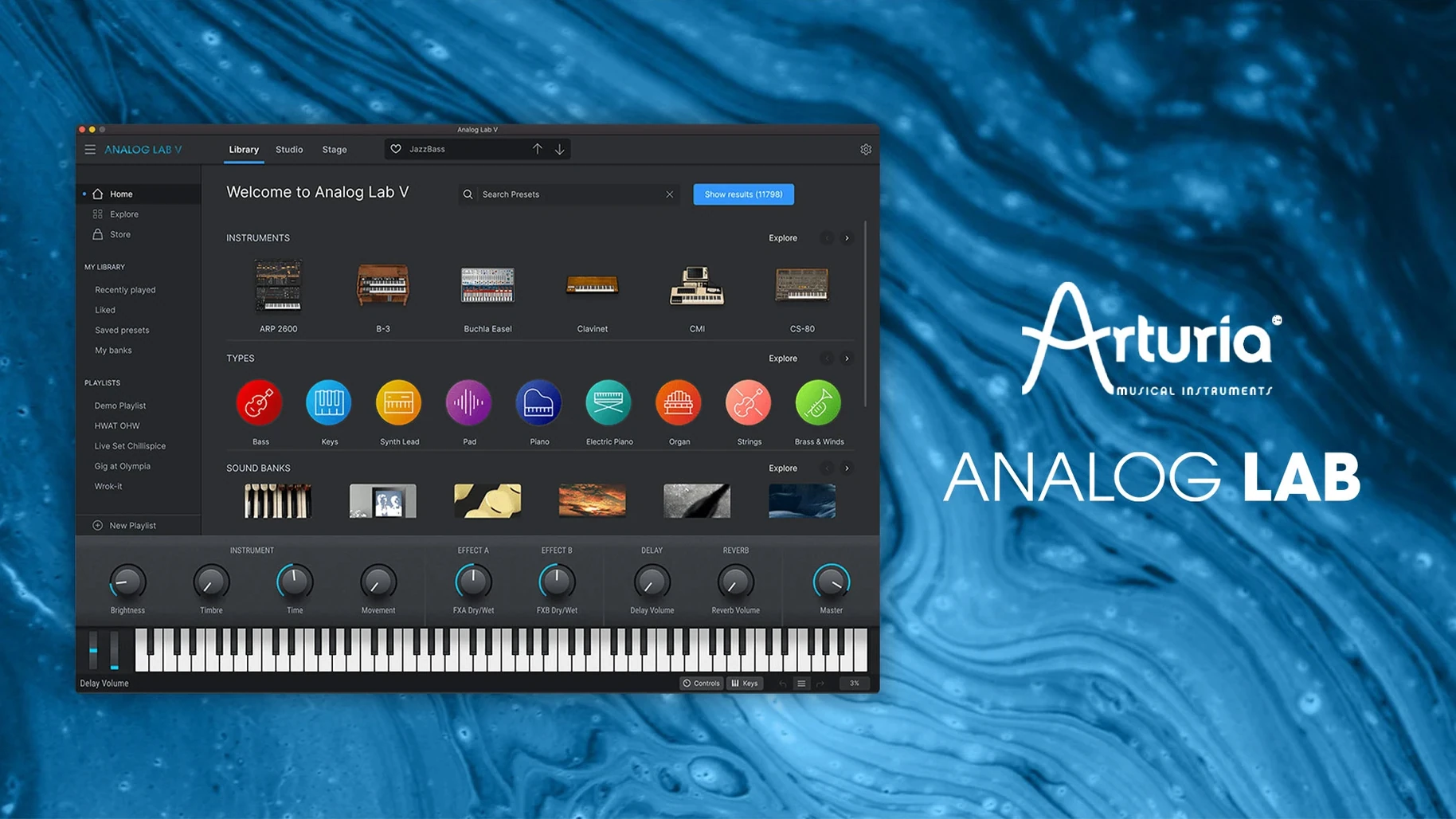
It bundles presets from dozens of Arturia instruments into a single 64-bit window. On a bus, a touch of the same pad run through a send reverb can glue a chorus without adding another multi-gigabyte library. The browser filters by type, character and timbre, so finding a pluck that cuts through a dense arrangement takes seconds, not minutes.
For performance, standalone mode turns a MacBook into a live preset player with no DAW overhead. Existing projects stay intact because it opens as a standard Audio Unit, AAX, VST2 or VST3 instrument on both ARM and Intel Macs running macOS 11 and later.
Two-Hour Solo Set with a 13-Inch MacBook Air
A keyboardist walks into a two-hour solo set at a wine bar with a 13-inch M1 MacBook Air, a 49-key controller and a small audio interface. The PA is a single QSC K10.2 on a pole. No external monitors, no FOH engineer. They open Analog Lab V in standalone mode, load a split preset with a rounded bass on the left hand and a felted Wurlitzer on the right, and tap the laptop's spacebar to start a looper in another application. For the next 90 minutes they pull up 14 different patches — a stabby brass for a reggae interlude, a slow-attack string pad for a ballad, a sync lead with the mod wheel mapped to filter cutoff for a solo — without touching a single DAW track or opening another plugin window. The set ends, the MacBook is still cool to the touch, and the performer walks out with one backpack.
That user cares about three things: instant patch recall, consistent output level across presets, and zero dropouts mid-performance. Analog Lab V gives them all three because the engine streams samples and modelled oscillators from disk without loading a full instrument interface for every sound. The standalone app can be set to a fixed sample rate and buffer size, and the Playlist feature lets them queue the night's 14 patches in advance, advancing with a single click or a MIDI program change from the controller.
Unlocking Full Edit Views for Your V Collection Instruments
The first launch after installation scans for Arturia instruments already on the system. If you own V Collection licences, the plugin detects them and unlocks full edit views for those instruments. If you do not, you still get the preset layer with macro controls. Either way, the first 20 minutes matter for how fast the tool feels later.
One step often skipped: set the buffer size manually in the Audio MIDI Settings panel, even if you plan to use the plugin inside a DAW. The standalone app and the plugin share the same preferences file, and a mismatch here can cause the browser to lag when scrolling preset lists. On an Apple Silicon Mac, 128 samples at 48 kHz keeps preset previews snappy without taxing the performance cores. Intel users with larger sessions may want 256 samples.
Also worth doing on day one: spend ten minutes tagging 30–40 presets as favourites. The favourites list is not a gimmick here — it feeds the "User" filter in the browser and builds a quick-access pool that you can call up from a controller knob if you map it later. Without that pool, you are scrolling through 2 000-plus sounds every time inspiration strikes, which is the fastest way to break a writing flow.
A third tip: create a template patch for live use with the master output trimmed to -3 dB. Some vintage emulation presets run hot, especially SEM and CS-80 pads with resonance up. Normalising at the plugin output saves the front-of-house chain from a sudden 6 dB spike when you switch from a muted triangle bass to a screaming sync lead.
120 MB Idle RAM and 3% CPU on an M2 Air
On an M2 MacBook Air with 16 GB of unified memory, a single instance of Analog Lab V idles at roughly 120 MB of RAM with a medium-complexity pad loaded. CPU draw sits around 3–4% on one performance core during sustained four-note chords. Doubling the polyphony to eight notes pushes it to 6%, and enabling the onboard reverb and delay adds another 1–2%. These are not lab numbers, but they match what a producer sees in Activity Monitor during a typical writing session.
Instances stack well. Eight tracks of Analog Lab V — a mix of leads, basses, pads and one arpeggiated pluck — on the same M2 Air in Logic Pro consume roughly 960 MB of RAM and 35–40% total CPU. That leaves headroom for drums, effects and a few audio tracks before the system approaches the thermal ceiling where the fanless chassis begins throttling. On an Intel i9 MacBook Pro from 2019, the same eight-instance session runs hotter and the fans spin up within ten minutes, but the plugin itself does not glitch. No dropped voices, no stuck notes, no GUI freeze during preset changes in a 45-minute stress test with continuous playback and patch switching every eight bars.
The browser is the speed bottleneck. Scrolling through the full preset list with cover art visible takes a beat longer on Intel machines — about 200–300 ms per scroll step versus near-instant on Apple Silicon. Switching to list view without art cuts that lag in half. The "Similar" filter, which analyses timbre and character tags across the library, returns results in under a second on both architectures. That is faster than manually browsing by instrument or bank once the library grows past a few hundred patches.
Stability across hosts shows minor differences. In Ableton Live 11, the AU version occasionally forgets the last-viewed bank after a session reload; the VST3 version does not. In Logic Pro, the AAX wrapper is irrelevant, but the AU passes validation cleanly on macOS 14 Sonoma. One crash was observed when rapidly switching between 15 presets in standalone mode with the audio device set to an aggregate interface at 32 samples — raising the buffer to 64 samples eliminated it. For a plugin that wraps dozens of instrument engines into one shell, that qualifies as well-behaved.
Turn Off Audio Previews to Stop Triggering Notes
The default install ships with audio previews enabled in the browser. This is useful for auditioning sounds, but it also means every single click on a preset name triggers a brief note-on event. If you are working in a session with a loud monitoring level, those previews can be jarring. Disable them in the Preferences under Browser > Auto-Play Presets unless you are actively sound-designing.
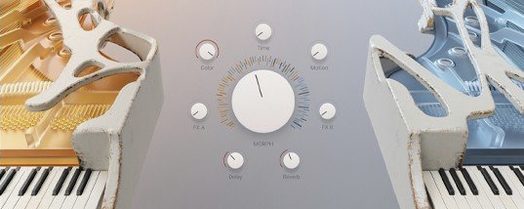
The MIDI controller mapping page deserves attention early. Analog Lab V ships with default maps for Arturia's own KeyLab controllers, but generic controllers see no assignments. Mapping the four macro knobs to hardware rotaries takes under a minute and transforms the plugin from a preset player into something tweakable in real time. The "Brightness," "Timbre," "Time" and "Movement" macros are not hard-wired — they remap intelligently per preset to the most relevant parameters of the underlying instrument. A SEM filter sweep on one patch becomes a wavetable position morph on another, all from the same four knobs.
Also consider setting the polyphony limit to 8 voices in the global settings. The default is "Auto," which lets the underlying engine decide — and some vintage models default to 16 or more. For songwriting and arrangement work, 8 voices per instance keeps CPU predictable and forces tighter voice-leading, which often improves the part anyway. You can always raise it for sustained pad swells with long release times.
The Playlist panel, tucked into the right sidebar, is easy to overlook. Populate it with the dozen presets you reach for most often and assign MIDI program changes to each slot. In a live set or a rapid scoring session, stepping through a curated list beats typing into a search bar every time.
Building a Trailer Cue: Bass, Lead and a 60-Second Deadline
10:14 AM. A composer opens a blank Logic Pro session for a 60-second trailer cue. Strings are already printed from a previous template. They need a bass that moves air, a lead that cuts through the orchestral midrange, and a rhythmic element that is not another percussion loop.
They insert Analog Lab V on track 12, open the browser, and type "sub" into the search field. Thirty-two results appear. They audition five, settle on a patch called "Substratum" under the Pigments engine, and play a two-bar line in C minor. The low end sits cleanly below the celli without masking.
Track 14 gets a second instance. They click the "Styles" filter, select "Lead," then "Sync," then "Aggressive." Fourteen presets remain. They land on "Razor Saw Lead" — a Jup-8 V patch — and ride the mod wheel during the take. The macro knobs are already mapped from a previous session; they tweak "Brightness" down two notches to tuck the lead behind the brass stabs.
Track 16 needs movement. They switch the browser to "Arpeggiated," tap the "BPM Sync" tag, and pick a polyrhythmic pluck from the Buchla Easel V bank. The arpeggiator runs at the session tempo of 128 BPM. They record the MIDI output, drag the region to loop eight bars, and nudge a few notes in the piano roll.
11:02 AM. Three instances, 18% CPU total, 380 MB RAM. The cue is not mixed, but the arrangement reads. They freeze the bass track, bounce the arp to audio for sound design later, and keep the lead live for a client revision. The session autosaves and they close the lid. Total time working inside Analog Lab V: just under 40 minutes, most of it spent playing, not clicking.
- Device support — Added compatibility with MiniFreak V 5 plugin and AstroLab 2.0 hardware.
- Update handling — Refined the update process for fewer interruptions.
- Connection stability — Improved reliability of device-to-software connections.
- File transfers — More dependable file delivery between instruments and the library.
- AstroLab note — Install this Analog Lab version before updating your AstroLab firmware to avoid sync issues.
- macOS 11 or later
- Apple Silicon or Intel 64‑bit processor
Sign in · Create an account to add a field note.
No field notes yet. A measurement, a version, a machine — they appear after moderation.