
AI Tools
MacGPT 3.21
AI ToolsUpdated
| Requirement | On file |
|---|---|
| macOS | macOS 12 or later |
| CPU | Apple Silicon, Intel 64-bit |
| Download | 9 MB |
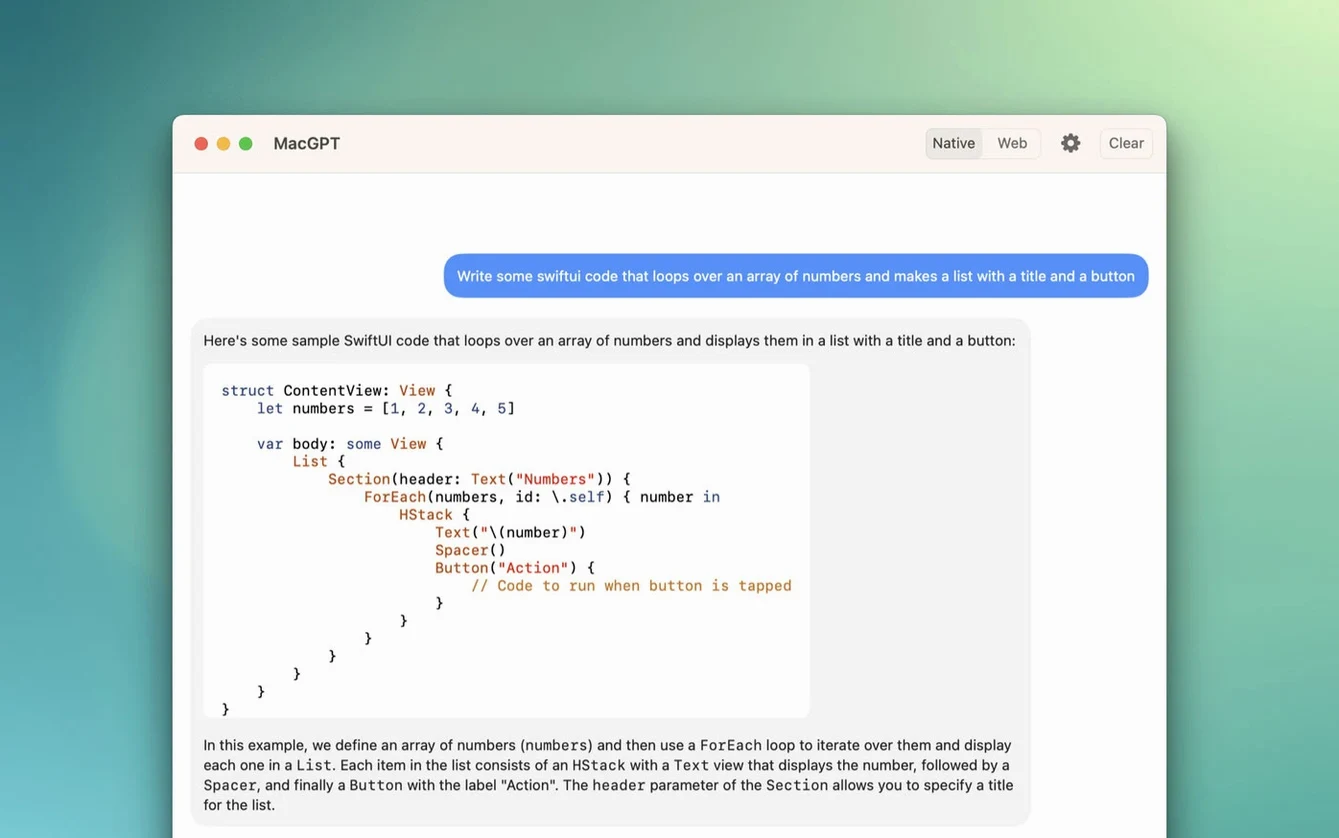
If you spend your day in a browser tab refreshing the ChatGPT web interface, MacGPT puts that same access one click away in the menu bar. Built by Jordi Bruin, it wraps the ChatGPT website and API into a native macOS helper that sits quietly until you need it. This version adds explicit support for OpenAI's gpt-4o model, making the latest reasoning engine available through the app's existing sign-in paths.
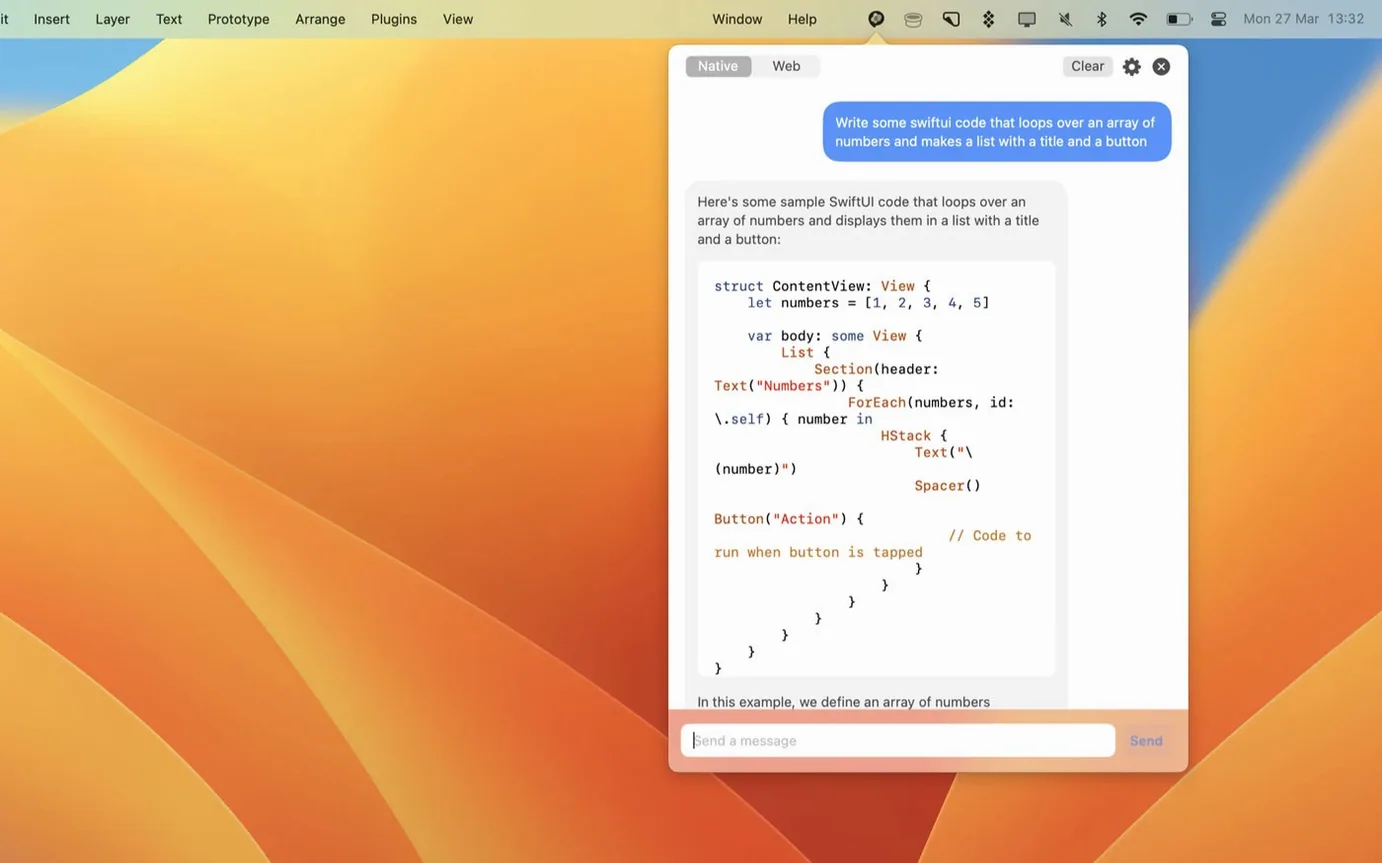
- Menu bar access: a single click opens a ChatGPT session without leaving the current app.
- Model support: version 3.21 adds gpt-4o to the available model list.
- Two sign-in methods: use an OpenAI account credential or paste a custom API key for direct interaction.
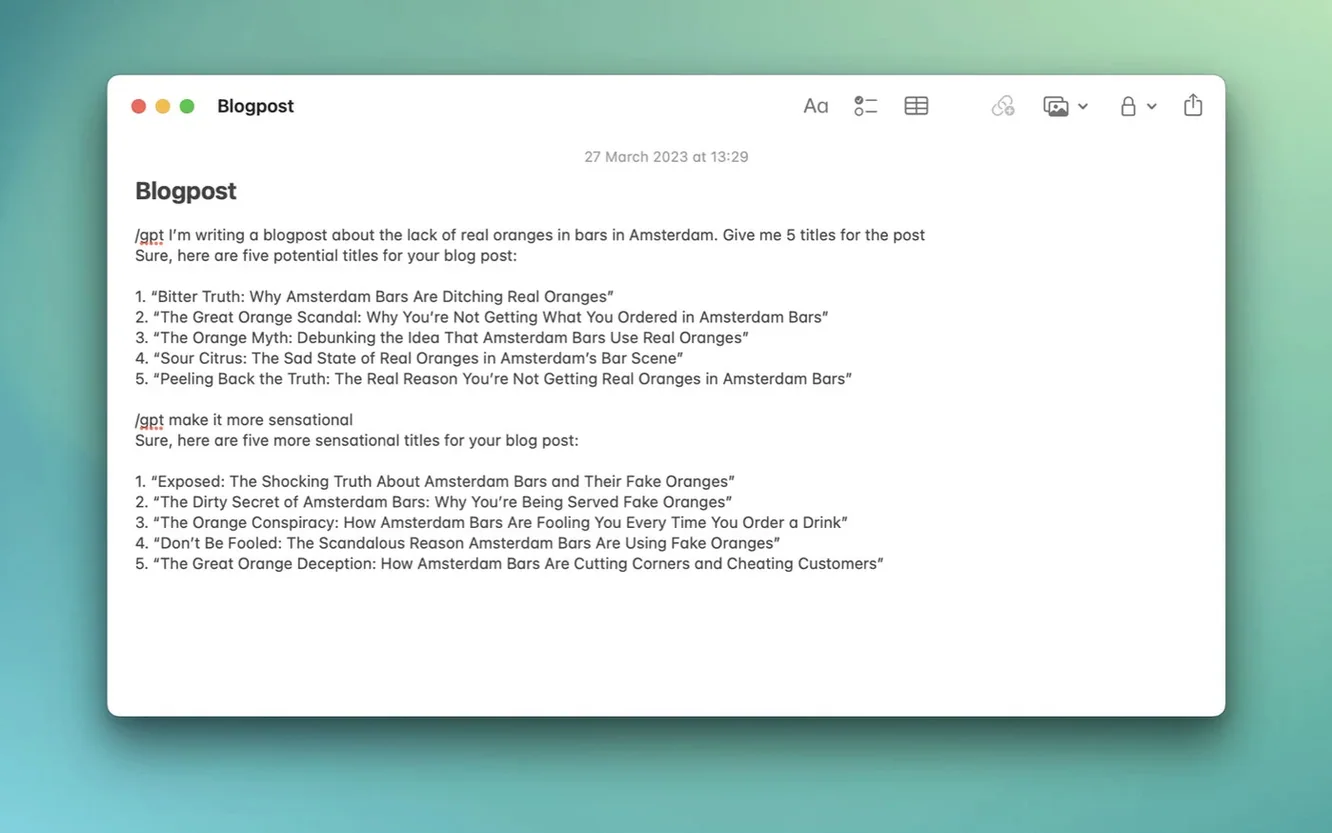
- Inline writing: the Inline feature injects ChatGPT into text fields across the system.
- macOS-native: built as a native app targeting Monterey and Ventura APIs.
The app continues to use the same dual backend it always has — you can go through the standard ChatGPT website session or talk directly through the API with a personal key. Nothing else in the structure changed; it's still a menu bar utility first, with the Inline helper as a secondary surface for writing tasks.
Credential and Text-Injection Glitches
A few rough edges surface once you move beyond the first launch. Most trace back to how MacGPT handles credentials and text injection, not to the ChatGPT service itself.
API key errors or silent failures
The most frequent problem: pasting an OpenAI API key, sending a prompt, and getting nothing back. Version 3.21 improved error messaging here, but the app still won't flag a missing or malformed key until you make a request. If the menu bar spinner runs and no response appears, open the settings pane and check the API field — a stray space after the key is enough to break it. Also confirm the key has not hit its usage cap; MacGPT does not surface quota errors from the API, so a dead key looks identical to a connection fault.
Inline feature blocked by macOS permissions
The Inline helper works by simulating text input, which means macOS treats it as an accessibility feature. On first use, the system presents a permissions dialogue. If you dismiss that without granting access, the feature silently does nothing — no warning, no badge. The fix lives in System Settings > Privacy & Security > Accessibility, where MacGPT needs an explicit toggle. After enabling it, quit and relaunch the app. Some apps with their own text-handling engines (Electron apps, certain IDEs) still refuse Inline injection regardless of permissions.
Menu bar icon vanishing
On machines with crowded menu bars — especially 13-inch screens running apps like Bartender — MacGPT's icon can get pushed into the hidden overflow region. If the icon disappears after a reboot, it's still running; check Activity Monitor for the process. Assigning a global keyboard shortcut from settings provides a reliable fallback when the icon plays hide-and-seek.
Memory Use in Web vs. API Mode
MacGPT itself is a lightweight native process. In web mode, memory usage tracks whatever Safari or WebKit consumes for the ChatGPT tab — typically 180–300 MB during an active session, dropping when the window closes. API mode slashes that to roughly 40–60 MB, since the app only sends HTTP requests and renders text locally. CPU load is negligible at idle and spikes briefly during response streaming.
The app has been stable across Monterey and Ventura in daily use. Crashes are rare and usually tied to the web backend rather than the native wrapper: a ChatGPT server-side hiccup can freeze the browser view, requiring a session reload. The Global text field — a simple overlay triggered by a shortcut — feels near-instantaneous, with no perceptible lag between keystroke and display. Inline mode adds a slight pause, roughly 1–2 seconds, while the app requests context from the active text field and pastes the result. That delay is consistent and tied to the API response time, not to the app's handling.
One practical note: if you leave the ChatGPT web session open in the menu bar for hours, the WebKit process slowly expands its memory footprint. A periodic quit from the menu bar icon resets it. API-only users won't encounter this.
Drafting a Technical Proposal Without Leaving Pages
Imagine a Tuesday morning spent drafting a technical proposal in Pages. A section on material tolerances needs a quick unit conversion and a formula check, but opening a browser feels like context loss.
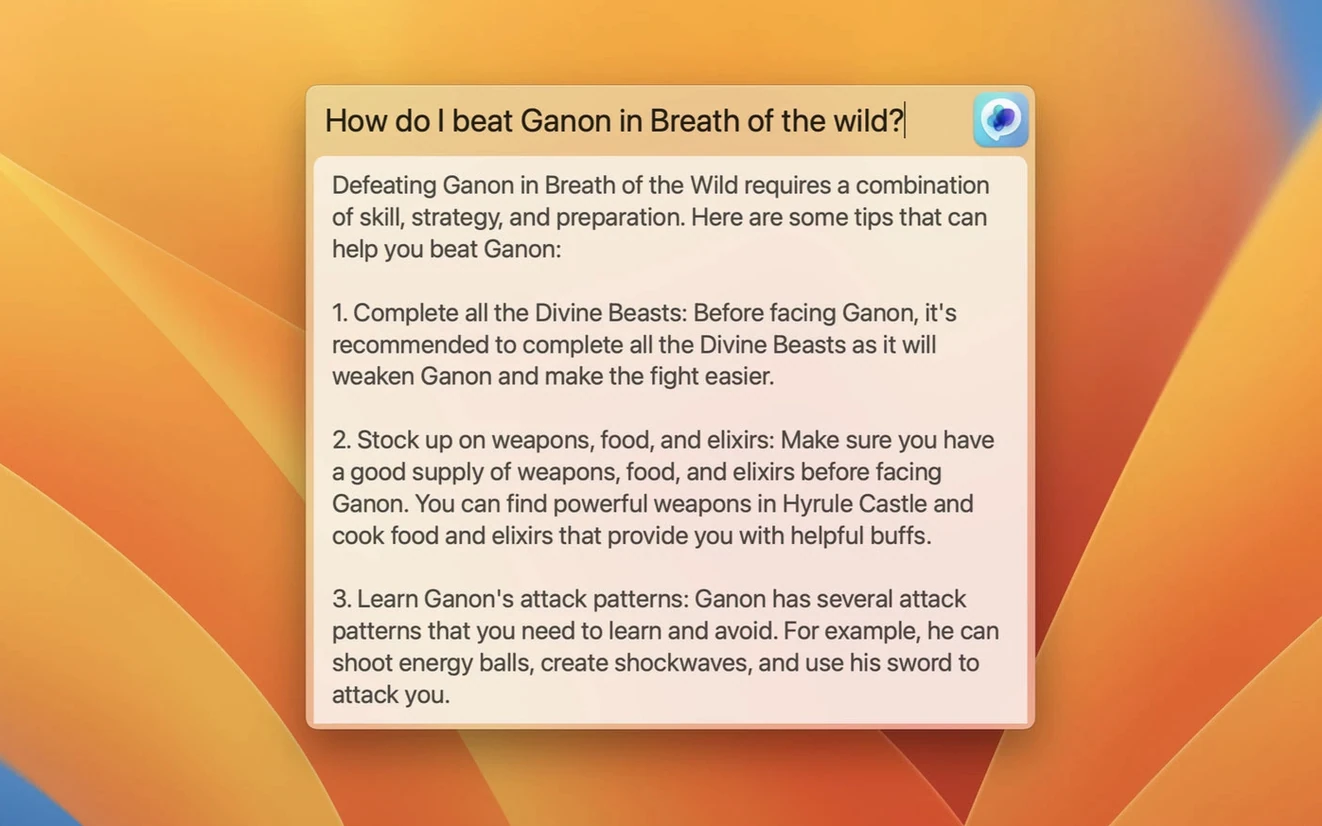
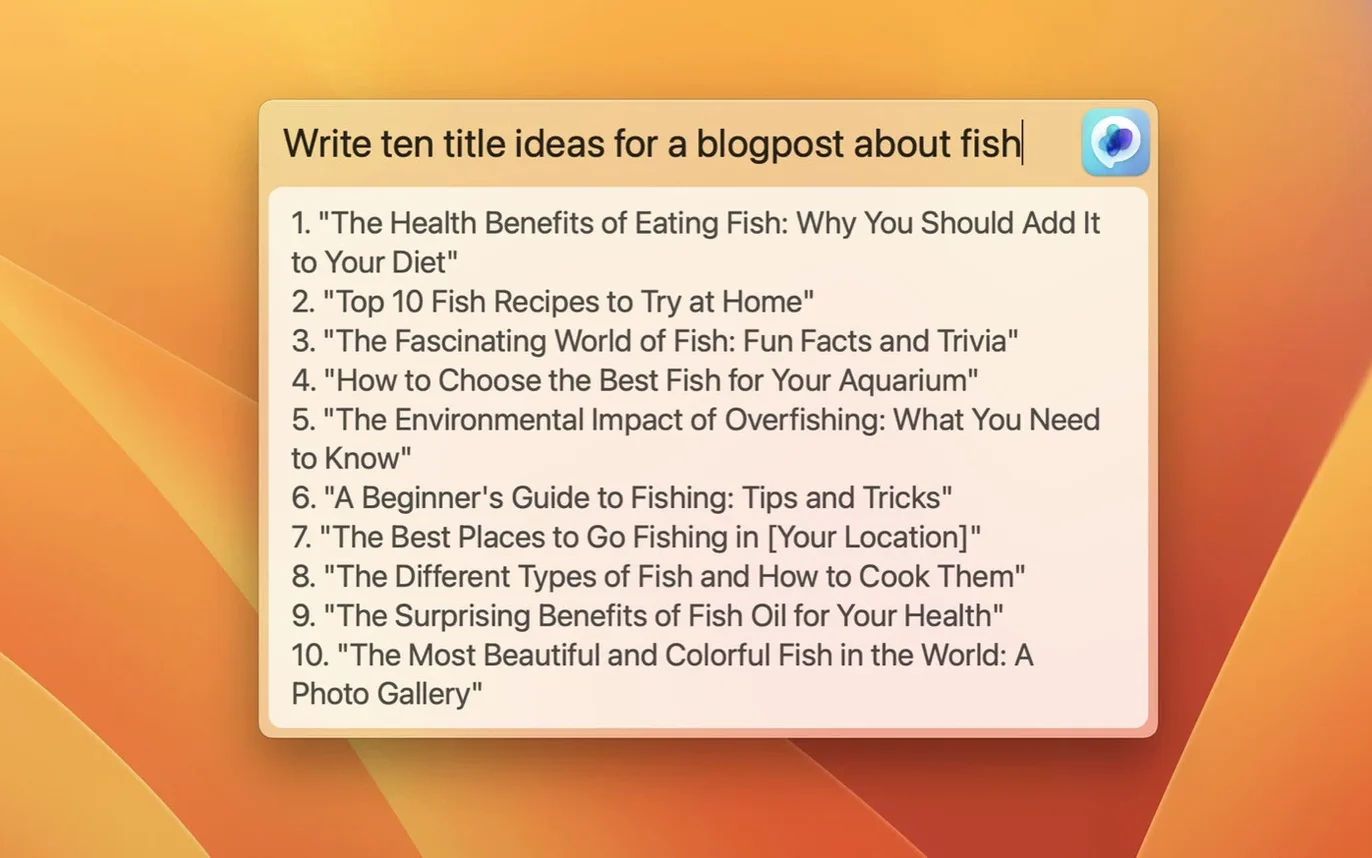
- Trigger the Global text field with the assigned shortcut — Option-Command-G, say. A dark, centred input panel drops over the document.
- Type the prompt: "Convert 350 N·m to ft·lbf and show the formula." Hit Return. The panel stays put while MacGPT sends the query via API. Three seconds later, the answer appears in the same overlay, formatted cleanly.
- Copy the result with Command-C and dismiss the overlay with Escape. Paste the converted value and formula into Pages. No window switch, no tab hunt.
- Later, a paragraph on surface finishes reads awkwardly. Select the two sentences in Pages, invoke the Inline shortcut, and type "Reword for a formal spec sheet." MacGPT pulls the selection, processes it, and overwrites the original text with a tightened version. The whole cycle takes under five seconds.
- For a broader research query — say, comparing three aluminium alloys — click the menu bar icon to open the full ChatGPT web interface. The session runs in a standard browser view, complete with chat history. After gathering the data, close the window; MacGPT retreats to the menu bar.
The pattern repeats across the day: quick API calls through Global, targeted rewrites through Inline, and deeper dives through the menu bar browser. Each surface suits a different scale of interruption.
Overlapping Territory with Three Other Clients
Three other native Mac clients cover overlapping ground, each with a distinct slant.
MacGPT vs. BoltAI
BoltAI is the heavier option. It embeds an AI sidebar into any app, supports multiple AI providers (OpenAI, Anthropic, Gemini), and includes prompt templates and conversation folders. MacGPT does one thing — ChatGPT access — and sticks to it. BoltAI suits users who want a persistent AI workspace; macgpt suits those who want a quick in-and-out tool. Resource-wise, BoltAI runs a larger footprint due to its multi-provider architecture, while MacGPT stays lean in API mode. BoltAI also requires its own licence key flow, whereas macgpt works with a plain OpenAI API key or web login.
MacGPT vs. Elephas
Elephas focuses on writing workflows: it lives as a menu bar app but leans heavily on text manipulation — summarising, tone shifting, grammar fixes — with pre-built actions for specific document types. MacGPT's Inline feature covers some of that territory but without Elephas's library of canned prompts. Elephas also supports offline models for certain tasks, something MacGPT does not attempt. For pure ChatGPT access, macgpt is more direct; for a writing assistant that happens to use GPT, Elephas is the specialised pick.
MacGPT vs. ChatGPT's own Mac app
OpenAI's official Mac app (released after macgpt had already established its pattern) duplicates much of the web-mode functionality: a floating chat window, shortcut access, and voice input. What it lacks is the Inline text-field injection and the Global overlay — two features that keep macgpt relevant for users who want AI inside their existing writing environment rather than in a separate chat pane. The official app also ties exclusively to OpenAI's web service; macgpt's API mode gives direct access without the web session overhead. For users who found this page looking for a macgpt download, the distinction matters: the app fills a gap the official client does not cover.
- Model support — Added gpt-4o.
- macOS 12 Monterey or newer (stated support: Monterey and Ventura)
- Intel or Apple Silicon Mac
- OpenAI account credentials or an OpenAI API key
Questions on file
Which macOS versions does MacGPT support?
MacGPT needs macOS 12 Monterey or later; Monterey and Ventura are the listed targets, as the app relies on APIs introduced in those releases.
How do I sign in to ChatGPT through the app?
You can sign in with standard OpenAI account credentials or supply a custom OpenAI API key for direct API access.
What is the Inline feature?
Inline lets you invoke ChatGPT directly inside any text field on macOS, so you can generate or edit text without switching to a separate window.
Sign in · Create an account to add a field note.
No field notes yet. A measurement, a version, a machine — they appear after moderation.