Mac Apps
BAO Mask Avenger 2.7.5
Mac AppsUpdated
| Requirement | On file |
|---|---|
| macOS | See the sheet |
| CPU | Apple Silicon, Intel 64-bit |
| Download | 6 MB |
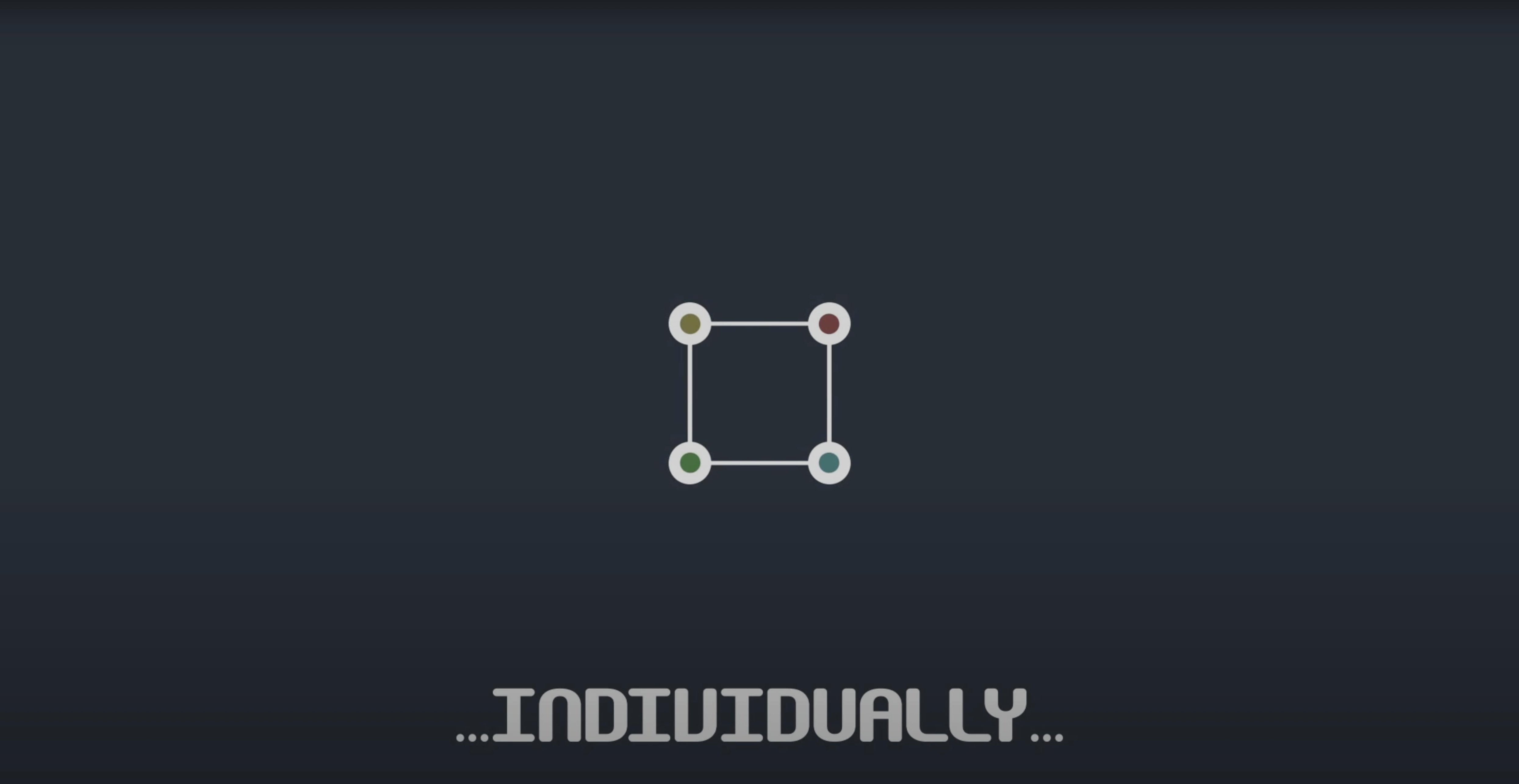
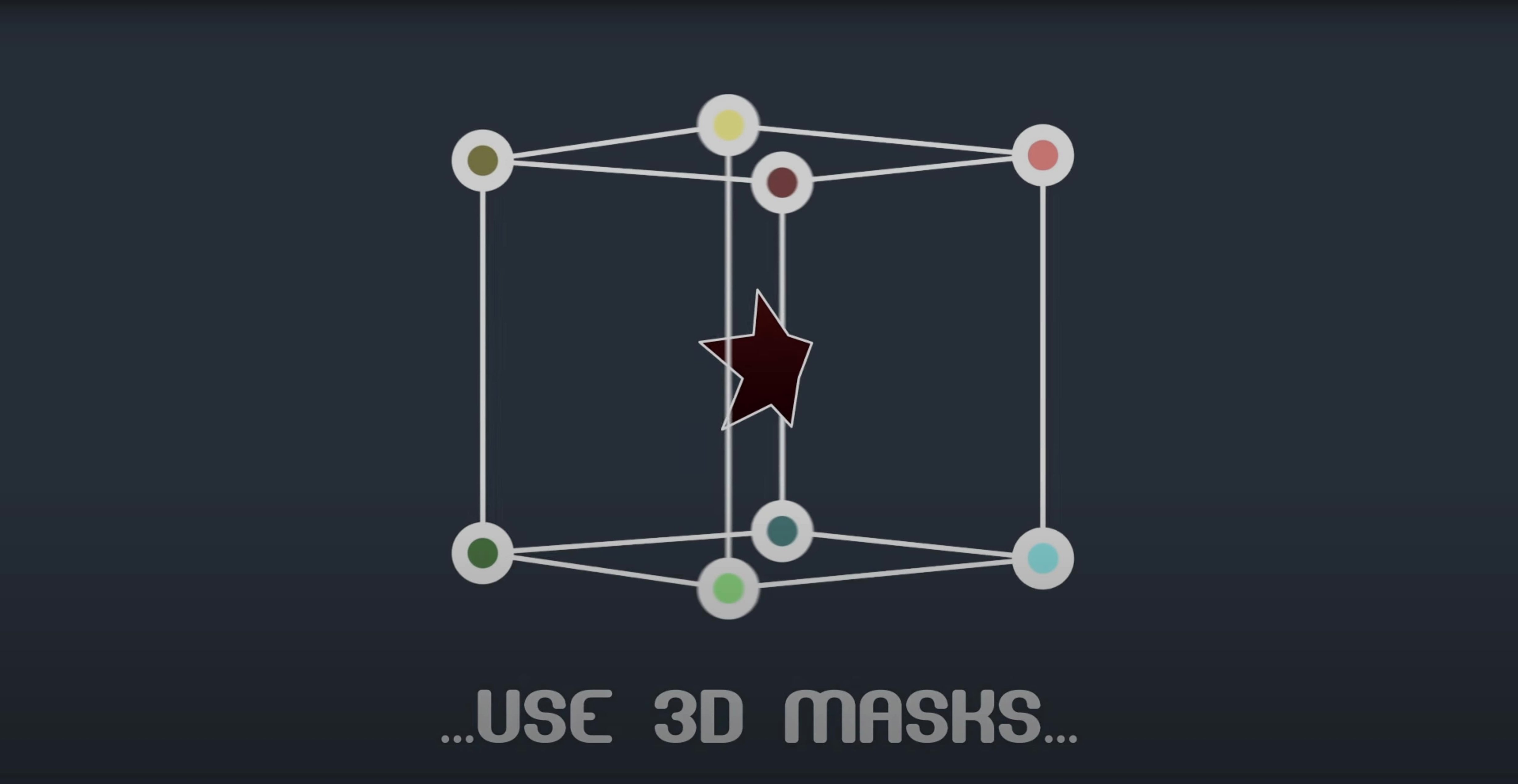
BAO Mask Avenger gives you per‑vertex and per‑tangent control over After Effects masks, so you can animate a mask point by point instead of as a single shape.
Vertex mode — adjust only the position of each vertex.
Full tangent mode — control both the spatial and temporal tangent handles individually.
Shape‑layer support — works on masks drawn directly on shape layers, not just layer masks.
Tracker linking — pick‑whip a mask vertex to a tracker point via an expression, so the mask follows motion data vertex by vertex.
Null‑layer helper — integrated scripts for linking masks to null layers for easier rigging.
Freeze mode — bakes the mask animation so a collaborator who doesn’t own the plugin can open the project and see the same result.
CPU‑only masking, no GPU required
Does it need a dedicated GPU or Metal acceleration? No. Mask Avenger runs on the CPU through After Effects’ native masking pipeline. The plugin doesn’t offload computation to the GPU, so any Mac that meets the host application’s requirements will handle it. On Apple Silicon machines, version 2.7.5 resolved the earlier M1 compatibility hiccup; both ARM and Intel builds are included.
Will it break projects if I uninstall it later? Only if you skip the freeze step. Freeze mode bakes every controlled vertex and tangent into standard AE keyframes. Once frozen, the project carries no dependency on the plugin. Without freezing, removing Mask Avenger leaves the mask driven by an effect that no longer exists, and After Effects will show a missing‑effect placeholder.
Can I copy‑paste mask keyframes between layers with the plugin active? Yes, but with a caveat. The plugin intercepts the mask path and rewrites it via its own engine. Pasting a keyframe from a Mask Avenger‑controlled mask to a plain mask can produce unexpected tangent shapes because the interpolation model differs. The safer route is to freeze the source mask first, then copy the baked keyframes.
Does it play nicely with third‑party tracker plugins? It depends on how the tracker exposes its data. Any tracker that offers a pick‑whip‑able property — such as Mocha AE’s surface corner pins or the native point tracker — can feed coordinates to a Mask Avenger vertex through the expression pick‑whip. Trackers that output only baked keyframes work too, but you lose the live link.
Stacking up roto‑spline tools on Mac
Mask Avenger vs. native After Effects mask animation
After Effects lets you keyframe a whole mask path at once, and the Mask Path property holds every vertex in a single keyframe. Mask Avenger splits that monolith into individual vertex and tangent channels. The native method works fine for simple transforms — scale, rotate, overall shape morphs — but gives you no way to ease one corner differently from another. Mask Avenger makes that trivial. The trade‑off: project complexity goes up. Each vertex becomes its own animatable stream, so the timeline gets busier, and you need to manage more keyframes manually.
Mask Avenger vs. RubberRig
RubberRig (also a third‑party AE rigging tool) focuses on puppet‑style deformation with bezier‑handle control, aimed at character animation and limb rigging. Mask Avenger is lower‑level: it doesn’t create a skeleton or a hierarchy — it gives you raw vertex‑by‑vertex access to any mask. If you need a spine‑and‑limb system, RubberRig makes more sense. If you need a dozen independent points on a garbage matte to track different parts of a shot, Mask Avenger is the more direct tool. The overlap sits in the tangent‑control space, but RubberRig’s tangents are part of a rigged structure, whereas Mask Avenger’s are free‑floating per vertex.
Mask Avenger vs. BAO Mask Renderer
BAO’s own Mask Renderer is mentioned as a tool Mask Avenger can replace in some setups. Mask Renderer converts masks to strokes, fills and particles. Mask Avenger doesn’t render anything — it only animates. If your goal is to turn a mask into a visible line with tapered strokes, you still need something like Mask Renderer or the native Stroke effect. The two plug‑ins complement each other: Mask Avenger handles the per‑vertex motion; Mask Renderer handles the visual output.
Fitting into a Mac‑based motion‑graphics workflow
Mask Avenger slots into an After Effects project as an effect applied to a layer, so it sits in the Effects Controls panel alongside everything else. It reads the mask shape after standard mask operators (add, subtract, intersect) have done their work, meaning you can still combine multiple masks on a layer and apply Mask Avenger only to the one that needs fine control.
Expression‑heavy setups benefit most. A typical chain: a native point tracker picks up a moving feature, its Attach Point property is pick‑whipped to a null, and Mask Avenger’s vertex expression links to that null. You can offset each vertex and adjust tangents independently while the whole group follows the tracker. For roto work, this means you can track a shoulder, let the coarse mask follow, and manually animate only the vertices near the moving fabric fold — without re‑keyframing the entire shape.
It also integrates with the Free Transform mask tool. When you rotate or scale a mask path using that tool, Mask Avenger reads the new vertex positions and updates its internal coordinate space accordingly. This is useful when a tracked subject rotates in the frame: you can rough‑in the rotation with Free Transform and let the per‑vertex controls handle the fine deformation.
On the macOS side, the plugin is a standard .plugin bundle that lives in the MediaCore plug‑ins folder. It respects After Effects’ memory and multi‑processing preferences. Scripts that ship with the plugin — for linking masks to nulls and for expression helpers — appear in the Scripts menu and can be triggered with custom keyboard shortcuts via System Settings if you assign them through AE’s shortcut editor. The floating UI panels stay on top of the composition window, which works well in single‑monitor MacBook setups where screen space is tight.
Per‑vertex animation for organic roto shapes
Rotoscoping artists working on organic subjects. Faces, hands, fabric — anything with non‑rigid motion that needs per‑vertex adjustment over time. Mask Avenger turns a roto shape into a set of individually animatable points, so you can slide a vertex along the contour without affecting the neighbours. This reduces the number of total keyframes compared to re‑drawing the whole mask shape repeatedly.
Motion‑graphics designers who rig masks to audio. An expression linking a vertex’s position to audio keyframes — pulled in via the Convert Audio to Keyframes command — can make a mask pulsate asymmetrically. With native masks, every vertex scales from the centre; with Mask Avenger, you can choose which vertices react and by how much.
Compositors who share projects across teams. The freeze mode means one artist with the plugin can prepare the rigged mask, freeze it, and hand off the project to a team that doesn’t own a licence. The baked keyframes behave identically to hand‑keyframed mask paths, so the receiving artist sees nothing unusual.
Expression tinkerers. Because each vertex and tangent becomes an expression‑enabled property, you can drive masks from slider controls, layer markers, time‑remapped footage, or even external data fed through a JSON‑parsing script. The per‑vertex structure turns a single mask into a data‑driven shape array that responds to any number input After Effects can supply.
Compatibility — fixed an M1 compatibility issue on Mac.
- Apple Silicon and Intel
- After Effects CS6 through 2024
- English interface
Questions on file
Can BAO Mask Avenger replace the bundled Mask Renderer effect?
Yes, it can handle the same per‑vertex jobs and adds tangent control plus tracker linking, so it often replaces Mask Renderer in a workflow.
What happens if I send a project to someone without the plugin?
Use the freeze mode before sharing — it bakes the mask animation into standard keyframes so the recipient sees the correct motion.
Sign in · Create an account to add a field note.
No field notes yet. A measurement, a version, a machine — they appear after moderation.