
Mac Apps
Geekbench 7 7.1.0
Mac AppsUpdated
| Requirement | On file |
|---|---|
| macOS | macOS 11 or later |
| CPU | Intel 64-bit |
| Download | 281 MB |
Geekbench 7 runs on any Mac with macOS 11 or later and an Intel processor.
Cross-platform benchmark — A tool that measures CPU and memory performance using identical workloads on macOS, iOS, Android, Windows, and Linux. Results are directly comparable across operating systems and processor architectures.
Repeatable results — Each test run produces scores designed to be reliable and easy to understand, so a MacBook Pro from 2019 can be measured against a Windows desktop or an Android tablet on the same scale.
Successor to Geekbench 6 — Version 7.1.0 updates the testing methodology and fixes hardware identification on newer machines without changing the core goal of simple, cross-platform performance comparison.
Copy a Shareable Result Link Without an Account
Right-click any result in the history list and choose Copy Result Link. Geekbench 7 generates a shareable URL that opens a full breakdown on the Primate Labs browser — no account needed. The link stays live as long as the result sits in your history.
Hold Option while clicking Run CPU Benchmark and the app skips straight to single-core testing, bypassing the multi-core pass. Useful when you only want to check per-core behaviour after a thermal-paste swap or an undervolt experiment.
The command-line runner lives inside the app bundle at Geekbench 7.app/Contents/Resources/geekbench. Run it from Terminal with --export-json and you get machine-readable output without ever opening the GUI. Automation scripts and headless Mac minis benefit from this more than most people realise.
In the system information panel, a tiny copy icon next to each hardware line puts the full spec string onto the clipboard — processor model, cache sizes, memory speed. No need to screenshot anything when you are dropping specs into a forum post or a comparison spreadsheet.
One Workload Across Mac, PC, and Phone for Review Tables
Hardware reviewers and tech journalists who need a consistent yardstick across review units. Geekbench 7 delivers the same workload on a Mac Studio as it does on a Dell XPS or a Galaxy phone, so the comparison table writes itself.
Second-hand Mac shoppers who want a quick gut-check before handing over cash. Running a five-minute CPU test on a used MacBook tells you immediately whether the machine throttles under load or if the seller swapped in a slower processor than advertised. The baseline scores posted across geekbench forums make spotting undervolt shenanigans straightforward.
Developers tuning cross-platform code — the ones who compile the same C++ number-cruncher on macOS and Linux. They run the benchmark on both builds, compare the integer and floating-point subscores, and know within minutes whether a compiler flag helped or hurt.
Tinkerers chasing cooling mods get value from simple before-and-after runs. Thermal paste, fan curve tweaks, even a desk pad swap show up in the sustained multi-core graph if you run the test three times in a row and watch the score line.
Test Thermal Paste Gains on a 2019 iMac
You have just swapped the thermal paste on a 2019 iMac and you want to know if the effort paid off. Geekbench 7 is already installed.
- Quit everything except the benchmark — no browser tabs, no Spotify, no Time Machine backup running in the background.
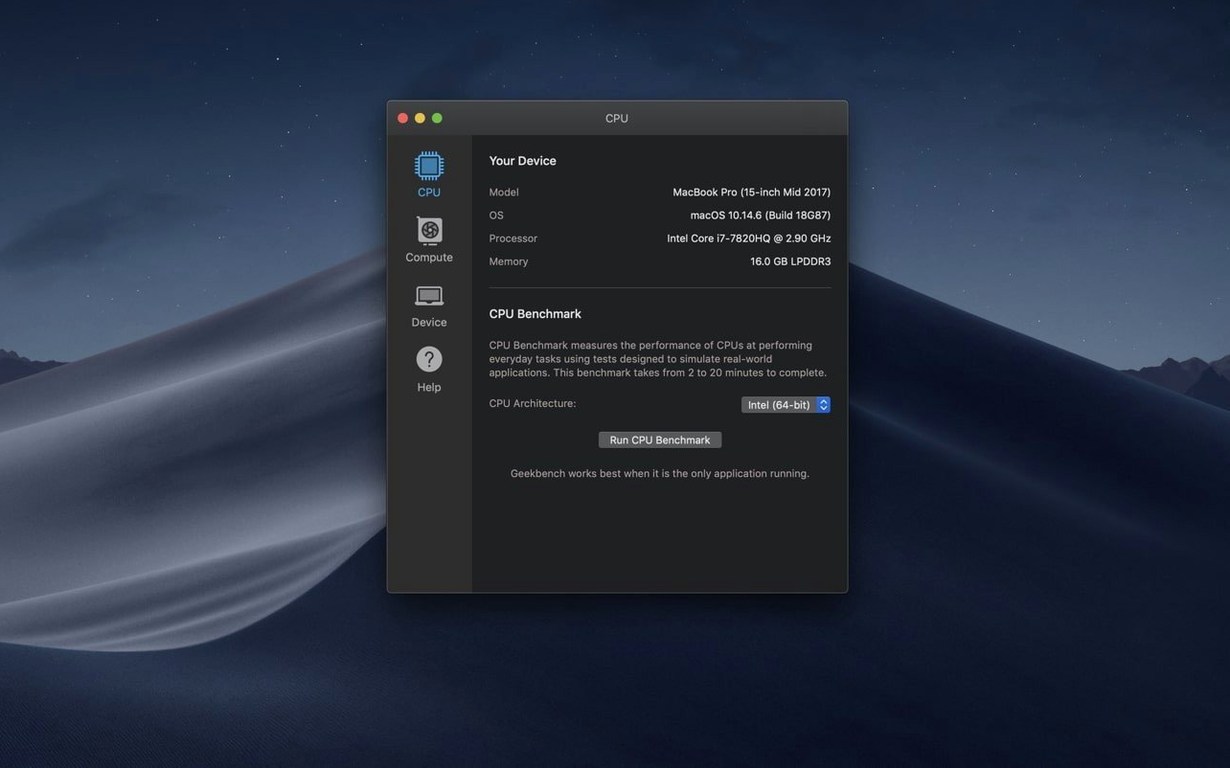
- Launch Geekbench 7. The system info panel confirms the iMac is recognised correctly: Core i9-9900K, 64 GB of DDR4, macOS 14.
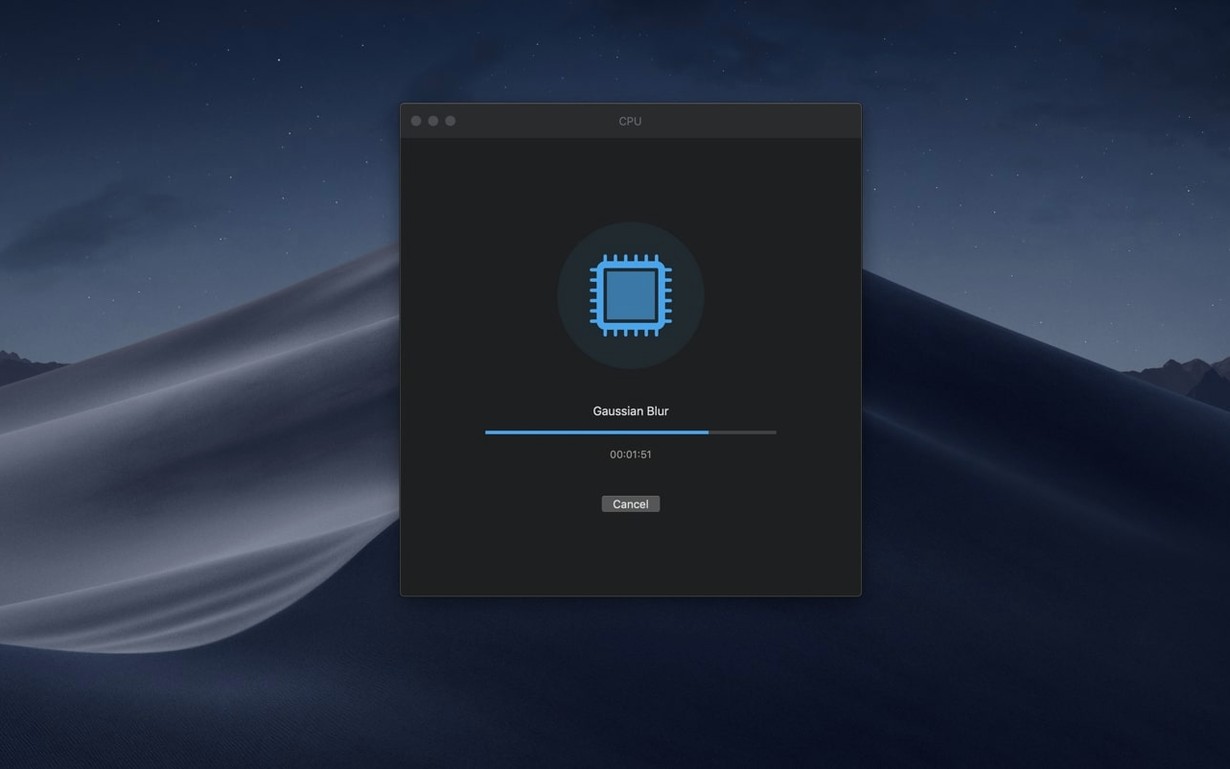
- Click Run CPU Benchmark. The progress bar ticks through encryption, compression, navigation, and ray-tracing workloads. Fans ramp up around the two-minute mark — a sound you have come to know well.
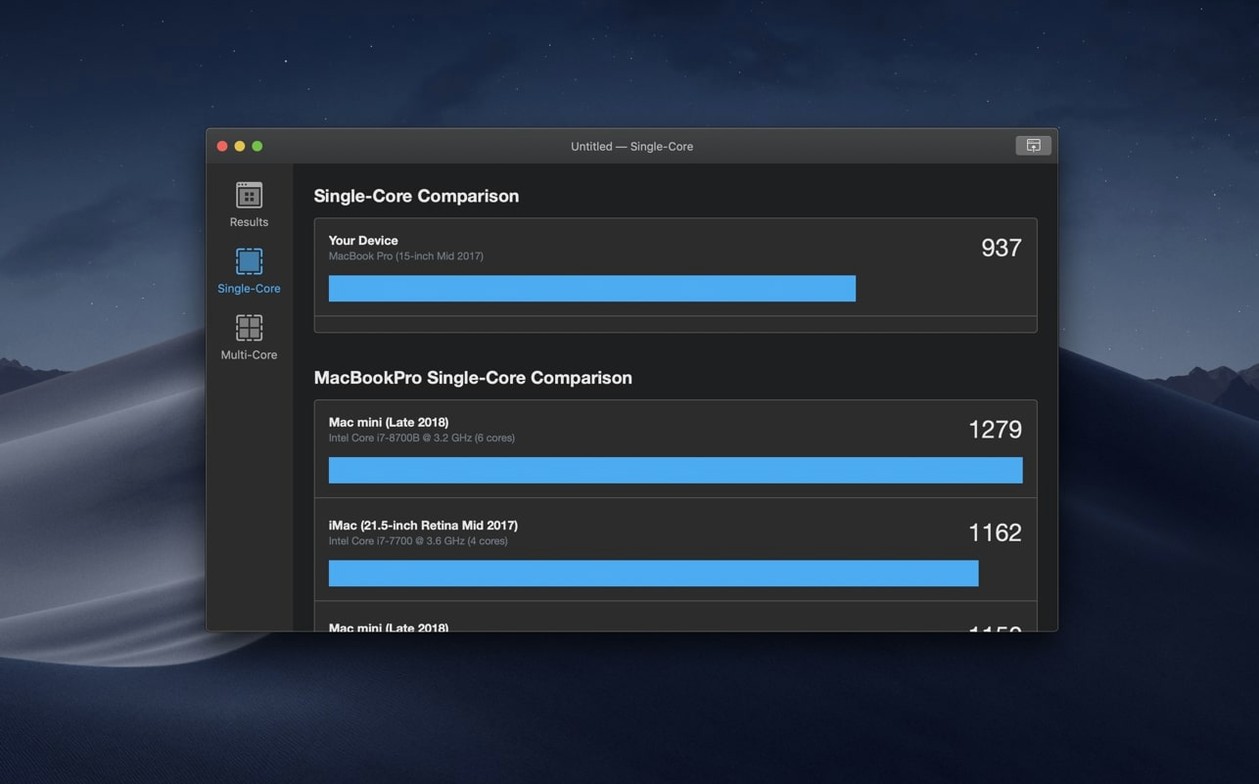
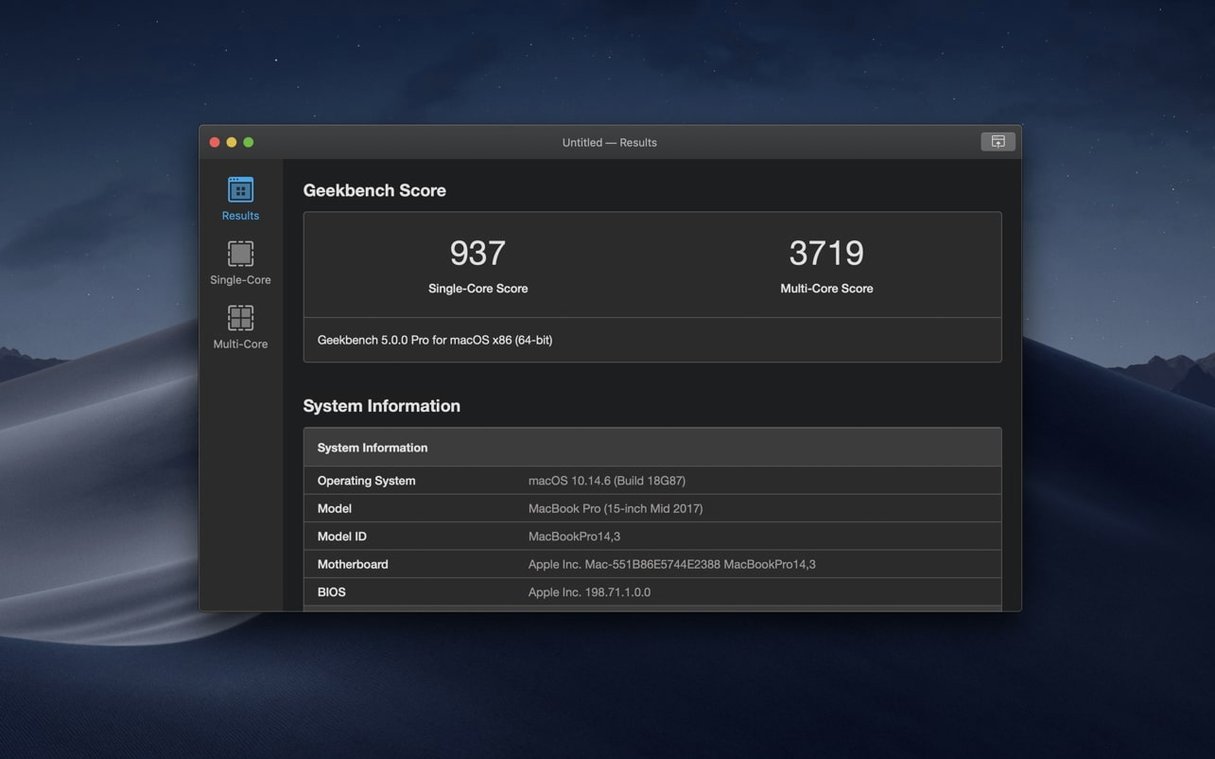
- Six minutes later the score lands: 1,450 single-core, 8,200 multi-core. You copy the result link and paste it alongside last week's pre-paste numbers — 1,440 and 7,900.
- The multi-core bump is small but real. You export the result as JSON, fire it over to a Numbers sheet with a dozen prior runs, and add a note: "NT-H2 paste, ambient 22°C."
- You keep the app open, run the test one more time after a twenty-minute cool-down, then compare the two scores to check consistency. Both multi-core results sit within 30 points of each other — the paste job was even.
Twenty minutes total, two clean runs, and one data point that confirms the iMac is still pulling its weight. That is the session. No configuration, no account setup, just a number you can trust and a link you can share.
- macOS 11 or later
- Intel processor (x86 64-bit)
Sign in · Create an account to add a field note.
No field notes yet. A measurement, a version, a machine — they appear after moderation.