Mac Apps
Gemini 2.10.2
Mac AppsUpdated
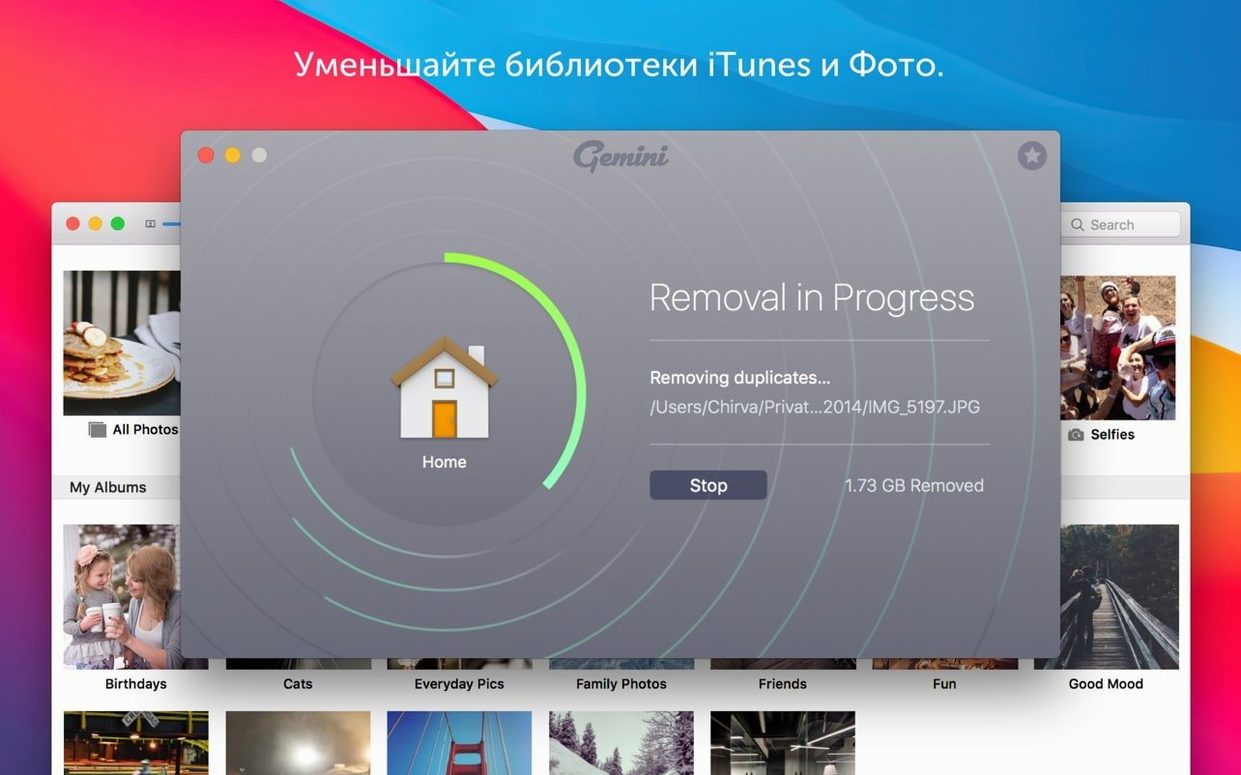
| Requirement | On file |
|---|---|
| macOS | macOS 10.13 or later |
| CPU | Intel 64-bit |
| Download | 47 MB |
If you've ever used CleanMyMac X, the duplicate-finding engine from that suite comes from this standalone sibling, Gemini. Version 2.10.2 strips the process down to one focused job: hunting identical files across your Intel Mac running macOS 10.13 or later.
Scan a Messy Downloads Folder
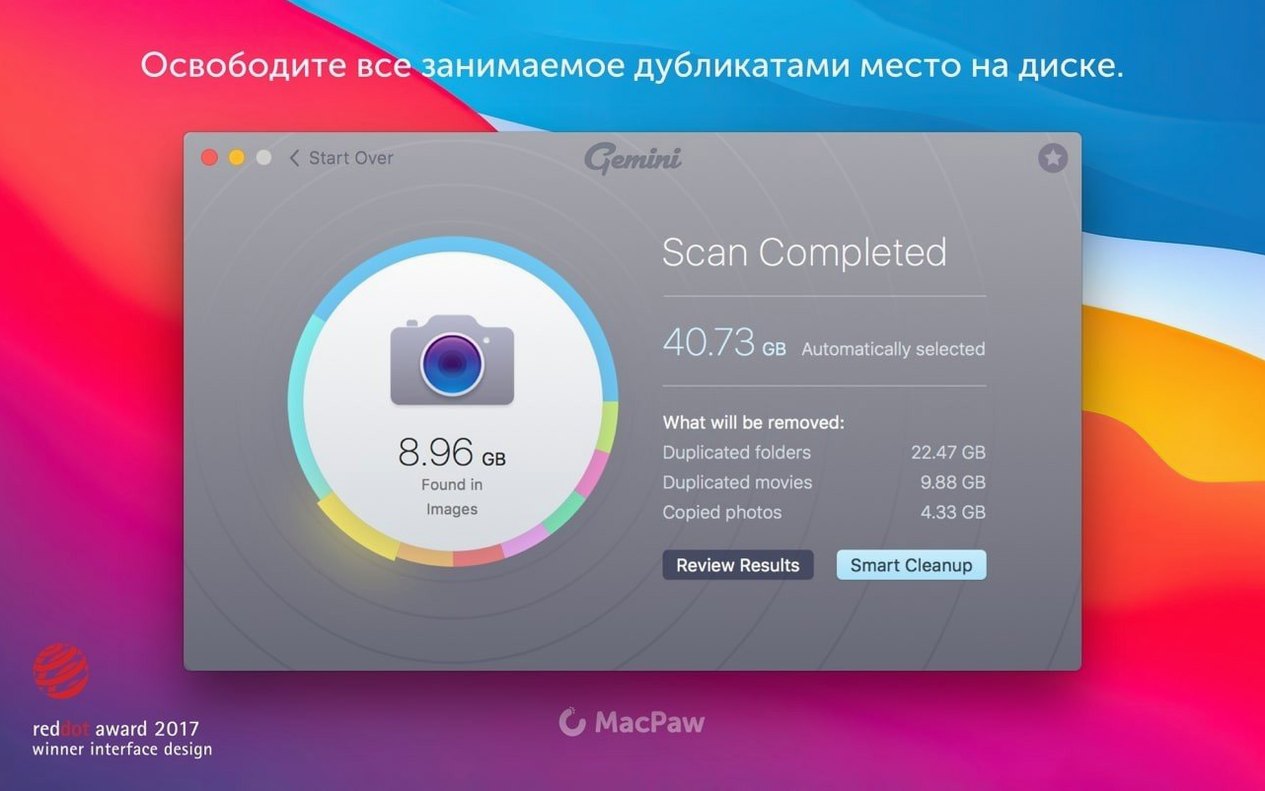
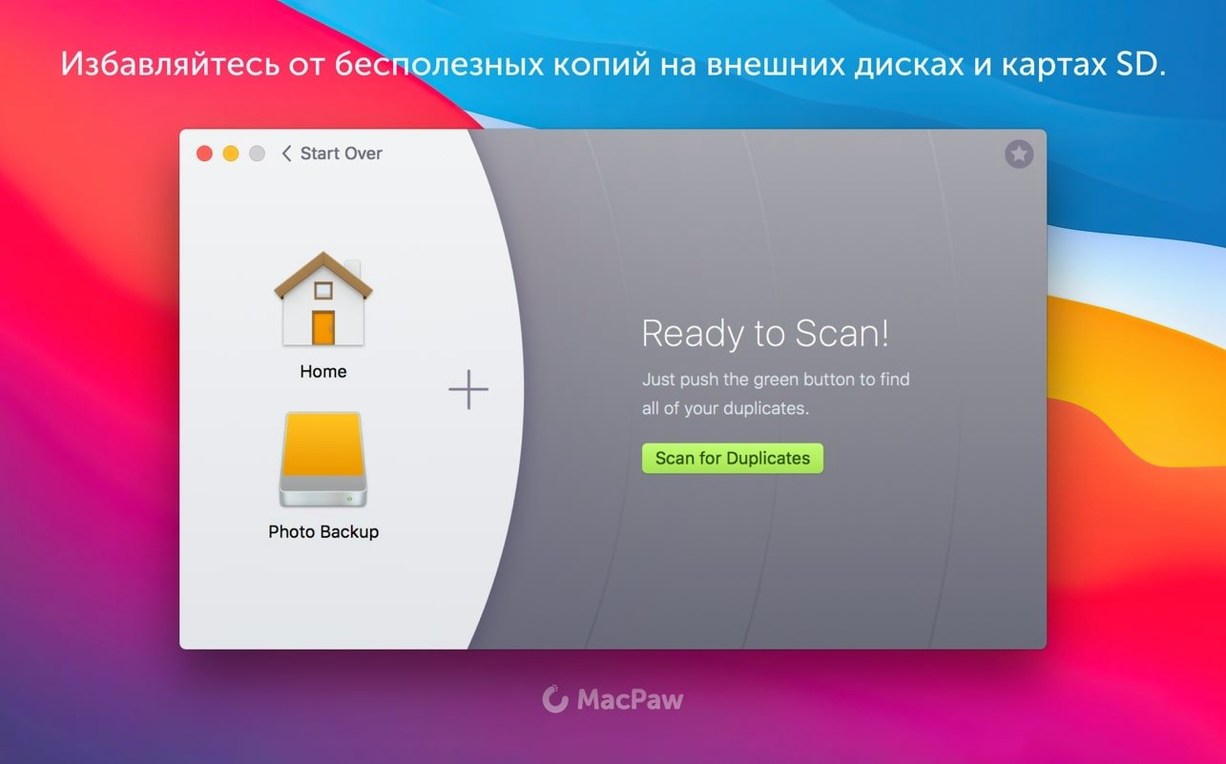
Drag your Downloads folder onto the Gemini window. The scan builds a visual map of duplicates in under a minute, grouping images, PDFs and zip archives side by side so you can see exactly what's taking up space.
Let Smart Select Choose What to Remove
Click Review Results and switch on Smart Select. The algorithm keeps the original file in its current location and marks copies for deletion, factoring in folder hierarchy and file version data. It also learns from your manual overrides for future scans.
Recover a Mistake from Recently Deleted
After cleanup, a Recently Deleted bucket holds removed files for one last check. Open it, find the file you shouldn't have trashed, and click Restore. It lands back in its original folder with its original name intact.
When Scans Return Zero Duplicates or Refuse Specific Folders
Gemini 2.10.2 gets the fundamentals right, but a handful of friction points surface repeatedly in forum threads and user notes. Most trace back to system permissions or scan scope, not bugs in the app itself.
Scan returns zero duplicates on a drive you know is littered with copies. Check the scan location. If you dragged a folder from the sidebar, Gemini may only index the alias, not the actual directory. Drop the folder from Finder's path bar instead. Also confirm Full Disk Access is enabled for Gemini in System Preferences → Security & Privacy → Privacy. Without it, the app cannot read Mail downloads, Photos libraries or certain system folders.
Smart Select marks the wrong file as the original. The algorithm prioritises files in system-managed locations — your Photos library, an iTunes folder, a Desktop path — and treats anything in a loose Downloads or temp directory as expendable. If you keep a master archive in an unconventional spot, manually flip the selection before clicking Remove. The app remembers that correction the next time that folder pattern appears.
Gemini hangs on "Preparing to scan" for several minutes. This usually means it's grinding through a large Photos or iTunes library with tens of thousands of small files. Let it finish; force-quitting mid-scan can leave a partial database that causes the next launch to stall again. If it's stuck longer than 15 minutes, eject external drives and rescan the internal volume alone to isolate the bottleneck.
The Recently Deleted bucket is empty after a cleanup you just ran. Gemini clears the bucket when you quit the app, by design. If you close the window or exit Gemini before checking, those files are gone for good. Make it a habit to review Recently Deleted before you close the session.
A Workflow: Clearing Duplicate RAW Files After a Shoot
Photographers who bracket exposures or shoot bursts often end up with hundreds of near-identical RAW files. Here's a repeatable sequence using Gemini 2.10.2 to thin a shoot folder without losing the keeper.
Start with a fresh import from the SD card into a dated folder on an external drive. Do not import into Photos — keep the files loose so Gemini can compare them directly without library database interference.
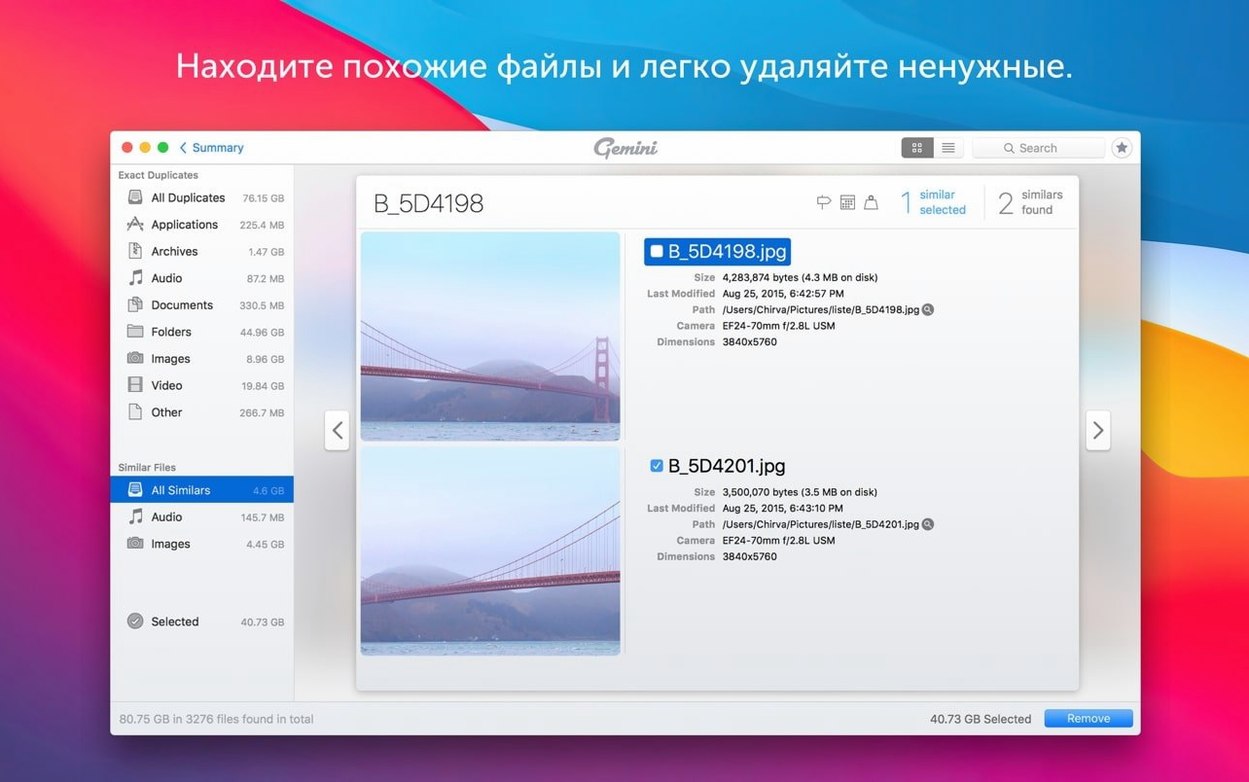
Drag the dated folder onto Gemini's drop zone. When the scan completes, switch the view to Similar Files rather than Exact Duplicates. This is the mode that catches CR2, NEF or ARW frames shot seconds apart with nearly identical composition. The similarity slider defaults to a middle threshold; push it to around 80 % to catch burst sequences while ignoring shots with genuinely different framing.
Work through each group left to right. For a burst of eight frames of the same static subject, Smart Select often keeps the earliest shot and flags the rest. That's usually correct — the first frame has the least shutter vibration — but check focus manually. Open Quick Look (Space bar) on any thumbnail to preview at full resolution without leaving Gemini. If a later frame is sharper, click it and Smart Select re-adjusts the group around your pick.
Before clicking Remove, note the total space figure in the bottom bar. A typical 45-megapixel RAW shoot of 300 frames with heavy bracketing can yield 15–20 GB of recoverable space. After removal, the survivors stay in the original folder, file names untouched. The duplicates move to Recently Deleted, where they remain until you quit the session — a final safety net before you format the SD card.
Grant Full Disk Access Before Your First Scan Gets Blocked
Gemini works right after the drag-to-Applications install, but three small setup moves in the first hour pay off later. First, grant Full Disk Access immediately, not when the first scan gets blocked. Open System Preferences while Gemini is running, lock the pane, and tick the checkbox. Close and reopen the app so the permission takes effect.
Second, run an initial scan on your home folder — not the whole Mac. A focused home-folder scan finishes in minutes instead of an hour, and it surfaces the duplicates you're most likely to care about: stray downloads, duplicated documents, and old DMG files sitting in two places. Get comfortable reading the results before you point Gemini at a 2 TB external drive.
Third, toggle the Scan for Similar Files option off for your first few passes. Exact duplicates are unambiguous and safe to delete with Smart Select. Similar-file detection requires more judgement; you want a feel for the app's groupings before you trust it with near-matches.
After the first successful cleanup, open Gemini's preferences and confirm that Smart Select learns from my choices is checked. It's on by default, but verifying it now means every manual override you made during that first session feeds into the next scan. The learning is per-folder-pattern, so it sharpens faster if you organise files consistently.
Tap Space Bar for Instant Quick Look Inside Any Thumbnail
Several gestures and interface details in version 2.10.2 are not called out in the onboarding flow. Knowing them cuts down on repetitive clicking.
Space bar for Quick Look works everywhere. Tap it on any file thumbnail, even inside a duplicate group, to open a full-size preview. The arrow keys then move through files in that group while the preview stays open. This is the fastest way to compare five versions of the same photo side by side.
Right-click a group header to select all files in that group, then deselect the one you want to keep with a single click. This is quicker than Smart Select when the group is small and the correct keeper is obvious.
Hold Option while clicking Remove to bypass the Recently Deleted bucket and delete duplicates permanently. Use this only when you're certain — there is no second chance — but it saves a trip to the Recently Deleted panel when you're clearing out known junk like duplicate installer packages.
The scan results sort bar above the file list toggles between sorting by size, name, or duplicate count. Sorting by size surfaces the heaviest waste first; a single duplicated 8 GB VM image is worth more attention than a hundred duplicated text clippings.
Drag a folder out of Gemini's results to reveal it in Finder. The folder opens as a regular Finder window, so you can inspect file contents with the apps you already use, then switch back to Gemini to make the deletion decision.
If you grabbed Gemini 2 via a Gemini 2 Mac torrent or searched for a Gemini 2 crack, TNT releases of this build skip the standard Gatekeeper path. The disk image includes an "Open Gatekeeper friendly" terminal script — press Enter in the window that appears, then drag the app to Applications. Without that step, macOS blocks the launch outright. A Gemini torrent package for version 2.10.2 will behave the same way. No activation step is required beyond the terminal bypass.
- macOS 10.13 High Sierra or later
- Intel 64-bit processor
Questions on file
Does Gemini 2 scan Photos and iTunes libraries?
Yes. It can look inside Photos, iTunes, and other media libraries to find duplicate music and image files.
What file types does Gemini 2 handle?
It supports images, music, video, folders, and library databases across the entire hard drive and older archived folders.
Can Gemini 2 remember how I prefer to select duplicates?
Yes. Smart Select learns from your previously chosen deletions and reuses those decisions in later scans.
Sign in · Create an account to add a field note.
No field notes yet. A measurement, a version, a machine — they appear after moderation.