Mac Apps
Kaleidoscope 7.0.2
Mac AppsUpdated
| Requirement | On file |
|---|---|
| macOS | macOS 13.5 or later |
| CPU | Intel 64-bit |
| Download | 52 MB |
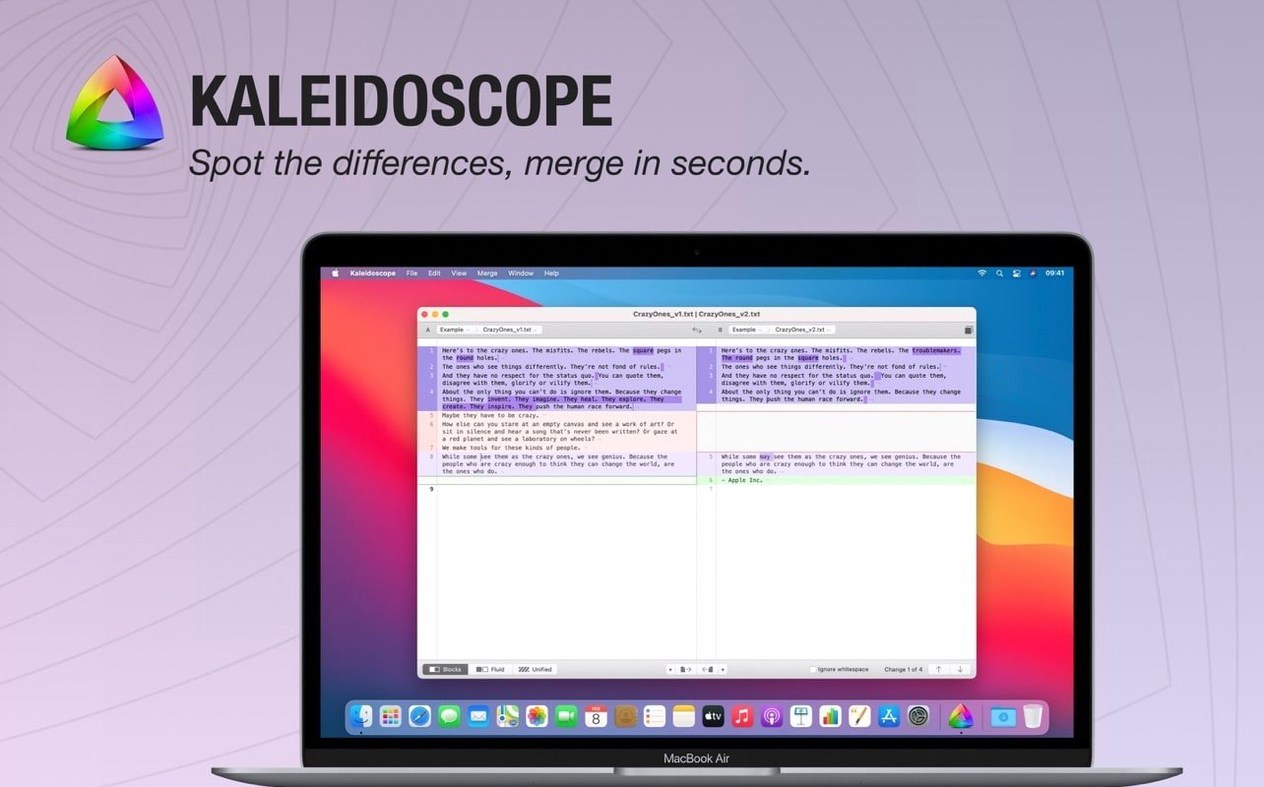
Kaleidoscope is a Mac application that spots differences in text files, source code, images, and documents with three distinct comparison layouts.
Ventura 13.5 or Later Required
Open System Settings > General > About and confirm you are running macOS 13.5 Ventura or later. The 7.0.1 build runs on both Intel and Apple Silicon Macs without Rosetta.
Pick a comparison view
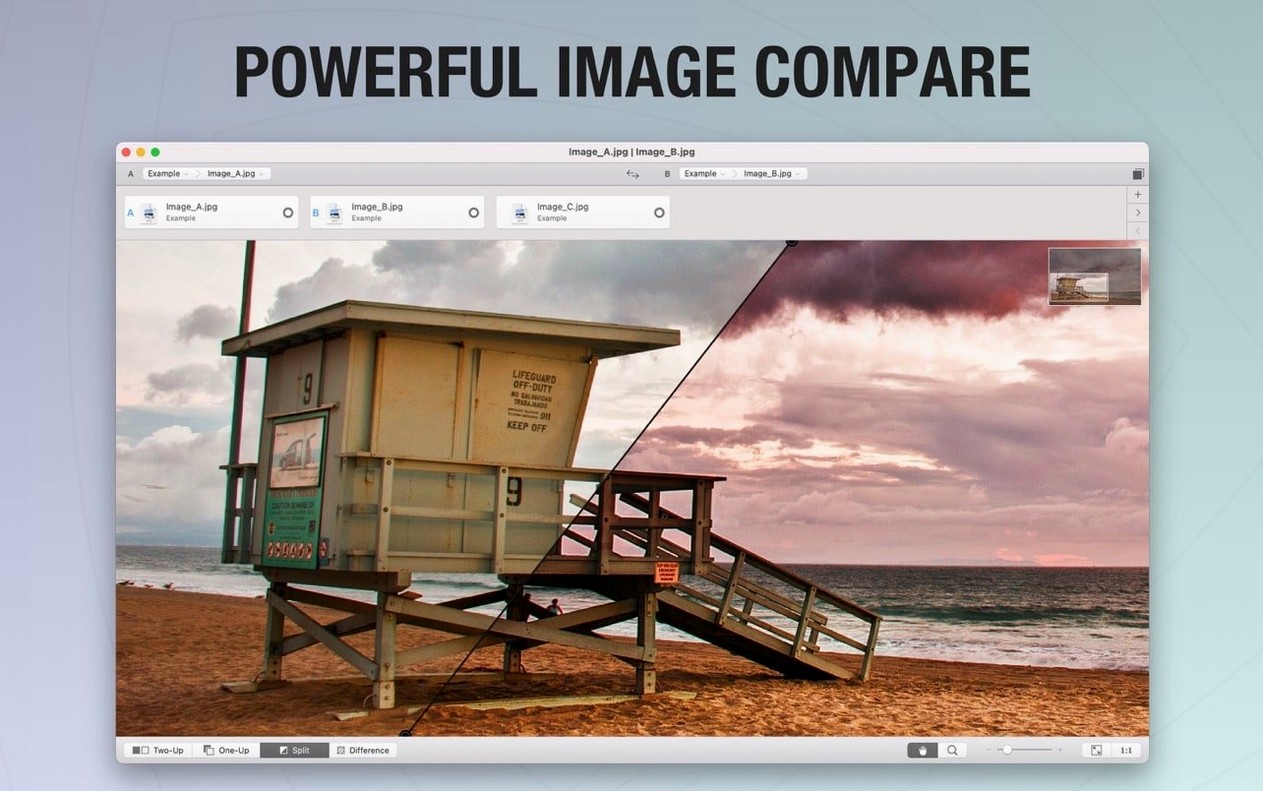
Text files open in block, flowing, or unified layouts; images use side-by-side, single, unified, or a dedicated difference mode. Added lines render in green, deletions in red, and modified sections in blue.
Connect your version control tools
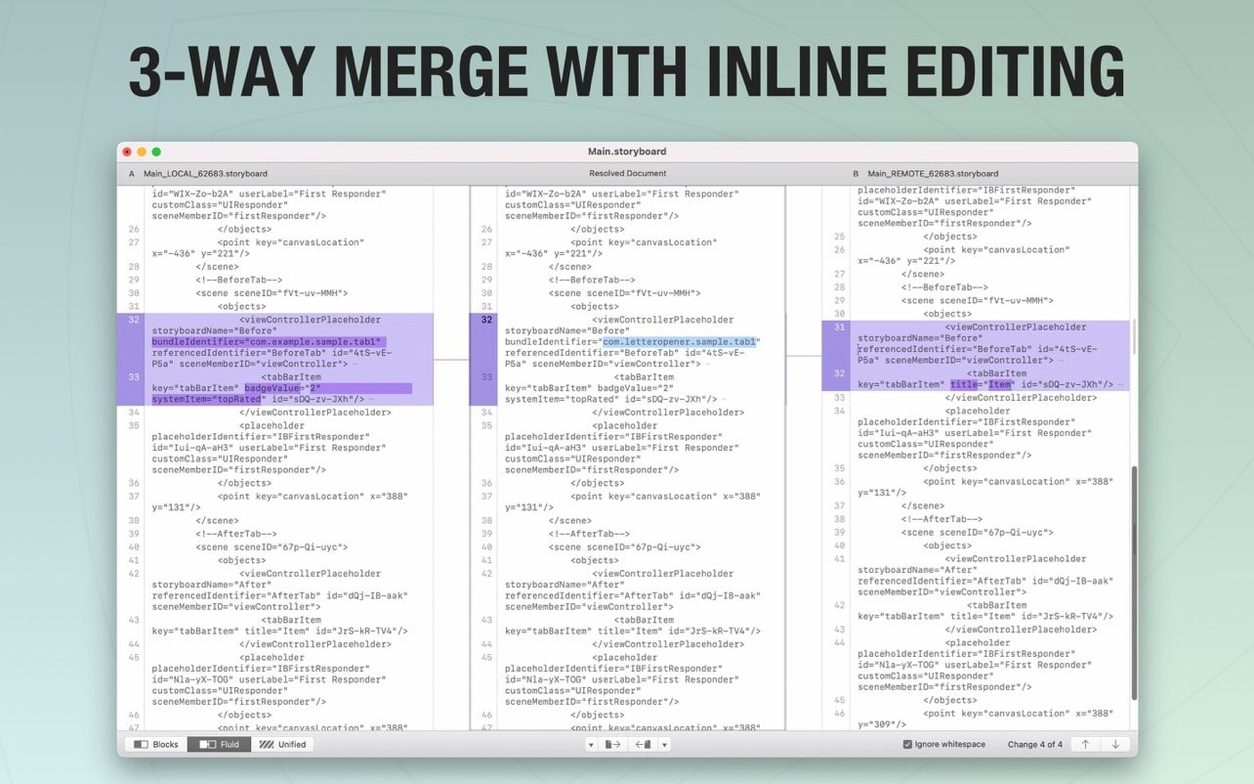
Kaleidoscope integrates directly with Git, Mercurial, SVN, and Bazaar, plus apps like Versions and Cornerstone. The ksdiff command-line tool lets you pipe comparisons from any shell script.
After several hours of jumping between commits, the interface stays responsive. Scrolling through a 4000‑line diff with syntax highlighting on produces no measurable lag on an M1 Pro machine with 16 GB RAM — the unified layout redraws instantaneously even when dragging at full speed. Memory use tends to hover around 180–220 MB for a tab with three text files open, climbing only when large PSDs or 16‑bit TIFFs are loaded for image comparison. The 7.0.1 fix feels cleaner on memory release too: closing a heavy multi‑file tab now returns that RAM within a couple of seconds, where earlier builds sometimes held onto it until the app quit.
Live Working Copy Changes adds a practical edge during Git‑heavy sessions. Switch to another branch, add a file in your editor, and Kaleidoscope refreshes the diff within a second or two without you touching anything. That notification setting now sticks across documents — set it once in Settings and every working copy tab inherits the same pause behaviour, which removes a small but persistent annoyance from the 7.0 release cycle.
Shortcuts and details that speed up daily use
A handful of keystrokes and UI behaviours are easy to overlook but make the tool much faster once learned. Pressing ⌘J toggles between the three text layouts without reaching for the mouse. The file system path navigator — that breadcrumb strip above the editor — supports drag‑and‑drop: pull a file from Finder directly onto a breadcrumb segment to replace one side of the comparison instantly. In image mode, holding the Option key while dragging switches the overlay between a split view and a single‑image swipe that reveals the difference as you move the pointer.
Pinch‑to‑zoom works fluidly on retina displays, hitting 1:1 pixel mapping when you double‑tap the trackpad. RGB, CMYK, and LAB colour pickers appear in the image inspector on hover, and the alpha channel renders as a checkerboard rather than black, which prevents masking‑related differences from hiding in dark‑area comparisons. The ksdiff tool recognises abbreviated paths: ksdiff file1.txt file2.txt works from any directory without specifying full paths, and --wait pauses the shell until you close the comparison tab — useful inside scripts that chain diffs sequentially.
Automatic Alignment Fix for Slight Shifts
The Enable Automatic Alignment toggle in Settings > Images fixes a long‑standing eccentricity where slightly offset photographs — think two jpegs of the same print taken seconds apart — showed full‑canvas red highlights because the app treated the entire image as changed. With it on, Kaleidoscope attempts to register the images before comparing, which cuts false positives dramatically when reviewing batches of product shots or scanned pages.
Combined with the ARM‑native build, image comparisons that used to pause for half a beat on Rosetta now load and compute differences at native speed. A pair of 50‑megapixel TIFFs renders the difference map in roughly the same time as two small PNGs did on the Intel‑translated version. The notification‑persistence fix arrives quietly, but anyone who juggles multiple working copies will notice the absence of repeated “Live Changes paused” prompts after every document switch.
If you keep a library of diffs open across restarts, the state restoration behaves more predictably in 7.0.1: tab titles, scroll positions, and the chosen layout all survive a system reboot as long as the compared files stay at the same absolute paths. That reliability makes the kaleidoscope app mac download a dependable companion for long‑running review cycles, especially when projects span weeks and you rely on the tool to remember exactly where you left off.
Version 7.0.2 ships with the developer's latest fixes and improvements. Full details are in the release notes on the developer site.
- macOS 13.5 or later
- Intel 64-bit
Questions on file
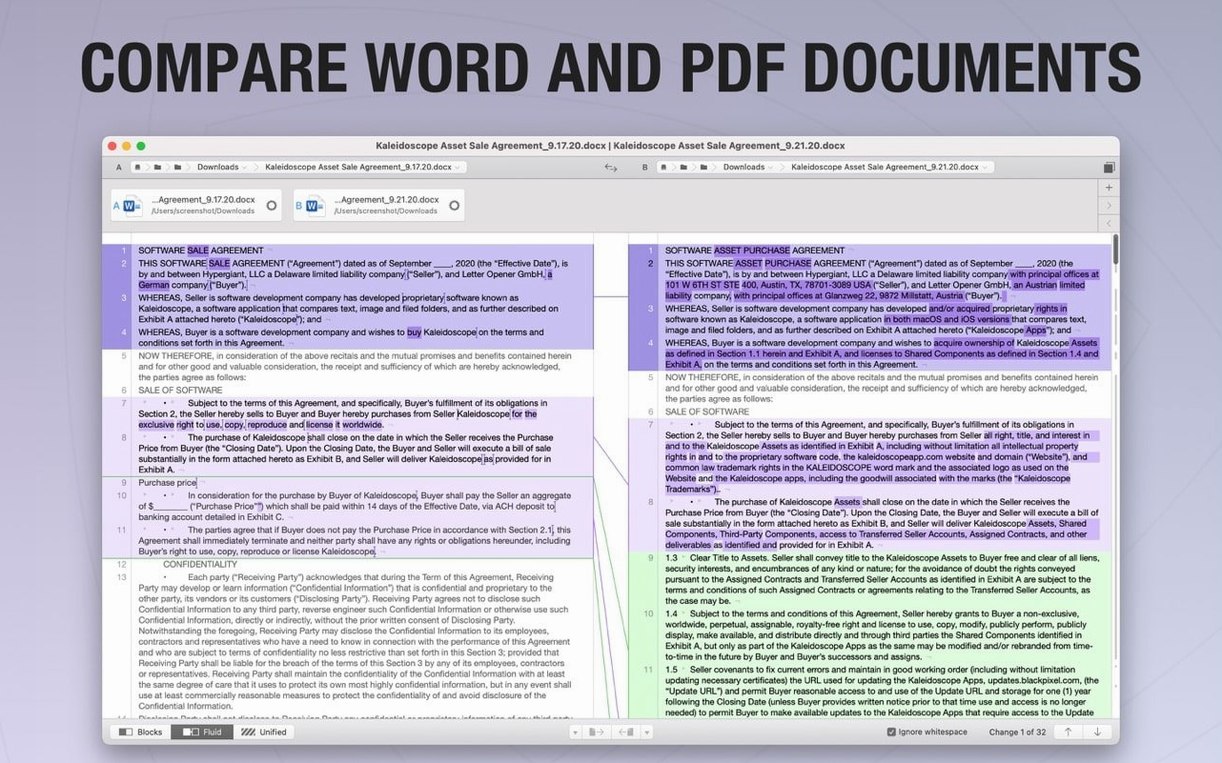
Can Kaleidoscope compare Word documents?
Yes. The app can import text from DOC and RTF files for comparison, treating the extracted content like any other text input.
Sign in · Create an account to add a field note.
No field notes yet. A measurement, a version, a machine — they appear after moderation.